QR Code Best Practices: 12 Rules for Codes That Actually Work (2026)
A QR code either works flawlessly or fails silently, and the difference comes down to a handful of rules. Here are the 12 QR code best practices that make codes scan reliably, look professional, and actually get used in 2026.

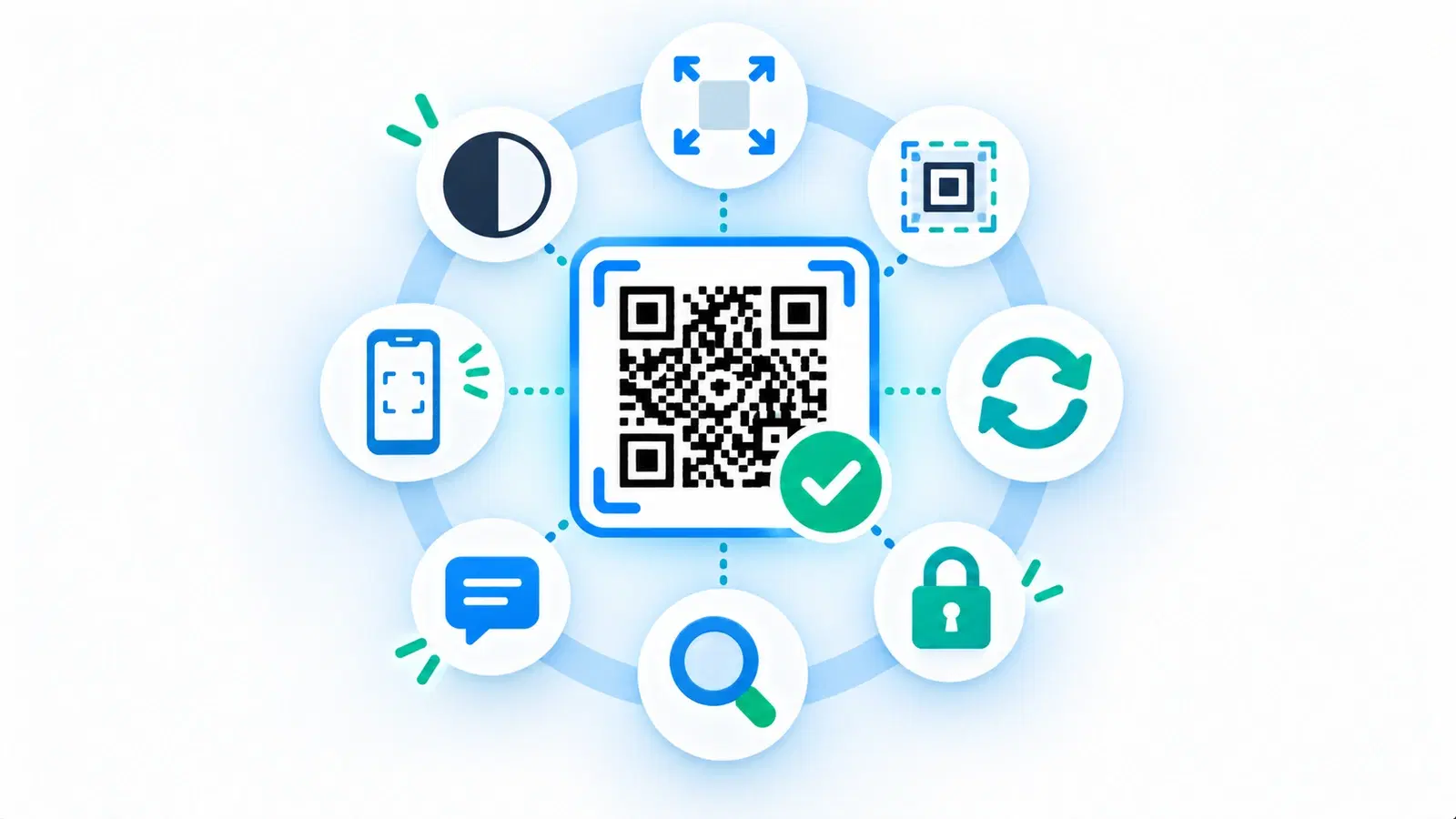
A QR code is a small thing that either works perfectly or fails silently, and there is not much middle ground. A well-made code scans instantly on the first try and does its job; a poorly-made one gets ignored, will not scan, or leads somewhere broken, and you often do not find out until it is printed on a thousand items. The good news is that the difference between the two comes down to a short, learnable set of rules.
This guide gathers the 12 best practices that consistently separate QR codes that work from ones that do not. It is a positive playbook, the rules to follow to make codes that scan reliably, look professional, and actually get used, rather than a list of mistakes. Think of it as the master checklist that pulls together the essentials scattered across our more detailed guides.
Follow these 12 rules and your codes will work the first time, every time, for as long as you need them. Each rule links to a deeper guide if you want the full detail; here we give you the whole set in one place so you can get every code right from the start.
Rules 1-4: Make It Scannable
The first four rules are the non-negotiable technical foundations. Get these right and a code will physically scan; get any wrong and nothing else matters.
Rule 1: Keep strong contrast (dark code, light background). Scanners read the difference between dark and light, not color itself. Use a genuinely dark code on a genuinely light background. This single rule prevents more scanning failures than any other. You can add color, but keep the code much darker than its background. See how to make a colored code that scans.
Rule 2: Size it for the scanning distance. The farther away people scan from, the bigger the code must be. A product label scanned in-hand can be small; a poster or sign scanned from across a room must be much larger. Undersizing is a top cause of failure. See the size guide.
Rule 3: Preserve the quiet zone. QR codes need a clear margin of empty space around them so scanners can find their edges. Never crowd text, borders, or images up against the code. Keep the breathing room.
Rule 4: Keep the code undistorted and crisp. A QR code must stay square, never stretched or skewed, and must be printed sharp (from a high-resolution or vector file). Distortion and blur both break scanning. Avoid placing codes on sharply curved surfaces. See SVG vs PNG for print.
These four are the physics of scanning. A code that honors all four will scan; the remaining rules make it reliable, useful, and effective.
- Rule 1: Strong contrast, dark code on a light background
- Rule 2: Size the code to the real scanning distance
- Rule 3: Preserve the quiet zone (clear margin around the code)
- Rule 4: Keep it square, undistorted, and printed crisp
Rules 5-8: Make It Reliable and Editable
The next four rules are about making the code dependable over time and flexible, which mostly comes down to using dynamic, permanent codes and testing.
Rule 5: Use dynamic codes. Dynamic codes let you change the destination without reprinting and let you track scans. For anything printed, anything in a campaign, or anything you want data on, use dynamic codes. This is the rule that turns a code from a static one-off into a manageable, measurable asset. See dynamic vs static QR codes.
Rule 6: Use codes that never expire. Make sure your codes are permanent, so a printed code keeps working indefinitely. Avoid providers whose codes expire after a trial or on downgrade, an expired code on printed material is the worst outcome. See why free QR codes stop working and how to make a permanent code.
Rule 7: Use appropriate error correction (especially with a logo). QR codes have built-in error correction that lets them tolerate some damage or obstruction. Use a higher level when adding a logo or styling, so the code stays resilient. See error correction levels and how to add a logo without breaking it.
Rule 8: Always test before you print (or publish). The single most important operational rule. Before committing a code to any real use, scan it on multiple phones, in real conditions, at the final size on the real material. Test-scanning catches problems while they are still free to fix. See why codes fail to scan.
These four make a code dependable: editable when you need to change it, permanent so it lasts, resilient to wear, and verified before it goes live.
Important
If you follow only one rule, make it Rule 8: always test-scan before printing or publishing. A code that fails in the field is discovered by your customers, after you have paid to print it. Thirty seconds scanning your own code on two phones, at final size, prevents nearly every expensive QR disaster.
Rules 9-12: Make It Get Used
A code that scans perfectly still fails if nobody scans it or if the destination disappoints. The final four rules are about getting the code actually used and delivering value.
Rule 9: Give people a reason to scan (a clear call to action). A bare code answers neither "what is this?" nor "why scan?" Add a short, specific call to action that names the reward ("Scan for the menu," "Scan for 15% off"). This dramatically increases how many people actually scan. See QR code frames and CTAs.
Rule 10: Make the destination excellent on mobile. Nearly every scan happens on a phone, so the page a code opens must be fast and excellent on mobile. A great code pointing at a poor mobile page still fails. The destination is half the experience. See landing page best practices.
Rule 11: Match the destination to the promise. Whatever the call to action promised, the destination must deliver, immediately and obviously. A code that says "Scan for the menu" must open the menu, not a homepage. Mismatch kills trust and future scans.
Rule 12: Track and improve. Because dynamic codes give you scan data, use it. Measure what works, compare placements, and improve over time. A code you measure is a code you can make better. See what analytics can track and campaign metrics that matter.
These four turn a technically-perfect code into an effective one: noticed, scanned, satisfying, and continuously improved. Together with the first eight, they are the complete recipe for QR codes that actually work.
- Rule 9: Add a clear call to action that names the reward
- Rule 10: Make the destination fast and excellent on mobile
- Rule 11: Match the destination to what the CTA promised
- Rule 12: Track scans and improve over time
Putting the 12 Rules to Work
The 12 rules are easy to remember as three groups, and using them as a checklist makes every code you create reliably good.
The three groups:
- Make it scannable (1-4): contrast, size, quiet zone, undistorted and crisp. The physics of scanning.
- Make it reliable and editable (5-8): dynamic, permanent, error correction, and testing. Dependability over time.
- Make it get used (9-12): a clear CTA, an excellent mobile destination, a matched promise, and tracking. Real-world effectiveness.
Use it as a pre-launch checklist. Before any code goes live, run down the list: Is it high-contrast and big enough with a clear margin, undistorted and crisp? Is it dynamic, permanent, with appropriate error correction, and have I test-scanned it? Does it have a clear CTA, an excellent mobile destination that matches the promise, and tracking on? If every answer is yes, the code will work.
Prioritize when you cannot do everything. If you are short on time, the highest-impact rules are contrast (1), size (2), dynamic-and-permanent (5-6), testing (8), and a clear CTA with a good destination (9-11). Nail those and you have avoided nearly every common failure.
The mindset. None of these rules is difficult; the failures happen when they are skipped, not when they are hard. Treating QR codes as something to get right deliberately, rather than a quick afterthought, is what separates codes that work from codes that embarrass. Follow the 12 rules and your codes will scan the first time, look professional, and actually earn the scans, and value, you made them for.
For the flip side, the specific errors these rules prevent, see our guide to common QR code mistakes. Follow the rules here and you will avoid all of them by default.
Conclusion
QR codes either work flawlessly or fail silently, and the difference is a short set of rules you can follow deliberately. Group them in three: make it scannable (strong contrast, right size, quiet zone, undistorted and crisp), make it reliable and editable (dynamic, permanent, appropriate error correction, always tested), and make it get used (a clear call to action, an excellent mobile destination that matches the promise, and tracking to improve).
None of these rules is hard. QR failures happen because rules get skipped in a rush, not because they are difficult, which is exactly why a simple checklist is so powerful. Run the 12 rules before any code goes live, and if you are ever short on time, prioritize contrast, size, dynamic-and-permanent codes, testing, and a clear CTA with a great destination.
Treat every QR code as something to get right on purpose rather than a throwaway afterthought, and it will reward you: scanning on the first try, looking professional, and actually earning the scans and results you created it for. That is the whole point of best practices, and these 12 rules are the complete set.
Related reading:
Create codes that follow every rule with QRForever. Start a 7-day full-access trial, no credit card needed. Dynamic, permanent, brandable codes with a live preview and analytics.
Explore QRForever Solutions
Ready to Create Your Own QR Codes?
Start creating dynamic QR codes for your business today. Track analytics, update content anytime, and never reprint again.
Related Articles
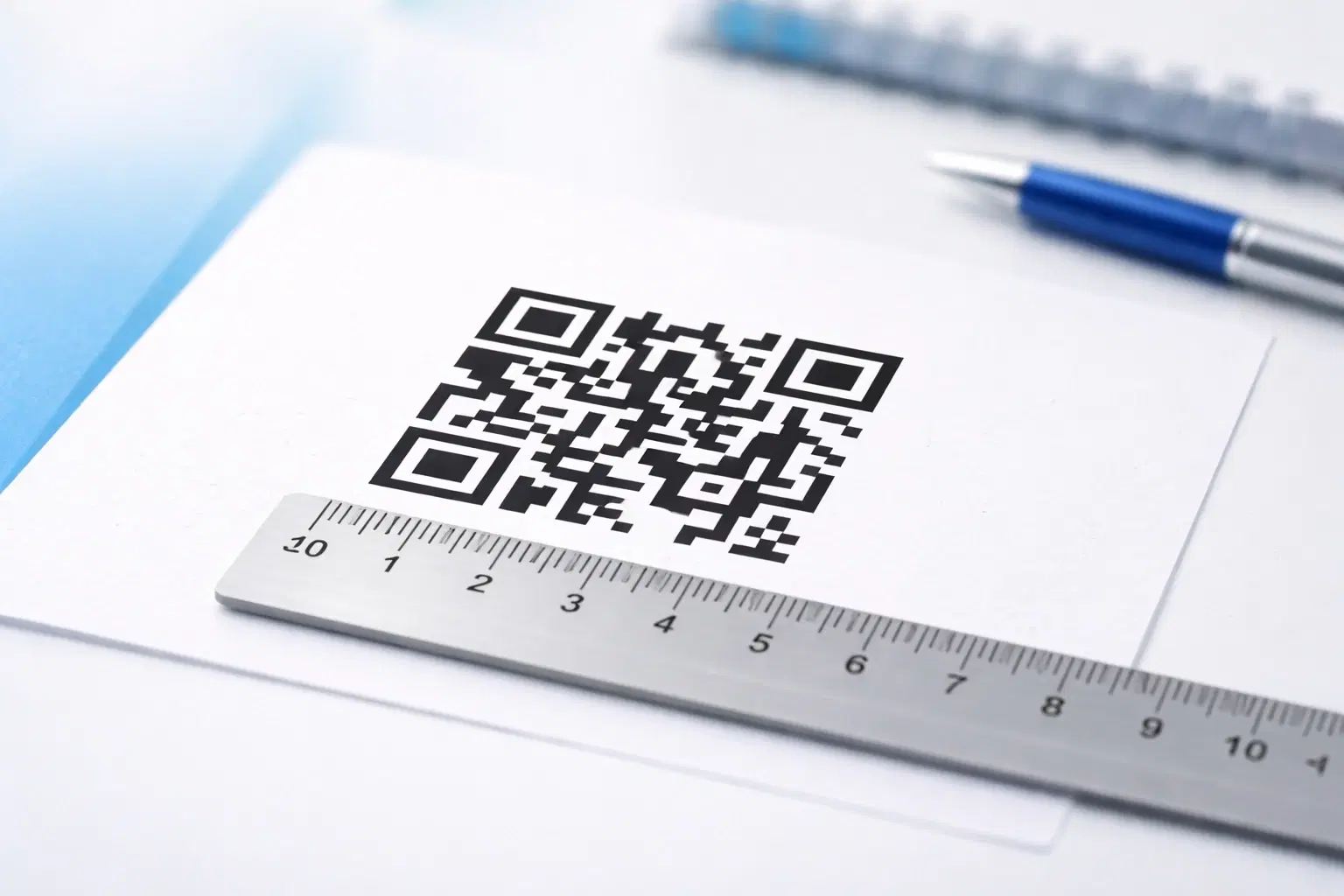
QR Code Size Guide: What Size Should Your QR Code Be for Printing? (Updated 2026)
The exact minimum QR code sizes for business cards, posters, billboards, and product packaging, plus the 10:1 distance rule that guarantees a reliable scan. Includes a size calculator and real-world examples. Updated June 2026.

Creating Accessible QR Codes: A Guide to Inclusive Design (Updated 2026)
Make your QR codes work for everyone: color contrast, sizing, alternative access methods, and design for users with disabilities or no smartphone. The 2026 guide to inclusive, compliant QR codes. Updated June 2026.
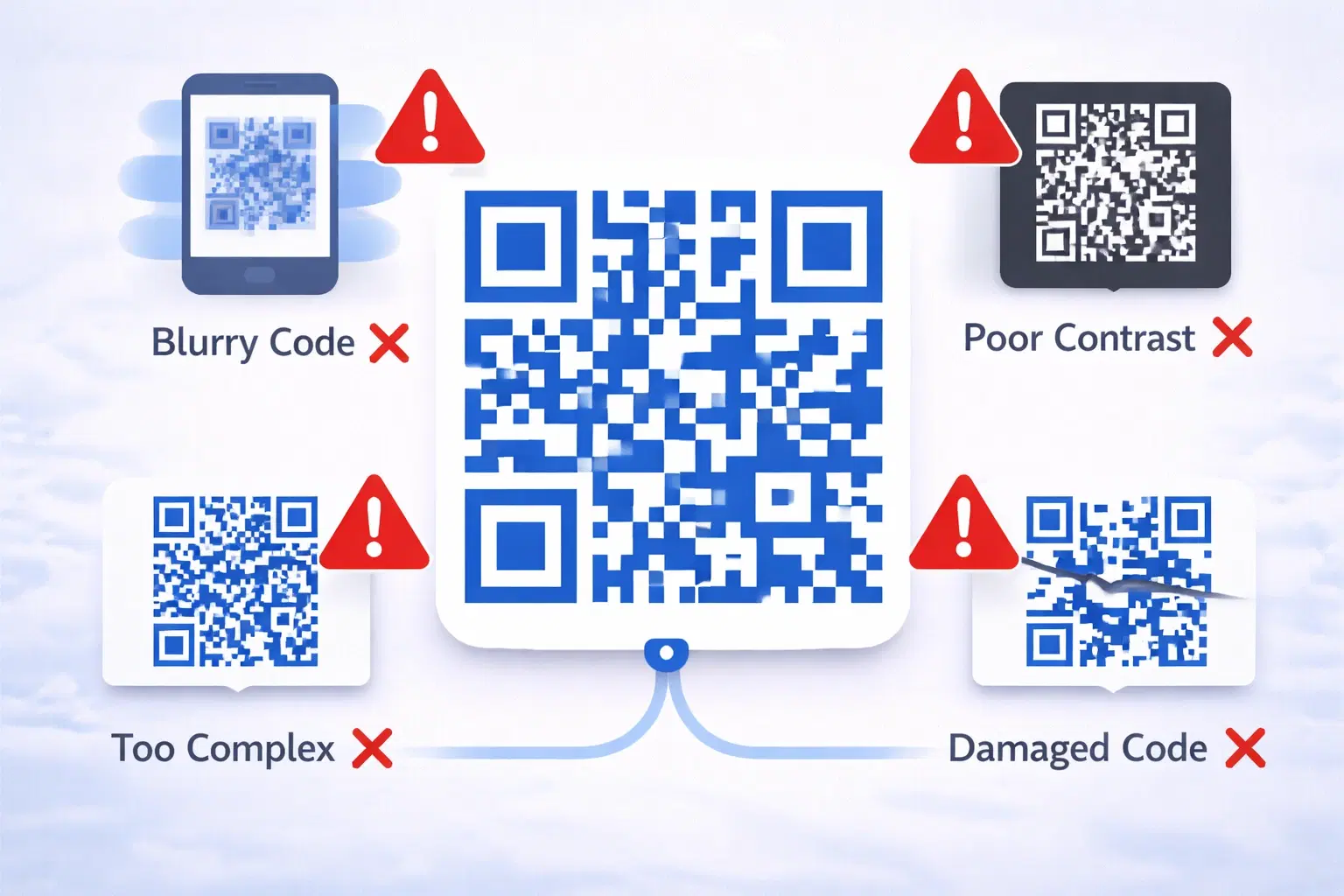
15 Common QR Code Mistakes and How to Avoid Them (Updated 2026)
A broken QR code wastes marketing spend, frustrates customers, and reflects badly on your brand. Worse. These mistakes are usually discovered only after thousands of materials are printed. Updated September 2026.