QR Code Analytics Explained: What Data Can You Actually Track? (2026)
A complete breakdown of QR code tracking capabilities: scan counts, location data, device types, time patterns, and how to use analytics to improve real marketing campaigns. Updated September 2026.

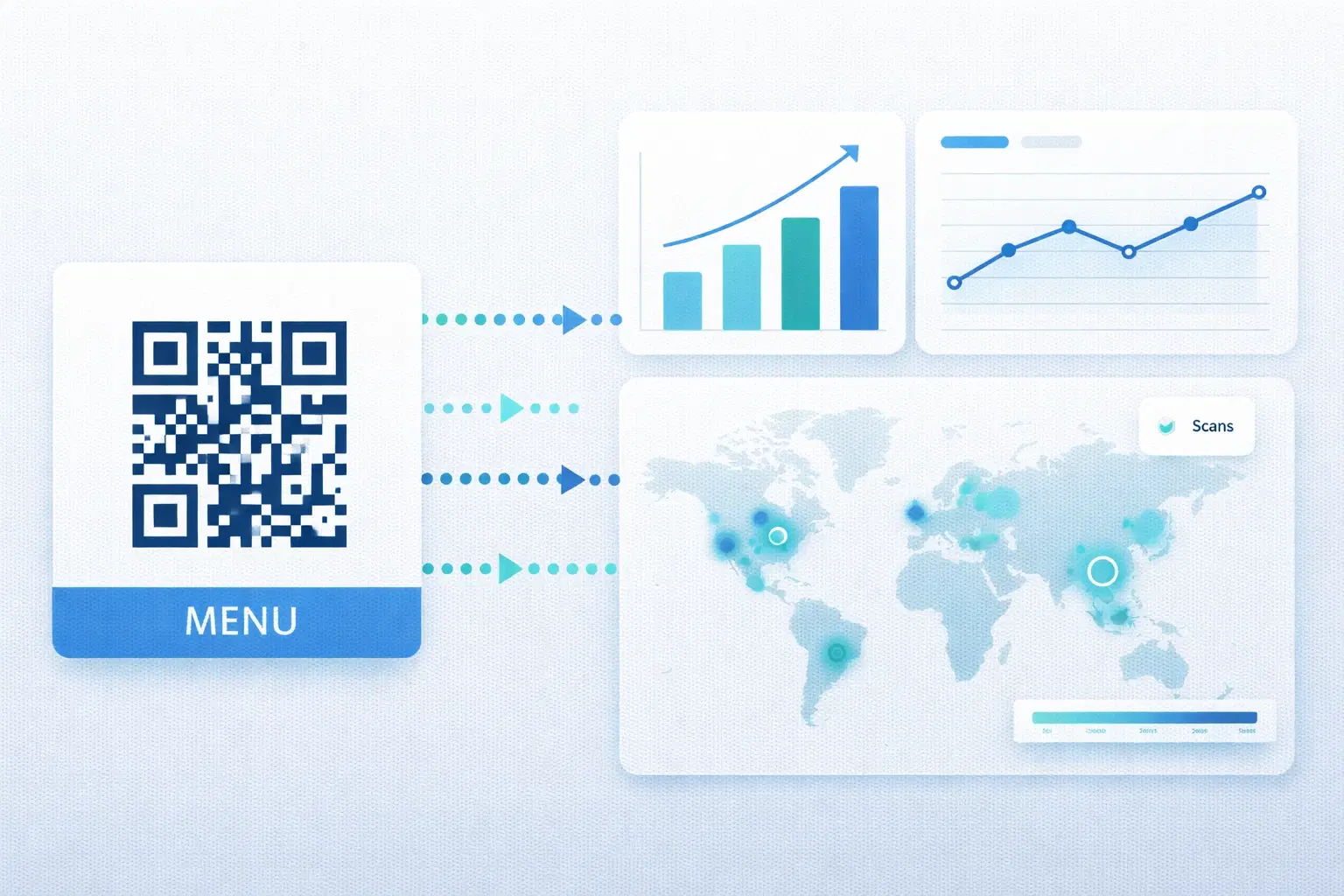
One of the most common questions people ask before switching from static to dynamic QR codes is: "What can I actually track?" The answer is more useful than most people expect, and understanding it changes how you think about QR codes as a marketing channel rather than just a linking tool.
This guide covers every data point available through QR code analytics, explains what each metric means in practice, and shows you how real businesses use this data to make better decisions. For definitions of analytics terms, see the QR code analytics glossary entry. To see how these data points are presented in practice, view the live analytics dashboard.
Why QR Codes Need Analytics (And Why Static Codes Can't Provide Them)
A static QR code is a one-way tool: it delivers someone to a URL and that's the end of the transaction. You have no record that the scan happened. No count. No context. You can't distinguish between a code placed in your restaurant window that was scanned 400 times and a code in a brochure that was never scanned once.
Dynamic QR codes route every scan through a redirect server. That server logs the request before forwarding the user to the destination. This log is your analytics data.
What the redirect server captures per scan:
- Timestamp (date and time, down to the minute)
- IP address (used to infer location: then typically discarded for privacy)
- User agent string (device type, operating system, browser)
- Referring QR code identifier (which specific code was scanned)
This data is processed and aggregated into the analytics dashboard you see as a user. You never see raw IP addresses. You see summarized insights like "68% of scans came from iOS devices."
The Core Metrics: What Every QR Analytics Dashboard Shows
These are the foundational data points available across virtually all dynamic QR code platforms:
Total Scan Count
The cumulative number of times your QR code has been scanned since creation. This is your primary engagement metric, the equivalent of page views for a URL.
How to use it: Establish a baseline for your codes. A business card QR code averaging 3 scans/week is normal. A campaign QR code on a poster should hit dramatically higher numbers if the placement is effective. Compare total scans against your expectations to assess whether the physical placement is working.
Unique vs. Total Scans
Total scans counts every scan event. Unique scans attempts to deduplicate. Counting each device only once (or once per time window). The gap between these numbers tells you about repeat engagement.
Example: A menu QR code with 500 total scans and 480 unique scans tells you almost every scan came from a different person, typical for restaurant table use. A product packaging QR with 200 total and 50 unique suggests the same customers are scanning repeatedly: possibly because the content is engaging or they're trying to troubleshoot something.
Scan Timeline (Date/Time Breakdown)
A time-series chart showing scans by day, week, or hour. This is one of the most actionable metrics available.
Patterns to look for:
- Spikes after specific marketing activities (posting on social, running an ad, distributing flyers)
- Day-of-week patterns (weekend-heavy suggests leisure use; weekday-heavy suggests B2B)
- Time-of-day distribution (morning scans = commute context; evening = home browsing)
- Declining trend = placement is aging or losing relevance
Device Type Breakdown
The percentage split between iOS and Android devices scanning your code. Secondary breakdowns often include device model and screen size.
Why this matters: If 85% of your scans come from iOS but your landing page has a layout bug on iPhone, you've found a critical problem. Device data also informs design decisions: a landing page should be optimized for whatever OS dominates your scan audience.
Geographic Data
Location data derived from IP address, typically shown at country, region, or city level. This is especially useful for campaigns that run across multiple physical locations.
Privacy note: Most platforms aggregate this at a city or region level. Raw IP addresses are not stored or shown to you. This is both standard practice and increasingly a regulatory requirement under GDPR and similar frameworks.
Advanced Analytics: What Premium Platforms Add
Beyond the core metrics, more sophisticated platforms provide deeper data that enables more granular campaign analysis:
Browser breakdown Which browser was used to open the destination URL. Safari dominates on iOS. Chrome leads on Android. Knowing your browser split helps developers ensure compatibility.
Scan source attribution If you use UTM parameters on your destination URLs in combination with QR analytics, you can trace a scan all the way through to a conversion event in Google Analytics or similar. This closes the attribution loop: scan → page visit → signup/purchase.
Comparative performance across multiple codes If you're running the same campaign across different locations (e.g., QR codes in 5 retail stores), side-by-side comparison shows which location is highest-performing. This informs distribution decisions for future campaigns.
Scan velocity The rate at which new scans are arriving, separate from cumulative totals. Useful for detecting viral distribution: if a QR code appears in a shared social media post, you'll see a sudden spike in scan velocity even if total count is moderate.
Pro Tip
Combine QR analytics with UTM parameters on your destination URLs. This lets Google Analytics or your analytics platform attribute conversions back to specific QR code placements: giving you true ROI measurement.
Real Business Examples: How Analytics Change Decisions
Abstract metrics are only useful when connected to real decisions. Here's how businesses use QR scan data in practice:
Example 1: Retail store campaign A clothing retailer places QR codes at two locations: inside the fitting room and near the checkout counter. After two weeks, the fitting room code has 340 scans; the checkout code has 28 scans. Decision: move all future promotional codes to fitting rooms. The checkout placement is too close to transaction completion to be useful for discovery content.
Example 2: Event marketing A conference sponsor prints QR codes on 1,000 badge lanyards. Analytics show 89 scans, a 8.9% engagement rate. Most scans happen between 12:00–14:00 (lunch break). Decision: for next year's conference, activate a time-limited offer specifically during lunch hours.
Example 3: Menu optimization A restaurant's menu QR code shows scan spikes every Friday between 7–9 PM. The scans drop sharply on weekday lunches. Decision: the Friday evening crowd is the primary QR menu user. Digital menu content and special features (reservation link, dessert menu) should be optimized for this segment.
Example 4: Print campaign ROI A real estate agent distributes 500 postcards with a QR code linking to a property listing. 67 scans in the first week. At an average home value and commission rate, even a 3% lead-to-close rate on those 67 potential leads makes the postcard campaign clearly profitable. Without the scan count, ROI would be entirely unmeasurable.
Privacy Considerations: What's Tracked and What Isn't
A common concern about QR code analytics is privacy. What data is being collected, and is it compliant with regulations?
What is collected:
- Scan timestamp
- Device/browser metadata (user agent)
- Approximate geographic location (city/region level, inferred from IP)
- Which QR code was scanned
What is NOT collected:
- The identity of the person scanning
- Their phone number or email
- Their name or any personally identifiable information
- Precise GPS location (this requires explicit app permission, not available via web QR scans)
- Browsing history or any data from other apps
Regulatory status: Most QR code analytics at the aggregated, non-PII level are outside the scope of GDPR individual data rights. There's no "data subject" to identify. However, if your destination URL uses cookies that track users further, those cookies fall under standard web tracking regulations.
Reputable QR platforms delete raw IP data after geographic extraction and never sell scan data to third parties.
Important
If you need to collect user data post-scan (email, phone, etc.), that collection happens on your landing page, not through the QR code itself. Ensure your landing page privacy policy covers any such collection.
Setting Up Analytics the Right Way
To get maximum value from QR analytics, set up tracking intentionally from the start:
1. Use separate QR codes for each placement One QR code for your business card, a different one for your website, another for your brochure. Even if they point to the same destination. This is how you measure which physical placement drives the most engagement.
2. Name your codes descriptively "Business Card. March 2026" is more useful than "QR Code #4" when you're reviewing analytics six months later.
3. Add UTM parameters to destination URLs `yoursite.com/landing?utm_source=qr&utm_medium=print&utm_campaign=spring-2026` This connects QR scan data to your web analytics platform.
4. Set a review cadence Weekly check during active campaigns. Monthly for evergreen codes. Set calendar reminders. Analytics you don't review don't help you.
5. Establish a baseline first Don't judge a code's performance in the first 48 hours. Let it run for 1–2 weeks before drawing conclusions.
- Create one QR code per physical placement location
- Name codes with location + date for easy identification
- Add UTM parameters to destination URLs for web analytics integration
- Review analytics weekly during campaigns, monthly for evergreen
- Compare codes against each other, not just against zero
Conclusion
QR code analytics transform a passive linking tool into an active measurement channel. The data available (scan counts, timing, devices, and locations) is enough to make real decisions about where to place codes, what content to optimize, and which campaigns are worth scaling.
The one requirement is using a dynamic QR code rather than a static one. Static codes are invisible to analytics. Dynamic codes provide a real-time view of engagement that most print and physical marketing simply cannot offer.
Related reading:
Start tracking your QR code performance with QRForever's analytics dashboard. Full scan data, device breakdown, and geographic insights included in every plan.
Explore QRForever Solutions
Ready to Create Your Own QR Codes?
Start creating dynamic QR codes for your business today. Track analytics, update content anytime, and never reprint again.
Related Articles
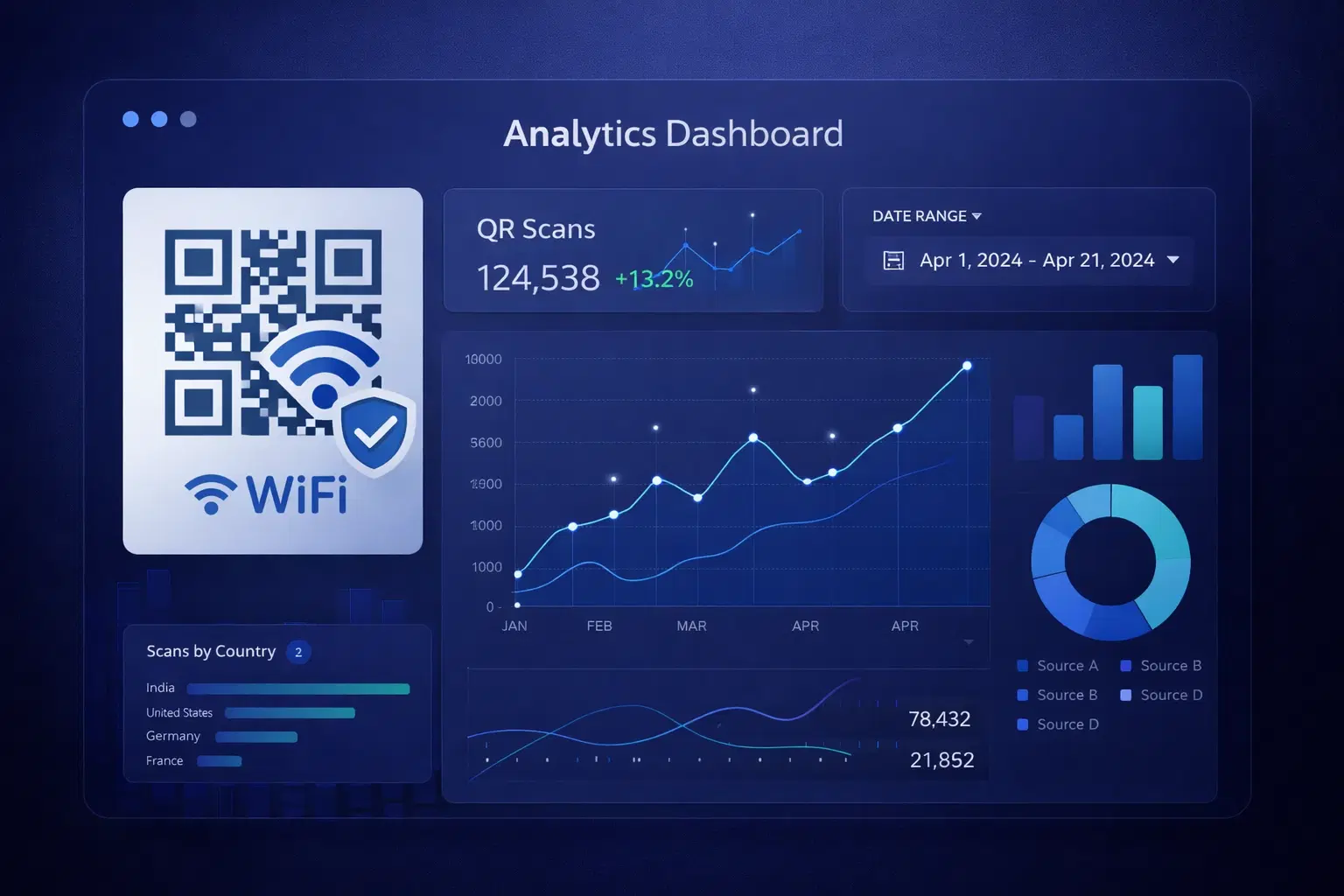
QR Code Analytics: Understanding and Using Scan Data (Updated 2026)
Master QR code analytics to measure campaign success in 2026. Learn which metrics matter, how to interpret data, and how to turn scan trends into operational improvements.
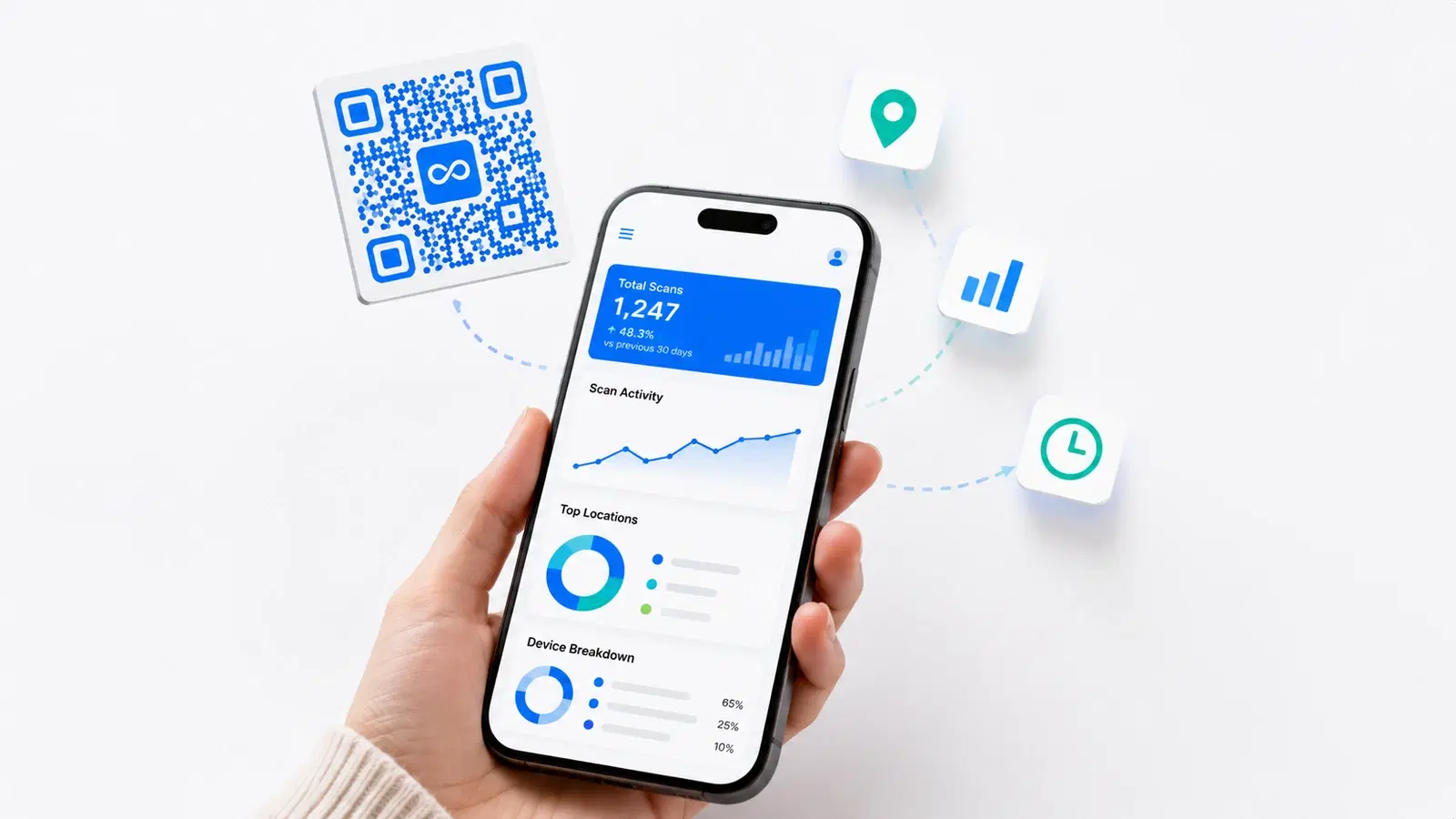
How to Track QR Code Scans Without an App (2026 Methods)
You don't need a special app to track QR code scans, but you do need the right type of QR code. Here's exactly how QR scan tracking works, what you can measure, and how to set it up in minutes.
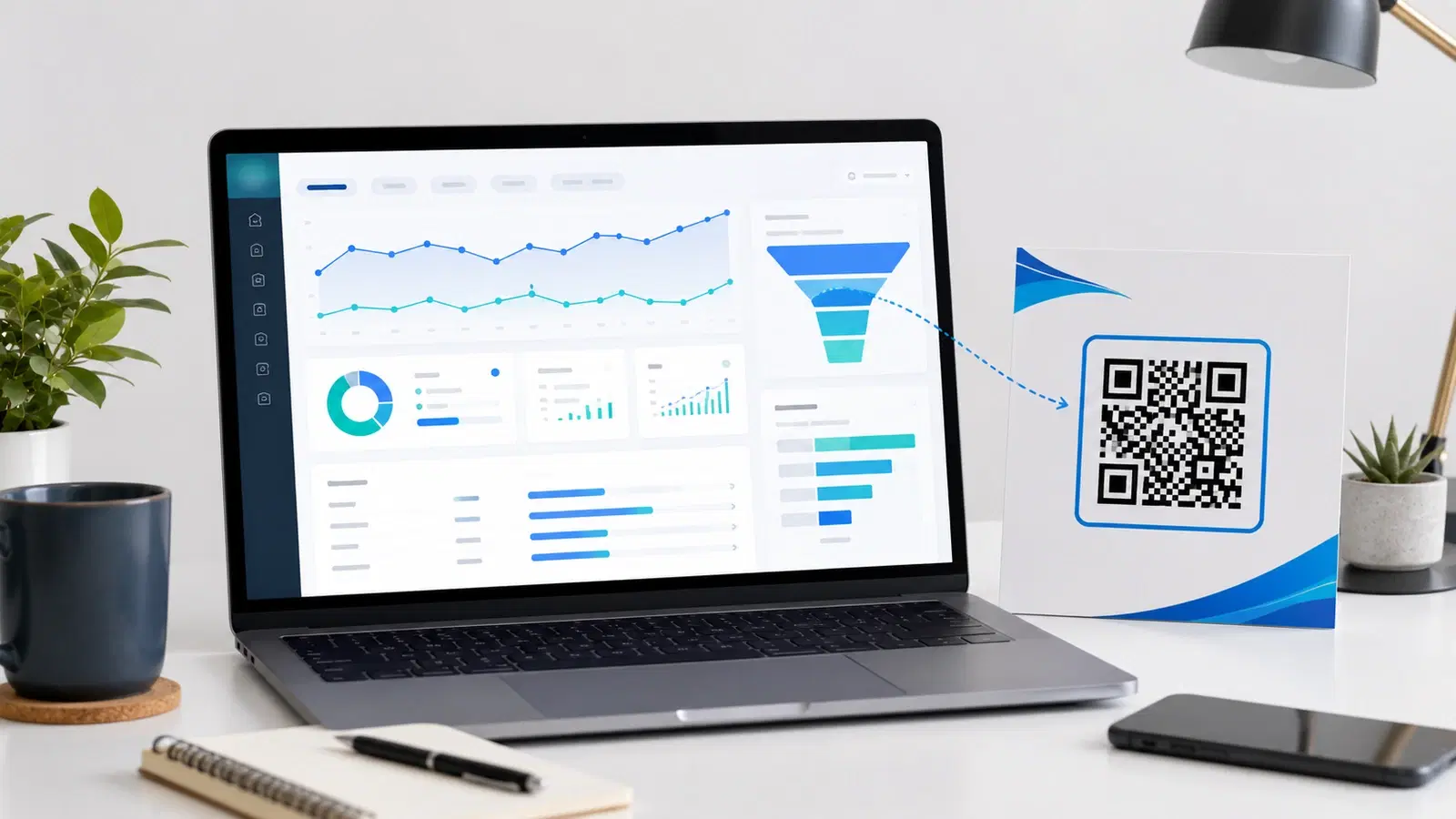
How to Track QR Codes in Google Analytics 4 (UTM Parameter Guide 2026)
QR platform analytics tell you scans happened. Google Analytics 4 tells you what those scanners did next. The bridge is UTM parameters. Here is exactly how to track QR code campaigns end to end in GA4.