QR Code Size Chart: The Right Size for Every Use (2026)
How big should a QR code be? It depends on how far away people scan from. This quick-reference size chart gives you the right QR code size for every common use, from business cards to billboards, in 2026.


"How big should my QR code be?" is one of the most common QR questions, and the answer is refreshingly simple once you know the rule: size scales with scanning distance. The farther away people will scan from, the bigger the code has to be. Everything else is just applying that rule to your specific use.
This is a quick-reference size chart, the sizes you need for every common use, at a glance, so you can get the size right without guessing. For a product label scanned in hand you need one size; for a poster scanned across a room, or a billboard scanned from the road, you need much larger. Getting this wrong is one of the top reasons a code will not scan, so it is worth a quick check.
If you want the full reasoning behind sizing, the math, the exceptions, and the testing, see our detailed QR code size guide. This page is the fast lookup: find your use, get your size, move on. For how much a code can actually hold (a different question people conflate with size), see maximum data a QR code can hold.
The One Rule: Size Follows Scanning Distance
Before the chart, the single rule that generates every number in it, because once you understand it, you can size any code, even uses not in the chart.
The 10:1 ratio. The widely-used rule of thumb is a distance-to-size ratio of about 10:1. That means for every 10 units of scanning distance, the code should be about 1 unit wide. So a code scanned from 1 meter away should be roughly 10 centimeters wide; a code scanned from 10 meters away should be roughly 1 meter wide. This simple ratio is the backbone of all QR sizing.
How to use it for any case: 1. Estimate the realistic distance people will scan from. 2. Divide that distance by 10. 3. That is your minimum code width. Then add a margin for safety, since the 10:1 ratio is a minimum, not a comfortable target.
Always size up, never down. The 10:1 ratio is the smallest the code can be and still scan at that distance. In practice, make it a bit bigger than the minimum, because real-world conditions (poor light, older phones, angled scans) need margin. A slightly-too-large code always scans; a minimum-sized one often struggles. When in doubt, go bigger.
Do not forget the quiet zone. Whatever the code size, it needs a clear margin (quiet zone) around it to scan. The sizes in the chart are for the code itself; always leave clear space around it too. See QR code best practices.
With that rule in hand, the chart below is just the common cases worked out for you.
The Quick Size Chart
Here are the recommended minimum sizes for common uses, based on typical scanning distances. These are practical minimums, size up if you can, and always keep a clear quiet zone.
Scanned in hand (very close, a few centimeters):
- Business cards, product labels, stickers on small items: about 2 to 3 cm (roughly 0.8 to 1.2 inches). The phone comes right up to it, so it can be small, but do not go below about 2 cm, or print quality and the quiet zone suffer. See QR code on a business card.
Scanned from arm's length or sitting distance (up to ~0.5 m):
- Flyers, brochures, magazine pages, table tents, menus: about 2.5 to 4 cm (1 to 1.6 inches). Comfortable to scan from where someone holds the material or sits at a table.
Scanned from a step or two away (~1 to 2 m):
- Window stickers, retail signage, posters viewed up close, packaging on a shelf: about 10 to 20 cm (4 to 8 inches). Big enough that a passerby can scan without pressing their phone to it.
Scanned from across a room or several meters (~3 to 5 m):
- Large posters, trade-show banners, wall displays, in-store signage: about 30 to 50 cm (12 to 20 inches) or larger. Sized generously so people can scan from a comfortable distance.
Scanned from far away (10 m or more):
- Billboards, building signage, large-format outdoor: about 1 meter or more wide, scaled to the real viewing distance using the 10:1 ratio. A billboard scanned from across a street needs to be large.
The pattern: each step farther away roughly multiplies the size. Find the row that matches how your code will actually be scanned, take the size (or a bit larger), and you are set.
- In hand (cards, labels, stickers): ~2 to 3 cm (0.8 to 1.2 in)
- Arm's length (flyers, menus, brochures): ~2.5 to 4 cm (1 to 1.6 in)
- A step or two away (windows, signage, posters): ~10 to 20 cm (4 to 8 in)
- Across a room (large posters, banners): ~30 to 50 cm (12 to 20 in)+
- Far away (billboards, building signage): ~1 m or more, by the 10:1 ratio
What Changes the Size You Need
A few factors shift the numbers up or down from the chart. Account for these when they apply to your situation.
Scanning conditions (make it bigger). If the code will be scanned in poor light, at an angle, by people with older phones, or in a rushed moment (someone walking past), size up from the chart minimums. Difficult conditions need extra margin. See why codes fail to scan.
Code complexity / density (make it bigger). A code holding more data has more, smaller modules (a denser pattern), which needs to be printed larger to stay scannable. If your code encodes a long URL or lots of data, or uses high error correction, bump the size up. The simpler the code, the smaller it can safely be. See error correction levels and maximum data a QR code can hold.
Print quality (print crisp at the size). A code must be printed sharply at its final size. A blurry or low-resolution print fails even at the right dimensions, so print from a high-resolution or vector file. See SVG vs PNG for print.
On a curved or awkward surface (make it bigger / reposition). If the code wraps around a curve (a bottle, a cup) or sits on an uneven surface, give it extra size and keep it on the flattest area, since distortion reduces effective scannability.
The simple adjustment rule: Start from the chart, then size UP (never down) for any difficult factor: hard conditions, dense data, curved surfaces. The cost of a slightly-too-big code is nothing; the cost of a slightly-too-small one is a code that will not scan.
Pro Tip
When unsure, size up and test. Pick the chart size for your use, add a margin, then print one at the real size on the real material and scan it from the actual distance people will use, on a couple of phones. Thirty seconds of testing at final size beats any chart, including this one, for being certain your code will scan.
About "Maximum" and "Largest" QR Code Size
People often search for the "maximum" or "largest" QR code size, which usually means one of two different questions. Here is the quick answer to both.
"How large can I make a QR code?" (physical size): effectively unlimited. There is no real upper limit on how physically large a QR code can be, billboards and building-sized codes exist. As long as you scale it up cleanly (from a vector file) and keep its proportions square, you can make a code as large as you need. Bigger is generally safer for scanning, not worse. So there is no "maximum size" ceiling to worry about; size to your viewing distance and go as large as the space allows.
"How much data can a QR code hold?" (capacity): that is a different question. Often "maximum QR code" really means "how much can it store," which is about data capacity, not physical size. QR codes can hold a surprising amount of data, but more data makes the pattern denser and requires a larger print to stay scannable. For the capacity question, see maximum data a QR code can hold.
The practical takeaway on "largest":
- For physical size, make it as large as your viewing distance requires, there is no meaningful maximum, and larger is safer.
- For data, keep the content lean (a short URL via a dynamic code is ideal) so the pattern stays simple and prints small and clean. See dynamic vs static.
The bottom line: QR code sizing is governed by one rule, size follows scanning distance (about 10:1), and the chart above applies it to every common use. Find your use, take that size or a bit larger, keep the quiet zone, print it crisp, and size up for any tricky conditions. Do that and your code will be exactly as big as it needs to be, no more guessing.
Conclusion
QR code sizing comes down to one rule: size follows scanning distance, at roughly a 10:1 ratio. From that single principle, every size in the chart follows, from about 2 to 3 cm for a business card scanned in hand, to 10 to 20 cm for window and retail signage, to 30 to 50 cm or more for large posters, up to a meter or more for billboards. Find the row that matches how your code will actually be scanned, and you have your size.
Then adjust for reality: size up (never down) for poor conditions, dense data, or curved surfaces, keep a clear quiet zone around the code, and print it crisp at the final size. And do not worry about a "maximum" size, there is effectively no upper limit on how large a QR code can be, and larger is generally safer; the capacity question (how much data it holds) is separate and best solved by keeping the content lean with a dynamic code.
Use this chart as your fast lookup and the detailed size guide when you want the full reasoning. Size to the scanning distance, add a margin, keep the quiet zone, print sharp, and test one at final size, and your code will scan reliably every time, which is the whole point of getting the size right.
Related reading:
Create print-ready QR codes with QRForever. Start a 7-day full-access trial, no credit card needed. Export crisp vector codes that scale to any size, from a business card to a billboard.
Explore QRForever Solutions
Ready to Create Your Own QR Codes?
Start creating dynamic QR codes for your business today. Track analytics, update content anytime, and never reprint again.
Related Articles
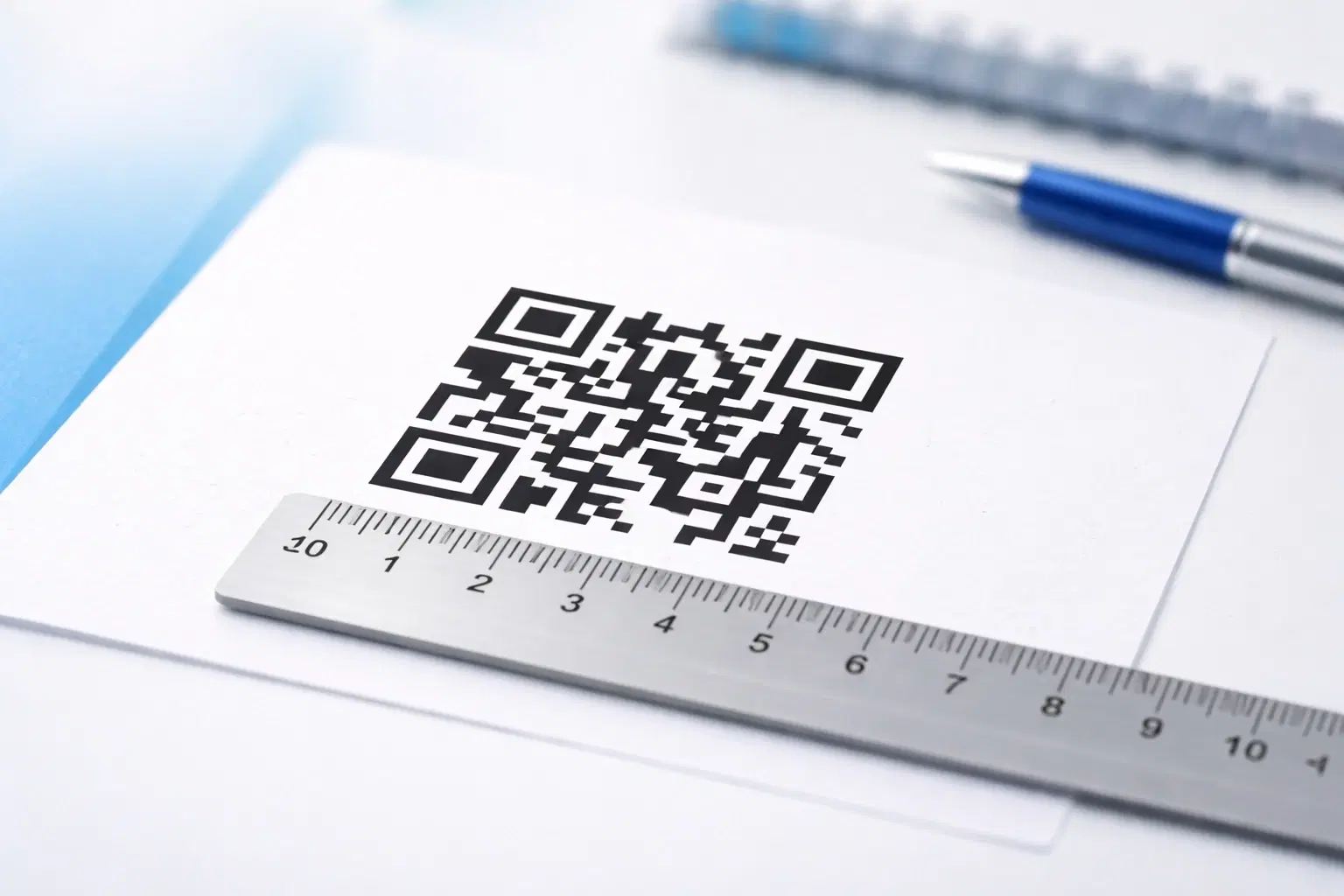
QR Code Size Guide: What Size Should Your QR Code Be for Printing? (Updated 2026)
The exact minimum QR code sizes for business cards, posters, billboards, and product packaging, plus the 10:1 distance rule that guarantees a reliable scan. Includes a size calculator and real-world examples. Updated October 2026.

Creating Accessible QR Codes: A Guide to Inclusive Design (Updated 2026)
Make your QR codes work for everyone: color contrast, sizing, alternative access methods, and design for users with disabilities or no smartphone. The 2026 guide to inclusive, compliant QR codes. Updated June 2026.
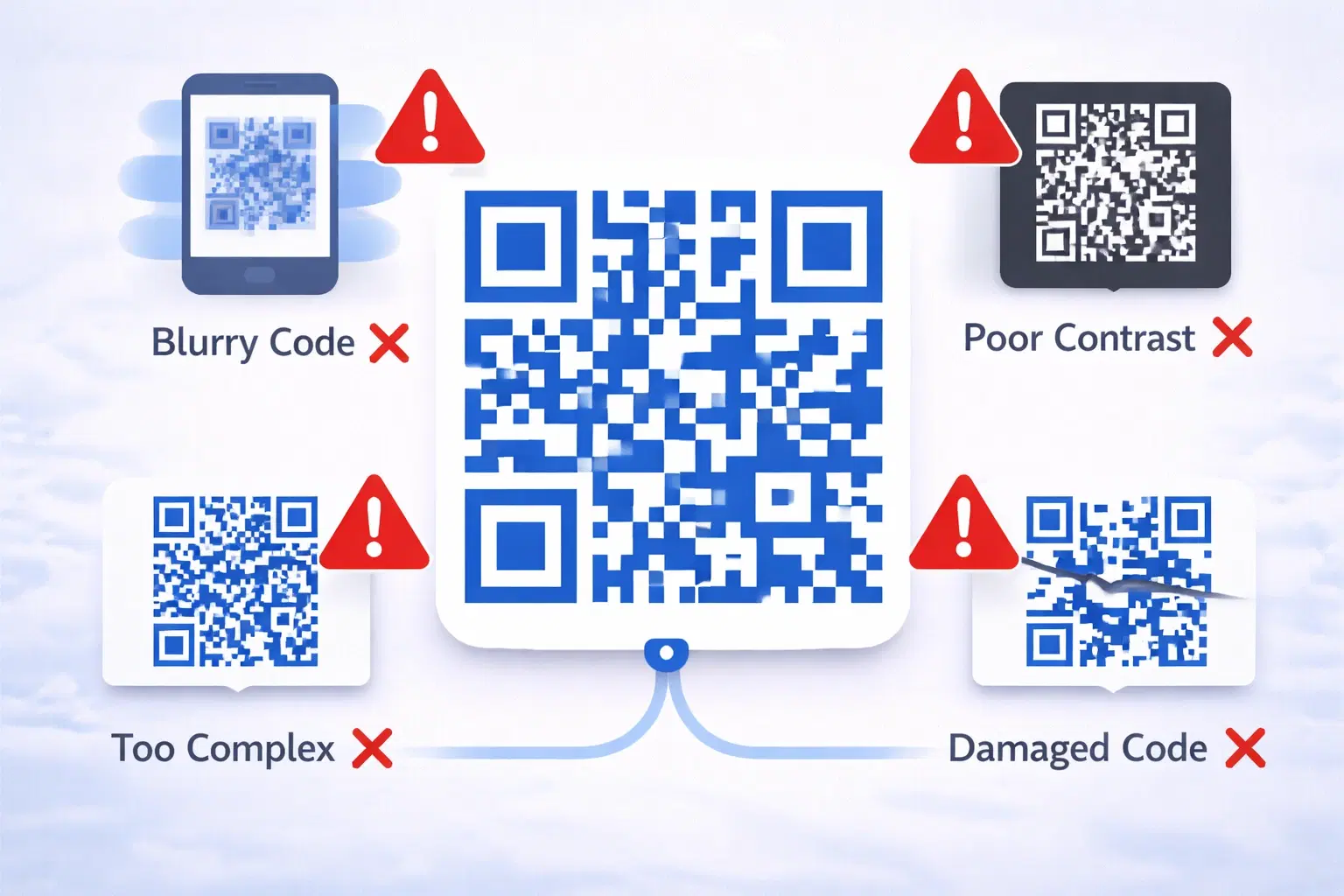
15 Common QR Code Mistakes and How to Avoid Them (Updated 2026)
A broken QR code wastes marketing spend, frustrates customers, and reflects badly on your brand. Worse. These mistakes are usually discovered only after thousands of materials are printed. Updated September 2026.