QR Codes That Never Expire: Why Most Free QR Codes Stop Working (Updated 2026)
Free QR codes often expire after 14–90 days, breaking printed materials and costing more in reprints than a paid plan ever would. Updated 2026 guide with platform expiry timelines and a step-by-step rescue plan.

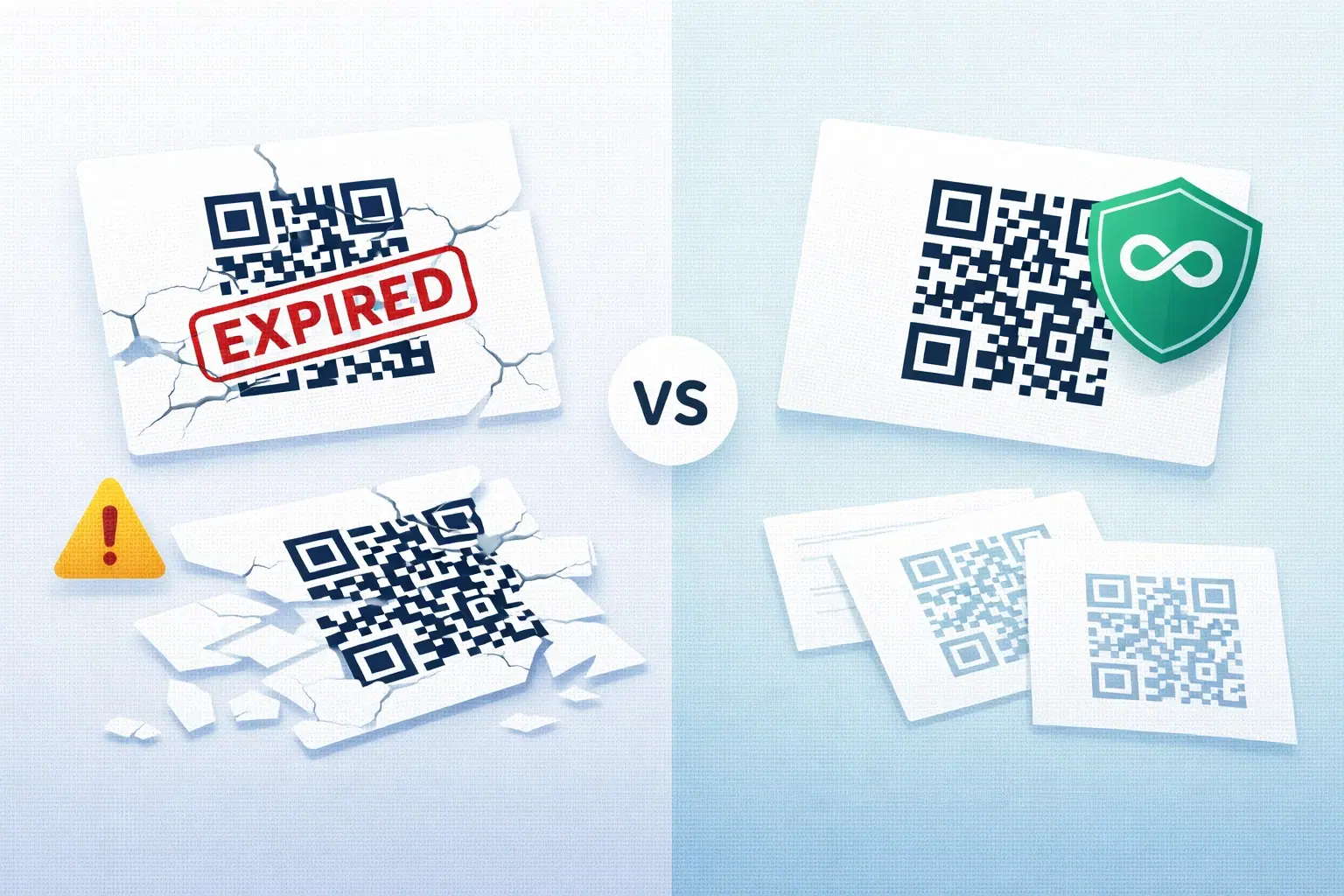
Updated May 2026 (You created a QR code, printed it on business cards, menus, or packaging, and everything worked fine), until it didn't. Customers scan the code and get an error. The QR code worked last month. What happened?
Most likely, your free QR code expired. In 2026, this remains the single most expensive QR code mistake businesses make, and it's hitting harder than ever as more platforms shorten their free trial windows from 30 days to as little as 14 days.
This guide explains why QR codes expire, which 2026 platforms have permanent codes vs trials in disguise, and what to do if you're currently stuck with broken codes on printed materials. If you're shopping for a generator, also see our comparison of the 5 best dynamic QR code platforms in 2026 and our pricing breakdown across major platforms.
Why Free QR Codes Are Designed to Expire
Free QR codes expire because of how dynamic QR codes work technically, and because expiry is the primary business model mechanism for free-to-paid conversion.
The technical reason: Dynamic QR codes encode a short redirect URL hosted on the QR platform's servers. That redirect URL requires the platform to maintain server infrastructure, pay for hosting, and process redirect requests. Maintaining free, unlimited redirects forever is economically unsustainable.
The business model reason: Free code expiry is intentional. When your QR code stops working, you experience the pain directly: through reprints, customer complaints, or lost engagement. That pain is the trigger for conversion. The platform offers a paid plan that removes the expiry. You've now learned, through direct experience, why the paid plan is worth it.
This isn't malicious. It's a standard SaaS conversion strategy. But if you don't know it's happening before you create and print a free QR code, it will catch you off guard.
Platform Expiry Timelines: 2026 Update
Expiry varies dramatically by platform. We tested the major generators in May 2026. Here's what we found:
| Platform | Free Plan Expiry (2026) | Paid Plan |
|---|---|---|
| QR Tiger | 14-day trial | Never (paid) |
| Beaconstac (Uniqode) | 14-day trial | Never (paid) |
| Flowcode | 14-day free, then static-only | Never (paid) |
| Bitly QR | Limited free with watermark | Never (paid) |
| Generic ad-supported tools | 30–90 days | Never (if paid) |
| Static QR generators | No expiry (static only) | N/A |
| QRForever | 7-day full-access trial | Never (paid) |
What changed in 2026: Several major platforms shortened their free trials from 30 days to 14 days. If you used these platforms in 2024–2025 and printed materials, your codes may have already failed. We compare these platforms head-to-head in QRForever vs QR Tiger, QRForever vs Bitly, QRForever vs Beaconstac, and QRForever vs Flowcode.
The key distinction: Truly free static QR codes never expire, the data is encoded in the pattern, not on a server. But static codes can't be edited or tracked. If you don't know the difference, read our Dynamic vs Static QR Codes guide. Most people want dynamic codes for their editability and analytics, and that's where expiry enters the picture.
Important
Always check the expiry policy of any platform before printing QR codes. Search for "[platform name] QR code expiry 2026" or look in their pricing FAQ. If you can't find the answer, assume the free tier expires.
The Real Cost of Expired QR Codes
The direct cost of an expired QR code isn't the inconvenience. It's the reprint cost for materials that now display a broken code.
Common casualties of QR code expiry:
Business cards Average business card print run: 250–500 cards. Cost: ₹1,500–₹5,000. If the QR code on the back expires before you've distributed all your cards, every remaining card has a broken link. You either hand out cards with a known broken QR code or reprint.
Restaurant menus Laminated menu reprint cost: ₹15,000–₹50,000 for a typical restaurant. If a menu QR code expires mid-season, every table has a non-functional code.
Product packaging This is the most severe case. Product packaging with a QR code printed directly (not a sticker) cannot be cost-effectively modified. If the code expires while inventory is still on shelves, the QR codes on every unsold unit become dead links.
Event materials Banners, programs, lanyards, table cards printed for a multi-day or recurring event. If the code was free and expires between events, you're reprinting for the next one.
The math is clear: The reprint cost of any of these scenarios almost always exceeds a year of the cheapest paid QR hosting plan.
Pro Tip
Calculate your "QR code insurance value": how much would it cost you to reprint all materials using a given QR code if it expired today? That number is your maximum acceptable annual cost for permanent QR hosting.
How to Tell if Your QR Code Will Expire
Before committing a QR code to print, verify its permanence:
Check 1: Read the platform's pricing page Look for the word "expires," "trial," "active period," or "validity" in the free plan description. If you see any of these, assume expiry is in play.
Check 2: Look for an expiry date in your dashboard Log into the platform that created your QR code. If there's an expiry date shown next to the code, it will stop working on that date.
Check 3: Test a code you created 60+ days ago If you created QR codes on a platform months ago, scan them now. If any fail to redirect, the platform is expiring codes and you need to migrate.
Check 4: Ask support directly Email or chat the platform's support team: "Do free QR codes expire? If so, after how many days?" A clear answer either way tells you what you need to know.
Check 5: Create and wait If you have time before printing, create the code, wait 48 hours, and scan again. This won't catch 30-day expiry but catches immediate trial expiry.
- Read the pricing page for "expiry," "trial," or "validity" language
- Check your dashboard for an expiry date field
- Scan any existing codes you created 60+ days ago
- Contact platform support: "Do free codes expire?"
- Never print codes without confirming permanence
What Happens When a QR Code Expires
The user experience of an expired QR code varies:
Scenario A: Redirect server returns an error page The most common outcome. The user scans, a browser opens, and they see a 404 or "this code has expired" message from the QR platform. They have no way to find your actual destination.
Scenario B: The code simply doesn't scan Less common, but some platforms deactivate the short URL at the server level entirely. The QR code appears to scan (the camera detects it) but nothing happens, no browser opens. This is confusing for users.
Scenario C: The redirect page exists but shows an upgrade message Some platforms redirect expired free codes to their own website showing a "this code was generated on [platform]. Upgrade to reactivate." This is especially problematic for professional contexts. It exposes your customers to your tool vendor's marketing.
In all cases: Your intended destination is unreachable. The customer gets nothing. Any call-to-action printed alongside the code fails.
Permanent QR Codes: Your Options
You have three paths to QR codes that never expire:
Option 1: Static QR codes (free, permanent, limited) A permanent QR code is one where the destination is either baked into the pattern (static) or hosted on a server with no expiry policy (dynamic with a trusted provider). Static QR codes encode data directly and never expire because they don't depend on a server. However, they can't be edited, can't be tracked, and become larger/denser with more data. Best for personal use or one-time contexts where you'll never need to change the destination.
Option 2: Self-hosted dynamic QR codes (free if you have infrastructure, complex) Technical users can run their own redirect server. Tools like YOURLS or a simple redirect script give you full control. Codes never expire because you control the server. Requires web hosting, technical setup, and ongoing maintenance. Not practical for most businesses.
Option 3: Paid dynamic QR codes (most practical) A paid plan on a dynamic QR platform provides permanent codes, editing capability, and analytics. Entry-level pricing starts under ₹100–₹500/month on affordable platforms. This is the practical choice for any business use.
QRForever specifically: You can try every feature with a 7-day full-access free trial (no credit card): unlimited dynamic codes that are editable anytime with full scan analytics. After the trial, the flat Pro plan starts at ₹499/month ($6) and your codes stay permanent. Dynamic codes are the core product, so nothing you print ever expires while you're subscribed.
Pro Tip
If you're currently using a platform with expiring codes, migrate before the codes expire: create replacement permanent codes, update the destination URLs, and reprint anything that needs the new code. Don't wait for the expiry to force you.
How to Rescue Existing Printed Materials With Expired Codes
If you've already printed materials with a QR code that has expired or is about to expire, here's how to minimize damage:
If the code is expiring but not yet expired: 1. Create a new permanent QR code on a paid platform 2. Point it to the same destination as the expiring code 3. If you can print a small sticker (even a circular sticker from an office supply store), print the new QR code as a sticker and place it over the old one on remaining print inventory
If the code has already expired: 1. You cannot salvage codes already in the field (on cards already handed out, packaging already shipped) 2. Create replacement permanent codes immediately 3. For materials still in your possession, apply the sticker method above 4. For business cards: add the new QR code to your next reprint run. Use the sticker for remaining old stock
If the destination URL changed (not just expiry): If you're using a permanent dynamic code, update the destination URL in your dashboard. No reprinting needed.
Important
Sticker-over-sticker QR code fixes work but look unprofessional. If significant inventory is affected, weigh the reprint cost against the brand perception cost of stickered-over materials. For customer-facing premium contexts, reprint.
Conclusion
QR code expiry is a predictable problem with a straightforward solution: use a platform that offers permanent codes from the start. The cost difference between free-but-expiring and paid-but-permanent is small; the cost of reprinting materials because of an expired code is almost always larger.
The 2026 reality: Free trials are getting shorter, not longer. Platforms that gave 30 days last year now give 14. If you printed QR codes in 2024 or 2025 on a "free" platform, scan one today. You may already have a problem.
Before putting any QR code on print materials, confirm permanence. If the answer isn't clear, assume it expires. The flat ₹499/month for a permanent solution is the cheapest insurance you can buy for your printed marketing.
If you want a truly free QR code generator that never expires, use QRForever's static generator: your code keeps working even if you never sign in again.
Related reading:
Create a dynamic QR code with QRForever. Start a 7-day full-access trial, no credit card. Dynamic codes are editable anytime with full scan analytics, and your codes stay permanent on any paid plan.
Explore QRForever Solutions
Ready to Create Your Own QR Codes?
Start creating dynamic QR codes for your business today. Track analytics, update content anytime, and never reprint again.
Related Articles
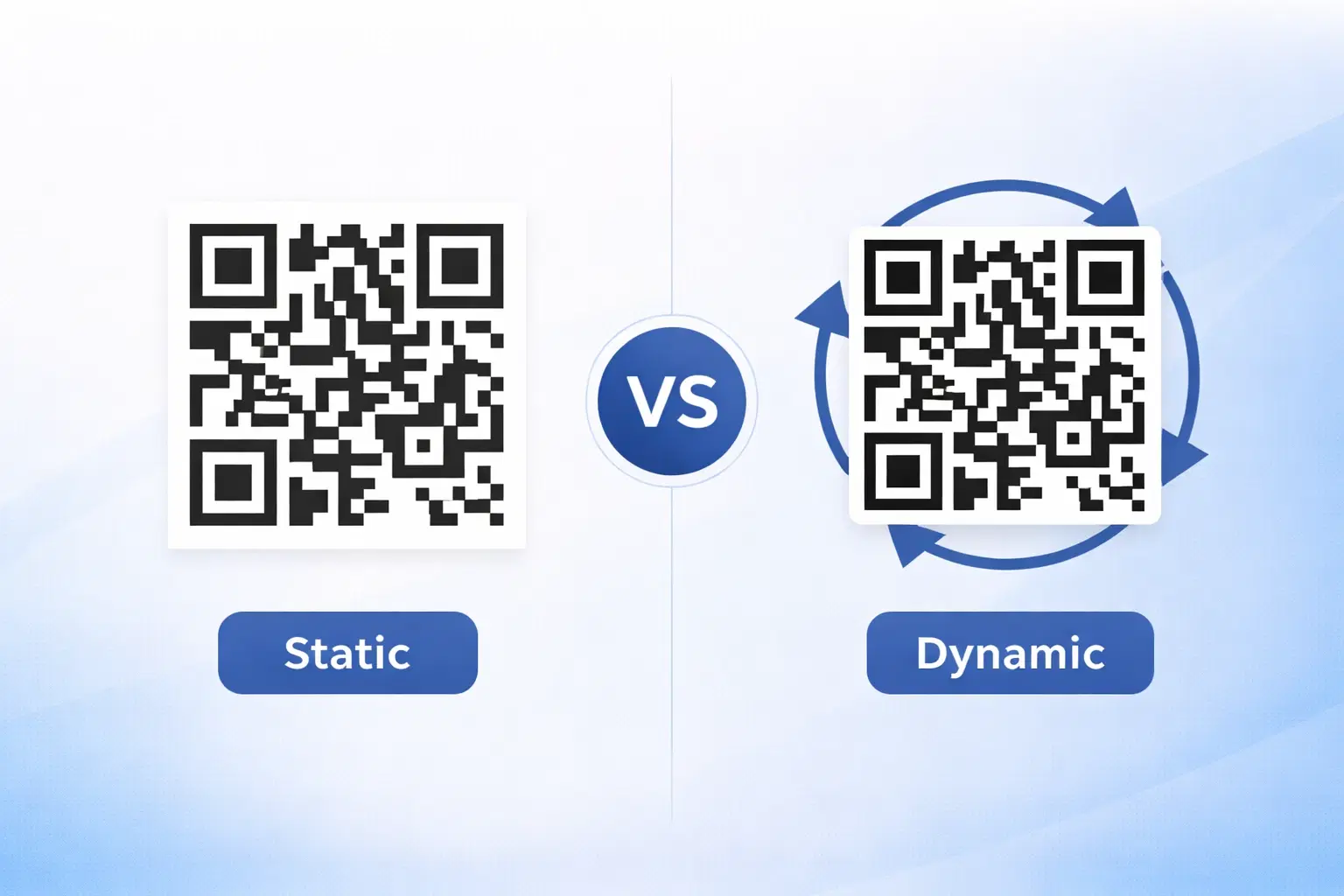
Dynamic vs Static QR Codes: Which One Should You Use? (Updated 2026)
The complete 2026 guide to dynamic vs static QR codes: when each type is right, the hidden costs of choosing wrong, and a decision framework you can apply in 60 seconds.
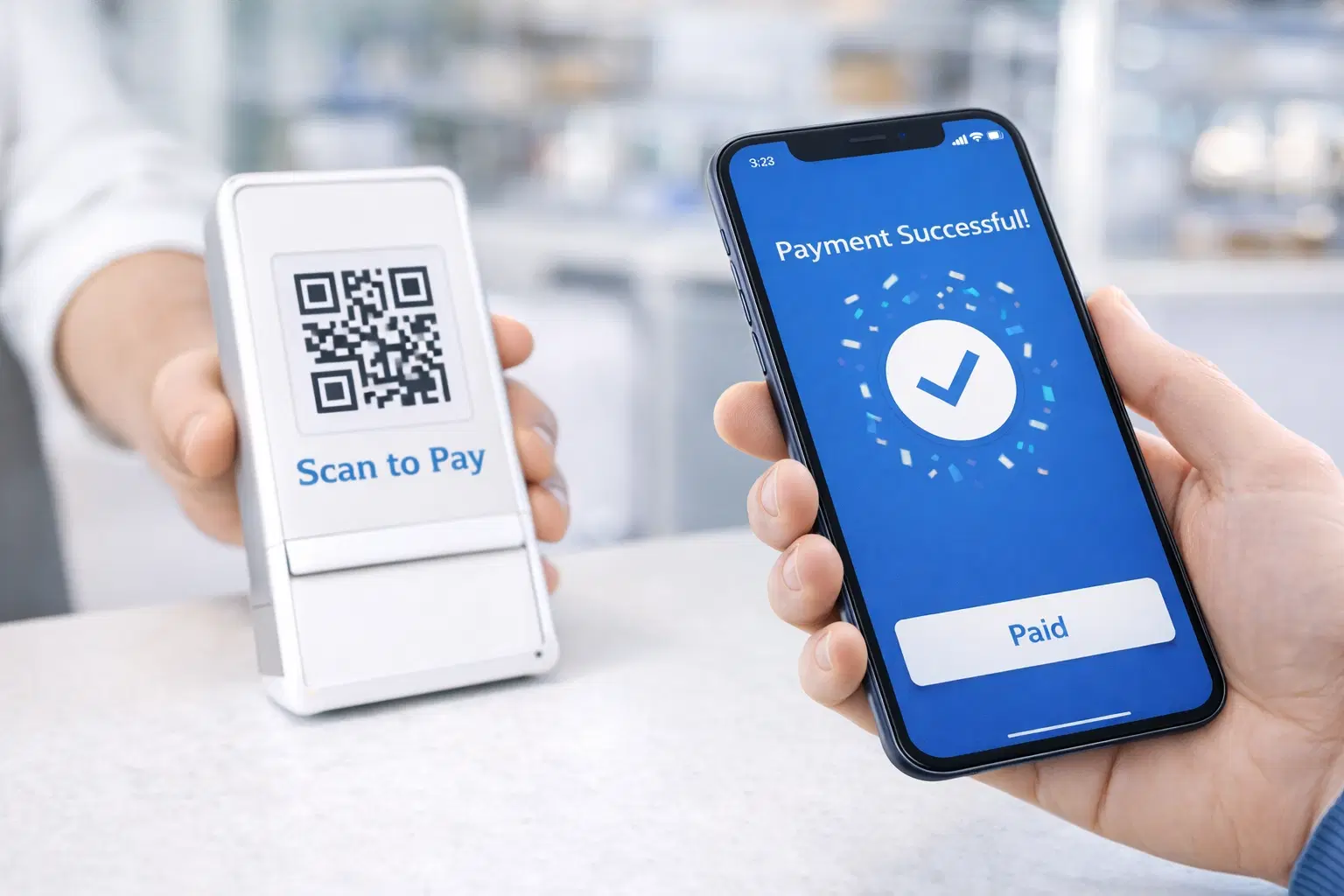
QR Code Payments Explained: How They Work and Why They Matter (Updated 2026)
QR code payments crossed record transaction volumes in 2025 and are now infrastructure, not novelty. Understand how they work: merchant-presented vs consumer-presented, UPI, security, and what it means for your business. Updated June 2026.
QR Code Error Correction Levels Explained: L, M, Q, H (2026)
QR codes have four error correction levels (L, M, Q, and H) that decide how much damage a code can survive and still scan. Choosing the right one is the difference between a reliable code and one that fails. Here is a clear 2026 guide.