QRForever vs Bitly QR Codes: Which Should You Choose in 2026?
A detailed, honest comparison of QRForever and Bitly covering pricing, analytics, QR code types, and which platform makes more sense for different types of buyers.

If you've been searching for a dynamic QR code platform, chances are you've come across both Bitly and QRForever. Bitly is a well-known link management tool that added QR codes to its feature set. QRForever is a QR code platform focused entirely on dynamic codes, advanced analytics, and a wide range of QR types.
This comparison is written for business owners, marketers, event organizers, restaurant owners, and anyone who needs QR codes that do more than point to a URL. We'll look honestly at both platforms, including areas where Bitly has an edge, so you can make the right call for your situation.
Both tools create dynamic QR codes, meaning codes you can edit after printing. That's roughly where the similarities end. Here's a detailed look at what each platform offers, what it costs, and who it's built for.
Quick Summary: QRForever vs Bitly at a Glance
Here is a side-by-side look at both platforms across the features that matter most:
| Feature | QRForever | Bitly |
|---|---|---|
| Dynamic QR codes | Yes | Yes |
| Static QR codes | No (dynamic only) | Yes |
| QR code types | 18+ (URL, vCard, WiFi, PDF, video, menu, events, WhatsApp, social, RSVP, and more) | ~5 (URL, vCard, WiFi, events, app store) |
| Edit after printing | Yes, unlimited | Yes |
| Real-time scan analytics | Yes (device, browser, location, time | Yes), basic scan count |
| Analytics depth | Deep (OS, browser, country, city, scan trends) | Basic (total scans, referrer) |
| QR code expiry | Never expires | Depends on plan |
| Unlimited scans | Yes | Yes |
| Free trial | 7 days, no credit card | Free plan available |
| Starting price | ₹250/month (yearly) | ~₹1,200/month (yearly) |
| Payment method | Razorpay (UPI/cards) | Credit/debit card (USD billed) |
| Primary focus | QR codes | Link shortening + QR codes |
Pro Tip
If your main need is QR codes for physical marketing, like menus, packaging, events, and business cards, QRForever is built specifically for that. If you also need bulk link shortening for digital campaigns, Bitly's link management tools may be worth considering.
QRForever Overview
QRForever is a dynamic QR code platform built for businesses that use QR codes in physical marketing. The core idea is simple: once something is printed, you should be able to change where the QR code goes without reprinting. Whether you print 50 restaurant menus or 10,000 product packages, that flexibility saves time and money.
QRForever supports 18+ QR code types. Beyond basic URL codes, you can create QR codes for WhatsApp chats, WiFi login, vCards, PDF documents, video links, event RSVPs, feedback forms, social media pages, and more. Each type has its own creation form so the process is straightforward regardless of technical skill level.
The platform accepts payments through Razorpay, supporting UPI, debit and credit cards, and net banking without currency conversion. Pricing is in Indian Rupees. // COMMENTED OUT: India-specific marketing claim // The platform is made in India and accepts payments through Razorpay, so UPI, Indian debit and credit cards, and net banking all work without currency conversion. Pricing is in Indian Rupees.
QRForever is used by restaurants, event organizers, real estate professionals, educators, and marketing teams who need trackable QR codes without paying enterprise-level prices. A 7-day free trial with no credit card lets you test the product before deciding.
Bitly Overview
Bitly started as a URL shortener in 2008 and has grown into a broader link management platform over the years. QR codes were added as a natural extension of its short link infrastructure. Every Bitly short link can be rendered as a QR code, which made QR functionality easy to add for existing Bitly users.
Bitly is a well-known brand with a large user base. It is particularly strong for teams that need to shorten, organize, and track large volumes of links across marketing campaigns. The analytics integrate well with Bitly's link tracking, though they are less detailed on the QR side compared to dedicated QR platforms.
For QR codes specifically, Bitly offers dynamic codes, basic scan tracking, and a handful of QR types including URL, vCard, WiFi, and event codes. The free plan is limited, and the more useful QR features sit behind paid plans priced in USD.
Bitly makes most sense for marketing teams already using it for link management who want QR codes as an add-on. It is less suited to businesses where QR codes are the main way customers interact with their brand.
Important
Bitly pricing is in USD and billed internationally. For Indian businesses, this adds foreign transaction fees and currency conversion costs on top of the listed price, making the effective cost higher than it appears.
Feature-by-Feature Comparison
Here is a closer look at the features that actually affect day-to-day use.
QR Code Types
QRForever supports 18+ QR code types:
- URL. Standard web link
- WhatsApp. Opens a chat directly
- vCard. Digital business card (saves to phone contacts)
- WiFi. Connects to a network without typing credentials
- PDF: displays a document
- Video: plays a video
- Menu: structured restaurant/café menu
- Event: event details with RSVP
- Feedback: customer survey or rating form
- Location: opens maps to a specific address
- Social Media: link list for Instagram, LinkedIn, Twitter, etc.
- App. Directs iOS/Android users to the correct app store
- Image: displays a photo or image gallery
- Email: pre-fills an email compose screen
- SMS: pre-fills a text message
- Link List: curated list of multiple links
- Blank: empty, for custom use
- RSVP: event attendance confirmation
Bitly supports URL, vCard, WiFi, event, and app store redirect codes. That covers the most common use cases but leaves out categories like WhatsApp, menus, PDFs, and feedback forms that are increasingly important for businesses in hospitality, healthcare, and retail.
Analytics Depth
QRForever records each scan individually: device type, operating system, browser, country, city, and time. You can see this data per QR code and track trends over time. It tells you not just how many scans happened, but when and from what kind of device.
Bitly provides scan counts and referrer data, which is useful for link campaigns. Device breakdowns are available on higher plans, but city-level and browser-level detail is more limited than QRForever's per-scan data.
For a restaurant tracking which tables generate the most menu scans, or an event organizer monitoring check-in activity by hour, QRForever's analytics give you the detail you need. Bitly's current QR analytics do not go that deep.
Editing After Print
Both platforms let you change the destination of a dynamic QR code after it has been printed. The physical code stays the same. Only where it redirects changes. This is the core feature of any dynamic QR platform and both handle it reliably.
QRForever also allows changing the QR type in some cases, for example switching a URL code to a vCard. Bitly ties QR codes to short links, so updates follow the same logic as editing a short link.
Ease of Use
QRForever has a focused interface built around QR creation. Each QR type has its own dedicated form, so creating a WhatsApp QR or a WiFi code takes a minute or two. The dashboard is clean and does not require technical knowledge.
Bitly is a full link management platform, so its interface covers a lot of ground. If you're there primarily for QR codes, you'll navigate through menus designed for link campaigns. New users sometimes take a few clicks to find the QR creation flow. For Bitly users already familiar with the platform, this is not a problem.
Customer Support
QRForever offers email support during Indian business hours. Being a smaller, focused platform, the team deals with QR-specific questions directly and response times are generally quick.
Bitly offers documentation, a knowledge base, and email support. Enterprise plans come with dedicated account management. For standard plans, support is available but response times can be longer given the size of their user base.
Pricing Comparison
Pricing is one of the biggest differences between the two platforms.
QRForever (INR):
- Monthly: ₹499/month
- Yearly: ₹250/month (₹2,999/year)
- Free trial: 7 days, no credit card
In USD, QRForever's plans work out to roughly $3 to $6/month depending on billing cycle.
Bitly (USD):
- Free plan: very limited, handful of links and codes
- Core plan: around $10/month
- Growth plan: around $29/month
- Premium and Enterprise: $199+/month
Indian users on Bitly pay in USD and absorb foreign transaction fees on top. At current exchange rates, Bitly's Growth plan works out to roughly ₹2,500 to ₹2,800/month once bank fees are included. That is more than four times QRForever's yearly rate.
QRForever accepts UPI and Indian bank cards through Razorpay, issues GST invoices, and prices in rupees. See the full pricing page for current plan details.
Pro Tip
The 7-day trial gives full access to every QR type and the analytics dashboard with no credit card required. Worth running even if you are leaning toward Bitly.
When to Choose QRForever
QRForever makes more sense in these situations:
You put QR codes in front of customers regularly. Restaurants, retailers, event organizers, real estate agents, anyone using QR codes as part of their daily customer experience will find QRForever fits the job better. The 18+ QR types mean you are not cobbling together workarounds for common use cases.
You are based in India. Razorpay, INR pricing, no foreign transaction fees, and GST invoices make QRForever the practical choice for Indian businesses. The price difference compared to Bitly adds up quickly over a year.
You want per-scan analytics. Knowing the device type, location, browser, and time of each scan helps you understand your audience. QRForever tracks this at the individual scan level.
You need WhatsApp, PDF, vCard, or menu QR codes. These are among the most commonly requested types for Indian businesses. QRForever supports all of them as native QR types.
You want a product that only does QR codes. QRForever's roadmap is focused entirely on QR use cases. Updates are not split across link shortening or enterprise campaign tools.
Start your free 7-day trial, no credit card needed. Or read the dynamic vs static QR codes guide if you want more background first.
When to Choose Bitly
There are genuine cases where Bitly is the better pick:
You already use Bitly for link shortening. If your team manages large volumes of shortened links in Bitly and occasionally needs a QR code, it makes sense to stay in one place. Switching platforms just for QR codes is extra overhead with little upside.
You need enterprise-level link management. Bitly's strength is managing large numbers of links with campaign-level analytics, team access controls, and integrations with enterprise marketing tools. QR codes are part of the package rather than the main point.
Your company bills in USD. Bitly's pricing is simple if you already have international card billing set up and USD is not an issue for your finance team.
You need static QR codes too. QRForever only creates dynamic QR codes. If you have use cases that specifically require static codes, Bitly supports both.
Your team relies on Bitly's tool integrations. Bitly connects with Hootsuite, Zapier, Sprout Social, and similar tools. If those connections are already part of how your team operates, they are worth keeping.
The short version: if QR codes are how your business connects with customers in the physical world, a platform built specifically for QR codes will serve you better. If QR codes are a secondary feature in a larger link management setup, Bitly works fine.
Final Verdict
Both platforms work well for what they were designed to do. The question is which one was designed for your situation.
Choose QRForever if QR codes are a direct part of how customers experience your business, you are based in India, you need types like menus or WhatsApp, or you want per-scan analytics without paying enterprise prices. The 7-day trial with no credit card is a practical way to find out.
Choose Bitly if your team is already using it for link management and QR codes are occasional, you need enterprise link infrastructure, or USD billing is simpler for your finance setup.
For most small and mid-size Indian businesses, QRForever gives more QR capability at a lower actual cost. Bitly is the right tool for certain teams. It is just not the right tool for everyone.
Pro Tip
Start a free QRForever trial and use it alongside Bitly for a week if you are still unsure. The difference in analytics detail and QR type options becomes clear quickly in real use.
Frequently Asked Questions
Can I switch from Bitly QR codes to QRForever without reprinting? No. Each platform generates its own QR codes using its own redirect system. QR codes already printed with Bitly links will keep pointing to Bitly as long as that subscription is active. New codes you create in QRForever work independently. The practical approach is to create new codes in QRForever on your next print run and retire the old Bitly codes over time.
Does QRForever have a free plan like Bitly? QRForever offers a 7-day free trial with no credit card, rather than a permanent free tier. The trial gives full access to every feature. Bitly's free plan is permanent but limited to a small number of links and codes with minimal analytics. The trial approach is better for actually evaluating what the platform can do.
Are QRForever QR codes compatible with all smartphones? Yes. QRForever generates standard QR codes that work with the built-in camera on iPhone (iOS 11 and above) and Android, plus any third-party QR scanner app. No special app is needed to scan them.
What happens to my QR codes if I cancel my QRForever subscription? Your codes stay active while your account is in good standing. If you cancel, features are available until the billing period ends. Check QRForever's current terms for details on post-cancellation behaviour before deploying codes on permanent materials.
Is QRForever only for small businesses? QRForever works best for small and mid-size businesses. For large enterprises with hundreds or thousands of QR codes, complex team permissions, and existing integrations with enterprise marketing tools, Bitly's enterprise tier may be a better fit. For most businesses scaling from a handful of QR codes up to a few hundred, QRForever handles the range well.
Conclusion
Bitly made QR codes available to millions of people who were already using it for link shortening, and that has real value. But the QR code market has also grown to include platforms that treat QR codes as the main product, not a feature addition.
For Indian businesses, INR pricing, Razorpay payments, 18+ QR types, and per-scan analytics make QRForever a strong option in 2026. The 7-day free trial with no credit card means there is no cost to finding out whether it fits your needs.
Whichever platform you go with, the key thing is to use dynamic QR codes so you stay in control of where they point after printing.
Related reading:
For a feature checklist, see the full Bitly alternative page.
Try QRForever free for 7 days, no credit card needed. Full access to dynamic QR codes, 18+ types, and per-scan analytics built for businesses.
Explore QRForever Solutions
Ready to Create Your Own QR Codes?
Start creating dynamic QR codes for your business today. Track analytics, update content anytime, and never reprint again.
Related Articles
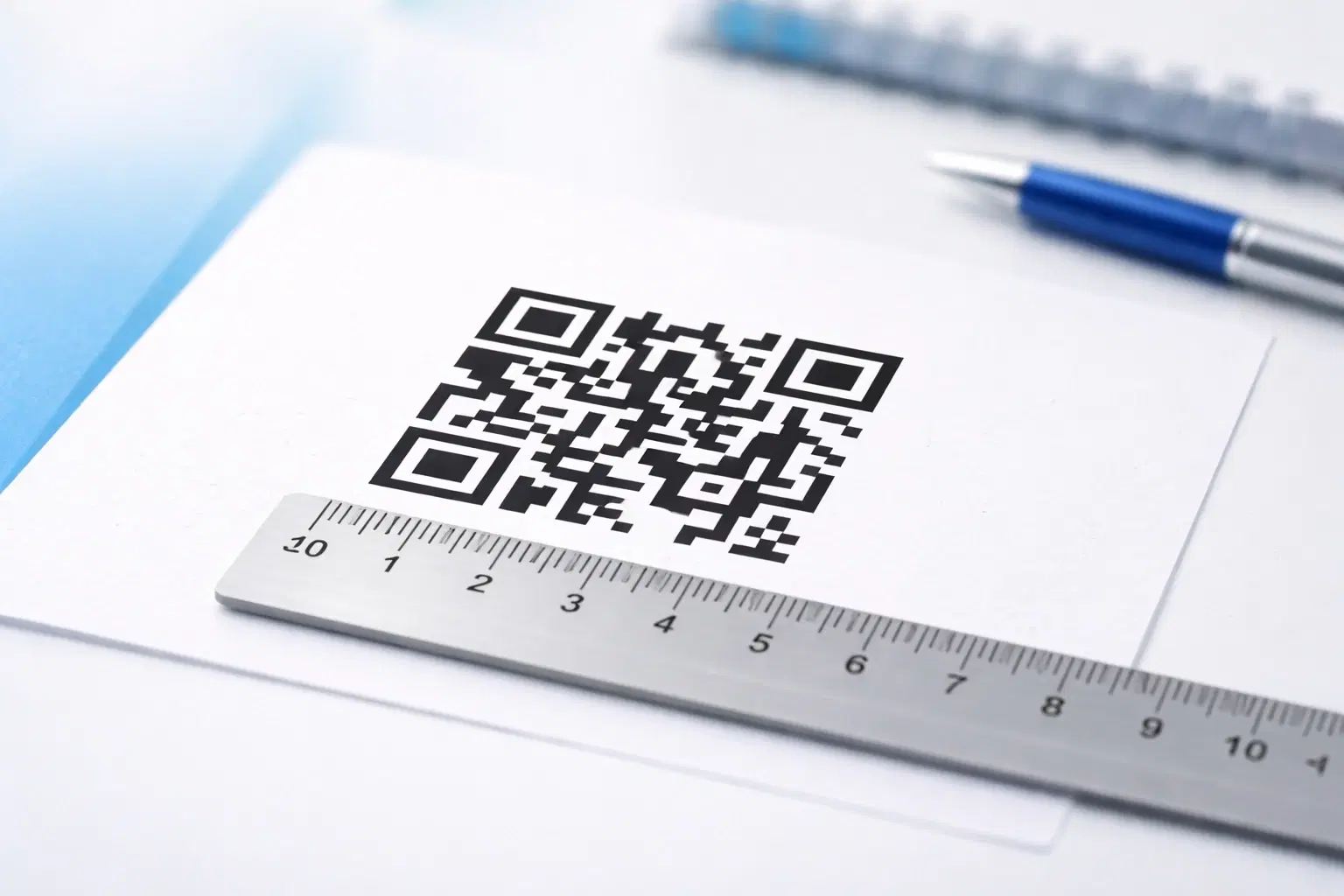
QR Code Size Guide: What Size Should Your QR Code Be for Printing? (Updated 2026)
The exact minimum QR code sizes for business cards, posters, billboards, and product packaging, plus the 10:1 distance rule that guarantees a reliable scan. Includes a size calculator and real-world examples. Updated October 2026.
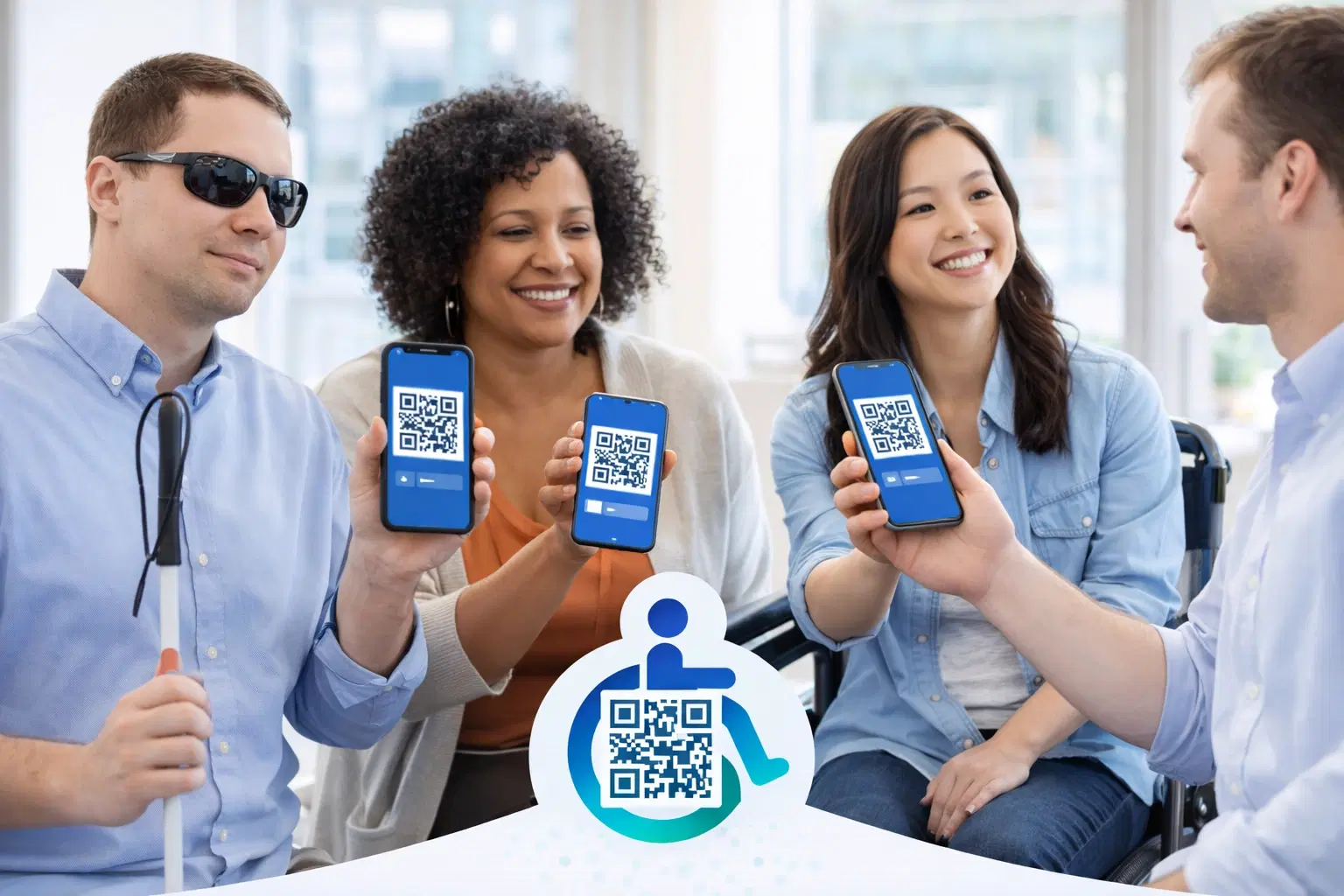
Creating Accessible QR Codes: A Guide to Inclusive Design (Updated 2026)
Make your QR codes work for everyone: color contrast, sizing, alternative access methods, and design for users with disabilities or no smartphone. The 2026 guide to inclusive, compliant QR codes. Updated June 2026.
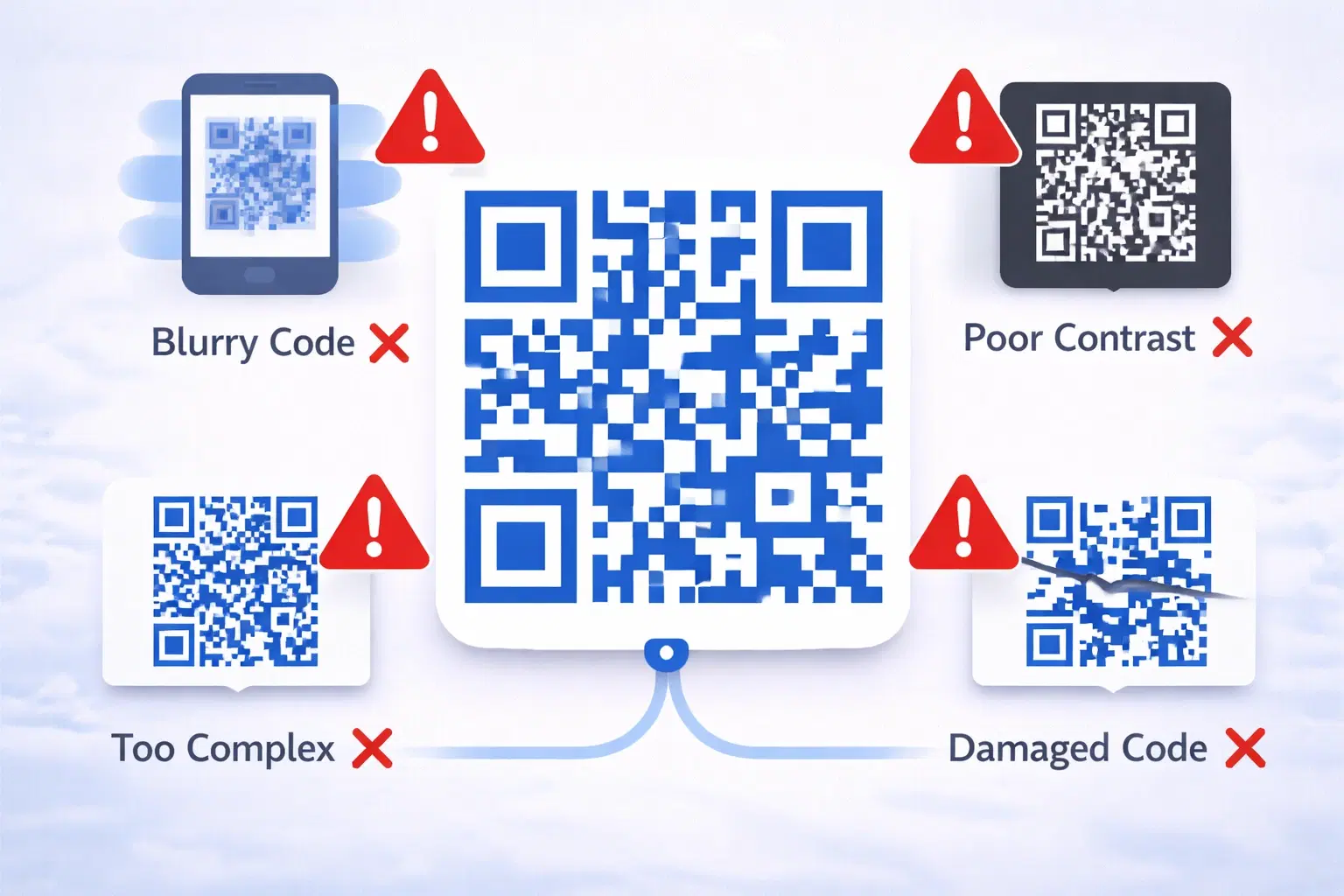
15 Common QR Code Mistakes and How to Avoid Them (Updated 2026)
A broken QR code wastes marketing spend, frustrates customers, and reflects badly on your brand. Worse. These mistakes are usually discovered only after thousands of materials are printed. Updated September 2026.