QR Code Error Correction Levels Explained: L, M, Q, H (2026)
QR codes have four error correction levels (L, M, Q, and H) that decide how much damage a code can survive and still scan. Choosing the right one is the difference between a reliable code and one that fails. Here is a clear 2026 guide.

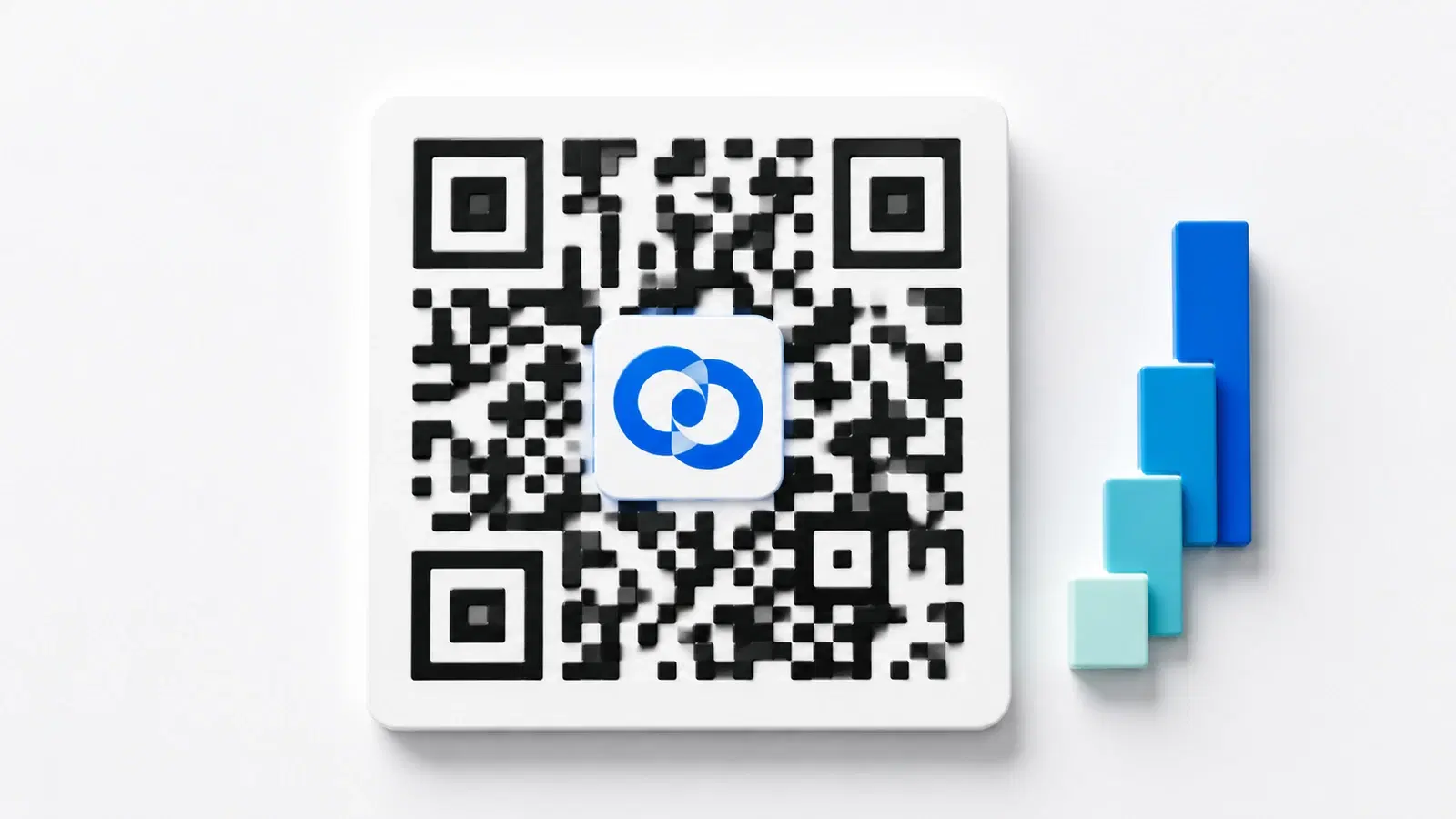
Every QR code has a built-in safety feature that most people never think about: error correction. It is the reason a QR code can be scanned even when part of it is scratched, smudged, covered by a logo, or partially obscured. This resilience comes from four error correction levels, labeled L, M, Q, and H.
Choosing the right level matters more than most people realize. Pick too low, and a slightly damaged or logo-covered code fails to scan. Pick too high without needing it, and you make the code denser and harder to scan at small sizes for no benefit.
This guide explains what error correction actually is, what each of the four levels does, and how to choose the right one for your situation, including the common case of adding a logo. It is a technical topic made practical, so you can make the right call for your codes.
What Error Correction Actually Is
Error correction is redundancy built into the QR code. When a QR code is generated, extra data is added alongside your actual information. This extra data lets a scanner reconstruct the original content even if part of the code is unreadable.
The technology behind it: QR codes use Reed-Solomon error correction, the same family of mathematics used in CDs, DVDs, and data transmission. It works by encoding your data with enough redundancy that a certain percentage of the code can be lost or corrupted, and the scanner can still recover the full original message.
Why QR codes need it: QR codes live in the real world, where they get damaged. A code printed on packaging gets scratched. A code on a poster gets rained on. A code with a logo has part of its pattern covered. A code on a curved surface gets distorted. Without error correction, any of these would make the code unreadable. With it, the code keeps working.
The trade-off: Higher error correction means more redundant data, which means more modules (the small squares that make up the code) packed into the same space. More modules make the code denser and visually more complex. At small sizes or low print quality, a very dense code can actually be harder to scan. So the goal is choosing the lowest level that gives you the resilience you actually need.
This trade-off, resilience versus density, is the entire decision. The four levels give you four points along that spectrum.
Pro Tip
Error correction is not magic. It recovers from damage up to its level, but a code damaged beyond that level simply will not scan. Error correction buys you a margin of safety, not immunity. Always keep the code clean, well-printed, and appropriately sized regardless of the level you choose.
The Four Levels: L, M, Q, H
QR codes offer exactly four error correction levels. Each recovers a different percentage of the code:
Level L (Low): ~7% recovery The code can lose about 7% of its data and still scan. This is the least redundancy, which makes the code the least dense (fewest modules). Best when the code will be clean, undamaged, and displayed digitally or printed at good quality with no logo.
Level M (Medium): ~15% recovery The code can lose about 15% and still scan. This is the most common default and a good general-purpose balance. Suitable for most standard printed codes that will not be heavily handled or logo-covered.
Level Q (Quartile): ~25% recovery The code can lose about 25% and still scan. More redundancy, denser code. Good for codes that will face some wear or environmental exposure, or that have a small logo.
Level H (High): ~30% recovery The code can lose about 30% and still scan. The maximum redundancy, the densest code. Essential when embedding a logo (which covers part of the code), or for codes in harsh environments where significant damage is likely.
A simple way to remember it:
- L: clean digital use, no damage expected
- M: standard printing, the sensible default
- Q: some wear expected, or a small logo
- H: logo embedding, or harsh conditions
The percentages (7, 15, 25, 30) are the share of the code that can be missing or damaged while the code still scans reliably.
- L (Low): ~7% recovery, least dense, clean digital use
- M (Medium): ~15% recovery, the standard default
- Q (Quartile): ~25% recovery, some wear or a small logo
- H (High): ~30% recovery, densest, for logos or harsh environments
How to Choose the Right Level
The right level depends on three factors: whether you are adding a logo, where the code will live, and how small it will be.
Choose L when:
- The code is digital only (on a screen, in an email, in a PDF viewed on a device)
- It will never be damaged
- You want the least dense, easiest-to-scan-at-small-size code
- There is no logo
Choose M when:
- Standard printing on clean materials (flyers, business cards, menus)
- No logo, or the code will be reasonably protected
- You want the sensible default for most everyday uses
Choose Q when:
- The code will face some wear (handled frequently, mild environmental exposure)
- You are adding a small logo
- The code is on a product that will be handled but not abused
Choose H when:
- You are embedding a logo (this is the big one, more below)
- The code will face harsh conditions: outdoor exposure, rough handling, industrial environments, apparel that gets washed
- Reliability matters more than visual simplicity
The most important practical rule: For everyday business use with no logo, M is the sensible default. The moment you add a logo, jump to H. Those two rules cover the vast majority of real-world decisions. Q sits in between for codes that face wear but have no logo or only a tiny one.
Whichever level you choose, the fundamentals still apply: adequate size, strong contrast, a clear quiet zone, and testing before you commit. See our QR code size guide and design guide.
Error Correction and Logos: The Key Relationship
The single most important practical use of error correction is enabling logos. Understanding this relationship helps you brand QR codes without breaking them.
Why a logo needs high error correction: When you place a logo in the center of a QR code, the logo covers part of the code's pattern, effectively "damaging" it from the scanner's perspective. If the logo covers, say, 15% of the code, you need error correction that can recover at least that much. Level H (30% recovery) gives you the headroom to place a reasonable logo and still have the code scan reliably.
The rule for logos:
- Use level H when adding a logo
- Keep the logo to about 20 to 25% of the code area at most, well within H's 30% recovery
- Center the logo (the center is where covering hurts least)
- Add a small clear border around the logo so it does not merge with the pattern
Why not just always use H? Because H makes the code denser (more modules in the same space). For a clean code with no logo, that extra density is wasted and can even make the code slightly harder to scan at very small sizes. Use the resilience where you need it, not everywhere.
A common mistake: Adding a logo to a code that uses level L or M, then wondering why it scans unreliably. The logo covers more than the low error correction can recover, so the code works sometimes and fails other times, the worst outcome. Always pair logos with H.
Most good QR platforms handle this automatically: when you add a logo, they switch to H error correction for you. But understanding why helps you troubleshoot if a branded code ever misbehaves. For a full guide on branded codes, see our best QR generators with logo support.
Important
Never add a logo to a QR code set to level L or M error correction. The logo covers more of the pattern than those levels can recover, producing a code that scans inconsistently. It may work in your testing and fail in the field. Always use level H when embedding a logo.
Practical Recommendations by Use Case
Here is a quick reference matching error correction levels to common real-world scenarios:
Digital-only QR code (screen, email, PDF), no logo: Level L or M. No damage risk, so keep it low and clean.
Business card, no logo: Level M. Standard printing, protected in a wallet.
Business card with a logo: Level H. The logo requires it.
Restaurant menu, no logo: Level M or Q. Some handling, but generally protected.
Product packaging: Level Q or H. Faces handling, scanning, and possible scuffing.
Outdoor signage or posters: Level Q or H. Weather and distance scanning benefit from extra resilience.
Apparel (t-shirts): Level H. Fabric distortion, folds, and washing all "damage" the code.
Industrial or construction environments: Level H. Harsh conditions, dust, and rough handling.
Any code with a logo, anywhere: Level H. No exceptions.
Stickers and labels that may wear: Level Q or H depending on expected wear.
The overarching guidance: When in doubt between two levels, the cost of going one level higher is minor (slightly denser code), while the cost of going too low is a code that fails when damaged. For anything printed or handled, lean toward more resilience. For clean digital use, keep it low. And always test the finished code in its real conditions before committing to a print run. See our 15 common QR code mistakes guide for related pitfalls.
Conclusion
Error correction is the quiet feature that makes QR codes reliable in the messy real world. The four levels (L, M, Q, and H) let you match a code's resilience to its situation, trading a little visual density for the ability to survive damage, wear, and logos.
The practical takeaways are simple. Use M as your default for standard printed codes with no logo. Jump to H whenever you add a logo or face harsh conditions. Use L only for clean digital codes where no damage is possible, and Q for codes that face moderate wear. And remember that error correction buys a margin of safety, not immunity: good size, contrast, quiet zone, and testing still matter at every level.
Understand this one relationship (higher levels survive more damage but make denser codes) and you can confidently choose the right setting for any QR code you create.
Related reading:
Create a reliable QR code with QRForever. Start a 7-day full-access trial, no credit card needed. Add a logo and the platform applies the right error correction automatically, so your branded code always scans.
Explore QRForever Solutions
Ready to Create Your Own QR Codes?
Start creating dynamic QR codes for your business today. Track analytics, update content anytime, and never reprint again.
Related Articles
Dynamic vs Static QR Codes: Which One Should You Use? (Updated 2026)
The complete 2026 guide to dynamic vs static QR codes: when each type is right, the hidden costs of choosing wrong, and a decision framework you can apply in 60 seconds.
QR Code Payments Explained: How They Work and Why They Matter (Updated 2026)
QR code payments crossed record transaction volumes in 2025 and are now infrastructure, not novelty. Understand how they work: merchant-presented vs consumer-presented, UPI, security, and what it means for your business. Updated June 2026.
QR Codes That Never Expire: Why Most Free QR Codes Stop Working (Updated 2026)
Free QR codes often expire after 14–90 days, breaking printed materials and costing more in reprints than a paid plan ever would. Updated 2026 guide with platform expiry timelines and a step-by-step rescue plan.