Do QR Codes Expire? The Complete Answer (2026)
Do QR codes expire? It is one of the most-asked QR questions, and the honest answer is: some do, some never can, and it comes down to one distinction. Here is the complete, definitive answer for 2026.


"Do QR codes expire?" is one of the most common questions people ask about QR codes, and for good reason: if you are about to print a code on something, you want to know it will still work next month, next year, or in five years. The honest, complete answer is that it depends on one thing, and once you understand that one thing, you can answer the question for any QR code, from any tool, in any situation.
The short version: a QR code itself, the pattern, does not wear out or expire with time. But whether a code keeps working depends on whether it is static or dynamic, and for dynamic codes, on the service behind it. So "some QR codes never expire, and some can," and knowing which is which is the entire answer.
This is the complete, definitive guide to QR code expiry in 2026. It explains the static-vs-dynamic distinction that governs everything, what can actually make a code stop working, and how to guarantee yours keeps working for as long as you need. It is the general answer that sits behind the tool-specific questions, see our guides on whether Adobe Express, Canva, Bitly, and QR Tiger codes expire for the specifics.
The Complete Answer: It Depends on Static vs Dynamic
Every question about QR code expiry resolves to one distinction. Here is the complete answer.
Static QR codes never expire. A static code encodes its data, a URL, text, WiFi details, directly into the pattern. There is no server, no host, nothing that anyone can switch off. As long as the printed pattern is intact and readable, it decodes to the same thing, forever. A static code literally cannot expire, because there is nothing to expire. This is true no matter which tool made it.
Dynamic QR codes can stop working, if the host does. A dynamic code does not contain the final destination. It holds a short redirect hosted by a provider, which forwards scanners to wherever you set. This enables editing and tracking, but it creates a dependency: the code works only as long as that redirect keeps running. If the hosting stops, for example when a free trial ends, a plan lapses, or a provider shuts down the redirect, a dynamic code can stop working, even though the printed pattern is perfectly intact. This is what people usually mean by a QR code "expiring." See dynamic vs static QR codes.
So, do QR codes expire?
- Static codes: no, never. They are permanent by nature (but cannot be edited or tracked).
- Dynamic codes: not on a timer, but they can stop working if the hosting behind them stops, which ties their longevity to the provider and plan.
That is the complete answer. The time itself does not expire a code; the question is always whether something hosted behind it can be switched off. Static codes have nothing to switch off; dynamic codes depend on a redirect that must keep running.
What Actually Makes a QR Code Stop Working
If "time" does not expire a code, what actually can make one stop working? Here are the real causes, so you know what to guard against.
1. A dynamic code's hosting stops (the classic "expiry"). The most common cause: a dynamic code whose redirect is no longer hosted, because a free trial ended, a subscription lapsed, a plan was downgraded, or the provider discontinued it. The pattern is fine; the redirect is gone. This is what the phrase "QR code expired" almost always describes. See why free QR codes stop working.
2. The destination page goes away. Even a static code that "never expires" leads nowhere if the URL it points to is taken down or moved. The code still scans perfectly, but the page is gone. So a non-expiring code is only useful while its destination stays alive, and with a static code, you cannot repoint it if the destination disappears (with a dynamic code, you can).
3. The physical code is damaged. A printed code that is scratched, faded (especially by sunlight outdoors), smudged, or torn across its pattern can become unreadable over time. This is physical wear, not expiry, but it has the same effect. Durable materials and lamination prevent it. See QR code stickers and weatherproofing.
4. It was never scannable to begin with. Sometimes a code "stops working" because it was borderline from the start, too small, poor contrast, distorted, and finally fails in slightly worse conditions. That is a design issue, not expiry. See why codes fail to scan.
The takeaway: Genuine "expiry" is almost always cause #1, a dynamic code losing its hosting. The others are about the destination or the physical code, not time. So to make a code that lasts, you address the real causes: use permanent hosting for dynamic codes, keep the destination alive, and print durably. The next section puts that into a simple plan.
Important
The phrase "my QR code expired" almost always means one specific thing: a dynamic code whose hosting stopped, usually because a free trial ended or a plan lapsed, after the code was already printed. Time alone never expires a code. So the real protection is never relying on a dynamic code whose permanence you have not confirmed, especially a "free" one, before you print it.
How to Make Sure Your Code Never Expires
Putting it together, here is how to guarantee a QR code keeps working for as long as you need, whichever type you use.
For a fixed destination: use a static code. If the code points to something that will never change and you do not need tracking, a static code never expires, use one and keep the destination page alive. Simple and permanent. See the best free QR code generators.
For an editable or trackable code: use a dynamic code that is guaranteed permanent. If you need to change the destination or track scans, use a dynamic code, but specifically one from a provider that guarantees permanence, so the hosting will not be switched off and the code will not expire. This is the ideal: the flexibility of dynamic (editable, trackable) with the permanence of static (never expires). See how to make a permanent QR code that never expires.
The non-negotiable check before printing: Before printing any dynamic code, confirm it will keep working under your plan, including if you downgrade or cancel. For printed codes you cannot easily change, this single check prevents the most common QR disaster. If a provider cannot clearly promise permanence, treat the code as having expiry risk.
Protect the destination and the print.
- Keep the destination page live (or use a dynamic code so you can repoint if it changes).
- Print durably, high resolution, good contrast, and weatherproofed for outdoor use, so physical wear does not end the code. See best practices.
The simple plan: 1. Fixed and untracked? Static code, never expires. 2. Editable or tracked? Dynamic code from a permanence-guaranteed provider. 3. Either way, keep the destination alive and print durably. 4. For dynamic, confirm permanence before you print.
Follow that and expiry stops being something you worry about. See the tool-specific answers for Adobe Express, Canva, Bitly, and QR Tiger codes.
- Fixed, untracked destination? Static code, it never expires
- Editable or trackable? Dynamic code from a permanence-guaranteed provider
- Before printing any dynamic code, confirm it stays live on downgrade/cancel
- Keep the destination page alive (or use dynamic so you can repoint it)
- Print durably (resolution, contrast, weatherproofing) to prevent physical wear
Conclusion
Do QR codes expire? The complete answer is that it depends on one distinction: static codes never expire, because they have their data baked in with nothing to switch off, while dynamic codes do not expire on a timer but can stop working if the service hosting their redirect stops. Time itself never expires a code; the only question is whether something hosted behind it can be turned off, and static codes have nothing to turn off.
What actually makes codes "stop working" is almost always a dynamic code losing its hosting (a trial ending or plan lapsing after printing), plus a few non-expiry causes: the destination page being taken down, physical damage, or a code that was never quite scannable. Genuine expiry is the hosting one, and it is entirely avoidable.
To guarantee a code that lasts: use a static code for fixed, untracked links (permanent by nature), or a dynamic code from a provider that guarantees permanence when you need editing or tracking, so you get flexibility without expiry risk. Before printing any dynamic code, confirm it stays live even if you downgrade or cancel, keep the destination alive, and print durably. Do that, and your QR codes will keep working for as long as you need them, which is exactly the reassurance the question was really asking for.
Related reading:
Create a QR code that never expires with QRForever. Start a 7-day full-access trial, no credit card needed. Static codes free forever, dynamic codes guaranteed permanent.
Explore QRForever Solutions
Ready to Create Your Own QR Codes?
Start creating dynamic QR codes for your business today. Track analytics, update content anytime, and never reprint again.
Related Articles
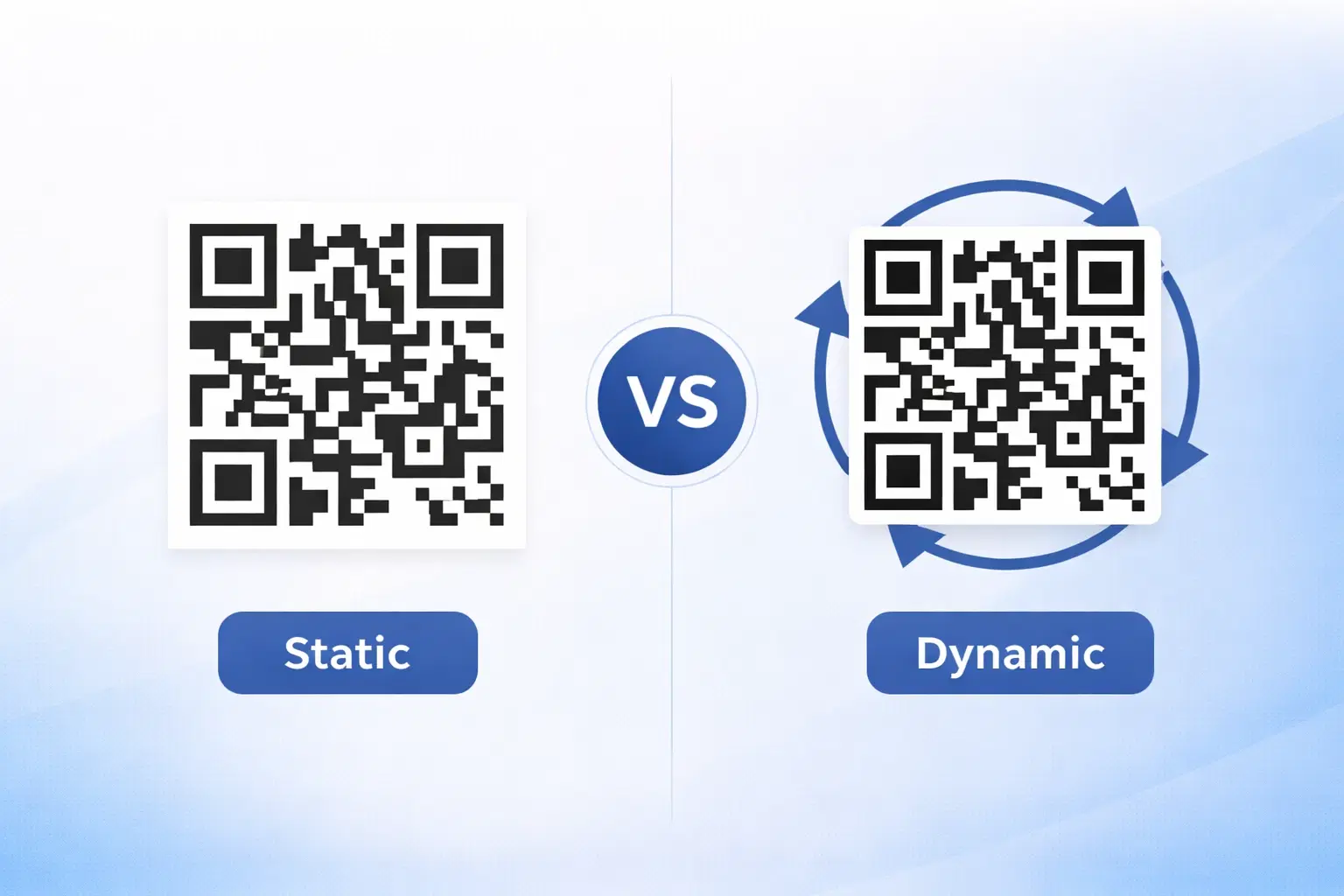
Dynamic vs Static QR Codes: Which One Should You Use? (Updated 2026)
The complete 2026 guide to dynamic vs static QR codes: when each type is right, the hidden costs of choosing wrong, and a decision framework you can apply in 60 seconds. Updated October 2026.
QR Code Payments Explained: How They Work and Why They Matter (Updated 2026)
QR code payments crossed record transaction volumes in 2025 and are now infrastructure, not novelty. Understand how they work: merchant-presented vs consumer-presented, UPI, security, and what it means for your business. Updated June 2026.
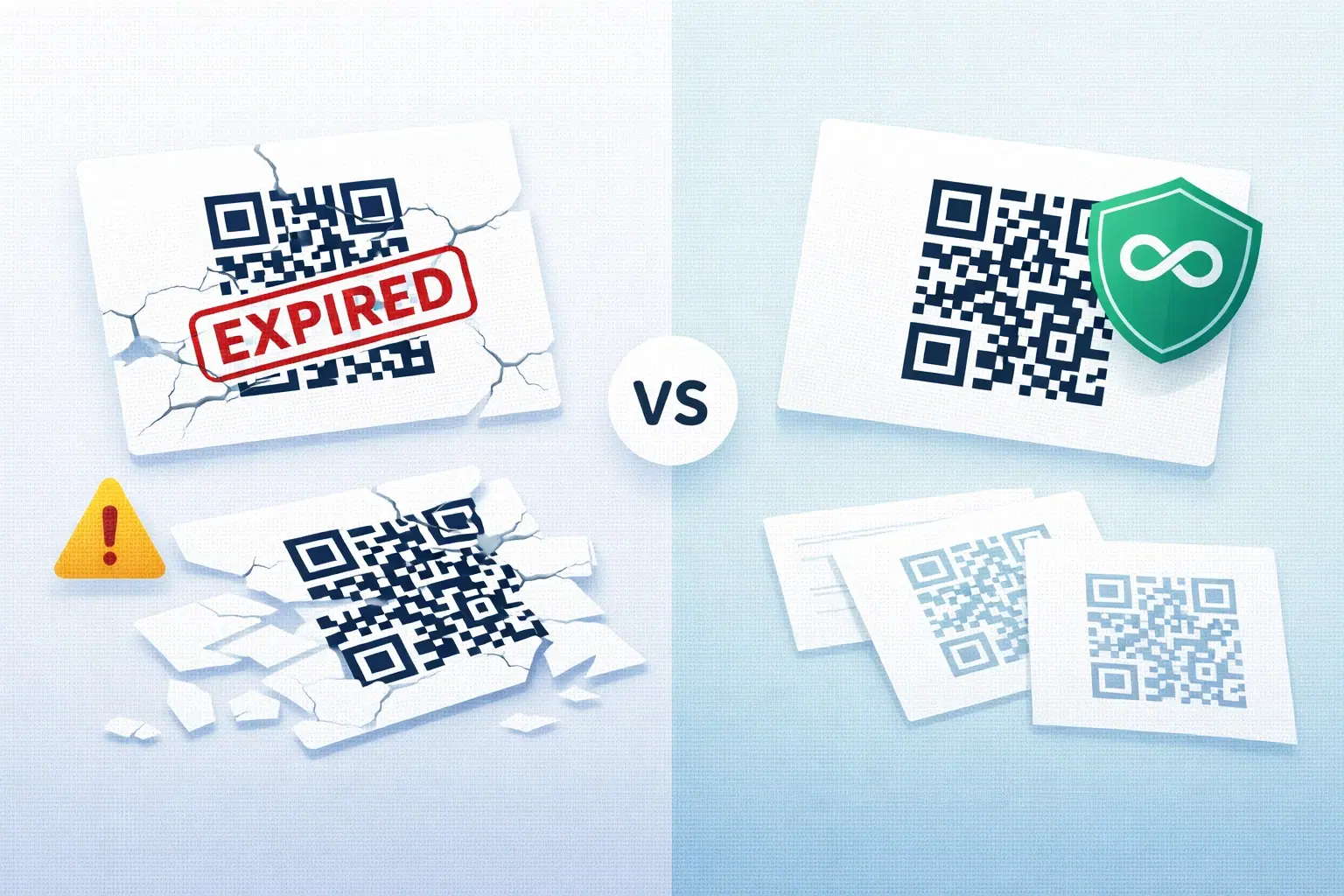
QR Codes That Never Expire: Why Most Free QR Codes Stop Working (Updated 2026)
Free QR codes often expire after 14 to 90 days, breaking printed materials and costing more in reprints than a paid plan ever would. Updated October 2026 guide with platform expiry timelines and a step-by-step rescue plan.