Do Adobe Express QR Codes Expire? (The Real Answer)
Worried your Adobe Express QR code might stop working? The honest answer is more nuanced than yes or no, and it comes down to one thing: static vs dynamic codes. Here is what actually happens to Adobe Express QR codes in 2026.


If you made a QR code in Adobe Express and are now wondering whether it will stop working, you are asking exactly the right question before printing it on anything. It is one of the most common QR questions people search for, and the honest answer is more nuanced than a simple yes or no.
Here is the short version: the answer depends almost entirely on whether the code is static or dynamic, and that single distinction explains all the confusion. A static code and a dynamic code behave completely differently when it comes to "expiring," and mixing them up is why people get conflicting answers online.
This guide gives you the real, honest answer about Adobe Express QR codes and expiry in 2026, explains the static-vs-dynamic distinction that governs it, covers the catch that matters more than expiry, and tells you how to be certain your code will keep working. Because tools and their terms change, we will also show you how to verify the current behavior yourself rather than trusting any single claim. For a broader head-to-head, see our QRForever vs Adobe Express comparison.
The Short Answer: It Depends on Static vs Dynamic
The entire question of whether a QR code "expires" comes down to one distinction, so understanding it answers everything.
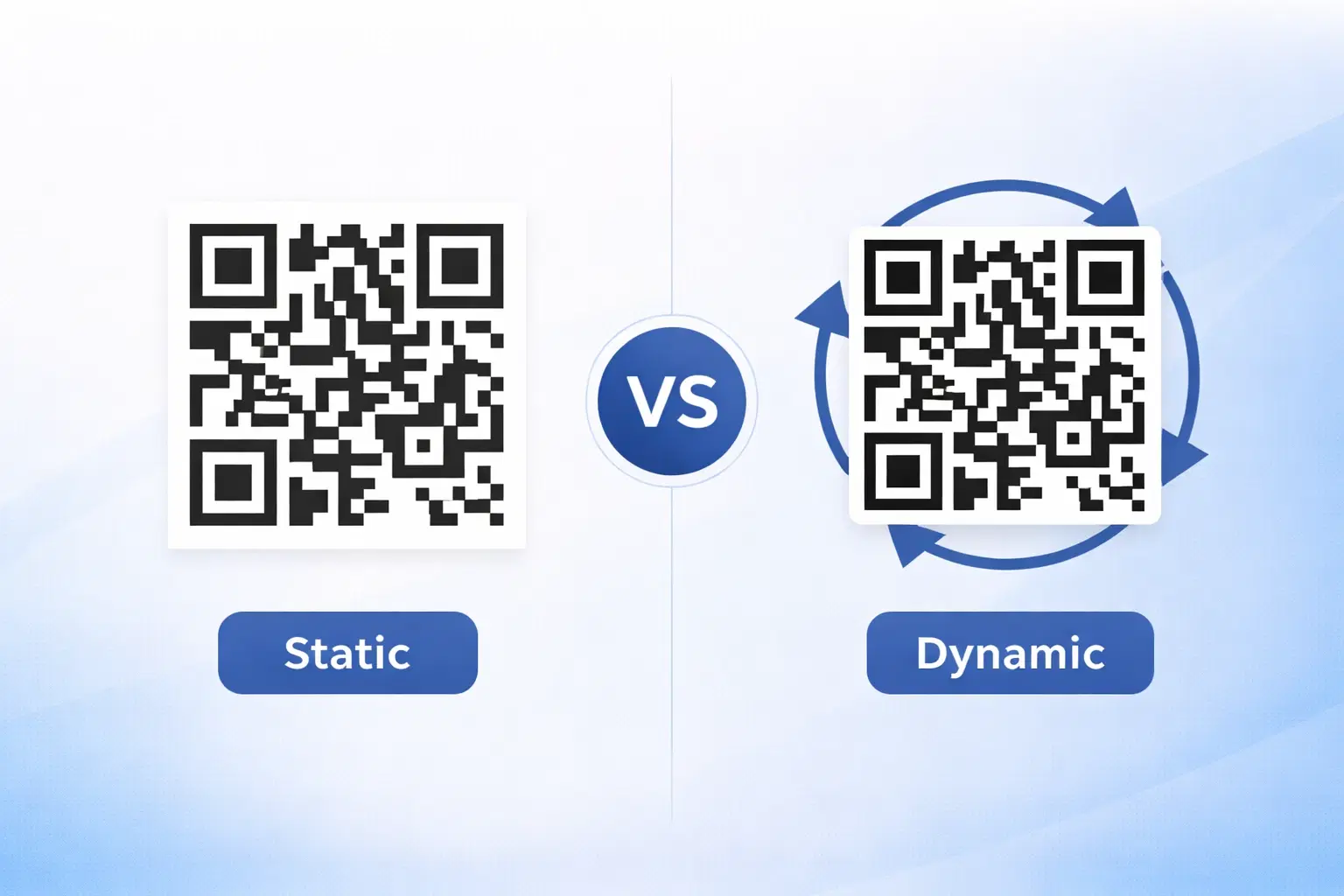
Static codes do not expire, by their nature. A static QR code has the data (usually a URL) encoded directly into the pattern. There is no server, no host, nothing that can be switched off. As long as the pattern is intact and readable, it decodes to the same thing forever. A static code cannot "expire" because there is nothing to expire, the information lives in the code itself. Adobe Express, as a design tool, generally produces static QR codes, which means the codes themselves do not expire.
Dynamic codes depend on a host, so they can stop working. A dynamic QR code does not contain the final destination. It points to a short redirect hosted by a provider, and the provider sends scanners onward to wherever you set. That is powerful (you can edit the destination and track scans), but it means the code depends on that redirect continuing to run. If a provider stops hosting the redirect, for example when a free trial ends or a plan lapses, a dynamic code can indeed stop working. This is what people usually mean when they worry about QR codes "expiring." See dynamic vs static QR codes.
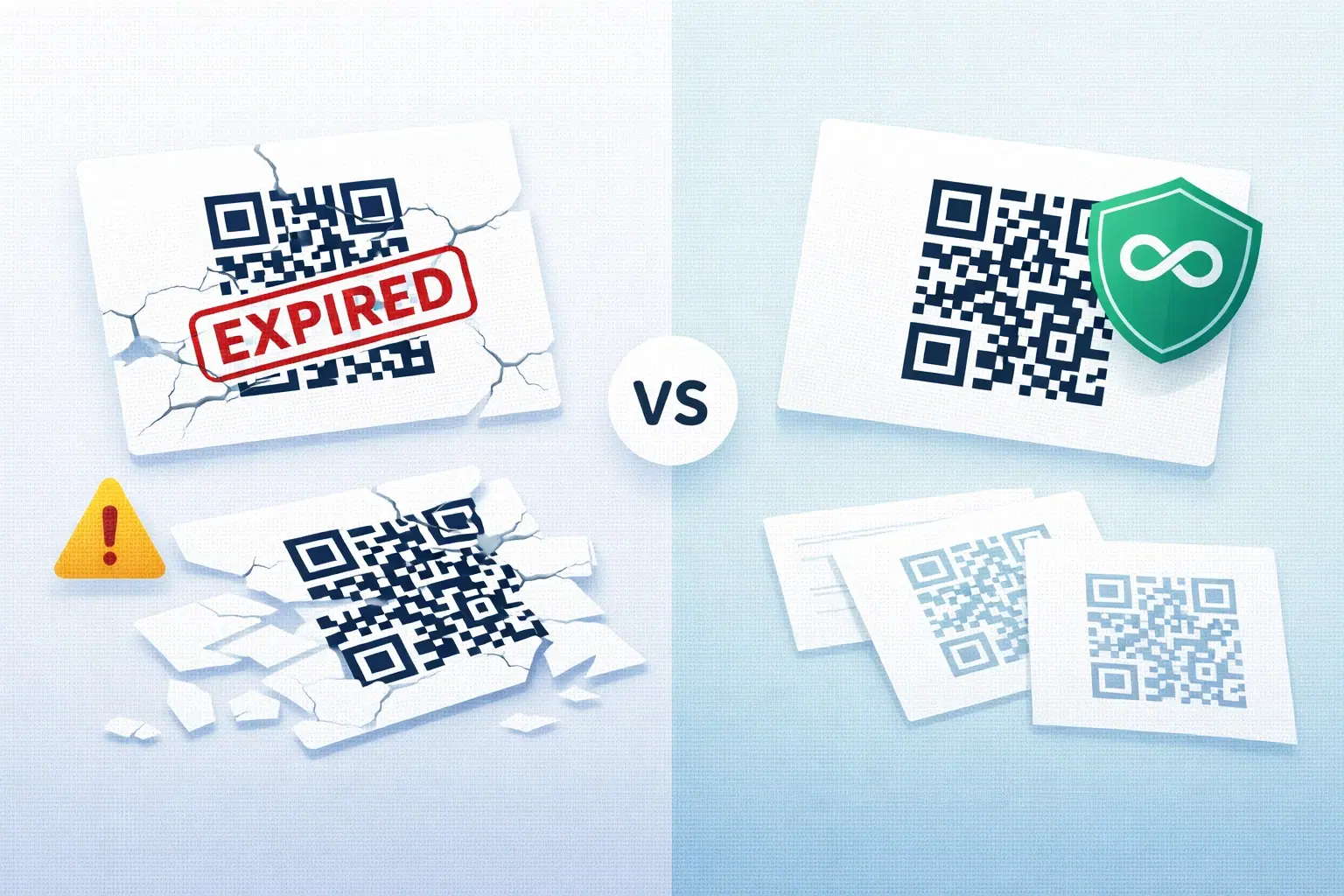
So, do Adobe Express QR codes expire? Because they are static, the codes themselves do not expire, the pattern will keep decoding to the URL you encoded. That is genuinely reassuring if all you need is a fixed code that always points to the same place. But "the code does not expire" is not the whole story, and the next section explains the catch that matters more than expiry for most people.
The Catch That Matters More Than Expiry
"The code never expires" sounds like unambiguously good news, but for a static code it comes bundled with two real limitations that often matter more than expiry.
Catch 1: You cannot change where it points. Because a static code has the destination baked in, you can never change it. If the URL it encodes ever needs to change, a new campaign, a moved page, a fixed typo, you cannot update the code. You must generate a brand-new code and replace it everywhere, which for printed materials means reprinting everything. The code not expiring is cold comfort if you cannot change what it points to. See how to edit a QR code after printing.
Catch 2: You cannot track scans. A static code sends scanners straight to the destination with nothing in between, so there is no way to count scans or see any analytics. If you want to know whether anyone is scanning your code, a static code cannot tell you. See what QR analytics can track.
The destination can still "die" even if the code does not. Here is the subtlety people miss: a static code never expires, but the page it points to can. If the URL encoded in the code leads to a page that is taken down or moved, the code still scans perfectly, it just leads to a dead page. So "the code does not expire" does not guarantee "the code keeps being useful." The destination has to keep existing too, and with a static code you cannot repoint it if the destination changes.
The honest takeaway: Adobe Express static QR codes do not expire, which is great for a simple, fixed, never-changing link. But if you will ever need to change the destination, or want to track scans, the static nature is a bigger limitation than expiry ever would be. That is the real trade-off to weigh. See the best Adobe Express alternatives if those limitations matter to you.
Important
Do not let "static codes never expire" lull you into a false sense of security. A static Adobe Express code will keep decoding forever, but you can never change where it points and you cannot track it, and if the destination page is ever taken down, the code leads nowhere even though it still scans. For anything that might change, static permanence is a limitation, not a feature.
How to Be Certain Your Code Keeps Working
Rather than trust any single claim about a tool, here is how to know for sure what you have and make sure it keeps working.
Check whether your code is static or dynamic. The simplest test: can you log into the tool and change where an existing, already-created code points, without generating a new image? If yes, it is dynamic (and depends on the host). If there is no way to edit the destination of a created code, it is static (baked in). This tells you which set of rules applies to your code.
Verify the current terms with the provider. Tools and their free-tier terms change over time, so confirm the current behavior directly with the provider rather than relying on anything you read, including older articles. Look specifically for whether codes are static or dynamic, and for any conditions attached to free codes.
For a fixed link you will never change: a static code is fine. If you genuinely have a permanent, unchanging destination and do not need analytics, an Adobe Express static code works and will not expire. Just keep the destination page alive, and keep a high-resolution copy of the code.
For anything that might change, or that you want to track: use a dynamic code that is also permanent. This is the ideal combination that solves both problems at once: a dynamic code (so you can edit the destination and track scans) from a provider that guarantees permanence (so it will not stop working when a plan changes). That gives you editability, tracking, and no-expiry together, which neither a static code nor an expiring dynamic code offers alone. See how to make a permanent QR code that never expires and why free QR codes stop working.
The bottom line: Adobe Express QR codes, being static, do not expire, which is good for simple fixed links. But if you need to change the destination or track scans, you want a dynamic code that is also permanent. Figure out which you need, verify what you actually have, and keep the destination alive, and your code will keep working for as long as you need it.
Pro Tip
The one test that tells you everything: try to change where an existing code points without making a new image. If you can, it is dynamic (and you need a provider that keeps it permanent). If you cannot, it is static (it will not expire, but you can never edit or track it). Knowing which you have tells you exactly what to watch out for.
Conclusion
Do Adobe Express QR codes expire? The honest answer is no, not the codes themselves, because Adobe Express, as a design tool, generally makes static codes, and static codes have their data baked in with nothing to switch off. That is genuinely reassuring if you need a simple, fixed link that never changes.
But "it never expires" hides the catch that matters more: a static code can never be edited or tracked, and if the page it points to is taken down, the code leads nowhere even though it still scans. So for a fixed, unchanging destination, a static Adobe Express code is fine; for anything you might need to change, or want to measure, that permanence is actually a limitation.
The ideal is a code that is both dynamic and permanent: editable and trackable, yet guaranteed not to stop working. Verify whether your code is static or dynamic (can you change where it points without a new image?), confirm current terms with the provider, keep your destination alive, and choose a dynamic-and-permanent code when you need flexibility. Do that, and expiry stops being something you have to worry about at all.
Related reading:
Create a dynamic, permanent QR code with QRForever. Start a 7-day full-access trial, no credit card needed. Editable and trackable, and it never expires.
Explore QRForever Solutions
Ready to Create Your Own QR Codes?
Start creating dynamic QR codes for your business today. Track analytics, update content anytime, and never reprint again.
Related Articles
Dynamic vs Static QR Codes: Which One Should You Use? (Updated 2026)
The complete 2026 guide to dynamic vs static QR codes: when each type is right, the hidden costs of choosing wrong, and a decision framework you can apply in 60 seconds. Updated October 2026.

QR Code Payments Explained: How They Work and Why They Matter (Updated 2026)
QR code payments crossed record transaction volumes in 2025 and are now infrastructure, not novelty. Understand how they work: merchant-presented vs consumer-presented, UPI, security, and what it means for your business. Updated June 2026.
QR Codes That Never Expire: Why Most Free QR Codes Stop Working (Updated 2026)
Free QR codes often expire after 14 to 90 days, breaking printed materials and costing more in reprints than a paid plan ever would. Updated October 2026 guide with platform expiry timelines and a step-by-step rescue plan.