QR Code Serialization: Unique Codes at Scale (2026)
Serialization means giving every item its own unique QR code instead of one shared code. It is what powers authentication, tracking, and anti-counterfeiting at scale. Here is how QR code serialization works and how to do it in 2026.

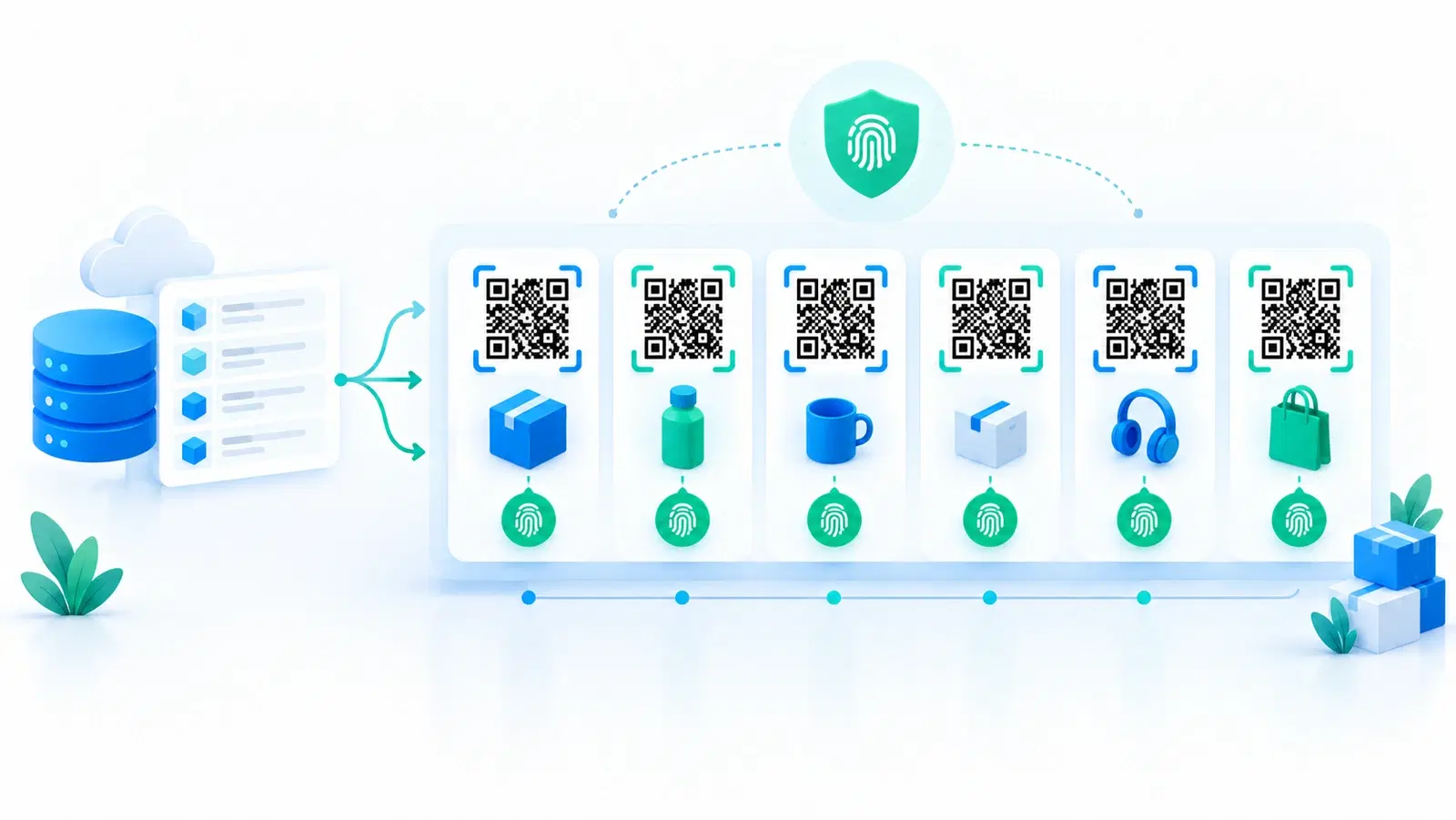
Most QR code uses involve one code that everyone scans: a menu, a poster, a link. But a whole class of powerful uses, authentication, item-level tracking, anti-counterfeiting, requires the opposite: a unique code on every single item. That is serialization, and it is the difference between "scan to reach a page" and "scan to identify and verify this exact unit."
Serialization means each item carries its own distinct QR code, tied to its own record, so every unit is individually identifiable and trackable. It is what lets a brand tell one genuine product from a copied one, trace an individual item through a supply chain, or give every ticket or asset its own identity. At scale, that means generating and managing thousands or millions of unique codes, which is a different technical problem from making one code.
This guide explains what QR code serialization is, why it matters, how it works technically, and how to actually do it in 2026. It is the technical backbone behind anti-counterfeiting and inventory tracking; here we focus on serialization itself, the unique-code-per-item approach.
What Serialization Means
Serialization is a simple idea with powerful consequences: instead of one shared code, every item gets its own.
Shared code vs serialized codes.
- A shared code is the same QR code on every item, a product line all carrying one identical code that leads to one page. Simple, but every unit is indistinguishable.
- Serialized codes give each individual item a unique QR code tied to a unique identifier and record. Unit #1 and unit #2 carry different codes, each identifying that specific unit.
Why the distinction is transformative. With a shared code, you know nothing about individual units, only that "someone scanned the product's code." With serialized codes, each scan identifies a specific item, which unlocks:
- Authentication: verify this exact unit is genuine, and detect if its unique code appears where it should not (a copy). See anti-counterfeit QR codes and can a QR code be copied.
- Item-level tracking: follow an individual unit through production, distribution, and sale. See inventory and asset tracking.
- Per-item data and experiences: tie each unit to its own information, warranty, or content.
- One-time-use enforcement: mark a specific code as used (for tickets, vouchers, access).
The core concept: Serialization turns a QR code from a shared signpost into a unique fingerprint for each item. That identity per item is the foundation of authentication, traceability, and anti-counterfeiting, none of which a shared code can provide. The trade-off is scale: you now need many unique codes and a system to manage them, which the rest of this guide covers.
How Serialized QR Codes Work
Technically, serialization combines unique identifiers, a backing record for each, and (ideally) dynamic, trackable codes. Here is the mechanism.
A unique identifier per item. Each item gets a unique ID (a serial number, a random token, or similar) encoded into or associated with its QR code. No two items share an ID. This uniqueness is what makes each unit individually addressable.
A record behind each code. Each unique code maps to a record in a system, holding that item's data: its identity, status (e.g., active, sold, used), scan history, and whatever else you track. When a code is scanned, the system looks up that specific item's record. This is what turns a scan into "this exact unit, and here is what we know about it."
Dynamic codes make serialization far more powerful. Serialized codes are most useful when they are also dynamic (redirecting through a managed system), because that enables:
- Scan tracking per item (how often and where each unique code is scanned, which is how copy-detection works). See analytics.
- Status changes (mark a code used, recalled, or repointed).
- Anomaly detection (flag a unique code scanned far more than expected, a copy signal).
Verification logic. For authentication, the system decides what a scan means: is this code known and genuine? Has it been scanned in a suspicious pattern? Has it already been used? That logic, running on a brand-controlled backend, is where serialization delivers security a shared static code never could.
The architecture in short: Unique ID per item, a record per ID, dynamic codes for tracking and control, and verification logic on a trusted backend. Together they let each scanned code answer "which exact item is this, is it genuine, and what is its status?", the whole point of serialization.
- A unique identifier (serial/token) per item, no two alike
- A record behind each code holding that item's data, status, and scan history
- Dynamic codes for per-item tracking, status changes, and anomaly detection
- Verification logic on a brand-controlled backend (genuine? used? suspicious?)
- Result: each scan identifies and verifies one exact unit
Generating Serialized Codes at Scale
The practical challenge of serialization is volume: making and managing thousands or millions of unique codes. You do not do this by hand.
Bulk generation from data. For a fixed batch, generate all the unique codes at once from a data source (a list of serial numbers or item IDs), one unique code per row. This produces the whole set in one operation rather than one at a time. See how to generate QR codes in bulk.
API generation for ongoing / integrated serialization. When codes must be created continuously as items are produced, or integrated into your manufacturing, inventory, or commerce systems, use an API to generate unique codes programmatically, one minted per item as needed, with its record created automatically. This is how serialization scales into real operations. See QR code API.
Managing the set. At scale you need to keep the codes organized and the records maintained: which codes are issued, their statuses, their scan data. A system that lets you manage serialized codes in bulk, and pull their data back, is essential, doing it in a flat, unmanaged list does not work at volume. Team/workspace features help for larger operations. See QR codes for teams.
Printing and applying. Each unique code must be printed and applied to its matching item, correctly, so the physical item and its record stay linked. For products, this often integrates with packaging or labeling. Keep the codes durable (see QR code stickers and weatherproofing) and sized to scan reliably (see size guide).
The scale takeaway: Serialization is a bulk/automation problem. Use bulk generation for batches and an API for ongoing or integrated needs, back every code with a managed record, and keep the physical-to-record link intact. That infrastructure is what makes "a unique code on every item" practical rather than theoretical.
Pro Tip
Decide up front whether your serialization is batch or continuous. For a fixed run (a product batch, an event's tickets), bulk-generate all the unique codes from a list at once. For codes minted as items are produced or sold, use an API so each unique code and its record are created automatically in your workflow. Matching the method to the pattern is what makes serialization scale.
When to Use Serialization (and When Not To)
Serialization is powerful but adds real complexity, so use it only where unique-per-item identity genuinely pays off.
Use serialization when you need:
- Product authentication / anti-counterfeiting: unique codes with duplicate-scan detection to tell genuine from copied. See anti-counterfeit QR codes.
- Item-level traceability: following individual units through a supply chain or lifecycle.
- One-time-use enforcement: tickets, vouchers, access passes that each must work once.
- Per-item experiences or data: warranty registration, item-specific content, individual asset records. See inventory and asset tracking.
- High-value goods: where individual authentication justifies the effort. See luxury goods and brand protection.
Do NOT serialize when:
- You just need people to reach a page. For marketing, menus, info, or links, one shared (dynamic) code is simpler and perfect, serialization adds cost and complexity for no benefit.
- Individual items do not need distinct identities. If you do not care which specific unit was scanned, a shared code is right.
- The overhead outweighs the value. Serialization means generating, managing, printing, and tracking many unique codes. If the use case does not genuinely need per-item identity, that overhead is wasted.
The decision in one question: Do you need to know (or verify, or control) each individual item, not just "the product" in general? If yes, serialize. If you only need people to reach a destination, use a single shared dynamic code. Matching serialization to genuine per-item needs is what keeps it a powerful tool rather than needless complexity.
The bottom line: QR code serialization, a unique code per item, is the technical foundation of authentication, traceability, and anti-counterfeiting. It works by giving each item a unique ID and record, ideally with dynamic codes for tracking and control, generated in bulk or via API at scale. Use it where per-item identity genuinely matters, and stick to a simple shared code where it does not.
Conclusion
QR code serialization, giving every item its own unique code instead of one shared code, is what turns a QR code from a shared signpost into a unique fingerprint for each unit. That per-item identity is the foundation of product authentication, item-level traceability, one-time-use enforcement, and anti-counterfeiting, none of which a single shared code can provide.
Technically, serialization combines a unique identifier per item, a record behind each code, dynamic codes for per-item tracking and control, and verification logic on a trusted backend, so each scan can answer "which exact unit is this, is it genuine, and what is its status?" At scale, it is fundamentally a bulk-and-automation problem: generate codes in bulk for fixed batches or via an API for continuous, integrated minting, back every code with a managed record, and keep the physical-to-record link intact.
Use serialization where unique-per-item identity genuinely pays off, authentication, traceability, one-time use, high-value goods, and deliberately avoid it where a single shared code would do, marketing, menus, and plain links, since the overhead only earns its keep when you truly need to identify, verify, or control individual items. Matched to the right use, serialization is one of the most powerful things QR codes can do.
Related reading:
Generate serialized QR codes with QRForever. Start a 7-day full-access trial, no credit card needed. Bulk and API generation, with per-code tracking on your own domain.
Explore QRForever Solutions
Ready to Create Your Own QR Codes?
Start creating dynamic QR codes for your business today. Track analytics, update content anytime, and never reprint again.
Related Articles
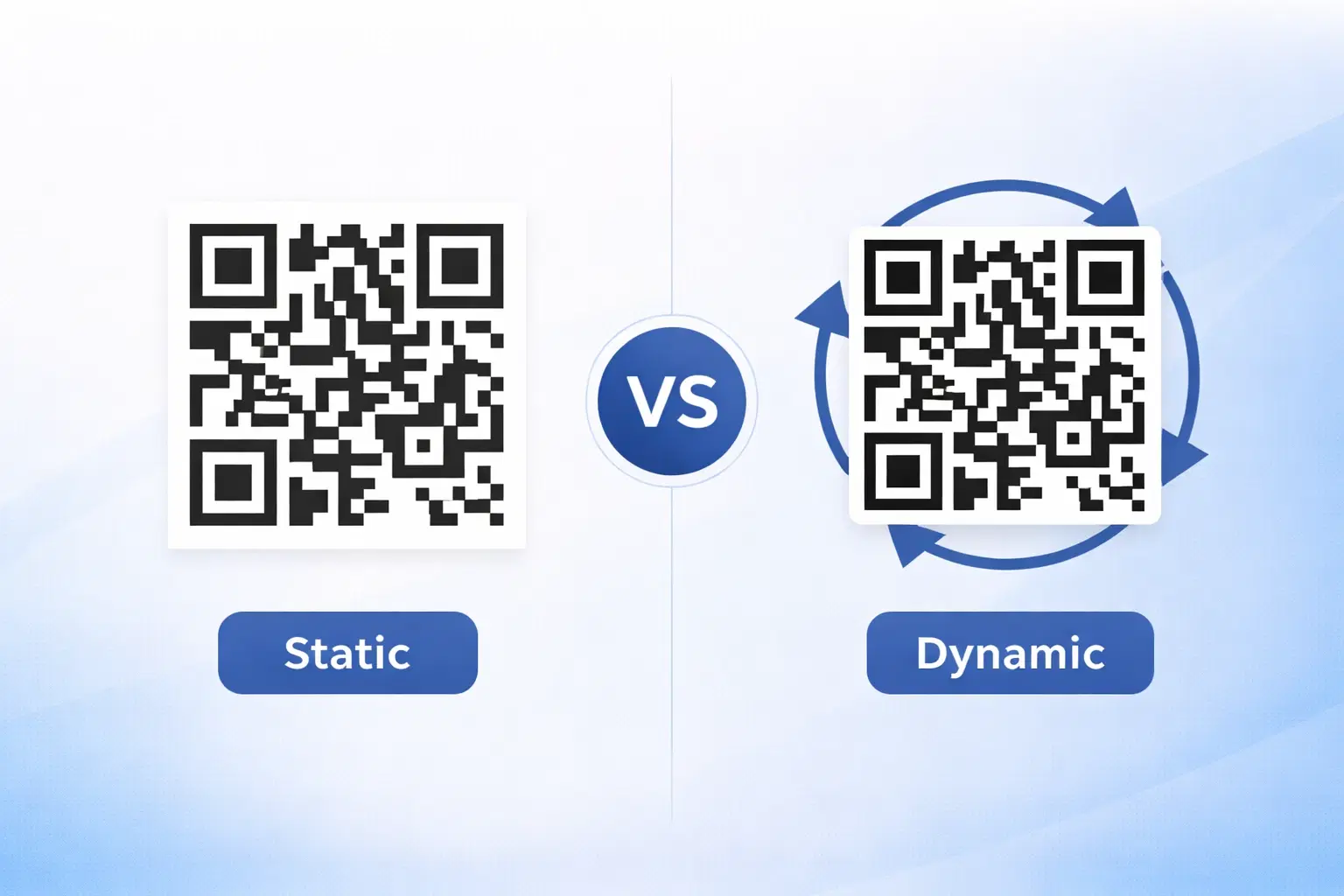
Dynamic vs Static QR Codes: Which One Should You Use? (Updated 2026)
The complete 2026 guide to dynamic vs static QR codes: when each type is right, the hidden costs of choosing wrong, and a decision framework you can apply in 60 seconds. Updated October 2026.
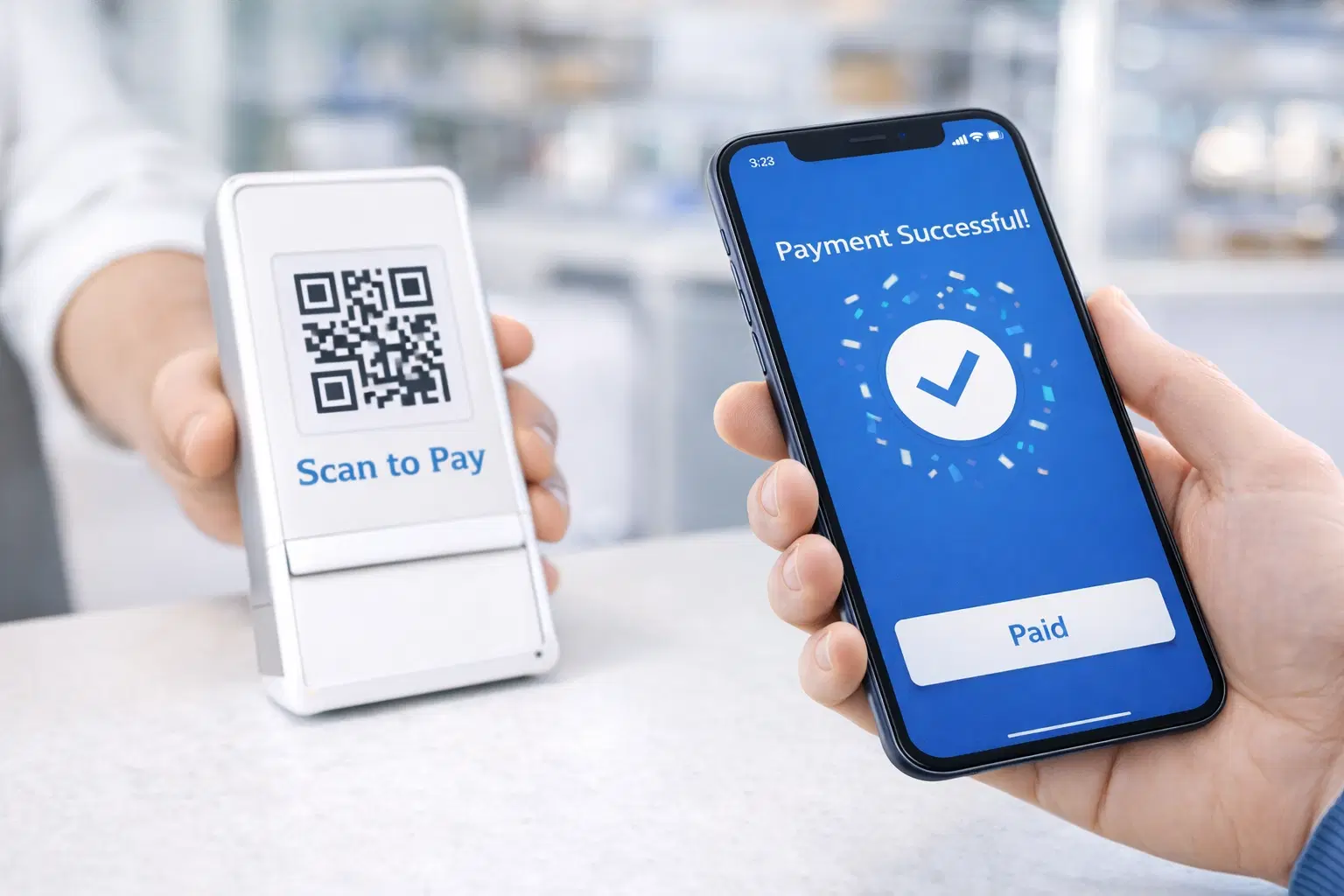
QR Code Payments Explained: How They Work and Why They Matter (Updated 2026)
QR code payments crossed record transaction volumes in 2025 and are now infrastructure, not novelty. Understand how they work: merchant-presented vs consumer-presented, UPI, security, and what it means for your business. Updated June 2026.
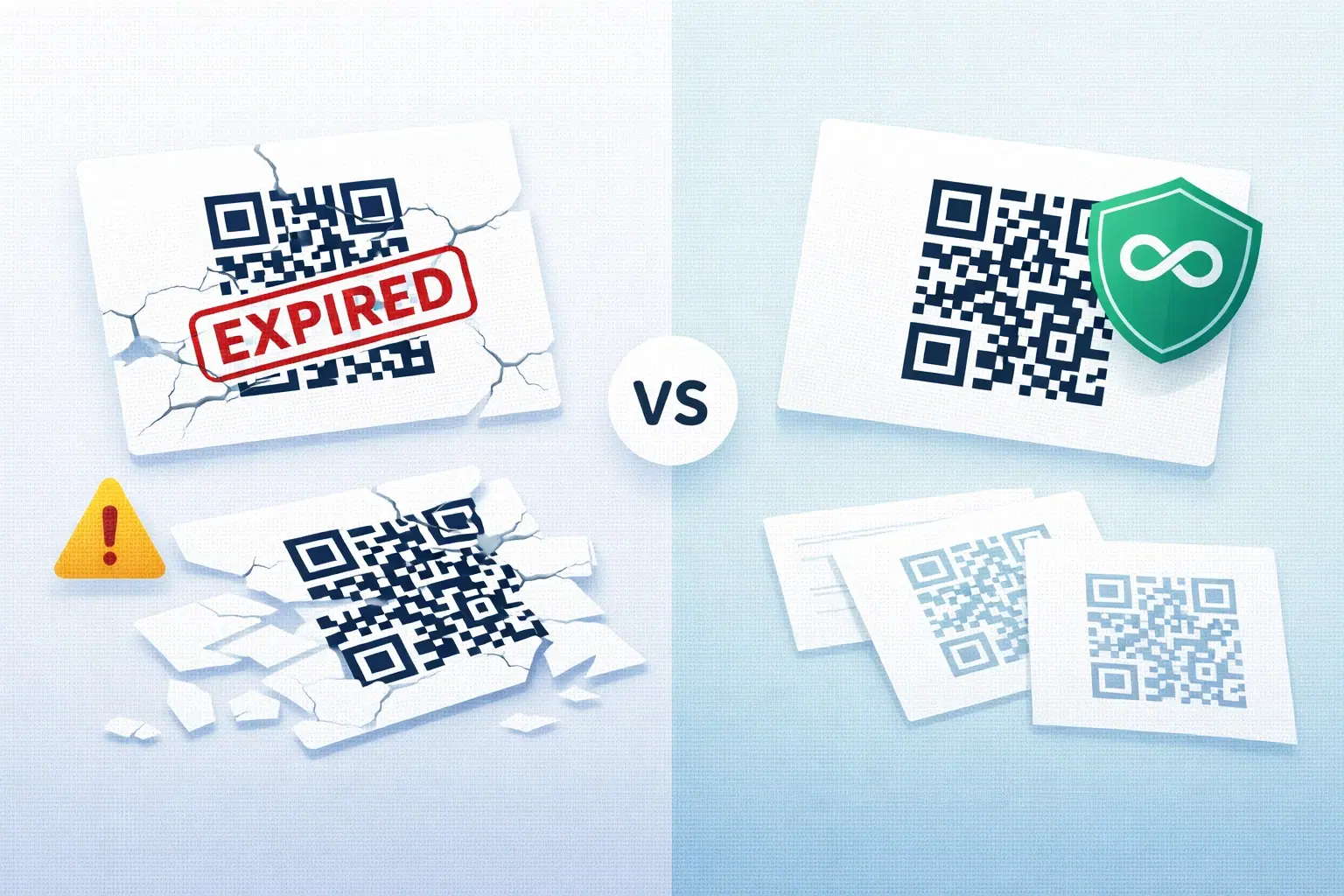
QR Codes That Never Expire: Why Most Free QR Codes Stop Working (Updated 2026)
Free QR codes often expire after 14 to 90 days, breaking printed materials and costing more in reprints than a paid plan ever would. Updated October 2026 guide with platform expiry timelines and a step-by-step rescue plan.