Do Canva QR Codes Expire? What You Need to Know
Made a QR code in Canva and wondering if it will keep working? The answer hinges on whether the code is static or dynamic. Here is the honest explanation of what happens to Canva QR codes over time in 2026.

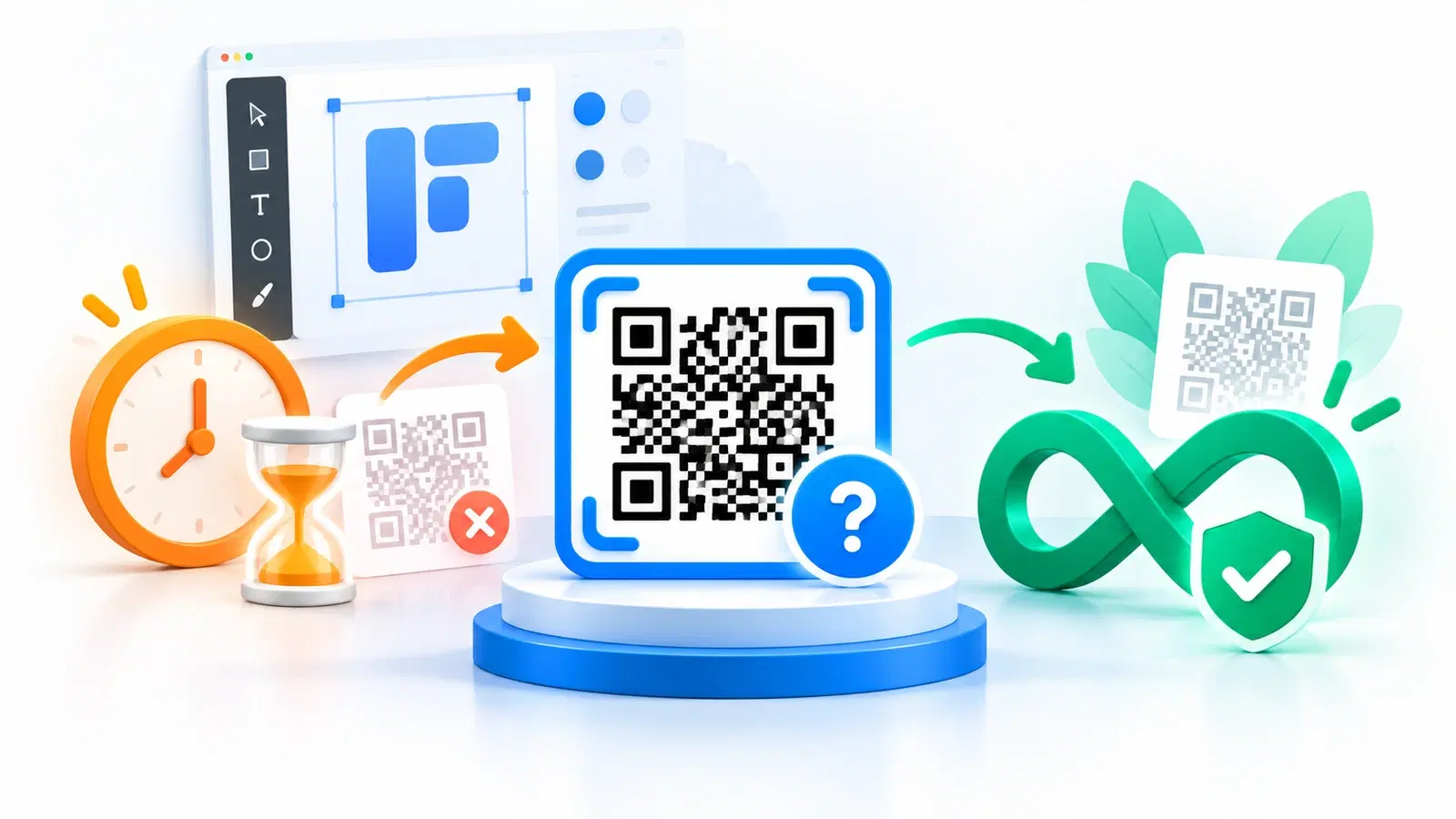
You designed something in Canva, added a QR code, and now you are about to print it, and a sensible worry surfaces: will this QR code still work months from now, or will it expire? It is exactly the right thing to check before committing a code to print, and it is a question a lot of Canva users search for.
As with any QR code, the honest answer hinges on a single distinction: static versus dynamic. That one factor determines whether a code can expire at all, and understanding it clears up all the conflicting advice you will find online. A Canva QR code behaves according to the same rules as any other code, so once you know the rules, you know the answer.
This guide explains, honestly, what happens to Canva QR codes over time in 2026: the static-vs-dynamic distinction that governs expiry, the catch that matters more than expiry itself, and how to make sure your code keeps working. Since tools and terms change, we will also show you how to verify the current behavior for yourself. For the broader comparison, see our QRForever vs Canva comparison.
The Answer Hinges on Static vs Dynamic
Whether any QR code can expire comes down to one thing, and it is the key to answering the Canva question too.
Static codes cannot expire. A static QR code encodes its data (typically a URL) directly into the pattern. Nothing hosts it, nothing can be turned off, so as long as the printed pattern is intact, it decodes to the same destination indefinitely. There is literally nothing to expire. Canva, as a design tool, generally produces static QR codes, which means the codes themselves do not expire.
Dynamic codes can stop working if their host does. A dynamic QR code holds only a short redirect link; the real destination lives on a provider's server. That enables editing and tracking, but it also means the code depends on that redirect staying live. If the hosting stops, say a trial ends or a subscription lapses, a dynamic code can stop working. This is the scenario people picture when they worry about "expiring" QR codes. See dynamic vs static QR codes.
So, do Canva QR codes expire? Because they are static, the codes themselves do not expire, the pattern keeps decoding to the URL you put in. If you need a simple, fixed code that always points to the same place, that is good news. But as with any static code, "it does not expire" is only half the picture, and the other half (covered next) is what actually trips people up.
What "Never Expires" Doesn't Tell You
A static Canva code not expiring sounds purely positive, but the static nature comes with limitations that usually matter more than expiry, plus one subtlety about the destination.
You cannot change where it points. A static code's destination is permanent. If the link ever needs to change, you cannot update the code, you have to create a new one and replace it everywhere it appears. On printed materials, that means reprinting. So the code "never expiring" does not help if what you actually need is to change where it goes. See how to edit a QR code after printing.
You cannot track scans. With a static code, scanners go straight to the destination and nothing counts them. If you want to know how many people scanned, or when, or from where, a static code gives you nothing. See what QR analytics can track.
The destination can still go away. This is the subtlety: the code never expires, but the page it points to can be taken down. If that happens, the code still scans fine, it just leads to a dead or missing page. A non-expiring code is only as useful as the destination staying alive, and with a static code you cannot repoint it if the destination changes or disappears.
Why this matters for a Canva design. People often add a Canva QR code to a flyer, poster, or social graphic, exactly the kind of material that gets printed or widely shared, and exactly where you most want the option to update the destination or see if it is working. That is where a static code's limitations bite. If your use is a simple permanent link, fine; if not, you will want more. See the best Canva QR alternatives.
Important
A static Canva QR code not expiring is not the same as it staying useful. You can never change where it points, you cannot track it, and if the destination page goes away, the code leads nowhere while still scanning perfectly. For any design you might update or want to measure, that permanence is a limitation to plan around, not a guarantee you are covered.
Keep Canva's Design, Add Real Flexibility
The good news is you do not have to choose between Canva's design tools and a code that is editable, trackable, and permanent, you can have both.
Check what you actually have. Quick test: can you change where an already-created code points without generating a new image? If not, it is static (baked in, cannot be edited or tracked). That tells you which limitations apply. And confirm current terms with the tool directly, since behavior and free-tier conditions change over time.
For a fixed link, a static Canva code is fine. If your destination will never change and you do not need analytics, a static code works and will not expire. Keep the destination page live and keep a high-resolution copy of the code for reprints.
For flexibility, generate the code elsewhere and place it in Canva. Here is the best-of-both approach: create a dynamic, permanent QR code on a dedicated QR platform (so you can edit the destination and track scans, and it will not expire), then simply place that code image into your Canva design. You keep Canva's layout and design power and gain a code you can change and measure. Export the code as a vector (SVG) so it stays crisp in print. See how to choose a QR code generator.
Why the combination wins. This gives you everything: Canva's design, plus a code that is editable (change the destination anytime without reprinting), trackable (see your scans), and permanent (never expires). A static Canva code alone cannot offer the first two; an expiring dynamic code elsewhere cannot offer the third. The combination of a dynamic, permanent code dropped into your Canva design covers all of it. See how to make a permanent QR code that never expires.
The bottom line: Canva QR codes, being static, do not expire, which is fine for a simple fixed link. But if you want to change the destination or track scans, create a dynamic, permanent code on a dedicated platform and place it into your Canva design. You lose nothing and gain the flexibility a static code can never provide.
Pro Tip
You do not have to pick between Canva and a flexible code. Make a dynamic, permanent QR code on a dedicated platform, export it as an SVG, and drop it into your Canva design. You keep Canva's look and gain a code you can edit, track, and rely on not to expire, which a static Canva code can never give you.
Conclusion
Do Canva QR codes expire? No, not the codes themselves, because Canva generally produces static codes, and static codes have their destination baked in with nothing that can be switched off. For a simple, fixed link, that is genuinely reassuring.
But the same static nature that prevents expiry also means you can never change where the code points and you cannot track scans, and if the destination page is ever taken down, the code leads nowhere even though it keeps scanning. On the flyers, posters, and graphics people typically design in Canva, those are exactly the limitations you are most likely to run into.
The fix is simple and loses nothing: make a dynamic, permanent QR code on a dedicated platform, then place it into your Canva design. You keep Canva's design strengths and gain a code that is editable, trackable, and genuinely non-expiring. Check what you have, verify current terms, keep your destination alive, and reach for the dynamic-and-permanent combination whenever you need flexibility.
Related reading:
Create a dynamic, permanent QR code with QRForever. Start a 7-day full-access trial, no credit card needed. Drop it into any Canva design, editable, trackable, never expiring.
Explore QRForever Solutions
Ready to Create Your Own QR Codes?
Start creating dynamic QR codes for your business today. Track analytics, update content anytime, and never reprint again.
Related Articles
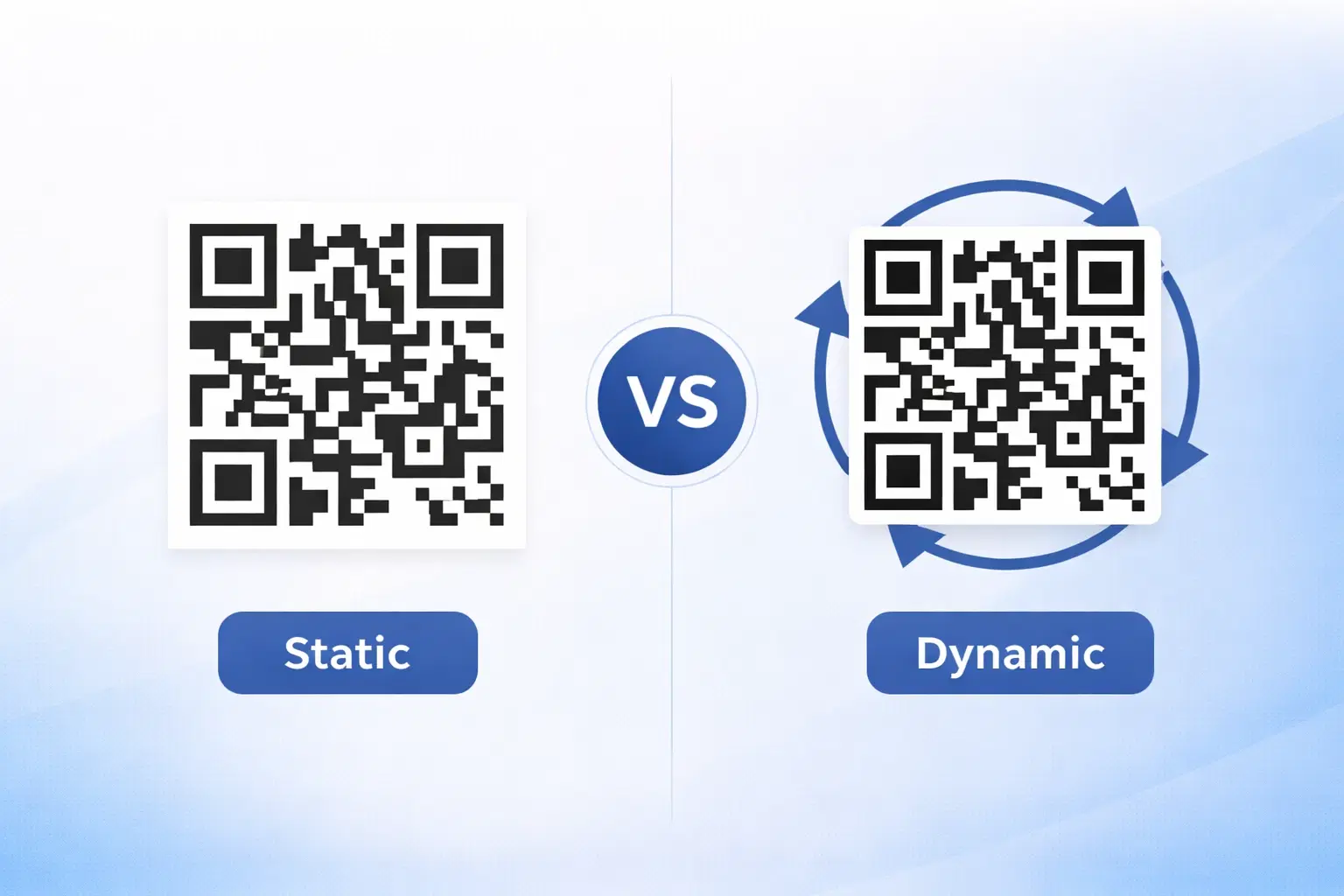
Dynamic vs Static QR Codes: Which One Should You Use? (Updated 2026)
The complete 2026 guide to dynamic vs static QR codes: when each type is right, the hidden costs of choosing wrong, and a decision framework you can apply in 60 seconds. Updated October 2026.
QR Code Payments Explained: How They Work and Why They Matter (Updated 2026)
QR code payments crossed record transaction volumes in 2025 and are now infrastructure, not novelty. Understand how they work: merchant-presented vs consumer-presented, UPI, security, and what it means for your business. Updated June 2026.
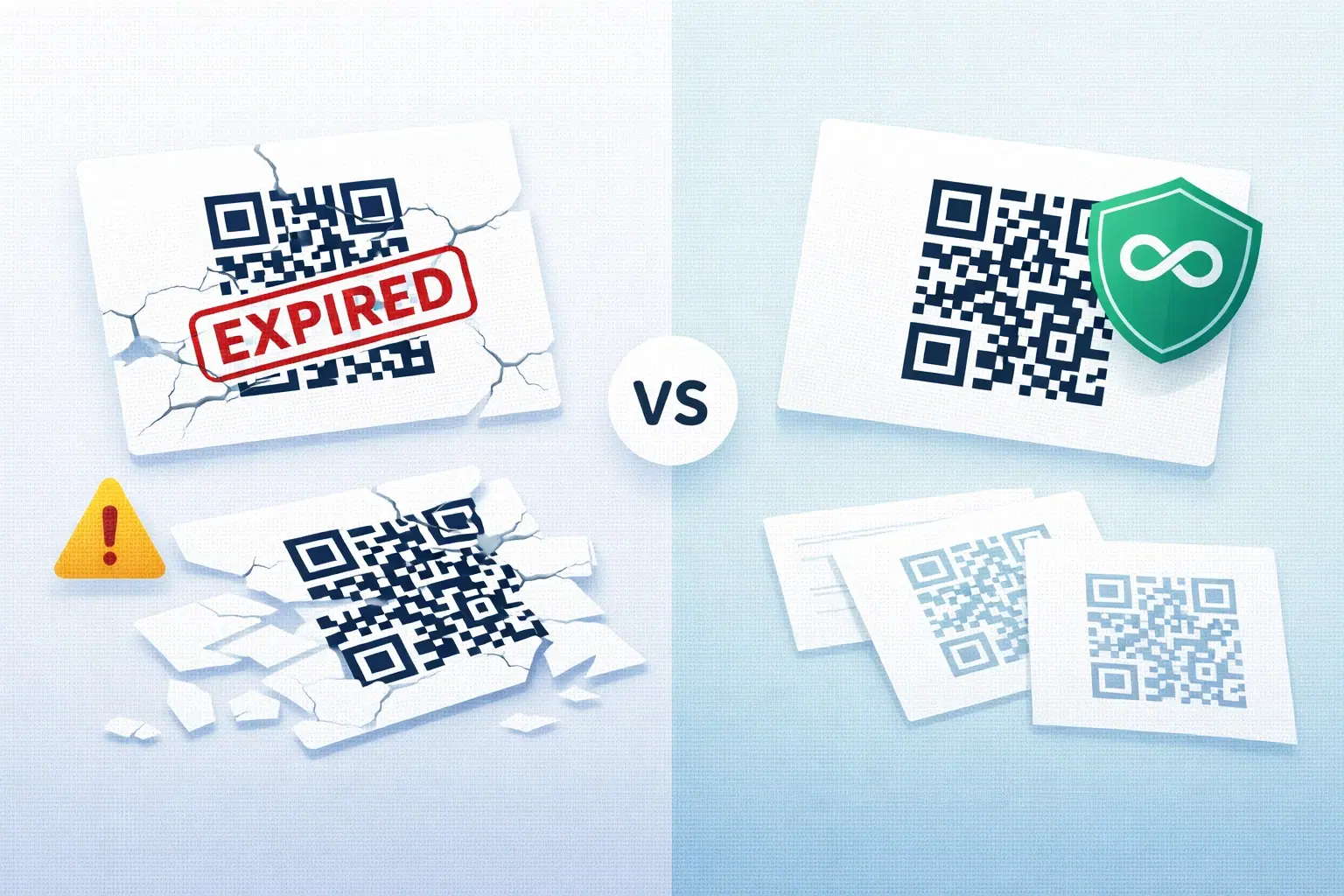
QR Codes That Never Expire: Why Most Free QR Codes Stop Working (Updated 2026)
Free QR codes often expire after 14 to 90 days, breaking printed materials and costing more in reprints than a paid plan ever would. Updated October 2026 guide with platform expiry timelines and a step-by-step rescue plan.