7 Best Free QR Code Generators That Don't Expire (2026)
We tested 12 free QR code generators in 2026. These 7 are genuinely free with no expiry, no watermark, and no forced sign-up, including which ones offer editable dynamic QR codes.

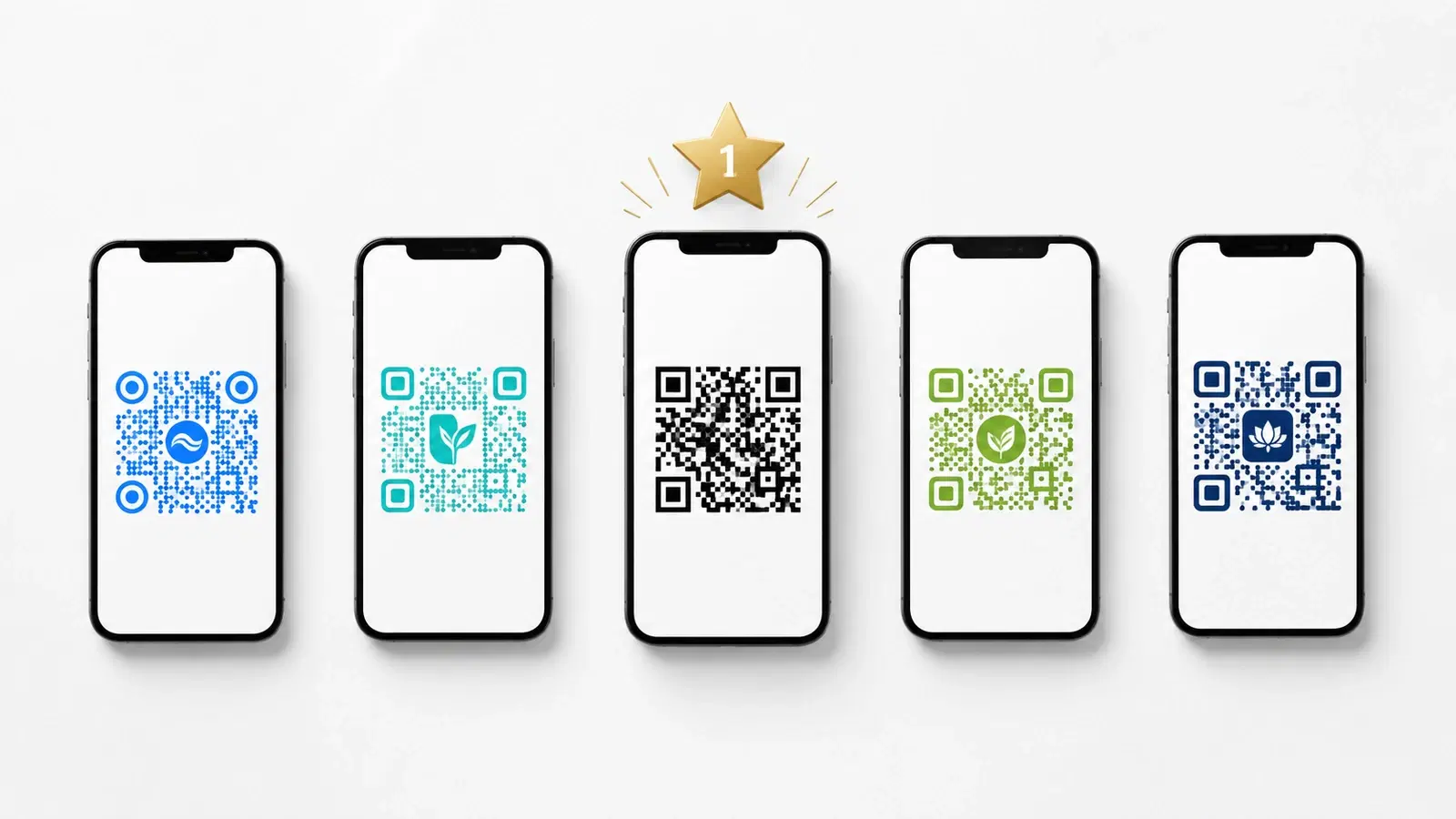
The short answer: static QR codes created with QR Code Monkey, GoQR.me, or QRForever's free generator never expire, because the URL is baked into the image, so no server can switch them off. Dynamic QR codes (editable destination, scan analytics) need a paid plan on any serious platform to stay permanently active.
"Free QR code generator" is one of the most-searched phrases online, and for good reason: most people genuinely just need a working QR code without paying or signing up for yet another SaaS tool.
The catch: most "free" generators aren't actually free in any useful sense. Some add watermarks. Some expire after 14 to 30 days. Some require sign-up before you can download. Some only generate static codes that can never be edited.
We tested 12 free QR code generators against four criteria: no watermark, no expiry, no mandatory sign-up, and clear functionality on the free tier. Here are the 7 that actually delivered.
Disclosure: QRForever publishes this guide. We evaluate our own tool as objectively as we can, and where QRForever is not the best option (for example, unlimited free static codes), we say so and point to alternatives.
How We Evaluated Each Free QR Code Generator
Each generator was tested with the same task: create a QR code linking to a sample URL, download it, scan it 30 days later, and check whether it still worked.
Criteria for inclusion:
- Generates a working QR code
- No visible watermark on the output (free tier)
- Code still functions 30+ days after creation
- No mandatory sign-up to download a basic code
- Free tier is clearly documented (not a trial in disguise)
- SVG or PNG download works without paywall
What disqualified generators:
- Hidden expiry on free tier (most common failure)
- Watermark or branding on the QR code itself
- Forced sign-up before downloading
- "Free" with limited downloads per day
- Buggy output (codes that don't scan reliably)
Here are the 7 that passed all checks.
Last reviewed: June 2026.
Which Free QR Codes Never Expire?
A static QR code never expires because the destination URL is encoded directly in the image, with no server involved. These are genuinely permanent and free on several platforms: QR Code Monkey, GoQR.me, and QRForever's free QR code generator that never expires all produce static codes that work indefinitely. The tradeoff is that you cannot edit the destination after printing; if the URL changes, you reprint.
Dynamic QR codes (editable, with analytics) need a paid plan to stay permanently active. Most platforms offer a free trial, but the code stops redirecting once the trial ends. If you need a QR code you can edit after printing, QRForever's dynamic QR codes let you change the destination anytime and come with a free 7-day trial. The comparison table below shows which tools are genuinely free and which are trials.
Free QR Code Generators Compared (2026)
The clearest pattern from testing 12 generators: every reputable platform generates static QR codes that never expire, because the destination URL is baked into the image pattern with no server involved. Dynamic QR codes (editable destination, scan analytics) require an active paid account to keep redirecting. There is no genuinely permanent free dynamic QR code on any major platform.
This table summarizes our test results. "Expires?" reflects the free tier specifically. For competitors we use cautious wording (for example, "Trial, then paid") rather than asserting exact day counts.
| Tool | Free Tier | Expires? | Watermark | Analytics | Signup |
|---|---|---|---|---|---|
| QRForever (static) | Static | Never | No | No | No |
| QRForever (dynamic) | Dynamic trial | After trial, then paid | No | Yes | Yes |
| QR Code Monkey | Static | Never | No | No | No |
| GoQR.me | Static | Never | No | No | No |
| Adobe Express | Static | Never | No | No | Adobe account |
| Canva | Static | Never | No | No | Yes |
| The QR Code Generator | Static + 2 dynamic | Static never; free dynamic per platform terms | No | Limited (dynamic) | Yes (dynamic) |
| QRStuff | Static | Never | No | No | No |
| QR Tiger | Trial, then paid | Yes | No | Trial only | Yes |
| Beaconstac (Uniqode) | Trial, then paid | Yes | No | Trial only | Yes |
| Bitly | Freemium | Link can change | Branded | Limited | Yes |
The pattern is consistent: free static codes never expire on any reputable platform, while a genuinely permanent free dynamic code does not exist. Where you see "Trial, then paid," the dynamic code stops redirecting once the trial period ends, so verify the current plan before printing anything.
#1: QRForever (Best for Trying a Real Dynamic QR Free)
Why it's #1: QRForever is the only platform on this list that lets you fully evaluate a real *dynamic* business QR (editable destination, permanent redirect, full scan analytics), for free before paying. It does this with the most generous trial here: a 7-day full-access trial where every feature is unlocked, no gating, no credit card. Every other genuinely-free option in our test was static-only or feature-gated on its free tier.
What you get during the 7-day trial (no credit card):
- Unlimited dynamic QR codes (editable destination, never breaks the printed code)
- Full scan analytics
- Custom colors and logo support
- SVG export (no paywall)
- 18+ QR code types (URL, WiFi, vCard, WhatsApp, menu, etc.)
- No watermark, every feature unlocked
QRForever also runs a genuinely-free static QR generator (no signup, permanent because the URL is baked into the image), for simple links you never need to edit.
What requires a paid plan (after the trial):
- Keeping your dynamic codes editable and tracked past day 7
- Bulk generation
- Password-protected codes
Best for: Anyone who wants to road-test a "real" dynamic QR for business use (analytics and editing included), before committing to a paid plan. The trial is the full product, not a stripped-down preview.
Limitation: Dynamic codes pause once the 7-day trial ends unless you subscribe. The free static generator stays free and permanent for simple links.
Create a dynamic QR code with QRForever: start a 7-day full-access trial, no credit card.
#2. QR Code Monkey (Best Free Static Generator)
Why we like it: QR Code Monkey has been around for years and is consistently reliable. The interface is straightforward, and the free tier doesn't have hidden gotchas.
What you get free:
- Unlimited static QR codes
- Full customization (colors, logo, dot styles)
- High-resolution PNG and SVG export
- No watermark
- No sign-up required
Limitations:
- Static codes only (no dynamic / editing)
- No analytics
- Single-use logo upload (logo doesn't save between sessions)
Best for: One-time projects where you need full design customization on a static QR code without any commitment. Great for personal use, single-event materials, or testing how a QR code will look before committing.
The tradeoff: Excellent design, but every code is permanent and untrackable. If your URL ever needs to change, you'll need to reprint everything.
#3: GoQR.me (Best Minimalist Tool)
Why we like it: No-frills, no marketing, no upsell. GoQR.me has been generating QR codes for free since 2009, and it shows in how clean the experience is.
What you get free:
- Unlimited static QR codes
- Multiple QR types (URL, vCard, WiFi, calendar event, etc.)
- High-quality PNG, SVG, JPG export
- No sign-up
- No watermark
- Open documentation of the QR specification
Limitations:
- Limited design customization (no logo, no rounded dots: just classic QR look)
- Static only
- No analytics
- Interface is dated
Best for: Developers, technical users, or anyone who wants a quick QR code without design fluff. Also excellent for educational purposes, the site explains the QR code spec well.
The tradeoff: You give up modern design features for absolute simplicity and reliability. The codes look like 2010-era QR codes.
#4: Adobe Express (Best for Design Workflow)
Why we included it: Adobe Express's free tier genuinely lets you generate QR codes without sign-up beyond an Adobe account, and the design integration is excellent if you're already in the Adobe ecosystem.
What you get free:
- Static QR codes inside any Adobe Express design
- Full design library access (limited templates)
- PNG and PDF export
- No watermark on basic outputs
Limitations:
- Static only
- No analytics
- Adobe account required (not strictly "no sign-up")
- Design library is paywalled for most assets
- SVG export requires Premium
Best for: Designers who want to embed a QR code into a polished poster, flyer, or social post quickly. The tool excels at design surrounding the QR, not the QR itself.
For a deeper comparison of Adobe Express's QR limitations, see our QRForever vs Adobe Express comparison.
The tradeoff: Strong design tool, weak QR functionality. Can't track or edit codes.
#5: Canva (Best for Existing Canva Users)
Why we included it: If you're already using Canva for design work, the QR feature is genuinely useful within that workflow. Free tier delivers a working QR with no watermark.
What you get free:
- Static QR codes inside Canva designs
- PNG export
- Color customization
- Integration with Canva's design library
- No watermark on the QR itself
Limitations:
- Static only (this is the recurring theme)
- No analytics
- SVG export requires Canva Pro
- QR types limited to URL, email, phone
Best for: Existing Canva users who want one tool for design + basic QR. Very smooth workflow if you're already living in Canva.
For a deeper comparison, see our QRForever vs Canva comparison.
The tradeoff: Same pattern as Adobe Express, design integration is excellent, QR functionality is basic.
#6 The QR Code Generator (Closest to a Free Dynamic Code That Doesn't Expire)
Why we included it: The QR Code Generator (the-qrcode-generator.com) is the rare tool that pairs unlimited free static codes with a small allowance of free dynamic codes. At the time of testing, the platform states its free dynamic codes do not expire, which is unusual: most platforms make free dynamic codes a time-limited trial. Verify the current free-plan terms before relying on this for printed materials.
What you get free:
- Unlimited static QR codes (no signup)
- A small number of free dynamic codes that, per the platform, do not expire
- Basic scan analytics on the dynamic codes
- PNG and SVG export
- No watermark on the QR itself
Limitations:
- The free dynamic allowance is small (enough for one or two codes, not a business fleet)
- Advanced features, bulk creation, and more dynamic codes require a paid plan
- Free-plan terms can change, so confirm the no-expiry claim before printing
Best for: Someone who needs one or two editable codes for free and does not want a trial countdown. If you need more than a couple of dynamic codes, a paid plan (QRForever or otherwise) is the realistic path.
The tradeoff: Generous on paper, but the free dynamic allowance is too small for most businesses, and any free-plan promise is only as durable as the platform's current terms.
#7 QRStuff (Best No-Frills Free Static Generator)
Why we included it: QRStuff has offered free static QR codes for years with no signup, no watermark, and no expiry. It is a dependable fallback when you just need a permanent static code quickly.
What you get free:
- Unlimited static QR codes
- No signup required
- PNG, SVG, and PDF export
- No watermark on the output
- Multiple QR types
Limitations:
- Static only on the free tier (dynamic codes and analytics require a paid plan)
- No scan analytics on free codes
- Interface and design options are basic
Best for: Quick, permanent static codes for stable destinations: a WiFi password, a fixed website, a social profile. The free static codes never expire because the URL is encoded directly in the image.
The tradeoff: Reliable and genuinely free for static use, but no editing and no analytics, so it is not suited to codes whose destination might change.
What About Other Popular "Free" Generators?
Here's why several frequently-recommended free generators didn't make our list:
QR Tiger: "Free trial" rather than free tier. Codes expire after 14 days unless you upgrade. Misleading positioning. See our QRForever vs QR Tiger comparison.
Beaconstac (Uniqode): Free trial, not a free tier. Codes expire. See our QRForever vs Beaconstac comparison.
Bitly: Free tier exists but adds Bitly branding to most QR codes and limits monthly link creation. See our QRForever vs Bitly comparison.
Flowcode: Free tier is functional but limited; many features require paid upgrade. See our QRForever vs Flowcode comparison.
Various ad-supported generators: Many free QR generators are ad-supported sites where the "free" comes at the cost of mandatory upsells, suspicious data practices, or codes that mysteriously expire. We chose not to recommend these.
Decision Guide: Which Free Tool Should You Use?
Choose QRForever if: You need a real business QR code with analytics and editability. Its 7-day full-access trial (no credit card) lets you evaluate every feature on a live dynamic code before deciding, and a free static generator covers simple permanent links.
Choose QR Code Monkey if: You need an unlimited number of one-off static codes with full design customization, and you don't need to track or edit them.
Choose GoQR.me if: You want absolute simplicity, multiple QR types (vCard, WiFi, calendar), and don't care about modern design features.
Choose Adobe Express if: You're already an Adobe user and the QR is part of a polished design output.
Choose Canva if: You're already a Canva user and the QR fits naturally into your existing workflow.
Choose The QR Code Generator if: You need just one or two editable dynamic codes for free and would rather not start a trial countdown. Confirm the current free-plan terms before printing.
Choose QRStuff if: You want a fast, no-signup, permanent static code for a stable destination and don't need analytics or editing.
Combined workflow recommendation: Most growing businesses use Adobe Express or Canva for design, generate the actual QR code in QRForever (free or paid), and paste the SVG into the design. You get design polish plus QR functionality without paying for either at premium tier.
- For business use → QRForever 7-day full-access trial (only one that lets you evaluate a real dynamic code + analytics free)
- For one-off personal use → QR Code Monkey, GoQR.me, or QRStuff
- For one or two free editable codes → The QR Code Generator (confirm free-plan terms first)
- For design-led workflows → Canva or Adobe Express + QRForever combo
- Avoid "free trial" tools positioned as "free" because they expire
- Always test the code 30 days after creation to verify it still works
Conclusion
"Free QR code generator" can mean many things, and most options online aren't actually free in any useful sense. They expire, watermark, or force sign-up. The 7 generators in this list deliver on the genuine promise of free: working codes, no watermark, no expiry, no required upgrade.
If your need is business-grade (analytics, editability, multi-touchpoint campaigns), QRForever is the only option here that lets you fully evaluate that for free, a 7-day full-access trial on real dynamic codes, no credit card. If your need is a one-off static code with great design customization, QR Code Monkey, GoQR.me, or QRStuff are excellent.
Whichever tool you pick, test the code 30 days after creation. The biggest risk with "free" QR codes is silent expiry, and that's a problem you only discover when your printed materials stop working. Read our guide to QR codes that never expire for more on avoiding that trap.
Create a dynamic QR code with QRForever. Start a 7-day full-access trial, no credit card. Dynamic codes are editable anytime with full scan analytics.
Frequently Asked Questions
Do free QR codes expire?
Free static QR codes do not expire. The destination URL is encoded directly into the image, so there is no server that can switch them off, and they keep working as long as the linked page is live. Free dynamic QR codes are different: on most platforms they are part of a time-limited trial, so the code stops redirecting once the trial ends.
Which QR code generator is completely free and never expires?
For static codes that never expire, QR Code Monkey, GoQR.me, QRStuff, and QRForever's no-signup static generator are all genuinely free with no expiry and no watermark. For an editable dynamic code, no platform offers a permanently free option; you get a trial, then a paid plan keeps it active.
What is the best free QR code generator in 2026 with no watermark?
QR Code Monkey and GoQR.me produce clean static codes with no watermark, full design control on QR Code Monkey, and no sign-up. QRStuff is a reliable no-frills alternative with PNG, SVG, and PDF export. None of these add branding to the code itself, unlike some freemium link tools that stamp their domain on the output.
Can I get a free dynamic QR code that doesn't expire?
In general, no. A genuinely permanent free dynamic code is not something the major platforms offer, because keeping a redirect alive forever costs them money. A few tools allow one or two free dynamic codes (and some state these do not expire, so verify the current terms), but for a business fleet you need a paid plan. QRForever offers a 7-day full-access trial on dynamic codes, then paid plans for permanence.
What is the difference between a free static and free dynamic QR code?
A static QR code has the destination URL baked into the image, so it is permanent and free but cannot be edited or tracked; if the URL changes, you reprint. A dynamic QR code points to a short redirect that you can edit anytime and that records scan analytics, but keeping that redirect live permanently requires a paid plan on any serious platform.
Explore QRForever Solutions
Ready to Create Your Own QR Codes?
Start creating dynamic QR codes for your business today. Track analytics, update content anytime, and never reprint again.
Related Articles
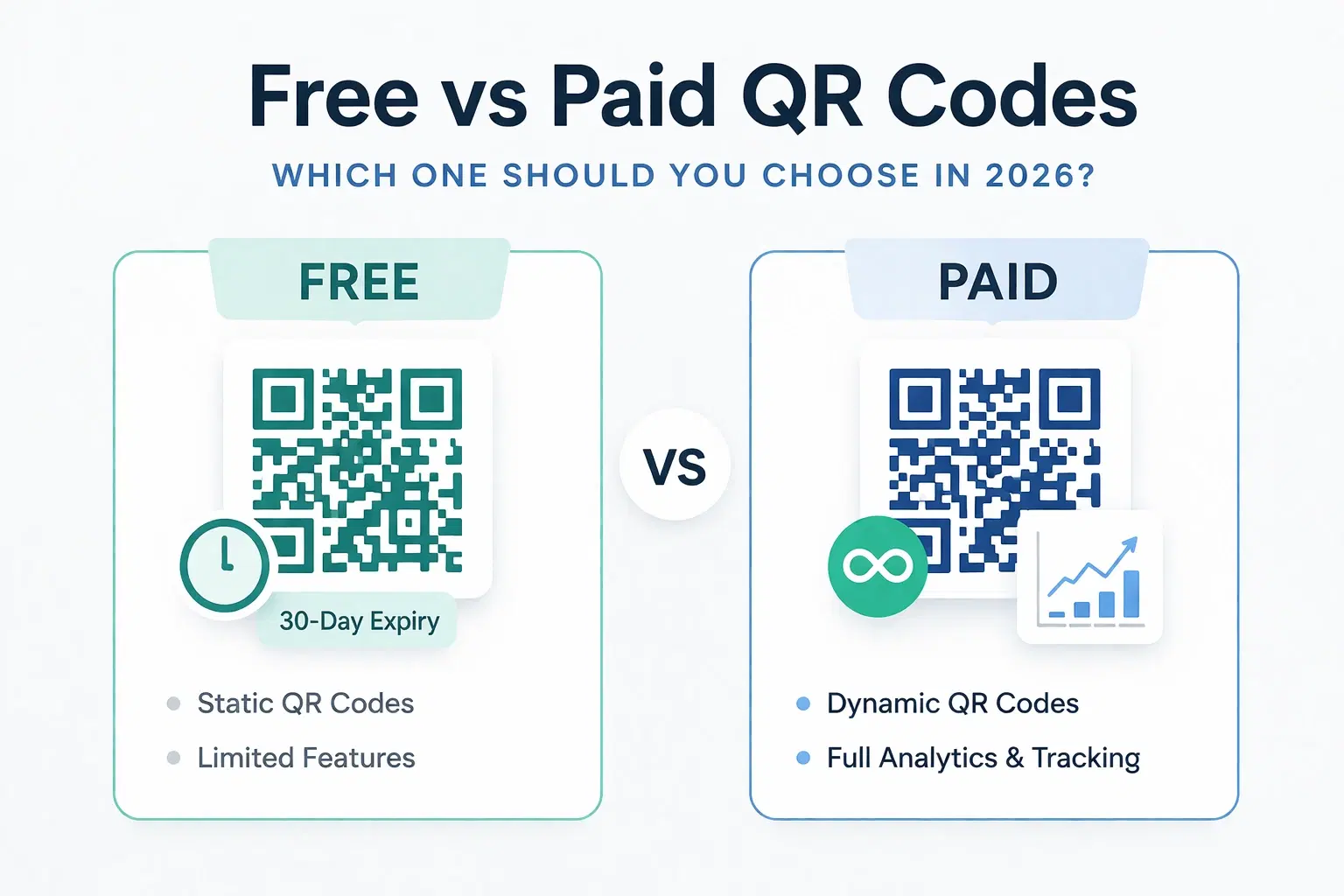
Dynamic QR Code Generator Free vs Paid: What You Actually Need (2026)
An honest breakdown of free vs paid dynamic QR code generators. How much a dynamic QR code really costs in 2026, when the free tier is enough, and when a paid plan from around $1.20/month makes more sense than you think.
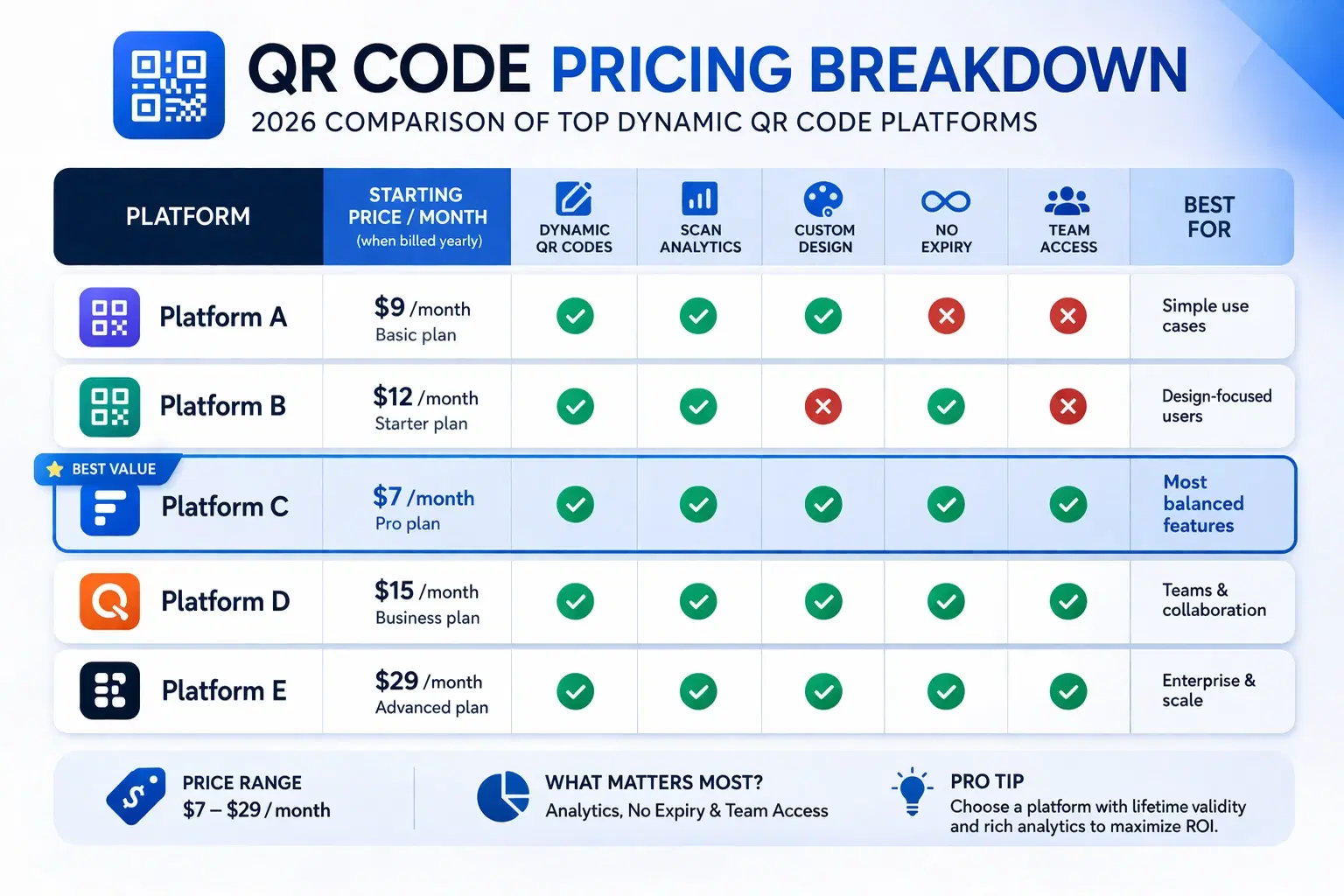
How Much Does a Dynamic QR Code Cost? (2026 Pricing Breakdown)
A transparent pricing breakdown for dynamic QR code generators in 2026, including Beaconstac, QR Tiger, Flowcode, Bitly, and QRForever. Find out who offers the best value and when free is enough. Updated June 2026.
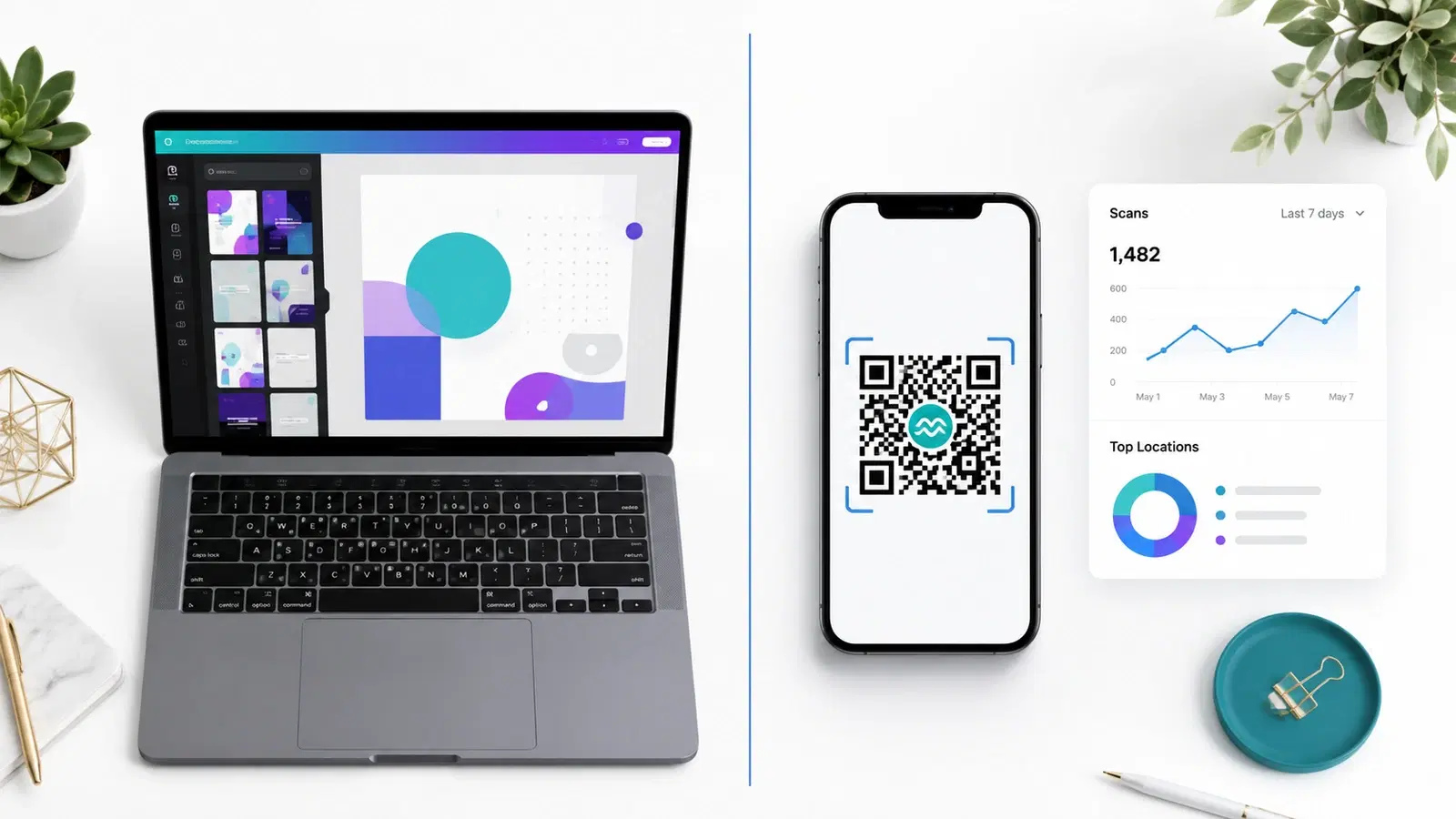
QRForever vs Canva QR Code Generator: Full Comparison 2026
Canva has a built-in QR code generator, but is it actually a complete solution? We compared it head-to-head with QRForever on dynamic codes, analytics, expiry, and design: here's what we found.