Do QR Tiger QR Codes Expire? What to Know
QR Tiger makes dynamic QR codes, which makes the expiry question come down to your plan, not the codes themselves. Here is the honest answer on whether QR Tiger QR codes expire and how to make sure yours keep working in 2026.


If you have made QR codes with QR Tiger and are wondering whether they will keep working, the expiry question is worth asking before you print, and the answer depends on understanding how QR Tiger's codes work. QR Tiger is a dedicated QR code platform that offers both static and dynamic codes, and which type you use changes the answer entirely.
The honest short version: QR Tiger's static codes do not expire (nothing can switch them off), while its dynamic codes, like any dynamic codes, depend on the service continuing to host the redirect, which ties their longevity to your plan. That is not unique to QR Tiger; it is simply how static and dynamic codes work everywhere. But it means the real question is "what kind of code do I have, and what do the plan terms say?"
This guide gives the honest answer on whether QR Tiger QR codes expire in 2026, explains the static-vs-dynamic distinction that governs it, and shows how to make sure your codes keep working. Because platform terms change, we will also point you to verify the current specifics. For a direct comparison, see our QRForever vs QR Tiger comparison, and for other options, the best QR Tiger alternatives.
Static vs Dynamic: The Deciding Factor
As with every QR platform, whether a QR Tiger code can expire comes down to static versus dynamic.
Static codes do not expire. A static code encodes its data directly into the pattern, with nothing hosted and nothing to switch off, so it decodes to the same thing forever. If you make a static code with QR Tiger, the code itself will not expire. The trade-off is that static codes cannot be edited or tracked, see dynamic vs static QR codes.
Dynamic codes depend on the service. QR Tiger's dynamic codes, the ones you can edit and track, work by redirecting through QR Tiger's system. That dependency is what enables editing and analytics, but it also means a dynamic code keeps working only as long as the service keeps hosting the redirect, which is tied to your account and plan. So a dynamic code's longevity is a function of your plan terms, not an automatic "forever."
So, do QR Tiger codes expire?
- Static QR Tiger codes: no, they do not expire (but you cannot edit or track them).
- Dynamic QR Tiger codes: they do not expire on a timer, but because they depend on the hosted redirect, whether they keep working is tied to your plan, so you need to know your plan's terms.
This is the same framework that applies to any platform. The specific answer for your situation depends on which type you made and what your plan says, which the next section helps you pin down.
What Determines Whether Yours Keeps Working
For a QR Tiger dynamic code, a few plan-and-account factors decide whether it keeps resolving. Check these for your situation.
Your plan's terms. Different plans have different conditions for how dynamic codes and their features persist. Check what your specific QR Tiger plan says about code longevity and limits. Because these terms can change and vary by plan, confirm the current details directly with QR Tiger rather than relying on any article, including this one.
Free vs paid. Free tiers on QR platforms commonly limit dynamic features or attach conditions, while permanence is typically tied to a paid plan. If you made a dynamic code on a free basis, be especially careful to confirm whether and how long it stays live. See free vs paid QR generators.
What happens if you downgrade or cancel. The critical question for anything printed: understand what happens to your dynamic codes if you downgrade or stop paying. If codes tied to a paid plan stop working when you leave it, any printed codes built on them would stop too. Know this before you print.
Scan or code limits. Check whether your plan caps the number of dynamic codes or scans, and what happens at the cap, since a code that hits a limit can stop functioning as expected.
The honest framing: None of this means QR Tiger codes "expire" arbitrarily. It means dynamic codes are service-dependent, so their longevity follows your plan, exactly as with any dynamic QR provider. The way to be sure is to check your plan's terms (especially around downgrade and cancellation) before committing a code to print. See how to choose a QR code generator for the right questions to ask any provider.
Important
Before printing any dynamic QR code (from QR Tiger or anyone), confirm one thing: what happens to it if you downgrade or cancel your plan? Because a dynamic code depends on its host, if the service stops redirecting it, the printed code stops working with a perfectly intact pattern. The expiry risk for dynamic codes lives in the plan terms, so read them before you print.
How to Make Sure Your Codes Last
Whether you stay with QR Tiger or choose another provider, here is how to ensure a dynamic code keeps working for as long as you need.
Confirm permanence before printing. The most important step: before putting any dynamic code on lasting materials, confirm it will keep working under your plan, including after a downgrade or cancellation. For printed codes you cannot easily change, this is non-negotiable. See why free QR codes stop working.
Prefer a provider that guarantees permanence. The safest setup for a dynamic code is a provider whose codes are explicitly guaranteed permanent, so the code keeps resolving and does not die if your plan changes. That gives you the dynamic benefits (editable destination, scan tracking) without the expiry risk that comes from plan-dependent hosting. See how to make a permanent QR code that never expires.
For a fixed link, a static code sidesteps the issue. If your destination will never change and you do not need analytics, a static code (from QR Tiger or any tool) does not expire at all. Just keep the destination page alive and keep a high-resolution copy of the code.
Keep records. Whatever you use, record what each code points to and keep a high-resolution copy, so you can recreate or reprint if needed.
The bottom line: QR Tiger static codes do not expire; its dynamic codes do not expire on a timer but depend on your plan, so check the terms (especially downgrade/cancellation) before printing. For maximum safety on printed materials, use a dynamic code from a provider that guarantees permanence, so you get editability and tracking with no expiry risk. Verify, choose a permanent setup, keep records, and your codes will keep working. For a full comparison of options, see the best QR Tiger alternatives.
Pro Tip
For any dynamic QR code you are about to print, ask the provider one direct question: "If I downgrade or cancel, do my existing codes keep working?" An unconditional yes (permanent codes) means no expiry risk. A conditional or unclear answer means treat it as expiry risk, and either stay on the plan or switch to a provider that guarantees permanence before you print.
Conclusion
Do QR Tiger QR codes expire? It depends on the type. QR Tiger's static codes do not expire, because static codes have their data baked in with nothing to switch off (the trade-off being you cannot edit or track them). Its dynamic codes, the editable, trackable ones, do not expire on a timer either, but because they depend on QR Tiger continuing to host the redirect, their longevity is tied to your plan rather than guaranteed forever.
That is not a QR Tiger quirk; it is how dynamic codes work on every platform. So the real question is what kind of code you made and what your plan says, especially what happens if you downgrade or cancel. For anything you are about to print, confirm those terms directly with QR Tiger before you commit.
To be certain your codes last, confirm permanence before printing, and for maximum safety use a dynamic code from a provider that explicitly guarantees codes never expire, so you get editability and tracking without the plan-dependency risk. Verify what you have, keep the destination alive, and keep records, and your codes will keep working for as long as you need them.
Related reading:
Create a permanent, trackable QR code with QRForever. Start a 7-day full-access trial, no credit card needed. Dynamic and editable, and guaranteed never to expire.
Explore QRForever Solutions
Ready to Create Your Own QR Codes?
Start creating dynamic QR codes for your business today. Track analytics, update content anytime, and never reprint again.
Related Articles
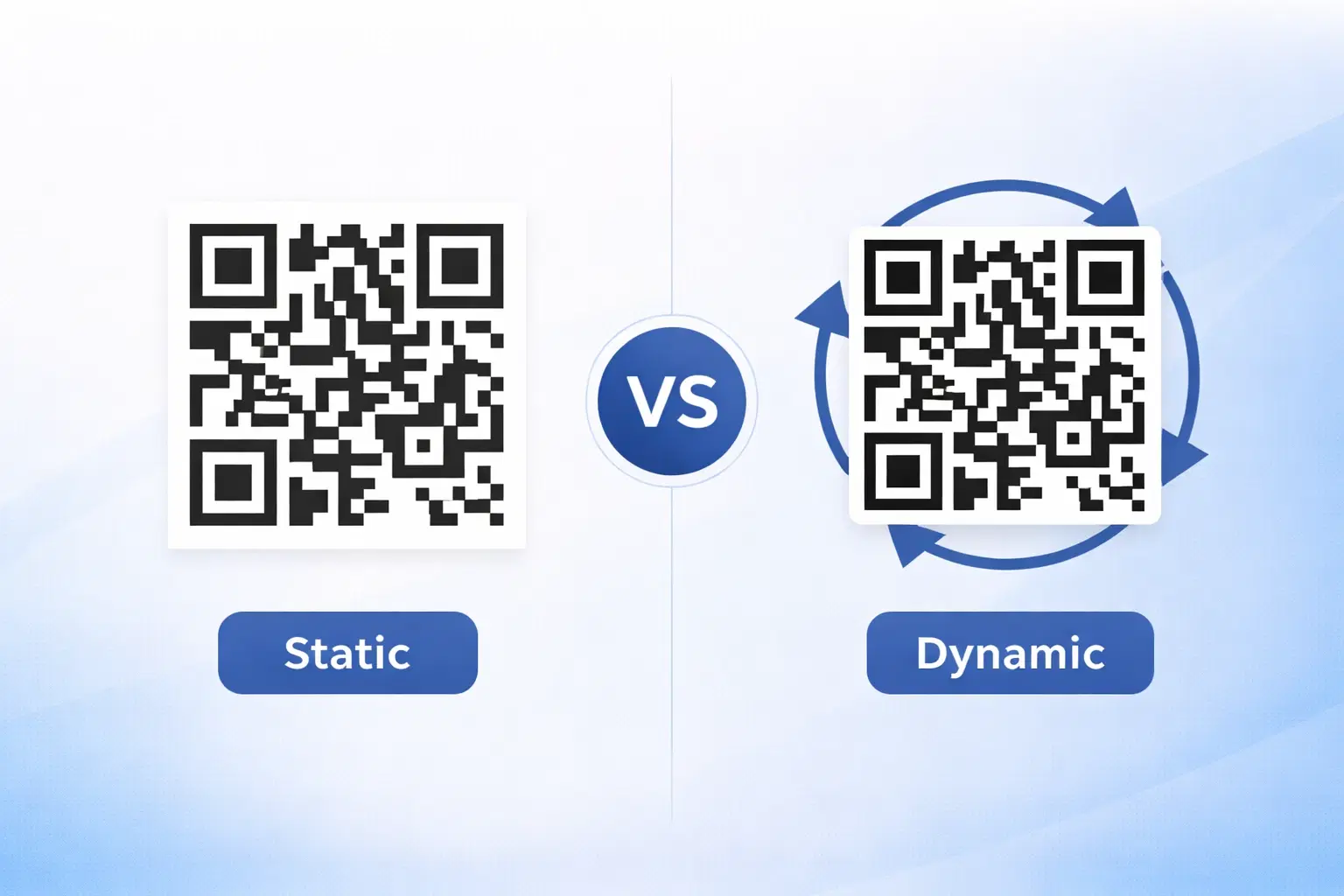
Dynamic vs Static QR Codes: Which One Should You Use? (Updated 2026)
The complete 2026 guide to dynamic vs static QR codes: when each type is right, the hidden costs of choosing wrong, and a decision framework you can apply in 60 seconds. Updated October 2026.
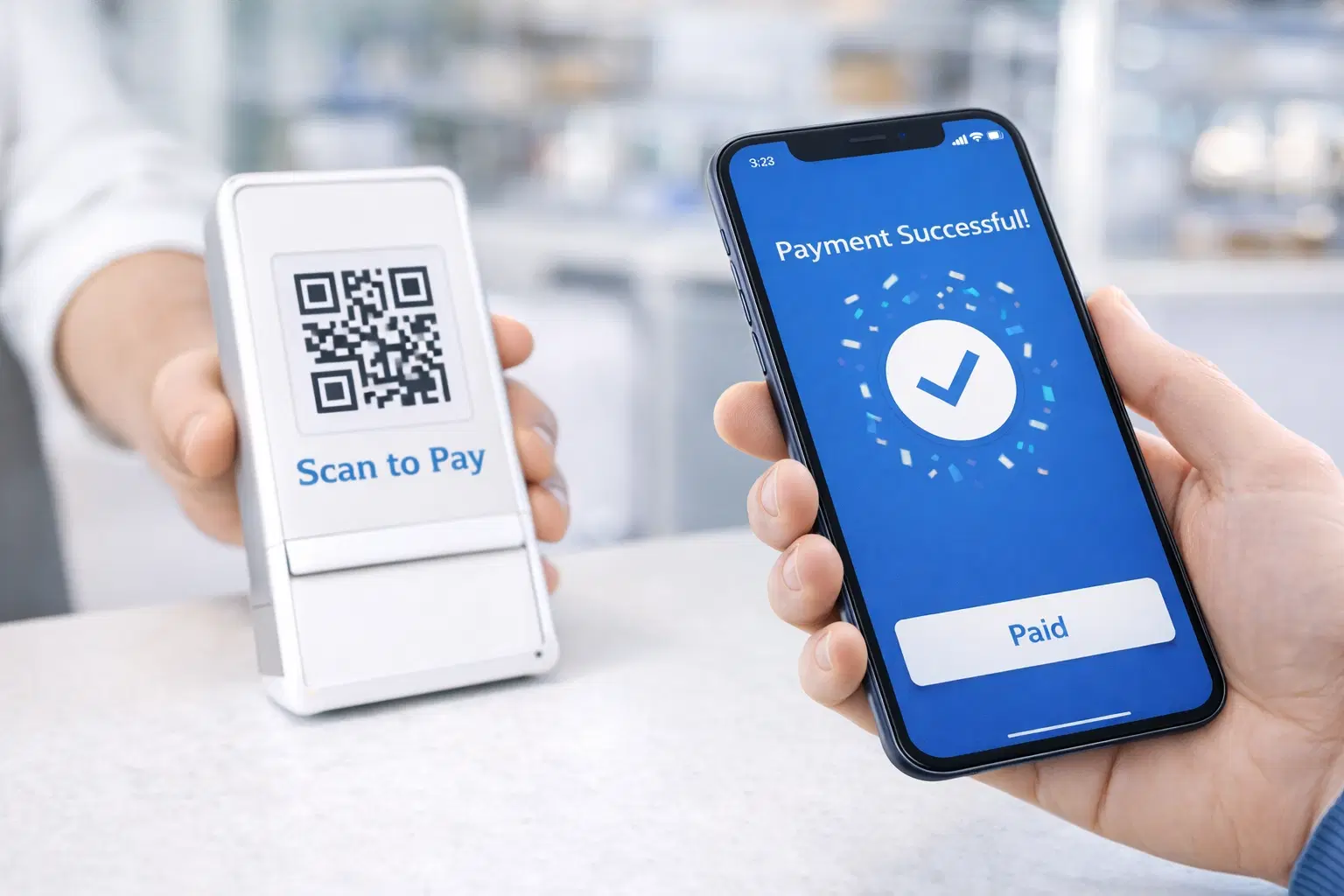
QR Code Payments Explained: How They Work and Why They Matter (Updated 2026)
QR code payments crossed record transaction volumes in 2025 and are now infrastructure, not novelty. Understand how they work: merchant-presented vs consumer-presented, UPI, security, and what it means for your business. Updated June 2026.
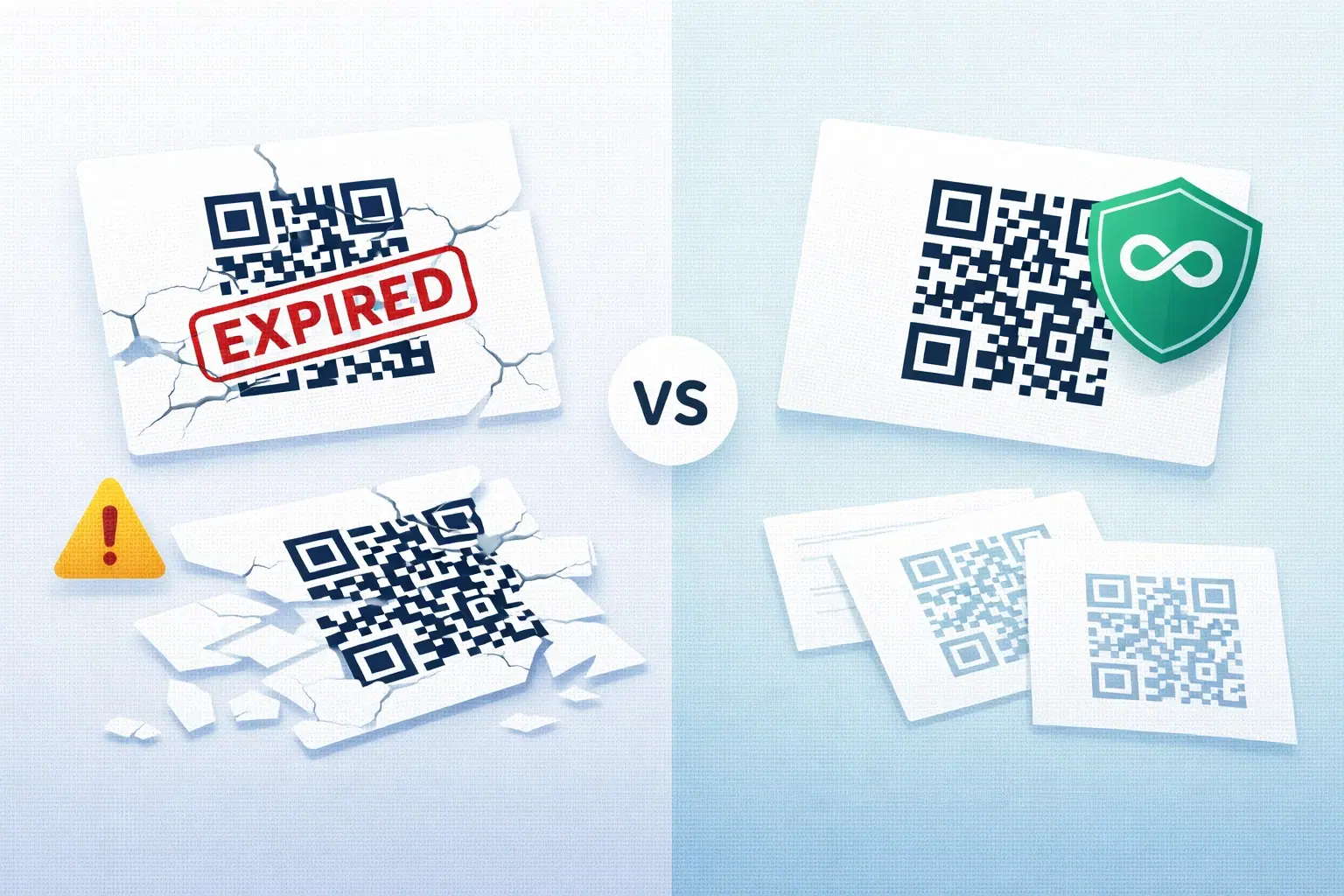
QR Codes That Never Expire: Why Most Free QR Codes Stop Working (Updated 2026)
Free QR codes often expire after 14 to 90 days, breaking printed materials and costing more in reprints than a paid plan ever would. Updated October 2026 guide with platform expiry timelines and a step-by-step rescue plan.