How to Choose a QR Code Generator: A Buyer's Guide (2026)
There are dozens of QR code generators, and most of them look the same. This buyer's guide gives you a clear decision framework for 2026: the questions to ask, the features that actually matter, and the traps to avoid.


Search for a QR code generator and you are buried instantly: dozens of tools, all claiming to be the best, most with near-identical feature lists and wildly different prices. It is genuinely hard to tell them apart, and the wrong choice can leave you with codes that expire, cannot be edited, or cost far more than they should.
This is not another ranked "best of" list, we have those, like the best dynamic generators and best free generators. This is a decision framework: the questions to ask yourself, the features that actually matter (and the ones that are just noise), and the traps that catch people. Answer the questions here and the right tool for you becomes obvious, whichever one it turns out to be.
The single most important idea up front: the best QR code generator is the one that matches your actual needs, and for most people the deciding factors are whether codes are permanent, editable, and trackable, not the length of the feature list.
Start With One Question: Static or Dynamic?
Before comparing any tools, answer the question that eliminates most of the confusion: do you need static or dynamic codes? This single answer narrows the field dramatically.
Static codes encode their data permanently into the pattern. They cannot be changed or tracked after creation. They are fine for a fixed piece of data that will never change and that you do not need to measure, for example, a WiFi code for your home, or a one-off code you will never reuse.
Dynamic codes point to a short link you control, so you can change the destination anytime without reprinting, and you can track scans. They are the right choice for anything printed, anything in a campaign, anything you want data on, or anything whose destination might ever change. See the full breakdown in dynamic vs static QR codes.
Why this is the first question:
- If you genuinely only ever need static codes, you can use a simple free generator and stop reading, your needs are basic and many tools suffice.
- If you need dynamic codes (and most real-world uses do), you need a proper QR platform, and the rest of this guide is about choosing the right one.
The honest reality: Most people who think they want "just a QR code" actually benefit from dynamic codes, because they will print the code, or want to fix a typo later, or want to know if anyone scanned it. If any of that applies, decide now that you need dynamic, and judge tools on how well they do dynamic codes.
The Features That Actually Matter
Once you know you need a dynamic platform, evaluate tools on the things that genuinely affect you, not the longest feature list. Here is what matters, roughly in order.
1. Permanence (does the code keep working?). This is the most important and most overlooked factor. Some generators, especially free ones, create codes that stop working after a trial or when you stop paying. A dead code on printed material is a disaster. Confirm explicitly that codes are permanent and never expire. See why free QR codes stop working.
2. Editability (can you change the destination?). The core benefit of dynamic codes. Confirm you can change where a code points, easily and without limits that matter to you.
3. Analytics (can you see scans?). If tracking matters, check what scan data you get and whether you can export it. See what QR analytics can track.
4. Design and branding (within reason). Most tools let you color and add a logo. This matters, but it is table stakes; do not let pretty codes distract from permanence and editability. See logo support.
5. The QR types you need. If you need specific types (vCard, WiFi, PDF, etc.), confirm they are supported.
Features that are often noise: A huge list of exotic QR types, dozens of templates, or enterprise features you will never use. These pad marketing pages but rarely decide real satisfaction. Focus on permanence, editability, and analytics; judge everything else as a bonus.
- Permanence: codes never expire (the most overlooked, most important)
- Editability: change the destination anytime without reprinting
- Analytics: see scans, and export the data if you need to
- Design/branding: color + logo while staying scannable (table stakes)
- The specific QR types you actually need (vCard, WiFi, PDF, etc.)
- Ignore: long lists of exotic features you will never use
Understanding Pricing (and the Traps)
QR pricing is where people most often get caught, because the cheapest option up front can be the most expensive in practice. Here is how to think about it clearly.
The "free" trap. Many free QR generators produce static codes, or dynamic codes that expire. A free code that stops working after you have printed it on a thousand flyers is not free, it is a costly reprint plus lost scans. Understand exactly what a "free" tier gives you and whether the codes are permanent. See free vs paid.
What you are actually paying for. With a paid QR platform, you are paying for permanence (codes that keep working), editability, analytics, and reliability. For anything that matters, those are worth paying for, because the alternative (a dead or unchangeable code on printed material) costs far more.
Compare the plan you would actually use. Do not compare headline "from $X" prices. Look at the specific plan that covers your real needs, how many codes, which features, and compare that across tools. See our pricing comparison.
Watch for these specific traps:
- Expiry on lower tiers - codes that die if you downgrade.
- Scan limits - plans that stop working or charge more past a scan cap.
- Per-code pricing that balloons - fine for a few codes, expensive at scale.
- Losing codes if you cancel - confirm what happens to your codes if you stop paying.
The value mindset. The right question is not "what is cheapest" but "what gives me permanent, editable, trackable codes at a fair price for my needs." Often a modestly-priced dedicated platform beats both free tools (which expire) and overpriced enterprise suites (which over-serve). See is it worth paying for a QR code.
Important
The costliest QR mistake is choosing on headline price alone and discovering too late that the codes expire or cannot be edited. A "free" code that dies after printing, or a cheap static code you cannot fix, costs you reprints and lost scans. Always confirm permanence and editability before price, they are what you are really buying.
Match the Tool to Who You Are
Finally, the right generator depends on who you are and what you are doing. Here is how different needs map to the right choice.
If you are an individual with occasional, simple needs: You may be fine with a good free generator for static codes, or a modest dynamic plan if you want to edit and track. Do not overbuy. Start simple.
If you are a small business or professional: You almost certainly want dynamic codes: permanent, editable, trackable, with branding. A dedicated, fairly-priced QR platform is the sweet spot. See the best QR generator for small business.
If you run marketing campaigns: Prioritize analytics, A/B capability, and easy editing, so you can measure and optimize. See QR codes for marketing campaigns.
If you are an agency or reseller: Look for white-label and team features. See white-label QR code generator and QR codes for teams.
If you are an enterprise: Prioritize security, team controls, integrations (API), and support. See enterprise QR code solutions.
The universal test before you commit: Whatever you choose, run one real test: create a dynamic code, print it, scan it, change its destination, and scan again. If the code is permanent, the edit works, and it scans reliably, the tool does the job. If it cannot do that cleanly, keep looking. Ten minutes of testing beats any feature comparison, including this guide.
Conclusion
Choosing a QR code generator is simpler than the crowded market makes it look, once you ask the right questions in the right order. Start with static versus dynamic, which eliminates most of the confusion. If you need dynamic (and most real uses do), judge tools on what actually matters: permanence above all, then editability, then analytics, with design and QR types as bonuses. Ignore the long lists of exotic features that pad marketing pages.
On pricing, resist the headline-price trap. A "free" code that expires or a cheap static code you cannot fix costs far more in reprints and lost scans than a fairly-priced permanent, editable, trackable code. Compare the plan you would actually use, and confirm permanence and editability before you look at price.
Then match the tool to who you are, individual, small business, marketer, agency, or enterprise, and run one real print-and-scan-and-edit test before committing. Do that, and the right QR code generator for you becomes obvious, whichever one it turns out to be.
Related reading:
Try QRForever and test it yourself. Start a 7-day full-access trial, no credit card needed. Permanent, editable, trackable dynamic codes at fair pricing.
Explore QRForever Solutions
Ready to Create Your Own QR Codes?
Start creating dynamic QR codes for your business today. Track analytics, update content anytime, and never reprint again.
Related Articles
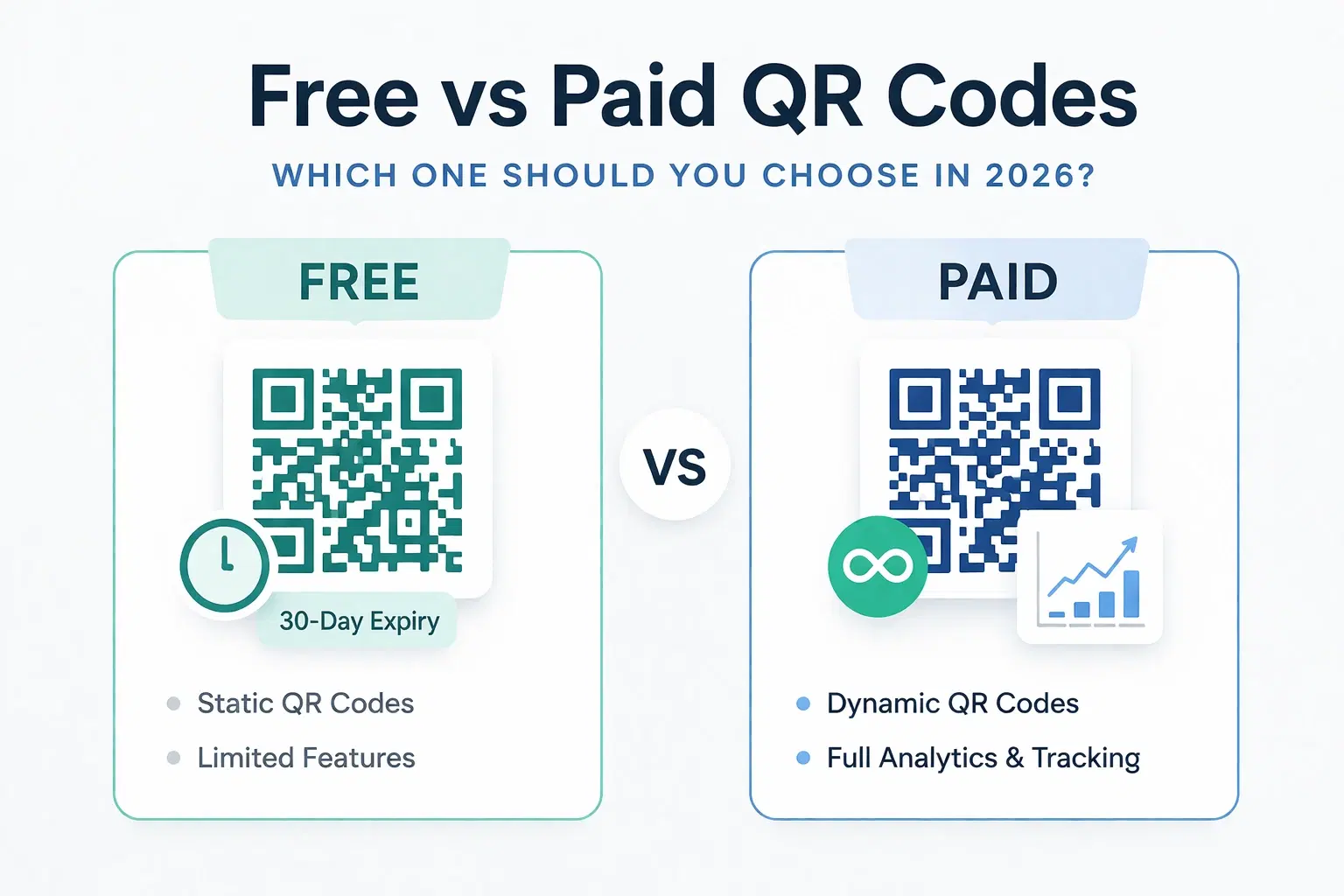
Dynamic QR Code Generator Free vs Paid: What You Actually Need (2026)
An honest breakdown of free vs paid dynamic QR code generators. How much a dynamic QR code really costs in 2026, when the free tier is enough, and when a paid plan from around $1.20/month makes more sense than you think.
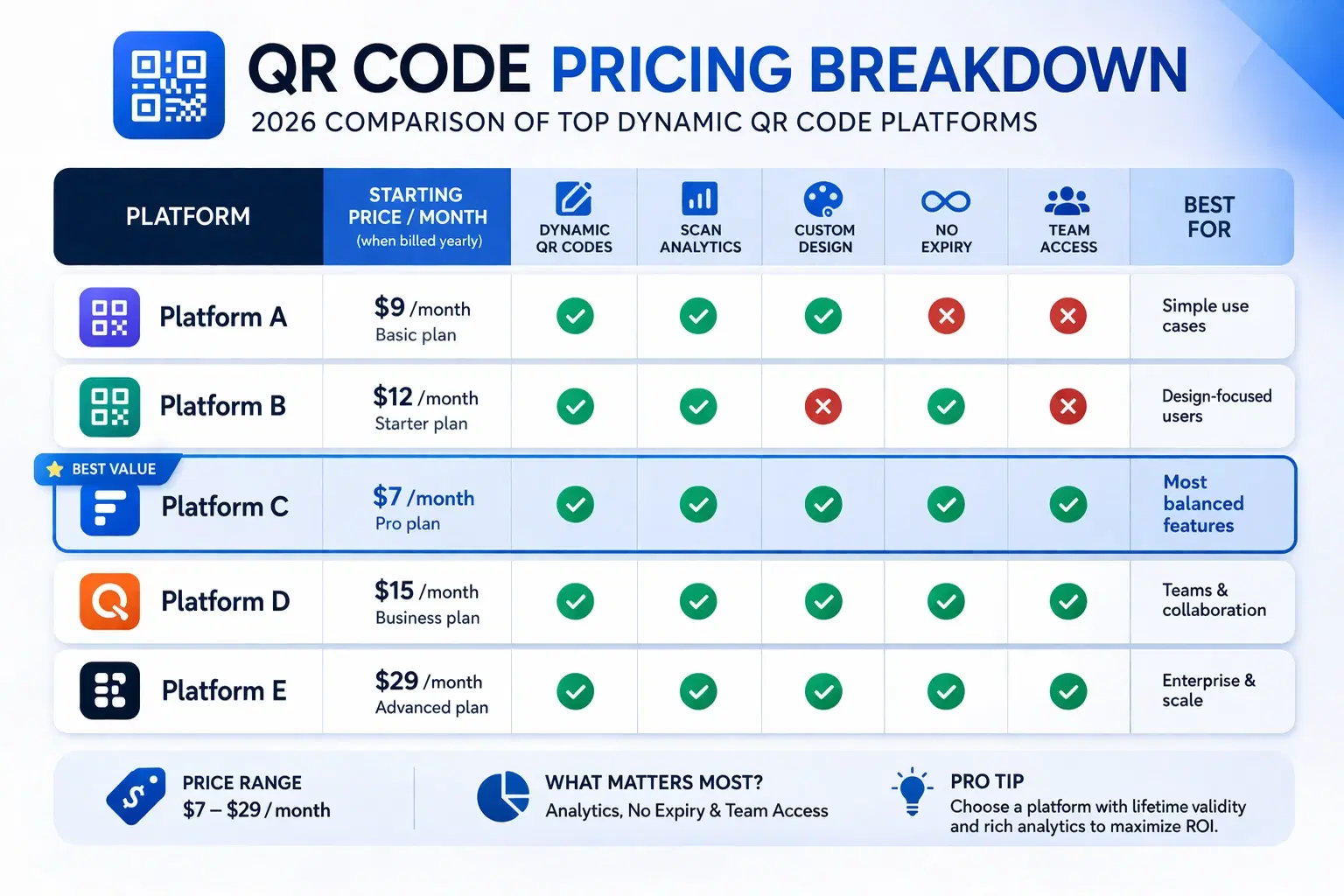
How Much Does a Dynamic QR Code Cost? (2026 Pricing Breakdown)
A transparent pricing breakdown for dynamic QR code generators in 2026, including Beaconstac, QR Tiger, Flowcode, Bitly, and QRForever. Find out who offers the best value and when free is enough. Updated June 2026.
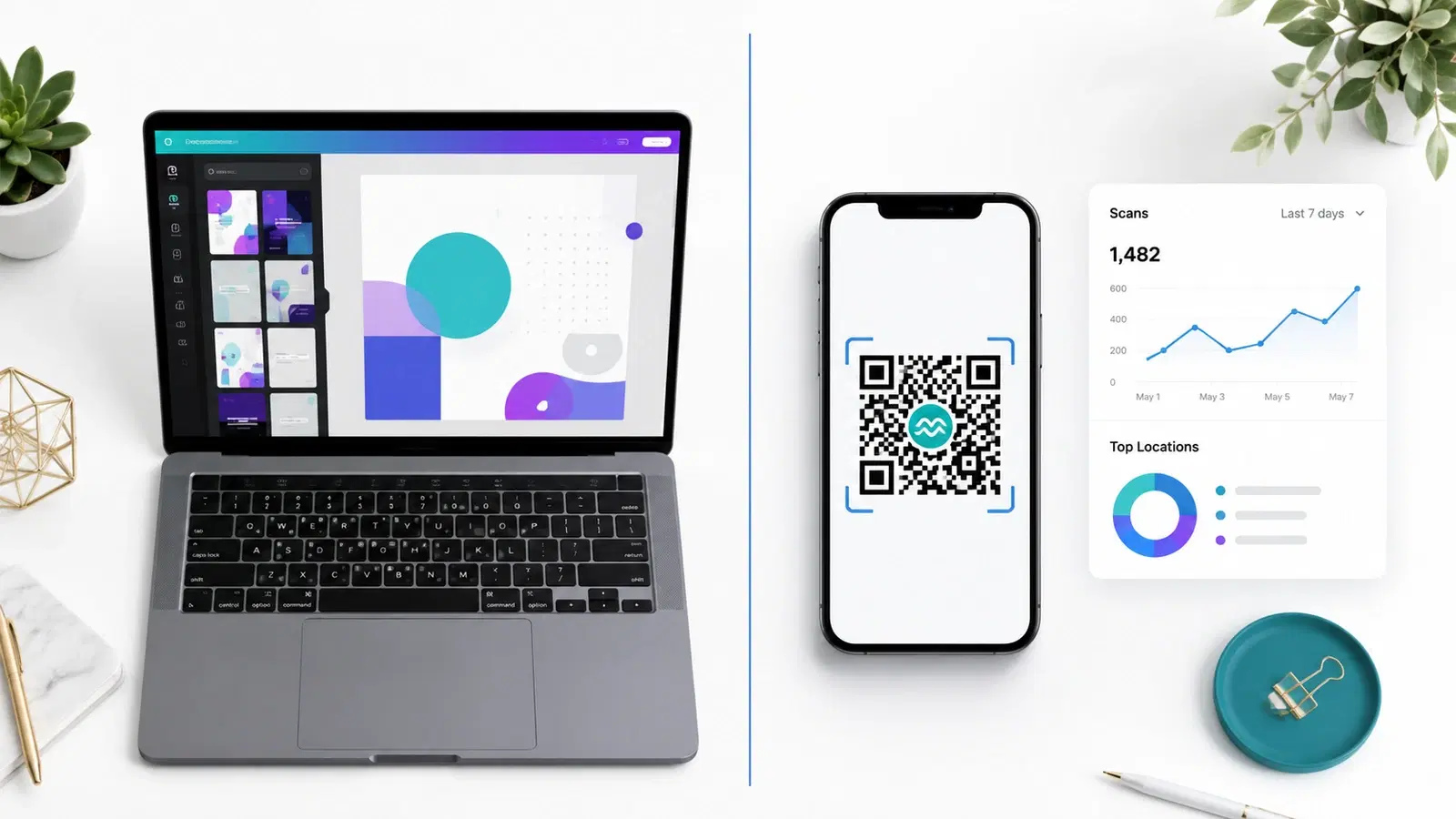
QRForever vs Canva QR Code Generator: Full Comparison 2026
Canva has a built-in QR code generator, but is it actually a complete solution? We compared it head-to-head with QRForever on dynamic codes, analytics, expiry, and design: here's what we found.