7 Best QR Code Generators for Small Businesses 2026 (Tested)
Small businesses have different QR code needs than enterprise teams: you need affordability, simplicity, and codes that keep working. Here are the 7 best options evaluated specifically for small business use cases in 2026.

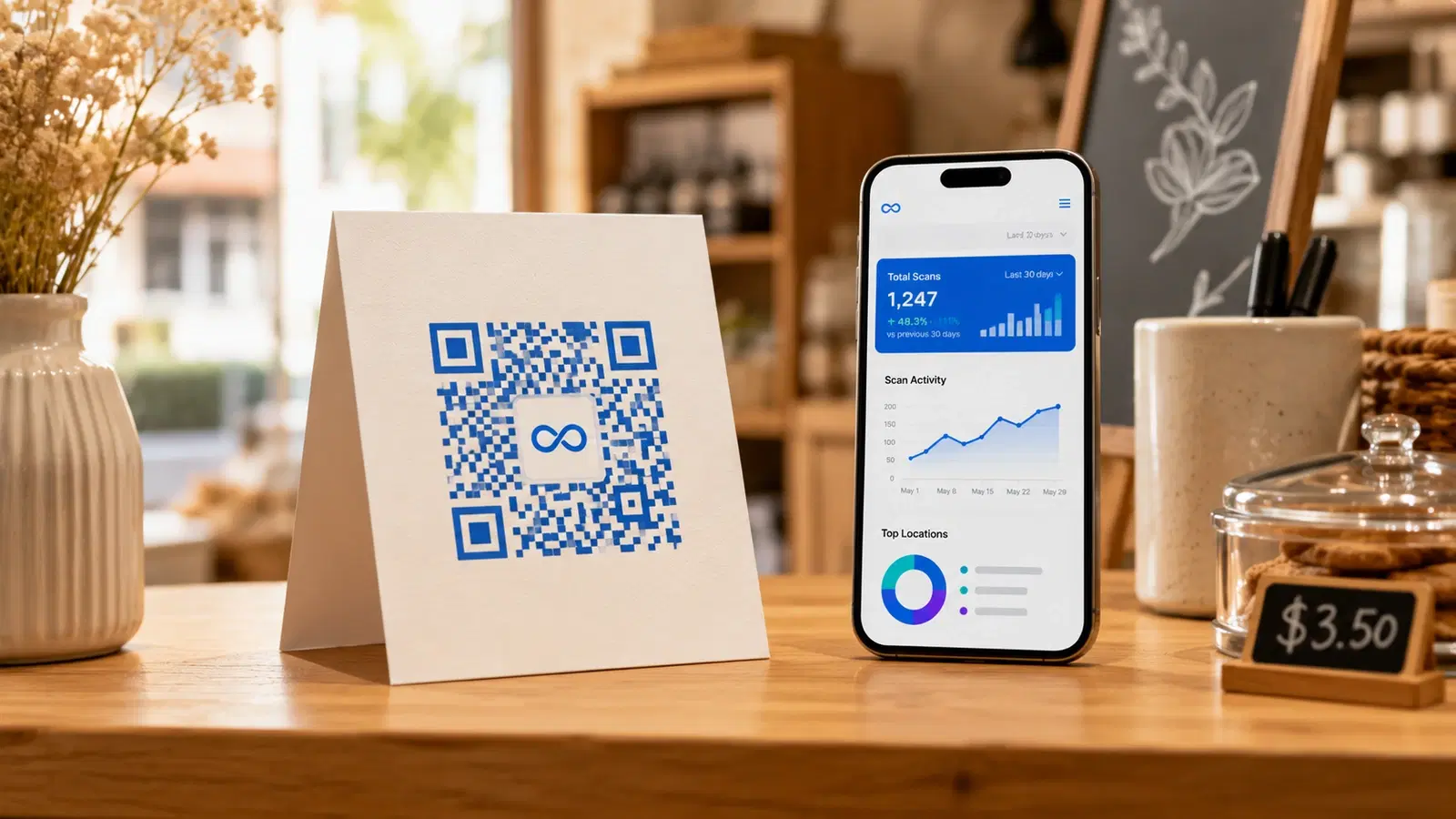
For most small businesses in 2026, QRForever offers the best combination of low cost, dynamic codes, and analytics. For simple one-time use with no budget, QR Code Monkey or GoQR.me generate free static codes with no signup. The decision comes down to whether you need to edit the destination URL or track scans after printing.
Small businesses have a specific set of QR code needs that are different from enterprise evaluations. You're not looking for SSO, dedicated account managers, or API integrations. You need:
1. Affordable pricing. You're not paying $100/month for a QR code tool 2. Simplicity. Your staff and you need to create and manage QR codes without a training course 3. Reliability. QR codes on your printed materials need to work for the life of those materials 4. Enough analytics. You want to know if your QR codes are actually being scanned
This guide evaluates the 7 best QR code generators specifically through the small business lens: a restaurant owner adding a digital menu QR, a boutique putting QR codes on hang tags, a salon using QR codes for reviews and booking.
Which QR code generators are best for small businesses in 2026?
The seven tools below cover the full range of small-business needs, from free static codes to affordable dynamic plans with analytics. The short version: QRForever wins on overall value for businesses that print codes and want to edit or track them, QR Code Monkey and Canva are best for free one-off static codes, and Uniqode fits larger multi-location teams that can absorb enterprise pricing. Here is the quick comparison before the detailed reviews. Competitor prices are approximate and converted to rupees; check each platform's current pricing page before deciding.
| Tool | Best for | Dynamic codes | Free tier? | Starting price | Code limit |
|---|---|---|---|---|---|
| QRForever | Overall value, India pricing | Yes | 7-day full-access trial | ₹499/mo (flat Pro) | Included in Pro |
| Bitly | Teams already using Bitly | Yes | Limited static | from ~₹830/mo (~$10) | Limited |
| QR Code Monkey | Free static codes | No | Free static, no signup | Free | Unlimited static |
| QR Tiger | Design-forward codes | Yes | Limited (free dynamic expires) | from ~₹600/mo (~$7) | Tiered by plan |
| Flowcode | Quick free dynamic codes | Yes | 2 free dynamic (branded) | Paid for more | 2 free dynamic |
| Canva | Existing Canva users | No (free tier is static) | Free static | Free | Unlimited static |
| Uniqode (Beaconstac) | Larger or multi-location teams | Yes | Trial, then paid | from ~₹420/mo (~$5) | Tiered by plan |
Static codes never expire on any of the free tools above; the catch is they cannot be edited. For anything printed, a dynamic code is the safer default. The reviews below explain who each tool fits.
What should small businesses look for in a QR code generator?
Small businesses don't need enterprise checklists. We scored each tool against four criteria that actually decide whether a QR code earns its keep:
1. Pricing vs QR count. What does it cost to run the number of codes a real small business needs (often 5 to 20), not the headline price for a single code? USD-priced tools were converted to rupees for an apples-to-apples view.
2. Genuine permanence vs trial. Does a printed code keep working, or does a "free" dynamic code quietly expire after a trial? A code that dies on your menu or signage is worse than no code at all, so we separated genuine permanence from trial countdowns.
3. Ease of use. Can an owner or a staff member create, label, and update a code without training? Tools that demand a learning curve lose here.
4. Analytics sufficiency. Does it tell you whether codes are actually being scanned, without drowning you in dashboards you'll never open? For most small businesses, total scans plus location and device is enough.
Last reviewed: June 2026.
What Small Businesses Actually Need from QR Codes
Before comparing platforms, it's worth being specific about small business QR use cases, because the right features depend on how you'll actually use your QR codes.
Most common small business QR use cases:
- Restaurant menu: QR code on tables linking to digital menu: destination URL may change as menu is updated
- Google review link: QR code near checkout/exit prompting customers to leave a review
- Social media links: QR code on receipts, packaging, or displays pointing to Instagram/Facebook
- Business card: QR code on business cards linking to contact info or website
- WiFi sharing: QR code at front desk so customers can connect without asking for password
- Appointment booking: QR code linking to booking page (Calendly, Google Booking, etc.)
- Product page or tutorial: QR code on product packaging linking to instructions or product page
Common pattern: For almost all of these, you'll eventually need to update the destination URL. Menu changes. You move your booking from Calendly to a different service. Your Instagram handle changes. You redesign your website.
This is why dynamic QR codes (editable after creation) are the sensible default for small businesses. The cost difference vs static is small. The reprint savings when you need to update something can be significant.
#1 QRForever: Best Overall for Small Businesses
Why it wins for small business: Pricing is built for the Indian small business market (₹499/month), dynamic codes stay editable with permanent redirects for as long as you're subscribed, and the feature set covers every common small business use case without unnecessary complexity. You can try the whole platform first via a 7-day full-access trial, no credit card.
Best for: Restaurants, retailers, salons, local service businesses, freelancers, small e-commerce
Pricing:
- 7-day full-access free trial: unlimited dynamic QR codes + all features, no credit card
- Pro: ₹499/month ($6), or ₹250/month on the yearly plan, one flat plan with logo embedding and full analytics
- Business: a separate tier for teams needing white-label, API access, and seats (see the pricing page)
Key small business features:
- Dynamic QR codes with editable destinations
- Menu QR type with custom sections
- vCard QR for business cards
- WiFi sharing QR
- WhatsApp QR (huge for Indian businesses); see the WhatsApp Business QR code setup guide
- Scan analytics (total scans, location, device)
- Dynamic codes with permanent redirects that stay live for the life of your subscription
What it lacks:
- No NFC tag support
- Design customization is functional but not as visual as some tools
- Phone support is limited (chat + email)
Bottom line: For a small business managing 5–20 QR codes, QRForever's pricing is the most competitive in the market, and the permanent QR code infrastructure prevents the expensive reprint scenarios that trip up businesses using free static generators.
Pro Tip
Start with QRForever's 7-day full-access free trial (no credit card): create unlimited dynamic QR codes and test your most important use case (usually your restaurant menu or Google review link) before you subscribe.
#2 Bitly: Best If You Already Use Bitly for Link Management
Why it's on this list: Bitly is primarily a link shortener, but it includes a solid QR code feature that makes it a natural choice for small businesses already using Bitly to manage links.
Best for: Businesses already using Bitly for link shortening; digital-first businesses where QR codes are secondary to link management
Pricing:
- Free: Limited QR codes (static)
- Core: from ~$10/month. Includes dynamic QR codes
- Higher tiers add more codes and analytics. Check Bitly's current pricing page
Key features:
- Dynamic QR codes with analytics
- Integrates with Bitly link management (same dashboard)
- Custom branded domains available on higher plans
- Clean, simple interface
Limitations for small business:
- QR codes use bit.ly domain (or custom domain on higher plan). Some businesses prefer QR code URLs without third-party branding
- Dynamic QR codes stop working if subscription lapses
- Pricing is USD-based. Less competitive for Indian businesses vs QRForever
Bottom line: If you're already managing links in Bitly and want QR codes without another tool, the Bitly Core plan is reasonable. If QR codes are your primary need (not link management), dedicated QR code platforms offer more value.
See our full QRForever vs Bitly comparison.
#3 QR Code Monkey: Best Free Option for Visual QR Codes
Why it's on this list: If your QR code needs are genuinely static (the URL will never change) and you want design flexibility without any cost, QR Code Monkey is the best free option.
Best for: Businesses that need one-time printed QR codes for stable destinations: WiFi codes (password rarely changes), social media profiles, permanent website homepage
Pricing: Free
Key features:
- High design customization (colors, shapes, corner styles, logo upload)
- No signup required
- SVG export for print-quality output
- Multiple QR types (URL, WiFi, email, phone, vCard, etc.)
Critical limitation: All QR codes are static. No editing, no analytics, no destination changes. Once printed, if the URL changes, the code is broken.
When to use it for small business:
- WiFi QR code for your business (WiFi passwords change rarely)
- Social media link QR code for platforms where your username is fixed
- Website homepage QR code if you're confident the URL is permanent
When NOT to use it:
- Restaurant menu QR (menu URL will change)
- Google review link (use dynamic so you can add it to new materials as the URL changes)
- Any QR code on materials you'll print regularly
#4 QR Tiger. Best for Small Businesses Wanting Design Flexibility
Why it's on this list: QR Tiger is a strong contender for small businesses that prioritize visual customization and want design-forward QR codes with analytics.
Best for: Small businesses with strong brand identities where QR code aesthetics matter: boutiques, event companies, design studios, wedding vendors
Pricing:
- Free: Limited static QR codes
- Freemium: Limited dynamic QR codes (expire after 14 days)
- Paid plans tiered by dynamic-code count, billed monthly or annually: check QR Tiger's current pricing page for plan names, prices, and code limits
Key features:
- Excellent design customization (patterns, shapes, frames, gradients, logos)
- Analytics on dynamic QR codes
- Multiple QR types
- Pre-designed templates
Limitations:
- More expensive than QRForever for comparable QR code counts
- Dynamic QR codes expire if subscription lapses
- Free dynamic codes expire after 14 days (risky for printed materials)
Bottom line: QR Tiger's design flexibility makes it worth considering if your QR codes need to look distinctly branded. The pricing gap vs QRForever is the main trade-off; evaluate based on whether design features justify the premium for your business.
#5 Flowcode: Best for a Couple of Free Dynamic Codes
Why it's on this list: Flowcode offers a small number of free dynamic QR codes with basic analytics, which is unusual: most platforms make free dynamic codes a trial. At the time of writing, the free plan allows up to two dynamic codes with unlimited scans, though it adds Flowcode branding to the codes. Confirm the current free-plan terms before printing.
Best for: A small business that needs one or two editable codes for free (say, a menu link and a review link) and can accept light platform branding.
Pricing:
- Free: up to 2 dynamic codes with basic analytics (branded)
- Paid plans for more codes, custom branding, and advanced features
Key features:
- Dynamic codes you can edit after printing
- Basic scan analytics on free codes
- Design customization (colors, shapes)
- Landing-page builder on higher tiers
Limitations for small business:
- Only two free dynamic codes, not enough for a growing fleet
- Free codes carry Flowcode branding
- More codes and clean branding require a paid plan that is generally pricier than QRForever for comparable counts
Bottom line: A reasonable free starting point if you need just one or two editable codes. Once you need more than a couple, the per-code economics favor a dedicated paid plan.
#6 Canva: Best for Businesses Already Designing in Canva
Why it's on this list: If your marketing already lives in Canva, its built-in QR feature is the path of least resistance. The free tier produces a static QR code with no visible watermark on the code itself, embedded directly in your design.
Best for: Owners who design their own flyers, menus, and social posts in Canva and want the QR to sit inside that workflow.
Pricing: Free (static QR within Canva designs); SVG export and some assets require Canva Pro
Key features:
- Static QR codes inside any Canva design
- Color customization to match brand
- Tight integration with Canva's templates and library
Limitations for small business:
- The free QR is static, so you cannot edit the destination or see scan analytics
- If your menu or booking URL changes, you reprint
- SVG export is gated behind Canva Pro
Bottom line: Convenient for design-led businesses, but treat it as a static tool. For codes you'll print and may need to update, generate the code in a dynamic platform and place the image into your Canva design.
#7 Uniqode (Beaconstac): Best for Larger or Multi-Location Teams
Why it's on this list: Uniqode (formerly Beaconstac) is a polished, feature-rich platform aimed at the higher end of small business and up. It is worth knowing about once you outgrow a handful of codes or need multiple locations and team access.
Best for: Small businesses scaling toward multi-location, franchises, or teams that need brand controls and bulk creation.
Pricing:
- Trial, then paid (no permanent free tier)
- Entry plans start low for a small number of codes, with higher tiers for more codes and team features. Check Uniqode's current pricing page for exact plan prices and limits
Key features:
- Dynamic codes with detailed analytics
- Bulk creation and team access on higher tiers
- Strong design and brand-kit controls
- Multiple QR types
Limitations for small business:
- No permanent free tier; the free experience is a trial that expires
- Pricier than QRForever for comparable code counts, especially for India-based businesses
- More features than a single-location small business usually needs
Bottom line: Capable and well-built, but priced and scoped for teams. For a single-location small business managing 5 to 20 codes, it is usually more tool than you need. See our full Beaconstac vs QRForever for small business comparison.
Which Generator to Use by Business Type
The right pick depends on how you'll actually use QR codes day to day. Here is the short version by business type.
Restaurants and cafes: You need a menu QR that can change as the menu changes, plus a Google review QR. Both should be dynamic so you never reprint table tents. QRForever fits this best on price; see our complete restaurant menu QR code guide.
Retail and boutiques: Hang-tag and packaging QR codes pointing to product pages, lookbooks, or social profiles. Use dynamic codes so a campaign or landing page can change without reprinting tags. Design-conscious brands may weigh QR Tiger for aesthetics against QRForever for price.
Salons, spas, and appointment services: Booking-link and review QR codes are the core. Because booking tools and review links change, dynamic is essential. See our guide to QR codes for salons and spas: booking, loyalty, and reviews.
Professional services (consultants, clinics, agencies): vCard QR on business cards, a WiFi QR for the waiting area, and a booking or contact QR. A small dynamic plan covers all of these, and labeling each code by use case keeps a growing set manageable.
For any printed touchpoint, the throughline is the same: choose dynamic so the printed code outlives the URL behind it.
Small Business QR Code Strategy (Not Just Platform)
Choosing the right platform matters, but your QR code strategy matters more. Here are the decisions that determine whether your QR codes actually deliver value:
Decision 1: Always use dynamic QR codes for printed materials. Any QR code you print should be dynamic. The ₹499/month cost difference vs free static is recovered the first time you avoid reprinting. If you're not going to print the QR code, static is fine.
Decision 2: Have one QR code per use case, not one per material. A restaurant doesn't need a different QR code for each table. One QR code (say, your menu QR) on 50 tables all point to the same dynamic URL. When your menu URL changes, you change one destination, all 50 tables update instantly.
Decision 3: Label each QR code in your dashboard. When you have 10+ QR codes, unlabeled codes become confusing. Name each one by use case: "Main Menu Table QR," "Google Review Receipt," "WiFi Lobby," etc.
Decision 4: Check your analytics monthly, not daily. QR code analytics are most useful for identifying dead codes (scans dropped to zero. Something's wrong) and high performers (worth protecting and not changing). A monthly check is enough.
Decision 5: Keep a record of which QR codes are on which materials. When you need to update a destination URL, knowing which physical materials have that QR code helps you plan: replace stickers, swap signage, notify staff.
For small businesses managing menus, see our complete restaurant menu QR code guide. For Google review optimization, see how to use QR codes to get more Google reviews.
- Use dynamic QR codes for all printed materials: static is fine only for digital-only use
- One QR code per use case: don't multiply codes across materials
- Label every QR code in your dashboard by use case
- Check analytics monthly to catch dead codes early
- Keep a simple record (even a spreadsheet) of which codes are on which physical materials
Pricing Comparison Summary
Here's the total annual cost for a small business managing 10 dynamic QR codes:
| Platform | Monthly Cost | Annual Cost | QR Codes |
|---|---|---|---|
| QRForever Pro | ₹499 | ₹2,999 (yearly plan) | Included in Pro |
| QR Tiger | from ~₹600 (~$7), higher tiers for more codes | ~₹7,000+ | tiered by plan |
| Bitly Core | ~₹830 (~$10) | ~₹10,000 | Limited |
| Scanova Basic | ~₹420 (~$5) | ~₹5,000 | tiered by plan |
| Uniqode | from ~₹420 (~$5), higher tiers for more codes | ~₹5,000+ | tiered by plan |
Competitor prices above are approximate, USD-converted, and change often, so confirm each platform's current pricing page before deciding. For a small business managing dynamic QR codes, QRForever's flat Pro plan is consistently well below the USD-priced alternatives, and the yearly plan lowers the effective monthly cost further.
This pricing comparison is what typically makes QRForever the clear choice for Indian small businesses. For businesses outside India evaluating at USD rates, the gap narrows but QRForever's "codes that never expire" feature remains a meaningful differentiator.
Conclusion
For most small businesses, the QR code platform decision comes down to one question: are you willing to pay a small monthly fee for QR codes that can be edited and will never expire, or will you use free static QR codes and accept that you'll need to reprint materials when anything changes?
The math strongly favors dynamic QR codes for any printed use case. And among the dynamic QR code platforms, QRForever's flat Pro pricing (₹499/month) is built specifically for the scale and budget of small businesses.
Platform recommendations by scenario:
- Indian small business, 1–50 QR codes, print use cases → QRForever
- Already using Bitly for link management → Bitly Core
- One-time printed QR code, URL guaranteed stable → QR Code Monkey (free)
- Strong visual brand, design matters more than price → QR Tiger Pro
- Enterprise scale (50+ codes, teams, brand kits) → Uniqode
Related reading:
Create a dynamic QR code with QRForever: start a 7-day full-access trial, no credit card. Dynamic codes are editable anytime with full scan analytics; subscribe to the flat Pro plan (₹499/month) when you're ready.
Frequently Asked Questions
What is the best free QR code generator for small businesses?
For free static codes that never expire, QR Code Monkey is the strongest pick, with full design control, SVG export, and no signup. Canva and QRStuff are good static alternatives. For a free editable dynamic code, Flowcode offers two (with its branding), and QRForever offers a 7-day full-access trial on unlimited dynamic codes. There is no permanently free dynamic plan from any serious platform.
How much do QR code generators cost for small businesses?
Plans that include editable dynamic codes typically start around ₹499 to ₹830 per month (roughly $1 to $10). QRForever uses one flat Pro plan at ₹499/month ($6) rather than per-code tiers; USD-priced tools like QR Tiger, Bitly, and Uniqode generally run higher. Free static-only tools cost nothing but cannot be edited or tracked. Price the tool against how you will use it, not the headline single-code price.
Do small businesses need dynamic QR codes?
For anything printed, yes in most cases. Menus, booking links, review links, and social handles tend to change over time, and a dynamic code lets you update the destination without reprinting. Static codes are fine only when the destination is genuinely permanent, such as a homepage URL or a WiFi password that rarely changes.
Can I use a free QR code generator for my business permanently?
You can if you only need static codes for stable destinations: free static codes from QR Code Monkey, QRStuff, or Canva never expire. What you cannot get permanently for free is a dynamic, editable, trackable code; those require a paid plan on any reliable platform once a trial ends.
What QR code features do small businesses actually need?
Most small businesses need four things: dynamic (editable) codes so printed materials stay valid, codes that genuinely do not expire, an interface simple enough to use without training, and basic analytics (total scans plus location and device). Enterprise features like SSO, API access, and dedicated account management are usually unnecessary.
Is a Canva QR code good enough for a small business?
Canva is fine if you only need a static code embedded in a design and the destination will never change. Its free QR feature produces static codes with no editing and no analytics, so a URL change breaks the code. For a business that prints menus, tags, or signage and may update links or wants to track scans, a dynamic QR platform is a better fit. Many businesses design in Canva and generate the actual code in a dynamic tool.
How many QR codes does a small business typically need?
Most small businesses run somewhere between one and twenty active codes: a menu or catalog code, a review or booking code, a WiFi code, a social or contact code, and a few campaign-specific ones. Because QRForever's Pro plan is a flat ₹499/month with no per-code metering, you do not have to count codes against a tier; you create what you need.
Explore QRForever Solutions
Ready to Create Your Own QR Codes?
Start creating dynamic QR codes for your business today. Track analytics, update content anytime, and never reprint again.
Related Articles
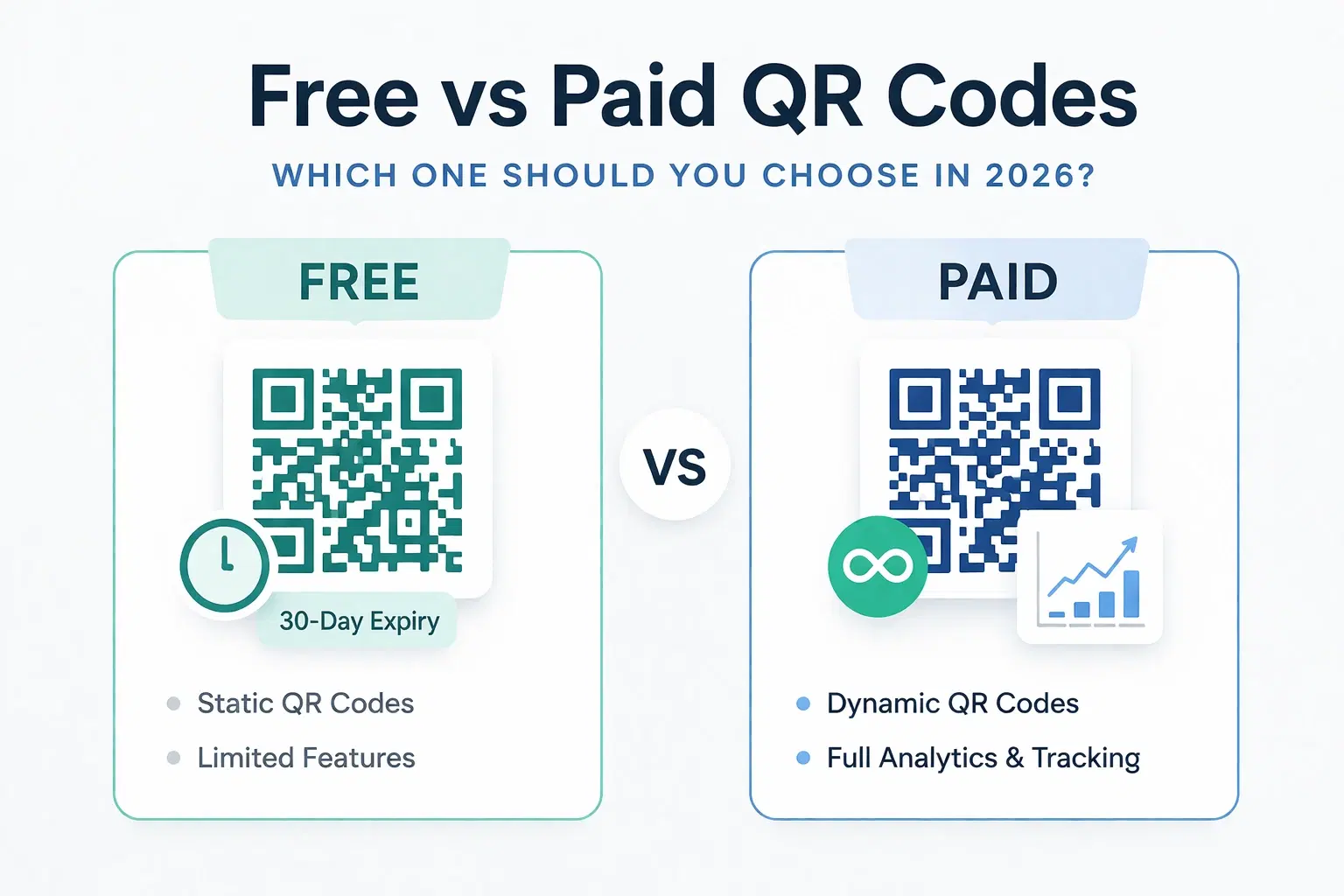
Dynamic QR Code Generator Free vs Paid: What You Actually Need (2026)
An honest breakdown of free vs paid dynamic QR code generators. How much a dynamic QR code really costs in 2026, when the free tier is enough, and when a paid plan from around $1.20/month makes more sense than you think.
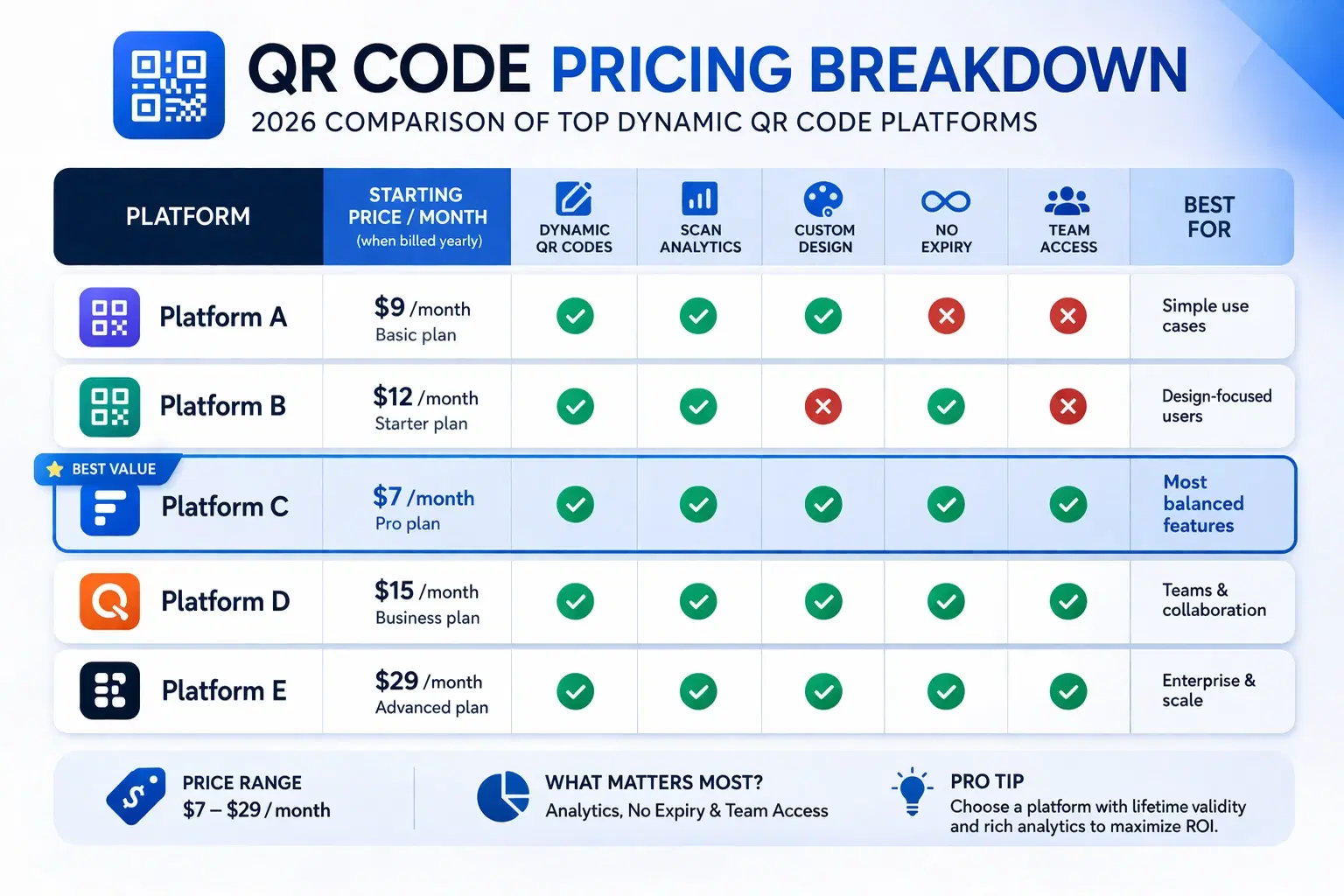
How Much Does a Dynamic QR Code Cost? (2026 Pricing Breakdown)
A transparent pricing breakdown for dynamic QR code generators in 2026, including Beaconstac, QR Tiger, Flowcode, Bitly, and QRForever. Find out who offers the best value and when free is enough. Updated June 2026.
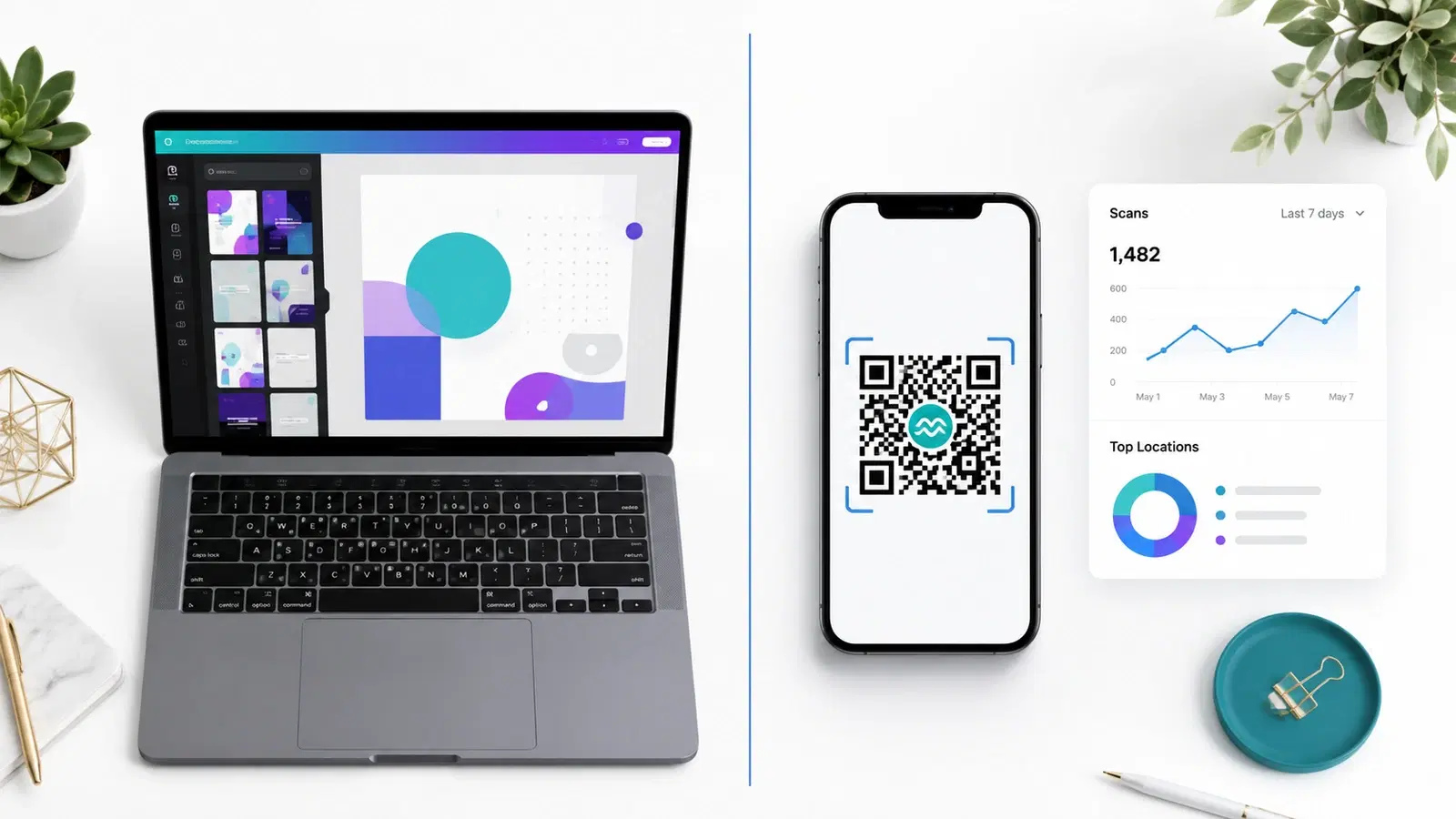
QRForever vs Canva QR Code Generator: Full Comparison 2026
Canva has a built-in QR code generator, but is it actually a complete solution? We compared it head-to-head with QRForever on dynamic codes, analytics, expiry, and design: here's what we found.