QR Codes for Teams: Shared Workspaces, Roles & Permissions (2026)
When more than one person manages your QR codes, a personal account stops working. Team features, shared workspaces, roles, and permissions keep your codes organized and secure as you scale. Here is what to look for in 2026.

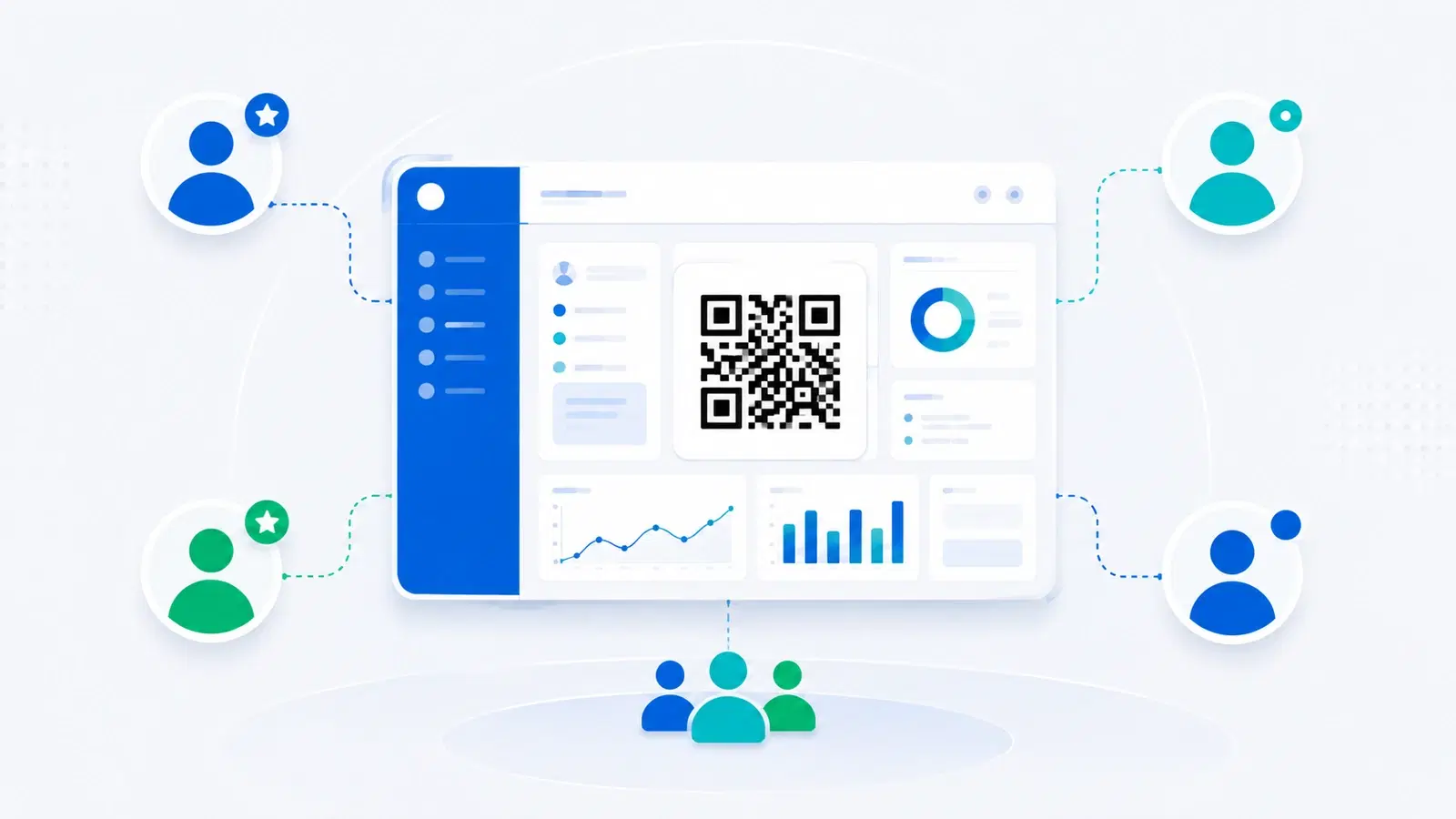
A personal QR code account works fine when one person makes and manages every code. But the moment a second person is involved, a marketing colleague, an agency, a franchise manager, a new hire, cracks appear. Who has the login? What happens when that person leaves? How do you stop someone from accidentally editing the wrong code? How do you keep one client's codes separate from another's?
These are not design questions; they are organizational ones, and they are what team features for QR codes exist to solve. Shared workspaces, roles, and permissions turn a single-user tool into something a group can use safely at scale.
This guide explains why personal accounts break as you grow, what team features actually do, how roles and permissions should work, and how to tell when it is time to move your organization onto a proper team plan. It is aimed at businesses, agencies, and any group where more than one person touches the QR codes.
Why a Personal Account Breaks as You Scale
The problems with running team QR codes through one personal login are predictable, and every growing organization hits them.
The shared-password problem. When several people need access, the usual hack is to share one login. Now nobody knows who changed what, you cannot revoke one person's access without changing the password for everyone, and when that employee leaves, they still have the keys. This is the same reason no serious tool runs on a shared password.
The "who edited this?" problem. With one account, every action looks identical. If a code's destination suddenly points somewhere wrong, there is no way to know who changed it or when. Accountability disappears exactly when you need it most.
The accidental-edit problem. A dynamic QR code's power is that anyone with access can change where it points. That is also its risk: a junior team member poking around can repoint a printed code that is live on thousands of packages. Without permission levels, everyone has the power to break everything.
The organization problem. An agency managing codes for ten clients, or a company with codes across many campaigns and locations, needs those codes separated and labeled. One flat personal account becomes an unmanageable pile where nobody can find the right code.
The offboarding problem. When someone leaves, you need to cleanly remove their access without disrupting anyone else or losing any codes. A shared personal login makes this impossible to do cleanly.
Every one of these is solved by team features. None of them is solved by being more careful, because they are structural, not behavioral.
Important
The single riskiest habit is sharing one QR account password across a team. Beyond the security exposure, it means anyone can repoint any live, printed code with no audit trail and no way to revoke just one person. If your printed codes matter, a shared login is a standing liability.
What Shared Workspaces Do
A shared workspace is the foundation of team QR management. It is a single organized space where your team's codes live and everyone with access works from the same source of truth.
One organized home for all codes. Instead of codes scattered across personal accounts, everything lives in a shared workspace: every code, its analytics, and its settings, visible to the right people. When a colleague is out, the work does not vanish with their login.
Separation by client, campaign, or location. Good workspace features let you group codes, by client, by campaign, by store location, so an agency can keep Client A's codes cleanly separate from Client B's, and a multi-location business can organize by site. This is what makes the difference between a tidy system and a pile. It pairs naturally with white-labeling for agencies, where client separation is essential.
Shared analytics. Everyone with access sees the same scan data, so reporting is consistent and nobody is stuck waiting for the one person who "has the login" to pull numbers. See what QR analytics can track.
Continuity. Because the workspace belongs to the organization rather than an individual, people can join and leave without codes being orphaned. The company owns its codes, not whichever employee happened to create them.
For inventory-heavy teams, this organizational layer matters even more; see QR codes for inventory and asset tracking, where codes number in the thousands.
Roles and Permissions: Who Can Do What
Shared access without permission levels just moves the risk around. Roles are what make a shared workspace safe, by ensuring people can do their jobs without being able to break things outside their remit.
The typical role layers:
- Admin / Owner: full control, including managing members, billing, and every code. This should be a small number of people.
- Editor / Member: can create and edit codes and view analytics, but cannot manage the team or billing. This suits most day-to-day users.
- Viewer / Analyst: can see codes and analytics but cannot change anything. Ideal for stakeholders, clients, or anyone who needs the numbers but should not touch the codes.
Why this structure works: It follows the principle of least privilege: give each person exactly the access their job needs and no more. A stakeholder who only wants to see scan numbers gets a viewer seat and can never accidentally repoint a live code. A contractor working on one campaign does not get the keys to everything. This is basic operational security, applied to QR codes.
Audit and accountability. With named members instead of a shared login, actions can be attributed. Even simple visibility into who created or last changed a code restores the accountability that a shared password destroys.
Clean offboarding. When someone leaves, an admin removes their seat. Their access ends immediately, every code stays exactly where it was, and nothing else is disrupted. That is the whole point: the organization, not the individual, holds the keys.
Pro Tip
Apply least privilege deliberately: most people should be editors, only one or two should be admins, and anyone who just needs the numbers (executives, clients, partners) should get a viewer seat. The fewer people who can repoint live codes and manage billing, the fewer ways things go wrong.
When It Is Time to Move to a Team Plan
You do not need team features on day one. Here is how to recognize when you have crossed the line from "personal tool" to "needs a team plan."
Clear signals it is time:
- More than one person needs to create or edit codes
- You have started sharing a password to give people access
- You manage codes for multiple clients, campaigns, or locations that should be kept separate
- Someone with access has left, or will, and you need to cut access cleanly
- A code was changed and nobody could say who did it
- Stakeholders keep asking you to pull scan numbers because only you can log in
If two or more of these are true, you have outgrown a personal account, and the cost of staying on one is measured in security risk and wasted time, not dollars.
How to make the move: Set up a shared workspace, invite your team with the right roles (most as editors, one or two as admins, stakeholders as viewers), organize existing codes into groups by client or campaign, and retire the shared password. From then on, access is granted and revoked per person, actions are attributable, and your codes belong to the organization.
The payoff: Team features are not about adding complexity; they are about removing risk and friction. A growing business running its QR codes through one shared login is carrying a hidden liability. Moving to a proper team setup is what lets QR codes scale from a one-person task to reliable business infrastructure, the same way statistics show scanning itself has become everyday infrastructure.
Conclusion
A personal QR code account is fine for one person, but it breaks the moment a team is involved: shared passwords, no accountability, accidental edits to live codes, disorganized clutter, and messy offboarding. None of these are solved by being careful, because they are structural problems, and team features are the structural fix.
Shared workspaces give your codes one organized home, separated by client, campaign, or location, with analytics everyone can see. Roles and permissions make that access safe by giving each person exactly the control their job needs: admins manage, editors build, viewers watch. Together they restore accountability and let people join and leave without codes being orphaned.
If more than one person touches your QR codes, or if you have started sharing a login, you have already outgrown a personal account. Moving to a team plan is what turns QR codes from a fragile one-person task into dependable business infrastructure.
Related reading:
Set up a team workspace with QRForever. Start a 7-day full-access trial, no credit card needed. Shared workspaces, roles, and analytics your whole team can use.
Explore QRForever Solutions
Ready to Create Your Own QR Codes?
Start creating dynamic QR codes for your business today. Track analytics, update content anytime, and never reprint again.
Related Articles
QR Codes for Small Businesses: A Practical Getting Started Guide (Updated 2026)
QR codes give small businesses the same tools big brands use, for free or near-free. This 2026 guide covers the essential use cases, the one mistake that costs reprints, and how to start in an afternoon. Updated June 2026.
QR Code Inventory Management: Complete Asset Tracking Guide for 2026
Use QR codes to track inventory, assets, and equipment without expensive RFID hardware. Practical setup guide for small businesses, warehouses, and field teams.
How Much to Charge for QR Code Design Services (Freelancer Guide 2026)
Freelancers and agencies can charge ₹500 to ₹15,000+ for QR code work, the spread depends on what you bundle. Here's how to price QR code design services, what to include, and how to turn one-off projects into recurring revenue.