Dynamic QR Code Generator Free vs Paid: What You Actually Need (2026)
An honest breakdown of free vs paid dynamic QR code generators. How much a dynamic QR code really costs in 2026, when the free tier is enough, and when a paid plan from around $1.20/month makes more sense than you think.

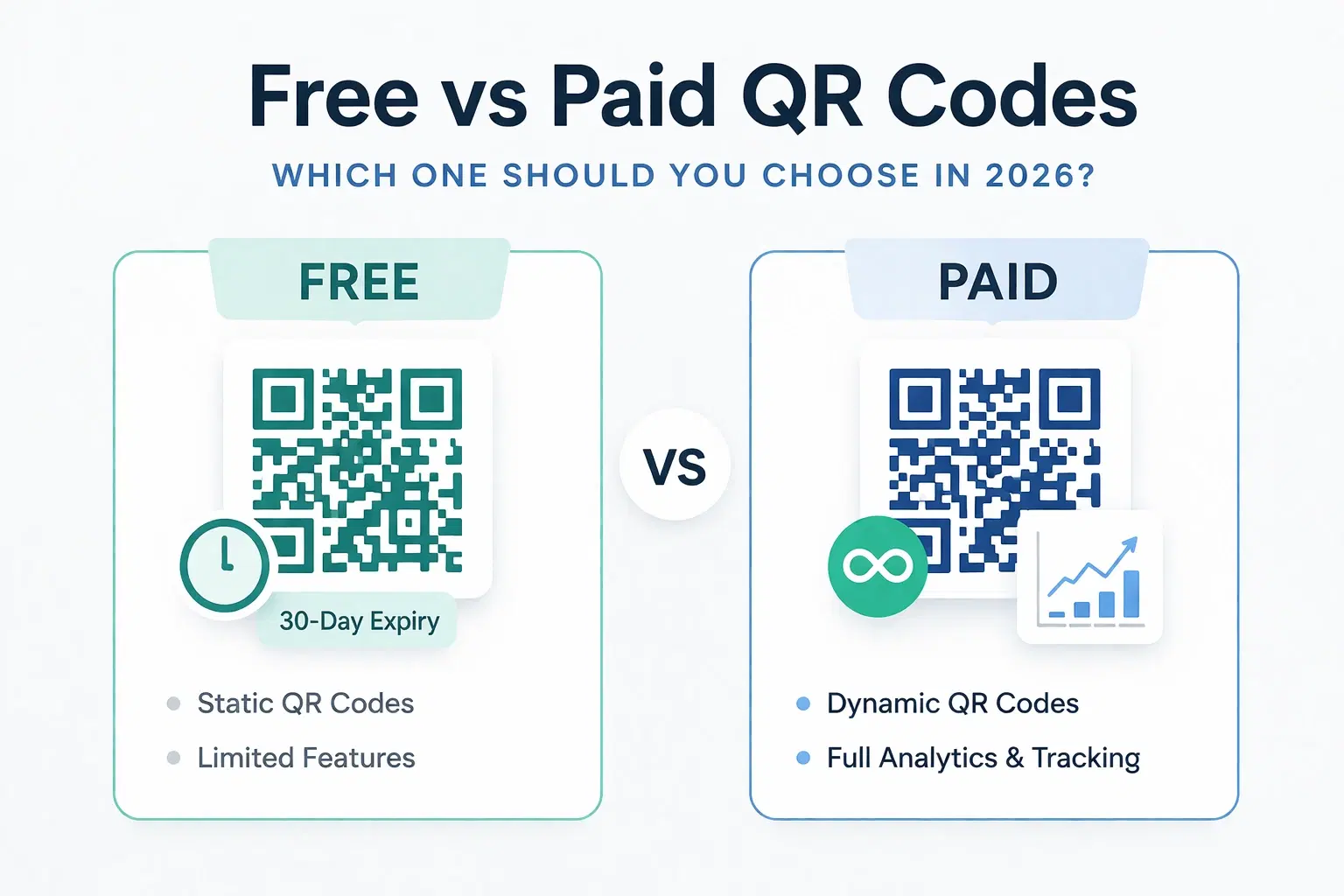
Quick answer: A free dynamic QR code usually gives you 1 editable code with basic or no analytics, often with a 30 to 90 day expiry. Paid plans start at roughly $1.20 to $8 per month depending on the provider, and they add permanent codes, full scan analytics, and multiple codes. For most individuals and small businesses, the real decision is between a tool's free tier and its cheapest paid tier, not between free and enterprise pricing.
Searching for a "free dynamic QR code generator" puts you in a familiar spot: dozens of tools claim to be free, but the fine print tells a different story. Codes expire, analytics are locked, or you hit a wall after a few scans. On the other hand, enterprise-priced tools charge $30 to $80 per month for features most users never touch.
This guide cuts through the noise. We'll show you exactly what "free" gets you in 2026, where the real limits kick in, and why for most individuals and small businesses the choice isn't really "free vs expensive." It's "free vs a couple of dollars a month." The paid option is far more accessible than the market makes it seem.
What Makes a QR Code "Dynamic" in the First Place?
Before comparing free and paid, it's worth clarifying what dynamic actually means. A dynamic QR code encodes a short redirect URL (like `qrforever.com/abc123`) rather than the final destination. When someone scans it, they hit a redirect server that forwards them to wherever you've pointed it.
This redirect layer enables two things no static QR code can do:
- Editing: Change the destination URL without reprinting the code
- Tracking: Log every scan with metadata (device, location, time)
Any tool that calls itself a dynamic QR generator but doesn't offer these two features isn't actually dynamic. It's a static generator with a marketing label.
Pro Tip
Test any "free dynamic" tool by creating a code, then checking if you can update the destination URL after creation. If the edit button is paywalled or missing, it's static.
What do free dynamic QR code plans actually include in 2026?
Most tools offer a free tier. Here's what's genuinely included vs what's quietly restricted:
| Feature | Typical Free Tier | What You Actually Get |
|---|---|---|
| QR codes | 1–3 max | Usually 1 active at a time |
| Editing | ✅ Included | Destination URL changes only |
| Analytics | Limited or none | Total scan count at best |
| Expiry | 30–90 days | Code stops working after trial |
| Branding | Generator watermark | Powered by [tool name] on landing page |
| Customization | Basic | No logo, limited colors |
| Bulk creation | ❌ | Enterprise only |
| API access | ❌ | Enterprise only |
The biggest hidden cost of free: Most free dynamic QR codes expire. If you put a QR code on a brochure, business card, or product label and the tool expires your code in 90 days. Every printed piece with that code is now broken. This is how many free tools convert users to paid: through pain.
Important
Free QR codes from ad-supported generators often expire within 30–90 days. If you're printing materials, expiry is a budget risk: not just an inconvenience.
When is a free dynamic QR code generator actually sufficient?
Free dynamic QR codes make complete sense in several real scenarios. Don't let anyone upsell you when your use case fits here:
Scenario 1: One-time digital use You're presenting at a conference and want a QR code linking to your slide deck. It'll be scanned for a week, then never again. Free is perfect, because nothing is printed and the code never needs to outlive the event. If it expires next month, no harm is done.
Scenario 2: Personal projects and testing You're experimenting with QR codes for a hobby project, a personal website, or just learning how they work. Free gives you everything you need. The only thing you lose is analytics depth, which rarely matters for a project with no revenue attached.
Scenario 3: Short-lived campaigns A social media giveaway running for 5 days. A pop-up event flyer. A temporary landing page promotion. If the campaign ends before the code expires, free works, and you avoid paying for permanence you will never use.
Scenario 4: You only need one QR code, ever One link. One destination. No analytics needed. Free is the right answer, and paying for a subscription would be pure waste.
When does a paid dynamic QR code plan pay for itself?
Here's where free plans reliably create problems, and where even the cheapest paid plan pays for itself quickly:
1. Printed materials with a shelf life Business cards, product packaging, signage, and brochures are printed once and used for months or years. A QR code that expires in 90 days turns all of that printed material into scrap. A permanent code costs roughly what you'd pay for a coffee.
2. You need to know if anyone is actually scanning Running a marketing campaign without analytics is guesswork. You can't optimize what you can't measure. Basic scan analytics (total scans, device breakdown, scan timing) can immediately show you which placements are working.
3. You have more than one destination to manage Manage a menu QR, a social media link, and a product brochure QR. Free tools cap you at 1–3 codes with no organization features.
4. The URL behind the code will change A restaurant that updates its menu URL. A business that rebrands and gets a new domain. An event page that moves platforms. Without editing capability (often locked behind paid), you're reprinting everything.
5. You want a professional appearance Free codes often include a "Generated by [tool]" watermark on landing pages or branded redirect pages. Small detail, but it signals "bootstrapped startup" rather than "professional business."
Pro Tip
Calculate your reprint cost: how many business cards, flyers, or labels would you need to reprint if your QR code expired or the URL changed? That cost almost always exceeds a year of paid QR hosting.
How much do paid dynamic QR code generators actually cost in 2026?
In 2026, dynamic QR code platforms start at roughly $1.20 to $8 per month for individual and small-business plans. The price spread reflects features, not QR code quality: at the low end you get permanent redirects and full analytics, and at the high end you get enterprise features like SSO, API access, and bulk management. Most small businesses only need the low end. QRForever sits there with a single flat Pro plan at $6/month (₹499 in India).
The QR code market has a perception problem: people assume paid means $30–$80/month because that's what enterprise-focused tools charge. But those tools are built for agencies managing hundreds of codes for Fortune 500 clients.
For an individual or small business:
| Platform | Starting Price | QR Codes | Analytics |
|---|---|---|---|
| QRForever | ₹499/mo ($6) | Permanent, flat Pro plan | Full (device, location, time) |
| Uniqode (Beaconstac) | See uniqode.com/pricing | Varies by tier | Varies by tier |
| QR Tiger | Around $7/mo | Tier-limited | Limited |
| Flowcode | Around $8/mo | Tier-limited | Basic |
| Bitly | Around $8/mo | Tier-limited | Limited |
Note: QRForever's Pro price is billed in INR (₹499/month) and is about $6/month in USD. Competitor prices change frequently and tier structures shift, so verify each provider's current rates on its own pricing page before purchasing. Uniqode (formerly Beaconstac) restructured its plans, so we link to their pricing page rather than quote a figure that may already be stale.
The affordable flat-plan tier exists. It just doesn't get as much search visibility as the enterprise players who spend heavily on SEO. QRForever was built specifically for this gap: permanent, editable, trackable QR codes at a price that makes economic sense for individuals and small businesses. If you are specifically comparing against Uniqode, see our cheaper Beaconstac alternative breakdown. For ranked picks across providers, see our testing of the best dynamic QR code platforms.
Dynamic QR Code Pricing: What Each Tier Actually Includes
Across the market, dynamic QR pricing tends to fall into five rough tiers. Knowing which tier you actually need stops you from overpaying for an enterprise plan or underbuying a free tier that expires.
| Tier | Price Range | Codes | Analytics | Expiry |
|---|---|---|---|---|
| Free | $0 | 1 to 3 | None or scan count only | 30 to 90 days (varies) |
| Entry | $1.20 to $5/mo | 1 to 5 | Device, location, time | Permanent |
| Standard | $5 to $15/mo | 5 to 20 | Full plus exports | Permanent |
| Professional | $15 to $50/mo | 20 to 100 | Full plus team and API | Permanent |
| Enterprise | $50+/mo | Unlimited | Custom plus SLA | Permanent |
Prices and limits are typical ranges current as of June 2026 and vary by provider. Verify on each provider's pricing page before purchasing. For most solo users and small businesses, the Entry tier covers everything that matters: permanent codes and real scan analytics. You only need Professional or Enterprise once you are managing codes for a team or pulling data through an API.
The Feature That Changes the Calculation: Permanence
If there's one feature that makes paid QR codes worth it above all else, it's permanence. A QR code that never expires is fundamentally a different product from one that might stop working in 90 days. (We cover the mechanics of this in QR codes that never expire.)
Think about where QR codes live:
- Printed menus (reprinted every 1–2 years)
- Business cards (used for 3–5 years)
- Product packaging (shelf life of 1–3 years)
- Signage and banners (used for years)
- Books and documents (indefinite)
Every one of these use cases outlasts a typical free tier. Permanence isn't a luxury feature. It's the baseline requirement for any physical use case.
QRForever codes never expire. Not in 30 days. Not in 90 days. Not ever. That's the core promise.
Important
If you put a QR code in print and aren't certain it's permanent, you're gambling with your printed materials. Always confirm expiry policy before creating a code for any physical application.
Decision Framework: Free or Paid?
Use this decision tree before choosing:
Go free if:
- The use case is digital-only (no printing)
- The campaign runs under 30 days
- You need exactly 1 code, one time
- No analytics are needed
- It's a personal or hobbyist project
Go paid if:
- Anything will be printed
- You need scan analytics to measure performance
- You'll need to change the destination URL later
- You need more than 1–2 active QR codes
- You want a professional appearance without third-party branding
- The code needs to work in 6 months
The test question: Would it cost more to reprint your materials if the QR code breaks than to pay for a year of hosting? If yes, paid is the economically rational choice.
- Free: one-time digital use, personal projects, very short campaigns
- Paid: anything printed, analytics-driven campaigns, multi-QR management
- Paid: any use case where the code needs to work in 6+ months
- Paid: professional contexts where third-party branding is inappropriate
Conclusion
The free vs paid debate for dynamic QR codes is mostly settled by two questions: will this be printed, and do you need analytics? If you answer yes to either, paid is the rational choice, and at under $2/month on the affordable end of the market, it's not a significant financial decision.
Free tiers are legitimate tools for legitimate use cases. But they're built around expiry and feature restrictions by design. That's the business model. Understanding this helps you choose the right tool for your situation rather than discovering the limits after you've already printed 500 business cards.
For most small business owners, a dedicated dynamic QR code generator with a free trial is the lowest-risk starting point.
If you're ready to try permanent, editable, analytics-enabled dynamic QR codes, start a 7-day full-access QRForever trial (no credit card required, with unlimited dynamic codes during the trial), and our paid plans start at a price designed for real people, not enterprise budgets.
Frequently Asked Questions
Is a free dynamic QR code really free forever?
Usually not. Most free tiers impose an expiry, commonly 30 to 90 days, after which the code stops redirecting. QRForever's free trial is 7 days of full access; after that you move to a paid plan or the code stops working as a dynamic code. Truly permanent free dynamic QR codes are rare, so read the terms carefully before you print a code on anything physical.
What is the difference between free and paid QR code analytics?
Free tiers typically show only a total scan count, if they show anything. Paid tiers add device type (such as iOS vs Android), scan location (city or country), scan time, and often campaign-level attribution when you add UTM parameters to the destination URL. See scan analytics for the data QRForever records on every scan.
Can I start free and upgrade without losing my QR codes?
Yes, with QRForever. Your QR code's short URL stays the same when you upgrade, so the physical code you already printed keeps working and points to the same redirect. You do not need to reprint anything to move from the trial to a paid plan.
How long do free dynamic QR codes last before they expire?
It varies by provider, but 30 to 90 days is the most common window for free or trial dynamic codes. After that, the redirect stops working and any printed code becomes a dead link. QRForever's free trial is 7 days of full access, and once you subscribe to the flat Pro plan your codes stay permanent for as long as the account is active.
Is it worth paying for a QR code generator?
If the code will be printed or needs to change, yes. A paid dynamic plan lets you edit the destination without reprinting and shows you who is scanning, which usually costs less than a single reprint. If the code is digital-only and points to a permanent URL, a free static code is fine. QRForever's Pro plan is a flat $6/month (₹499), so the paid step is small.
Explore QRForever Solutions
Ready to Create Your Own QR Codes?
Start creating dynamic QR codes for your business today. Track analytics, update content anytime, and never reprint again.
Related Articles
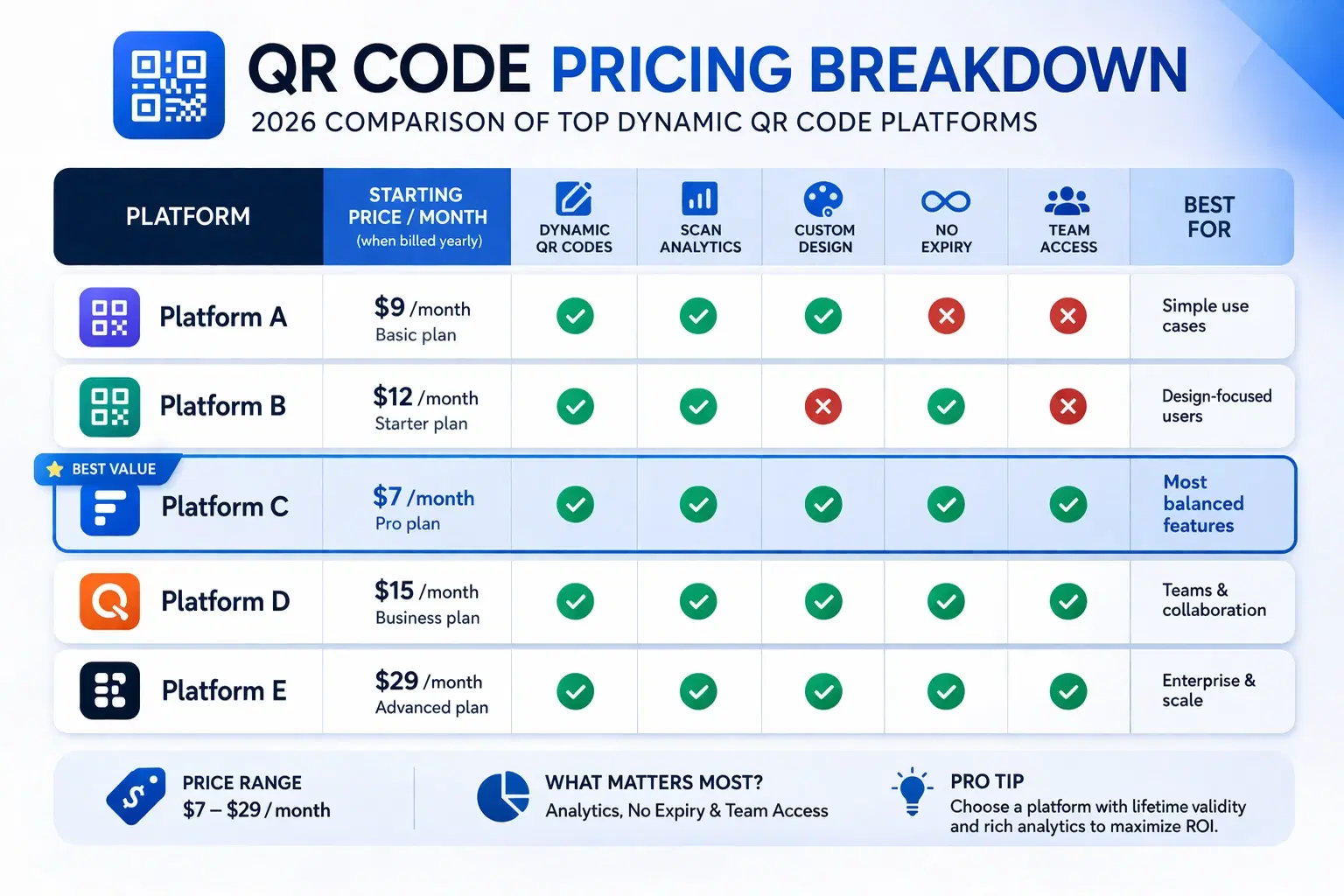
How Much Does a Dynamic QR Code Cost? (2026 Pricing Breakdown)
A transparent pricing breakdown for dynamic QR code generators in 2026, including Beaconstac, QR Tiger, Flowcode, Bitly, and QRForever. Find out who offers the best value and when free is enough. Updated June 2026.
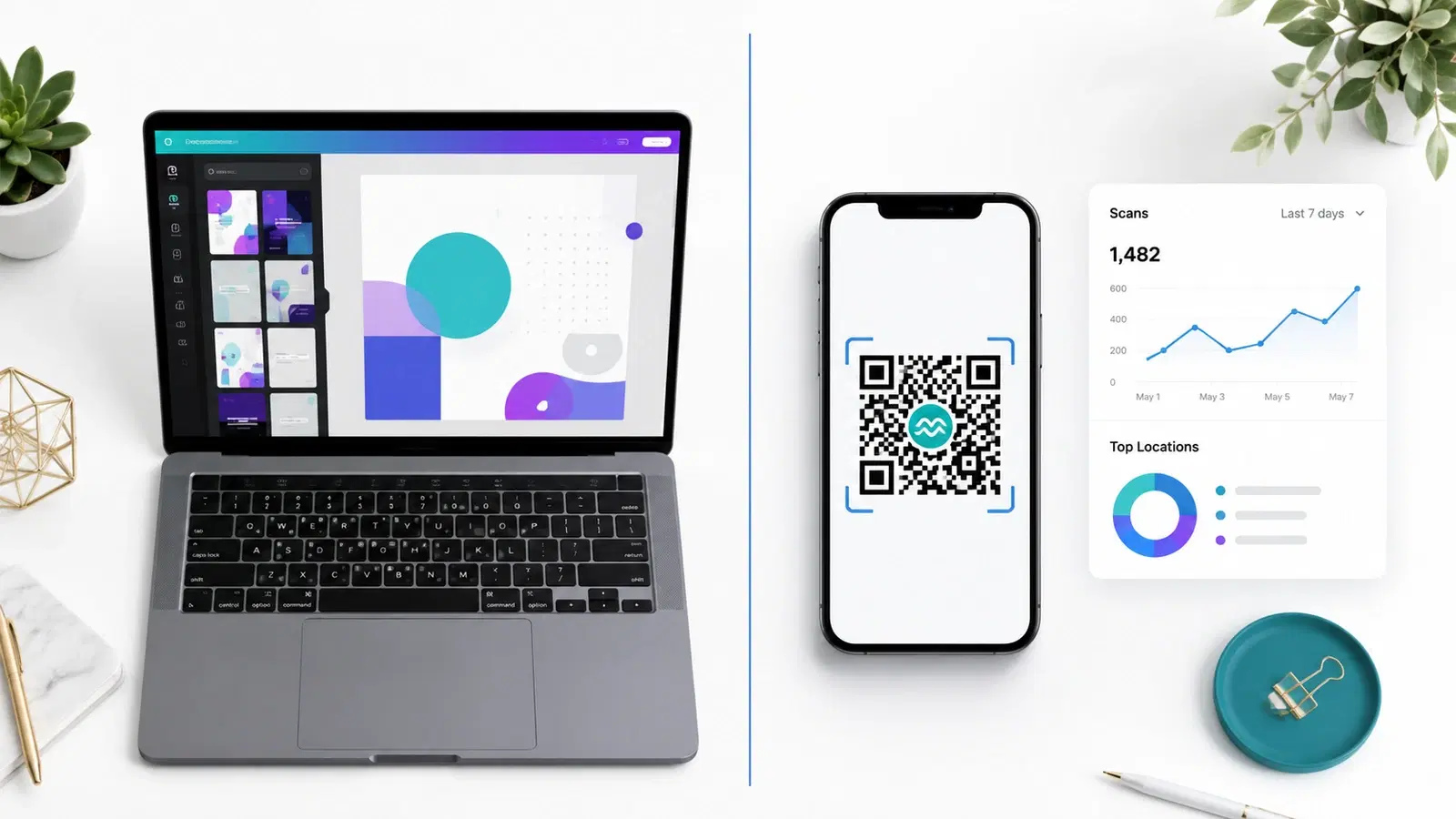
QRForever vs Canva QR Code Generator: Full Comparison 2026
Canva has a built-in QR code generator, but is it actually a complete solution? We compared it head-to-head with QRForever on dynamic codes, analytics, expiry, and design: here's what we found.
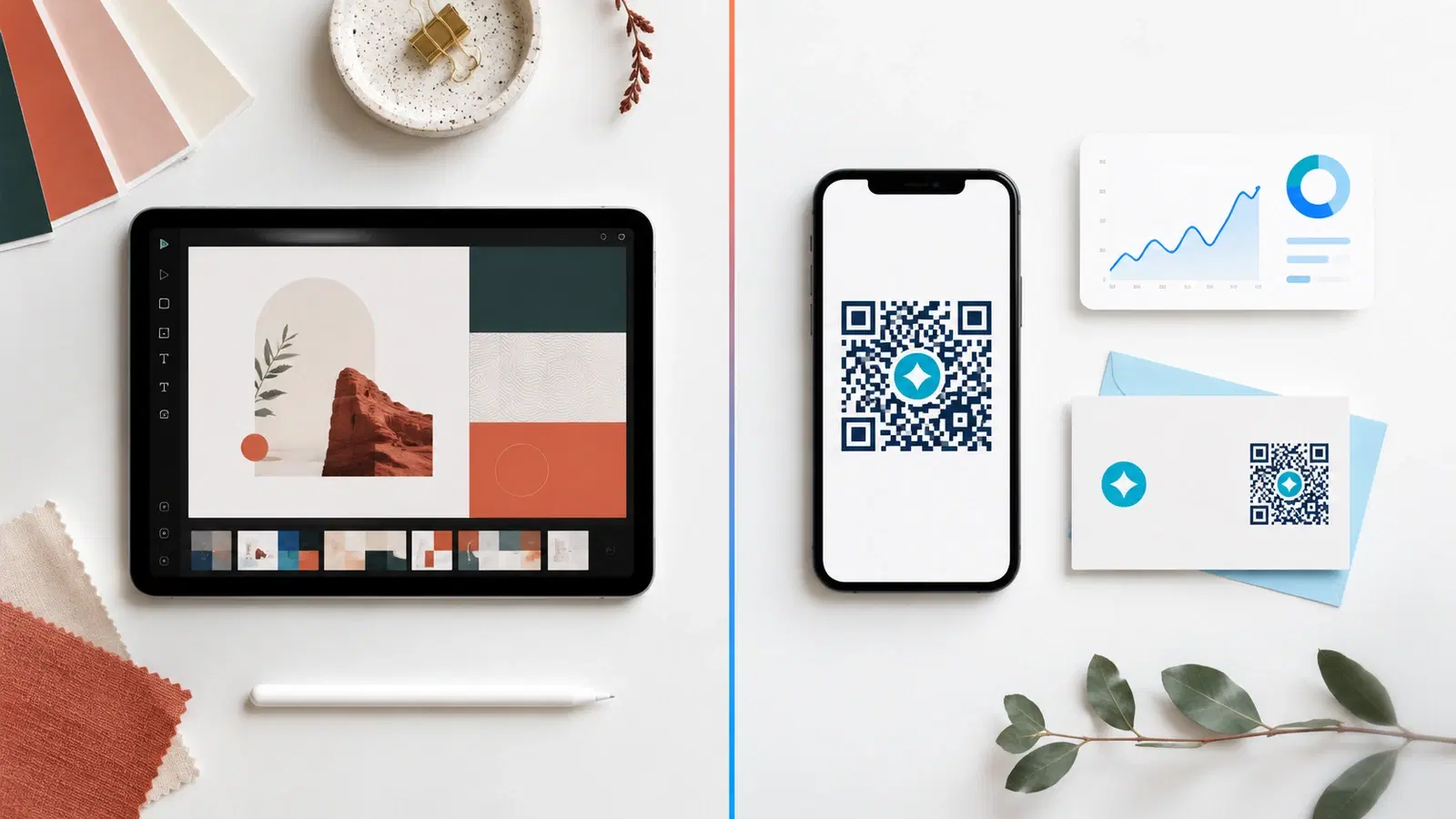
QRForever vs Adobe Express QR Code Generator: Which Is Better in 2026?
Adobe Express has a free QR code generator built into its design suite. Is it enough for business use? We compared both platforms head-to-head: features, analytics, pricing, and limitations.