QRForever vs Canva QR Code Generator: Full Comparison 2026
Canva has a built-in QR code generator, but is it actually a complete solution? We compared it head-to-head with QRForever on dynamic codes, analytics, expiry, and design: here's what we found.

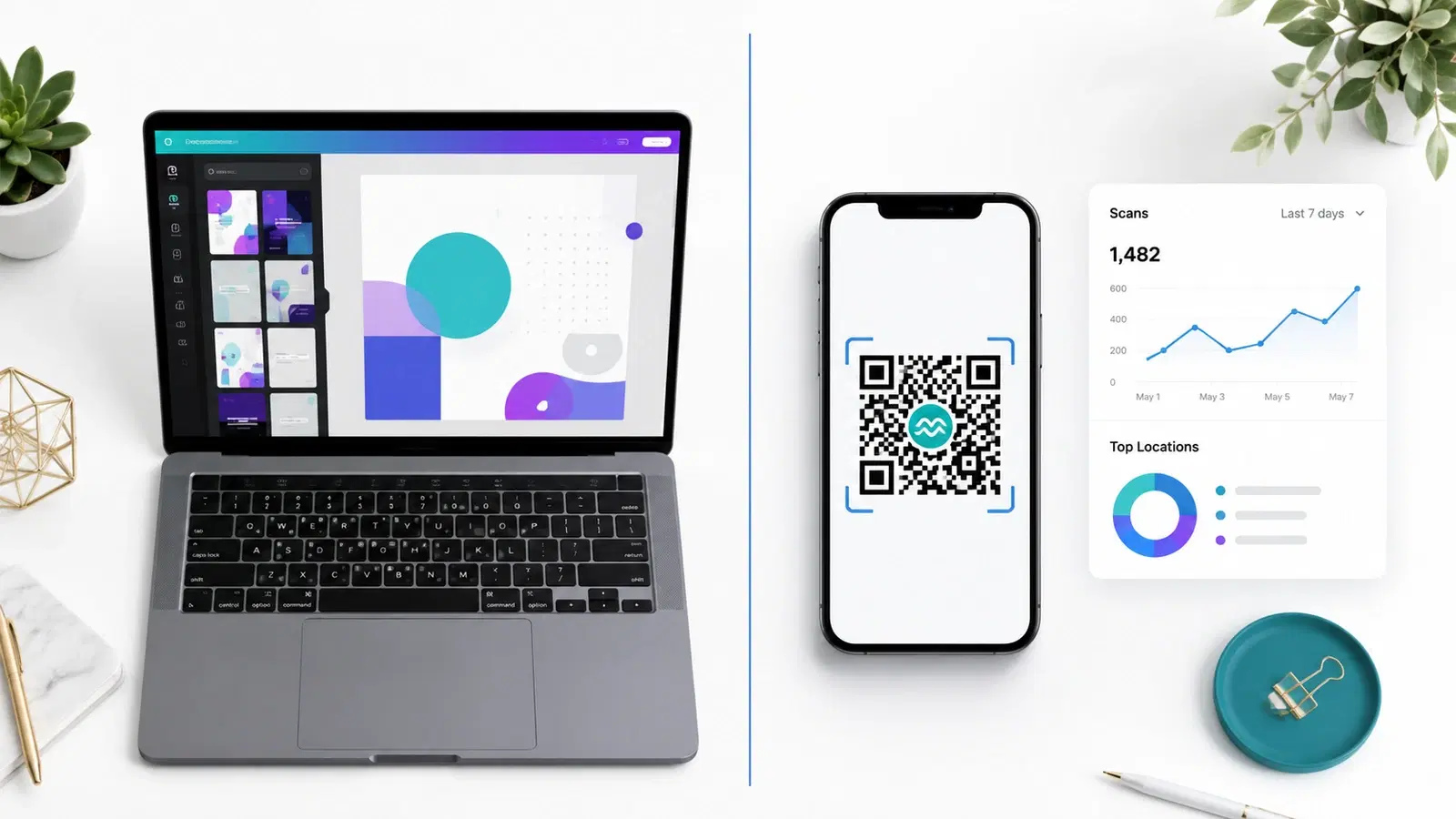
Canva is one of the most-used design platforms on the planet, and many users discover its built-in QR code generator while designing posters, menus, or business cards. The convenience is real, but is it actually a complete QR code solution?
This is the honest comparison we wished existed when we tested both platforms in May 2026. We'll cover what Canva's QR generator does well, what it doesn't do at all, and the specific scenarios where you'll want a dedicated tool like QRForever instead.
Spoiler: Canva is a fantastic design tool. Its QR generator is a feature, not a product. For one-off codes inside a Canva design, it's adequate. For business use: anything you'll print, track, or update later: the limitations become expensive fast.
The Core Difference: Static vs Dynamic
This is the single most important distinction, and it determines whether Canva's QR generator is right for your use case.
Canva generates static QR codes only. Every QR code you create in Canva encodes the destination URL directly into the code pattern. Once generated, the destination cannot be changed. If your URL changes (even by one character), the printed QR code is dead.
QRForever generates dynamic QR codes. Your code points to a short redirect URL controlled by QRForever. You can change the destination anytime, and every printed code automatically updates. The QR pattern stays the same; the destination is editable forever.
Why this matters in real businesses:
- A restaurant prints menus with a Canva QR code. They redesign their website 6 months later. New URL, new menu structure. Every printed menu now leads to a 404. With QRForever, they update the destination URL once, every menu still works.
- A business card with a Canva QR code linking to your LinkedIn. You change roles, your LinkedIn URL stays the same... until LinkedIn changes its URL format (it has, twice). Canva: dead code. QRForever: edit once, fixed.
- A real estate yard sign with a Canva QR code linking to a listing page. The home sells. Now your QR code leads to a "listing not found" page. With QRForever, you redirect to your active listings page in 30 seconds.
If you're going to print the QR code on anything that costs money to reprint, a static QR code is the wrong choice. Read our Dynamic vs Static QR Codes guide for the full breakdown.
Important
Canva does not currently offer dynamic QR codes on any plan, including Canva Pro. This is the primary reason businesses migrate away from Canva's QR feature once they understand the implications.
Feature-by-Feature Comparison
Here's how the two platforms stack up on the features that actually matter for business use:
| Feature | Canva | QRForever |
|---|---|---|
| Dynamic (editable) QR codes | No | Yes |
| Static QR codes | Yes | Yes |
| Scan analytics | None | Full (per-code) |
| QR codes that never expire | Yes (static only) | Yes (all codes) |
| Logo in QR center | Yes | Yes |
| Custom colors | Yes | Yes |
| Custom dot styles | Limited | Multiple styles |
| SVG download | Pro only | All plans |
| Bulk QR generation | No | Yes |
| Password-protected QR codes | No | Yes |
| QR code types beyond URL | Limited (URL, email, phone) | 18+ types (vCard, WiFi, WhatsApp, etc.) |
| Free trial | Generous design tools, basic QR | 7-day full-access trial (no card) |
| Designed for QR-first workflows | No (it's a design tool) | Yes |
Where Canva wins: Integrating the QR code into a polished design (poster, flyer, social post, business card). The Canva editor lets you place the QR code inside any design seamlessly.
Where QRForever wins: Everything else related to actually using the QR code as a business tool: analytics, editability, multiple QR types, security features, and bulk operations.
Analytics: The Biggest Gap
Canva offers zero scan analytics. None. When you generate a QR code in Canva and put it on a printed piece, you have no way to know if anyone actually scanned it, when, where, or on what device.
For a personal use case (a wedding invitation, a birthday card), this doesn't matter. For business marketing, this is a critical blind spot.
What QRForever shows you:
- Total scans per QR code (lifetime and time-bounded)
- Daily/weekly/monthly scan trends
- Device breakdown (iOS vs Android)
- Browser breakdown
- Geographic location of scans (city-level)
- Time-of-day patterns
- Comparison across multiple QR codes (which placement performs better)
This is the data that lets you actually iterate. You learn that your window sticker outperforms your business card by 4x, so you double down on window placement. You learn that Saturday afternoons drive most scans, so you align fresh content drops with that timing. None of this is possible with Canva.
For a deeper look at what scan analytics can tell you, see our QR code analytics guide.
Pro Tip
Even if you only ever use 1 QR code, having analytics turns "I made a QR code" into "I have evidence about whether QR codes work for my business." That evidence drives every future marketing decision.
Pricing Comparison
Canva pricing (May 2026):
- Free: QR code feature available, but SVG export and many design assets are paywalled
- Canva Pro: ₹499/month or ₹3,999/year: unlocks SVG export and full design library, but QR features remain static-only
- Canva for Teams: Higher pricing per user
QRForever pricing (May 2026):
- Free trial: 7-day full-access trial (no credit card): unlimited dynamic codes, full design customization, analytics included
- Paid plans: One flat Pro plan at ₹499/month ($6) with dynamic codes, all features, full analytics
The decision math: If you're already paying for Canva Pro for design work, the QR feature is "free" within that subscription, but you still don't get dynamic codes or analytics. The actual cost of "free" Canva QR codes is measured in:
- Reprint costs when URLs change (typically ₹5,000–₹50,000 per major reprint)
- Lost data from never knowing what worked
- Lost flexibility when business needs evolve
For ₹499/month, QRForever gives you the QR functionality Canva doesn't have. The two tools complement each other rather than compete: design in Canva, generate the actual QR code in QRForever, paste it into your Canva design as an SVG.
For a deeper pricing analysis, see our dynamic QR code cost breakdown.
When Canva's QR Generator Is Genuinely Fine
Let's be fair to Canva. There are real use cases where their QR generator is the right tool:
Personal one-time use: A wedding invitation linking to your wedding website. The site stays up forever, the URL doesn't change, you don't need analytics. Canva's static QR works perfectly.
Single-use printables: A "thank you for attending" card with a QR code linking to a static thank-you page. Print once, distribute, done.
Templates and mockups: A graphic designer creating mockup designs for a client where the QR code is a placeholder. Canva fits the design workflow.
Quick prototypes: Testing how a QR code will look in a layout before committing to a real implementation.
In all these cases, the workflow benefit of generating the code inside the design tool outweighs the lack of dynamic features.
When You Should Use QRForever Instead
For all business use cases involving printed materials, marketing, or anything you might want to track or update, QRForever is the right tool.
Specific scenarios:
- Restaurant menus, URLs change. Menus change. Use dynamic.
- Business cards, Roles change, links change. Use dynamic.
- Real estate yard signs, Listings sell. Use dynamic.
- Product packaging, Inventory ages. Use dynamic.
- Marketing posters/flyers, Campaigns end. Use dynamic.
- Trade show materials, Reusable across events. Use dynamic.
- WhatsApp/social media QR codes, Track which placement drives scans. Use dynamic.
- Multiple QR codes for tracking, Compare placements. Use dynamic.
The hybrid workflow works beautifully: design in Canva, generate the QR code in QRForever, download as SVG, paste into your Canva design. You get Canva's design polish and QRForever's business functionality.
See our other comparisons for context:
- Use Canva for the design surrounding the QR code
- Use QRForever to generate the actual QR code as SVG
- Paste the SVG into your Canva design
- You get design polish + dynamic functionality + analytics
- Both tools have free tiers: no upfront cost to combine them
Conclusion
Canva's QR code generator is a feature, not a product. It works fine for personal use cases where the QR code lives inside a single design and never needs to change. For anything business-related (print marketing, multi-touchpoint campaigns, tracked links, or codes you might want to edit later), it falls short.
The cleanest workflow is to use both tools together: Canva for the design, QRForever for the QR code itself. You stop fighting Canva's limitations and you stop missing QRForever's design polish. Each tool does what it's best at.
For a fully featured QR code with analytics, dynamic editing, and multiple QR types, try QRForever free: start a 7-day full-access trial with no credit card, get unlimited dynamic codes with full analytics, and paste the SVG export into any Canva design.
Explore QRForever Solutions
Ready to Create Your Own QR Codes?
Start creating dynamic QR codes for your business today. Track analytics, update content anytime, and never reprint again.
Related Articles
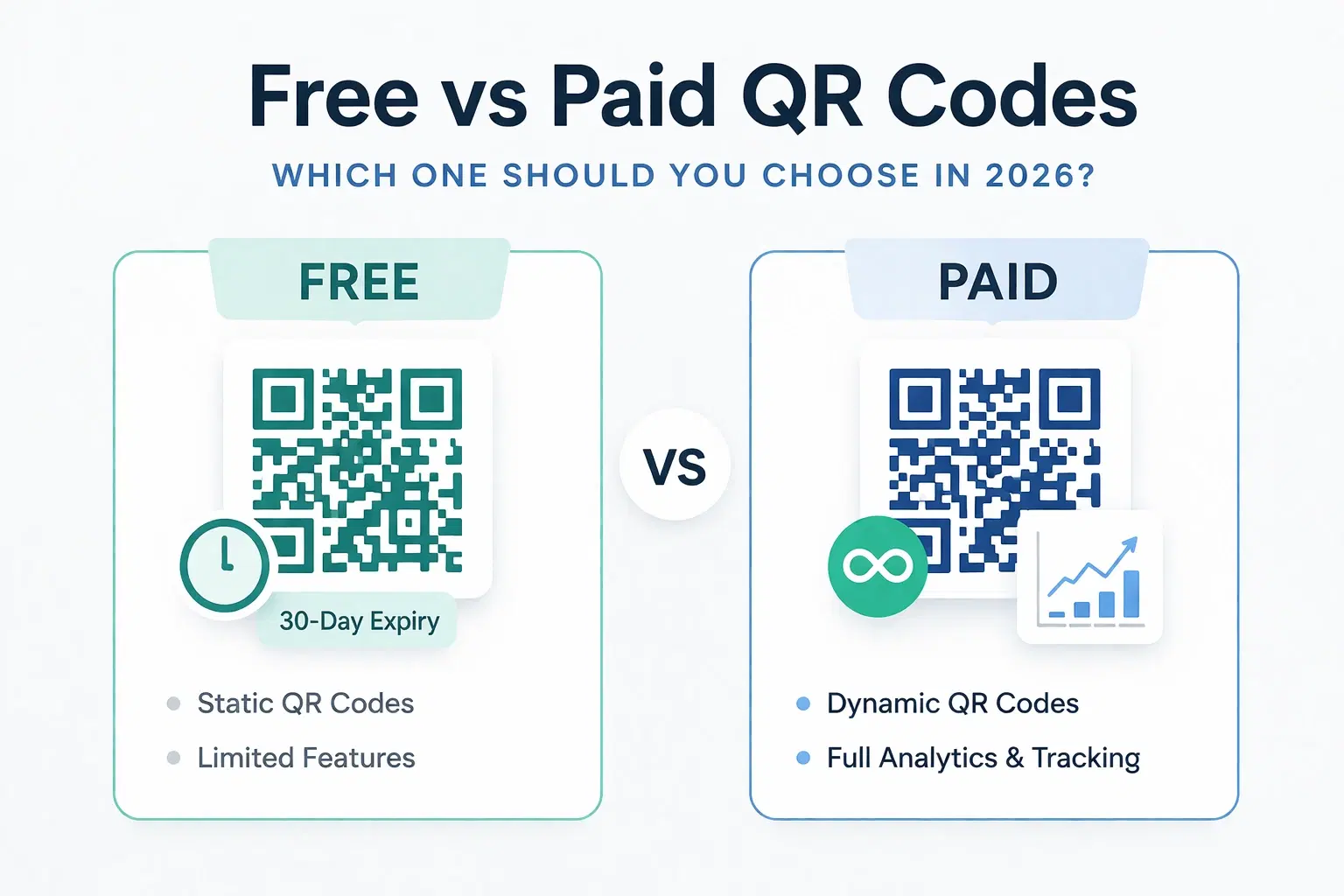
Dynamic QR Code Generator Free vs Paid: What You Actually Need (2026)
An honest breakdown of free vs paid dynamic QR code generators. How much a dynamic QR code really costs in 2026, when the free tier is enough, and when a paid plan from around $1.20/month makes more sense than you think.
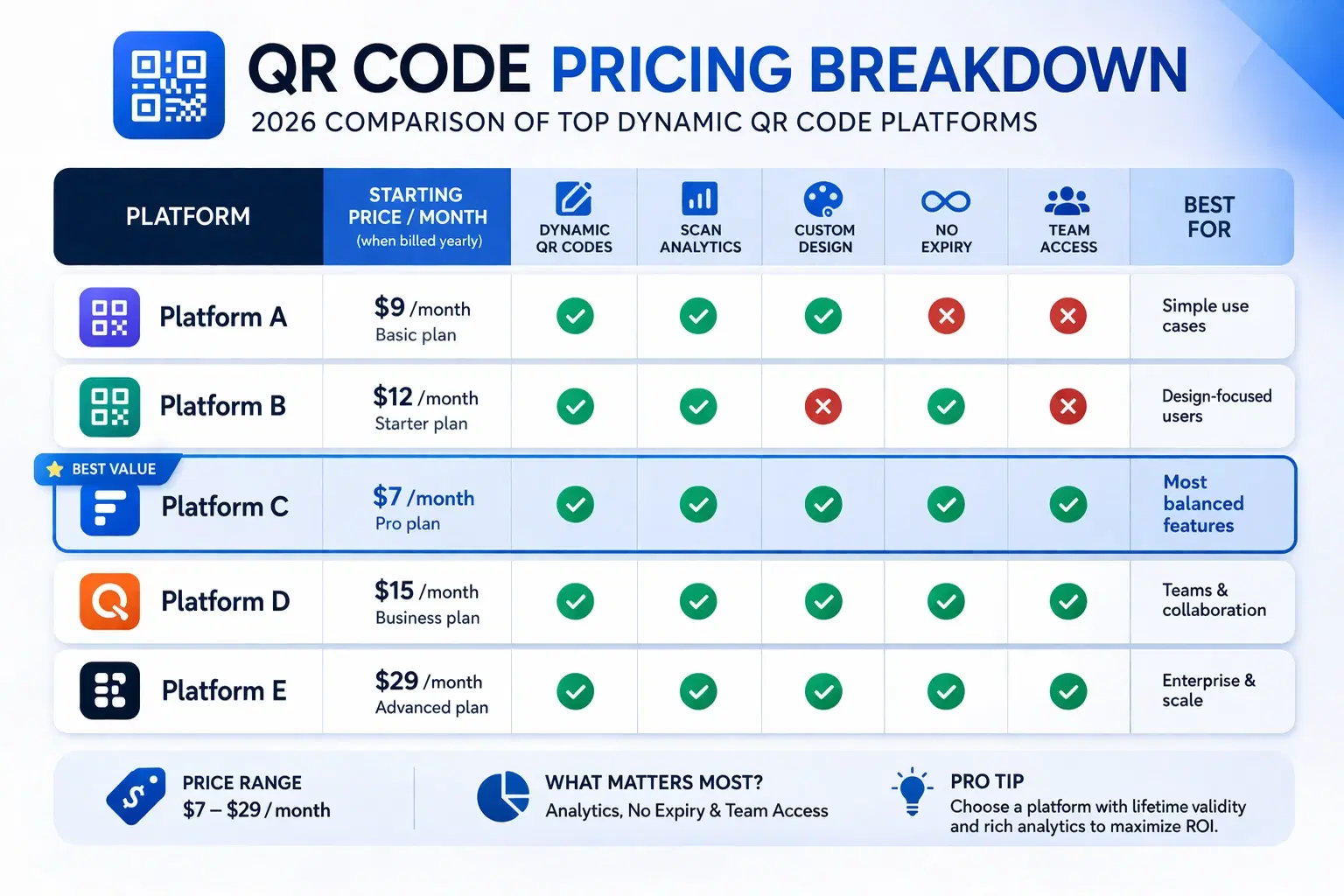
How Much Does a Dynamic QR Code Cost? (2026 Pricing Breakdown)
A transparent pricing breakdown for dynamic QR code generators in 2026, including Beaconstac, QR Tiger, Flowcode, Bitly, and QRForever. Find out who offers the best value and when free is enough. Updated June 2026.
QRForever vs Adobe Express QR Code Generator: Which Is Better in 2026?
Adobe Express has a free QR code generator built into its design suite. Is it enough for business use? We compared both platforms head-to-head: features, analytics, pricing, and limitations.