5 Best QR Code Generators with Logo Support in 2026
Adding your logo to a QR code looks professional, but a poorly embedded logo can make codes unscannable. Here are the 5 best QR code generators that handle logo embedding correctly, with scannability tests and brand guidelines.

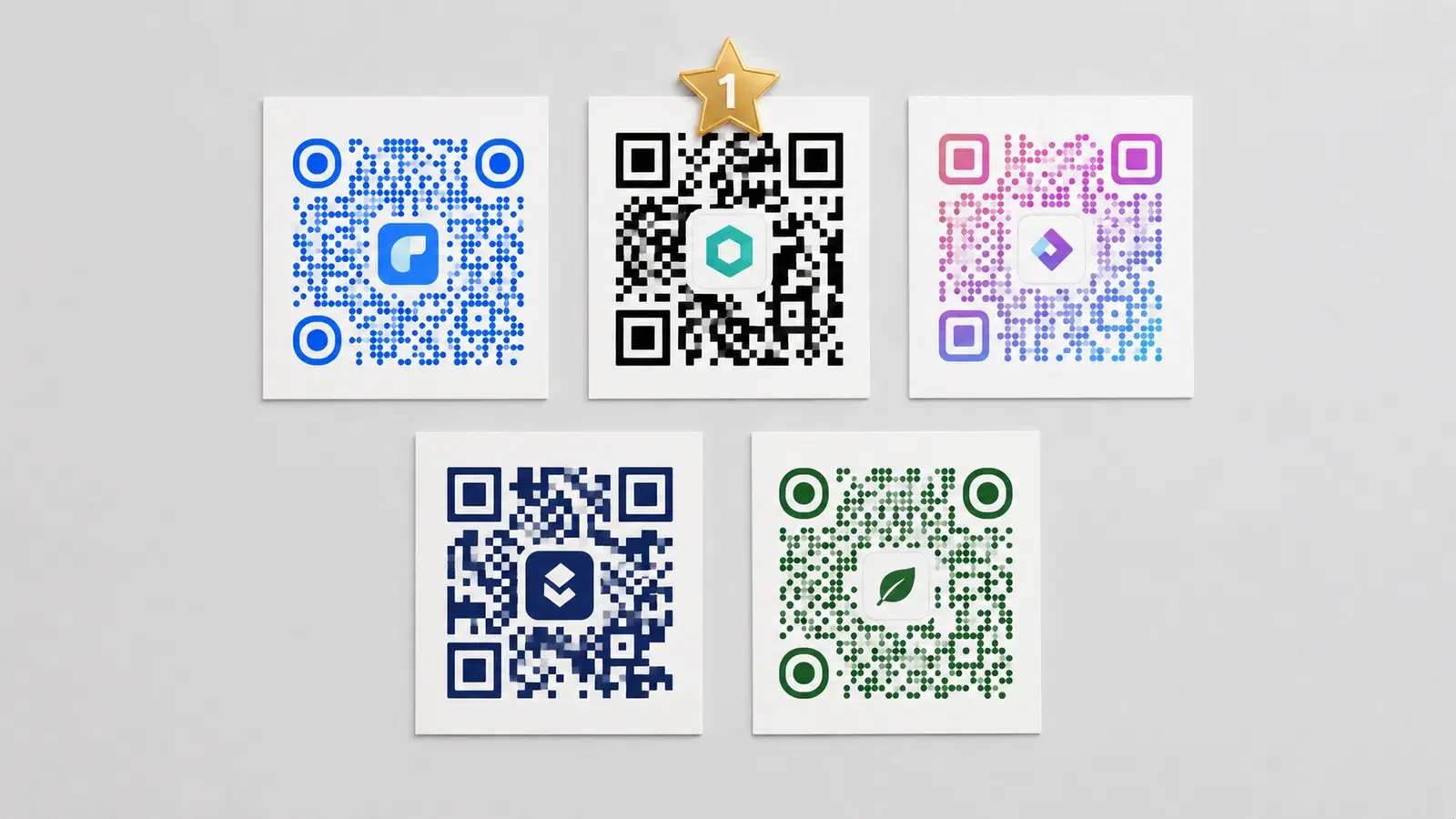
Adding your logo to a QR code is one of the most common branding requests, and one of the most frequently done badly. A logo that covers too much of the QR code will make it unscannable. A logo that's too small looks like an artifact.
The good news: QR codes have built-in error correction that makes them work even when up to 30% of the pattern is obscured. Logo embedding done correctly takes advantage of this error correction to display your brand without breaking scannability.
This guide ranks the 5 best platforms specifically for logo QR code generation: evaluated on logo handling, error correction implementation, output quality, and whether the resulting codes actually scan reliably.
How Logo QR Codes Work (and Why Some Break)
QR codes have four error correction levels: L (7%), M (15%), Q (25%), and H (30%). The percentage represents how much of the code can be damaged or obscured while still scanning correctly.
Logo embedding works by deliberately using the highest error correction level (H = 30%) and placing the logo in the center, the area with the highest redundancy.
Why some logo QR codes break: 1. Platform uses a low error correction level (L or M), not enough redundancy for a logo 2. Logo covers more than 30% of the code. Exceeds even H-level error correction 3. Logo has a transparent background, the logo pixels interact with the QR pattern confusingly 4. Low output resolution. QR pattern is too small relative to logo detail
The result of a bad logo QR code: Some scanners decode it, some don't. This is the worst outcome. It works in your testing but fails 30% of the time in the field.
What good platforms do: Automatically set H-level error correction when a logo is uploaded, enforce maximum logo size limits, and test that the generated code is scannable before delivery.
See our QR code design guide for full design principles.
#1 QRForever. Best for Permanent Branded QR Codes
Best for: Businesses that need branded QR codes on printed materials that must work permanently
Logo handling: QRForever automatically applies H-level error correction when a logo is uploaded. The platform enforces a maximum logo size of 25% of the QR code area (below the 30% limit), with a white padding border around the logo to prevent pattern interference.
Key strengths:
- Logo QR codes are dynamic. You can change the destination URL without regenerating or reprinting
- QR codes with logos never expire
- PNG output at 1000x1000px default (suitable for print)
- Logo is centered automatically with correct margins
Key limitations:
- Logo customization is simpler than some platforms. You upload and it's placed centrally (no repositioning)
- Advanced dot-pattern styles (like rounded dots with logos) are included on the paid Pro plan
Pricing for logo support: Included in the flat Pro plan (₹499/month)
Verdict: The right choice when your branded QR codes are going on print materials and you need them to work 2+ years from now. The combination of logo support + permanent dynamic codes is the unique value. QRForever offers full QR code logo and color customization on all plans.
Pro Tip
When uploading a logo for QR code embedding, use a PNG with a white background (not transparent). Transparent backgrounds can cause interference with the QR pattern in some generators.
#2 QR Code Monkey. Best Free Option for Branded QR Codes
Best for: One-time branded QR codes where you don't need analytics or editing
Logo handling: QR Code Monkey (qrcode-monkey.com) is one of the best free platforms specifically for customized QR codes. It offers:
- Logo upload with automatic centering
- Adjustable logo size with visible warnings when size risks scannability
- Multiple body shapes (rounded dots, squares, circles, etc.)
- Eye (corner) style customization
Key strengths:
- Completely free with no signup required
- High design flexibility. Arguably the best free design customization available
- Decent output quality for print (downloads at up to 3000px)
- More design options than most paid platforms
Key limitations:
- Static QR codes only: no editing, no analytics
- No dynamic redirect capability
- Each design change requires generating a new code
- No scan tracking
Pricing: Free
Verdict: If you need a branded QR code for a one-time use (an event, a presentation, a brochure) and don't need analytics or editability, QR Code Monkey is the best free option available.
#3 QR Tiger: Best for Branded QR Codes with Analytics
Best for: Businesses needing branded dynamic QR codes with comprehensive analytics
Logo handling: QR Tiger offers extensive logo and design customization:
- Logo upload with size control
- Custom dot patterns (round, square, dot, extra-rounded, classy)
- Custom eye/corner shapes
- Gradient color support
- Frame and CTA text around the QR code
Key strengths:
- Strong design customization: one of the most flexible visual editors
- Dynamic QR codes with analytics on paid plans
- Bulk QR generation with logo on higher plans
- Multiple file formats (PNG, SVG, PDF, EPS)
Key limitations:
- Free plan dynamic QR codes expire after 14 days (important for printed materials)
- Pricing is competitive internationally but less so for Indian users (~$9.99/month for basic dynamic features)
- Dynamic code expiry on plan cancellation is the same risk as most platforms
Pricing: Free (limited, static only), paid from ~$9.99/month
Verdict: A strong choice for users prioritizing design flexibility and who are comfortable with the pricing. The expiry risk on free/lower plans is the main caution.
Compare expiry policies across platforms in our QR codes that never expire guide.
#4 Canva. Best for Design-First Branded QR Codes
Best for: Users already working in Canva who want QR codes embedded in design layouts
Logo handling: Canva's QR code feature allows basic customization:
- Color customization (foreground and background)
- Can be placed within any Canva design as a design element
- Custom branding around the QR code in your design (not inside the code itself)
Important caveat: Canva generates static QR codes. There is no logo-inside-the-QR-code feature, the "branding" is in the surrounding design, not embedded in the QR pattern.
Key strengths:
- Seamless integration with Canva's broader design workflow
- Easy for non-technical users who are already designing in Canva
- Color-matched QR codes that fit your brand palette
- Free with Canva Free account
Key limitations:
- No logo embedded inside the QR pattern
- Static codes only, no editing, no analytics
- Designed for digital use; not optimized for high-DPI print
Pricing: Free with Canva account
Verdict: Good for digital-first QR codes embedded in Canva designs. Not a substitute for actual logo-embedded QR codes, and not suitable for serious print deployments.
For the full Canva QR code comparison, see QRForever vs Canva QR Code Generator.
#5 Uniqode (Beaconstac): Best for Enterprise Branded QR Codes
Best for: Enterprise teams with brand guidelines and multi-user design approval workflows
Logo handling: Uniqode offers a full brand kit system:
- Brand kit with saved logo, colors, and design settings
- Logo placement and sizing controls
- Design templates per QR type
- Consistent branding across all QR codes in the account
- Multi-user brand consistency (everyone creates codes using the same brand kit)
Key strengths:
- Best-in-class brand consistency across large QR code libraries
- Design approval workflows (enterprise)
- API-driven logo and design application for automated bulk creation
- Dedicated design support on enterprise plans
Key limitations:
- Enterprise pricing ($200+/month) is required for most brand kit features
- Significantly more expensive than other platforms on this list
- Overkill for small-to-mid teams managing under 100 branded QR codes
Pricing: Enterprise ($200+/month)
Verdict: The right tool when you have a large team creating QR codes and brand consistency across hundreds of codes is a real operational concern. For everything else, the price premium isn't justified.
See our full QRForever vs Uniqode Enterprise comparison.
Logo QR Code Best Practices
Regardless of which platform you choose, these practices ensure your logo QR codes are actually scannable:
Logo size rule: Keep your logo to 20–25% of the total QR code area. Most platforms enforce this, but if yours doesn't, measure manually.
Use a white or solid background behind your logo. Transparent logos interact with the QR pattern and reduce scannability. Add a white padding border (typically 10% of the logo's width on each side).
Always test on multiple devices. Your iPhone may scan it. An older Android may not. Test on at least 3 different devices before printing.
Test at the smallest size you'll print. Scan the logo QR code at the exact printed size. If you're printing at 2cm on a business card, print a test at 2cm and scan it.
Choose high error correction. When platforms give you a choice of error correction level (L/M/Q/H), always choose H when using a logo. Error correction H enables 30% damage recovery, the maximum tolerance for logo overlay.
Keep a clean border (quiet zone). The white border around a QR code is functionally required. For logo QR codes, keep the quiet zone at minimum 4 module widths.
For a full guide on QR code design principles that affect scannability, see our QR code design guide.
- Use H-level error correction (30% damage recovery) when embedding logos
- Limit logo to 20–25% of QR code area (never exceed 30%)
- Add white padding border around the logo (minimum 10% of logo width)
- Test on at least 3 different phones before printing
- Print at your final intended size for the test: don't just test on screen
- Maintain the white quiet zone (border) at minimum 4 modules wide
Conclusion
Logo QR codes are worth doing well, a branded QR code on your business materials signals professionalism and gets more scans than an unbranded one. But platform choice matters significantly for scannability reliability.
Quick decision guide:
- Print + permanence + analytics → QRForever (Business plan)
- One-time design, free, no analytics → QR Code Monkey
- Analytics + design flexibility, international pricing → QR Tiger
- Already in Canva, digital use only → Canva
- Enterprise brand consistency at scale → Uniqode
Related reading:
Create a branded QR code with your logo on QRForever: Business plan includes logo embedding with permanent dynamic QR codes that never expire.
Explore QRForever Solutions
Ready to Create Your Own QR Codes?
Start creating dynamic QR codes for your business today. Track analytics, update content anytime, and never reprint again.
Related Articles
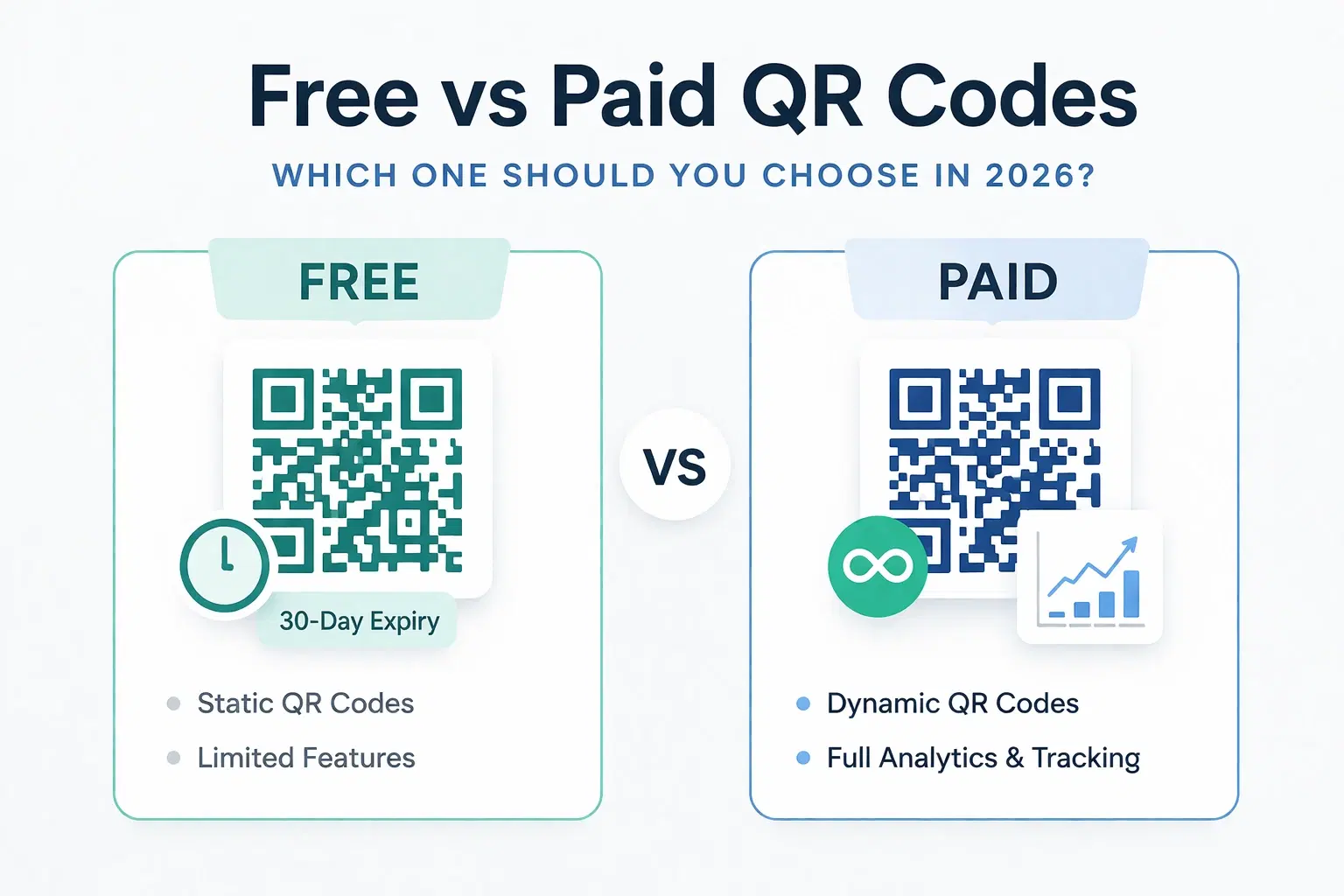
Dynamic QR Code Generator Free vs Paid: What You Actually Need (2026)
An honest breakdown of free vs paid dynamic QR code generators. How much a dynamic QR code really costs in 2026, when the free tier is enough, and when a paid plan from around $1.20/month makes more sense than you think.
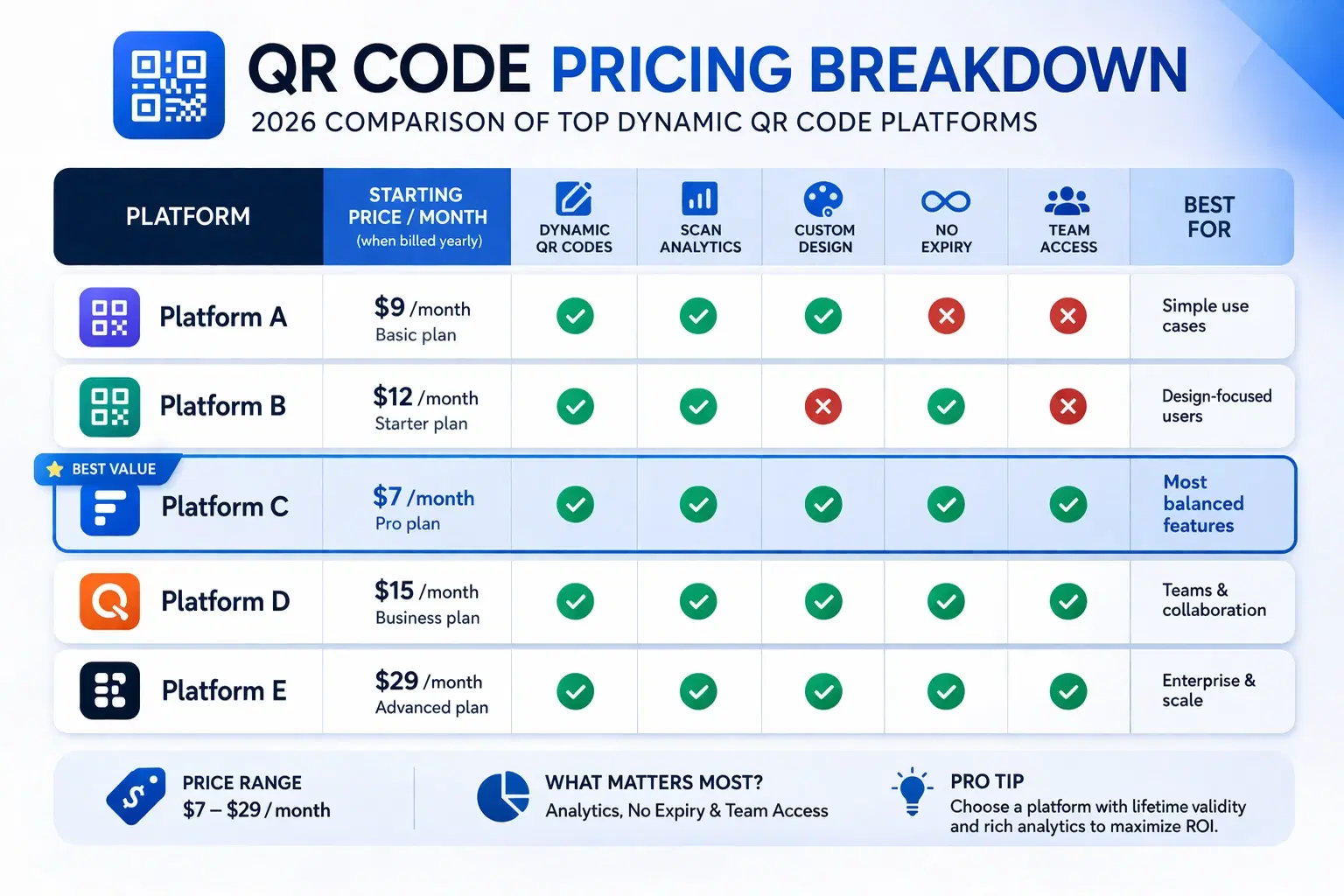
How Much Does a Dynamic QR Code Cost? (2026 Pricing Breakdown)
A transparent pricing breakdown for dynamic QR code generators in 2026, including Beaconstac, QR Tiger, Flowcode, Bitly, and QRForever. Find out who offers the best value and when free is enough. Updated June 2026.
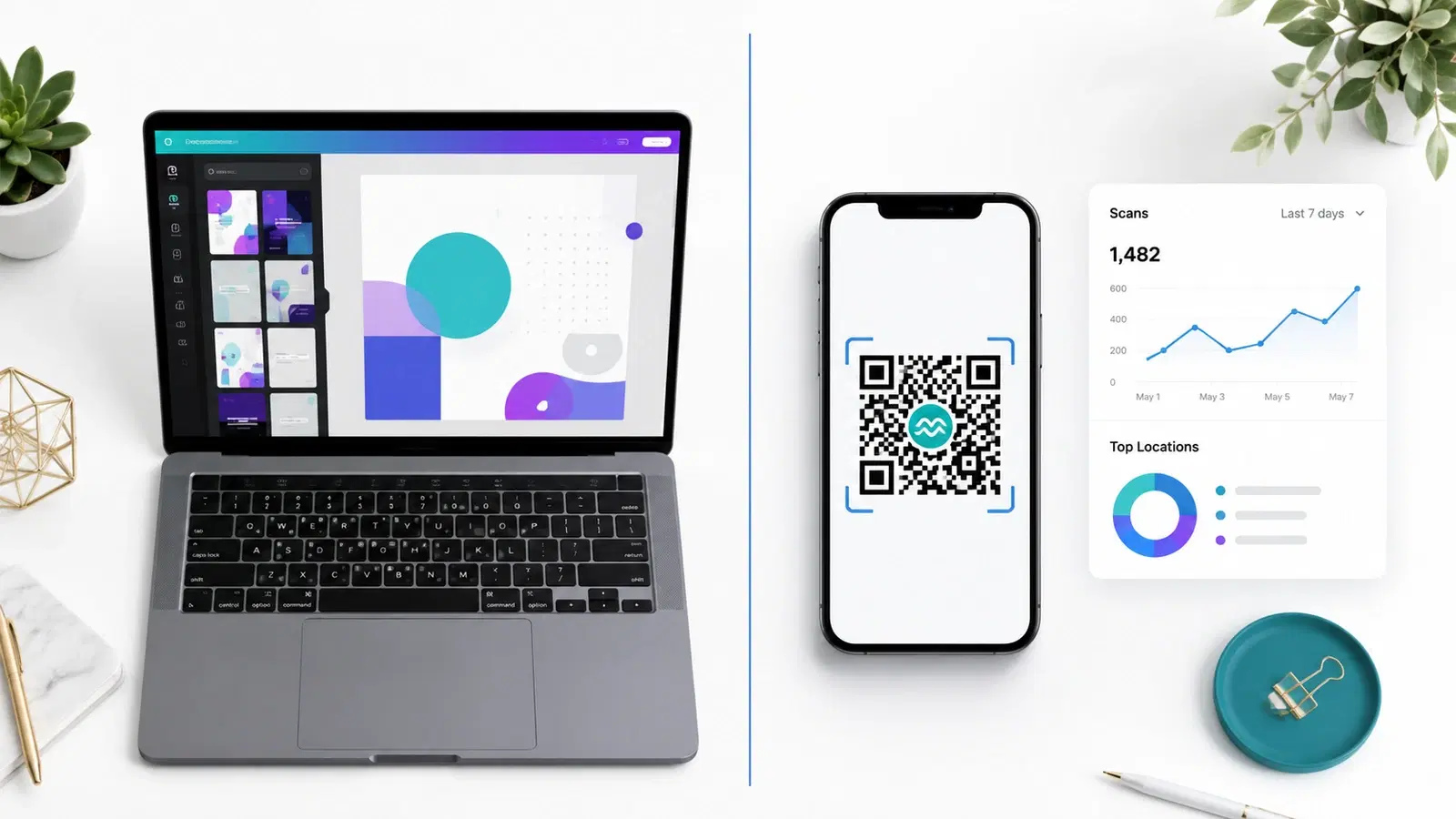
QRForever vs Canva QR Code Generator: Full Comparison 2026
Canva has a built-in QR code generator, but is it actually a complete solution? We compared it head-to-head with QRForever on dynamic codes, analytics, expiry, and design: here's what we found.