Is It Worth Paying for a QR Code? Free vs Paid Decision Guide (2026)
You can generate a QR code for free in seconds, so why pay? This guide answers honestly: exactly when a free QR code is enough, and the specific moments when paying is the cheaper choice. Updated September 2026.

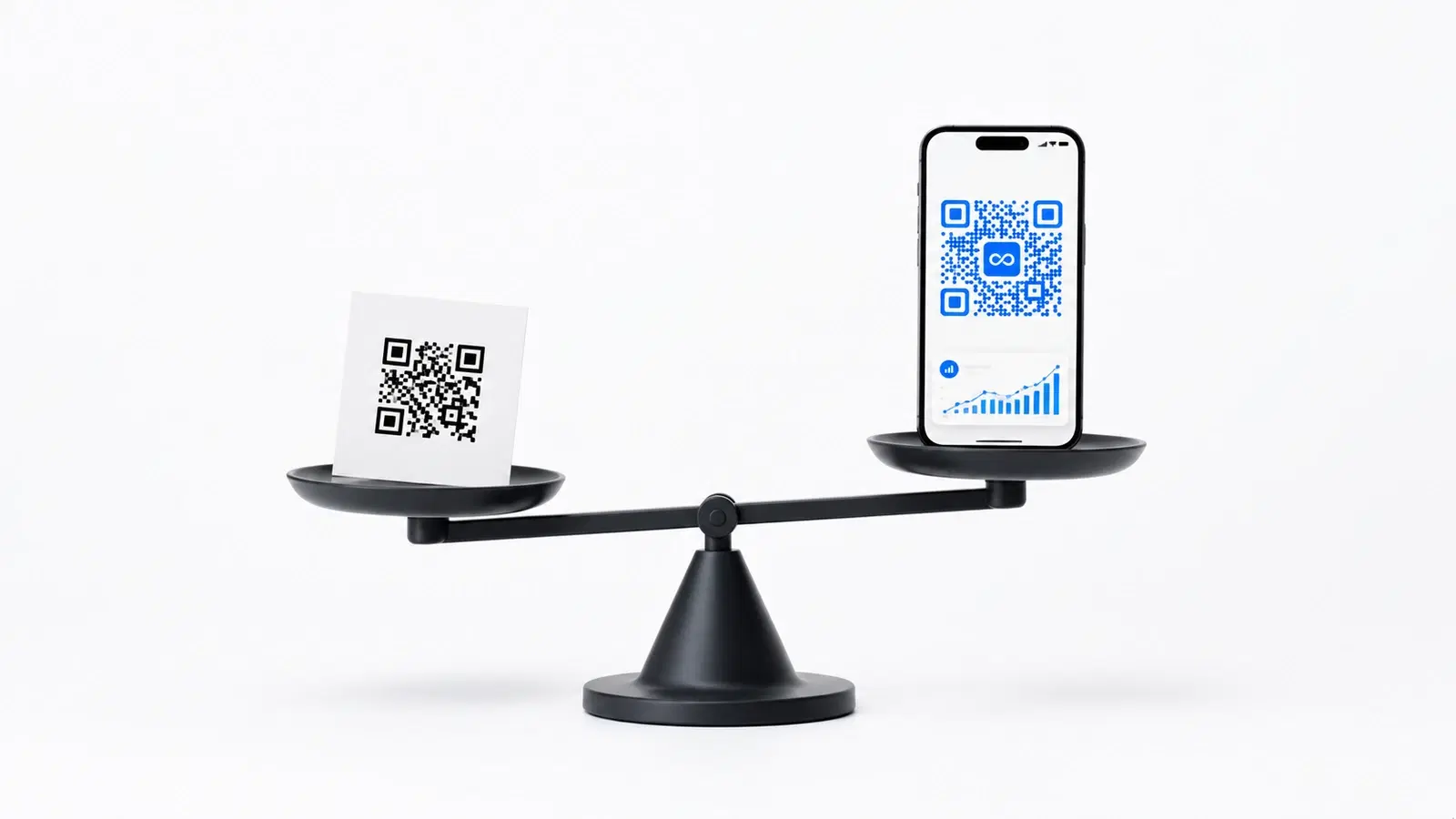
You can generate a QR code for free, right now, in about 30 seconds. No account, no payment. So a fair question: why would anyone pay for one?
This is an honest guide, not a sales pitch. The truthful answer is that for some uses, a free QR code is genuinely the correct choice and paying would be a waste. For other uses, paying is not only worth it, it's actually the *cheaper* option once you account for hidden costs.
This guide gives you a clear test to know which situation you're in.
The One Question That Decides It
Before comparing features, ask yourself one question. It determines the answer more than anything else:
"Will this QR code be printed, and might its destination ever need to change?"
This question splits every QR code use case into two groups:
Group A: "No, it won't be printed" OR "the destination is permanent" Examples: a QR code on a presentation slide, a QR code in a social media post, a QR code linking to your homepage which will never move. → A free QR code is the right choice. Don't pay.
Group B: "Yes, it'll be printed, AND the destination might change" Examples: a restaurant menu QR code, a QR code on business cards, product packaging, event signage, posters. → A paid (dynamic) QR code is worth it, and usually cheaper long-term.
Everything else in this guide elaborates on why. But if you remember only one thing: free for digital and permanent, paid for printed and changeable.
Pro Tip
If you genuinely can't predict whether a destination might change, assume it will. In years of QR code use, "the URL will never change" is wrong far more often than it's right.
When a Free QR Code Is Genuinely Enough
Paying for a QR code in these situations would be wasted money. A free static QR code is the correct, sensible choice when:
1. The QR code is digital-only. On a slide deck, in an email, in a social media graphic, on a website. It's never printed, so even if you need to change it, you just regenerate it, no cost, no waste.
2. The destination is genuinely permanent. A QR code linking to your company homepage (qrforever.com), to a fixed YouTube channel, or to a WiFi network whose password rarely changes. If the destination will outlive the QR code, static is fine.
3. It's a one-time, throwaway use. A QR code for a single event that ends next week, after which the code is irrelevant. No need for analytics or editability on something disposable.
4. You're just experimenting. Testing whether QR codes work for your use case before committing. Use free, validate the concept, then decide.
5. The stakes are genuinely low. A QR code in a personal project, a hobby blog, a community flyer where a broken code is a minor inconvenience, not a business cost.
In all of these, a free generator like GoQR.me or QR Code Monkey does the job perfectly. See our free QR code generator comparison for the best free options.
When Paying Is Worth It (and Often Cheaper)
Paying for a QR code is worth it (and frequently the cheaper path), in these situations:
1. The QR code goes on printed materials. Business cards, menus, packaging, posters, signage, brochures. The moment a code is printed, you lose the ability to fix it for free. A dynamic (paid) code lets you edit the destination without reprinting. The subscription cost is recovered the first time you avoid a reprint.
2. You need to know if it's working. Free static codes have zero analytics. If you're running a marketing campaign and want to know whether anyone scanned your QR code (how many, from where, on what device), you need a paid plan. Flying blind on a campaign is its own cost.
3. You're managing more than a couple of codes. A free tier usually allows 1 code. If you have a menu QR, a review QR, a WiFi QR, and a business card QR, you've outgrown free. QRForever's flat Pro plan (₹499/month) covers your codes without per-code limits.
4. Your brand matters. Logo-embedded QR codes look professional and get more scans. Logo embedding is a paid feature on essentially every platform.
5. The destination is likely to change. Seasonal campaigns, evolving product pages, websites that get redesigned, booking links that move between services. If change is likely, paying for editability is cheaper than reprinting.
The core insight: Paying for a QR code isn't paying for the *code*. It's paying for editability and analytics. For printed business materials, those two things save more money than they cost.
- Printed materials → paid (avoids reprint costs)
- Need to measure scans → paid (free has no analytics)
- Managing 3+ codes → paid (free tiers cap at ~1 code)
- Logo branding needed → paid (logo embedding is always a paid feature)
- Destination likely to change → paid (editability beats reprinting)
The Cost of NOT Paying: A Real Calculation
Let's put numbers on "free isn't free." Consider a small business owner who uses a free static QR code on printed materials.
The setup:
- Free static QR code on 300 printed flyers + 100 business cards
- Cost so far: ₹0 for the QR code
Six months later:
- The business moves the landing page the QR code points to
- Every printed QR code now leads to a 404 error
- 400 pieces of printed material have a dead QR code
The cost of fixing it:
- Reprint business cards: ~₹2,500
- Reprint flyers: ~₹3,500
- Plus: every customer who scanned the dead code in the meantime: lost
Total cost of the "free" QR code: ₹6,000+
The alternative:
- QRForever Pro: ₹499/month
- When the landing page moved, edit the destination URL in the dashboard in 30 seconds, ₹0
- Six months of the flat Pro plan: a small fraction of the reprint bill
The paid option would have cost a few hundred rupees instead of ₹6,000+. "Free" was many times more expensive.
This isn't a contrived example. It's the single most common QR code mistake businesses make. See our 15 common QR code mistakes guide.
Important
The cost of a "free" QR code is invisible at the time you create it. It only appears months later as a reprint bill, which is exactly why so many businesses make this mistake.
How to Pay the Least While Still Being Covered
If you've decided paying is worth it, you don't need to overpay. Here's how to minimize cost:
1. Start with the free trial before you commit. QRForever gives you a 7-day full-access free trial (no credit card): unlimited dynamic QR codes, fully editable, with analytics. Use it on your single most important QR code (usually a restaurant menu or review link) to confirm the dynamic approach works for you before subscribing.
2. Pick the plan that matches your needs. QRForever keeps it simple: one flat Pro plan (₹499/month) covers most small businesses, with a separate Business tier only if you need white-label, API access, or team seats.
3. Avoid platforms with expiry traps. Some "cheap" plans have dynamic codes that expire if you miss a payment. A platform with genuinely permanent codes protects you from a lapsed-payment disaster.
4. Pay annually if the platform offers a discount. Annual billing usually saves 15–20% over monthly.
5. Consolidate codes. You don't need a separate QR code per table or per flyer. One dynamic QR code can appear on 1,000 items and you manage them all from one destination. Fewer codes = lower-tier plan.
The goal isn't to avoid paying. It's to pay the small amount that prevents the large reprint costs, and nothing more.
Conclusion
So. Is it worth paying for a QR code? The honest answer is: it depends entirely on one thing, whether the code will be printed and might need to change.
If your QR code is digital-only or points to a permanent destination: No, don't pay. A free generator is genuinely the right choice.
If your QR code goes on printed materials and the destination might change: Yes, paying is worth it, and once you account for reprint costs, the paid option is usually the *cheaper* one. You're not paying for the QR code; you're paying for the ability to edit it without reprinting, and for the analytics to know it's working.
For most small businesses with printed marketing materials, QRForever's flat Pro plan (₹499/month) pays for itself the first time it saves a reprint.
Related reading:
Create a dynamic QR code with QRForever. Start a 7-day full-access trial, no credit card. Dynamic codes are editable anytime with full scan analytics. Decide if paid is worth it after you've used it.
Explore QRForever Solutions
Ready to Create Your Own QR Codes?
Start creating dynamic QR codes for your business today. Track analytics, update content anytime, and never reprint again.
Related Articles
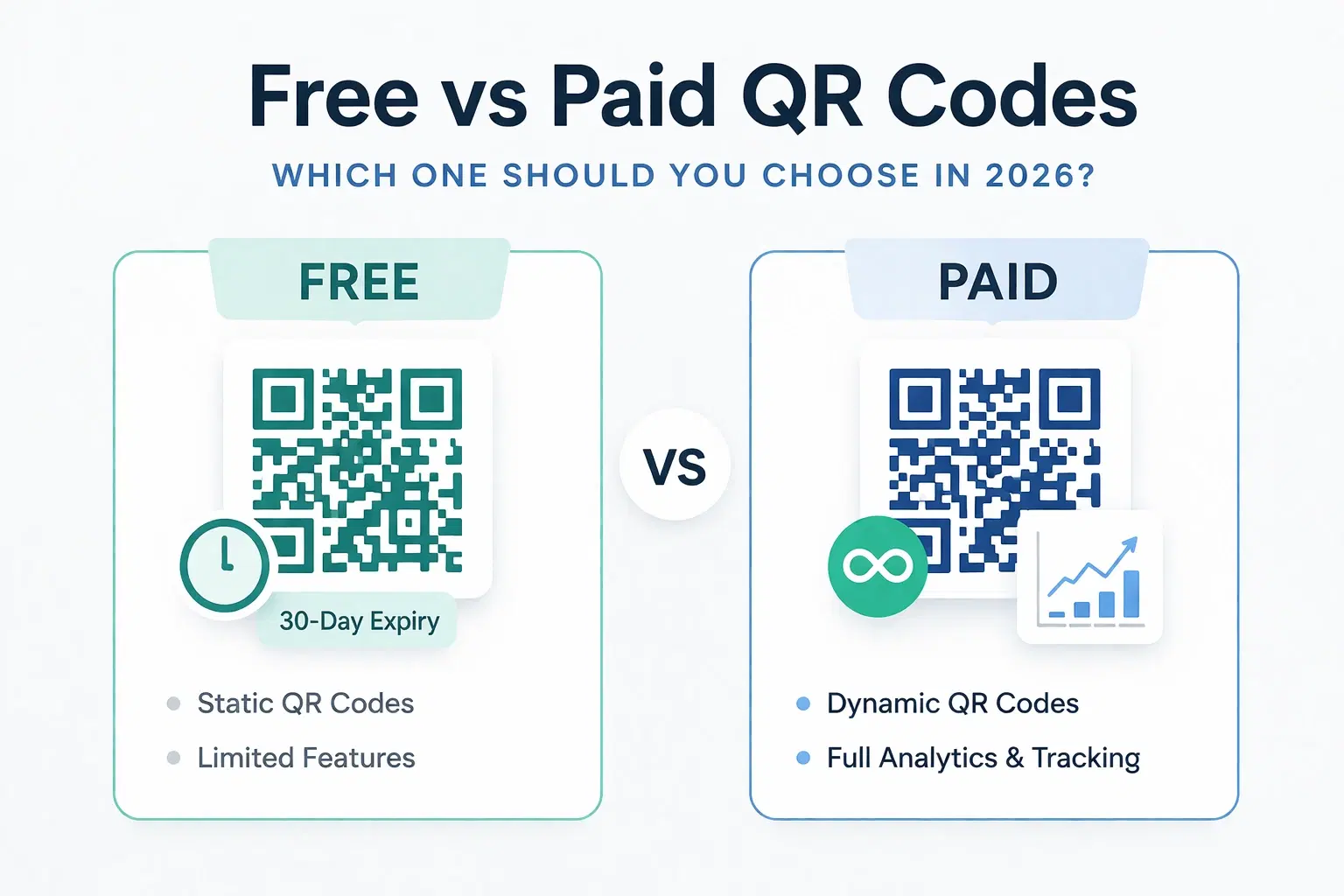
Dynamic QR Code Generator Free vs Paid: What You Actually Need (2026)
An honest breakdown of free vs paid dynamic QR code generators. How much a dynamic QR code really costs in 2026, when the free tier is enough, and when a paid plan from around $1.20/month makes more sense than you think.
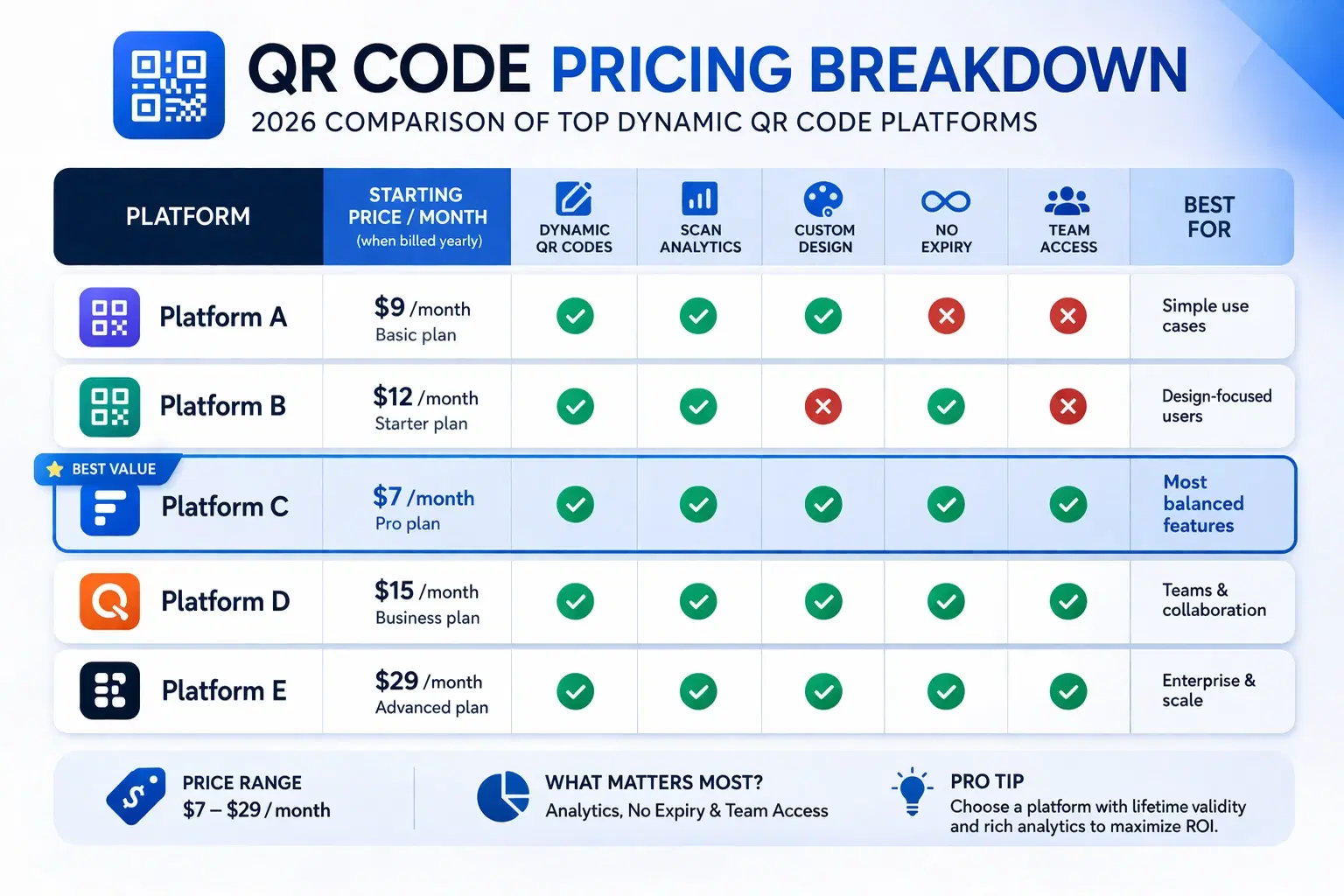
How Much Does a Dynamic QR Code Cost? (2026 Pricing Breakdown)
A transparent pricing breakdown for dynamic QR code generators in 2026, including Beaconstac, QR Tiger, Flowcode, Bitly, and QRForever. Find out who offers the best value and when free is enough. Updated June 2026.
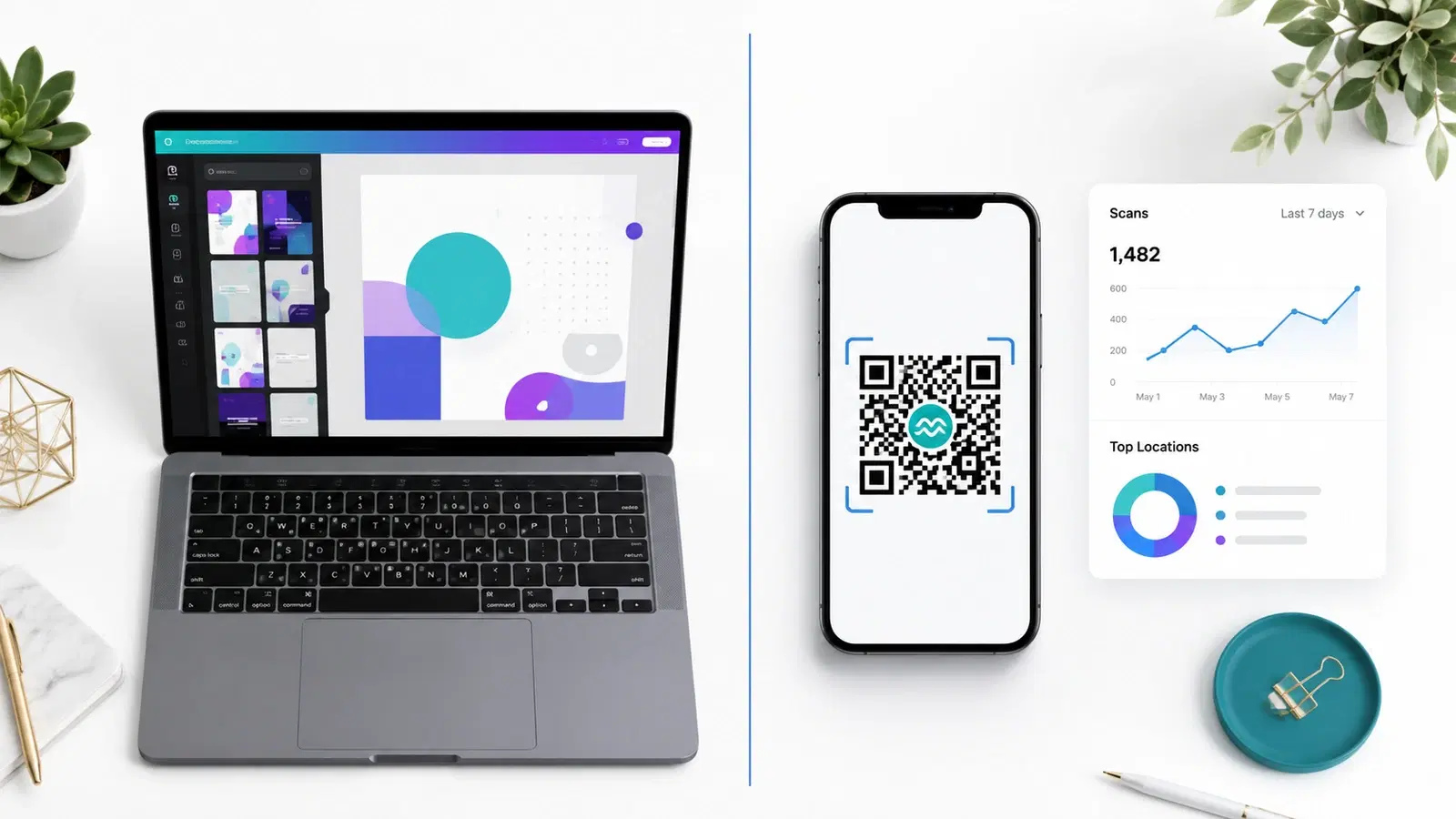
QRForever vs Canva QR Code Generator: Full Comparison 2026
Canva has a built-in QR code generator, but is it actually a complete solution? We compared it head-to-head with QRForever on dynamic codes, analytics, expiry, and design: here's what we found.