What Is a Blank QR Code? (And When You'd Want One)
The phrase "blank QR code" means a few different things, from a design template to a code that scans to nothing to a code that just will not work. Here is what a blank QR code actually is, the different meanings, and when you would want one in 2026.

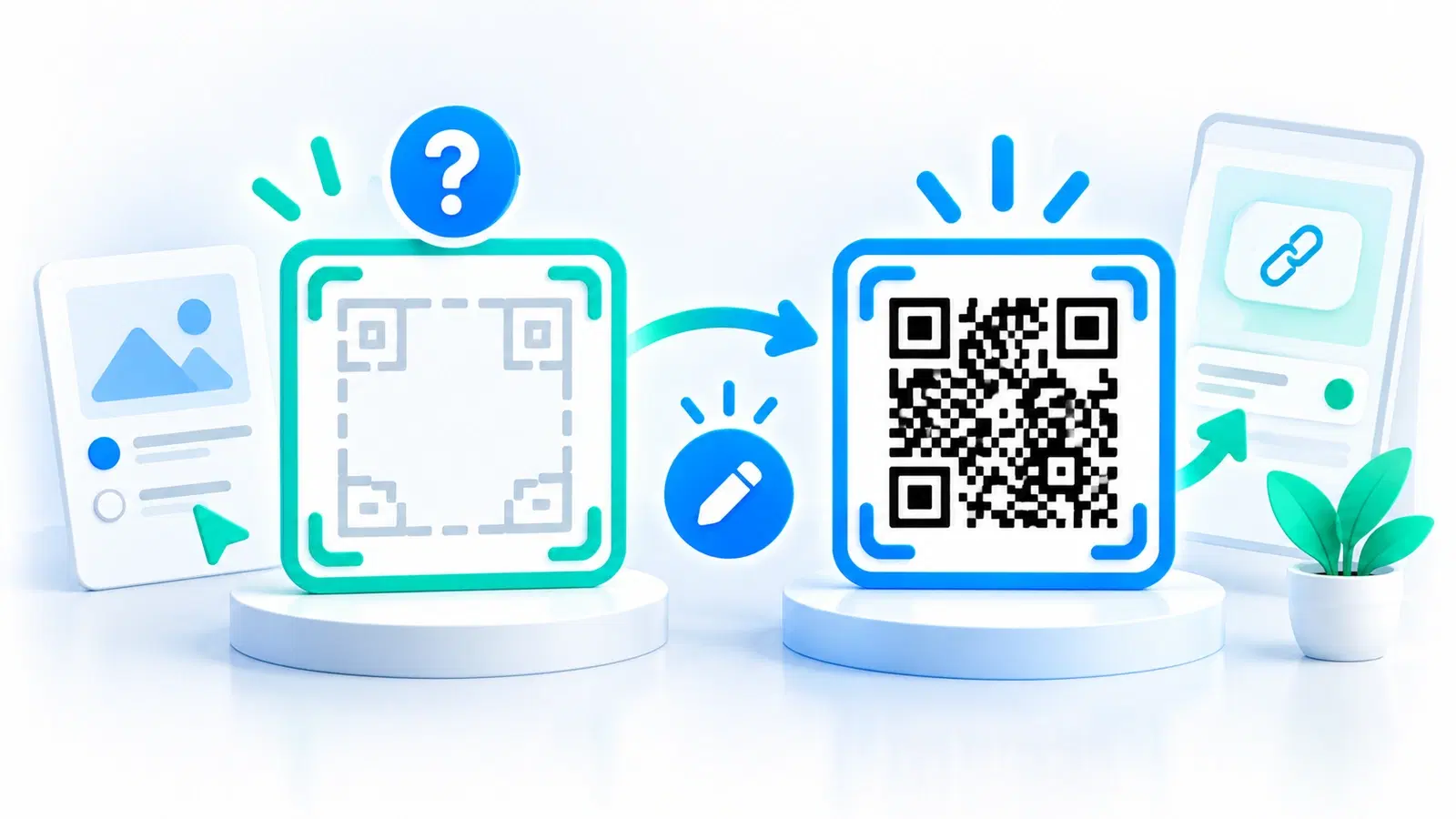
"Blank QR code" is one of those phrases that means different things to different people, which is why searching for it can be confusing. Depending on who is asking, it can mean a design template to build a code around, a reusable placeholder code whose destination you set later, a plain code image for a mockup, or, less happily, a code that scans to nothing or will not scan at all.
Because the phrase is ambiguous, the useful thing is to untangle the meanings, figure out which one you actually want, and explain how to get it (or fix it). Most people searching for a "blank QR code" want one of the first three, legitimate, useful things, and a few are describing a problem to solve.
This guide covers what a blank QR code actually is across its different meanings in 2026, when you would genuinely want one, and how to create or handle each. It is a short, clarifying explainer, and along the way it connects to the real capability that most "blank QR code" needs are really reaching for: a dynamic code whose destination you can set and change.
The Different Meanings of "Blank QR Code"
The phrase covers several distinct ideas. Here are the main ones, so you can spot which matches what you are after.
1. A design template (a "blank" to design around). Often "blank QR code" means a plain, unstyled code, or a template/frame, that a designer uses as a starting point to add branding, color, a logo, or a "scan me" frame. Here "blank" means "not yet styled," a canvas for QR design. This is a common and legitimate need in design work. See QR code design and branding.
2. A placeholder code whose destination you set later. Sometimes people want a code they can create now and point somewhere later, or change over time, so at first it is "blank" in the sense of not committed to a final destination. This is not really a static blank image at all; it is a dynamic code, which can be created and then have its destination set or changed whenever you want. This is often what people are actually reaching for, and we cover it below.
3. A plain code image for a mockup. Designers and developers sometimes want a generic QR code image purely as a visual placeholder in a mockup or layout, not meant to be scanned for real, just to show where a code will go. Here "blank" means "a stand-in image." Any simple generated code, or a placeholder graphic, serves this.
4. A code that appears blank or scans to nothing (a problem). Less happily, "blank QR code" can describe a problem: a code that looks empty/white, or that scans but leads nowhere, or that will not scan at all. This is not something you want, it is something to fix, and it usually points to a generation or scanning issue. See why QR codes fail to scan.
Knowing which of these you mean is the whole game. The next sections cover the two that need real action: the useful "placeholder you set later" (a dynamic code) and the "blank/broken" problem to fix.
- A design template, an unstyled code to brand and style
- A placeholder whose destination you set/change later (really a dynamic code)
- A plain code image as a visual stand-in for a mockup
- A code that shows blank or scans to nothing, a problem to fix, not a goal
When You'd Actually Want One (and How)
For the legitimate meanings, here is when each is useful and how to get it.
For a design template: start plain, then brand it. If you want a "blank" code to design around, generate a standard code and then apply your branding, color, logo, and framing, while keeping it scannable. The key is that styling must preserve contrast and the quiet zone so the code still works. See how to make a colored QR code that scans and how to add a logo without breaking it.
For a placeholder you set later: use a dynamic code (this is the big one). This is what most "I want a blank QR code" needs are really about, a code you can put in place now and decide (or change) the destination for later. That is precisely what a dynamic QR code does: you create it, and you can set or change where it points anytime, without regenerating the code. So instead of a literal blank image, what you want is a dynamic code, "blank" in the sense that its destination is yours to set and change whenever you like. This is far more useful than a static placeholder, because the same code can be repointed as often as you need. See dynamic vs static QR codes and how to edit a QR code after printing.
For a mockup image: any placeholder code works. If you just need a visual stand-in, generate a simple code (pointing anywhere) and use it as the placeholder graphic. Just remember to swap in the real, intended code before anything goes live, a mockup placeholder should never reach production.
The insight: The most valuable interpretation of "blank QR code", a code whose destination you control and can change, is not a special kind of blank image at all. It is a dynamic code. So if that is what you are after, you do not need a "blank" code; you need a dynamic one, which gives you exactly that flexibility and more. See how to choose a QR code generator.
Pro Tip
If you want a "blank" QR code so you can decide or change where it points later, what you actually want is a dynamic QR code. It is created once and its destination is yours to set and change anytime, without making a new code. That is more useful than any static blank image, because the same printed code can be repointed again and again.
If Your Code Is Blank by Accident
If "blank QR code" describes a problem, a code that looks empty, scans to nothing, or will not scan, here is how to diagnose and fix it.
A code that looks blank or white. If your generated code appears mostly empty or blank, something went wrong in generation, an empty input, a failed render, or an export issue. Regenerate it with valid content (a real URL or data) and check the image actually contains the pattern before using it.
A code that scans but leads nowhere. If the code scans but opens nothing or a dead page, the pattern is fine but the destination is the problem, an empty, broken, or taken-down URL. Check what the code actually encodes and fix the destination. If it is a static code with a bad destination baked in, you will need a new code; if it is dynamic, you can simply repoint it, another reason dynamic codes are more forgiving. See why QR codes fail to scan.
A code that will not scan at all. If nothing happens when you scan, it is usually a scannability issue, poor contrast, too small, distorted, a missing quiet zone, or low-resolution printing, not a truly "blank" code. Work through the fixes in our troubleshooting guide and follow the best practices to prevent it.
Prevent blank/broken codes:
- Always put valid content in before generating.
- Confirm the generated image actually shows a full pattern.
- Test-scan every code before using it, and confirm it reaches the right destination.
- Use dynamic codes so a wrong destination can be fixed without a new code.
The bottom line on "blank QR code": Most of the time it is a legitimate need, a design template, a mockup placeholder, or (most usefully) a dynamic code whose destination you set and change later. Occasionally it describes a broken code to fix. Either way, the real capability behind the most useful meaning is a dynamic code: created now, pointed and repointed whenever you like, and testable before it goes live. Figure out which "blank" you mean, and the right action is clear.
Conclusion
"Blank QR code" is an ambiguous phrase, and clearing up which meaning you intend is the whole point. It can mean a design template to style around, a plain image to use as a mockup placeholder, a code whose destination you want to set or change later, or, less happily, a code that shows blank or will not scan. Most people want one of the first three; a few are describing a problem to fix.
The most valuable interpretation, a code you can place now and point (and repoint) later, is not a special blank image at all: it is a dynamic QR code. Created once, its destination is yours to set and change anytime without regenerating it, which is far more useful than any static placeholder. So if that is what you are after, you do not need a "blank" code, you need a dynamic one.
For a design template, start with a plain code and brand it while keeping it scannable. For a mockup, any placeholder works, just swap in the real code before going live. And if your code is blank by accident, regenerate with valid content, fix the destination, and test-scan before use. Know which "blank" you mean, and the right step follows naturally.
Related reading:
Create a dynamic QR code with QRForever. Start a 7-day full-access trial, no credit card needed. Set the destination now, change it anytime, the useful kind of "blank" code.
Explore QRForever Solutions
Ready to Create Your Own QR Codes?
Start creating dynamic QR codes for your business today. Track analytics, update content anytime, and never reprint again.
Related Articles
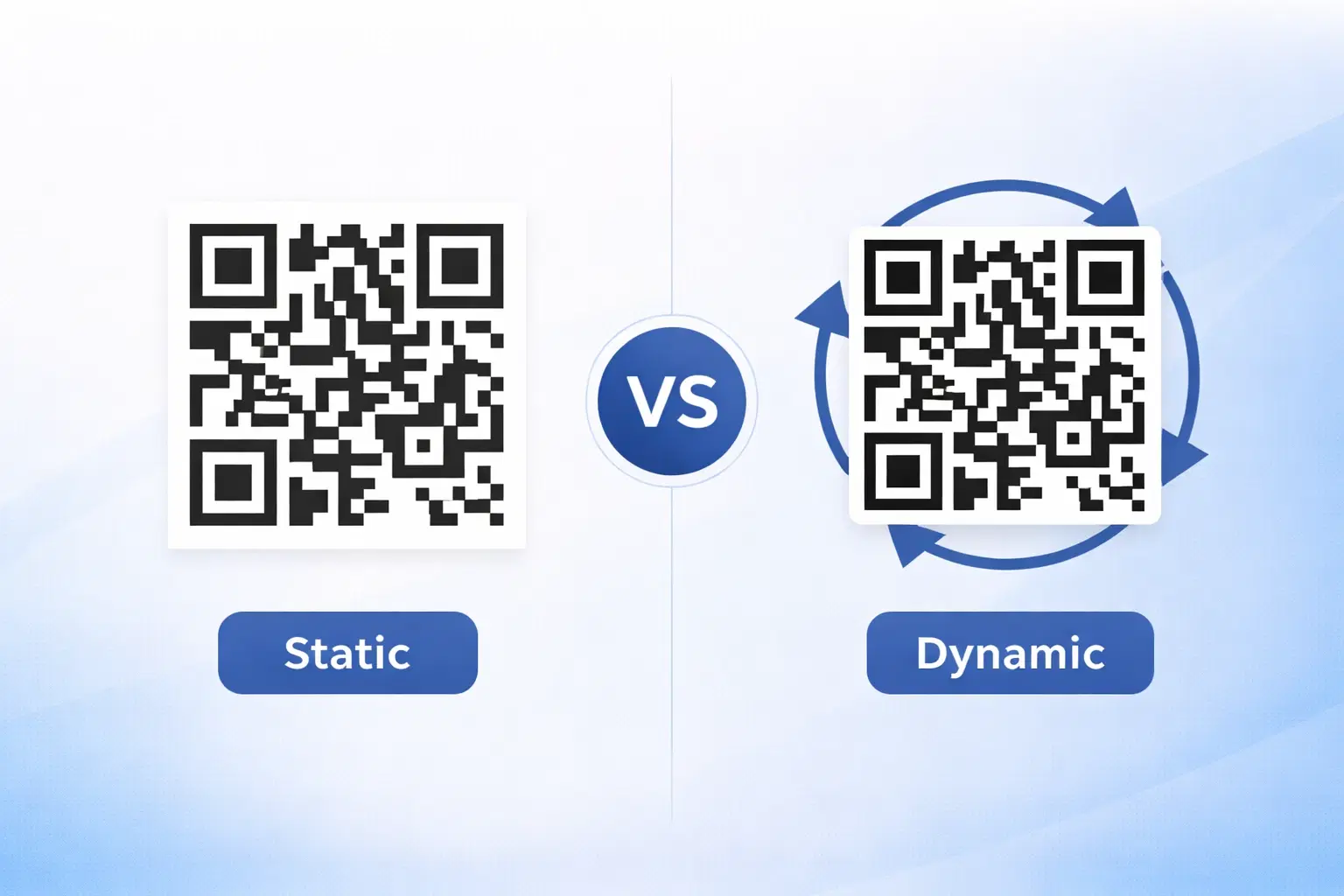
Dynamic vs Static QR Codes: Which One Should You Use? (Updated 2026)
The complete 2026 guide to dynamic vs static QR codes: when each type is right, the hidden costs of choosing wrong, and a decision framework you can apply in 60 seconds. Updated October 2026.
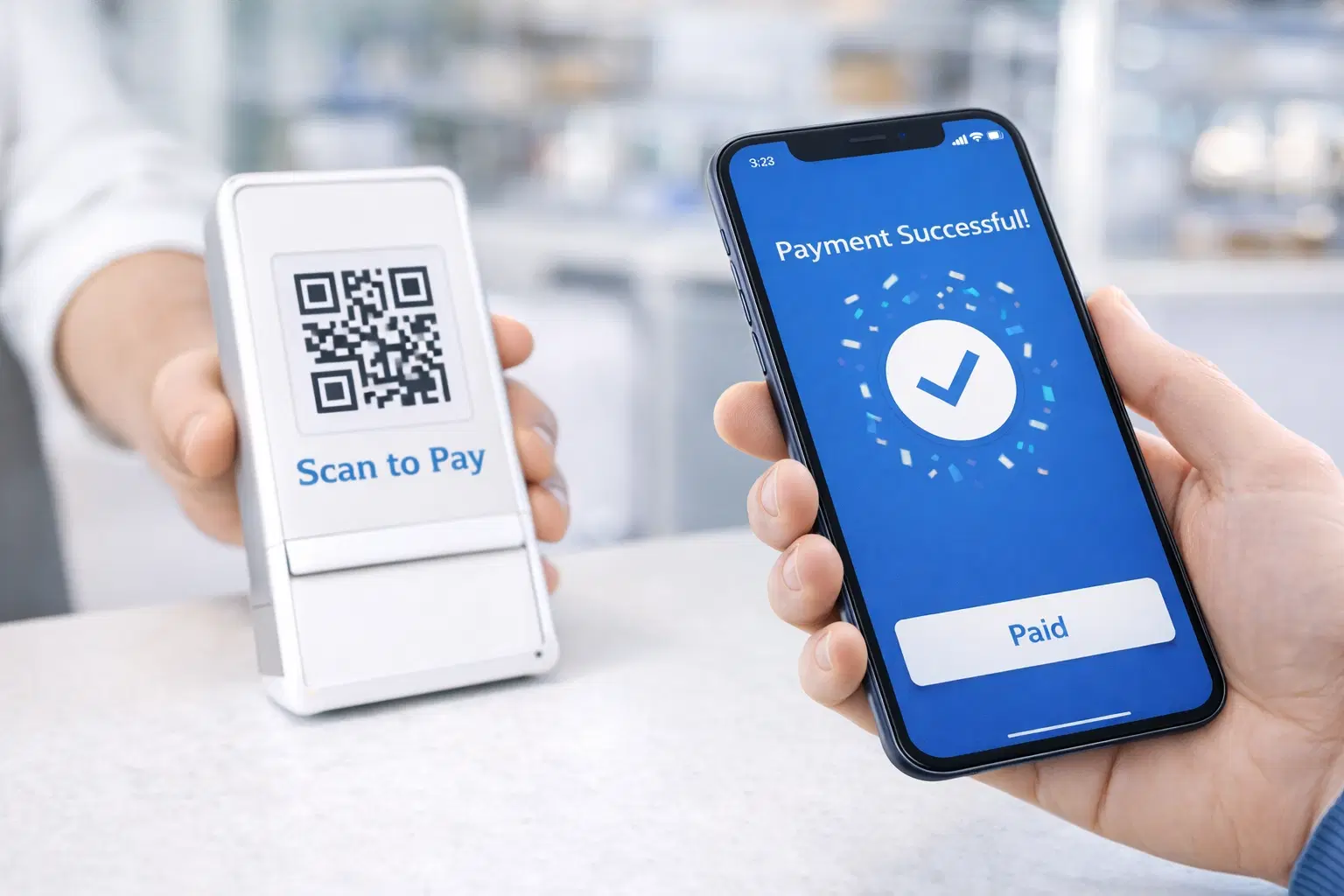
QR Code Payments Explained: How They Work and Why They Matter (Updated 2026)
QR code payments crossed record transaction volumes in 2025 and are now infrastructure, not novelty. Understand how they work: merchant-presented vs consumer-presented, UPI, security, and what it means for your business. Updated June 2026.
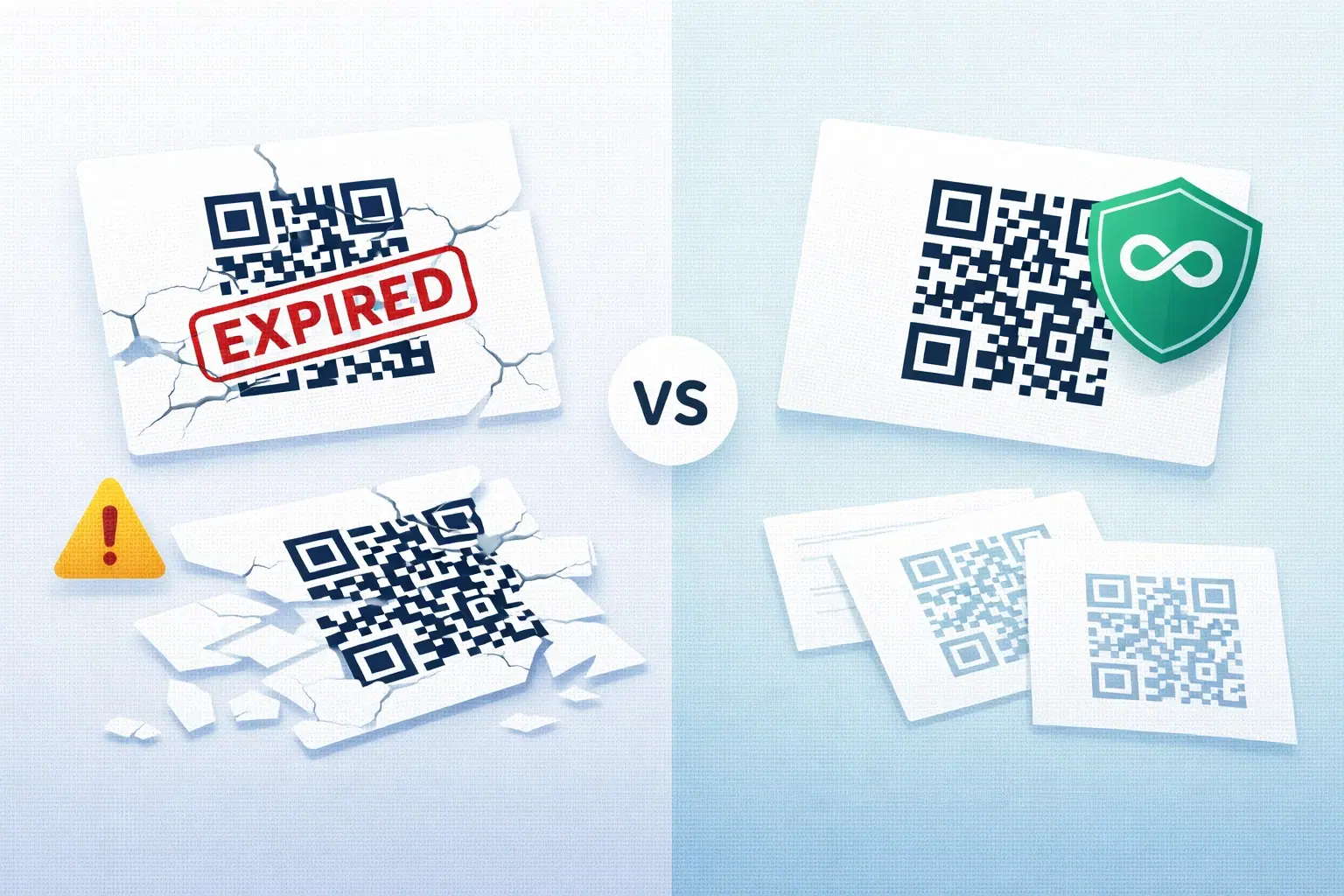
QR Codes That Never Expire: Why Most Free QR Codes Stop Working (Updated 2026)
Free QR codes often expire after 14 to 90 days, breaking printed materials and costing more in reprints than a paid plan ever would. Updated October 2026 guide with platform expiry timelines and a step-by-step rescue plan.