How to Generate QR Codes in Bulk: A CSV Batch Guide (2026)
When you need hundreds or thousands of unique QR codes, making them one at a time is impossible. Bulk generation from a CSV or spreadsheet creates them all at once. Here is how bulk QR code generation works and how to do it right in 2026.

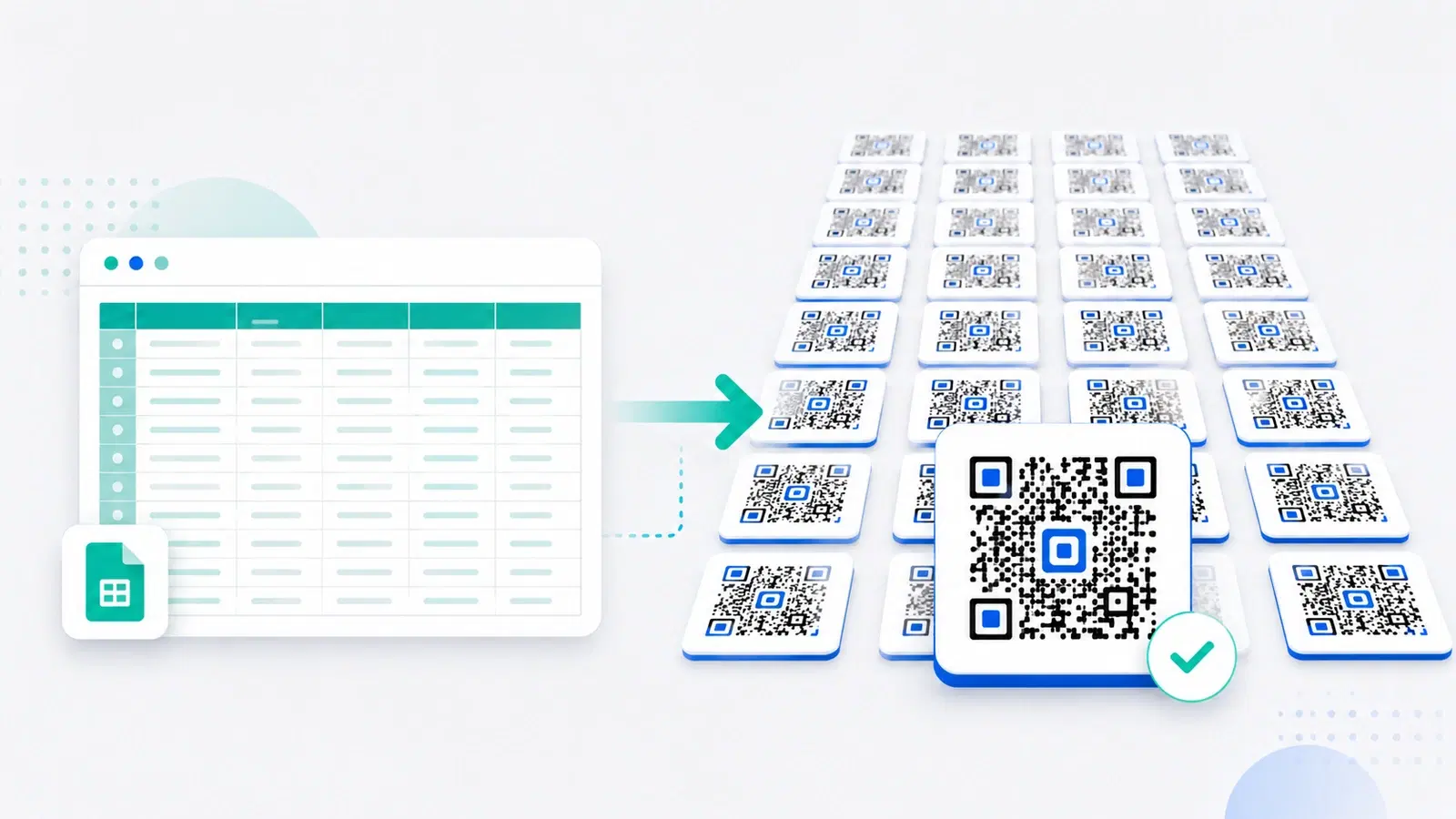
Some jobs need one QR code. Others need a thousand: a unique code for every product in a catalogue, every seat in a venue, every asset in a warehouse, every store in a chain, or every recipient in a mailing. Making those one at a time is not just tedious; at real volume it is impossible. Bulk generation is the answer.
Bulk QR code generation creates many codes at once from a list, usually a CSV file or spreadsheet where each row becomes its own code. Instead of hours of manual work, you upload your data and get every code back in one batch. It is the difference between making codes and producing them at scale.
This guide explains how bulk QR generation works in 2026, the crucial static-versus-dynamic choice at scale, the step-by-step process, and the mistakes that turn a batch of thousands into an expensive problem. If you instead need codes generated automatically inside your own software rather than from a file, that is a job for an API, and we will point you there.
When You Need Bulk Generation
Bulk generation earns its place whenever you need many codes that are either unique per item or numerous enough that manual creation is impractical.
Classic bulk use cases:
- Product catalogues: a unique code on every product or SKU, linking to its page, manual, or authenticity check.
- Inventory and assets: a code per item, pallet, or piece of equipment for tracking. See QR codes for inventory and asset tracking.
- Events and tickets: a unique code per ticket or attendee for check-in.
- Multi-location businesses: a distinct code per store or branch, so you can tell which location drives scans.
- Campaigns with variants: unique codes per region, channel, or version for granular tracking.
- Mailings and packaging: a personalized or unique code per recipient or package.
The common thread: In each case the codes share a pattern but differ in their specifics, a different destination, or the same destination with a different tracking identifier, per row. That is exactly what bulk generation handles: it takes your list and applies the pattern across every row at once.
When it is NOT bulk you need: If you need one destination for everyone, that is just a single code, no bulk required. And if codes must be created automatically by your own app as events happen (a code minted the moment an order is placed), that is an API job, not a batch upload. Bulk is for "I have a list now, make a code for each row." See the distinction in our API guide.
Static vs Dynamic Bulk Codes (Get This Right)
This is the decision that determines whether your batch is a durable asset or a future headache, and at scale the stakes are multiplied by the number of codes.
Static bulk codes bake the data in. Many bulk generators, especially free ones, produce static codes: each row's data is encoded directly into the image, permanently. They cannot be changed or tracked after generation. For 10,000 codes, that means 10,000 codes you can never edit and never measure.
Dynamic bulk codes stay editable and trackable. Dynamic bulk generation creates codes that each redirect through a link you control. You can change any code's destination later, and every scan is counted. For a large batch, this is transformative: you can fix a wrong link across thousands of printed codes in moments, and you can see which codes actually get scanned.
Why the stakes are higher at scale: Imagine printing 5,000 static product codes and then needing to change where they point. Every one is now wrong, and your only option is to regenerate and reprint all 5,000. With dynamic codes, you update the destinations and every printed code follows, no reprint. The static batch looked free and became the most expensive option you could have chosen. See dynamic vs static and how to edit codes after printing.
The rule at scale: For any bulk batch that will be printed, or that you will ever want data from, use dynamic bulk generation. Static bulk codes make sense only for throwaway, screen-only, never-to-be-measured uses, which is rare at real volume.
Important
A free bulk generator almost always produces static codes. Generating thousands of static codes and printing them means thousands of codes you can never fix and never measure. If even one destination changes, or one link has a typo, the entire batch must be reprinted. At scale, dynamic bulk generation is not a luxury; it is what makes the batch safe.
How to Generate QR Codes in Bulk, Step by Step
The process is straightforward on a platform that supports dynamic bulk generation. The specifics vary, but the shape is the same.
1. Prepare your CSV or spreadsheet. Create a file with one row per code. Typically you will have a column for the destination (the URL each code should point to) and often a column for a name or label so you can identify each code later. Clean data here saves pain later: check for typos, blank rows, and malformed URLs before you upload.
2. Match the columns to the platform's format. Most bulk tools expect a particular column layout. Map your "destination" and "name" columns to what the platform asks for. Getting this right is what makes each row become the correct code.
3. Upload and generate. Upload the file and let the platform create the batch. Each row becomes its own dynamic code with its own editable destination and its own analytics.
4. Download the codes. You will typically get all the code images back together, often as a zip, named or numbered so you can match each code to its row. Download a vector or high-resolution format if the codes will be printed. See SVG vs PNG for print.
5. Test a sample. Do not trust 5,000 codes without checking. Scan a handful from across the batch, confirm each opens the right destination, and verify a code you plan to edit can be updated. A quick sample test catches mapping errors before they reach print.
6. Print and deploy. With the batch verified, send the codes to print or into your system. Because they are dynamic, you retain the ability to fix or repoint any of them later.
- Prepare a clean CSV: one row per code, with destination and name columns
- Map your columns to the platform's expected format
- Upload and generate the batch as dynamic codes
- Download in a print-ready format (vector or high-resolution)
- Test a sample from across the batch before printing
- Print and deploy, keeping the ability to edit any code later
Common Bulk Mistakes to Avoid
At scale, small mistakes multiply by the thousand. These are the ones that hurt most.
Dirty source data. A typo in a URL, a stray space, or a malformed link in your spreadsheet becomes a broken code, repeated across however many rows share the error. Clean and validate your data before uploading. This is the single most common cause of a bad batch.
Choosing static to save money. Covered above but worth repeating, because it is the costliest mistake at scale. Static bulk codes cannot be fixed or tracked; one change forces a full reprint. The apparent saving evaporates the first time anything needs to change.
Skipping the sample test. Trusting a large batch without scanning a sample is how mapping errors reach print undetected. Always test a spread of codes before committing to print.
Printing from low-resolution images. A code that looks fine on screen can be too blurry or pixelated to scan when printed small. Use a high-resolution or vector format, and mind the size and quiet-zone rules for every code in the batch.
Losing the mapping. With thousands of codes, you must be able to tell which code belongs to which item. Keep your naming or numbering consistent so codes and rows stay matched. Losing the mapping turns a tidy batch into an unsortable pile.
Forgetting analytics. If you generated dynamic codes, use the data. Scan analytics across a large batch reveal which items, locations, or variants perform, which is often the whole reason for making unique codes. See what analytics can track.
Conclusion
When you need many QR codes, unique per product, ticket, asset, location, or recipient, bulk generation from a CSV creates them all at once instead of one at a time. It is the only practical way to produce codes at real volume.
The decision that matters most is static versus dynamic, and at scale it is decisive. Static bulk codes, common in free tools, cannot be edited or tracked, so a single change forces a full reprint of the entire batch and you fly blind on performance. Dynamic bulk codes stay editable and trackable, letting you fix thousands of printed codes in moments and see exactly what gets scanned. For anything printed or measured, dynamic is the only safe choice.
Get the process right, clean data, correct column mapping, a print-ready format, a sample test before printing, and consistent naming, and bulk generation turns a thousand-code job into a few minutes of work. And if you need codes created automatically inside your own software rather than from a file, reach for an API instead.
Related reading:
Generate QR codes in bulk with QRForever. Start a 7-day full-access trial, no credit card needed. Dynamic batch codes you can edit and track, from a simple upload.
Explore QRForever Solutions
Ready to Create Your Own QR Codes?
Start creating dynamic QR codes for your business today. Track analytics, update content anytime, and never reprint again.
Related Articles
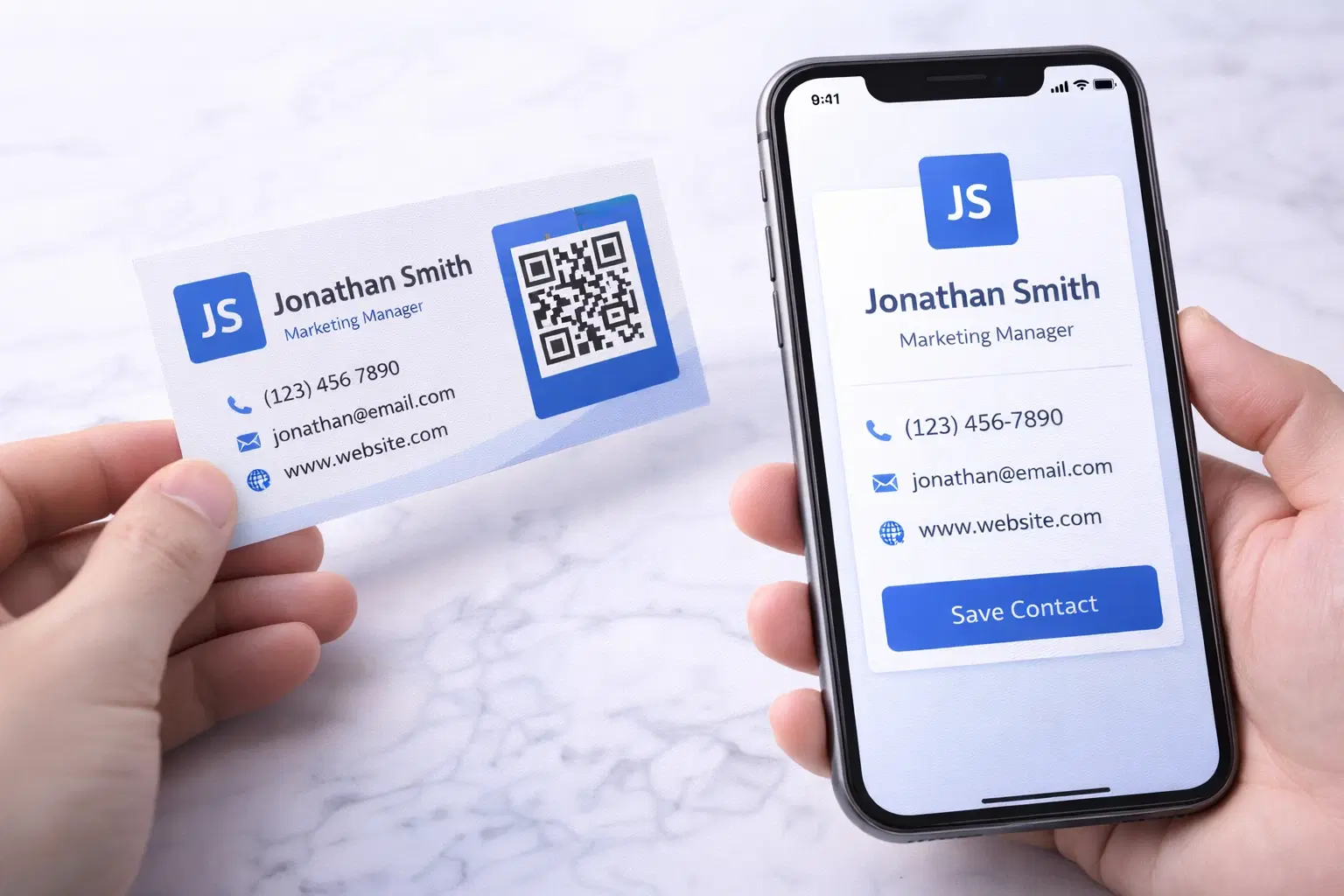
vCard QR Codes: The Complete Guide to Digital Business Cards (Updated 2026)
Create a vCard QR code that shares your contact info instantly, and updates itself when your job, phone, or email changes. Complete guide with placement strategy and networking scripts. Updated September 2026.
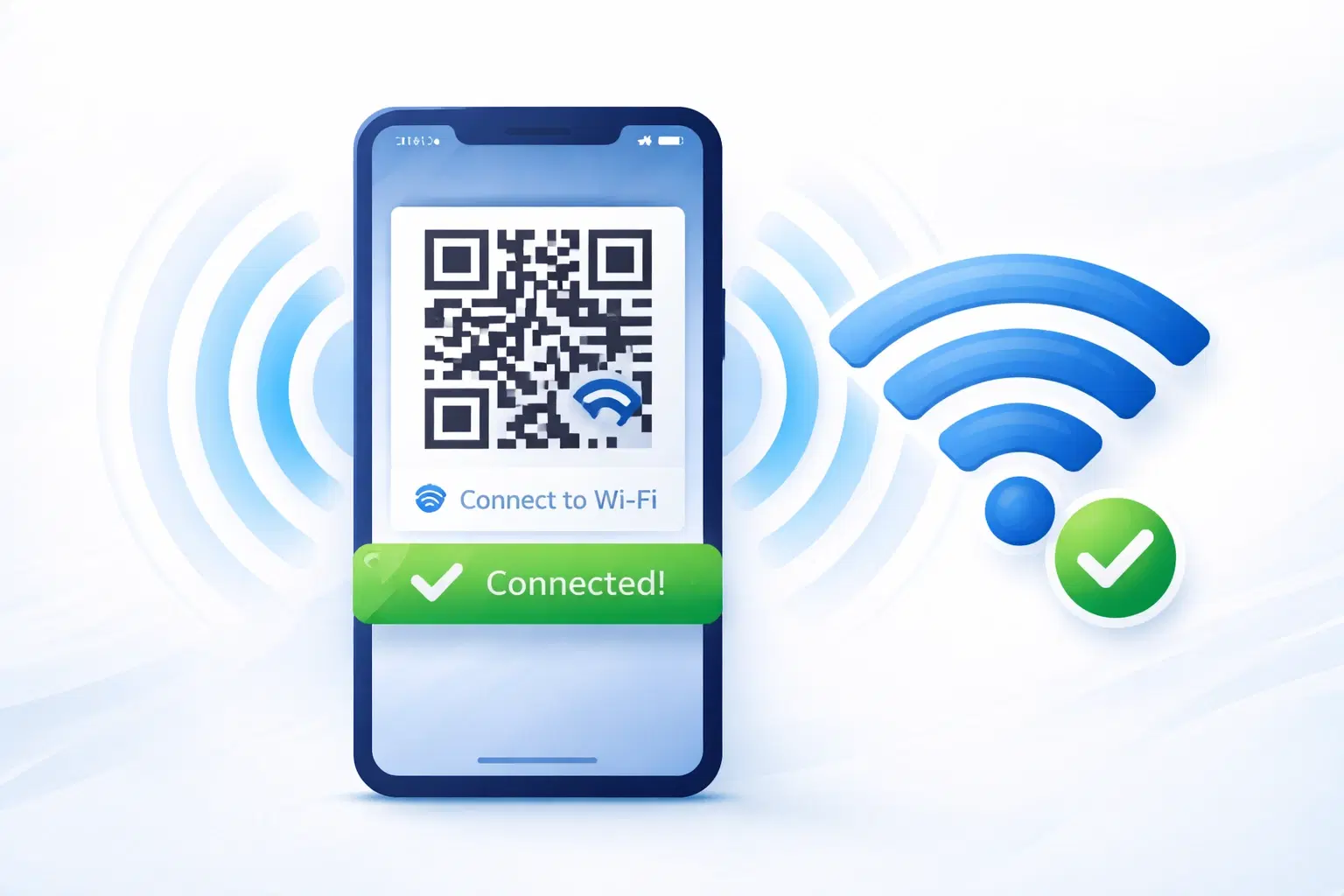
WiFi QR Codes: How to Share Your Network Password Instantly (Updated 2026)
Stop spelling out WiFi passwords letter-by-letter. WiFi QR codes let guests connect in seconds: for your home, café, hotel, or office. Updated 2026 setup guide with platform-specific instructions.

How to Set Up QR Code Check-In for Events: Step-by-Step Guide 2026
Replace paper lists and manual check-ins with a fast, contactless QR code system. Full setup guide for conferences, workshops, weddings, and corporate events.