QR Code API: How to Generate QR Codes Programmatically (2026)
When you need to create QR codes at scale or inside your own app, a QR code API lets you generate them programmatically instead of one at a time by hand. Here is how QR code APIs work, when you need one, and what to look for in 2026.

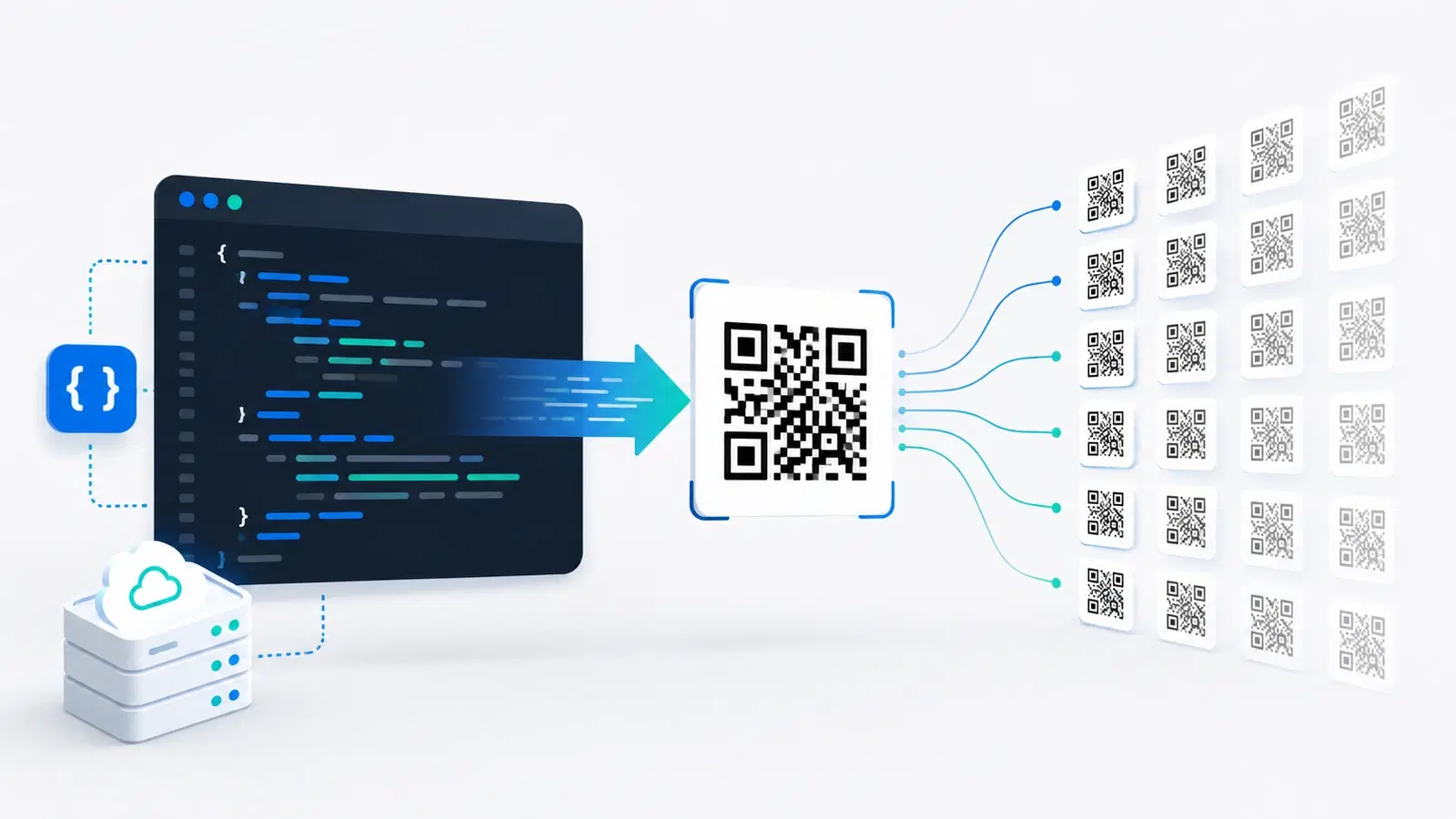
Generating a QR code by hand is fine when you need one, or ten. But when you need a unique code for every product in a catalogue, every ticket for an event, every user in your app, or every asset in a warehouse, doing it by hand stops being an option. That is what a QR code API is for.
A QR code API lets your software generate QR codes programmatically: your system makes a request, the API returns a code, and this happens automatically, at whatever scale you need, without a human clicking a button each time. It is the difference between making codes and building codes into your product.
This guide explains how QR code APIs work in 2026, the crucial distinction between static and dynamic API codes, what to look for when choosing one, and how to tell whether you actually need an API or just a good bulk export. It is written for developers and the technical people evaluating the decision. For the non-technical bulk case, we will point you to the right alternative.
What a QR Code API Does
An API (application programming interface) is a way for one piece of software to ask another piece of software to do something. A QR code API is a service your code calls to create QR codes on demand.
The basic flow: Your application sends a request to the API, typically over HTTP, specifying what the code should encode (a URL, for example) and any options (size, format, colors). The API creates the code and returns it, either as an image your app can display or save, or as a record with an ID you can manage later. All of this happens in code, in milliseconds, with no manual step.
Why that is powerful: Because it is programmatic, you can generate one code or one hundred thousand with the same effort. You can wire code generation directly into your own product: a ticketing app that mints a unique QR for every ticket, an inventory system that prints a code for every new item, a membership app that gives every user a personal code. The QR generation becomes an invisible feature of your software rather than a separate chore.
Common real uses:
- E-commerce: a unique code per product or per package
- Events: a unique check-in code per attendee or ticket
- Logistics and inventory: a code per asset, pallet, or shipment
- Apps: a personal code per user (for profiles, referrals, or access)
- Marketing at scale: unique codes per store, region, or campaign variant for granular tracking
If your use case is one of these, an API is likely the right tool. If you just need a batch of codes once, it may not be; more on that below.
Static vs Dynamic API Codes (The Critical Distinction)
This is the single most important thing to understand before choosing a QR code API, and it is where many people make an expensive mistake.
Static-only APIs just encode data into an image. Many of the simplest, cheapest, or free QR code APIs are static-only. You give them a URL, they draw that URL into a QR image, and that is it. The URL is baked into the pattern forever. You cannot change where the code points after it is generated, and you cannot track scans, because scans go straight to the destination without passing through anything you control.
Dynamic APIs create editable, trackable codes. A dynamic QR code API creates a code that points to a short redirect link you own. The destination can be changed at any time through the API, and every scan passes through the redirect, so it can be counted and analyzed. This is far more powerful, because your codes stay useful after they are printed and you get data back.
Why the difference is expensive to get wrong: Imagine minting 50,000 unique product codes through a static API and printing them on packaging, then needing to change where they point. With static codes, you cannot; every package is now wrong and must be reprinted. With dynamic codes, you update the destinations through the API and every printed code follows, no reprint. The static API looked cheaper up front and became far more costly. For the full explanation, see dynamic vs static QR codes and how to edit a QR code after printing.
The rule: If your codes will be printed, or if you ever want scan data, you want a dynamic QR code API. Static-only APIs are fine for throwaway, screen-only, purely cosmetic codes and almost nothing else at scale.
Important
A "free QR code API" is almost always static-only. That is fine for a one-off screen graphic, but if you build printed products or a real product feature on a static API, you inherit permanent, unchangeable, untrackable codes. The cost of that shows up later, as reprints and blindness to your own scan data.
What to Look For in a QR Code API
Once you know you need a dynamic API, evaluate on the things that matter in production.
Clear REST endpoints and docs. You want a straightforward REST API with good documentation: create a code, update its destination, fetch its analytics, list your codes. If the docs are thin or the API is awkward, integration will cost you far more time than any price difference.
Authentication and key management. Look for API-key authentication with the ability to rotate keys. Keep keys server-side, never in client code or a public repo, since a leaked key lets others generate codes on your account.
Rate limits that fit your volume. Check the requests-per-second and monthly-volume limits against your real needs. Minting 100,000 codes in a batch is very different from generating a few per minute; make sure the plan supports your pattern.
Programmatic analytics. The point of dynamic codes is data. Make sure you can pull scan analytics back through the API, not just view them in a dashboard, so you can feed the numbers into your own systems. See what QR analytics can track.
Bulk and update endpoints. For scale, you want to create in batches and update destinations in bulk, ideally many codes in one call rather than one request per code.
Permanence and reliability. Your generated codes must keep resolving indefinitely and the redirect service must stay up, because at scale an outage affects every code at once. Uptime is not a nice-to-have here; it is the product.
- Clean REST endpoints with solid documentation
- API-key auth with rotation; keep keys server-side only
- Rate limits and volume caps that match your real pattern
- Analytics retrievable via the API, not just the dashboard
- Bulk create + bulk update endpoints for scale
- Permanent codes and a reliable, high-uptime redirect
Do You Actually Need an API? (Often, No)
APIs are powerful, but they require engineering time, and plenty of people reach for one when a simpler tool would do. Be honest about your case.
You probably need an API if:
- Code generation must happen automatically inside your own software (a per-user, per-ticket, or per-order code)
- You generate codes continuously as a normal part of operations, not in one batch
- You need scan data flowing back into your own systems in real time
You probably do NOT need an API if:
- You need a large batch of codes once (or occasionally). A bulk / CSV generator creates thousands of codes from a spreadsheet with no code to write. That is simpler, cheaper, and faster than integrating an API. See our upcoming bulk QR generation guide for this exact case.
- You are not a developer and have no engineering resource. An API needs someone to integrate it; a bulk export does not.
- You just want a handful of codes. Then a normal generator dashboard is all you need.
The honest recommendation: Reach for an API when QR generation needs to be a live, automatic feature of your own product or an ongoing operational flow. If you instead need "a lot of codes, now," a bulk generator is almost always the better answer, with none of the integration cost. Matching the tool to the shape of the need, continuous-and-embedded versus batch-and-done, saves you the most time.
Pro Tip
Before scoping an API integration, ask one question: does a code need to be created by my software, automatically, in response to an event? If yes, you want an API. If you just need many codes produced from data you already have, you want a bulk/CSV generator instead, and you can skip the engineering entirely.
Conclusion
A QR code API lets your software generate QR codes programmatically, turning code creation into an automatic feature rather than a manual task. That is exactly what you want when you need a unique code per product, ticket, user, or asset, at a scale no human could handle by hand.
The decision that matters most is static versus dynamic. Static-only APIs, including nearly every free one, bake the destination in permanently and give you no scan data; build printed products or a real feature on them and you inherit reprints and blindness later. Dynamic APIs create editable, trackable codes that stay useful after printing, which is what production use almost always needs.
Evaluate on clean REST endpoints, key-based auth, rate limits that fit your volume, retrievable analytics, bulk operations, and above all permanence and uptime. And be honest about whether you need an API at all: if you just need many codes once, a bulk generator beats an integration every time. Match the tool to the shape of the work.
Related reading:
Build with QRForever's QR platform. Start a 7-day full-access trial, no credit card needed. Dynamic codes, analytics, and the scale to grow into.
Explore QRForever Solutions
Ready to Create Your Own QR Codes?
Start creating dynamic QR codes for your business today. Track analytics, update content anytime, and never reprint again.
Related Articles
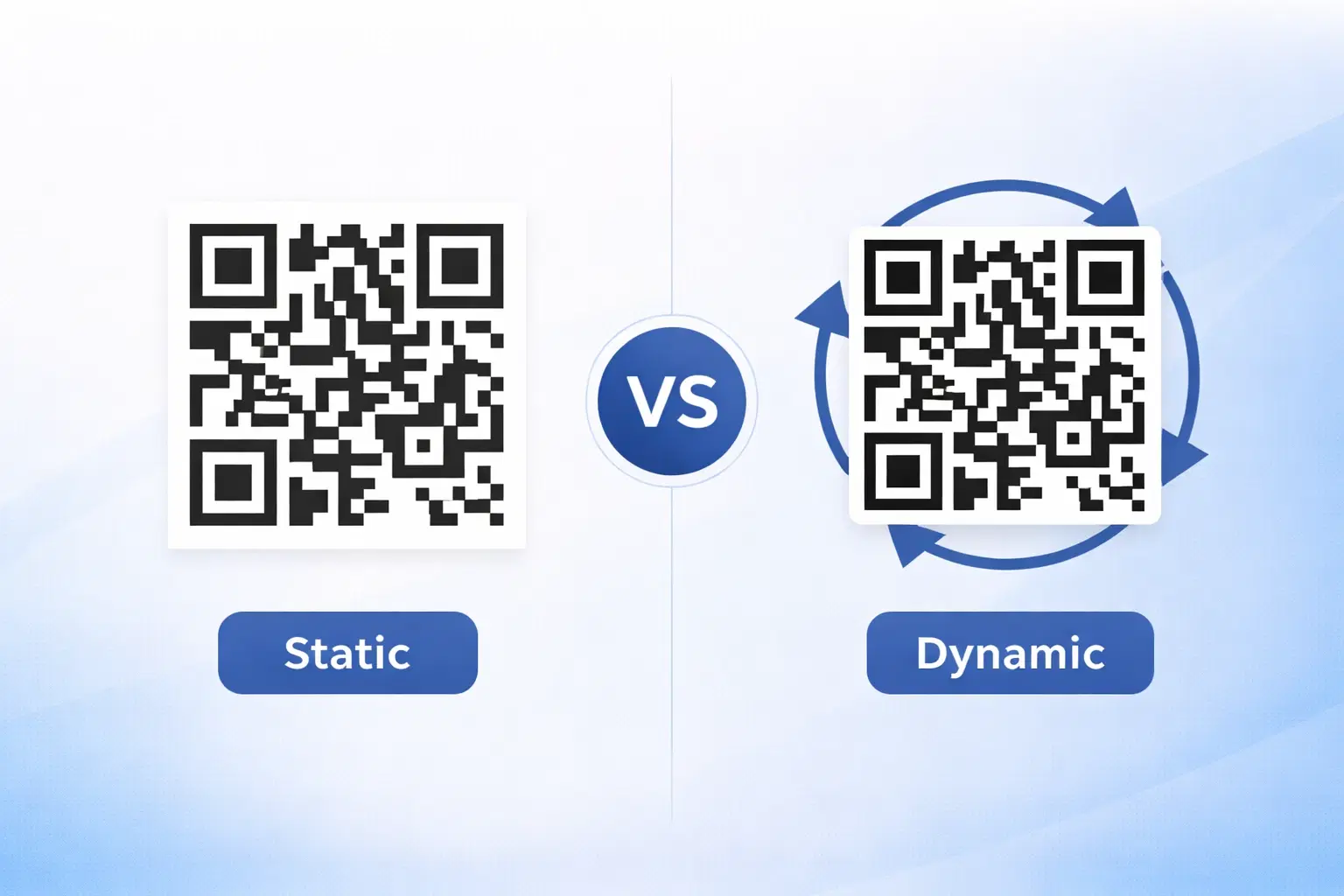
Dynamic vs Static QR Codes: Which One Should You Use? (Updated 2026)
The complete 2026 guide to dynamic vs static QR codes: when each type is right, the hidden costs of choosing wrong, and a decision framework you can apply in 60 seconds.
QR Code Payments Explained: How They Work and Why They Matter (Updated 2026)
QR code payments crossed record transaction volumes in 2025 and are now infrastructure, not novelty. Understand how they work: merchant-presented vs consumer-presented, UPI, security, and what it means for your business. Updated June 2026.
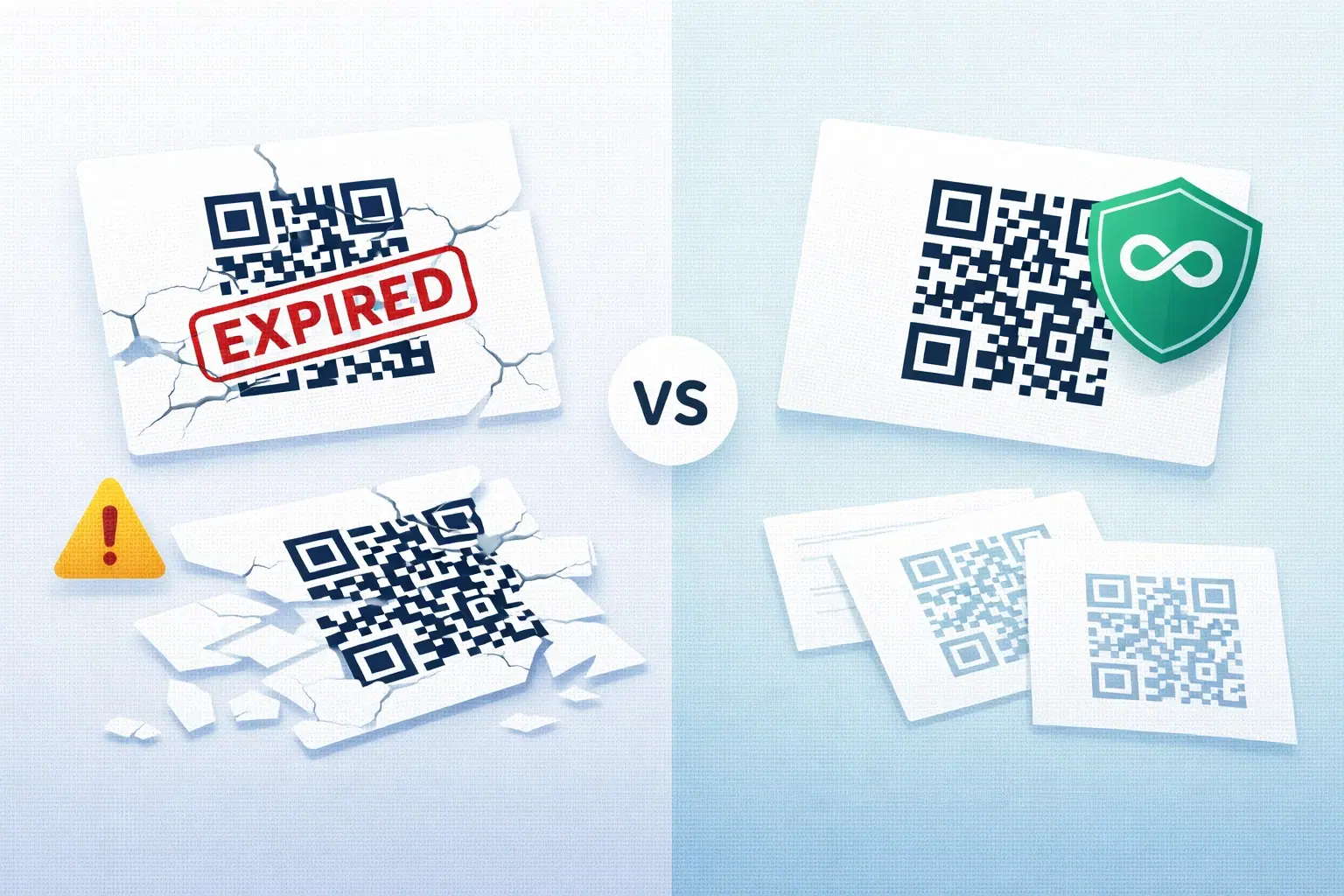
QR Codes That Never Expire: Why Most Free QR Codes Stop Working (Updated 2026)
Free QR codes often expire after 14–90 days, breaking printed materials and costing more in reprints than a paid plan ever would. Updated 2026 guide with platform expiry timelines and a step-by-step rescue plan.