Best Canva QR Code Alternatives (2026)
Canva makes adding a QR code to a design easy, but its QR feature is not built for codes that need to stay editable, trackable, and permanent. Here are the best Canva QR code alternatives in 2026 and how to choose.

Canva is a wonderful design tool, and dropping a QR code into a poster or flyer inside Canva is genuinely convenient. But convenient is not the same as capable. Canva's QR feature is an add-on to a design platform, and when you need a code that stays editable, trackable, and permanent, that add-on hits real limits.
If you have wondered whether you can change where a Canva QR code points after designing it, whether you can see how many people scanned it, or whether it will keep working long-term, you have already found the reason people seek an alternative. Those capabilities belong to a dedicated QR platform, not a design tool.
This guide rounds up the best Canva QR code alternatives in 2026, explains honestly where a design-tool QR feature falls short, and helps you choose. Details change, so verify current specifics on each provider's site. For a direct head-to-head, see our QRForever vs Canva comparison.
Where Canva QR Codes Fall Short
Canva is excellent at what it is for, design, but its QR feature reflects that design-first focus, and that is where the limits appear.
A design add-on, not a QR platform. Canva's QR feature exists to let you place a code into a design quickly. It is not built to manage codes over their life the way a dedicated platform is. That is a reasonable design decision for Canva; it just means the QR feature is basic by comparison.
The capabilities people miss:
- Editability. Changing a code's destination after the fact requires a dynamic code, the defining feature of a dedicated platform. If you cannot repoint a code without making a new one, you are working with static codes. See dynamic vs static QR codes.
- Analytics. Seeing how often a code is scanned, and when, is standard on a QR platform and typically not available from a design-tool QR feature. See what analytics can track.
- Permanence assurance. For printed codes, you want confidence they keep working indefinitely, which a platform focused on permanence provides. See why free QR codes stop working.
When Canva's QR feature is genuinely fine. If you need a simple static code for a one-off design and will never need to change or measure it, Canva's built-in feature does the job with zero extra tools. The limits only matter when your code needs to be editable, trackable, or reliably permanent, which is often the case for anything printed or used in a real campaign.
The Best Canva QR Alternatives
Here are the strongest alternatives in 2026, with honest notes. Not ranked, since the right one depends on your needs.
1. QRForever (best for editable, trackable, permanent codes). Our own platform. QRForever centers on dynamic, permanent, no-expiry codes with editable destinations, scan analytics, and branding, at straightforward pricing. It fills exactly the gaps a design tool leaves: change destinations anytime, track scans, and trust the codes to keep working. You can still design attractive, on-brand codes; see the design and branding guide.
2. QR Tiger (a capable dedicated platform). A well-known all-round QR platform with dynamic codes and analytics. See the best QR Tiger alternatives.
3. Adobe Express (if you want another design tool). If it was the design environment you valued, Adobe Express is a comparable design-first option, with the same design-tool QR limitations to keep in mind. See the best Adobe Express QR alternatives.
4. Flowcode (design-forward dedicated platform). For those who want strong code aesthetics from a dedicated platform. See the best Flowcode alternatives.
5. Bitly (link management plus QR). Sensible if links matter alongside codes. See QRForever vs Bitly.
The choice in a sentence. If you want to stay in a design environment, Adobe Express or Flowcode keep that feel; if you want the code itself to be editable, trackable, and permanent, a dedicated platform like QRForever or QR Tiger is the right move.
- QRForever: editable, trackable, permanent dynamic codes with branding
- QR Tiger: capable all-round dedicated QR platform
- Adobe Express: another design tool (same design-tool limits)
- Flowcode: design-forward but a dedicated QR platform
- Bitly: link management with QR features
How to Choose and Keep Your Design
You can gain real QR capabilities without giving up the good-looking codes Canva let you make. Here is how to choose well.
Screen for what a design tool lacks. Prioritize the capabilities you came looking for: dynamic (editable) codes, scan analytics, and permanence. If an alternative does not clearly offer these, it does not solve your problem.
You do not have to sacrifice design. A common worry is that leaving Canva means uglier codes. It does not. Dedicated platforms let you apply your brand colors, add a logo, and produce clean, professional codes. See design and branding and the best logo-support generators.
Use both tools together, if you like. You can keep designing in Canva and simply bring in a code from a dedicated platform: create a dynamic, trackable code on the platform, export it (ideally as an SVG for print), and place that code into your Canva design. You get Canva's layout tools and the platform's code capabilities together. This is often the best of both worlds.
Confirm permanence and test. Verify codes never expire (see permanent codes), compare total cost on the pricing comparison, and test with a real print-and-scan plus a destination change.
Pro Tip
You do not have to choose between Canva's design tools and a real QR platform. Create a dynamic, trackable code on a dedicated platform, export it as an SVG, and drop that code into your Canva design. You keep Canva's layout power and gain a code you can edit and measure, the best of both.
Making the Switch
Moving beyond Canva's QR feature is easy, and you can keep using Canva for design if you want.
Existing codes are static. Any QR code already placed in a finished Canva design is a static image; its destination is fixed and moving platforms does not change it. New codes from a dedicated platform are the ones you will be able to edit and track.
Recreate the codes that matter as dynamic. For any code you may need to change or want to measure, recreate it on the dedicated platform as a dynamic code, then use that code going forward, including placing it into future Canva designs.
Adopt the workflow that fits you.
- If you love Canva for layout, keep it, and just source your codes from a dedicated platform.
- If you prefer one tool, a dedicated QR platform handles both the code and its branding.
Either way, from now on your codes are permanent, editable, and trackable.
The bottom line. Canva makes beautiful designs, and you can keep using it. What a design tool cannot do is manage a code over its life, and that is what a dedicated platform adds. Combine them, or move fully to a platform; either path gets you codes that keep working, stay editable, and give you real scan data, without losing the design quality you want.
Conclusion
Canva is a superb design tool, and its QR feature is a handy add-on, but it is design-first, so it falls short exactly where it matters for real-world codes: editability, analytics, and assured permanence. Those are the capabilities of a dedicated QR platform, and they are why people look for a Canva QR alternative.
For editable, trackable, permanent codes you can still brand beautifully, QRForever is built for that. QR Tiger is a solid all-round platform; Adobe Express or Flowcode suit you if a design environment is what you valued; and Bitly fits if links matter too. And you do not have to give up Canva at all, you can design in Canva and simply place a dynamic, trackable code from a dedicated platform into your layout.
Screen for dynamic codes, analytics, and permanence; keep your design quality with branding and logos; and test before committing. That way you keep Canva's design strengths and gain the code capabilities it was never built to provide.
Related reading:
Try QRForever as your Canva QR alternative. Start a 7-day full-access trial, no credit card needed. Editable, trackable, permanent codes that still look great in your designs.
Explore QRForever Solutions
Ready to Create Your Own QR Codes?
Start creating dynamic QR codes for your business today. Track analytics, update content anytime, and never reprint again.
Related Articles
Dynamic QR Code Generator Free vs Paid: What You Actually Need (2026)
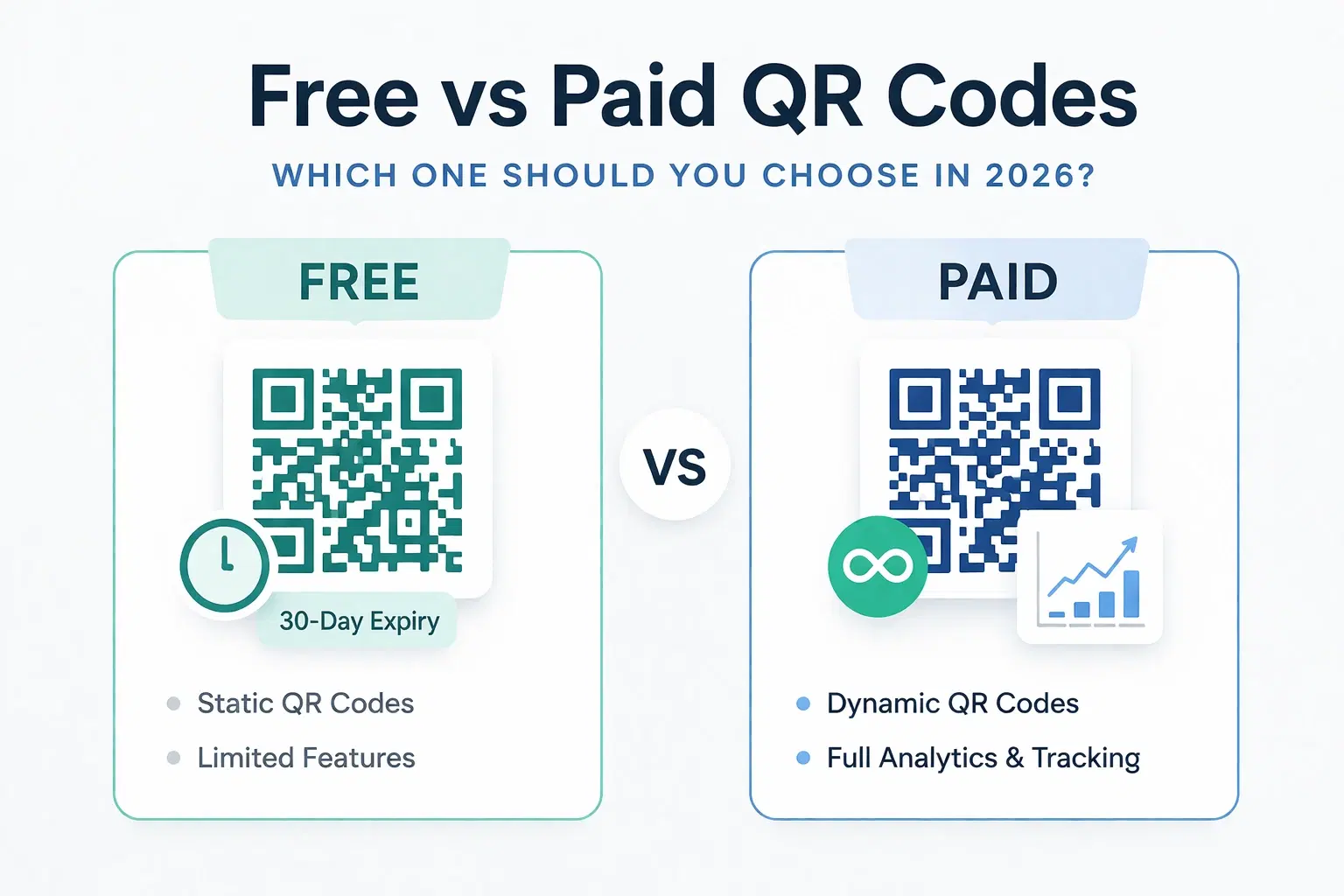
An honest breakdown of free vs paid dynamic QR code generators. How much a dynamic QR code really costs in 2026, when the free tier is enough, and when a paid plan from around $1.20/month makes more sense than you think.
How Much Does a Dynamic QR Code Cost? (2026 Pricing Breakdown)
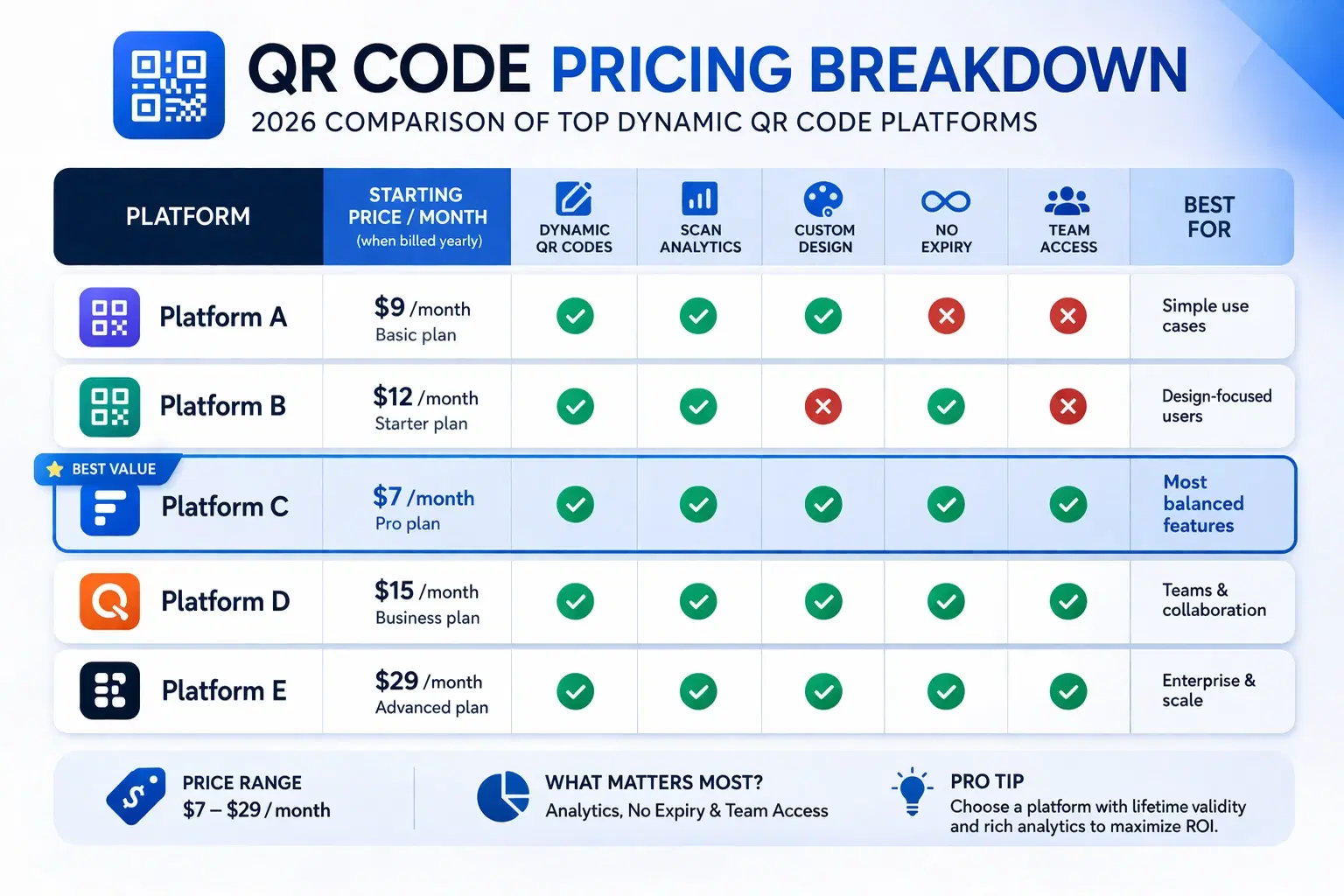
A transparent pricing breakdown for dynamic QR code generators in 2026, including Beaconstac, QR Tiger, Flowcode, Bitly, and QRForever. Find out who offers the best value and when free is enough. Updated June 2026.
QRForever vs Canva QR Code Generator: Full Comparison 2026
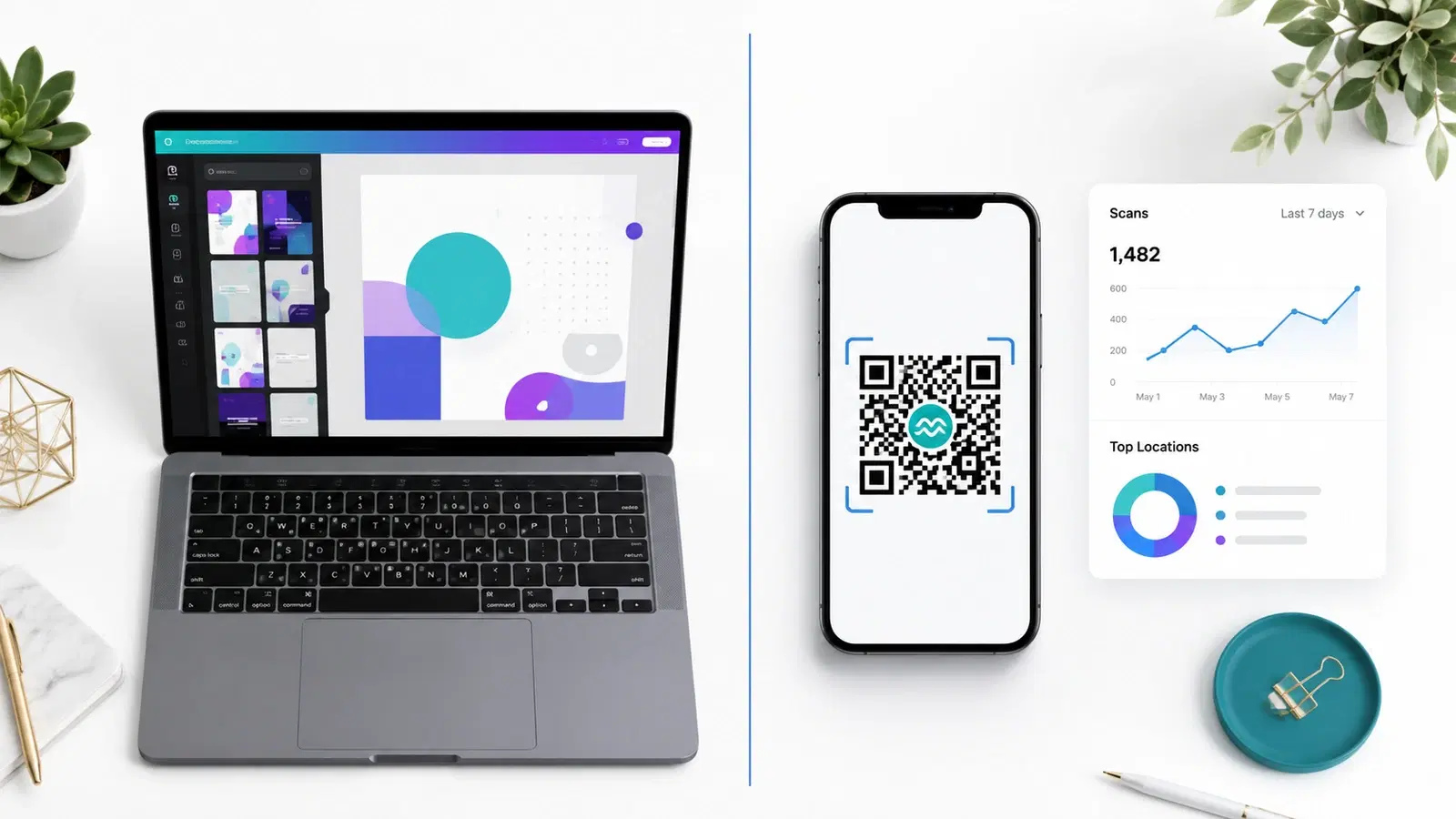
Canva has a built-in QR code generator, but is it actually a complete solution? We compared it head-to-head with QRForever on dynamic codes, analytics, expiry, and design: here's what we found.