QR Codes vs URL Shorteners: Which Should You Use? (2026)
QR codes and URL shorteners both turn a long link into something easier to share, but they solve different problems. Here is how QR codes and URL shorteners compare in 2026, when to use each, and why you often want both.

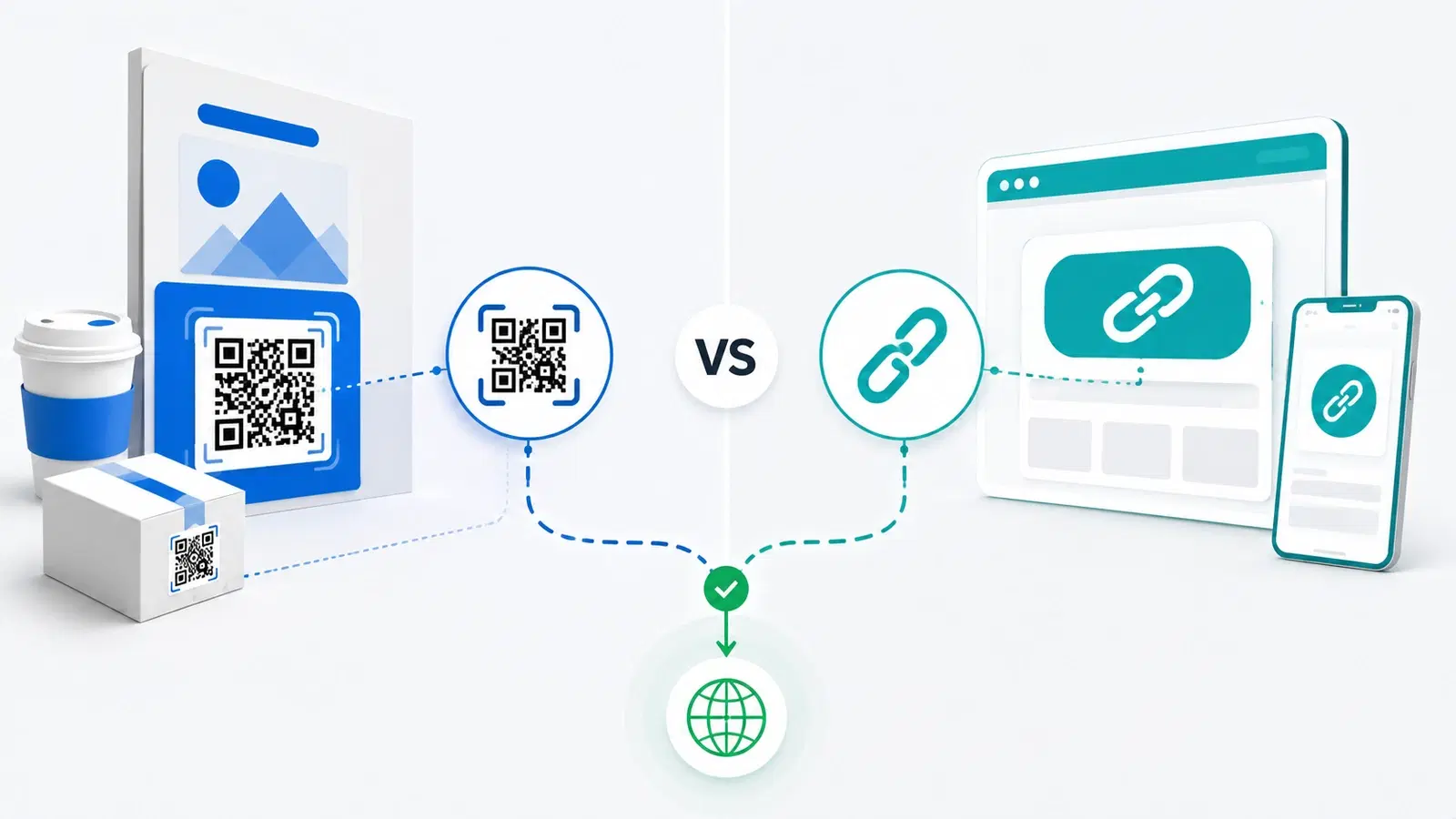
QR codes and URL shorteners can look like two solutions to the same problem: both take a long, unwieldy web address and turn it into something easier to share. So people naturally ask which one they should use. But the honest answer is that they are not really competitors, they solve related problems in different contexts, and understanding the difference tells you exactly when to reach for each.
The short version: a URL shortener makes a link easier to share digitally, where people can click. A QR code makes a link scannable from the physical world, where there is nothing to click. One bridges digital-to-digital; the other bridges physical-to-digital. That single distinction resolves most of the confusion.
This guide compares QR codes and URL shorteners in 2026: how each works, what they share, where they differ, when to use one over the other, and why sophisticated setups often use both together. If you are specifically comparing our platform to a link-first tool, see QRForever vs Bitly; here we compare the concepts, not the products.
What Each One Actually Does
Start with what each tool is for, because their core jobs are genuinely different.
A URL shortener: a clickable short link. A URL shortener takes a long web address and produces a short one that redirects to it. Its purpose is to make a link easier to share, type, and look tidy in digital contexts: a short link in a tweet, a text message, an email, or a bio. The output is text, a link people click. It lives in the digital world, where clicking is possible.
A QR code: a scannable pattern. A QR code encodes a link into a pattern that a phone camera can scan. Its purpose is to make a link accessible from places where there is nothing to click, the physical world: a poster, a package, a table, a business card, a shop window. The output is an image, a code people scan. It bridges the gap from a physical object to a digital destination. See how QR codes work.
The core distinction.
- A URL shortener solves "this link is too long/messy to share in digital text."
- A QR code solves "there is no clickable link here at all, because this is a physical object."
Why they get confused. Both create a short redirect under the hood, and both can track engagement. Dynamic QR codes in particular redirect through a short link, much like a URL shortener does. So technically they overlap in mechanism. But their purpose and context, digital-clickable versus physical-scannable, are what actually matter when choosing.
What They Share
Before the differences, it is worth noting how much QR codes and URL shorteners have in common, because it explains the overlap.
Both use redirects. Under the hood, both typically point to a short intermediary link that redirects to the real destination. This shared mechanism is why both can offer similar tracking and editing capabilities.
Both can be trackable. A good URL shortener counts clicks; a dynamic QR code counts scans. Both can tell you how much engagement your link got, and often break it down by time and other factors. See what QR analytics can track.
Both can be dynamic (editable). This is important: just as a dynamic QR code lets you change its destination without changing the code, a good URL shortener can let you change where a short link points without changing the link. In both cases, the shareable thing (the link or the code) stays the same while the destination can be updated. Not all shorteners offer this, but the capable ones do, mirroring dynamic vs static QR codes.
Both benefit from a good destination. Whether someone clicks a short link or scans a code, they land on a page, and that page determines whether the engagement converts. See landing page best practices.
Why the overlap matters. Because they share so much mechanically, the choice is rarely about capability and almost always about context: is your audience looking at a screen (where they can click) or at a physical object (where they must scan)? That question decides it.
- Both use a short redirect link under the hood
- Both can track engagement (clicks vs scans)
- Both can be dynamic, editable destination without changing the shared link/code
- Both depend on a good landing page to convert
- The real choice is context (clickable screen vs scannable object), not capability
When to Use Which
With the shared ground clear, here is the practical decision, and it comes down to where your audience encounters the link.
Use a URL shortener when the link lives in digital text people can click:
- A link in a social post, tweet, or bio
- A link in a text message or email
- Anywhere a tidy, clickable, trackable short link is what you need
- When you want a human-readable, brandable short link people can type or recognize
In these contexts, there is a clickable surface, so a code would be pointless friction, nobody scans a link they could just tap.
Use a QR code when the link needs to jump from the physical world:
- On print: flyers, posters, packaging, signage, menus, business cards
- On any physical object or surface where there is nothing to click
- On a screen when you specifically want people to move the action to their phone (for example, a code on a TV or presentation that viewers scan)
- Anywhere the audience is looking at a thing, not a clickable link
Here, a short link is useless, there is nothing to click on a poster, so a scannable code is the only bridge to digital.
The simple rule:
- Is there something to click? Use a URL shortener (or just a good link).
- Is there only something to look at (a physical object or a screen you want to hand off to a phone)? Use a QR code.
Match the tool to the surface, and the choice is obvious almost every time.
Pro Tip
The one-question test: can your audience click the link where they encounter it? If yes (a post, an email, a text), use a short link, a QR code would just add friction. If no, because it is on a poster, package, or product, use a QR code, a short link cannot bridge from a physical object to a phone. The surface decides.
Why You Often Want Both
The smartest answer is frequently not "either/or" but "both," because most real campaigns span digital and physical channels at once.
Campaigns live in multiple places. A single campaign might run across social posts (digital, clickable), emails (digital, clickable), and printed flyers or packaging (physical, scannable). The digital touchpoints want short links; the physical ones want QR codes. Using both means every channel gets the right tool.
Consistency and unified tracking. Ideally you want the digital short links and the physical QR codes for a campaign to point to the same destinations and feed into the same view of performance, so you can see total engagement across physical and digital. A platform that handles dynamic codes (and, in many cases, the links behind them) helps keep this unified.
One destination, many entry points. Because both are just redirects to a destination you control, you can send a short link and a QR code to the same landing page, then update that page once and have it reflected everywhere. Dynamic capability on both sides means the whole campaign stays editable.
The practical setup.
- Use QR codes on everything physical and on screens you want to hand off to a phone.
- Use short links in all your clickable digital text.
- Point both at the same well-designed landing pages, and track engagement across both so you understand the full picture.
The bottom line. QR codes and URL shorteners are not rivals; they are complementary tools for two different surfaces. Use short links where people can click, QR codes where they can only scan, and both together across a campaign that spans the physical and digital worlds. Chosen by context, they cover every way someone might reach your link.
Conclusion
QR codes and URL shorteners look like competitors but are really complementary, because they solve the same underlying need, getting someone to your link, on two different surfaces. A URL shortener makes a link tidy and clickable in digital text; a QR code makes a link scannable from the physical world where there is nothing to click. That physical-versus-digital distinction is the whole decision.
They share a lot under the hood, both use redirects, both can be trackable, and both can be dynamic and editable, so the choice is almost never about capability. It is about context: if your audience can click where they encounter the link, use a short link; if they are looking at a physical object or a screen you want handed off to a phone, use a QR code.
And for most real campaigns that span social, email, print, and packaging, the best answer is both, short links for the clickable digital channels, QR codes for the physical ones, all pointing at the same well-designed destinations and tracked together. Matched to the surface, the two tools cover every path to your link.
Related reading:
Create trackable, dynamic QR codes with QRForever. Start a 7-day full-access trial, no credit card needed. Bridge the physical world to your best pages, and track every scan.
Explore QRForever Solutions
Ready to Create Your Own QR Codes?
Start creating dynamic QR codes for your business today. Track analytics, update content anytime, and never reprint again.
Related Articles
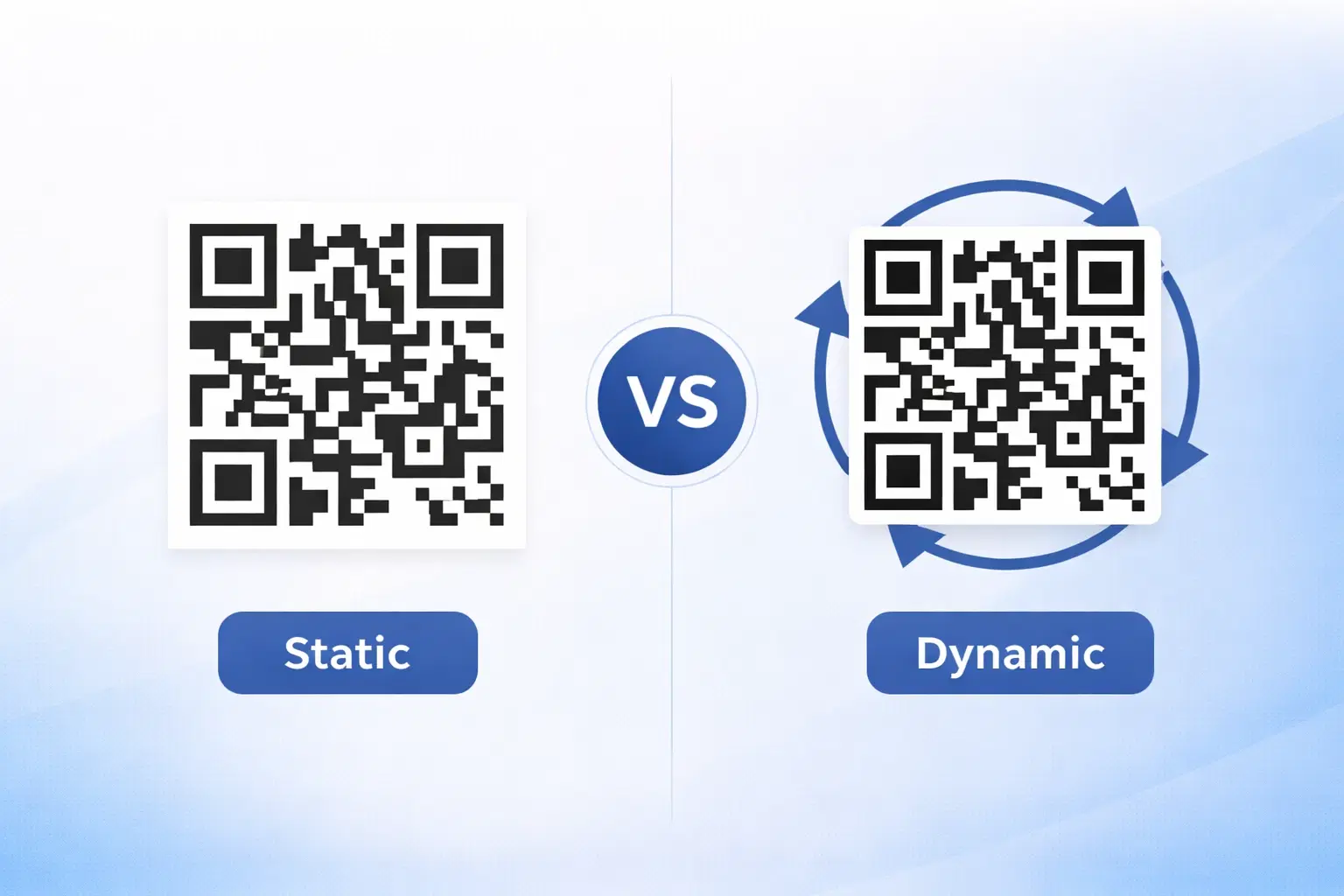
Dynamic vs Static QR Codes: Which One Should You Use? (Updated 2026)
The complete 2026 guide to dynamic vs static QR codes: when each type is right, the hidden costs of choosing wrong, and a decision framework you can apply in 60 seconds. Updated October 2026.
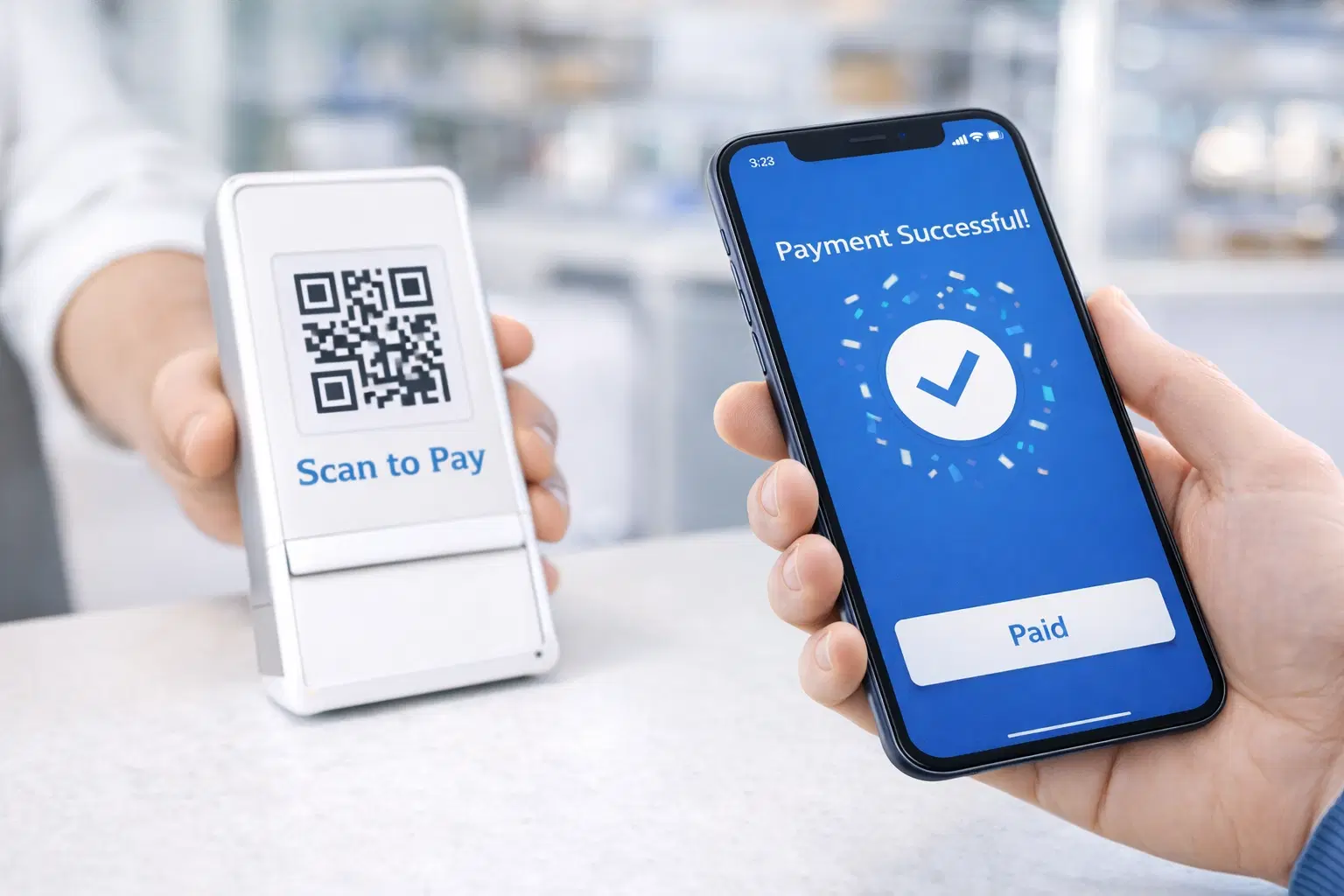
QR Code Payments Explained: How They Work and Why They Matter (Updated 2026)
QR code payments crossed record transaction volumes in 2025 and are now infrastructure, not novelty. Understand how they work: merchant-presented vs consumer-presented, UPI, security, and what it means for your business. Updated June 2026.
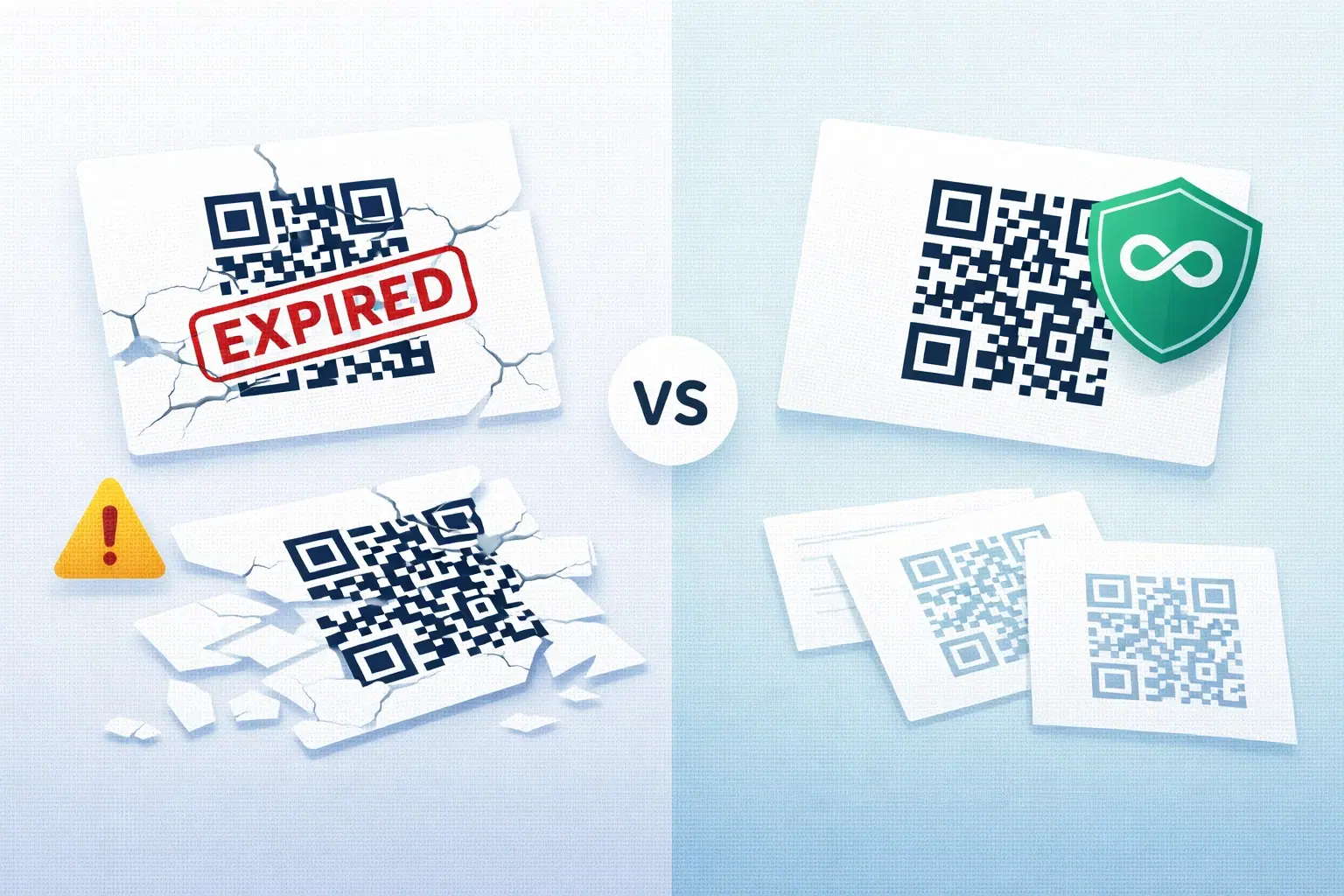
QR Codes That Never Expire: Why Most Free QR Codes Stop Working (Updated 2026)
Free QR codes often expire after 14 to 90 days, breaking printed materials and costing more in reprints than a paid plan ever would. Updated October 2026 guide with platform expiry timelines and a step-by-step rescue plan.