QRForever vs Adobe Express QR Code Generator: Which Is Better in 2026?
Adobe Express has a free QR code generator built into its design suite. Is it enough for business use? We compared both platforms head-to-head: features, analytics, pricing, and limitations.

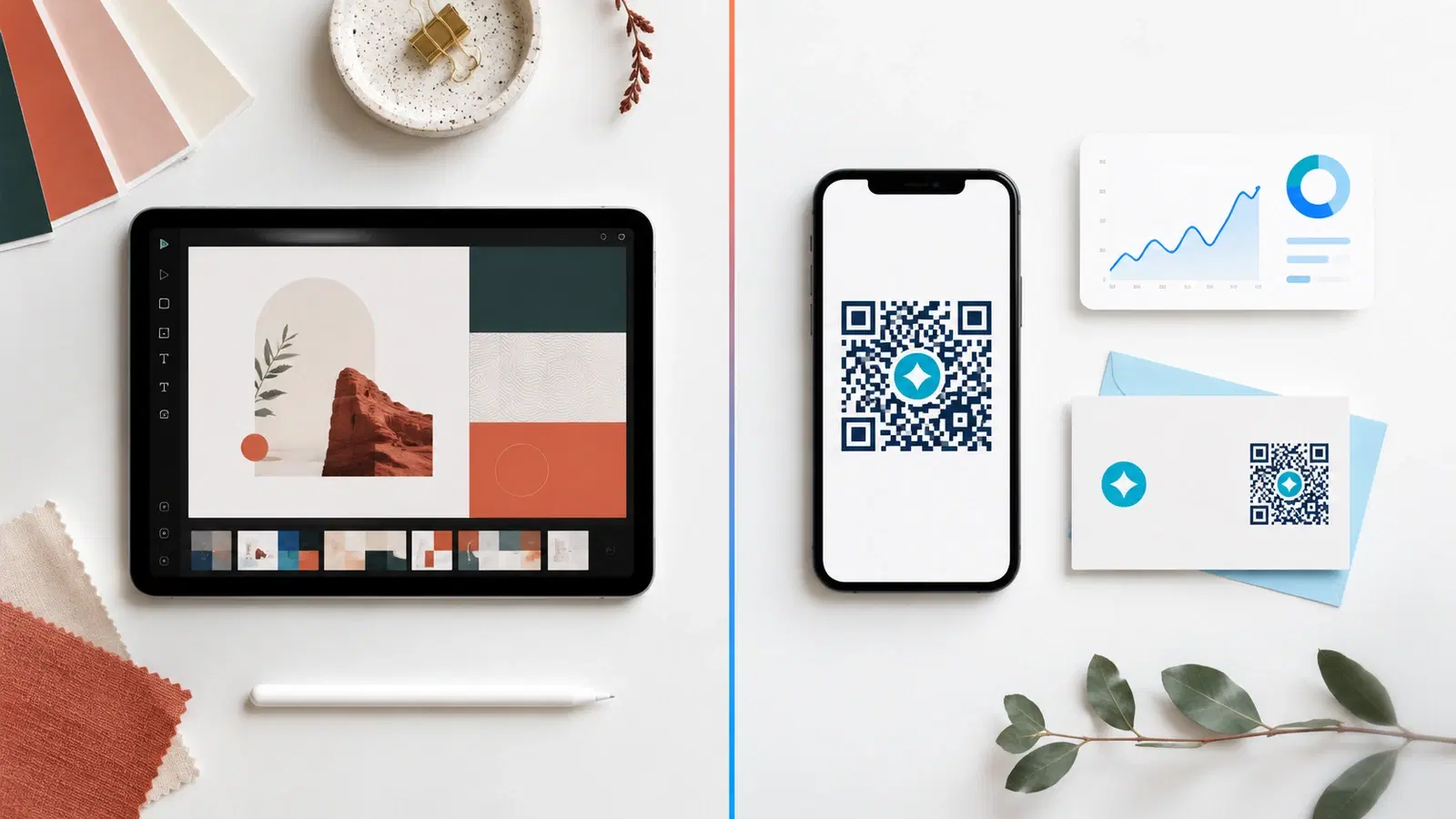
Adobe Express ships with a free QR code generator inside its design suite, riding on Adobe's massive brand authority and creative tool ecosystem. For Adobe users already living in Photoshop and Illustrator, the integration feels natural.
But riding on Adobe's brand doesn't automatically make the QR feature complete. We compared Adobe Express's QR generator with QRForever in May 2026, focusing on the features that matter for business use: dynamic editing, analytics, design flexibility, and pricing. Here's what we found.
The headline: Adobe Express makes excellent-looking QR codes inside beautiful designs. QRForever makes QR codes that work as actual business tools. The right answer depends on what you're using them for.
Adobe Express's Strengths
Let's start with what Adobe Express genuinely does well:
Design integration. Adobe Express's QR feature lives inside its larger design suite. You can drop a QR code into a flyer, social post, or video thumbnail without leaving the editor. For designers already using Adobe tools, this saves real time.
Brand asset management. If you're working on a Creative Cloud subscription, you can pull from your brand library (colors, fonts, logos), and apply them to the QR code's container design easily.
Asset variety. Adobe Express ships with tens of thousands of templates, stock images, and design elements. QR codes integrate into all of them.
Polished output. PDFs, social-ready images, presentation slides, Adobe's export quality is excellent.
Free tier. Adobe Express has a generous free tier, and the QR feature is available within it.
These are real advantages if your primary need is "make beautiful designs that happen to contain a QR code."
Pro Tip
Adobe Express's sweet spot is creators who already pay for Creative Cloud and want one tool for design + basic QR. If that's you, the integration value is meaningful.
The Critical Limitation: Static-Only QR Codes
Like Canva, Adobe Express generates static QR codes only. Every code encodes the destination URL directly into the pattern. Once printed, the code can never be edited.
This is fine for personal projects, single-use prints, or designs where the URL is genuinely permanent. It is not fine for any business use case where:
- The destination URL might change (websites get redesigned, products get retired, listings sell)
- You need to track scans (impossible with static)
- You need to update content (impossible without reprinting)
- The print run is large enough that reprinting is expensive (most business prints)
Real example: A boutique uses Adobe Express to design a 5,000-piece flyer drop with a QR code linking to a seasonal campaign. The campaign ends. Now 5,000 flyers in homes have QR codes leading to a defunct campaign page. With a dynamic QR code, the boutique would simply update the destination to "current promotion" and every flyer instantly works again.
The cost of this limitation depends entirely on how you use the QR code. For one-off design work, it's irrelevant. For ongoing business marketing, it eventually becomes expensive.
Important
Adobe Express does not offer dynamic QR codes on any plan, including its paid Premium tier. Adobe positions itself as a design tool, not a QR-first product.
Feature Comparison Table
Here's how Adobe Express and QRForever compare on the features that determine real business value:
| Feature | Adobe Express | QRForever |
|---|---|---|
| Dynamic (editable) QR codes | No | Yes |
| Scan analytics | None | Full (per-code) |
| Codes that never expire | Static only | All types |
| Custom colors | Yes | Yes |
| Logo in QR center | Yes | Yes |
| SVG / vector export | Yes (premium) | Yes (free) |
| QR types | URL only | 18+ types |
| Bulk QR generation | No | Yes |
| Password-protected QR | No | Yes |
| Design templates | Massive library | None (focus is QR, not design) |
| Free trial QR feature | Static, basic | 7-day full-access trial (unlimited dynamic + analytics) |
| Paid plan starts at | ~₹699/month (Premium) | ₹499/month (flat Pro) |
The pattern is the same as Canva: Adobe Express is a stronger design tool, QRForever is a stronger QR tool. They're not competing for the same job; they're solving different problems.
Pricing: What You're Actually Paying For
Adobe Express pricing (May 2026):
- Free: Basic QR code generator with limited templates and assets
- Adobe Express Premium: ~₹699/month or part of Creative Cloud bundle (₹3,000+/month for full suite)
QRForever pricing (May 2026):
- Free trial: 7-day full-access trial (no credit card): unlimited dynamic codes with full analytics
- Paid plans: One flat Pro plan at ₹499/month ($6) for dynamic codes
What you get for paying Adobe: Access to Adobe's full design ecosystem: massive template libraries, premium fonts, stock photos, video editing, AI generative tools. The QR feature is a small slice of what you're paying for.
What you get for paying QRForever: Dynamic QR functionality with analytics, the things Adobe Express doesn't offer at any price.
The decision: If your work is design-heavy and you already need Creative Cloud, paying for it is justified by everything Adobe gives you. The QR feature is a bonus.
If your work is QR-driven (multiple codes, analytics needed, ongoing campaigns), QRForever's ₹499/month gives you what Adobe doesn't sell, regardless of design tooling.
Many users do both: Adobe for design, QRForever for the actual QR. Combined cost is lower than premium-tier QR-only competitors.
For full pricing context, see our dynamic QR cost breakdown.
Best Use Cases for Each Tool
Use Adobe Express when:
- You're already a Creative Cloud subscriber
- The QR code is part of a one-off polished design (poster, social post, video thumbnail)
- The destination URL is genuinely permanent
- You don't need scan analytics
- Design quality matters more than QR functionality
Use QRForever when:
- You need editable codes for ongoing campaigns
- You need analytics to learn what's working
- You're using multiple QR codes across different placements
- You're printing at scale (menus, packaging, business cards, signage)
- You want bulk QR generation
- You need QR types beyond URL (vCard, WiFi, WhatsApp, etc.)
Use both together when:
- You want professional design + dynamic functionality
- Workflow: generate QR in QRForever → export as SVG → paste into Adobe Express design → publish
This combined workflow is what most growing businesses end up doing once they outgrow basic single-design QR use cases.
- Pick the right tool for the job, design problem vs. QR problem
- For business marketing, dynamic QR + analytics matters more than design integration
- Combine tools when you need both. They're complementary, not competitive
- Don't pay for Adobe Premium just to access QR features: QRForever does QR better at lower cost
- Don't pay for QRForever just for design. Keep using Adobe/Canva for visual work
Conclusion
Adobe Express is a great design tool with a basic QR feature. QRForever is a great QR tool with no design library. They're built for different jobs, and the smartest businesses use them together.
For design-led work where the QR is a small part of a beautiful piece, Adobe Express is convenient. For QR-led work where you need to track, edit, and optimize codes over time, QRForever is built for the job.
Compare other major QR platforms: QRForever vs QR Tiger, QRForever vs Bitly, QRForever vs Canva, QRForever vs Beaconstac, or read our roundup of the 5 best dynamic QR code platforms in 2026. If you are still evaluating, you can also compare all QR code platforms side by side.
Try QRForever free: start a 7-day full-access trial, no credit card, with unlimited dynamic codes and full analytics. Pair it with Adobe Express for the polished design + dynamic QR workflow most businesses need.
Explore QRForever Solutions
Ready to Create Your Own QR Codes?
Start creating dynamic QR codes for your business today. Track analytics, update content anytime, and never reprint again.
Related Articles
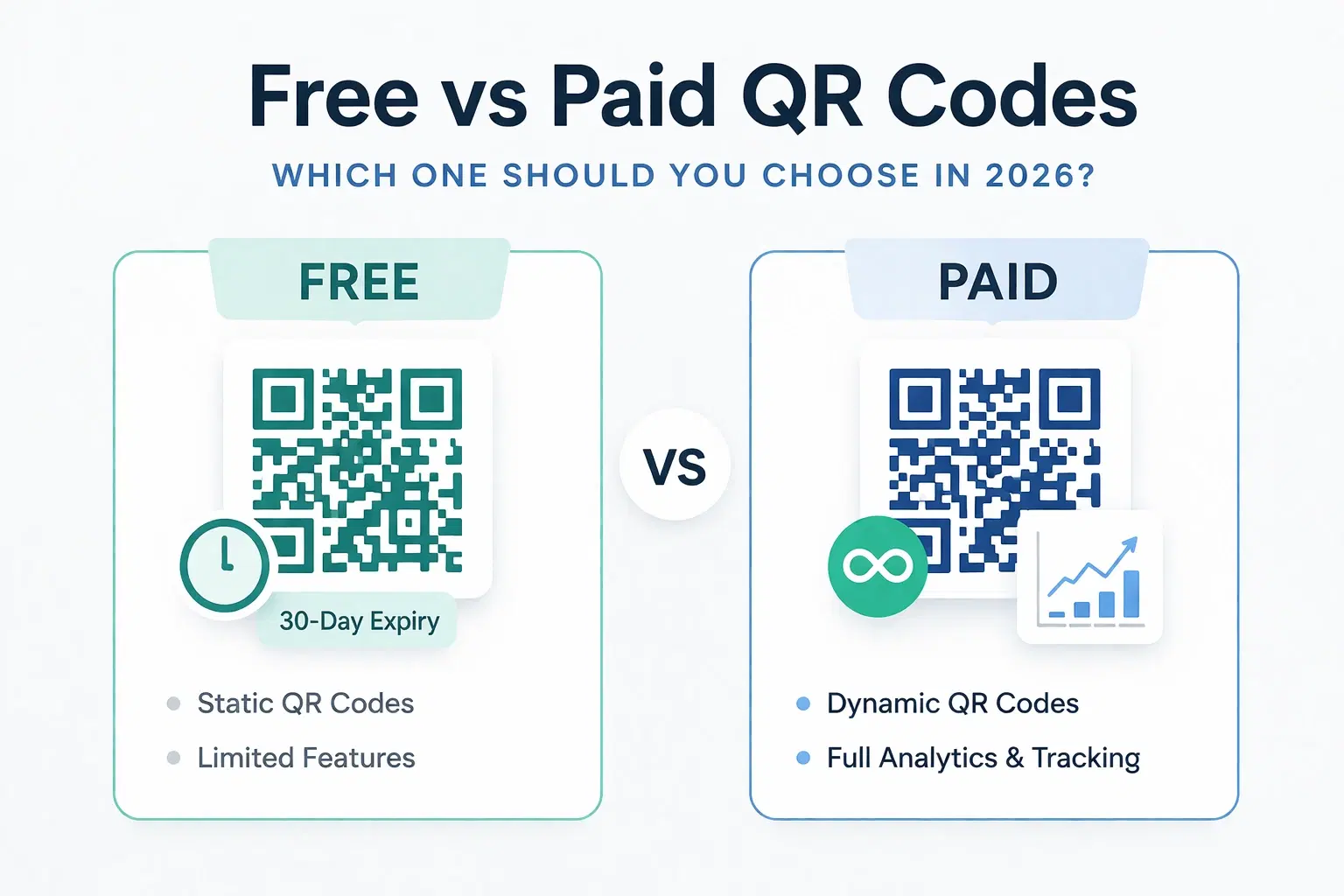
Dynamic QR Code Generator Free vs Paid: What You Actually Need (2026)
An honest breakdown of free vs paid dynamic QR code generators. How much a dynamic QR code really costs in 2026, when the free tier is enough, and when a paid plan from around $1.20/month makes more sense than you think.
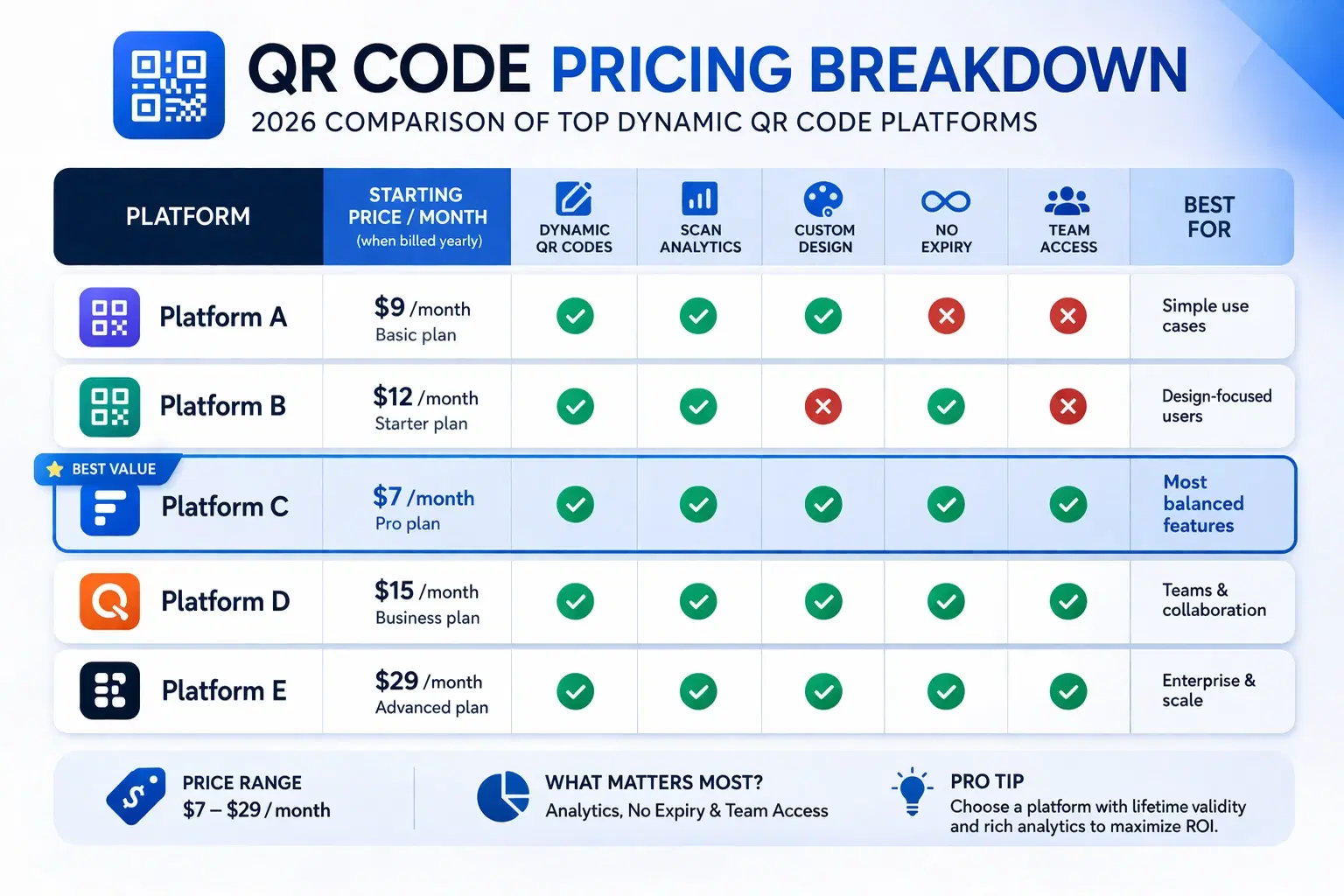
How Much Does a Dynamic QR Code Cost? (2026 Pricing Breakdown)
A transparent pricing breakdown for dynamic QR code generators in 2026, including Beaconstac, QR Tiger, Flowcode, Bitly, and QRForever. Find out who offers the best value and when free is enough. Updated June 2026.
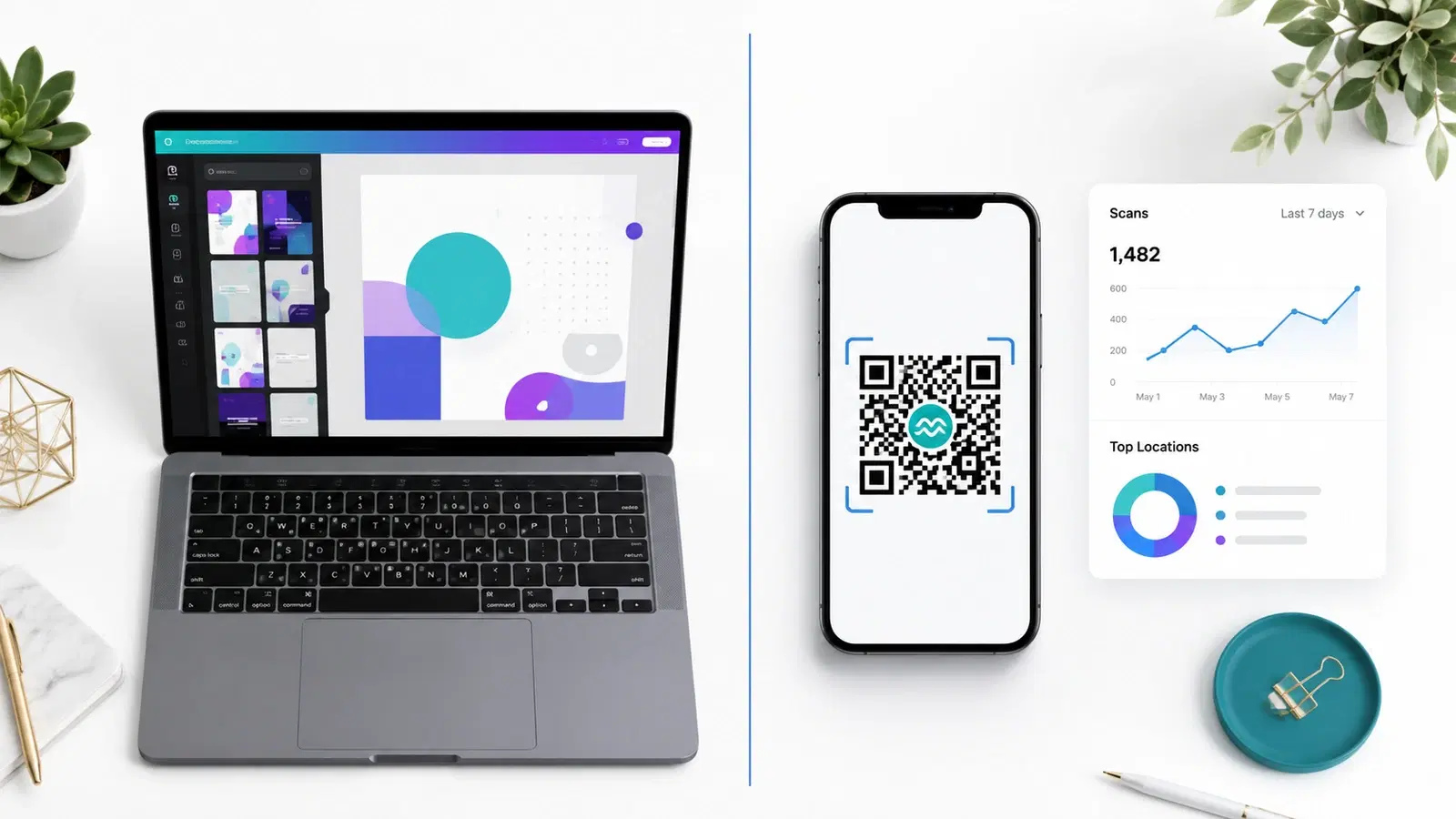
QRForever vs Canva QR Code Generator: Full Comparison 2026
Canva has a built-in QR code generator, but is it actually a complete solution? We compared it head-to-head with QRForever on dynamic codes, analytics, expiry, and design: here's what we found.