Best Adobe Express QR Code Alternatives (2026)
Adobe Express is a great design tool, but its QR code feature has real limits, especially around whether codes stay editable and trackable. Here are the best Adobe Express QR code alternatives in 2026 and how to choose.

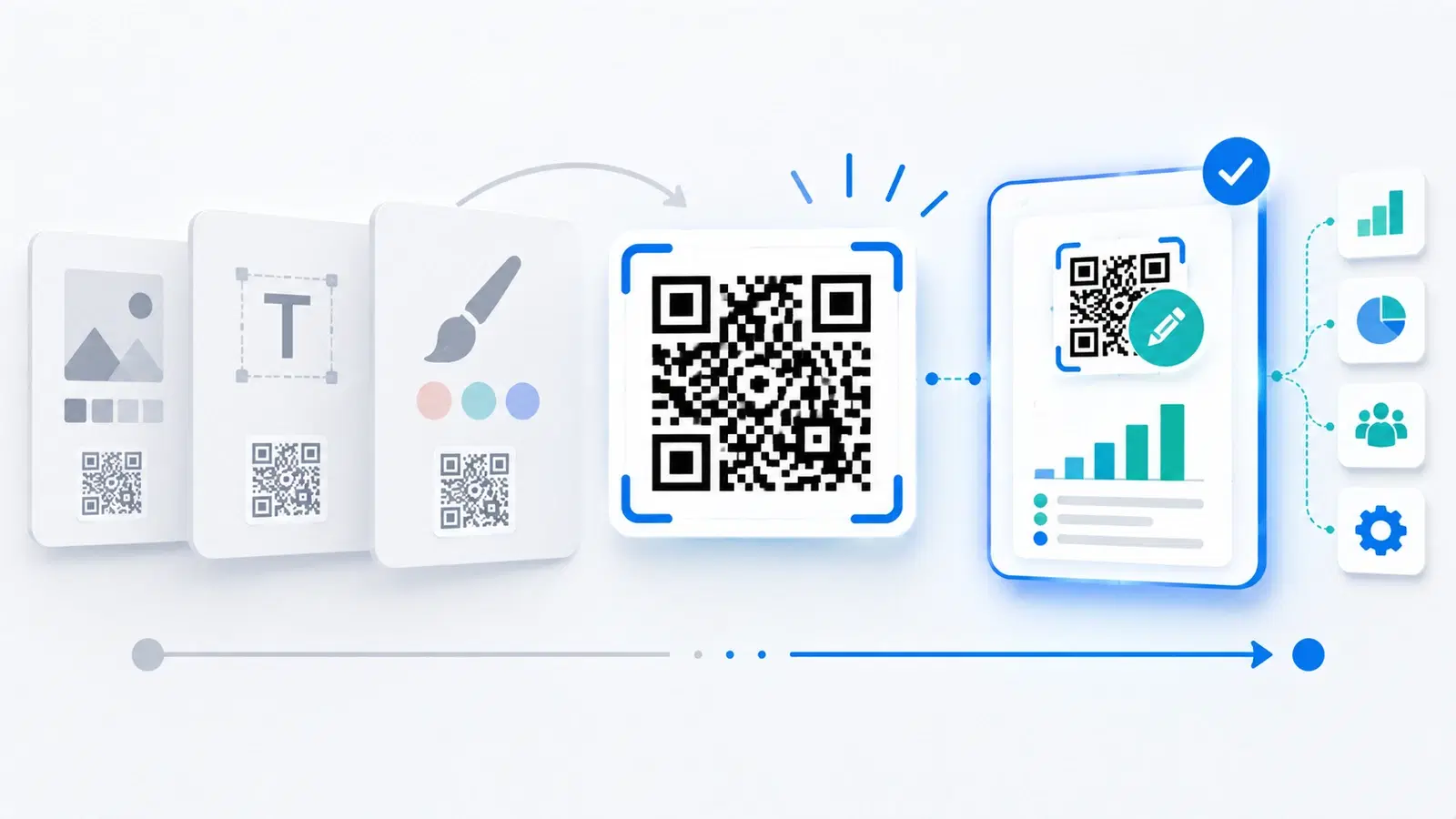
Adobe Express is an excellent design tool, and its built-in QR code feature is convenient if you are already designing there. But a design tool is not a dedicated QR platform, and that difference matters more than people expect, especially when it comes to whether your codes stay editable and trackable after you make them.
If you have found yourself asking whether Adobe Express QR codes expire, whether you can change where they point, or whether you can see how often they are scanned, you have already run into the reason people look for an alternative. Those are exactly the capabilities a dedicated QR platform provides and a design tool typically does not.
This guide rounds up the best Adobe Express QR code alternatives in 2026, explains honestly why design-tool QR codes have limits, and helps you choose based on what you actually need. Features and details change, so confirm the current specifics on each provider's site. For a direct head-to-head, see our QRForever vs Adobe Express comparison.
Why Look for an Adobe Express QR Alternative
The reason usually comes down to the gap between a design tool's QR feature and what a dedicated QR platform does.
Design tools make codes; QR platforms manage them. Adobe Express is built for designing graphics, and its QR feature is an add-on to that. A dedicated QR platform is built around the code itself: making it editable, trackable, permanent, and manageable over time. Those are different priorities, and the QR feature in a design tool reflects its design-first focus.
The key questions people hit:
- "Do the codes expire or stop working?" This is the single most common concern people search for. With a dedicated platform focused on permanence, you want confidence your codes keep working indefinitely. See why free QR codes stop working.
- "Can I change where the code points after I made it?" Editing a code's destination without reprinting requires a dynamic code, the core feature of a dedicated platform. See dynamic vs static QR codes.
- "Can I track scans?" Scan analytics, how many people scanned, when, and where, are standard on a QR platform and typically absent from a design-tool QR feature. See what analytics can track.
The honest summary. If you only need a static code image for a one-off graphic, a design tool's QR feature may be fine. But if your code will be printed, needs to stay editable, or should be trackable, that is exactly where a dedicated QR platform earns its place, and where an alternative to Adobe Express makes sense.
The Best Adobe Express QR Alternatives
Here are the strongest alternatives in 2026, each with an honest note on its strengths. Not ranked, since the best depends on your needs.
1. QRForever (best for permanent, editable, trackable codes). Our own platform, so weigh that accordingly, but the positioning is genuine: QRForever is built around dynamic QR codes that are permanent and never expire, with editable destinations, scan analytics, and design and branding options, at straightforward pricing. It directly addresses the limits people hit with a design tool: permanence, editability, and tracking. You can still brand and color your codes; see the design and branding guide.
2. QR Tiger (a capable dedicated QR platform). A well-known all-round QR platform with dynamic codes and analytics. See the best QR Tiger alternatives for its own comparison set.
3. Canva (if you want to stay in a design tool). If your attraction to Adobe Express was the design environment, Canva offers a similar design-first experience with its own QR feature. Understand it shares the same design-tool limitations around dynamic codes and analytics. See the best Canva QR alternatives and QRForever vs Canva.
4. Flowcode (design-forward dedicated platform). If polished code aesthetics matter, Flowcode focuses heavily on design while being a dedicated QR platform. See the best Flowcode alternatives.
5. Bitly (if you also want link management). A link-first platform with QR features, sensible if links matter alongside codes. See QRForever vs Bitly.
The pattern. If you loved the design side, Canva or Flowcode keep that emphasis. If you need the code to be permanent, editable, and trackable, a dedicated platform like QRForever or QR Tiger is the better fit. Match the choice to why you are leaving.
- QRForever: permanent, editable, trackable dynamic codes at fair pricing
- QR Tiger: capable all-round dedicated QR platform
- Canva: if you want to stay in a design tool (same design-tool limits)
- Flowcode: design-forward but a dedicated QR platform
- Bitly: link management with QR as a secondary feature
How to Choose the Right One
A few practical checks turn the shortlist into a decision.
Decide what you actually need beyond a pretty code. If you only ever need a static image, almost anything works. But if you need permanence, editability, or tracking, screen those in first, because that is precisely what a design tool tends to lack.
Confirm permanence explicitly. Verify the codes never expire and that nothing about the plan will cause printed codes to stop working. This is the concern people most often raise about design-tool codes, so make sure the alternative solves it. See how to make a permanent QR code.
Check for dynamic codes and analytics. If you want to change destinations later or measure scans, confirm the platform offers dynamic codes and scan analytics, not just a code image.
Keep the design quality you want. You do not have to sacrifice good-looking codes to get these capabilities. A dedicated platform can brand and color codes well; see design and branding and the best logo-support generators.
Compare total cost and test. Judge the plan you would actually use (see the pricing comparison), then test: make a code, print it, scan it, change its destination, and scan again. That quickly proves whether the alternative does what a design tool could not.
Pro Tip
If your main worry is "do Adobe Express QR codes expire or stop working," the fix is to use a dedicated platform whose codes are dynamic and permanent by design. Test it directly: create a code, then change its destination and confirm the same printed code now points somewhere new. If it does, you have exactly the capability a design-tool QR feature lacks.
Switching Without Losing Anything
Moving from Adobe Express to a dedicated platform is straightforward, with a couple of things to keep in mind.
Existing static codes stay as they are. Any code you already exported from a design tool is a static image; its destination is fixed. Moving platforms does not change those existing codes, they keep pointing where they always did. New codes you create on the dedicated platform are the ones you will be able to edit and track going forward.
Recreate important codes as dynamic. For any code you want to be able to change or measure, recreate it on the new platform as a dynamic code before you print or distribute it widely. From then on it is editable and trackable.
Keep your design quality. Bring your branding, logo, and colors to the new platform so your codes stay on-brand. You are gaining capabilities, not giving up appearance.
Adopt it going forward. The cleanest approach is to use the dedicated platform for all new codes, especially anything printed, so future codes are permanent, editable, and trackable from the start. Over time, everything migrates naturally as materials are refreshed.
The payoff. You keep the ability to make good-looking codes and gain the things a design tool could not offer: codes that never expire, destinations you can change without reprinting, and real scan data. For most people who outgrow a design-tool QR feature, that is exactly the upgrade they were looking for.
Conclusion
Adobe Express is a fine design tool, but its QR feature is a design-first add-on, and that is why people look for alternatives once they need codes that are permanent, editable, and trackable. Those capabilities, not the code's appearance, are the real gap, and they are exactly what a dedicated QR platform provides.
For permanent, editable, trackable codes at fair pricing, QRForever is built for precisely that. QR Tiger is a solid all-round platform; Canva or Flowcode suit you if the design environment is what you valued; and Bitly fits if links matter too. Choose based on why you are leaving: keep the design emphasis, or gain the code-management capabilities, depending on what you actually need.
Confirm permanence, check for dynamic codes and analytics, keep the design quality you want, and test with a real print-and-scan before committing. Do that, and you get the best of both: good-looking codes that also never expire, stay editable, and give you real scan data.
Related reading:
Try QRForever as your Adobe Express QR alternative. Start a 7-day full-access trial, no credit card needed. Permanent, editable, trackable codes you can still brand beautifully.
Explore QRForever Solutions
Ready to Create Your Own QR Codes?
Start creating dynamic QR codes for your business today. Track analytics, update content anytime, and never reprint again.
Related Articles
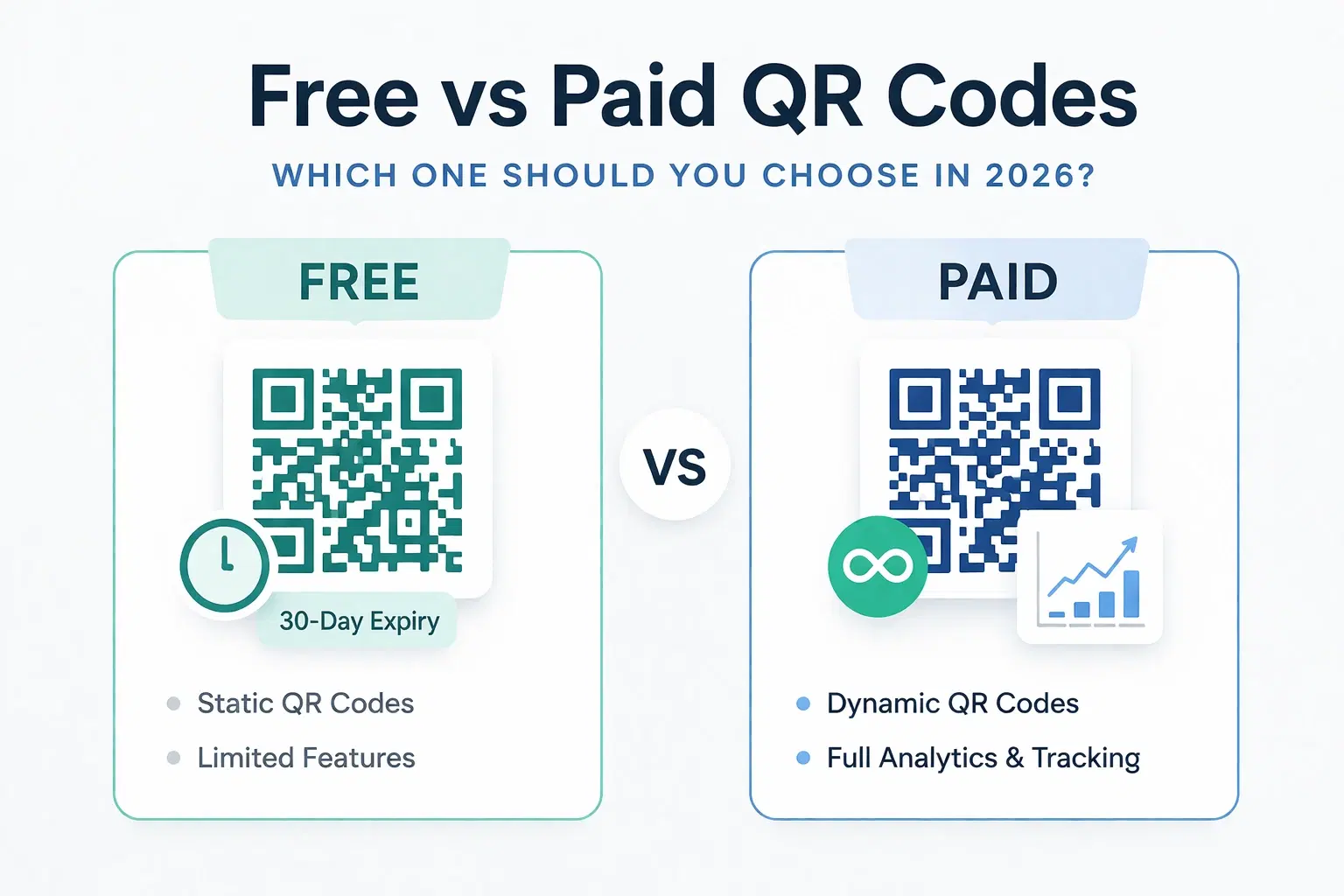
Dynamic QR Code Generator Free vs Paid: What You Actually Need (2026)
An honest breakdown of free vs paid dynamic QR code generators. How much a dynamic QR code really costs in 2026, when the free tier is enough, and when a paid plan from around $1.20/month makes more sense than you think.
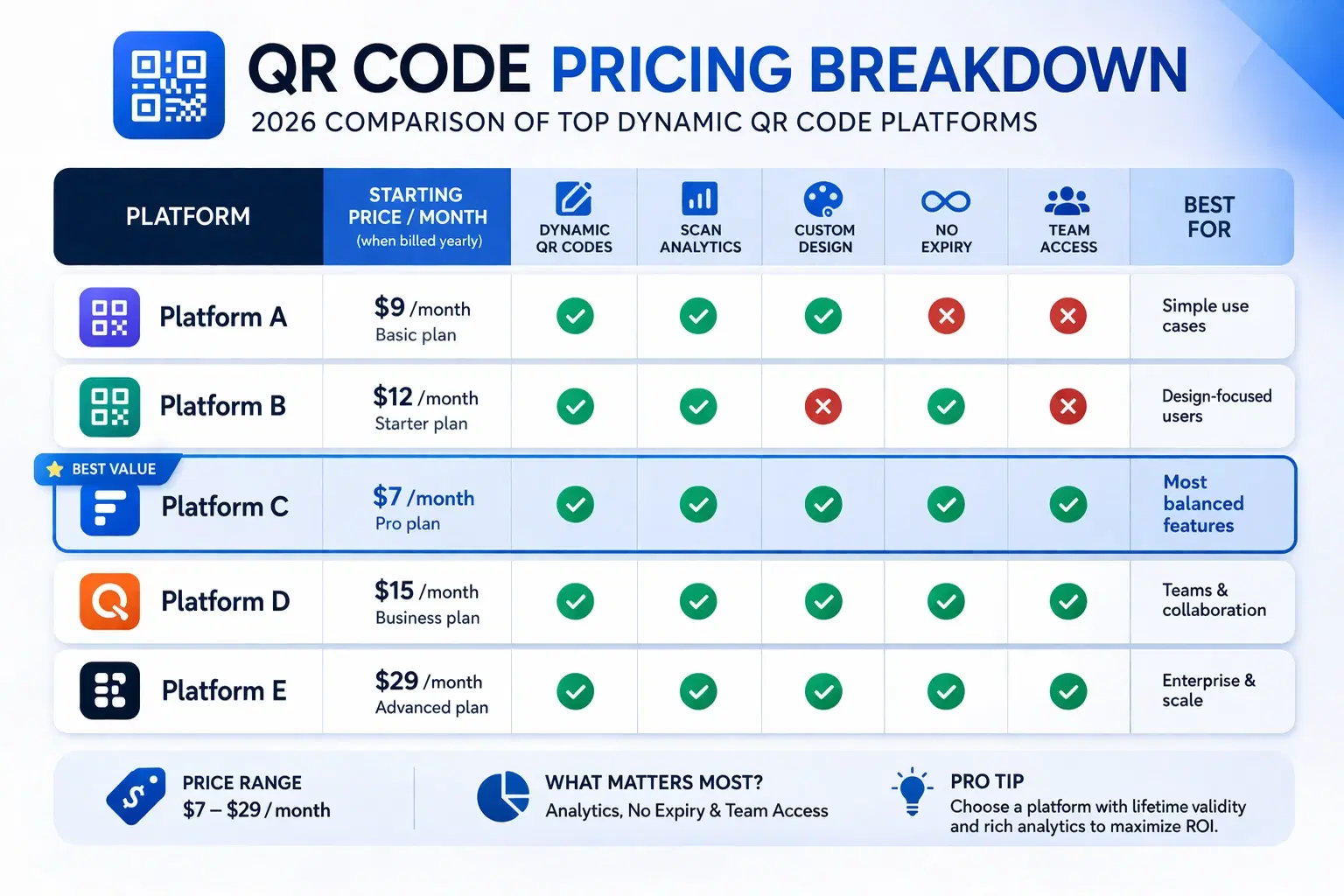
How Much Does a Dynamic QR Code Cost? (2026 Pricing Breakdown)
A transparent pricing breakdown for dynamic QR code generators in 2026, including Beaconstac, QR Tiger, Flowcode, Bitly, and QRForever. Find out who offers the best value and when free is enough. Updated June 2026.
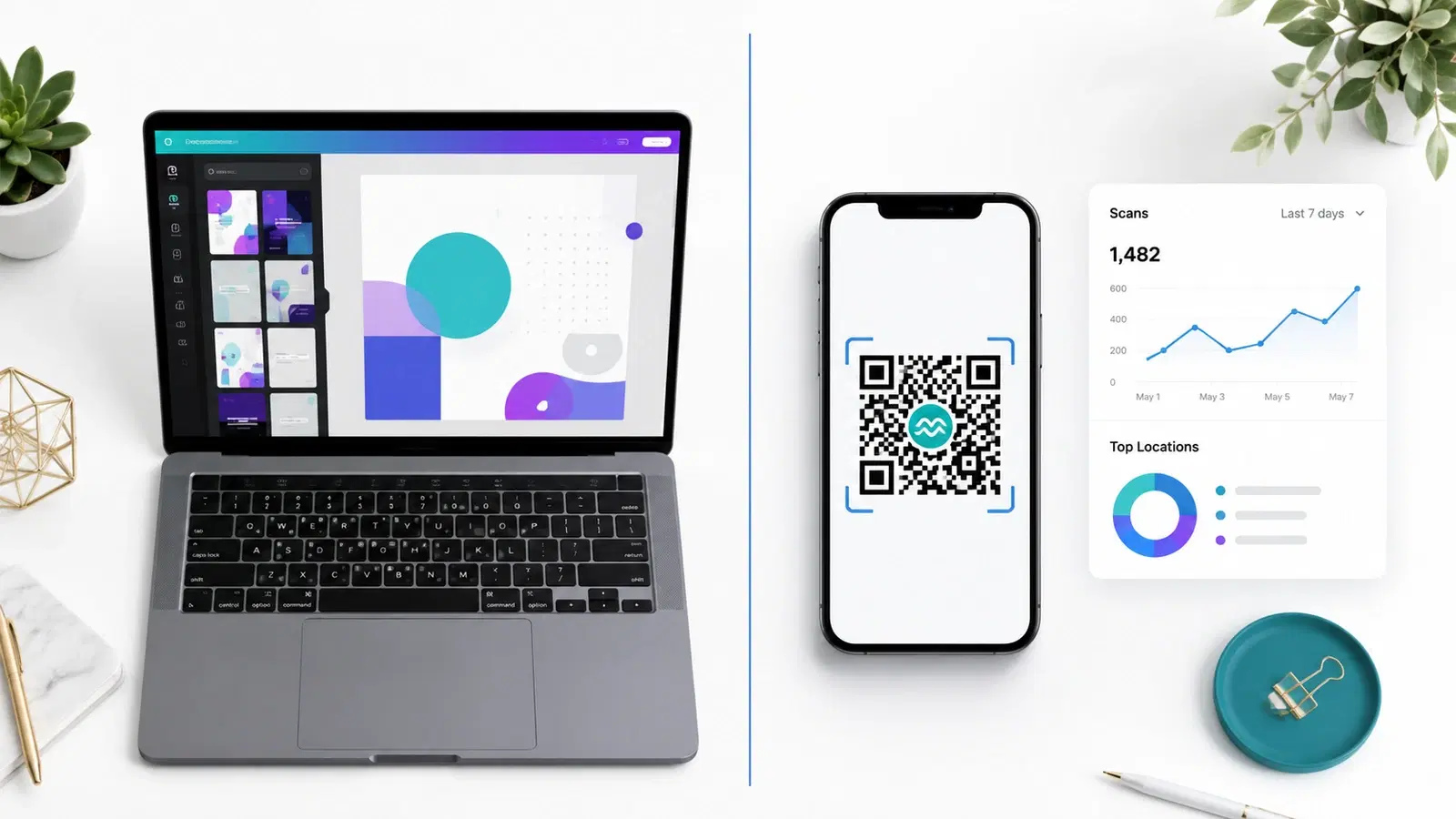
QRForever vs Canva QR Code Generator: Full Comparison 2026
Canva has a built-in QR code generator, but is it actually a complete solution? We compared it head-to-head with QRForever on dynamic codes, analytics, expiry, and design: here's what we found.