How to Create QR Codes for Restaurants: The Complete Menu QR Guide (2026)
Everything restaurants need to know about digital menu QR codes: setup, best practices, how to update menus instantly, and how to track customer engagement with scan analytics.

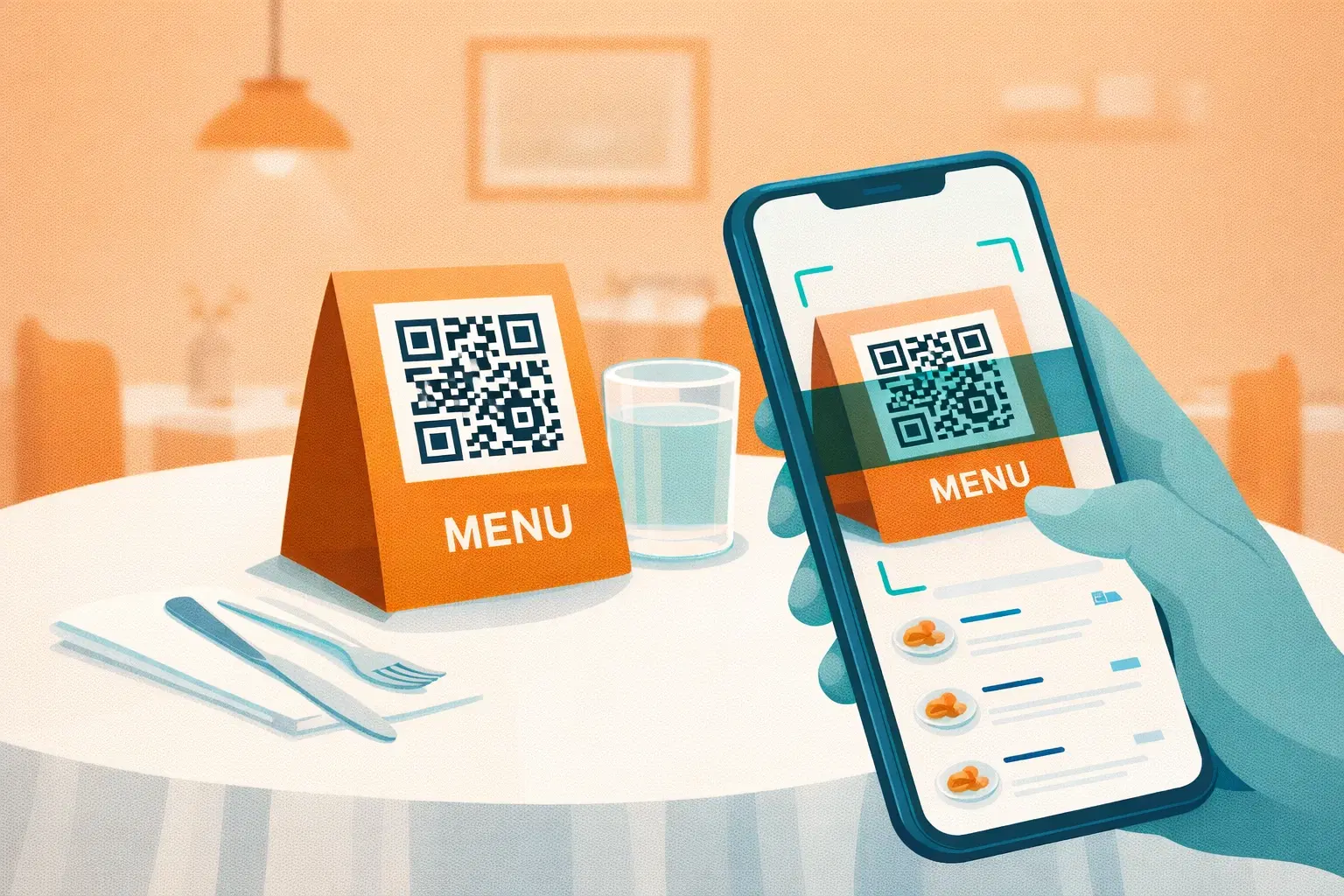
The contactless menu shift that started in 2020 is now simply how restaurants operate. Customers expect to scan a QR code and browse the menu on their phone. But not all restaurant QR code implementations are equal: some are static images that can't be updated, some break when the menu PDF changes, and some provide zero insight into how customers are engaging with the menu.
This guide is the complete playbook: how to create a restaurant QR code menu that works reliably, can be updated without reprinting, and gives you data to improve your offering over time.
Why Restaurants Need Dynamic QR Codes (Not Static)
The most common mistake restaurants make is generating a static QR code that directly encodes a PDF link or Google Drive URL. The moment that link changes (a new menu season, a platform migration, a Google Drive permission error), every printed QR code in the restaurant stops working.
Static QR code problems restaurants encounter:
- Menu PDF URL changes → all codes stop working → reprint everything
- Google Drive links require Google account login to view
- No way to know how many customers scanned vs asked a server
- Can't A/B test which table placements get the most engagement
- Code breaks if you change hosting platforms
Dynamic QR codes solve all of this: The QR code always points to the same short redirect URL. You change the destination through a dashboard, no reprinting required. The code on table 12 is identical to when you first printed it, but it now serves your updated summer menu.
Step-by-Step: Setting Up Your Restaurant QR Code Menu
Here's the exact process to go from zero to a working QR menu system:
Step 1: Prepare Your Digital Menu
You need a stable, mobile-optimized destination URL before creating the QR code. Options in order of recommendation:
Option A: Dedicated menu page on your website (best) A page like `yourrestaurant.com/menu` that you control. Fastest loading, no third-party dependency, best for SEO.
Option B: Menu platform (good) Services like Toast, Square Online, or MenuDrive provide hosted menu pages with built-in mobile optimization. Use the direct URL they provide.
Option C: PDF on your server (acceptable) A PDF uploaded to your own web hosting. Avoid Google Drive. Permission errors are common and you can't control the viewer experience.
Avoid: Direct Google Drive links, Dropbox shared links, or any URL that might require a login.
Step 2: Create a Dynamic QR Code
Sign up for a dynamic QR code service (like QRForever) and create a new URL QR code pointing to your menu destination.
Key settings to configure:
- Destination URL: Your menu page or PDF link
- Custom styling: Match your restaurant branding (colors, logo if available)
- Tracking: Enable analytics to count scans per location
Step 3: Download in Print-Ready Format
Download your QR code as SVG or high-resolution PNG (minimum 1000×1000px at 300 DPI). Avoid JPEG. Compression artifacts can make codes unscannable.
For restaurant use, minimum print sizes:
- Table tent: 4×4 cm minimum, 6×6 cm recommended
- Menu insert: 3×3 cm minimum
- Window/door sign: 8×8 cm minimum
Step 4: Design Your Physical Placement
The QR code should never appear alone. Always include:
- A clear call-to-action: "Scan for Menu" or "View Our Menu"
- Your restaurant logo (establishes trust)
- Brief instruction for less tech-savvy customers: "Open your camera app and point it here"
Table tent cards, menu inserts, and table stickers are the most common formats. Many local print shops offer quick turnaround on small QR code table cards.
Step 5: Test Before Deploying
Before placing codes on every table: 1. Print one test card at the actual size you'll use 2. Scan with iOS (built-in camera app) 3. Scan with Android (Google Lens or camera) 4. Test in your actual restaurant lighting (dim lighting is common) 5. Confirm the menu loads fully on mobile
Only then print the full run.
How to Update Your Menu Without Reprinting
This is the primary advantage of dynamic QR codes and the main reason they're worth using over static alternatives.
When your menu changes: 1. Log into your QR code dashboard 2. Find the QR code assigned to your menu 3. Update the destination URL to the new menu page or new PDF 4. Save
Every QR code that's already printed (on every table, every window card, every delivery bag insert) immediately starts serving the new menu. No printing. No laminating. No replacing.
Practical scenarios where this saves money:
- Seasonal menu changes (quarterly or monthly)
- Price adjustments (update the PDF, change the URL)
- Switching from one menu platform to another
- Moving your website to a new domain
- Temporary "limited menu" during staff shortages
Pro Tip
Create a permanent, stable URL for your menu page (e.g., yourrestaurant.com/menu) and never change it. Update the page's content rather than the URL. This way you may not even need to update the QR code destination: just the page itself.
Analytics: What You Can Learn From QR Menu Scans
Most restaurant operators set up a QR menu and never look at the data. That's leaving real business intelligence on the table.
What scan analytics tell you:
Peak scan times → When are customers most actively browsing the menu? If there's a spike between 6–8 PM on Fridays but low scans at lunch, that tells you where to concentrate staff.
Device breakdown → iOS vs Android mix matters if you're optimizing menu design. A menu that looks perfect on iPhone but has layout issues on Android is silently frustrating a segment of your customers.
Scan volume by day → Compare scan count to covers. A table that gets 2 covers but 8 scans suggests customers are revisiting the menu multiple times. Possibly because your descriptions aren't clear enough.
Table placement effectiveness → If you have QR codes in multiple locations (tables, bar, takeout counter), separate QR codes per location let you see which placements drive the most engagement.
Design Best Practices for Restaurant QR Codes
A poorly designed QR code placement reduces scans regardless of technical quality. Follow these principles:
Contrast is non-negotiable QR codes require high contrast between the dark modules and the light background. Dark modules on white background: always works. Colored codes: test carefully. Light modules on dark background: requires extra testing.
Size matters at your scan distance Restaurant tables have a typical scan distance of 30–60 cm (holding the phone over the table). At 30 cm, minimum code size is 3 cm. At 60 cm, minimum is 6 cm. When in doubt, go larger.
Include the quiet zone The white border around the QR code (called the quiet zone) must remain clear of any design elements. Crowding the code with logos, borders, or decorative elements right up to its edge causes scanning failures.
Readable call-to-action "Scan for Menu" is better than "Scan QR Code" (customers know it's a QR code). "View Menu Here" performs well in testing. Font size should be at least 14pt in print.
- Use dark-on-light color schemes for maximum contrast
- Minimum 4×4 cm for table placement (6×6 cm preferred)
- Keep the quiet zone (white border) clear of all design elements
- Include a clear call-to-action above or below the code
- Laminate table cards to protect against spills
- Test in actual restaurant lighting before full print run
Pricing Reality: What This Actually Costs
Restaurant owners often assume a professional QR menu system costs hundreds of dollars per month. It doesn't.
Actual cost breakdown:
| Item | Cost |
|---|---|
| Dynamic QR code hosting | ₹499/month ($6), one flat Pro plan |
| Table tent card printing (50 cards) | ₹500–₹2,000 ($6–$24) one-time |
| Menu page (if using your own website) | ₹0 (already paying for hosting) |
| Menu platform (Toast, Square, etc.) | Included in your existing plan |
Total ongoing cost for most restaurants: under ₹500/month.
The payoff: eliminate the cost of reprinting physical menus every time prices or items change. A typical restaurant reprints laminated menus 2–4 times per year. At ₹15,000–₹40,000 per full menu print run, the math makes QR menus economically obvious.
Pro Tip
Create separate QR codes for dine-in tables, bar seating, and your takeout/delivery packaging. This lets you see which channel is most engaged and customize the menu experience per channel.
Common Mistakes to Avoid
Based on real restaurant QR implementations that failed:
Mistake 1: Using a static QR code The code works until the URL changes. Then it doesn't. And you don't know it doesn't until a customer complains.
Mistake 2: Linking directly to a Google Drive PDF Google Drive requires a Google account to view some files, breaks on permissions changes, and loads slowly on mobile. Use a direct download link or your own hosted file.
Mistake 3: Making the QR code too small A 2×2 cm QR code on a table tent might look proportional but fails in dim restaurant lighting at 40 cm distance. Go bigger.
Mistake 4: No fallback for non-smartphone customers Always have a physical backup available or a server who can share the menu verbally/digitally. QR-only is an accessibility barrier.
Mistake 5: Not testing after a menu update Updating a URL is easy. Breaking it accidentally is also easy. Always scan-test after any destination URL change.
Important
Always keep a small supply of physical menus or a tablet-based menu option for customers who cannot or prefer not to use QR codes. QR-only policies have faced criticism and, in some jurisdictions, accessibility concerns.
Conclusion
A well-implemented restaurant QR code menu is low-cost infrastructure that pays for itself the first time you update your menu without reprinting. The difference between a static code that breaks and a dynamic code that updates in real-time is the difference between a one-time tool and a permanent business asset.
Set it up once with a dynamic QR code, point it at a stable menu URL you control, and you've eliminated a recurring operational headache. The analytics are a bonus that most operators end up valuing more than they expected.
Create your restaurant QR code menu with QRForever: permanent, editable, with full scan analytics, on the flat Pro plan at ₹499/month.
Explore QRForever Solutions
Ready to Create Your Own QR Codes?
Start creating dynamic QR codes for your business today. Track analytics, update content anytime, and never reprint again.
Related Articles
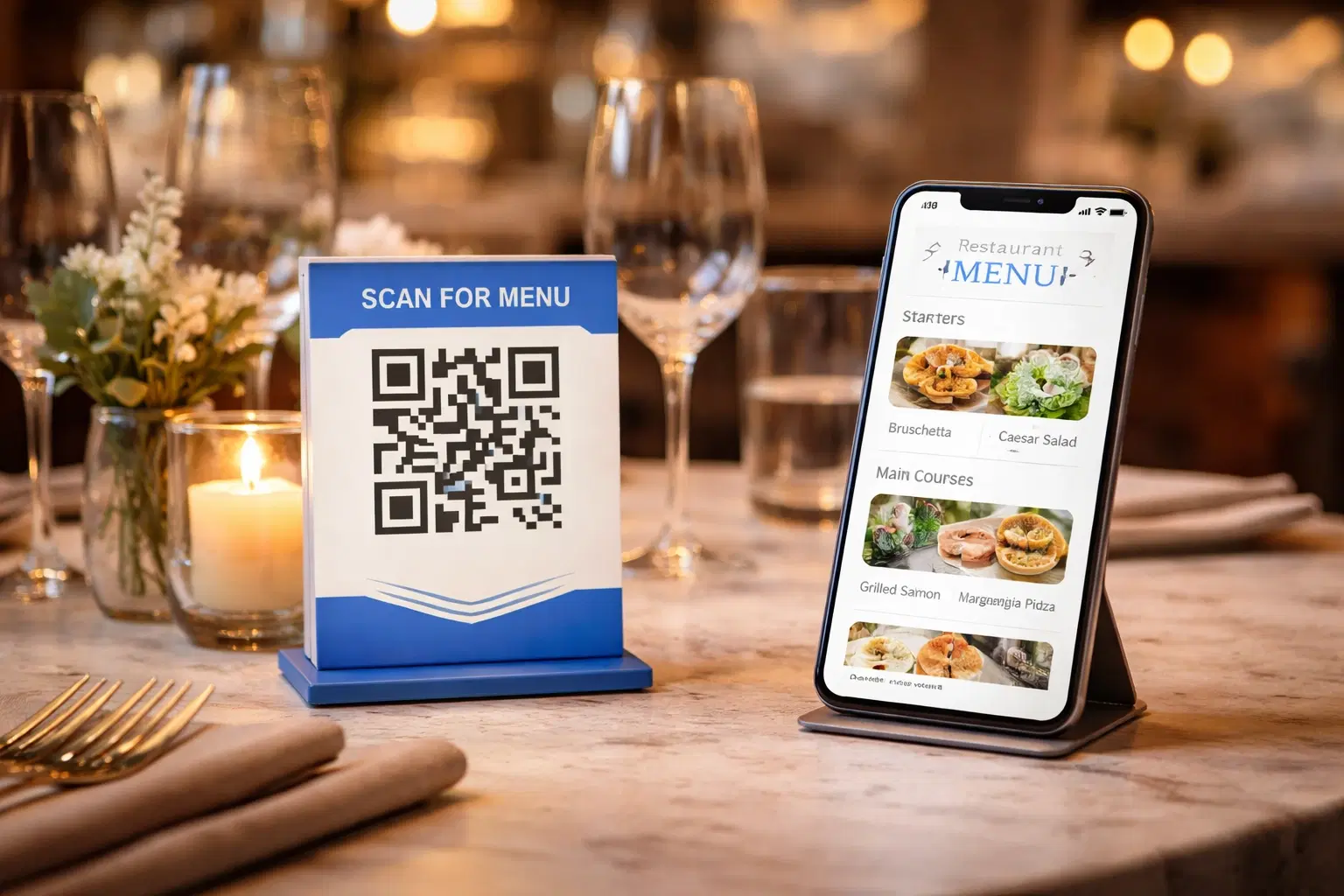
QR Code Menus for Restaurants: The Complete Setup Guide (Updated 2026)
Step-by-step guide to implementing QR code menus in your restaurant. Covers menu format options, placement strategy, staff training, and the one mistake that causes reprints. Updated May 2026.
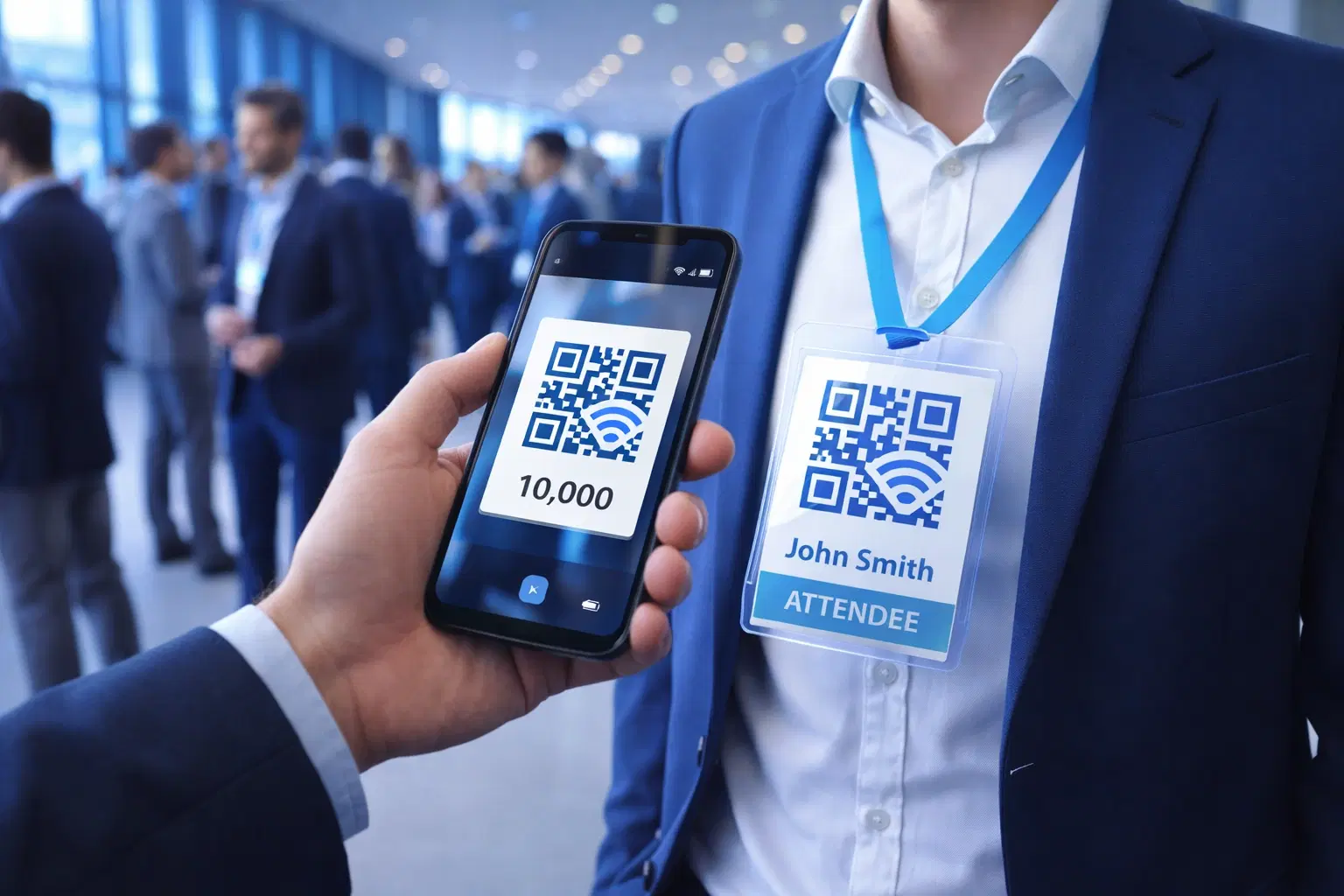
QR Codes for Events: Conferences, Trade Shows & Beyond (Updated 2026)
QR codes turn events from logistical pain into smooth data-rich experiences: instant check-in, smart networking, lead capture for exhibitors, and post-event ROI you can actually prove. Updated May 2026 with the current best practices.
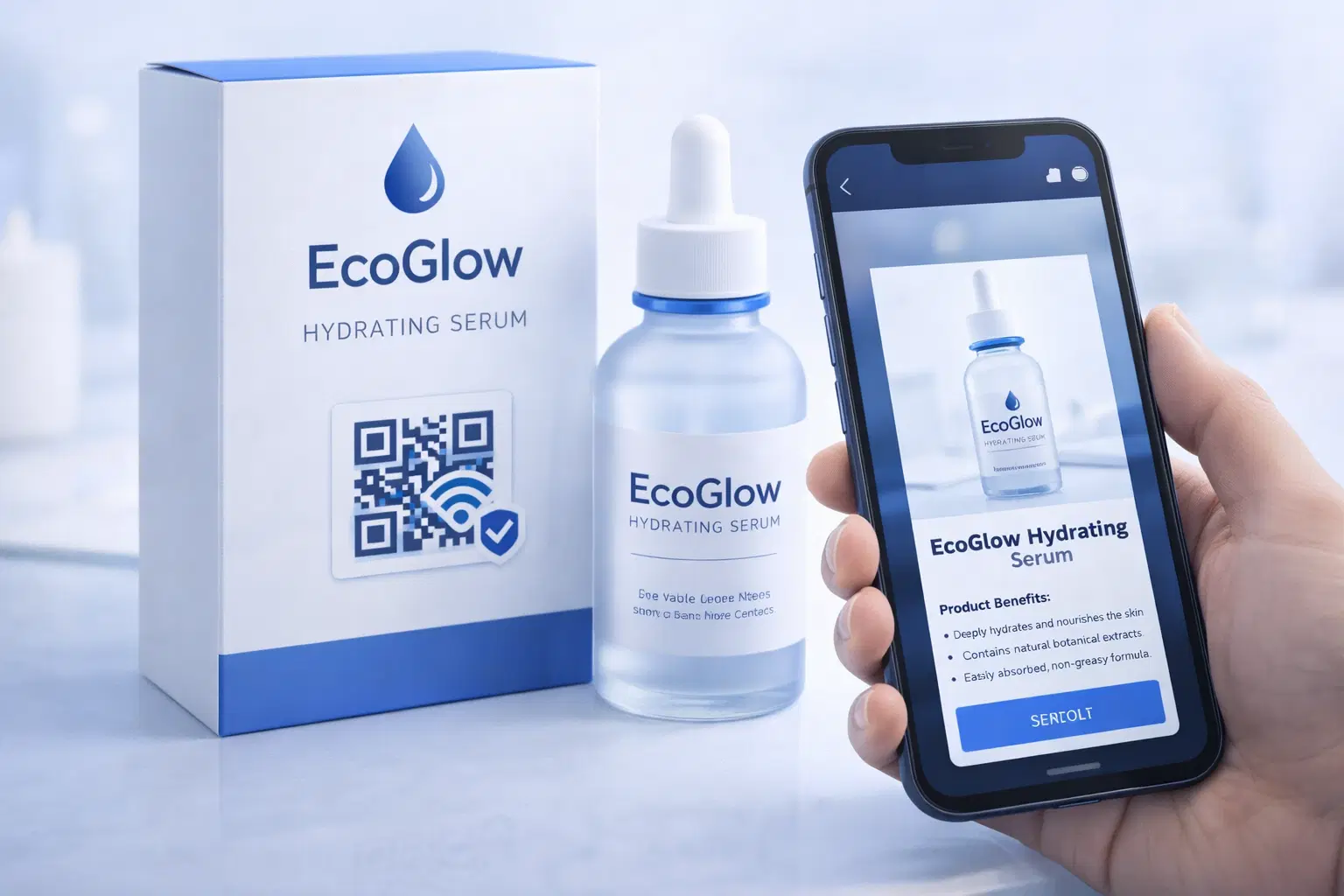
QR Codes on Product Packaging: Engaging Consumers Beyond the Shelf (Updated 2026)
Product packaging is your most-distributed marketing surface. Every unit on every shelf, in every home. QR codes turn that surface into a measurable, updatable channel for engagement, loyalty, and product education. Updated September 2026.