QR Codes for Salons & Spas: Booking, Loyalty & Reviews Guide (2026)
Salons and spas have three QR code use cases that drive real revenue: instant booking, loyalty programs, and Google reviews. Here's how to set up each one, and why most salons get it wrong.

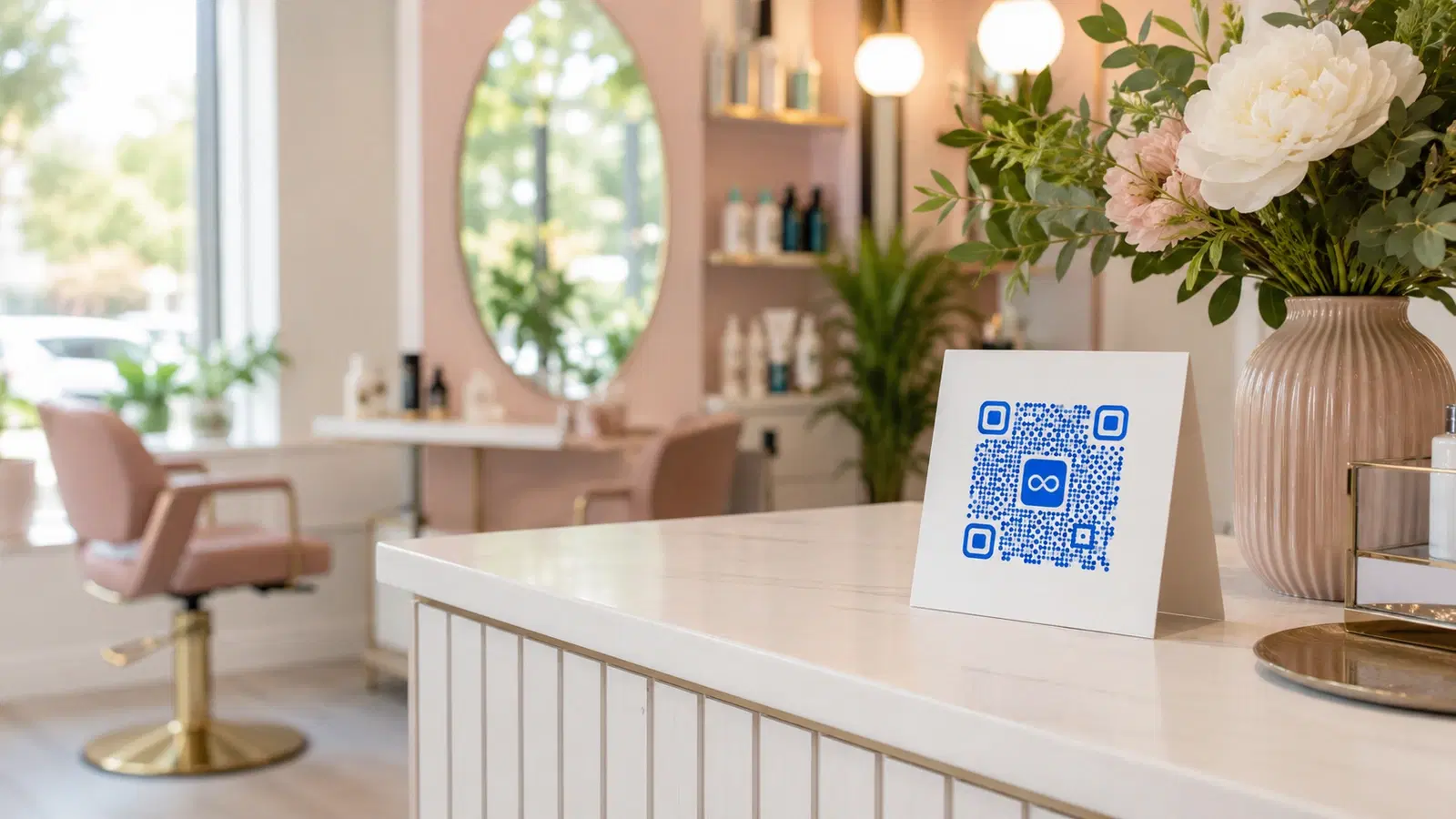
Salons and spas operate on three things: filled appointment slots, repeat customers, and a steady flow of new clients. QR codes (used correctly), strengthen all three.
This isn't a generic "use QR codes" pitch. This guide is built around three specific salon/spa use cases that demonstrably move revenue: instant booking, loyalty programs, and Google reviews. Each gets a concrete setup walkthrough, plus the common mistakes that make the QR code do nothing.
If you're running a salon, spa, or barbershop, this is the playbook for QR codes that actually pay back the time spent setting them up.
Use Case 1: Instant Booking QR Code
The single highest-ROI QR code for any salon is one that takes someone from "interested" to "booked" in under 30 seconds.
Where it goes:
- Front window (visible from outside, captures passersby)
- Reception counter
- Business cards staff hand out
- Receipt thank-yous
- Instagram bio link card displayed at the counter
- Mirror stations (clients book their next visit while still in the chair)
What it links to: The QR code should point directly to your booking system's booking page, not your homepage. Common destinations:
- Fresha / Mindbody / Booksy booking page
- Google Booking link
- Calendly link (for solo stylists / appointment-only services)
- Your own website's booking page
Why "directly to booking" matters: Every extra click between scan and booking is a drop-off. A QR code that points to your homepage forces customers to find the booking button. A QR code that goes directly to the booking page closes the gap.
The setup: 1. Get your booking page URL from your booking platform 2. Create a dynamic QR code pointing to that URL 3. Place the QR code prominently with a clear call-to-action ("Book Now, Scan This") 4. Test it yourself first. Make sure it goes to a page that actually lets someone book without logging in
Why use a dynamic code, not static: You may switch booking platforms. Your booking URL may change. Your seasonal hours may shift to a different booking flow. A dynamic QR code lets you redirect to the new destination without reprinting window decals, business cards, or counter materials. For more on this, see how to edit a QR code after printing.
Pro Tip
Test your booking QR code from a logged-out browser on a phone. If the customer has to create an account or log in before they can book, the conversion rate drops. A clean public booking flow is critical.
Use Case 2: Loyalty Program QR Code
Loyalty drives a salon's profitability. The 20% of clients who return monthly often deliver 60% of revenue. QR codes make loyalty programs frictionless to join, which is the single biggest determinant of whether they work.
The setup options:
Option A: Digital loyalty platform: Platforms like Fivestars, Square Loyalty, or Yotpo issue customers a QR code that tracks their visits and rewards. Customers scan their personal QR at each visit, you scan a "punch" QR, or they tap a check-in.
Option B. Simple sign-up QR: A QR code on the reception desk that links to a sign-up form. New customers scan, enter their phone/email, and join your loyalty list. You then send rewards (10th visit free, birthday discount) manually or via SMS.
Option C. WhatsApp loyalty QR: Customers scan a QR code that opens a WhatsApp chat with your salon. You track visits manually but use WhatsApp for personalized rewards and reminders. Higher response rates than email in most markets.
Where to place loyalty QR codes:
- Reception desk (visible while paying)
- On the back of receipts
- On the mirror at every station
- Bathroom (yes. Captive audience, surprising scan rates)
- Punch card alternative: a tent card on each waiting-area seat
The biggest mistake: Asking customers to sign up by typing their info into a form on a tablet at the desk. This adds 60–90 seconds of friction. A QR code that they scan with their own phone and fill out at their own pace converts 3–4x better.
For platform-specific WhatsApp setup, see how to create a QR code for WhatsApp Business.
Use Case 3: Google Reviews QR Code
For a salon, Google reviews drive new client acquisition more than any other single signal. A salon with 200+ reviews at 4.7 stars outranks (and outconverts) a salon with 30 reviews at the same rating.
The bottleneck is asking. Most salons don't ask. The ones that do, ask awkwardly. A QR code solves both.
The right setup: 1. Get your Google review link (Google Business Profile → "Get more reviews" → copy the short link) 2. Create a dynamic QR code pointing to that link 3. Place it where clients are most likely to scan: see below
Where the QR code goes:
- On the receipt (best: clients are happy, transaction just completed)
- On the back of the business card given at checkout
- On a small framed sign at the reception desk
- Inside the door of bathroom stalls (high scan rate, low awkwardness)
- A small tent card on the bill holder
What works in the wording:
- "Loved your visit? Scan to leave us a review on Google ⭐"
- "Tell Google how we did. Scan here"
- "Help other clients find us: share your experience"
What doesn't work:
- "Please rate us": too begging
- No call-to-action at all: just a QR code with no context gets ignored
- Asking at the wrong moment (mid-service, before payment)
The ask script: Train staff to say at checkout: "If you have a moment, scan this QR code. It goes straight to Google to leave a review. Even a one-sentence review makes a huge difference for us." That single sentence dramatically increases scan rates.
For a complete Google review walkthrough, see our QR code for Google reviews guide.
Important
Never link to a generic "review us" page that asks customers to choose between Google, Facebook, Yelp, etc. The extra choice drops conversion by 50%+. Send them straight to Google.
Bonus Use Cases for Salons
Beyond the big three, these QR code use cases are worth setting up:
WiFi sharing QR code: Display a QR code in the waiting area that connects guests to your WiFi automatically. Improves the wait experience. Clients spending 30 minutes on slow mobile data is a small but real source of frustration. See WiFi QR codes guide.
Service menu QR code: A QR code on the reception desk linking to your full digital service menu (prices, descriptions, durations). Useful for browsing while waiting and for the "I'll book next time" customer who wants to research at home.
Product purchase QR code: If you retail shampoos, oils, or skincare, place a QR code beside each product linking to an online purchase page. Captures the "I'll buy it next time" customer who otherwise forgets.
Stylist portfolio QR code: Each stylist has a QR code on their station linking to their Instagram or portfolio. New clients can see the stylist's work before committing.
Aftercare QR code: After services like color treatments or chemical peels, a small card with a QR code linking to aftercare instructions. Sets expectations and reduces "is this normal?" texts.
Membership / package QR code: If you sell packages (10 facials, monthly memberships), a QR code on the desk linking to the membership purchase page. Higher AOV than asking staff to upsell verbally.
For salons that also sell tickets to events (like a workshop or master class), see QR code for event check-in.
- WiFi sharing QR: improves wait experience
- Service menu QR: for browsing and at-home research
- Product purchase QR: captures retail "buy later" intent
- Stylist portfolio QR: shows new clients the stylist's work
- Aftercare QR: sets expectations after color/chemical services
- Membership/package QR: drives high-AOV upsells
Salon QR Code Setup: Common Mistakes
Avoid these errors. They make salon QR codes do nothing:
Mistake 1: Static QR codes. You will change booking platforms, review links, loyalty providers, and WiFi passwords. Static codes break each time. Always dynamic. See QR codes that never expire.
Mistake 2: No call-to-action. A QR code alone on a card gets ignored. Always pair it with one sentence: "Scan to book," "Scan for our menu," "Scan to leave a review."
Mistake 3: Hiding the QR codes. The QR code at reception that no one can see is doing nothing. Make them visible: large, well-lit, at eye level.
Mistake 4: Pointing to the wrong page. A booking QR that goes to your homepage. A review QR that goes to a "choose your platform" landing page. A loyalty QR that requires creating an account. Eliminate every unnecessary click.
Mistake 5: Not testing. Scan every QR code yourself from a customer's perspective, from a logged-out browser, on the device a customer would use. If the experience has friction you don't expect, customers won't push through it.
Mistake 6: Forgetting to track. Use dynamic QR codes specifically because you can see the scan data. If a QR code gets zero scans for three weeks, move it or change the call-to-action. See how to track QR code scans.
Conclusion
For salons and spas, three QR code use cases drive most of the value: a direct-to-booking QR code captures new clients, a loyalty sign-up QR code drives repeat visits, and a Google reviews QR code grows your local search visibility.
Each of these is a 30-minute setup that compounds for years if done right. The "done right" means: dynamic codes (so platform changes don't break them), direct destinations (no extra clicks), visible placement (not tucked into a corner), and brief calls-to-action (so customers know what scanning does).
Related reading:
Create your salon's first QR code with QRForever. Start a 7-day full-access trial, no credit card. Dynamic codes are editable anytime with full scan analytics. Pick your most important use case (booking, loyalty, or reviews) and start there.
Explore QRForever Solutions
Ready to Create Your Own QR Codes?
Start creating dynamic QR codes for your business today. Track analytics, update content anytime, and never reprint again.
Related Articles
QR Code Menus for Restaurants: The Complete Setup Guide (Updated 2026)
Step-by-step guide to implementing QR code menus in your restaurant. Covers menu format options, placement strategy, staff training, and the one mistake that causes reprints. Updated May 2026.
QR Codes for Events: Conferences, Trade Shows & Beyond (Updated 2026)
QR codes turn events from logistical pain into smooth data-rich experiences: instant check-in, smart networking, lead capture for exhibitors, and post-event ROI you can actually prove. Updated May 2026 with the current best practices.
QR Codes on Product Packaging: Engaging Consumers Beyond the Shelf (Updated 2026)
Product packaging is your most-distributed marketing surface. Every unit on every shelf, in every home. QR codes turn that surface into a measurable, updatable channel for engagement, loyalty, and product education. Updated September 2026.