How to Track QR Code Scans Without an App (2026 Methods)
You don't need a special app to track QR code scans, but you do need the right type of QR code. Here's exactly how QR scan tracking works, what you can measure, and how to set it up in minutes.

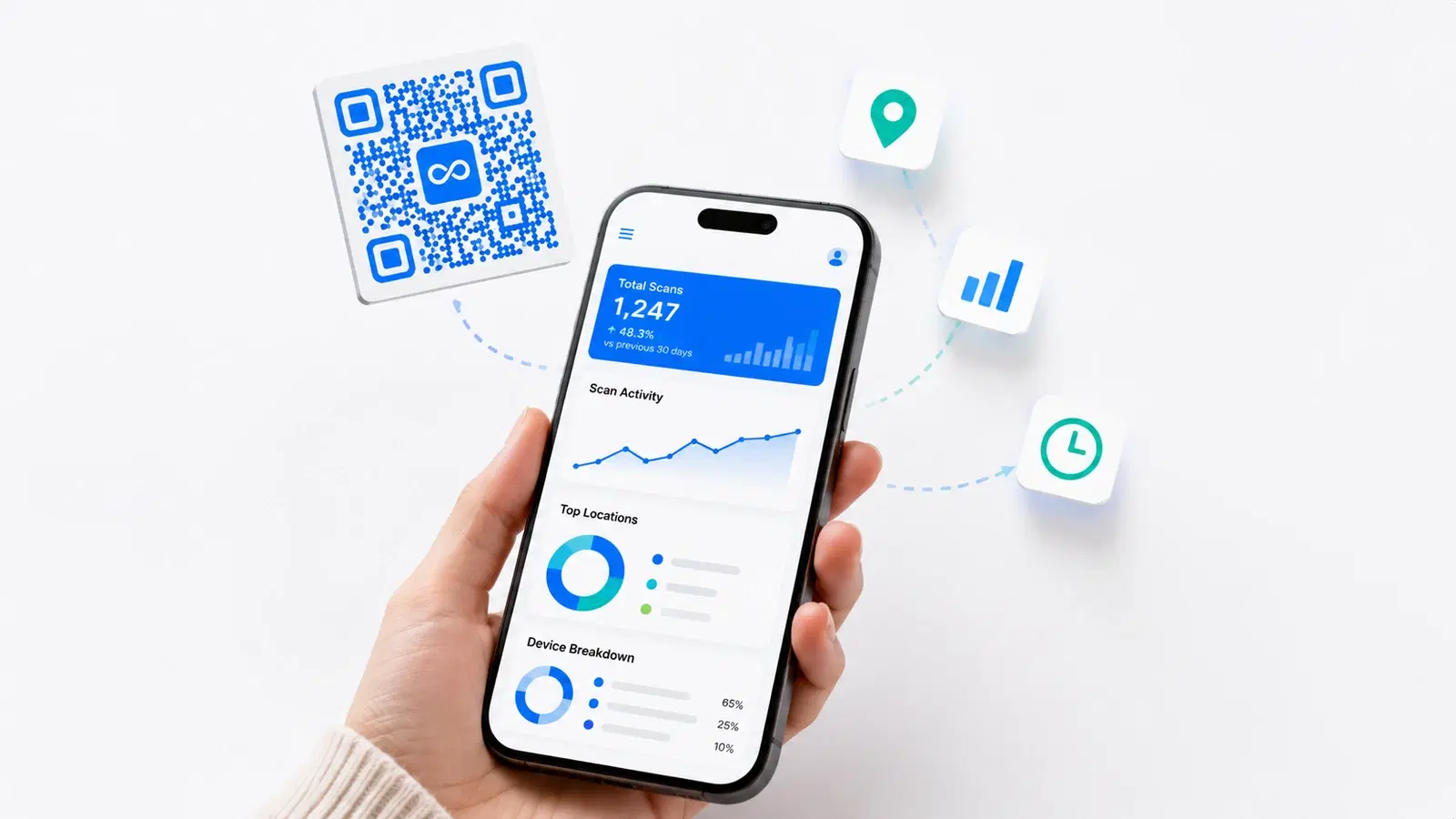
A common assumption about QR code tracking is that you need to install a special app: either for yourself or, worse, for the people scanning your code. Neither is true.
You can track QR code scans without any app at all. The people scanning your code use their normal phone camera. You view the data in a normal web browser. No downloads, no friction, on either side.
The catch (and there is one) is that scan tracking depends entirely on using the *right type* of QR code. This guide explains exactly how it works, what you can and cannot measure, and how to set up app-free scan tracking in a few minutes.
Why You Don't Need an App to Track Scans
Scan tracking happens automatically when you use a dynamic QR code, and understanding why explains the whole system.
A static QR code encodes your destination URL directly. When scanned, the phone goes straight to your website. Nothing sits in between to count the scan. This is why static QR codes have zero tracking. There's no checkpoint.
A dynamic QR code encodes a short redirect URL instead. When someone scans it: 1. Their phone reads the short redirect URL (e.g., "qrforever.com/x7k2") 2. Their browser hits the QR platform's server 3. The server records the scan. This is the tracking moment 4. The server redirects the phone to your actual destination
The scan is counted at step 3, on the platform's server, before the user is sent onward. The user notices nothing, the redirect happens in milliseconds. No app, no permission prompt, no friction.
This is the key fact: Tracking is a built-in side effect of how dynamic QR codes work. You don't add tracking; you choose a dynamic code and tracking is already happening. The "app" people imagine is just a web dashboard where you read the data the server already collected.
For the full mechanics, see dynamic vs static QR codes.
Pro Tip
If someone tells you to install an app to "make your QR code trackable," they've misunderstood how it works. Tracking comes from the QR code type (dynamic), not from any app.
What You Can Track (Without Any App)
A dynamic QR code's web dashboard gives you this data automatically: all collected server-side, no app involved:
Scan volume:
- Total scans (all-time)
- Scans over time (by day, week, month)
- Peak scanning times
Location:
- Country of each scan
- City-level location (approximate, from IP address)
Device & technology:
- Device type (mobile, tablet, desktop)
- Operating system (iOS vs Android)
- Browser used
Behavior:
- Unique scans vs repeat scans
- First-scan vs returning-scanner patterns
What this tells you in practice:
- *Is my QR code working?*. Scan count answers this
- *Where are my customers?*. Location data
- *When should I run campaigns?*. Peak time data
- *Did my flyer drop work?*. Scan spike after distribution
- *iOS or Android audience?*. Device breakdown informs other decisions
All of this appears in a browser dashboard you log into. The people scanning contribute this data simply by scanning. They install nothing and see nothing.
For a complete breakdown, see what QR code analytics can track.
What You CANNOT Track (Be Realistic)
Honest expectations matter. App-free QR tracking has real limits, and these limits are mostly good for privacy.
You cannot identify individuals. QR scan tracking is anonymous. You see "a scan from Mumbai on an iPhone," not "Rahul Sharma scanned this." There's no name, no phone number, no personal identity.
Location is approximate, not precise. Location comes from the IP address, which gives you city-level accuracy at best, not a street address or GPS pin. A scan "from Bangalore" could be anywhere in the metro area.
You cannot track what they did after scanning. The QR platform records the scan and the redirect. What the user does on your destination website afterward (how long they stayed, what they clicked) is tracked by *that website's* analytics (e.g., Google Analytics), not the QR platform.
You cannot track static QR code scans at all. This bears repeating: static codes have no tracking. If you've already printed static codes, no tool can retroactively add scan tracking to them. The data simply doesn't exist.
Repeat-scan detection is approximate. "Unique scans" is estimated from technical signals. It's directionally useful but not a precise headcount.
The honest summary: App-free QR tracking tells you *how many, when, roughly where, and on what device*, anonymously. It does not tell you *who* or *exactly where*. For most marketing purposes, that's exactly the right amount of data.
Important
If a QR platform claims it can give you scanners' names, phone numbers, or exact addresses from a normal QR scan, be skeptical. That's not how QR scanning works, and such claims often signal a privacy-violating or misleading product.
Step-by-Step: Set Up App-Free Scan Tracking
Here's the complete setup. It takes a few minutes and requires no app at any point.
Step 1. Choose a dynamic QR code platform. You need a platform that offers dynamic QR codes (this is what enables tracking). QRForever's 7-day full-access free trial (no credit card) gives you dynamic QR codes with analytics so you can test scan tracking before subscribing.
Step 2. Create a dynamic QR code. 1. Sign in to the platform in your web browser 2. Create a new QR code 3. Enter your destination URL 4. Make sure it's set as a "dynamic" code (not static). This is the critical setting 5. Generate and download the QR code image
Step 3: Use the QR code as normal. Print it, put it on signage, add it to packaging, wherever you need it. Nothing special required.
Step 4. Let people scan with their normal camera. Anyone with a smartphone scans it using the built-in camera app. No app for them to install. iOS and Android cameras both read QR codes natively.
Step 5. View your analytics in the browser. 1. Log back into the platform 2. Open the QR code's analytics/dashboard view 3. See scan count, location, device, and time data. Updating as scans happen
That's the entire process. The "tracking system" is just: dynamic code + web dashboard. No app on your side, no app on the scanner's side.
For deeper analytics interpretation, see our QR code analytics tracking guide.
- Choose a platform with dynamic QR codes (e.g., QRForever's 7-day full-access free trial)
- Create the QR code and confirm it is set as "dynamic"
- Download and use the QR code anywhere: printed or digital
- Scanners use their normal phone camera: no app needed
- Log into the web dashboard to view scan count, location, and device data
Connecting QR Data to Your Other Analytics
App-free QR tracking gives you scan data. To see the *full* picture, you can connect it to your other tools, still without any app.
Add UTM parameters to your destination URL. When you set the destination of your dynamic QR code, add UTM tags: `https://yoursite.com/menu?utm_source=qr&utm_medium=table-tent&utm_campaign=summer-2026`
Now your website's Google Analytics will show traffic that came from the QR code, tagged and separated from other traffic. You get QR-platform scan data *and* website-behavior data, cross-referenced.
Why this combination is powerful:
- QR platform tells you: scans happened, from where, on what device
- Google Analytics (via UTM) tells you: what those scanners did on your site
- Together: the complete journey from scan to action
No app required for any of this. UTM parameters are just text added to a URL, and Google Analytics runs in your browser.
Use different QR codes for different placements. Create one dynamic QR code for table tents, another for the entrance poster, another for receipts. Each has its own scan analytics. Now you know which *placement* drives scans, not just whether the campaign overall worked.
For more on measuring campaigns, see QR codes for marketing campaigns.
Conclusion
You do not need an app to track QR code scans, not for yourself, and definitely not for the people scanning. The entire tracking system is a dynamic QR code plus a web dashboard.
The essentials:
- Tracking works because dynamic QR codes route through a server that counts each scan
- Scanners use their normal phone camera: zero friction, no download
- You view scan count, location, device, and timing data in any web browser
- Static QR codes can never be tracked: if tracking matters, you must use dynamic
- Add UTM parameters to connect QR scans to your website analytics
If you're currently using static QR codes and wishing you had scan data, the fix is straightforward: switch to dynamic codes for future use. The tracking is built in. You just have to use the right type of code.
Related reading:
Create a trackable dynamic QR code with QRForever. Start a 7-day full-access trial with unlimited dynamic QR codes and full scan analytics. No app, no credit card.
Explore QRForever Solutions
Ready to Create Your Own QR Codes?
Start creating dynamic QR codes for your business today. Track analytics, update content anytime, and never reprint again.
Related Articles
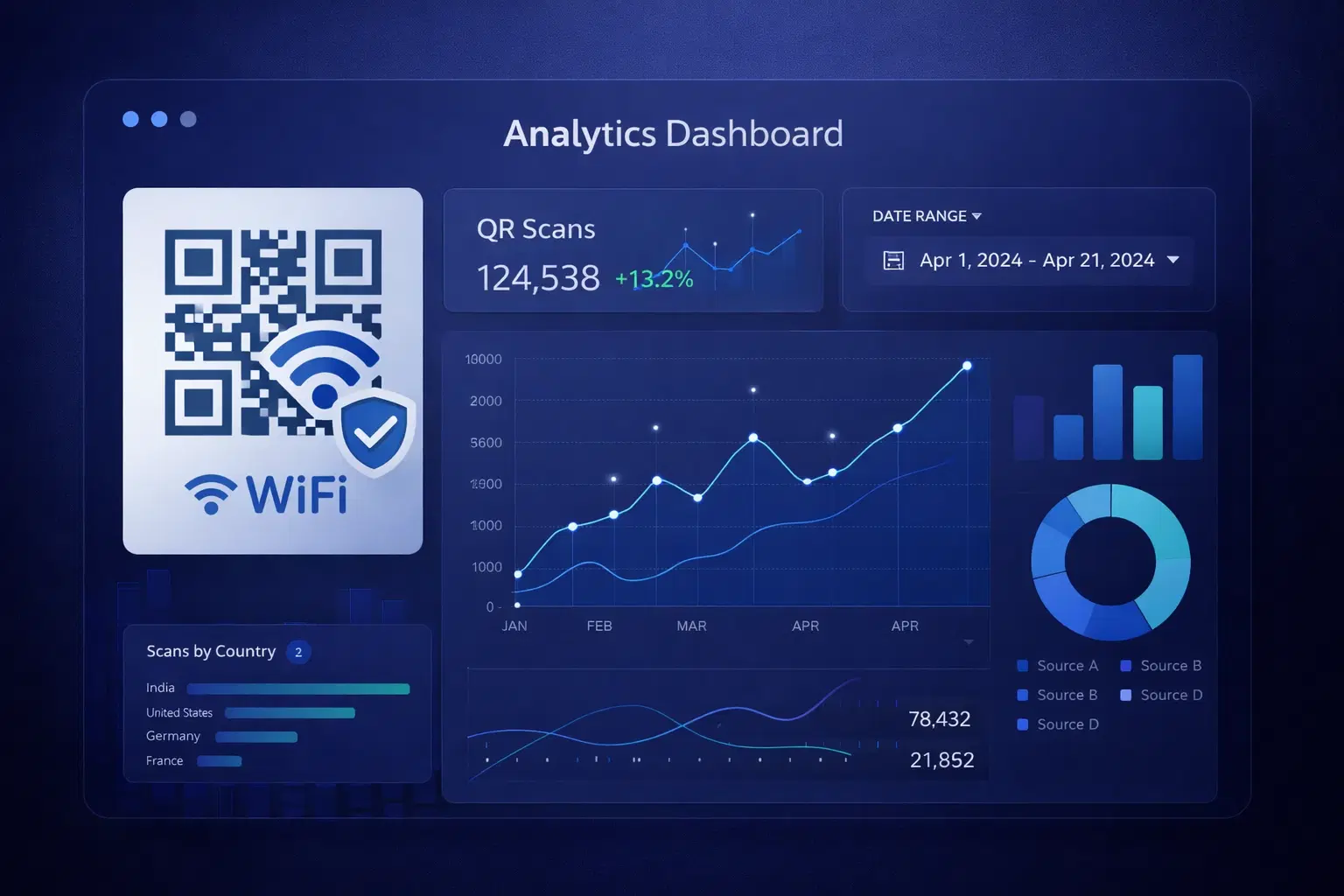
QR Code Analytics: Understanding and Using Scan Data (Updated 2026)
Master QR code analytics to measure campaign success in 2026. Learn which metrics matter, how to interpret data, and how to turn scan trends into operational improvements.
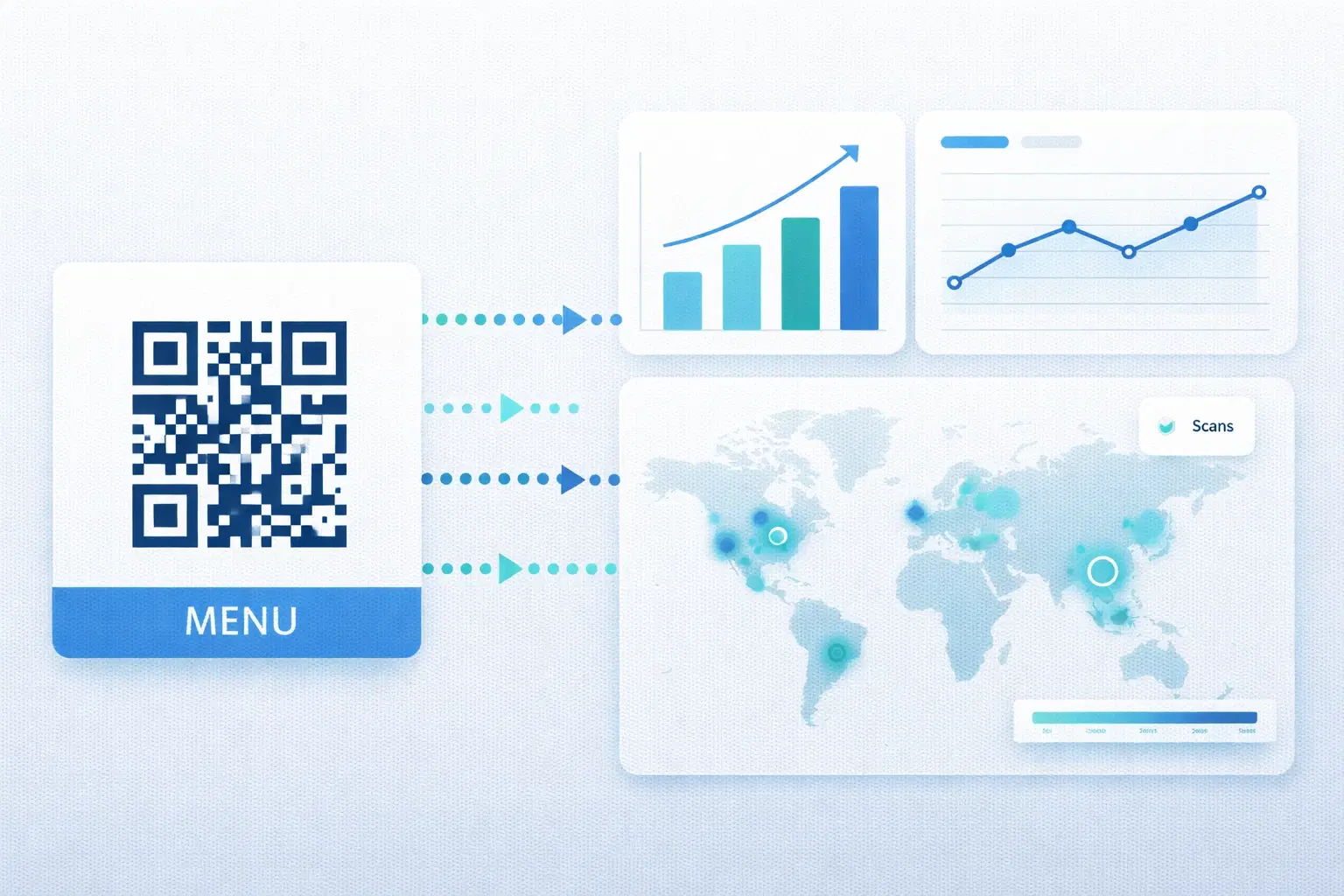
QR Code Analytics Explained: What Data Can You Actually Track? (2026)
A complete breakdown of QR code tracking capabilities: scan counts, location data, device types, time patterns, and how to use analytics to improve real marketing campaigns. Updated September 2026.
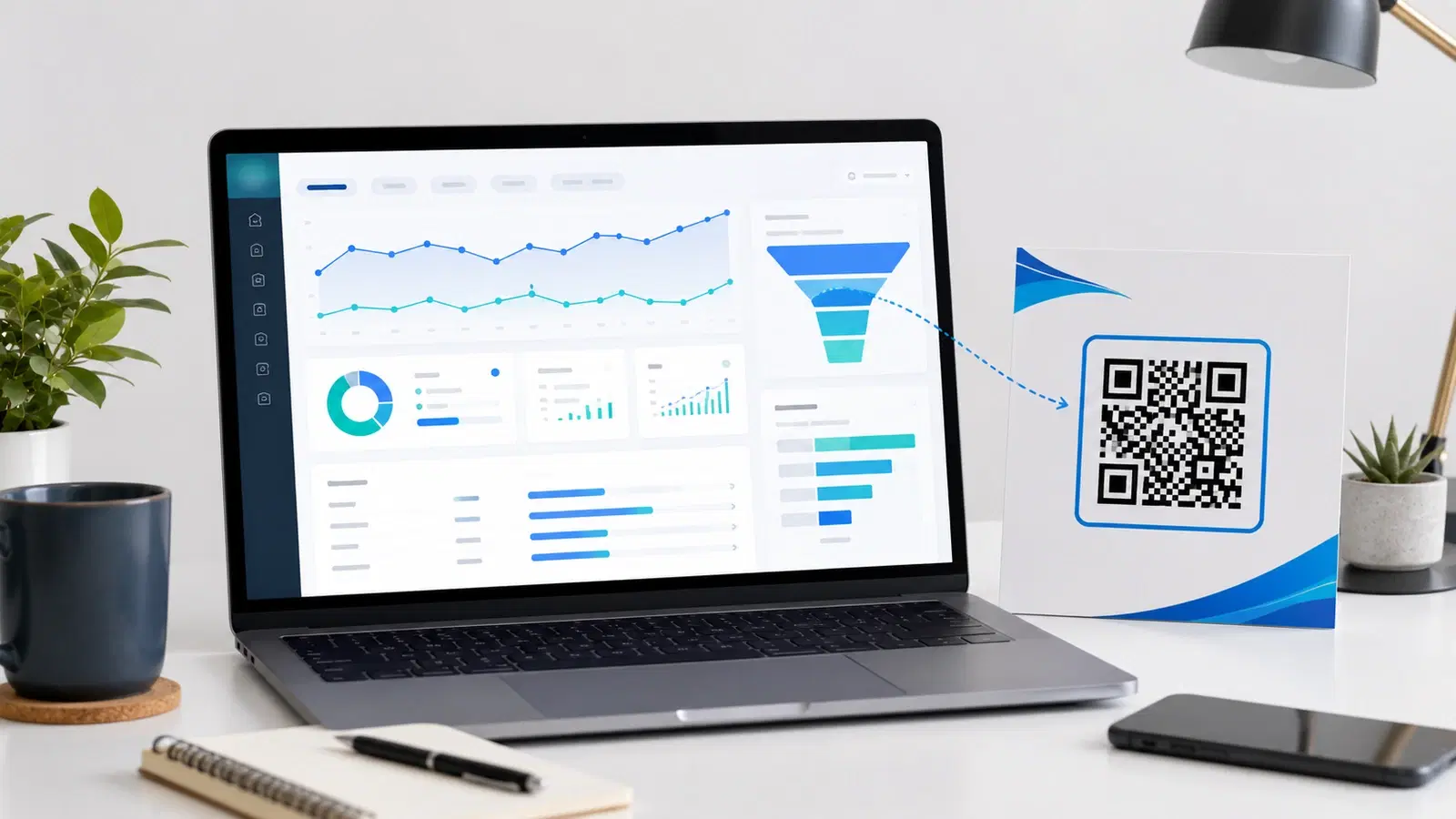
How to Track QR Codes in Google Analytics 4 (UTM Parameter Guide 2026)
QR platform analytics tell you scans happened. Google Analytics 4 tells you what those scanners did next. The bridge is UTM parameters. Here is exactly how to track QR code campaigns end to end in GA4.