What Is the Maximum Data a QR Code Can Hold? (Technical Limits 2026)
A QR code can hold up to about 3,000 bytes, roughly 7,000 digits or 4,000 characters, but you almost never should fill it. Here is what QR codes can technically store, and why dynamic codes make the limit irrelevant for most uses.

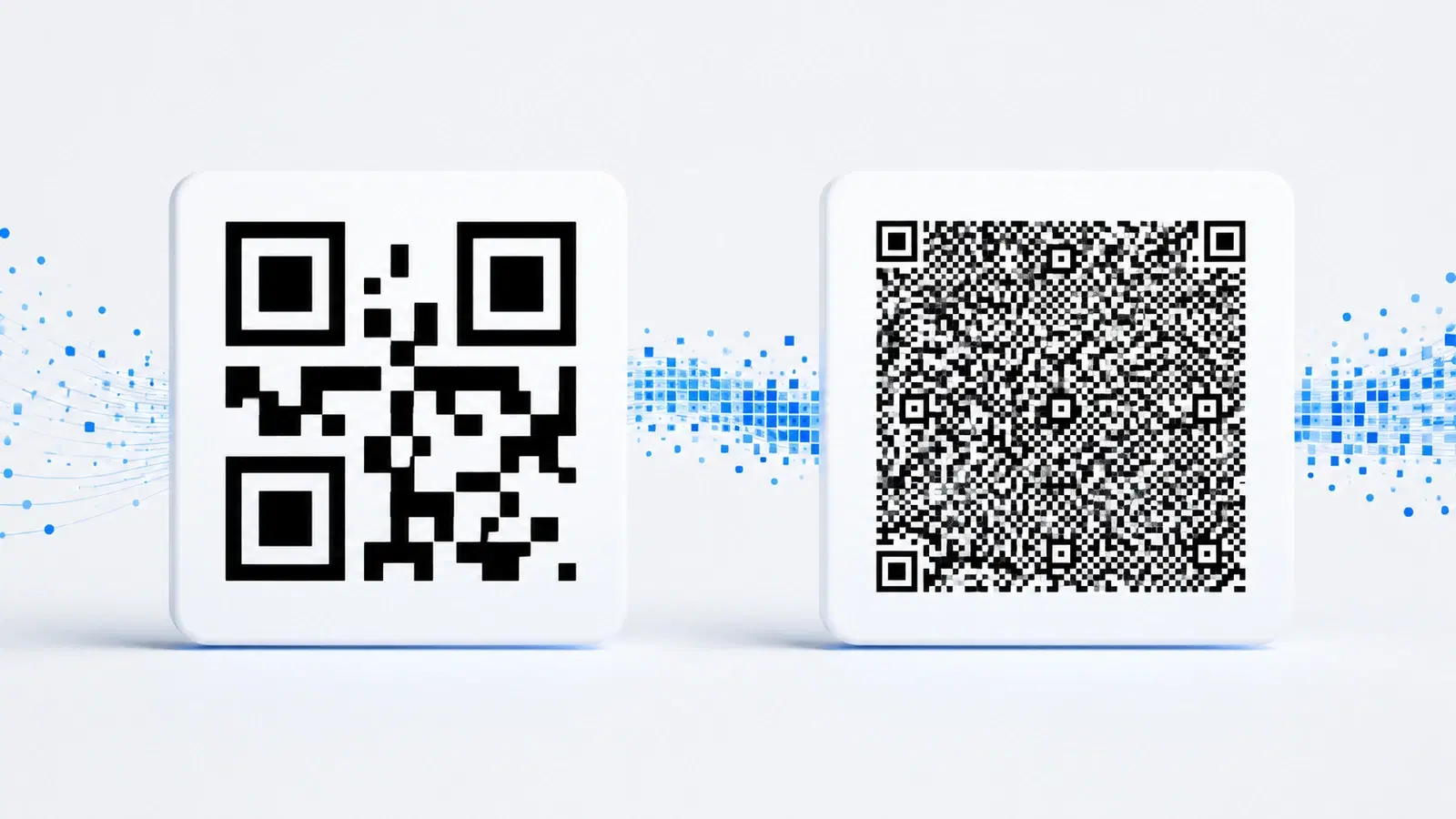
"How much data can a QR code actually hold?" It is a common question, and the answer surprises most people: a single QR code can store far more than you would expect, up to roughly 3,000 bytes of data, which translates to about 7,000 digits or 4,000 alphanumeric characters.
But here is the more important answer: just because a QR code can hold that much does not mean it should. Cramming a lot of data into a QR code makes it dense, complex, and hard to scan. And with dynamic QR codes, the whole question of capacity becomes largely irrelevant, because the code holds only a short link, and the actual content lives on a web page with no size limit at all.
This guide explains the real technical capacity of QR codes, what affects it, and why the practical answer for almost everyone is to store very little in the code itself.
The Maximum Capacity Numbers
The absolute maximum a single QR code can hold depends on the type of data you are encoding. QR codes handle different data types with different efficiency:
Numeric data (digits only): up to about 7,089 digits
Alphanumeric data (digits, uppercase letters, and some symbols): up to about 4,296 characters
Binary/byte data (which includes lowercase letters and most real-world text and URLs): up to about 2,953 bytes
Kanji/Japanese characters: up to about 1,817 characters
Why the numbers differ: QR codes encode different data types with different efficiency. Pure numbers are the most efficient to store (each digit takes very little space), so you can fit the most of them. Alphanumeric is less efficient, and full binary data (which covers most text, URLs, and mixed content) is the least efficient of the common types, so it has the lowest maximum.
The practical maximum for real-world use: Most real content (URLs, text with lowercase letters, mixed characters) falls under the binary category, so the practical ceiling for typical use is around 2,900 to 3,000 bytes, or roughly 4,000 characters if it is simple alphanumeric.
What that actually represents: About 3,000 bytes is roughly half a page of plain text. So a single QR code could, in theory, hold a few paragraphs. That is more than enough for a URL, a vCard, WiFi credentials, or a short message, which are the common uses.
What Determines Capacity: Version and Error Correction
Two factors set how much a specific QR code can hold: its version (size) and its error correction level.
QR code versions (the size): QR codes come in 40 versions, from Version 1 (the smallest, 21x21 modules) to Version 40 (the largest, 177x177 modules). Higher versions have more modules, so they hold more data. The maximum capacity numbers above assume Version 40, the largest possible code.
The catch: a Version 40 code is extremely dense, a large grid of tiny modules. It requires excellent print quality and a good scanner to read, and it does not scan well at small sizes. In practice, very high versions are impractical for most uses.
Error correction level: As covered in our error correction guide, higher error correction adds redundant data, which reduces the space available for your actual content. A code at level H (30% recovery) holds significantly less real data than the same size code at level L (7% recovery), because more of the code is used for redundancy.
The relationship:
- Bigger version = more capacity, but denser and harder to scan
- Higher error correction = less usable capacity, but more damage resilience
So the real usable capacity is always a balance. To hold more data, you need a bigger, denser code, which is harder to scan. This is precisely why stuffing data into a QR code is usually the wrong approach.
Pro Tip
The more data you put in a QR code, the higher its version, the denser its pattern, and the harder it is to scan, especially at print sizes or in poor lighting. Data capacity is a technical maximum, not a target. The best QR codes hold as little as possible.
Why You Should Almost Never Fill a QR Code
The technical maximum is interesting, but the practical advice is the opposite of "use all the space." Here is why cramming data into a QR code is usually a mistake:
More data means a denser, harder-to-scan code. Every additional character pushes the code toward a higher version with more modules. A dense code needs better print quality, better lighting, and a steadier hand to scan. At small sizes (a business card, a product label), a data-heavy code may not scan at all.
More data means the code is bigger or less reliable. To keep a data-heavy code scannable, you have to print it larger. If you cannot make it larger, it becomes unreliable. Either way, you lose.
Static data cannot be changed. If you encode a lot of information directly into a static QR code (a full vCard, a long message), you can never update it. If anything changes, the whole code is wrong and must be regenerated and reprinted.
The information is not clickable or rich. Data stored directly in a QR code is plain text. It cannot include formatting, images, links, or interactivity. It is a static blob.
The better approach for almost everything: Store a short link in the QR code, and put the actual content on a web page. The code stays small and easy to scan, the content can be as rich and long as you want, and (with a dynamic code) you can update it anytime. This is the core idea behind dynamic QR codes, covered next.
Important
A QR code stuffed with lots of data may scan fine on your phone during testing, then fail in the real world at smaller print sizes, in poor lighting, or on lower-quality scanners. High data density is one of the most common reasons a QR code that "worked in testing" fails in the field.
How Dynamic QR Codes Make the Limit Irrelevant
For most real-world uses, the entire question of QR code capacity becomes moot once you use a dynamic QR code. Here is why.
What a dynamic QR code actually stores: A dynamic QR code does not contain your content. It contains only a short redirect link (something like "qrforever.com/x7k2"). That link is tiny, just a handful of characters, so the code stays small, low-version, and easy to scan.
Where the content lives: When someone scans the dynamic code, the short link sends them to a web page that holds your actual content. That web page has no meaningful size limit. It can hold a full vCard with a photo, a long document, a menu with dozens of items, a video, an entire website. None of that has to fit "inside" the QR code, because it does not live there.
Why this solves the capacity problem entirely:
- The QR code stays small and reliably scannable, because it only holds a short link
- Your content can be unlimited in size and richness, because it lives on a web page
- You can update the content anytime without changing the code, because the code just points to the page
The practical result: The only time QR code capacity limits matter is if you are encoding content directly into a static code, which you should rarely do for anything substantial. For a URL, use a short link. For a vCard with lots of detail, use a dynamic vCard that links to a hosted contact page. For any rich or lengthy content, host it and link to it.
When does raw capacity still matter? Only for fully offline static uses where there is genuinely no internet involved, such as a static WiFi QR code (which encodes the network name and password directly so it works without connectivity), or a plain-text static code for a specific offline purpose. Even then, these fit comfortably within the limits. For everything online, dynamic codes make capacity a non-issue.
See our dynamic vs static QR codes guide for the full comparison.
- Dynamic QR codes store only a short link, so the code stays small and scannable
- Your actual content lives on a web page with no size limit
- You can update the content anytime without changing the code
- Raw capacity only matters for offline static codes (like WiFi), which fit easily
- For anything online or lengthy, host it and link to it
Conclusion
A QR code can technically hold a lot: up to about 7,000 digits, 4,000 alphanumeric characters, or roughly 3,000 bytes of real-world data. But the technical maximum is the least useful number to focus on, because filling a QR code with data makes it dense, large, and hard to scan.
The practical wisdom is the reverse of "use all the space." Store as little as possible in the code itself. For almost every real use, that means putting a short link in the QR code and hosting your actual content on a web page, ideally with a dynamic code so you can update it anytime. This keeps the code small and reliable while letting your content be unlimited in size and richness.
So while the answer to "how much can a QR code hold?" is "a surprising amount," the better question is "how little can I put in it?" And the answer to that, thanks to dynamic codes, is "just a short link."
Related reading:
Create a small, scannable dynamic QR code with QRForever. Start a 7-day full-access trial, no credit card needed. The code holds only a short link while your content lives on a page you can update anytime.
Explore QRForever Solutions
Ready to Create Your Own QR Codes?
Start creating dynamic QR codes for your business today. Track analytics, update content anytime, and never reprint again.
Related Articles
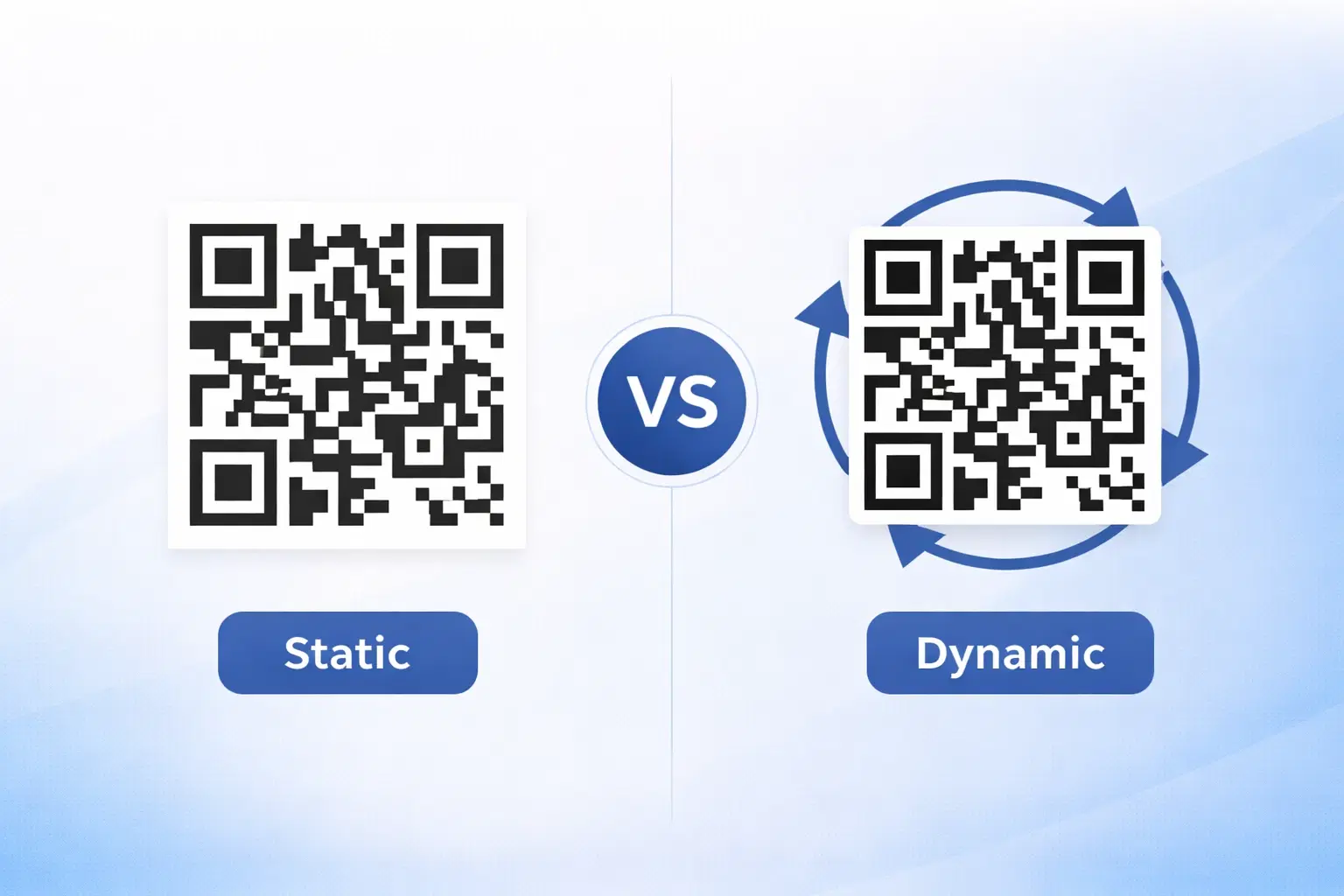
Dynamic vs Static QR Codes: Which One Should You Use? (Updated 2026)
The complete 2026 guide to dynamic vs static QR codes: when each type is right, the hidden costs of choosing wrong, and a decision framework you can apply in 60 seconds.
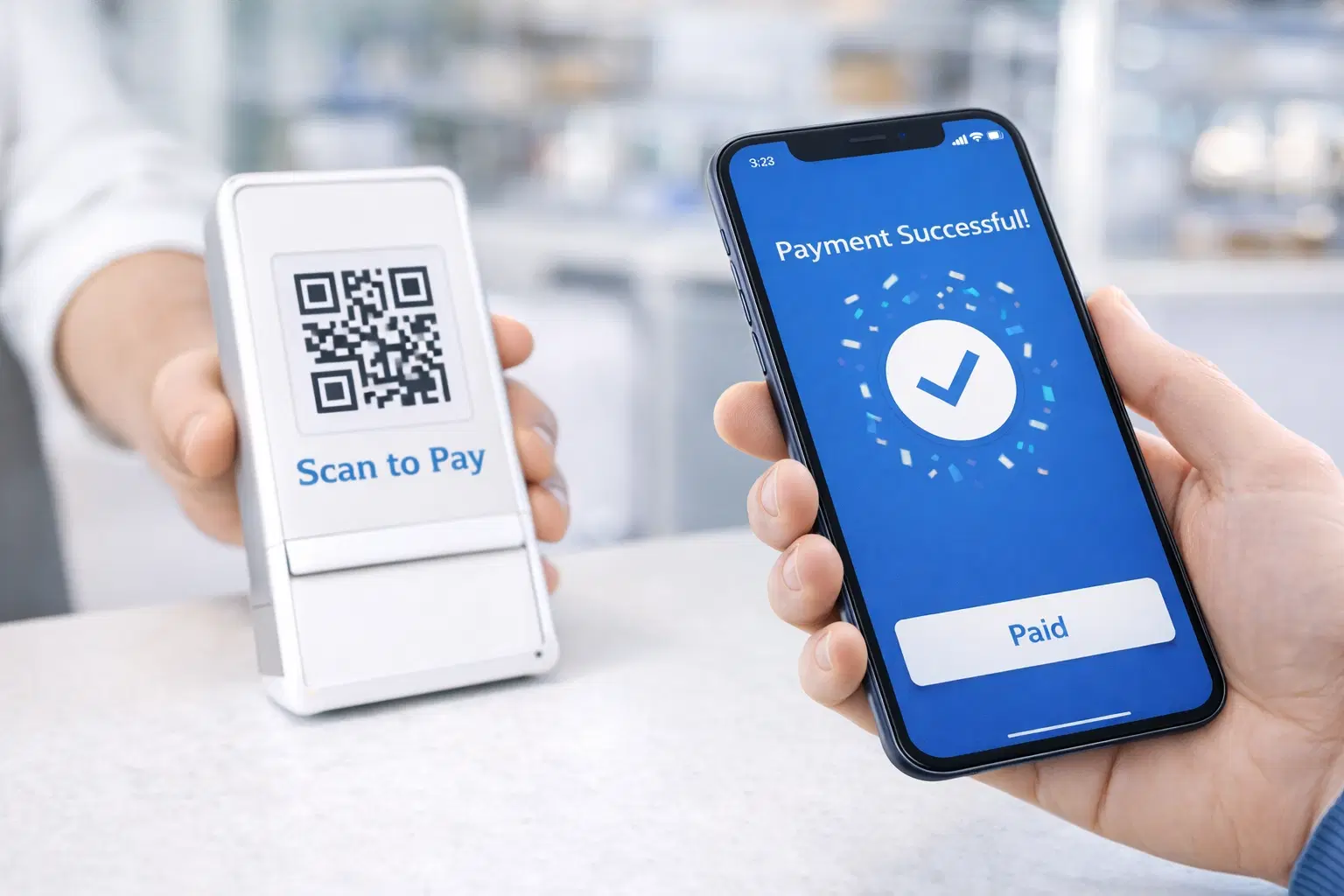
QR Code Payments Explained: How They Work and Why They Matter (Updated 2026)
QR code payments crossed record transaction volumes in 2025 and are now infrastructure, not novelty. Understand how they work: merchant-presented vs consumer-presented, UPI, security, and what it means for your business. Updated June 2026.
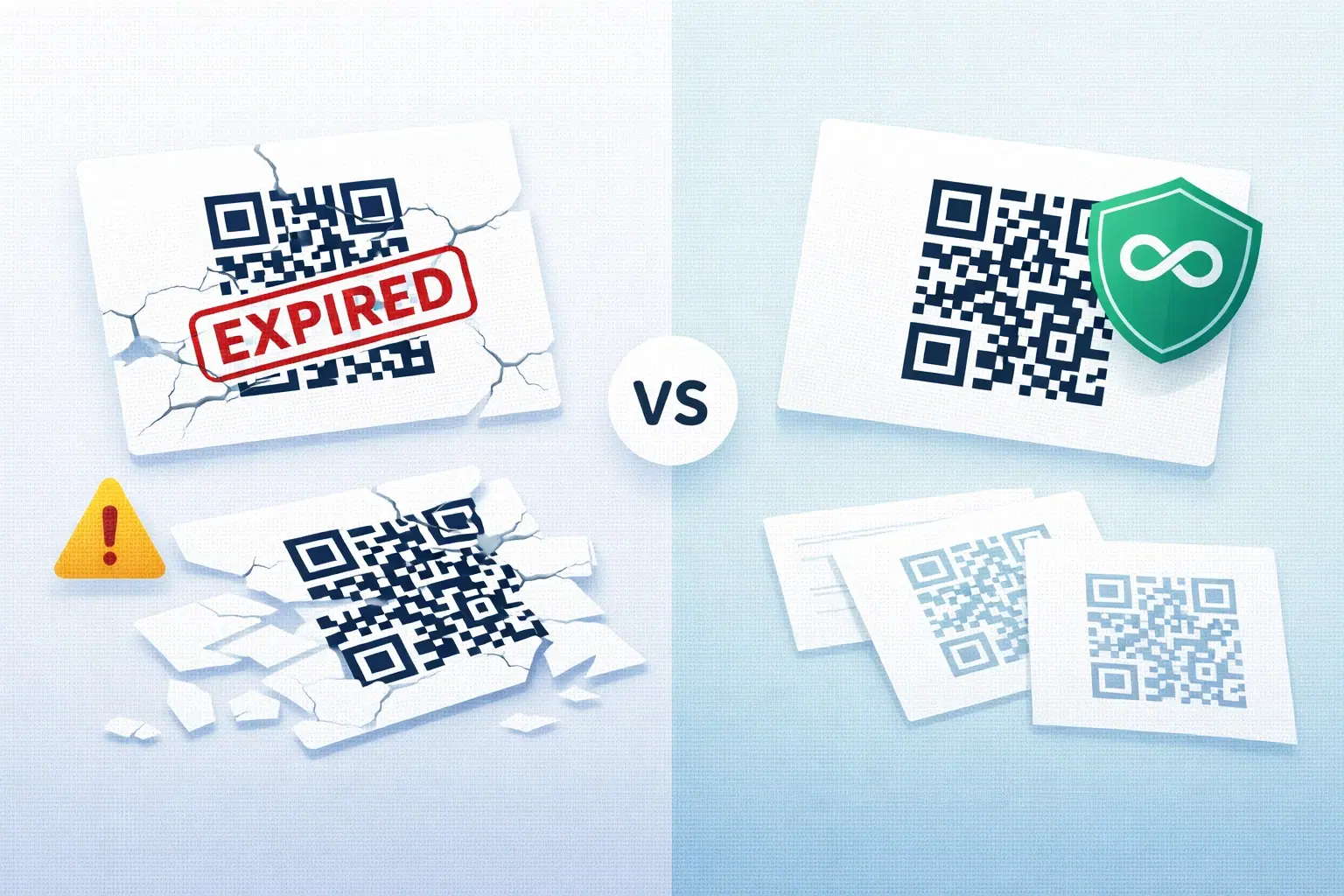
QR Codes That Never Expire: Why Most Free QR Codes Stop Working (Updated 2026)
Free QR codes often expire after 14–90 days, breaking printed materials and costing more in reprints than a paid plan ever would. Updated 2026 guide with platform expiry timelines and a step-by-step rescue plan.