QR Codes vs App Clips & Mobile Wallet: The No-App Options Compared (2026)
App Clips, mobile wallet passes, and QR codes all promise "no-app" access to digital experiences, but they work very differently. Here is how QR codes compare to App Clips and mobile wallet in 2026, and when to use each.

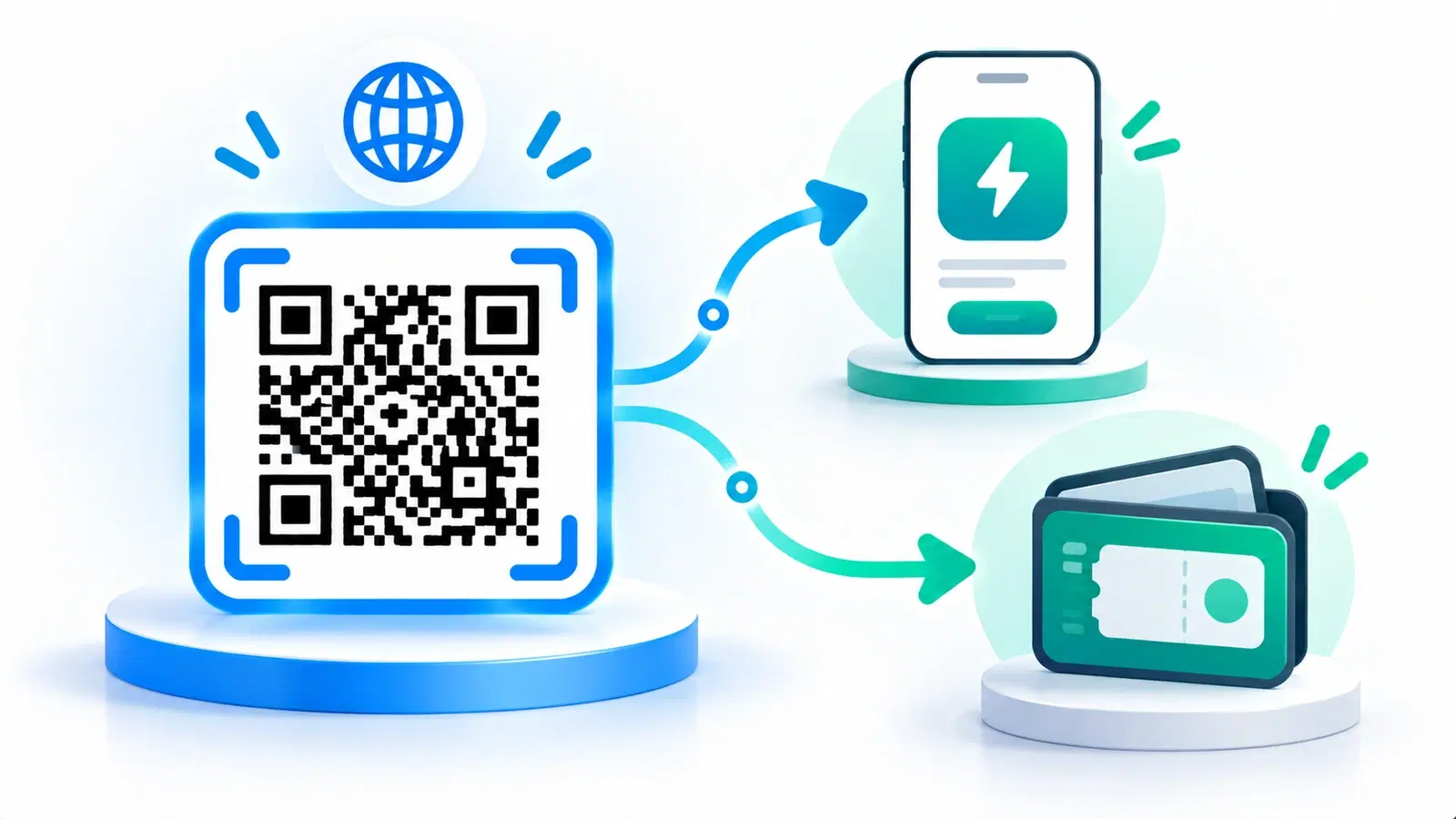
A wave of technologies now promises the same appealing thing: give people rich digital experiences without making them download an app. QR codes are the oldest and most universal of these. App Clips (Apple) and their Android equivalents offer lightweight app experiences launched on demand. Mobile wallet passes (Apple Wallet, Google Wallet) store tickets, cards, and passes for instant access. They all reduce app friction, but they work very differently, and they are not really substitutes for one another.
Understanding how they compare matters, because businesses increasingly face the choice: to bridge someone from the physical world to a digital experience, should you use a QR code, an App Clip, a wallet pass, or some combination? The right answer depends on what you are trying to do and how much reach versus richness you need.
This guide compares QR codes with App Clips and mobile wallet in 2026: how each works, their real strengths and limits (especially platform reach), and when to use each. Descriptions of platform features are general, confirm current specifics with the platform owners, since these evolve. The short version: QR codes are the universal bridge, and the others are richer but narrower tools that often work best alongside QR, not instead of it.
What Each One Actually Is
These technologies get lumped together as "no-app" options, but they do genuinely different things. Start by being clear on each.
QR codes: the universal bridge. A QR code is a scannable pattern that, when read by any phone's camera, opens a destination, almost always a web page. It works on essentially every modern phone, iOS and Android, with no app and no platform lock-in. It is the most universal, lowest-common-denominator way to get from a physical thing to a digital destination. See how QR codes work.
App Clips (and Android equivalents): lightweight app experiences. An App Clip is a small, fast-loading piece of an app that launches on demand without installing the full app, letting someone do a specific task (order, pay, rent, register) in a near-native experience, then optionally install the full app later. Android has offered comparable "instant" app experiences. These are richer and more app-like than a web page, but they are platform-specific and require the business to build the app experience.
Mobile wallet passes (Apple Wallet, Google Wallet): stored passes. Wallet passes are digital items, tickets, boarding passes, loyalty cards, coupons, stored in the phone's wallet for instant, offline-ish access, often surfacing at the right time or place. They are excellent for things people need to hold and present repeatedly, but they are for storing and presenting passes, not for general browsing or arbitrary experiences.
The key distinction:
- QR codes get people to a destination (universally).
- App Clips deliver a rich, near-native task experience (on supported platforms).
- Wallet passes store and present a specific item (a ticket, card, or coupon).
They overlap at the edges (a QR code can trigger an App Clip or add a wallet pass), but their core jobs differ, which is exactly why the choice depends on the job.
Reach vs Richness: The Core Tradeoff
The central way to compare these options is reach versus richness, and it is where QR codes' universality really shows.
QR codes: maximum reach, web-level richness. QR codes work for essentially everyone, any modern phone, any platform, no app, no setup. That universal reach is their superpower. The tradeoff is that they open a web experience, which is rich and flexible but not as deeply integrated or app-native as an App Clip. For most purposes, a great mobile web page is more than enough; for a few, native richness matters.
App Clips: high richness, limited reach. App Clips deliver a more native, capable, integrated experience than a web page, useful for complex tasks or when you want app-level features. But they are platform-specific (an Apple technology, with separate Android equivalents), require building the app experience, and reach only users on supported devices who go through the intended flow. High richness, narrower reach, more effort.
Wallet passes: perfect for their niche, narrow in scope. For storing and presenting a ticket, pass, or card, wallet is excellent, instant, reliable, and it resurfaces at the right moment. But it only does that specific job; it is not a way to deliver a general experience. Perfect within its niche, inapplicable outside it.
The tradeoff summarized:
- Need to reach the most people with the least friction and setup? QR code.
- Need a rich, near-native task experience and can accept platform limits and build effort? App Clip (plus Android equivalent).
- Need people to store and present a ticket, pass, or card? Wallet pass.
Why reach usually wins for the entry point: Because a QR code reaches essentially everyone with no app and no platform dependency, it is almost always the right choice for the initial physical-to-digital bridge, the thing you print on the poster, package, or table. The richer options are better as the experience behind or alongside that bridge, not as the universal entry point itself.
- QR codes: maximum reach (any phone, no app), web-level richness
- App Clips: high, near-native richness, but platform-limited and build-heavy
- Wallet passes: perfect for storing/presenting a ticket or card, narrow scope
- For the universal entry point, reach usually wins → QR code
- The richer options work best behind or alongside a QR code, not instead of it
They Work Best Together
The most important insight is that these are not really rivals; they combine, and QR codes are frequently the connective tissue.
QR codes can launch the others. A QR code can be the trigger that opens an App Clip or adds a wallet pass. Scan a code, and on a supported device it can launch the App Clip experience; scan another, and it adds the ticket to your wallet. In these flows, the QR code is the universal, printable entry point, and the App Clip or wallet pass is the richer experience it leads to. This is often the best of both worlds: universal reach at the point of contact, richness on the other side.
A sensible layered approach:
- Use a QR code as the physical entry point on posters, packaging, tables, and signage, because it reaches everyone.
- Behind it, deliver the right experience: a great mobile web page for most cases; an App Clip where a rich native task genuinely helps and your audience supports it; a wallet pass when the outcome is a ticket or card to keep.
- Fall back gracefully. Because App Clips are platform-limited, a QR-first approach with a solid web experience ensures everyone gets something good, even users the App Clip cannot reach.
Why QR-first is the safe architecture: Building your entry point on the universal technology (QR) and layering richer experiences behind it means you never exclude anyone. Building only on a platform-specific technology risks leaving out large parts of your audience. So even when you use App Clips or wallet passes, a QR code is usually the smart front door. See how the destination matters in landing page best practices.
The practical recommendation: Lead with QR codes for reach and simplicity. Add App Clips where a rich, native experience clearly justifies the platform limits and build effort. Use wallet passes whenever the deliverable is a ticket, pass, or card people will present repeatedly. Combined thoughtfully, with QR as the universal entry point, you get broad reach and rich experiences without forcing an either/or.
Pro Tip
When in doubt, lead with a QR code and layer the richer options behind it. Because QR codes reach essentially every phone with no app, a QR-first entry point never excludes anyone, while still letting you launch an App Clip or add a wallet pass for users and cases where that richer experience helps. Build on the universal layer; enrich selectively.
Choosing the Right Tool
Here is a practical way to decide which no-app option fits a given situation.
Choose a QR code when:
- You need to reach the most people with the least friction, across all phones and platforms.
- The experience you are delivering works well as a mobile web page (which is most experiences).
- You are printing a physical entry point (poster, packaging, signage, table) and want universal access.
- You want something simple, fast to deploy, trackable, and editable. See dynamic vs static.
Choose an App Clip (plus Android equivalent) when:
- The task genuinely benefits from a rich, near-native experience beyond what a web page offers.
- Your audience is concentrated on supported platforms, and you can build and maintain the app experience.
- You are willing to trade some reach for depth (ideally with a QR/web fallback for everyone else).
Choose a wallet pass when:
- The deliverable is a ticket, boarding pass, loyalty card, membership, or coupon people will store and present.
- You want it to resurface at the right time or place and work reliably on the go.
- Note you can deliver wallet passes via a QR code or link, so this often combines with QR rather than replacing it.
Choose a combination when (often):
- You want universal reach and rich experiences, use a QR code as the entry point, with an App Clip or wallet pass as the richer layer behind it for those it fits.
The bottom line: QR codes, App Clips, and wallet passes all reduce app friction, but they are not interchangeable. QR codes win on universal reach and simplicity and are almost always the right physical entry point. App Clips add native richness at the cost of reach and effort. Wallet passes own the specific job of storing and presenting passes. Match the tool to the job, lead with QR for reach, and layer the richer options where they genuinely help, and you deliver frictionless, no-app experiences to the widest possible audience.
Conclusion
App Clips, mobile wallet passes, and QR codes all promise no-app access, but they do genuinely different jobs, so they are complements more than competitors. QR codes are the universal bridge: they reach essentially every phone with no app and no platform lock-in, opening a flexible mobile web experience. App Clips deliver richer, near-native task experiences but are platform-limited and require real build effort. Wallet passes are excellent for storing and presenting a ticket, card, or coupon, but only for that specific job.
The core tradeoff is reach versus richness, and for the physical entry point, the thing you print and put in front of people, reach usually wins, which is why a QR code is almost always the right front door. The richer options shine behind or alongside it: a QR code can launch an App Clip or add a wallet pass, giving you universal reach at the point of contact and richness on the other side.
So lead with QR codes for reach and simplicity, add App Clips where a native experience clearly justifies the limits and effort, and use wallet passes whenever the deliverable is a pass to keep. Build on the universal layer and enrich selectively, and you deliver frictionless, no-app experiences to the widest possible audience, without a needless either/or.
Related reading:
Create universal QR codes with QRForever. Start a 7-day full-access trial, no credit card needed. The no-app entry point that reaches every phone, dynamic, permanent, and trackable.
Explore QRForever Solutions
Ready to Create Your Own QR Codes?
Start creating dynamic QR codes for your business today. Track analytics, update content anytime, and never reprint again.
Related Articles
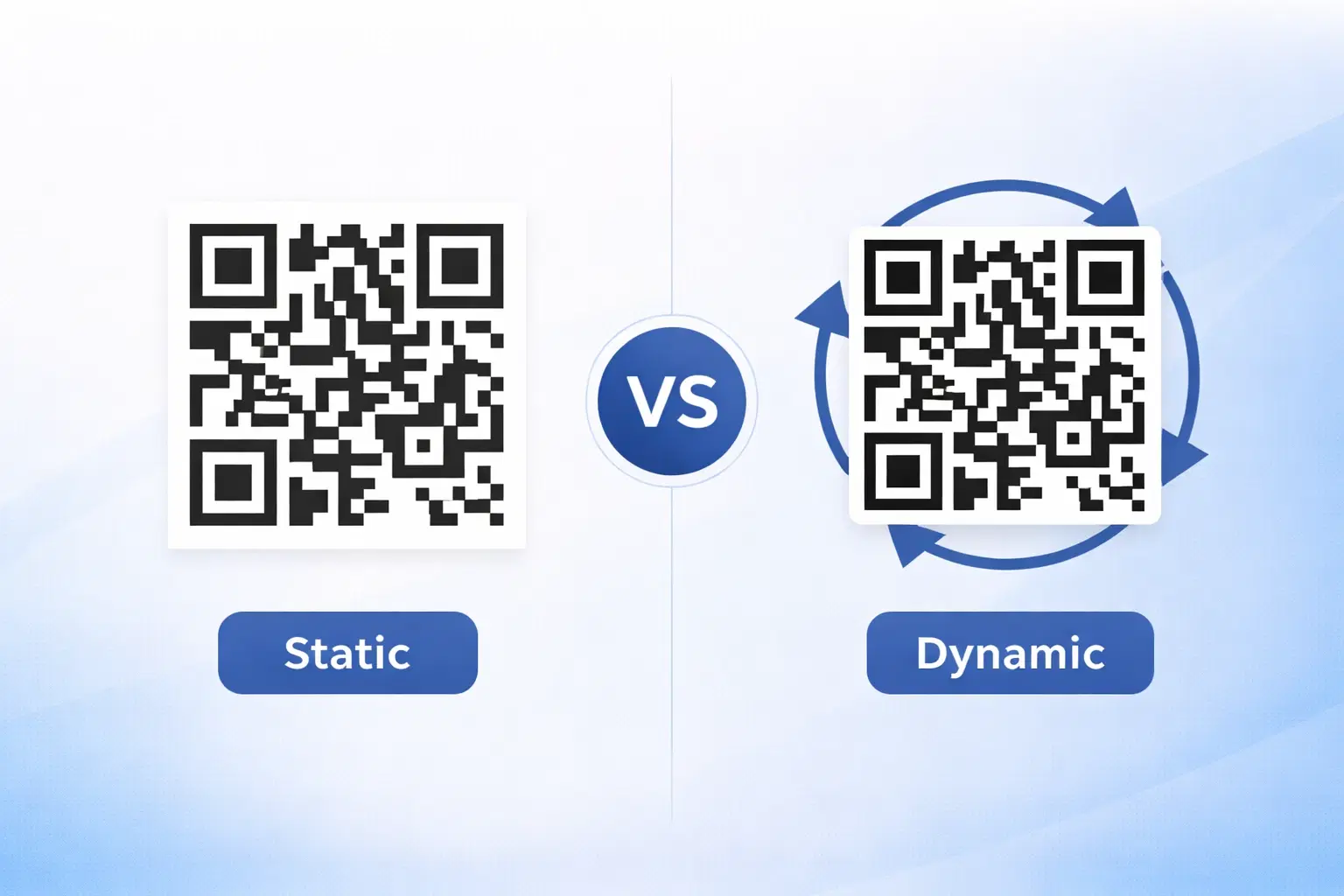
Dynamic vs Static QR Codes: Which One Should You Use? (Updated 2026)
The complete 2026 guide to dynamic vs static QR codes: when each type is right, the hidden costs of choosing wrong, and a decision framework you can apply in 60 seconds.
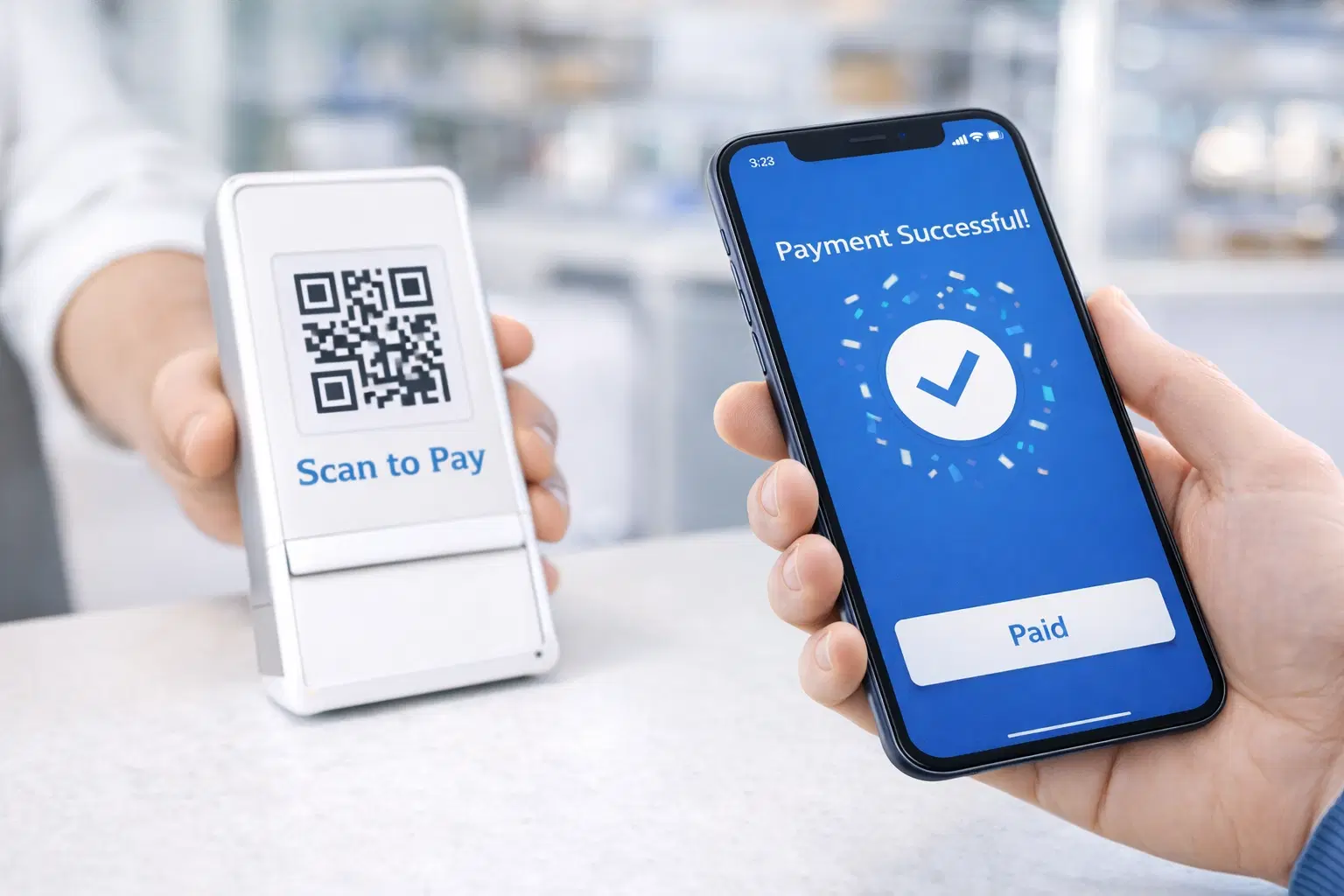
QR Code Payments Explained: How They Work and Why They Matter (Updated 2026)
QR code payments crossed record transaction volumes in 2025 and are now infrastructure, not novelty. Understand how they work: merchant-presented vs consumer-presented, UPI, security, and what it means for your business. Updated June 2026.
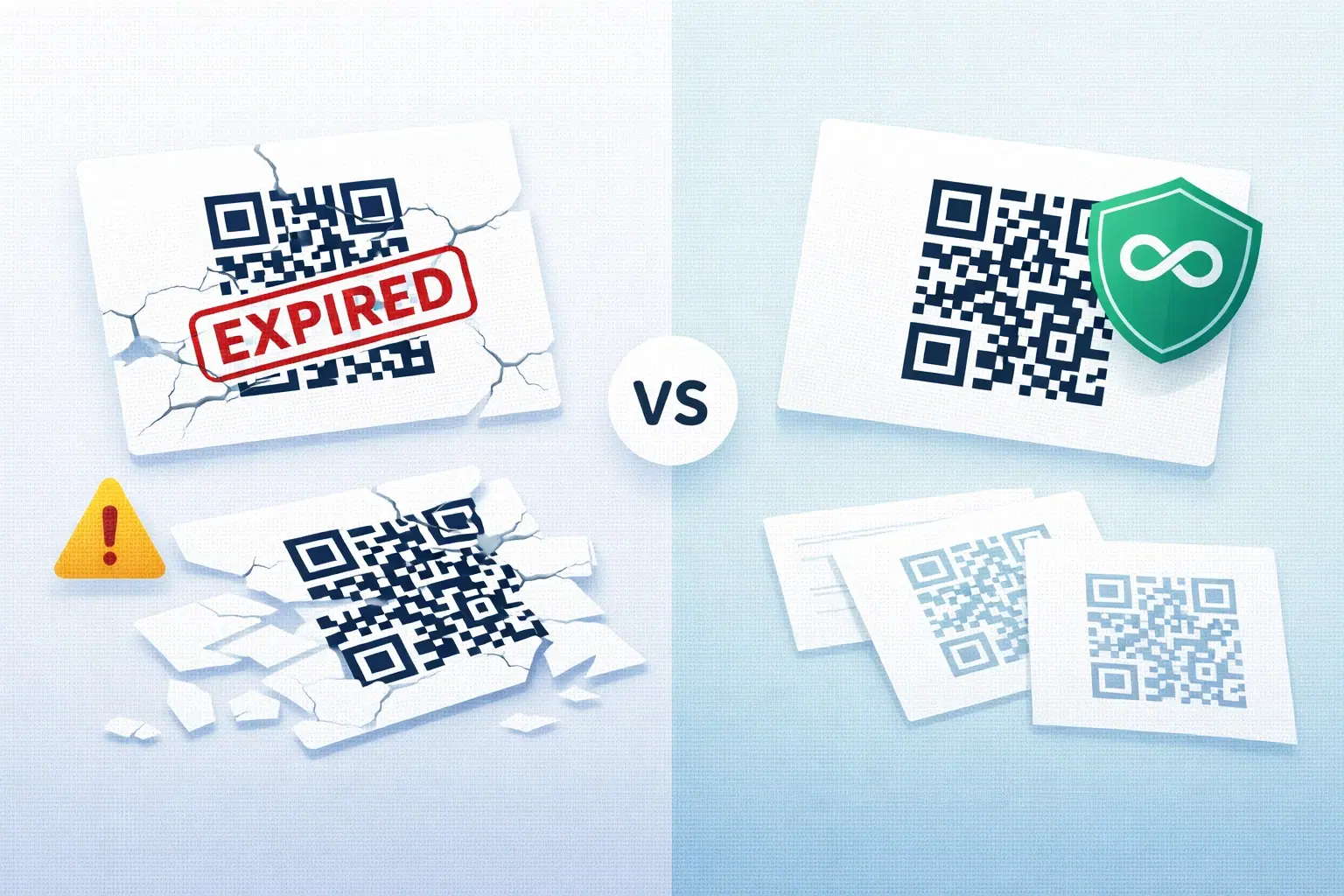
QR Codes That Never Expire: Why Most Free QR Codes Stop Working (Updated 2026)
Free QR codes often expire after 14–90 days, breaking printed materials and costing more in reprints than a paid plan ever would. Updated 2026 guide with platform expiry timelines and a step-by-step rescue plan.