QR Code vs Barcode: When to Use Each in 2026 (Visual Guide)
QR codes and barcodes look similar in purpose but work very differently. One holds a little, scans in one direction, and suits retail; the other holds much more and links to the web. Here is a clear guide to when to use each in 2026.

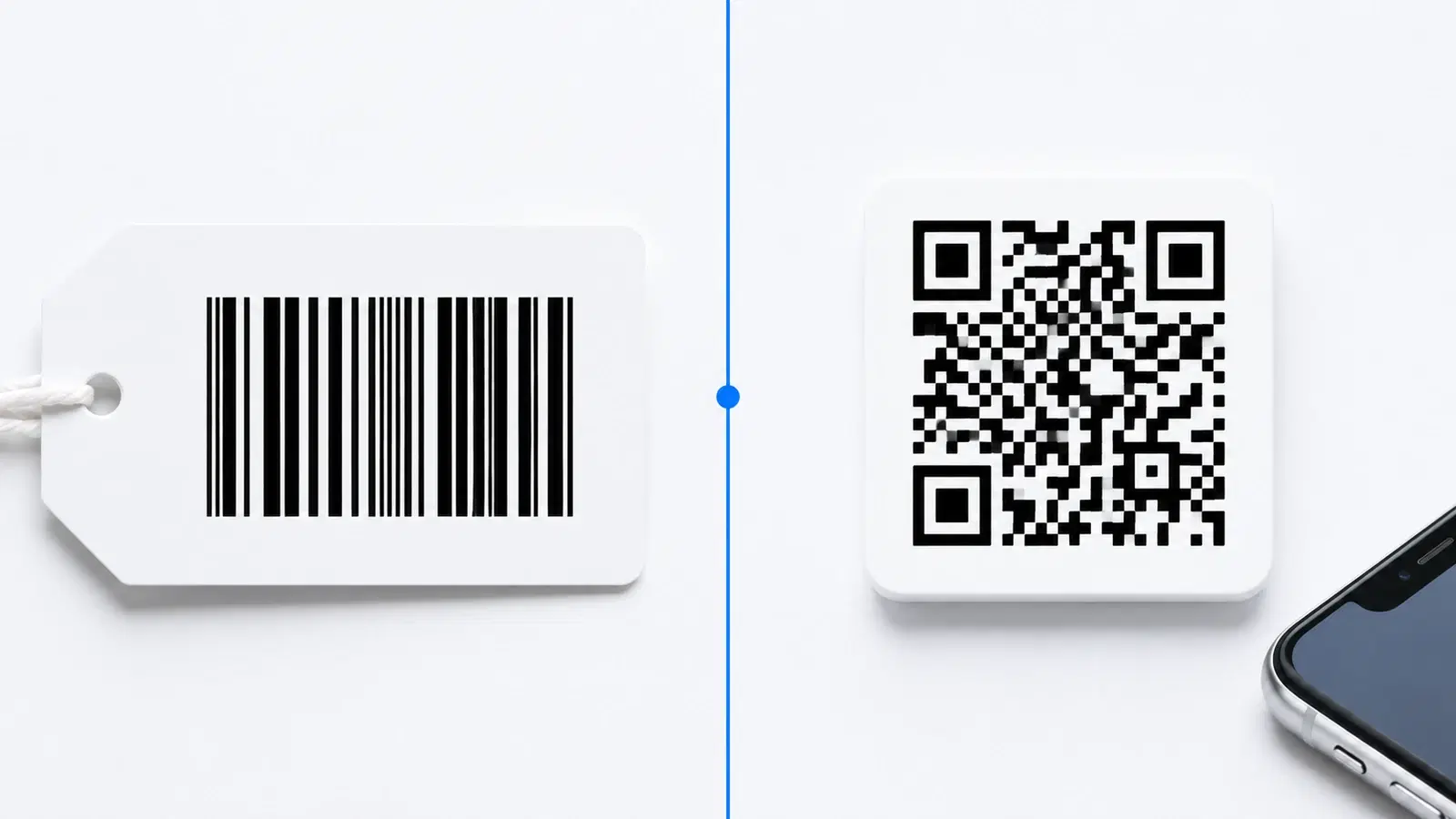
Barcodes and QR codes are both machine-readable patterns that a scanner turns into information. They look related, and people often use the words interchangeably. But they are genuinely different technologies, suited to different jobs, and choosing the wrong one for your use case leads to frustration.
The short version: a traditional barcode is a one-dimensional pattern of vertical lines that holds a small amount of data, is read in a single direction, and is perfect for retail product identification. A QR code is a two-dimensional pattern that holds far more data, can be read from any angle, and is built to link people to digital content.
This guide explains how the two technologies actually differ, walks through the strengths of each, and gives you a clear framework for when to use a barcode, when to use a QR code, and when to use both.
The Core Difference: 1D vs 2D
The fundamental difference between a barcode and a QR code is dimensionality: barcodes are one-dimensional, QR codes are two-dimensional.
Traditional barcode (1D): A standard barcode is a series of parallel vertical lines of varying widths. It stores data in one direction only, horizontally, across the width of the lines. Because it only uses one dimension, it holds a limited amount of data, typically around 20 to 25 characters. The common retail barcode (UPC or EAN) encodes just a product number.
QR code (2D): A QR code stores data in two dimensions, both horizontally and vertically, using a grid of small squares (modules). By using both dimensions, it holds vastly more data in a compact space, up to thousands of characters. This is why QR codes can store URLs, contact cards, and more, while a barcode can only store a short number.
A helpful mental model:
- A barcode is like a single line of text read left to right
- A QR code is like a small paragraph arranged in a grid, read in both directions at once
Why this matters: The 1D versus 2D difference drives everything else: how much data each holds, how they are scanned, and what they are good for. A barcode's simplicity is perfect for its job (identifying a product), while a QR code's density is perfect for its job (linking to digital content).
Head-to-Head Comparison
Here is how barcodes and QR codes compare across the factors that matter:
Data capacity:
- Barcode: small, roughly 20 to 25 characters (usually just a product number)
- QR code: large, up to thousands of characters (URLs, text, contact info, and more)
Scanning direction:
- Barcode: must be read horizontally, in the correct orientation, usually with a laser scanner
- QR code: read from any angle, 360 degrees, by any smartphone camera
Scanner needed:
- Barcode: typically a dedicated laser barcode scanner (though phone apps exist)
- QR code: any modern smartphone camera, no special equipment
Error resilience:
- Barcode: little to no error correction, a damaged barcode often fails
- QR code: built-in error correction, survives significant damage (see our error correction guide)
Data type:
- Barcode: numbers (and limited characters), usually references a database entry
- QR code: URLs, text, contacts, WiFi, payments, almost anything
Typical use:
- Barcode: retail checkout, inventory, product identification
- QR code: linking to websites, menus, payments, marketing, information sharing
Consumer interaction:
- Barcode: scanned by staff or systems, not usually by consumers
- QR code: scanned by consumers with their own phones
The summary: Barcodes excel at fast, reliable identification of items in a controlled system (like a store's inventory). QR codes excel at connecting people to digital content and experiences. They are complementary, not competing.
- Capacity: barcode ~20 chars vs QR code thousands
- Scanning: barcode one direction vs QR code any angle
- Equipment: barcode needs a scanner vs QR code any phone camera
- Resilience: barcode fragile vs QR code error-corrected
- Use: barcode for product ID vs QR code for digital links
When to Use a Barcode
Despite QR codes' versatility, barcodes remain the right choice for many jobs. Use a barcode when:
Retail product identification: The classic use. Barcodes (UPC, EAN) on products link to a store's inventory and pricing database. They are fast, universally supported by retail scanners, and standardized worldwide. There is no reason to change this.
Inventory and warehouse management: Barcodes on items, shelves, and locations enable fast, reliable tracking with dedicated scanners. The speed and simplicity of 1D barcodes suit high-volume, repetitive scanning by trained staff.
Point-of-sale checkout: Retail checkout systems are built around barcode scanning. It is fast, accurate, and staff are trained on it.
When you only need to identify, not inform: If all you need is to reference a product number or database entry, a barcode is simpler and sufficient. You do not need a QR code's capacity for a job that only requires a short identifier.
Where laser scanners are standard: In environments already equipped with laser barcode scanners (retail, logistics), barcodes fit the existing infrastructure perfectly.
The key insight: Barcodes are optimized for one job: fast, reliable identification within a controlled system. For that job, they are excellent and QR codes offer no advantage. Do not replace a working retail barcode with a QR code just because QR codes are newer. Use the right tool.
For consumer-facing information, though, barcodes fall short, which is where QR codes take over.
When to Use a QR Code
QR codes are the right choice whenever you need to connect people to digital content or store more than a simple identifier. Use a QR code when:
Linking to a website or digital content: The core QR code strength. A menu, a landing page, a video, a form, a social profile. A barcode cannot do this; a QR code is built for it.
Consumer-facing interactions: When you want customers to scan with their own phones (no special equipment), QR codes are the only real option. Menus, reviews, payments, sign-ups.
Storing more than a product number: Contact cards (vCard), WiFi credentials, event details, payment information. QR codes hold all of this; barcodes cannot.
Marketing and engagement: Driving people from physical materials (posters, packaging, ads) to digital experiences. QR codes bridge physical and digital; barcodes do not.
When you need the code to be updatable: Dynamic QR codes let you change where the code points after printing. Barcodes are fixed references. See how to edit a QR code after printing.
When scanning conditions are uncontrolled: QR codes scan from any angle, survive damage via error correction, and work with any phone camera. For codes out in the world facing varied conditions, this resilience matters.
When you want analytics: Dynamic QR codes track scans (how many, where, when). Barcodes offer no such data in consumer contexts. See how to track QR code scans.
In short: whenever the goal is to inform, engage, or connect people to something digital, use a QR code.
Important
Do not try to store a website URL or rich content in a traditional 1D barcode. It cannot hold it. And do not replace functional retail barcodes with QR codes just for novelty; retail checkout infrastructure is built for barcodes. Match the technology to the job rather than defaulting to whichever seems more modern.
When to Use Both Together
Barcodes and QR codes are not mutually exclusive. Many products and systems use both, each for what it does best.
Product packaging is the classic example:
- A barcode (UPC/EAN) for retail checkout and inventory, read by store scanners
- A QR code for the consumer, linking to product information, how-to videos, registration, or marketing
The barcode handles the transaction; the QR code handles the relationship with the customer. They serve completely different audiences (store systems versus consumers) and coexist happily on the same package. See our product packaging QR guide.
Other dual-use scenarios:
- Shipping and logistics: barcodes for automated sorting and tracking, QR codes for delivery confirmation or customer information
- Events: barcodes on tickets for fast gate scanning by systems, QR codes for attendee-facing content and networking
- Retail displays: barcodes on the product, QR codes on the shelf talker linking to reviews or details
The guiding principle: Use a barcode for machine-to-system identification (fast, standardized, scanned by equipment). Use a QR code for human-to-digital connection (rich, flexible, scanned by phones). When a product or process involves both audiences, use both codes, each doing its own job.
This is not a competition where one technology wins. Barcodes have been reliably identifying products for decades and will continue to. QR codes connect people to the digital world in ways barcodes never could. The smart approach is knowing which does which, and using each where it shines.
Conclusion
Barcodes and QR codes are related but genuinely different tools. A barcode is a one-dimensional pattern that holds a small identifier, scans in one direction with dedicated equipment, and is unbeatable for retail product identification and inventory. A QR code is a two-dimensional pattern that holds thousands of characters, scans from any angle with any phone, survives damage, and is built to connect people to digital content.
The framework is simple. Use a barcode when you need fast, reliable identification within a controlled system: retail checkout, inventory, product numbers. Use a QR code when you need to connect people to something digital: websites, menus, payments, marketing, contact info. And when a product or process serves both machines and people, use both, each doing the job it was designed for.
Neither is better in the abstract. Each is better for its purpose. Knowing the difference lets you choose confidently.
Related reading:
Create a QR code for your products or marketing with QRForever. Start a 7-day full-access trial, no credit card needed. Use QR codes to connect customers to digital content that a barcode never could.
Explore QRForever Solutions
Ready to Create Your Own QR Codes?
Start creating dynamic QR codes for your business today. Track analytics, update content anytime, and never reprint again.
Related Articles
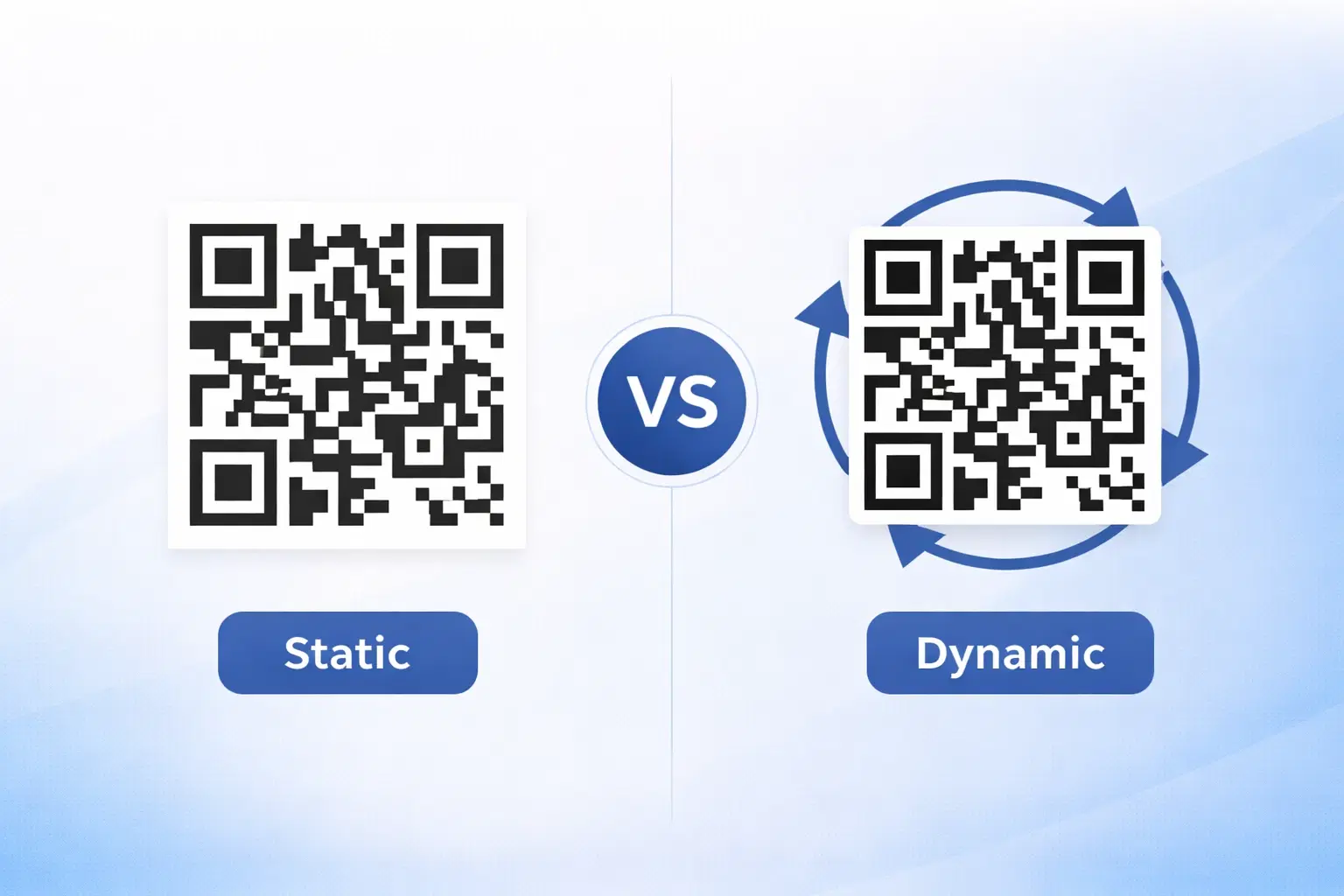
Dynamic vs Static QR Codes: Which One Should You Use? (Updated 2026)
The complete 2026 guide to dynamic vs static QR codes: when each type is right, the hidden costs of choosing wrong, and a decision framework you can apply in 60 seconds.
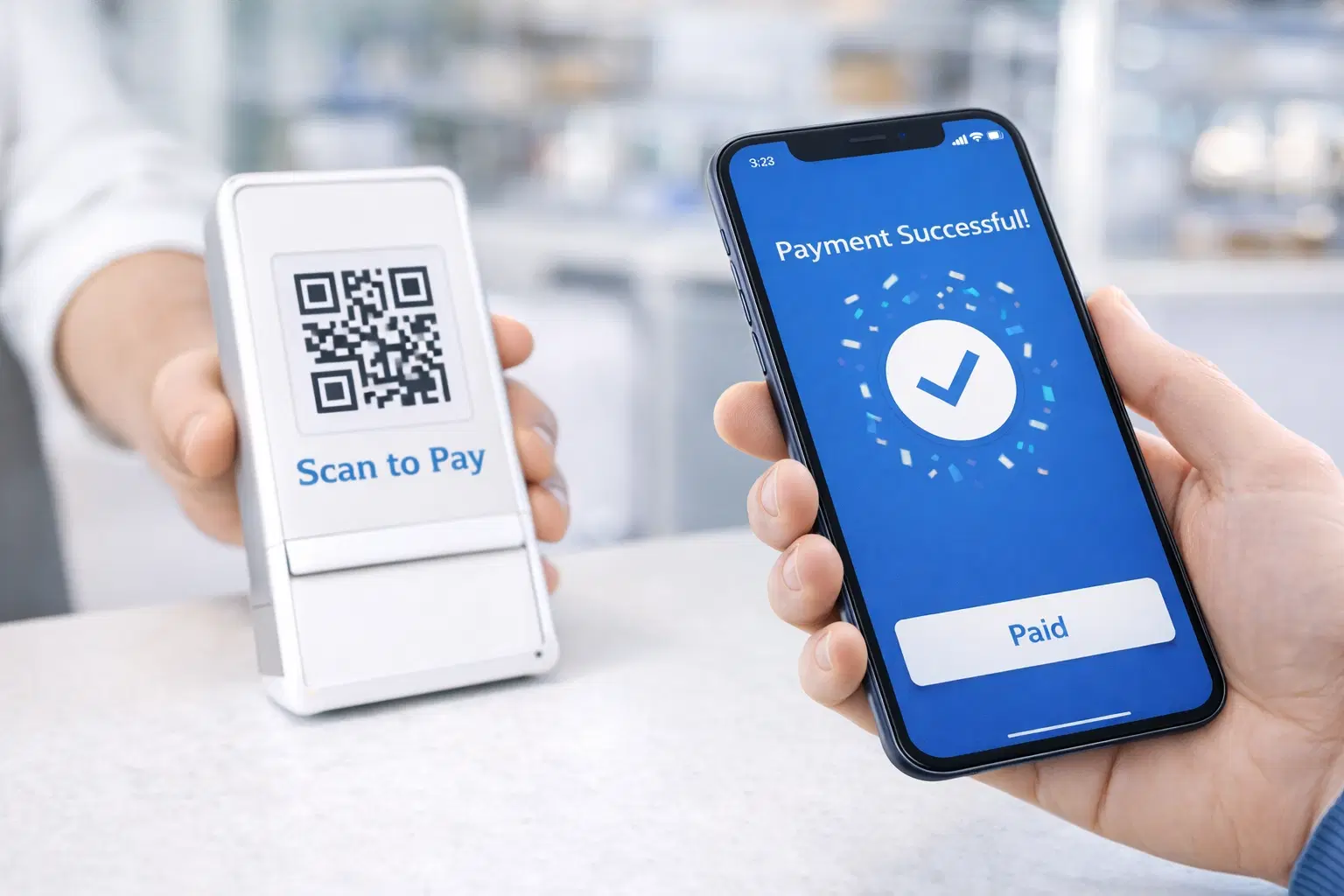
QR Code Payments Explained: How They Work and Why They Matter (Updated 2026)
QR code payments crossed record transaction volumes in 2025 and are now infrastructure, not novelty. Understand how they work: merchant-presented vs consumer-presented, UPI, security, and what it means for your business. Updated June 2026.
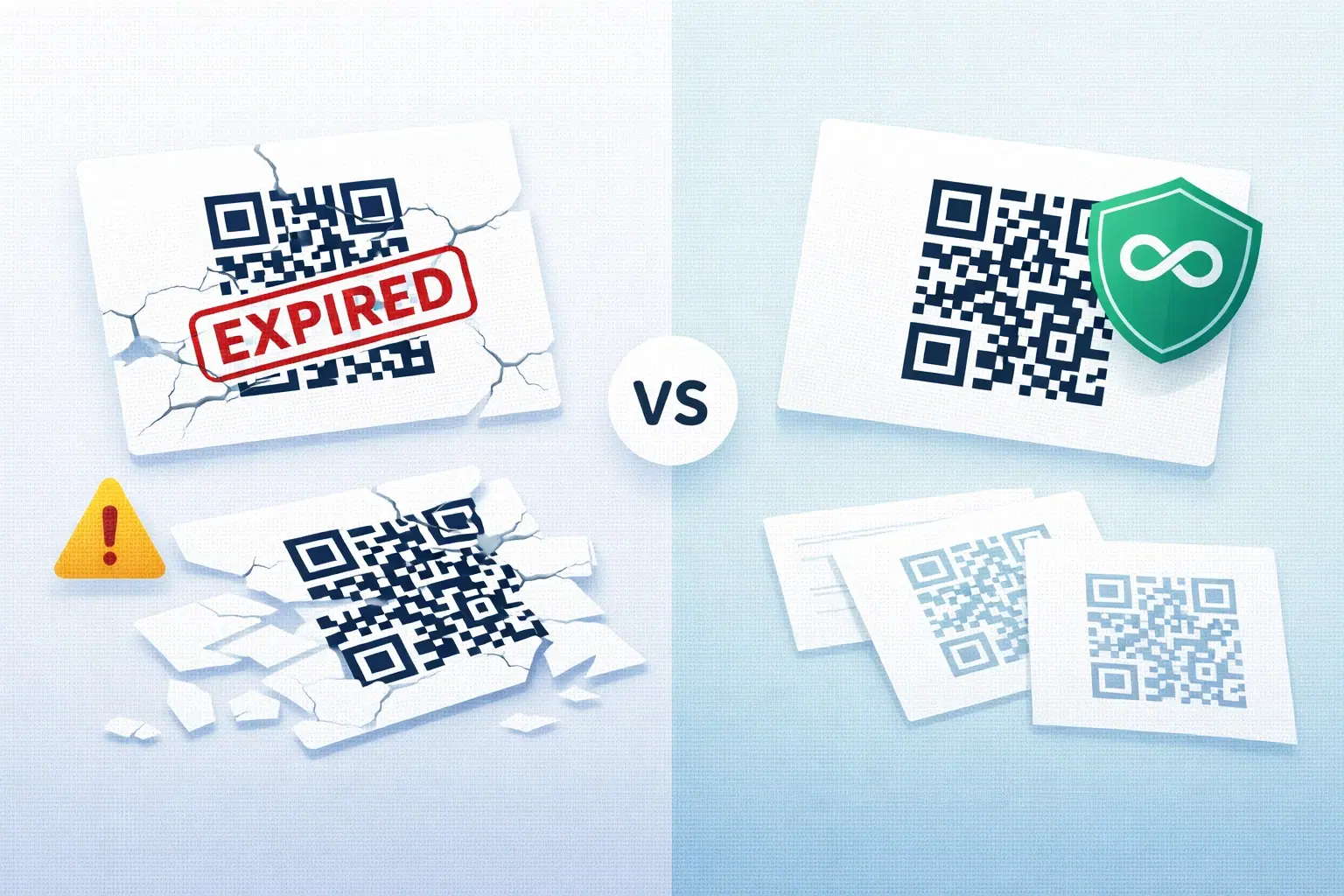
QR Codes That Never Expire: Why Most Free QR Codes Stop Working (Updated 2026)
Free QR codes often expire after 14–90 days, breaking printed materials and costing more in reprints than a paid plan ever would. Updated 2026 guide with platform expiry timelines and a step-by-step rescue plan.