QR Codes for Food Trucks & Pop-Ups: Menus, Reviews & Loyalty (2026)
Food trucks and pop-ups move locations, change menus daily, and have no time for friction at the window. QR codes handle menus, ordering, reviews, and loyalty without printing new materials every time you relocate. Here's the 2026 playbook.

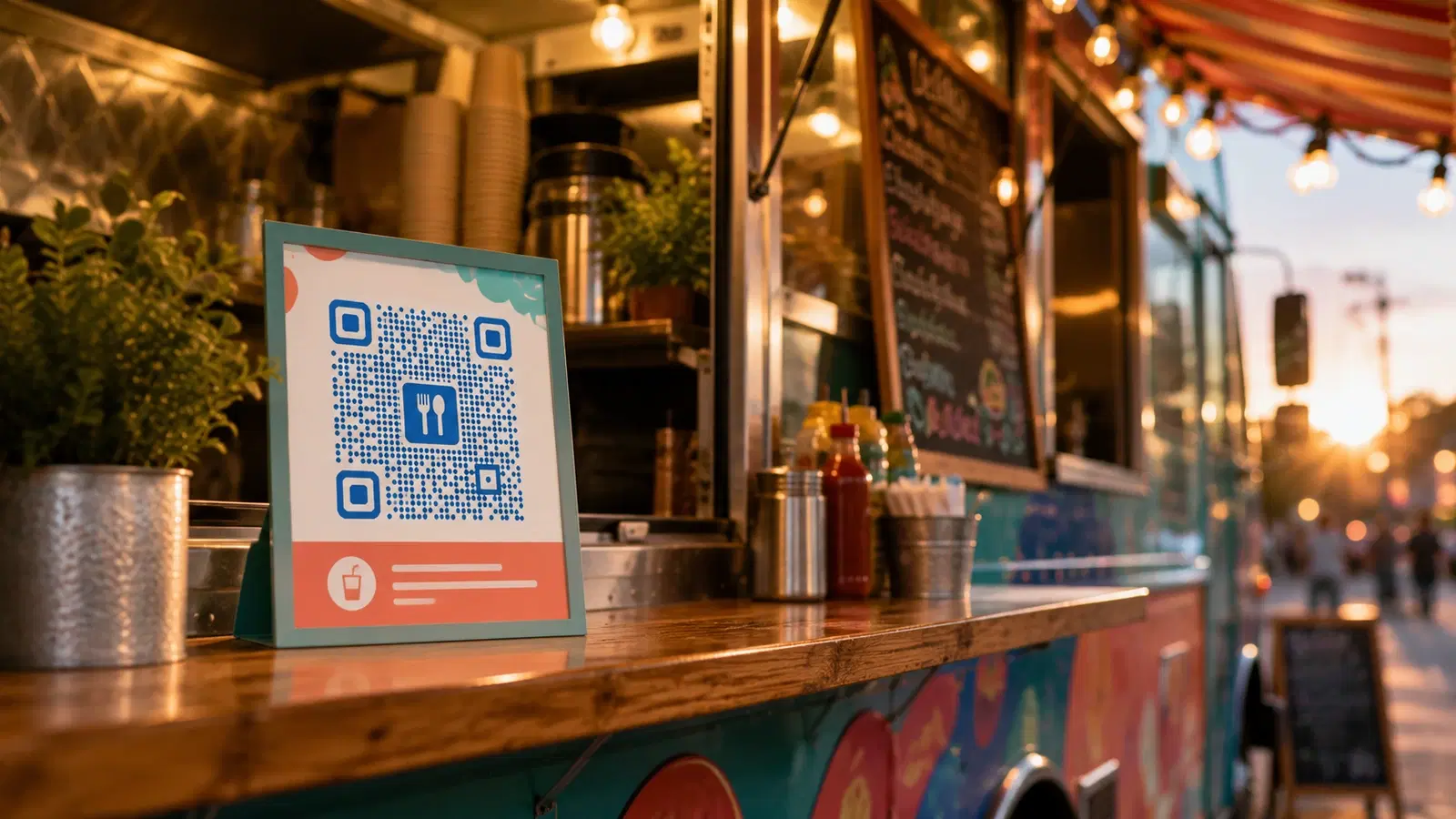
Food trucks and pop-ups operate under constraints that make QR codes almost purpose-built for them: they change location constantly, update menus based on what's available, work in tight spaces with no room for printed menu boards, and live or die on speed at the service window.
A QR code is the one marketing and operations tool that travels with the truck, updates instantly when the menu changes, and works the same whether you're at a festival, a brewery lot, or a street corner.
This guide covers the QR code use cases that actually matter for mobile food vendors: digital menus, mobile ordering, reviews, loyalty, and location updates: all built around the reality of a business that's never in the same place twice.
Use Case 1: The Digital Menu QR Code
Food trucks have a fundamental menu problem: limited physical space for a menu board, and menus that change based on ingredient availability, location, and time of day.
The QR code solution:
A QR code displayed on the truck's service window links to a digital menu that you control and update from your phone.
Why this is better than a printed menu board for food trucks specifically:
- Instant updates: Sold out of the special? Update the digital menu in 10 seconds: no crossing items off with tape
- No reprinting when the menu evolves: Seasonal items, new dishes, price changes all update digitally
- More detail than a board fits: Full descriptions, allergens, photos, dietary tags. Things that don't fit on a cramped truck menu board
- Readable in any light: Customers read on their own bright phone screen, not squinting at a board in glare or dim evening light
Setup: 1. Build a mobile-friendly digital menu (a simple hosted page, your POS's online menu, or a menu platform) 2. Create a dynamic QR code pointing to it 3. Display the QR code prominently on the service window with "📱 Scan for Menu"
Critical for food trucks. Use a dynamic code: You'll update this menu constantly. A static QR code would lock you to one menu version. A dynamic code means the same window sticker works through every menu change, every season, every new dish. See how to edit a QR code after printing.
Pro tip, two-tier display: Show your 4-5 bestsellers on a small physical board (fast decisions for the queue) AND a QR code for the full menu (for customers who want detail). Best of both: speed for the decisive, depth for the browsers.
Pro Tip
Display your QR code at the BACK of the queue, not just at the window. People waiting in line can browse the menu and decide before they reach you: dramatically speeding up the actual ordering and increasing throughput during rushes.
Use Case 2: Mobile Ordering & Pre-Ordering
For food trucks, the queue is the constraint. Every minute a customer spends deciding and ordering at the window is throughput lost. QR-code ordering attacks this directly.
Setup options:
Option A. Order-ahead from the queue: A QR code links to a mobile ordering page. Customers in line order and pay on their phones, then collect at a pickup point. The window becomes pickup-only, dramatically increasing throughput.
Option B: Pre-order before arrival: For trucks with a known schedule, a QR code (on social media, flyers, the truck) links to pre-ordering. Customers order before they arrive and skip the line entirely.
Option C. Table-side at events: At festivals or markets with seating, a QR code on tables lets seated customers order without leaving their spot.
Why this matters for the economics of a food truck: A food truck's revenue ceiling during a rush is throughput. How many orders you can fulfill per hour. QR ordering removes the order-taking bottleneck at the window, letting you process more customers during your limited peak windows (lunch rush, festival hours).
The platforms: Many food truck POS systems (Square, Toast, etc.) offer mobile ordering. Link your dynamic QR code to your ordering page. As you switch or upgrade POS systems, update the QR destination, the window sticker stays.
For broader menu QR setup, see our restaurant menu QR guide.
Use Case 3: Reviews & Social Following
Food trucks live on two things online: reviews (credibility) and social media following (so people know where you'll be). QR codes drive both.
Google / Yelp reviews QR code: A QR code at the pickup window or on the receipt: "Loved it? Scan to leave a review ⭐". Food truck customers are often enthusiastic. They just need the easy path. See QR code for Google reviews.
Social media following QR code: This is uniquely important for food trucks. Your customers need to follow you to know where you'll be next. A QR code: "📍 Scan to follow us & never miss where we're parked" → your Instagram/social profile.
Why social following is mission-critical for mobile vendors: Unlike a fixed restaurant, your customers can't just "come back". They need to know your location. Every customer who follows you becomes a repeat customer who can find you. A QR code converting today's happy customer into a follower is one of the highest-value actions a food truck can take.
Setup: 1. Create a dynamic QR code for reviews (→ Google/Yelp) and one for social (→ Instagram or a link-in-bio page) 2. Display both at the pickup window 3. Or use a single multi-link QR code: "Scan to review us, follow us, or see our schedule"
The multi-link approach: A single QR code linking to a simple landing page with: "Leave a Review," "Follow on Instagram," "See Our Schedule," "Order Online." One QR code, multiple actions, customer self-selects. For social profile QR setup, see QR code for Instagram & social media.
Important
For reviews, link directly to your Google or Yelp review page, not a "choose your platform" page. The extra choice halves conversion. Pick your most important review platform and send customers straight there.
Use Case 4: Loyalty for Mobile Vendors
Loyalty is harder for food trucks than fixed restaurants. You can't rely on customers walking past daily. But QR-code loyalty is actually a strong fit because it ties loyalty to your social/digital presence.
The QR code loyalty approach:
A QR code at the window links to loyalty sign-up. Customers join, and you reward repeat visits, but more importantly, you capture contact info to tell them where you'll be.
What food truck loyalty should actually do: 1. Reward repeat visits (buy 9, get the 10th free), standard loyalty 2. Capture contact info, so you can notify them of your location and specials 3. Build a following: your loyalty list becomes your "we're at the brewery tonight!" broadcast list
Setup options:
- Digital loyalty platform: Square Loyalty, Fivestars, etc.. QR code links to enrollment
- SMS list: QR code links to a "text to join" or a sign-up form. Then SMS them your weekly location. This is gold for food trucks
- WhatsApp: QR code opens a WhatsApp chat to join a broadcast list. High open rates for location announcements
Why the contact capture matters more than the punch card: For a food truck, knowing where you'll be is the customer's biggest barrier to repeat business. A loyalty program that captures contact info and broadcasts your location turns one-time festival customers into regulars who seek you out. The free-coffee reward is secondary to the "we're parked downtown today" message. See WhatsApp Business QR setup.
- Loyalty QR captures contact info, not just punch-card visits
- Use the contact list to broadcast your daily/weekly location
- SMS or WhatsApp work better than email for "we're parked here today"
- Reward repeat visits AND drive social following simultaneously
- The location-broadcast value exceeds the free-item reward value
Use Case 5: Location & Schedule Updates
The defining challenge of a mobile food business: customers need to know where you'll be. QR codes that point to your live schedule solve this elegantly.
The "where are we" QR code:
A QR code (on the truck, on flyers, on packaging, in your social bio) links to a live schedule page showing where you'll be this week.
Setup: 1. Maintain a simple schedule page (a Linktree-style page, a Google Sites page, or a section of your website) 2. Update it weekly with your locations 3. Create ONE dynamic QR code pointing to it 4. Put this QR code everywhere: the truck, takeaway packaging, business cards, festival flyers
Why one dynamic QR code is perfect here: You update the schedule page content weekly, but the QR code never changes. Print it once on your packaging and flyers; it always shows the current week's locations. This is the textbook use case for dynamic QR codes, the destination evolves constantly, the code stays fixed.
Bonus: packaging as marketing: Every takeaway container, napkin, or bag with your "Scan for our schedule + follow us" QR code turns a single sale into ongoing marketing. The customer takes your QR code home, scans it next week, finds your location, comes back.
This closes the loop: a food truck's biggest growth lever is converting one-time customers into people who know where to find you, and a schedule QR code on packaging does exactly that.
For tracking which locations and materials drive scans, see how to track QR code scans without an app.
Conclusion
Food trucks and pop-ups are arguably the ideal QR code use case: a business that changes location and menu constantly, has no room for large printed materials, and depends entirely on customers being able to find them next time.
The QR codes that matter most: a digital menu (updates instantly, no reprinting), mobile ordering (removes the window bottleneck), reviews and social following (credibility + findability), loyalty that captures contact info, and a schedule QR code that turns packaging into marketing.
The unifying principle: use dynamic QR codes throughout, because everything about a food truck changes (location, menu, schedule, specials), except the QR code itself, which travels with you and always points to current information.
Related reading:
Create your food truck's QR codes with QRForever. Start a 7-day full-access trial, no credit card. Dynamic codes are editable anytime with full scan analytics, so the same code travels with you as your menu and location change. Start with your menu or your "where are we" schedule QR.
Explore QRForever Solutions
Ready to Create Your Own QR Codes?
Start creating dynamic QR codes for your business today. Track analytics, update content anytime, and never reprint again.
Related Articles
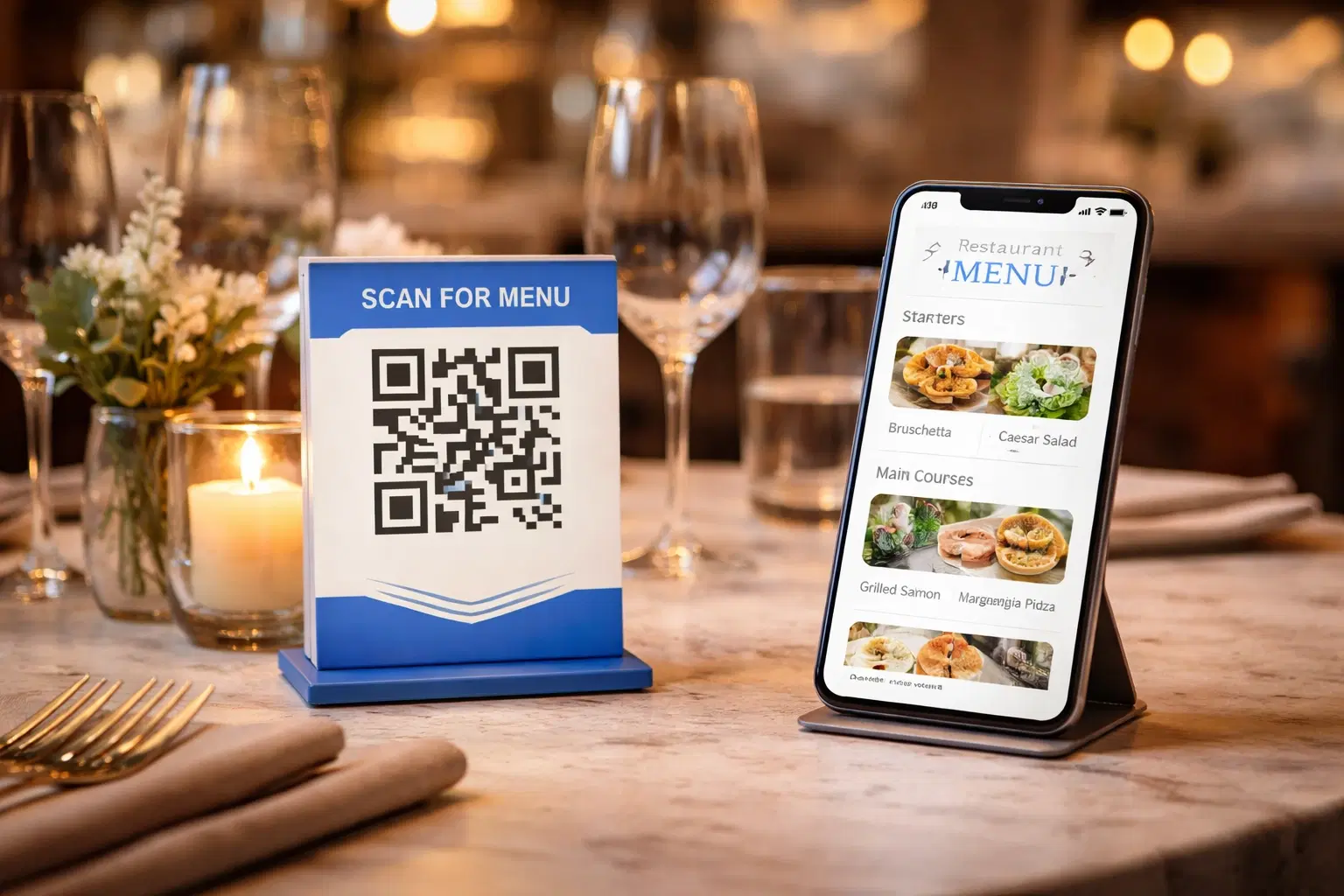
QR Code Menus for Restaurants: The Complete Setup Guide (Updated 2026)
Step-by-step guide to implementing QR code menus in your restaurant. Covers menu format options, placement strategy, staff training, and the one mistake that causes reprints. Updated May 2026.
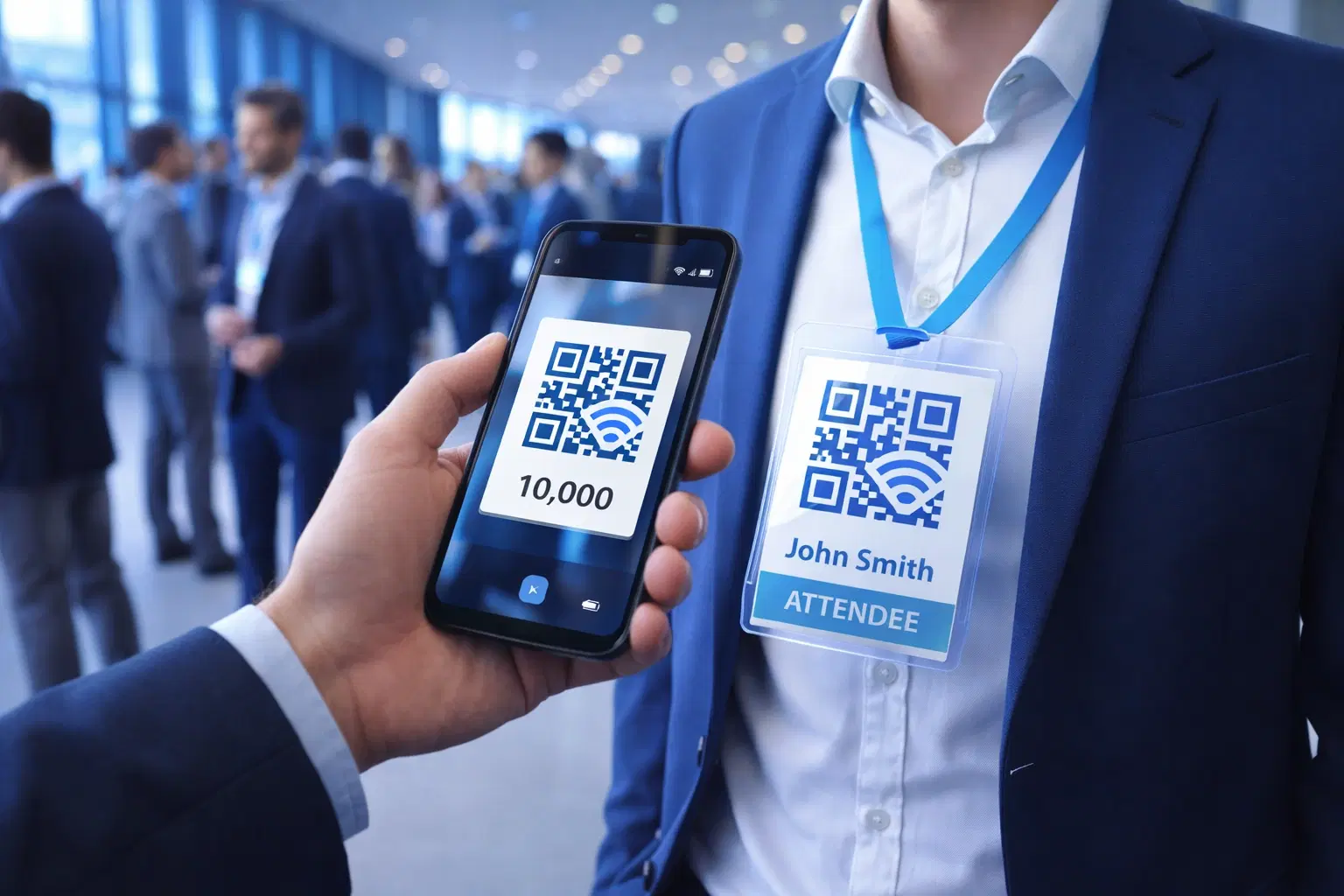
QR Codes for Events: Conferences, Trade Shows & Beyond (Updated 2026)
QR codes turn events from logistical pain into smooth data-rich experiences: instant check-in, smart networking, lead capture for exhibitors, and post-event ROI you can actually prove. Updated May 2026 with the current best practices.
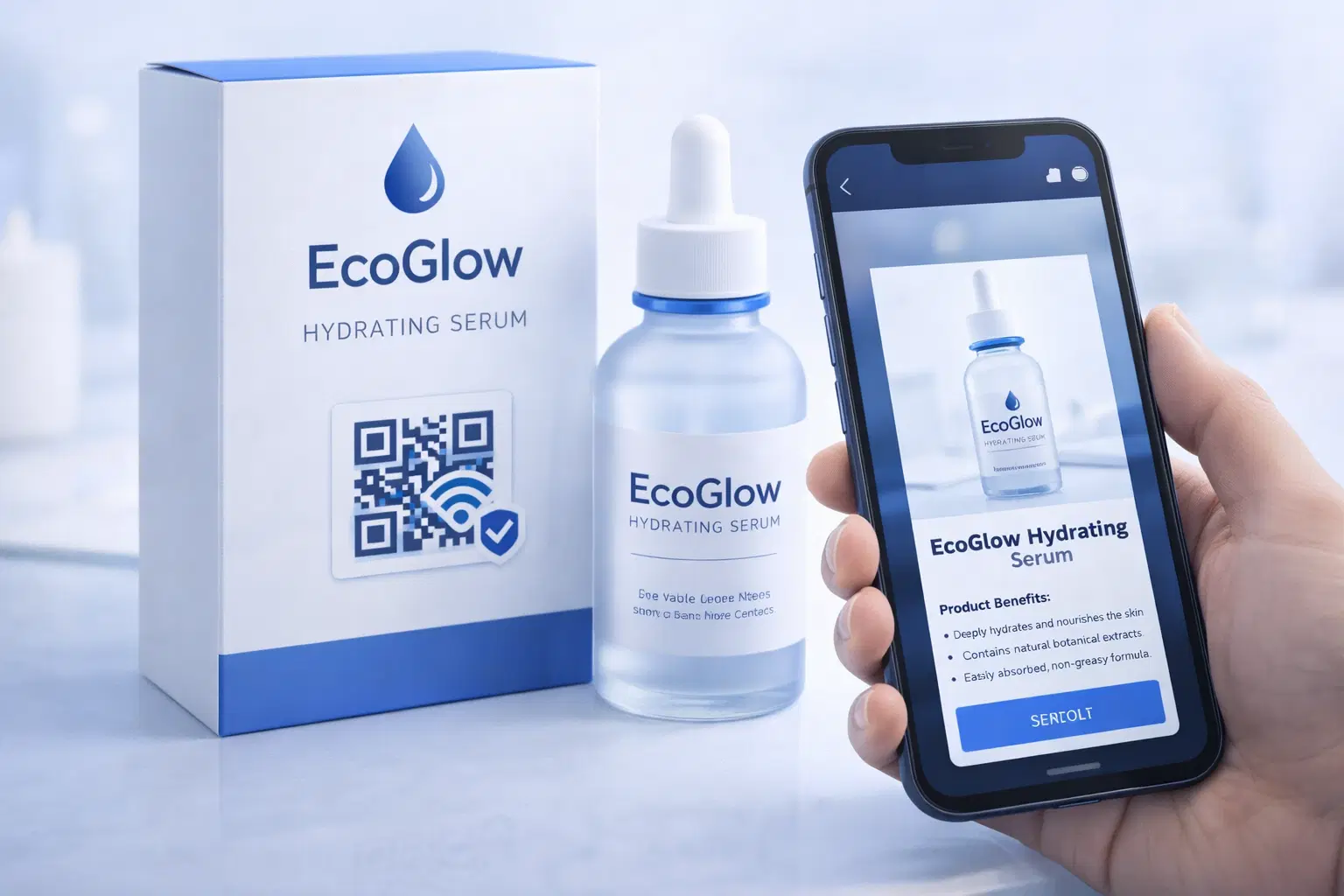
QR Codes on Product Packaging: Engaging Consumers Beyond the Shelf (Updated 2026)
Product packaging is your most-distributed marketing surface. Every unit on every shelf, in every home. QR codes turn that surface into a measurable, updatable channel for engagement, loyalty, and product education. Updated September 2026.