How to Create a QR Code for Your Instagram & Social Media Profiles in 2026
Link your Instagram, Facebook, YouTube, or any social profile to a QR code. Perfect for offline promotions, packaging, and events. Includes Linktree alternatives and multi-link setups.

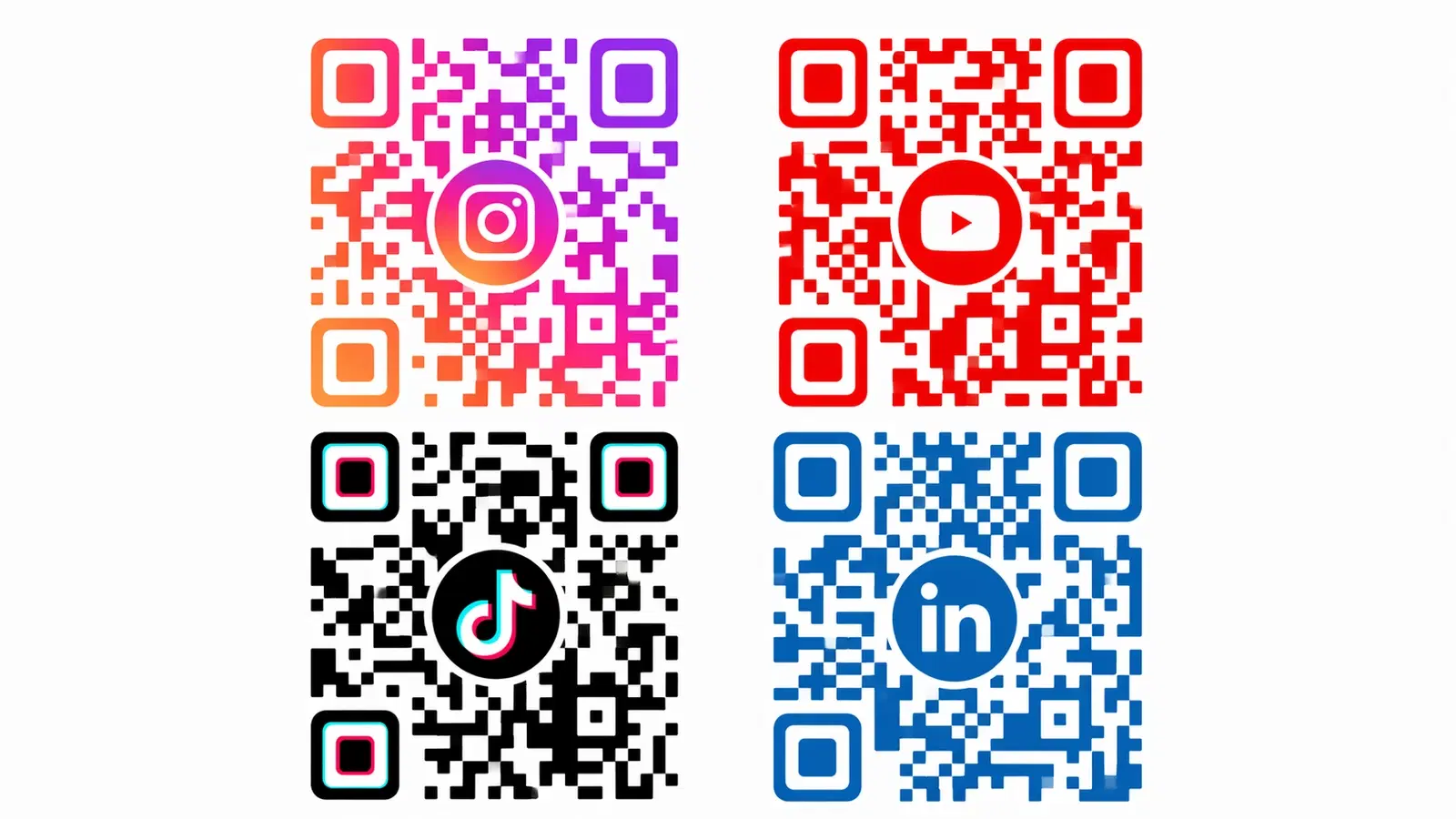
Every time you put your brand on a physical surface (packaging, flyers, merchandise, event signage), you're leaving potential followers on the table. A social media QR code bridges the gap between offline and online, turning anyone who encounters your physical brand into a potential follower with a single scan.
This guide covers how to create QR codes for Instagram, Facebook, YouTube, TikTok, and any other social platform, including how to use a single QR code to link to multiple social profiles at once.
Instagram QR Code: What You Need to Know First
Instagram has its own built-in QR code feature (under profile → QR Code), but it has significant limitations:
- It's a static image, not a dynamic code
- You cannot customize the design beyond a few color options
- There are no analytics. You can't see how many people scanned it
- If Instagram changes your profile URL format, the code may break
For any serious use (print materials, packaging, permanent signage), a dynamic QR code from a platform like QRForever is the better option. You get full brand customization, scan analytics, and the ability to update the destination without reprinting.
Your Instagram profile URL format: https://www.instagram.com/[yourusername]/
This is what you'll link your QR code to. Test it in a browser first. It should load your profile without requiring an app.
Pro Tip
Always use your full Instagram URL (with https://) rather than just your username. When scanned on mobile, this opens the Instagram app directly if installed, or the mobile site if not.
Creating a Social Media QR Code on QRForever
For a single social profile (Instagram, YouTube, Facebook, TikTok, LinkedIn):
1. Log in at qrforever.com (free trial available) 2. Click "Create QR Code" → select "URL / Link" 3. Paste your social profile URL 4. Customize: - Set colors to match your brand (or use platform colors: Instagram gradient, YouTube red, etc.) - Add your logo or profile icon to the center - Choose a dot style. Rounded or dots look great for social-forward brands 5. Download as PNG (for digital) or SVG (for print)
For multiple social profiles (the "link in bio" approach):
Instead of linking directly to one platform, link to a simple landing page that lists all your profiles. QRForever lets you create URL QR codes pointing to any page: including a Linktree, your own link-in-bio page, or a custom page on your website.
This way one QR code gives the person a choice: Instagram, YouTube, Facebook, newsletter, and website: all from one scan.
Platform-Specific URL Formats
Use these URL formats to ensure your QR code opens the correct profile:
| Platform | URL Format | Example |
|---|---|---|
| https://www.instagram.com/username/ | instagram.com/qrforever | |
| Facebook Page | https://www.facebook.com/pagename | facebook.com/qrforever |
| YouTube Channel | https://www.youtube.com/@handle | youtube.com/@qrforever |
| TikTok | https://www.tiktok.com/@username | tiktok.com/@qrforever |
| LinkedIn Company | https://www.linkedin.com/company/name | linkedin.com/company/qrforever |
| LinkedIn Personal | https://www.linkedin.com/in/username | linkedin.com/in/yourname |
| Twitter / X | https://x.com/username | x.com/qrforever |
| https://www.pinterest.com/username | pinterest.com/qrforever |
Always test by pasting the URL into your phone's browser. If it redirects correctly to your profile page, it will work in a QR code.
Important
Facebook in particular has multiple URL formats (fb.com, facebook.com, facebook.com/profile.php?id=). Always use the clean facebook.com/pagename format: avoid URLs with query strings or numeric IDs.
Where to Use Social Media QR Codes Offline
Product packaging: The ideal placement for brand-led businesses. Add your Instagram QR code to packaging with "Follow us for exclusive content" copy. Customers who love your product are highly motivated to follow at this moment.
Event and pop-up stalls: Print a large QR code on a foam board or banner with "Follow us on Instagram for live updates." At events, people would rather scan than type a username while standing at a busy stall.
Print advertising and magazines: Include your social QR code at the bottom of any print ad. It gives the ad a measurable action. You can track scan rates by ad placement.
Merchandise (T-shirts, bags, totes): Subtle QR code on merchandise turns customers into mobile billboards. Anyone who scans becomes a potential follower.
Restaurant table tents and menus: "Follow us on Instagram" with a QR code. Works especially well for food businesses where high-quality photo content drives follows.
Business cards: Include your social QR code alongside a vCard QR code, or link your vCard QR code to a landing page with all your social links.
- Always pair the QR code with your platform handle (@username): some people prefer to type
- Use the platform logo alongside the QR code so people know what they're scanning to
- CTA copy matters: "Follow us for behind-the-scenes content" outperforms "Follow us on Instagram"
- Place at eye level where possible: floor-level codes are rarely scanned
- Track scans in QRForever analytics to measure which placements drive the most followers
Multi-Social QR Code: One Code for All Your Profiles
If your audience follows you on multiple platforms, a single "social hub" QR code is more valuable than platform-specific codes. Here's how to set it up:
Option 1: Use a link-in-bio tool: Create a page on Linktree, Later, or Beacons.ai with all your social links. Then create a QR code pointing to that page. One scan, all your profiles.
Option 2. Build your own social landing page: A simple page on your website (e.g., yourdomain.com/social) with buttons to each platform. You control the design and keep traffic on your domain. Better for SEO and brand consistency.
Option 3. Use QRForever's URL QR code: Create a QR code pointing to whichever option above you prefer. The advantage of QRForever's dynamic code is you can switch the destination anytime (from Linktree to your own page), without reprinting anything.
When to use multi-social vs single-platform:
- Use single-platform when you have one clear primary channel (Instagram-first brand, YouTube creator)
- Use multi-social when you're active across several platforms and your audience is distributed
Pro Tip
A branded link-in-bio page on your own domain (yourdomain.com/links) passes SEO benefit and looks far more professional than a Linktree URL in printed materials.
Conclusion
Social media QR codes are one of the simplest ways to convert offline brand exposure into online followers. Every package shipped, every flyer distributed, every event attended is an opportunity to grow your audience, but only if you make the action effortless.
A well-placed, branded QR code with clear copy makes following you as easy as taking out a phone. Set it up once, track the results in QRForever analytics, and iterate on placement and copy based on real scan data.
Create your social media QR code on QRForever: branded design, dynamic links, scan analytics, and SVG export for print. Free trial, no credit card required.
Explore QRForever Solutions
Ready to Create Your Own QR Codes?
Start creating dynamic QR codes for your business today. Track analytics, update content anytime, and never reprint again.
Related Articles
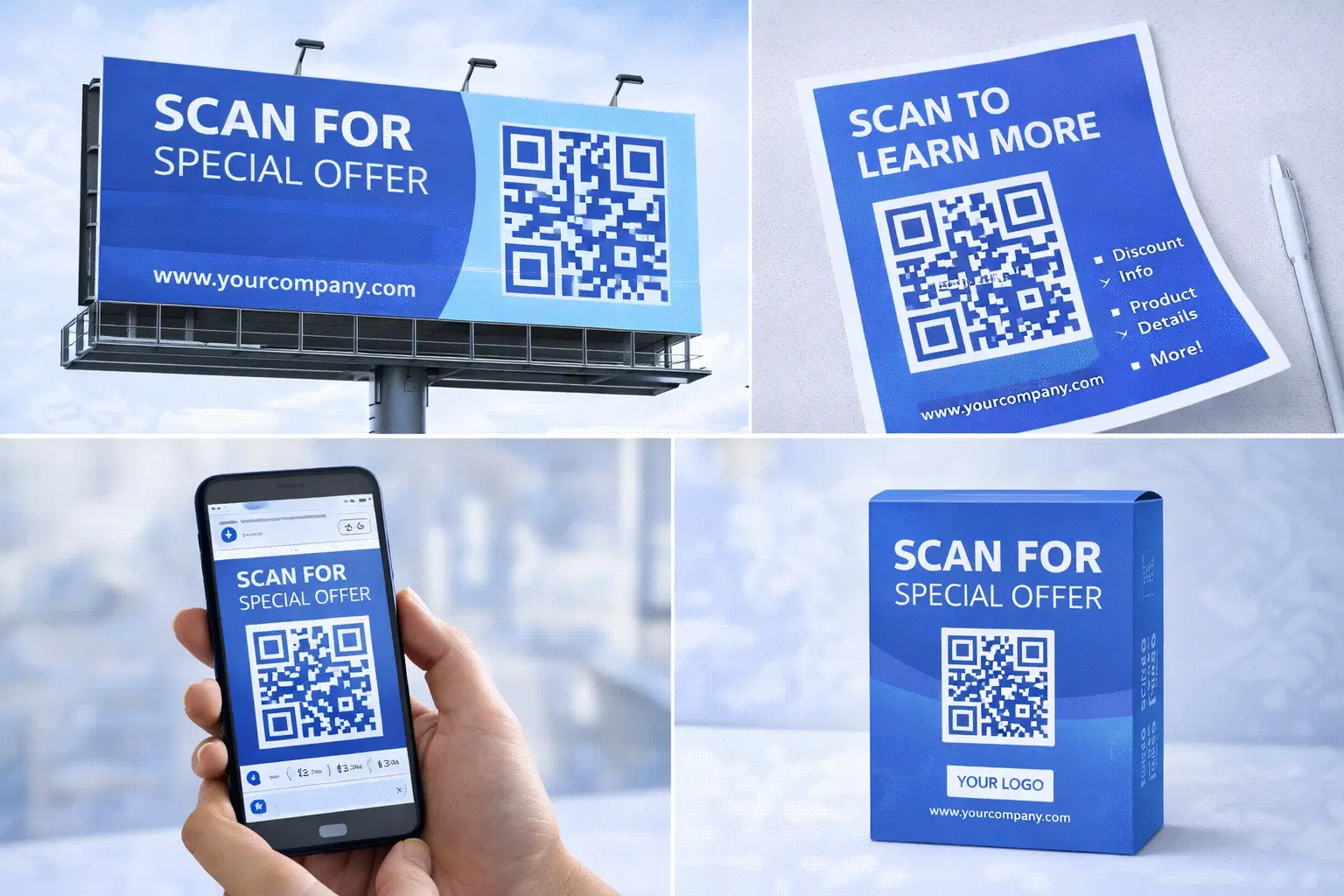
QR Code Marketing Strategy: 15 Campaign Types That Work in 2026
A practical QR code marketing playbook: 15 campaign types with real examples, a channel-by-channel breakdown, attribution setup, and the mistakes that quietly waste budget. Updated June 2026.
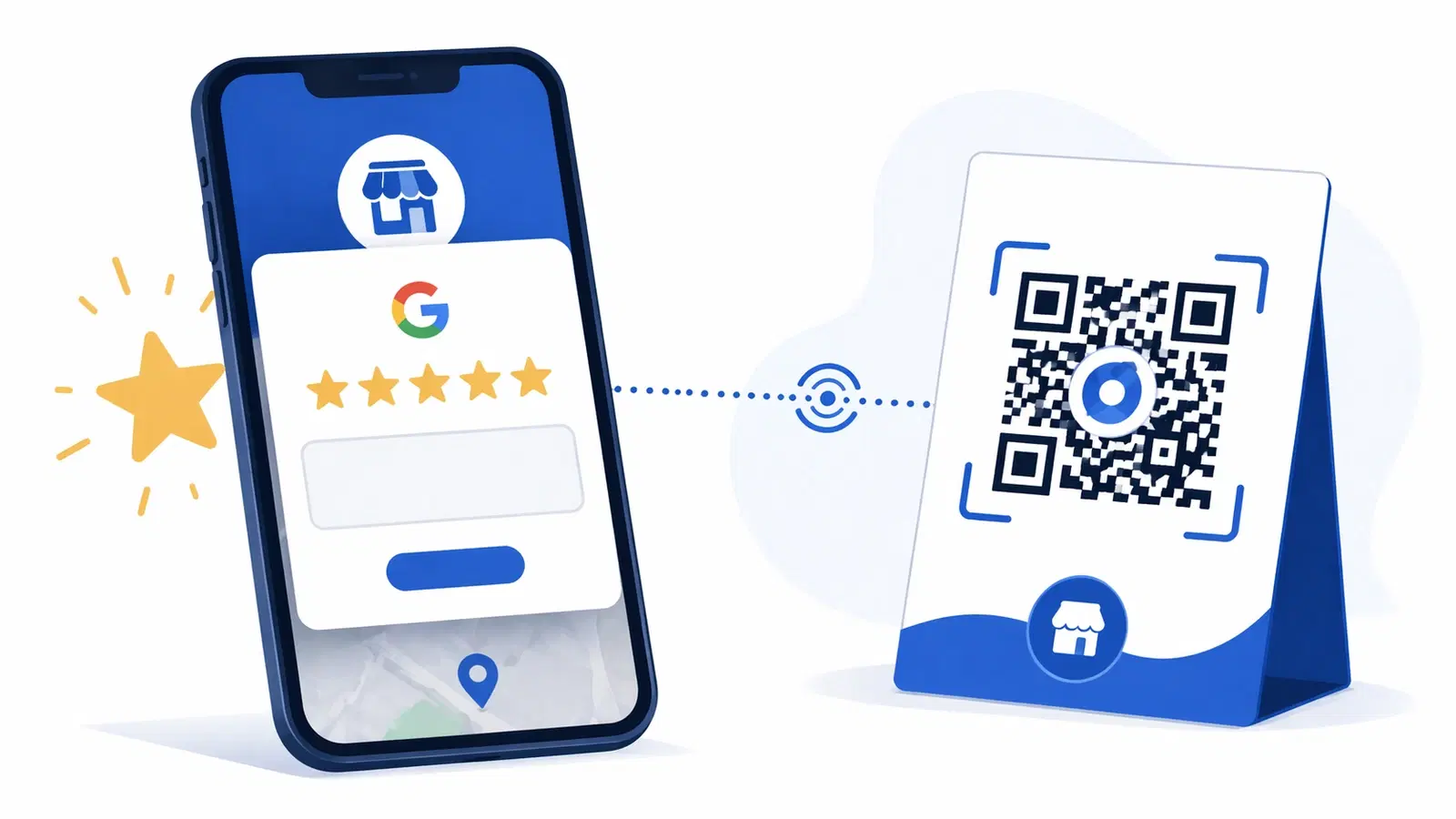
How to Create a QR Code for Google Reviews: Get More 5-Star Reviews in 2026
A Google Review QR code sends customers straight to your review page, no searching, no friction. Learn how to set it up, where to place it, and how businesses 3x their review count.
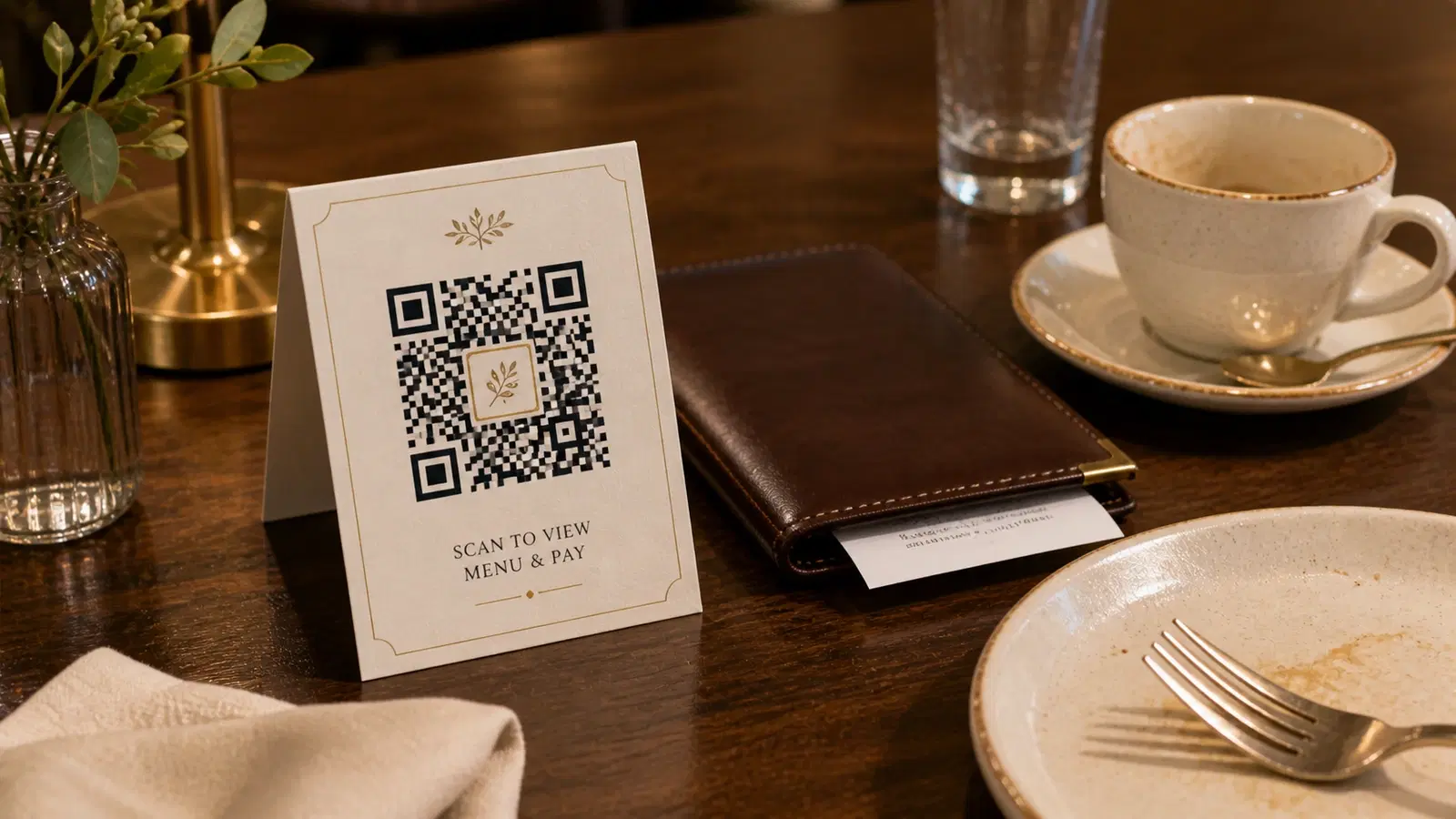
QR Code for Customer Feedback & Surveys: Collect Reviews and Insights Instantly in 2026
A feedback QR code lets customers share opinions in 30 seconds, right after the experience. Setup guide for restaurants, retail, clinics, hotels, and any customer-facing business.