QR Codes for Lawyers & Law Firms: Client Intake, Reviews & Document Sharing (2026)
Law firms are conservative about technology, but QR codes solve real friction in client intake, consultations, reviews, and document sharing without compromising professionalism. Here's the practical 2026 guide for legal practices.

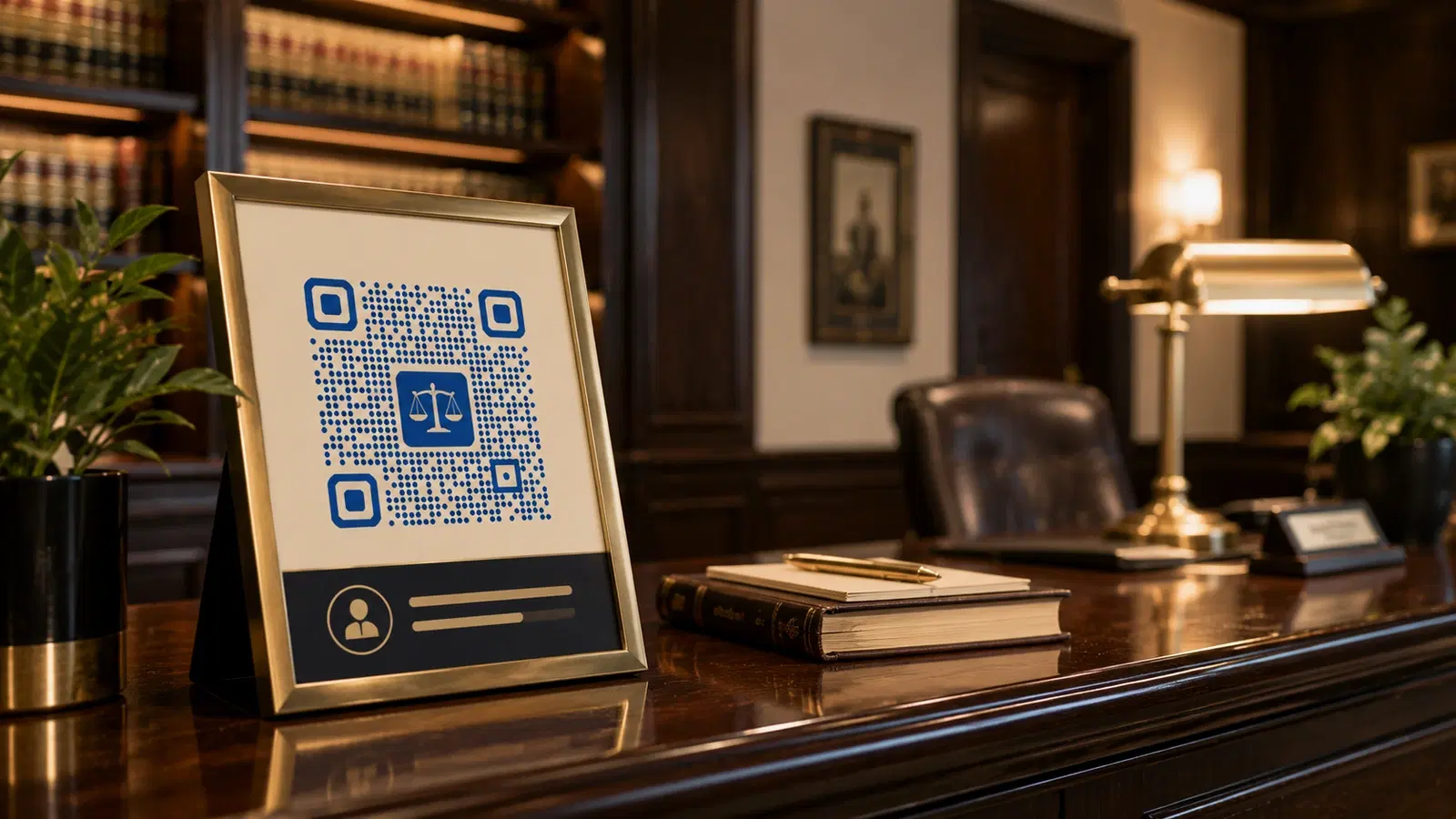
Law firms are, justifiably, conservative about technology: client confidentiality, professional image, and regulatory compliance are paramount. But that conservatism shouldn't prevent firms from using QR codes where they genuinely help: reducing client intake friction, simplifying consultation booking, growing reviews, and sharing documents securely.
This guide approaches QR codes for legal practices with the profession's standards in mind. Every use case here is designed to enhance professionalism and client experience, not undermine it, and to respect the confidentiality and compliance requirements that govern legal practice.
If you run or work at a law firm, this is a practical, conservative guide to where QR codes add value without compromising your standards.
Use Case 1: Client Intake Forms
Client intake is paperwork-intensive: contact details, matter information, conflict-check data, engagement terms. Done on paper in the waiting room, it's slow and requires manual data entry afterward.
The QR code solution:
A QR code in the reception area (and in consultation rooms) links to a secure digital intake form. New clients complete it on their phone or a provided tablet while waiting.
What this enables:
- Client completes intake before the attorney is free, no wasted consultation time on data collection
- Data flows directly into the practice management system
- No manual transcription of handwritten forms (and no deciphering bad handwriting)
- Conflict-check information captured upfront
Critical. Security and confidentiality: Legal intake forms collect sensitive, confidential information. The destination form MUST be:
- On a secure, encrypted platform (HTTPS, reputable provider)
- Compliant with your jurisdiction's data protection rules (GDPR, state bar requirements, DPDP Act in India)
- Ideally part of your practice management system (Clio, MyCase, PracticePanther, etc.) which are built for legal confidentiality
- NOT a free consumer form tool without proper data protection terms
Setup: 1. Use your practice management system's intake form, or a legal-grade secure form platform 2. Create a dynamic QR code pointing to it 3. Display professionally in reception (a tasteful framed sign, not a sticker)
Professionalism note: The QR code presentation should match your firm's image: a discreet, well-designed sign, not a hastily printed page. The intake experience should feel modern and efficient, reinforcing competence. Use a dynamic code so the form can be updated without replacing signage. See how to edit a QR code after printing.
Important
Client intake data is confidential and often privileged. Never use a free consumer form tool (basic Google Forms, free JotForm) for legal intake without confirming it meets your confidentiality and data-protection obligations. Use your practice management system or a legal-grade secure platform with appropriate data processing agreements.
Use Case 2: Consultation Booking
Prospective clients researching legal help want to book a consultation easily. Phone-only booking creates friction. They call during business hours, may reach voicemail, and momentum is lost.
The QR code solution:
A QR code linking to consultation booking, placed on:
- Business cards
- Office signage and reception
- Marketing materials and brochures
- Networking event materials
What it links to: A booking page for an initial consultation: showing availability, consultation types (and whether free or paid), and capturing the prospect's basic information and matter type.
Why this captures more clients:
- Prospect books the moment they decide, including evenings and weekends
- No phone tag, no "I'll call back later" (which becomes never)
- The firm captures matter type upfront, enabling better preparation and routing to the right attorney
Setup: 1. Use a scheduling tool (Calendly, Acuity, or your practice management system's booking) 2. Create a dynamic QR code 3. Add to business cards and office materials
Business card application: A QR code on an attorney's business card linking to "Book a consultation with me" turns a handed-out card into a booking opportunity. Far more actionable than a card that just lists a phone number. See QR code on business card design guide.
Professional consideration: For law firms, the consultation booking page should set appropriate expectations: consultation scope, whether it creates an attorney-client relationship, and any fees. The convenience of QR booking shouldn't bypass proper engagement protocols.
Use Case 3: Client Reviews & Testimonials
For law firms, online reviews increasingly drive client acquisition. People researching attorneys read reviews carefully. Yet many firms have few reviews because they don't ask, or asking feels awkward.
The QR code solution:
A QR code that makes leaving a review effortless, presented at the right moment (matter conclusion, when the client is satisfied).
Setup: 1. Get your Google Business Profile review link (and/or relevant legal directories like Avvo, Justia, where appropriate) 2. Create a dynamic QR code 3. Present it at matter conclusion: on a closing letter, a thank-you card, or a "your matter is concluded" packet
The professional way to ask: "If you were satisfied with how we handled your matter, a brief review would genuinely help others find us. This QR code takes you directly to our review page." Tasteful, not pushy.
Important compliance consideration for legal: Attorney review and advertising rules vary by jurisdiction and are strict. Before implementing review solicitation:
- Check your bar association's rules on soliciting reviews and testimonials
- Some jurisdictions restrict testimonials or require disclaimers
- Never incentivize reviews (offering anything in exchange may violate ethics rules)
- Ensure client confidentiality isn't compromised (the client choosing to review is fine; you revealing they were a client may not be)
Why it matters: A law firm with strong, recent reviews has a significant advantage in client acquisition. A QR code removes the friction that prevents satisfied clients from leaving the reviews they'd happily give if asked properly. See QR code for Google reviews.
Important
Legal advertising and review-solicitation rules are jurisdiction-specific and strictly enforced by bar associations. Before soliciting reviews via QR code, confirm compliance with your bar's rules on testimonials, advertising, and client confidentiality. Never offer incentives for reviews. This commonly violates legal ethics rules.
Use Case 4: Secure Document Sharing
Law firms constantly share documents with clients: engagement letters, drafts, filings, invoices. Email has security limitations; physical delivery is slow.
The QR code solution (with important caveats):
QR codes can link clients to a secure client portal where they access their documents, NOT to the documents directly.
The right pattern: 1. QR code → secure client portal login 2. Client authenticates 3. Client sees their specific documents
The wrong pattern (never do this): QR code → directly to a confidential document URL. A QR code is essentially public. Anyone who sees it can scan it. A QR code pointing directly at a confidential legal document is a confidentiality breach waiting to happen.
Appropriate uses:
- QR code on a letter directing the client to log into the secure portal
- QR code linking to general (non-confidential) resources: firm policies, FAQ, general legal guides you've published
- QR code for invoice payment (linking to a secure payment portal)
Setup:
- Use your practice management system's secure client portal (Clio, MyCase, etc. all have these)
- QR codes link to the portal login, never to documents directly
- Authentication happens on the portal, protecting confidentiality
Invoice & payment QR codes: A QR code on invoices linking to secure online payment. Clients pay faster when it's a scan away. The payment portal must be secure and PCI-compliant. See QR code payment systems.
The principle: QR codes are a convenient pointer to secure, authenticated systems. Never a shortcut that bypasses authentication for confidential material. With that discipline, they add convenience without compromising the confidentiality that's central to legal practice.
- QR codes link to secure portal LOGIN, never directly to confidential documents
- Authentication always happens on the destination: QR codes are effectively public
- Appropriate for: portal access, invoice payment, general published resources
- Never appropriate for: direct links to privileged or confidential documents
- Use practice-management-grade secure platforms, not consumer tools
Bonus Use Cases & Professional Considerations
Additional law firm QR use cases:
vCard / contact QR code: On business cards, a QR code that saves the attorney's contact details to the client's phone instantly. Professional and convenient. See vCard QR codes guide.
Educational content QR codes: On brochures and waiting room materials, QR codes linking to the firm's published legal guides, blog articles, or FAQ resources. Positions the firm as knowledgeable and helpful (within advertising rules).
Event & seminar QR codes: For firms that host legal education seminars or community events, QR codes for registration and materials. See QR code event check-in.
Networking & referral QR codes: At legal networking events, a QR code linking to the firm's referral information or practice areas, smoother than exchanging cards.
WiFi QR code: For the client waiting area, a QR code for guest WiFi. A small professional courtesy. See WiFi QR codes guide.
Office directory / wayfinding QR code: In larger firms, QR codes helping clients navigate to the right office or meeting room.
Overarching professional considerations for legal QR codes:
Confidentiality first: Never let a QR code bypass authentication for confidential material. QR codes are public pointers to secure systems.
Compliance always: Bar association rules on advertising, solicitation, and testimonials are strict and jurisdiction-specific. Verify before implementing client-facing QR campaigns.
Professional presentation: QR codes should be tastefully designed and presented, reinforcing the firm's professional image. A well-designed QR code on quality materials; never a hasty printout.
Security platforms: Use legal-grade, secure, compliant platforms for anything touching client data. Your practice management system, not free consumer tools.
For QR code design that maintains a professional image, see QR code design guide.
Conclusion
Law firms can use QR codes effectively without compromising the professionalism, confidentiality, and compliance that define legal practice, as long as they apply the profession's standards to the technology. Client intake becomes faster and cleaner. Consultation booking captures prospects who'd otherwise be lost to phone tag. Reviews grow when satisfied clients are given an effortless, compliant path. And document sharing stays secure when QR codes point to authenticated portals rather than confidential files directly.
The non-negotiables for legal QR codes: confidentiality first (QR codes are public pointers to secure systems, never shortcuts past authentication), compliance always (verify bar rules before any client-facing campaign, especially reviews), and professional presentation throughout.
Start with the use case that's both high-value and low-risk: client intake via your secure practice management system, or consultation booking on your business cards. Expand from there, keeping confidentiality and compliance central.
Related reading:
Create professional QR codes for your firm with QRForever. Start a 7-day full-access trial, no credit card. Dynamic codes are editable anytime with full scan analytics. Start with consultation booking or secure-portal-linked client intake.
Explore QRForever Solutions
Ready to Create Your Own QR Codes?
Start creating dynamic QR codes for your business today. Track analytics, update content anytime, and never reprint again.
Related Articles
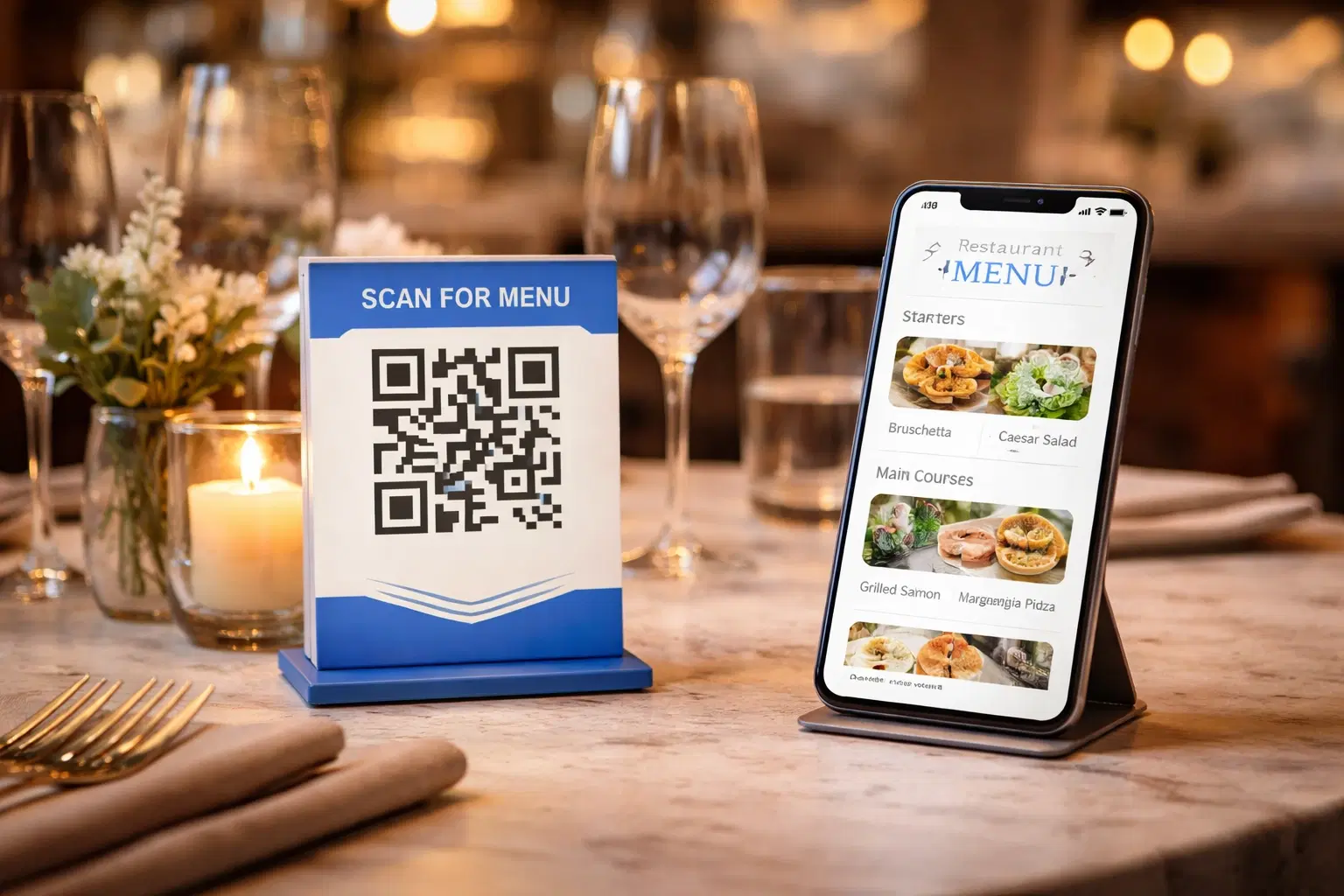
QR Code Menus for Restaurants: The Complete Setup Guide (Updated 2026)
Step-by-step guide to implementing QR code menus in your restaurant. Covers menu format options, placement strategy, staff training, and the one mistake that causes reprints. Updated May 2026.

QR Codes for Events: Conferences, Trade Shows & Beyond (Updated 2026)
QR codes turn events from logistical pain into smooth data-rich experiences: instant check-in, smart networking, lead capture for exhibitors, and post-event ROI you can actually prove. Updated May 2026 with the current best practices.
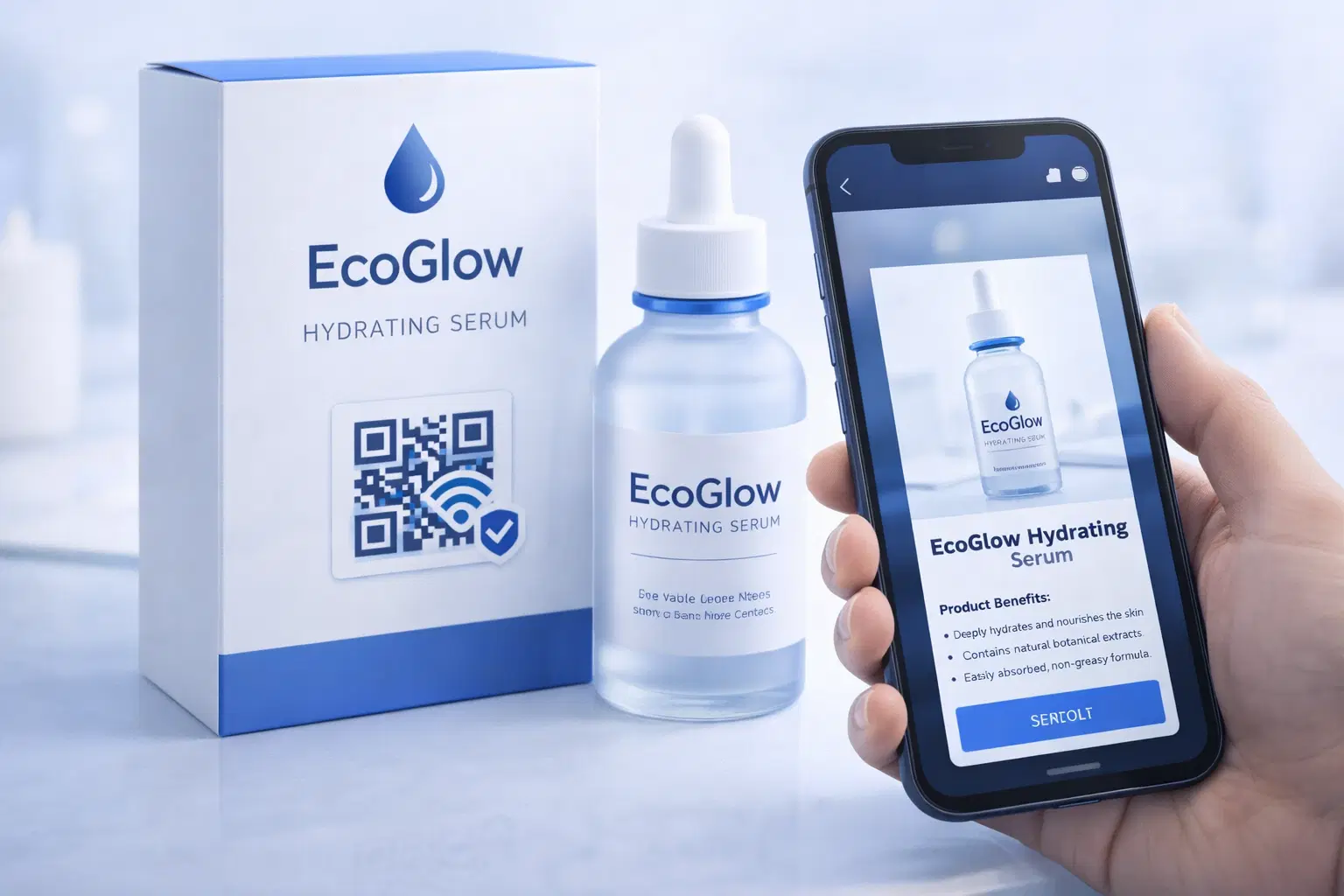
QR Codes on Product Packaging: Engaging Consumers Beyond the Shelf (Updated 2026)
Product packaging is your most-distributed marketing surface. Every unit on every shelf, in every home. QR codes turn that surface into a measurable, updatable channel for engagement, loyalty, and product education. Updated September 2026.