QR Codes for Garage Sales & Estate Sales: Inventory & Payment (2026)
QR codes make garage sales and estate sales smoother: accept digital payments without cash, share item lists and prices, and direct buyers to your sale. Here is how to use QR codes to sell more and handle the day with less hassle in 2026.

Garage sales and estate sales run on cash, handwritten price tags, and hoping enough people show up. All three of those have weak points: buyers rarely carry cash anymore, price tags create haggling confusion, and getting people to your sale is hit or miss.
QR codes solve each of these. A payment QR code lets buyers pay digitally when they have no cash. An inventory or pricing QR code shares what you are selling and for how much. A directions QR code on your street signs gets people to the right address. None of this requires technical skill, and it can noticeably increase how much you sell.
This guide covers the practical ways to use QR codes at a garage sale, yard sale, or estate sale in 2026, whether you are clearing out a garage one weekend or running a professional estate liquidation.
Use Case 1: Accept Digital Payments (No Cash Needed)
The single biggest friction at any garage sale today is payment. Fewer and fewer people carry cash. A buyer who loves an item but only has a card will either walk away or ask if you take digital payment. If your answer is no, you lose the sale.
The QR code solution: A payment QR code that lets buyers pay you instantly from their phone. They scan, the payment app opens, they pay, done.
Setup options by region:
- India: A UPI QR code (Google Pay, PhonePe, Paytm). This is the standard and nearly everyone uses it. Display your UPI QR prominently.
- US: A QR code or link for Venmo, PayPal, Cash App, or Zelle.
- UK and Europe: PayPal, or bank transfer QR codes where supported.
How to display it:
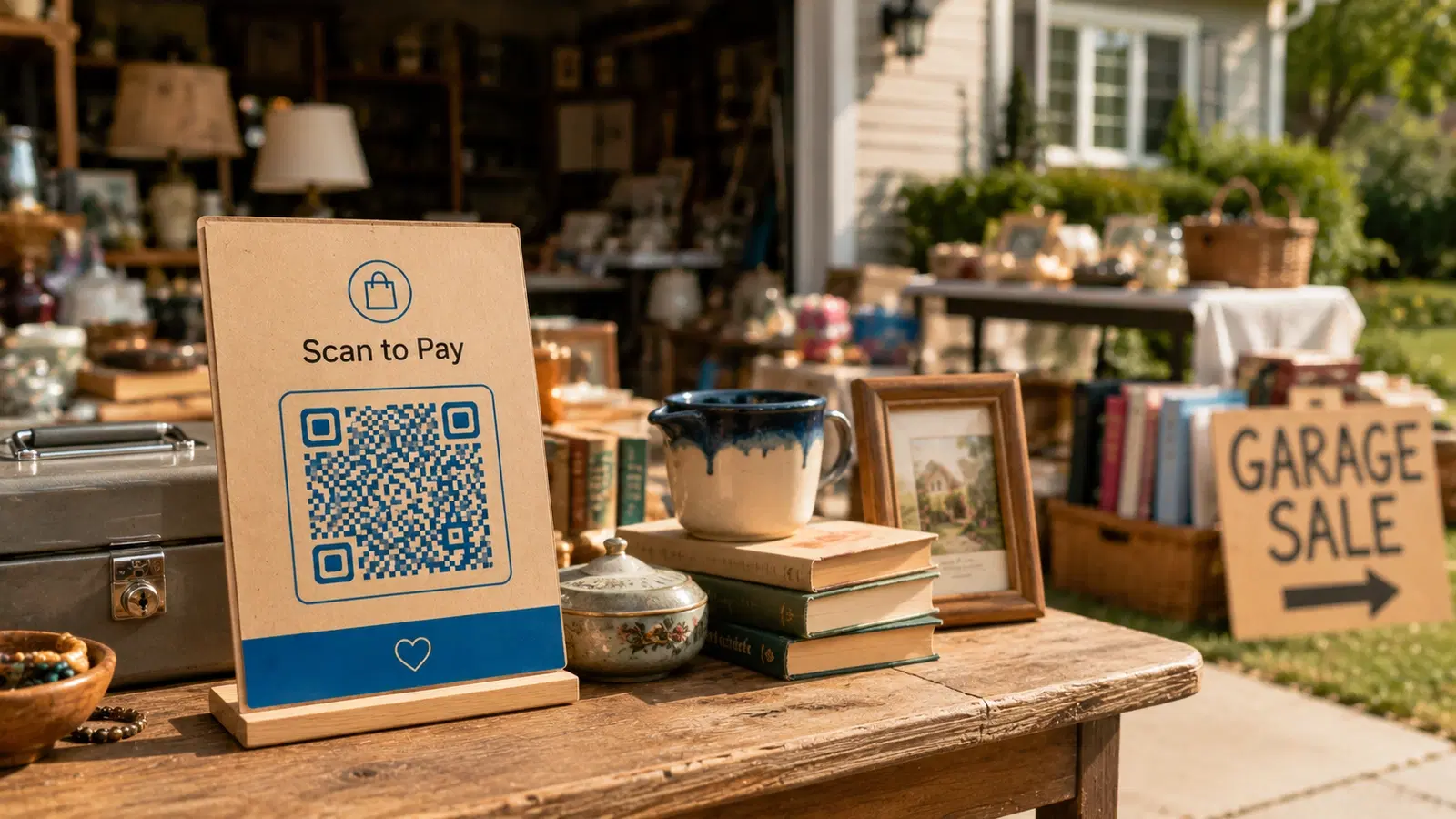
- A large printed QR code at your checkout or payment table
- A sign that says "We accept digital payment, scan to pay"
- Smaller copies at multiple tables for big estate sales
Why this directly increases sales: Every buyer who would have walked away for lack of cash now completes the purchase. For higher-priced estate sale items especially (furniture, antiques, electronics), few buyers carry hundreds in cash. Accepting digital payment is often the difference between selling that item and not.
For how QR payment systems work in detail, see our QR code payments guide.
Pro Tip
For larger estate sales, print several copies of your payment QR code and place one at each payment point. Keep a record of which payment app each sale used so you can reconcile totals at the end of the day. For high-value items, confirm the payment notification on your own phone before the buyer takes the item.
Use Case 2: Share Your Item List & Pricing
Serious buyers, especially at estate sales, want to know what is available before they drive over. And during the sale, a clear price list reduces endless "how much is this?" questions.
The QR code solution: A QR code linking to a simple online list of your items, with photos and prices.
For estate sales (more valuable, planned in advance): 1. Photograph the notable items 2. Create a simple online listing (a free page, a shared album, or an estate sale listing site) 3. Create a dynamic QR code pointing to it 4. Put the QR code on your ads, flyers, and social posts before the sale
This lets serious buyers see your antiques, furniture, or collectibles in advance, drawing the right people to your sale.
For garage sales (simpler, day-of): A QR code linking to a quick list or album of your bigger-ticket items, so browsers can see what you have and the prices without asking.
Why a dynamic code helps: Items sell throughout the day. With a dynamic QR code, you can update the list to mark things sold, so you are not fielding questions about items that are already gone. The same printed QR code always shows the current availability.
Pricing transparency reduces haggling friction: A clear, visible price list (via the QR code or alongside it) sets expectations and reduces the back-and-forth that slows down a busy sale.
Use Case 3: Directions & Sale Promotion
Getting people to your sale is half the battle. QR codes help on both the promotion and the navigation side.
On your street signs: The classic garage sale problem is people seeing your sign but not finding the house. A QR code on your directional signs can link to a map pin of your exact location, so a driver scans and navigates straight to you.
On your online ads and listings: When you post your sale on Facebook Marketplace, local groups, Craigslist, or estate sale sites, a QR code in the image links people to your item list, your exact location, and the sale times. One scan gives them everything.
On flyers around the neighborhood: A QR code on a flyer linking to sale details, item highlights, and directions. More useful than text alone, and it lets you update details (like extending hours) without reprinting.
Why a dynamic code is ideal for promotion: You might change the sale time, extend by a day, or add items. A dynamic QR code on your signs and flyers lets you update the information without remaking them. If rain pushes your sale to Sunday, you update the destination and every sign and flyer now shows the new day.
A note for recurring or professional estate sales: If you run estate sales regularly, one dynamic QR code on your reusable signage can point to whatever your current sale is. Update the destination for each new sale; the signs stay the same.
Important
If you put a location QR code on neighborhood signs, link it to a map pin of the sale address, not your detailed personal information. And once the sale is over, take the signs down or update the dynamic code so old signs do not keep sending strangers to the property.
Putting It Together: A Simple Sale Setup
You do not need all of these. Here is a sensible setup depending on your sale.
For a simple weekend garage sale:
- One payment QR code at your checkout table (the highest-value addition)
- Optionally, a QR code on your street signs linking to a map pin
That is enough. The payment code alone captures sales you would otherwise lose.
For a larger or estate sale:
- Payment QR codes at each payment point
- An item list and pricing QR code, promoted in advance on ads and flyers
- A directions QR code on signs and online listings
- A dynamic item list you update through the day to mark sold items
General tips for any sale:
- Print QR codes large enough to scan easily from a step or two away
- Use clear signs telling people what each code does ("Scan to pay," "Scan to see all items," "Scan for directions")
- Test every code yourself before the sale starts
- For payment codes, confirm you can see incoming payments on your phone in real time
The cost and effort: A payment QR code from your payment app is free. A dynamic QR code for listings and directions is inexpensive. The setup takes well under an hour, and the payoff (sales you would have lost, more buyers drawn in, less hassle on the day) is well worth it.
For broader context on small-scale selling with QR codes, our guides on Etsy shops and small business QR codes cover related patterns.
- Payment QR code at checkout is the single highest-value addition
- Item list QR code draws serious buyers, especially for estate sales
- Directions QR code on signs gets people to the right address
- Use dynamic codes so you can update times, items, and availability
- Print codes large, label them clearly, and test before the sale
- Take signs down or repoint dynamic codes after the sale ends
Conclusion
QR codes turn a garage sale or estate sale from a cash-only, hope-they-find-it event into a smoother, higher-earning one. The payment QR code is the standout: it captures every buyer who has no cash, which in 2026 is most of them. Item list and directions codes draw the right buyers and get them to your door.
You do not need to be technical. A free payment QR code from your payment app, plus an inexpensive dynamic code for listings and directions, covers everything. Print them large, label them clearly, test them first, and for a larger sale, update a dynamic item list through the day. The result is a sale where you sell more, lose fewer buyers, and spend less time answering the same questions.
Related reading:
Create a dynamic QR code for your sale with QRForever. Start a 7-day full-access trial, no credit card needed. Use it for your item list and directions, and update them anytime as the sale changes.
Explore QRForever Solutions
Ready to Create Your Own QR Codes?
Start creating dynamic QR codes for your business today. Track analytics, update content anytime, and never reprint again.
Related Articles
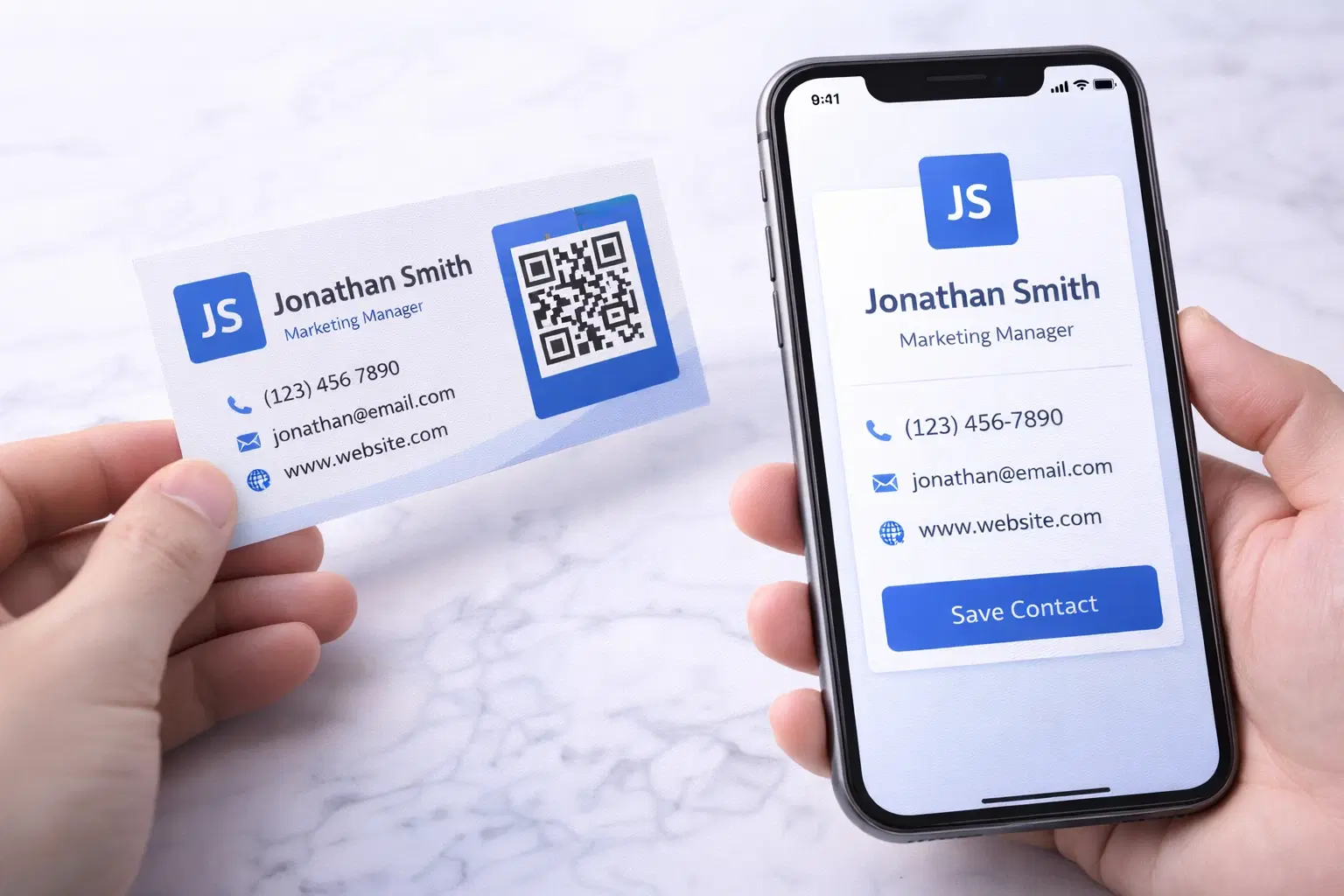
vCard QR Codes: The Complete Guide to Digital Business Cards (Updated 2026)
Create a vCard QR code that shares your contact info instantly, and updates itself when your job, phone, or email changes. Complete guide with placement strategy and networking scripts. Updated September 2026.
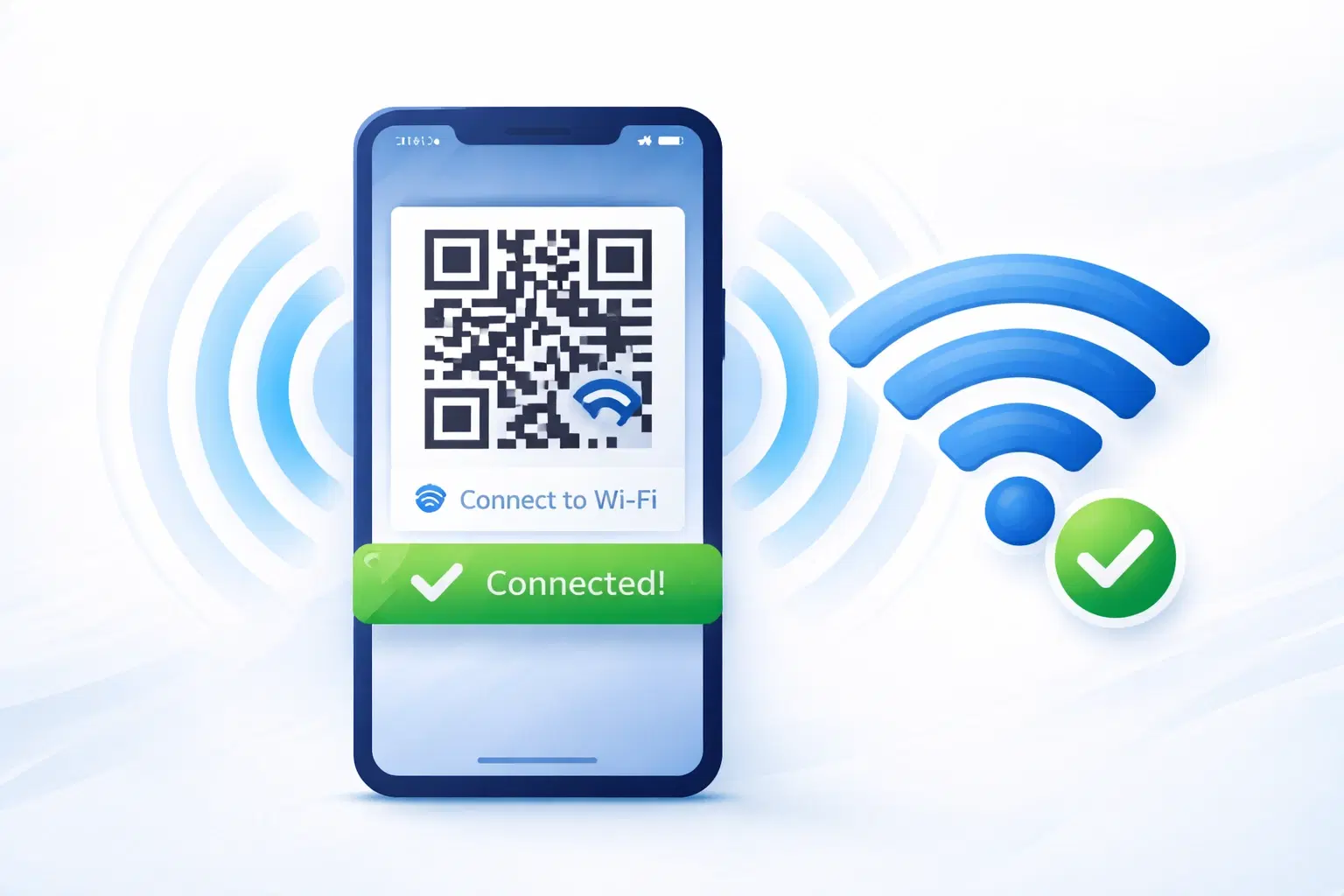
WiFi QR Codes: How to Share Your Network Password Instantly (Updated 2026)
Stop spelling out WiFi passwords letter-by-letter. WiFi QR codes let guests connect in seconds: for your home, café, hotel, or office. Updated 2026 setup guide with platform-specific instructions.
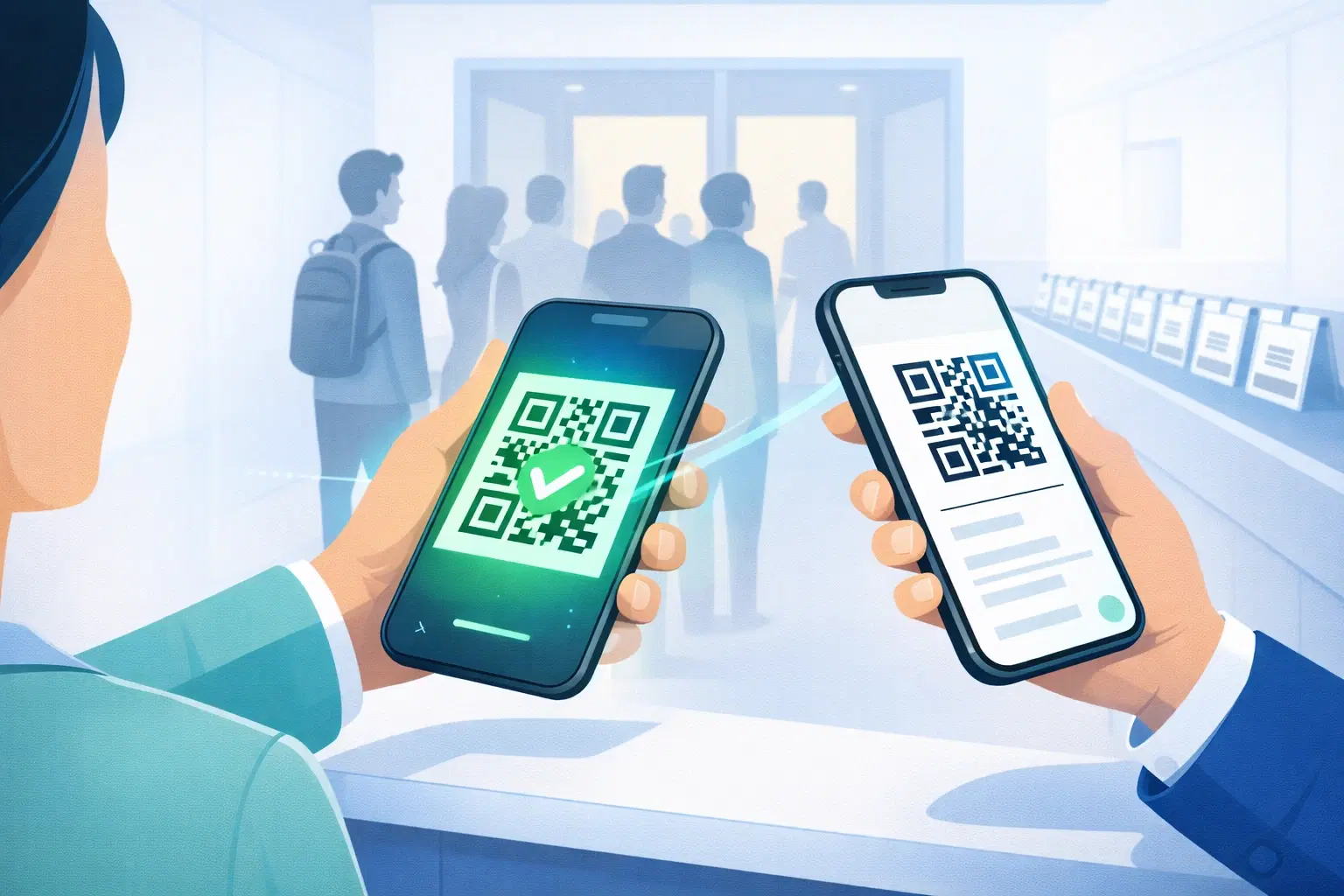
How to Set Up QR Code Check-In for Events: Step-by-Step Guide 2026
Replace paper lists and manual check-ins with a fast, contactless QR code system. Full setup guide for conferences, workshops, weddings, and corporate events.