How to Convert a Static QR Code to Dynamic (2026)
You cannot convert an existing static QR code into a dynamic one, its link is baked into the pattern. Here is what actually works: create a dynamic code, swap it in with minimal disruption, and never get locked in again.

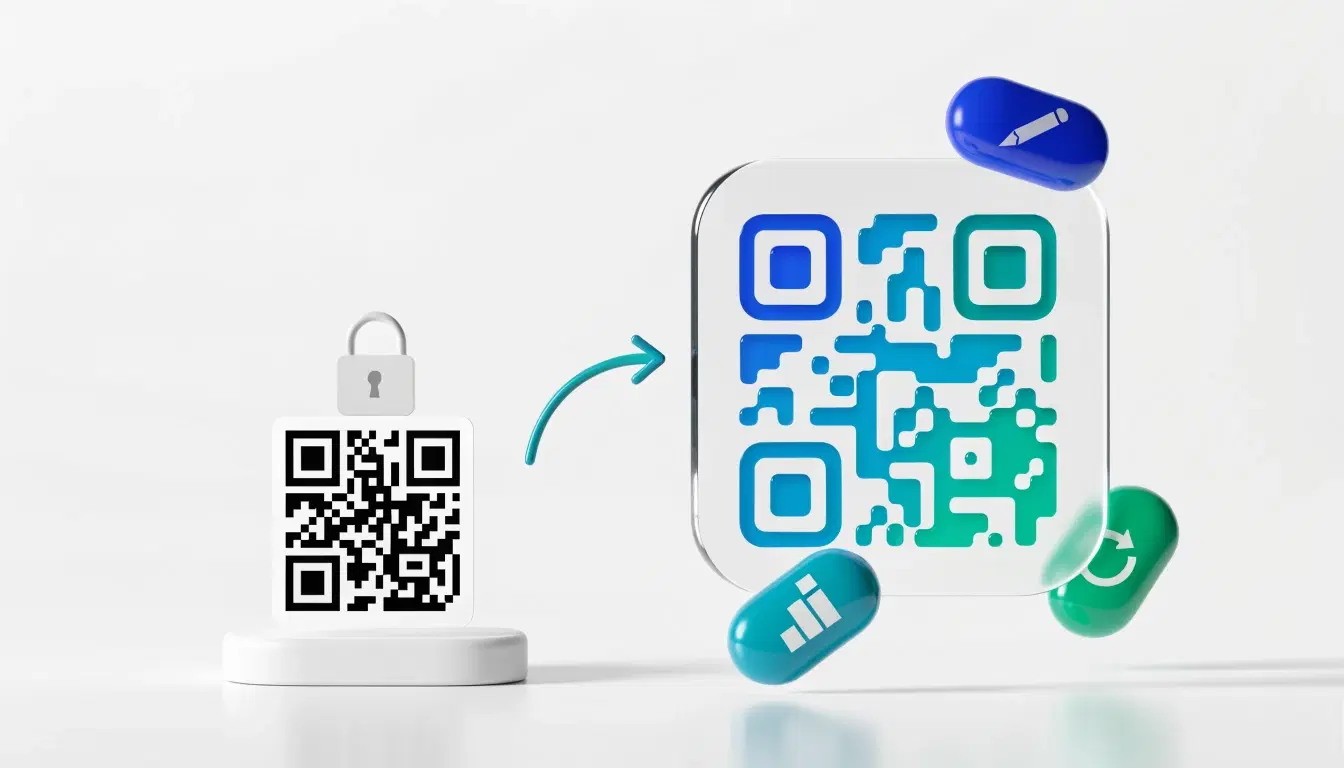
If you made a static QR code and now wish you could edit where it points or see how often it is scanned, you are asking a very common question: can you convert a static QR code into a dynamic one? The honest answer is no, not the existing code itself. A static code has its destination baked permanently into its black-and-white pattern, and no tool or setting can reach in and change that. But the goal behind the question is completely achievable. This guide explains why conversion is impossible, what actually works instead, and how to swap a live code over with as little disruption as possible. For the underlying concepts, see dynamic vs static QR codes.
The Short Answer
Can you convert a static QR code to dynamic? No. There is no button, upload, or service that turns an existing static code into a dynamic one, because a static code is not connected to anything you control. Its destination is encoded directly in the pattern, so the only way to change behavior is to use a different code.
But you can absolutely get what you want. What people really mean by "convert" is "I want this code to be editable and trackable." You get there by creating a new dynamic code and putting it in place of the static one. The rest of this guide is how to do that cleanly.
The one case that feels like conversion: if your static code already points to a URL you own and control (for example a page on your own domain), you can make that URL behave dynamically by setting up a redirect on your own server. The code still points to the same fixed address, but you decide where that address forwards. That is the closest thing to a conversion, and it only works when you own the destination.
Why a Static Code Cannot Become Dynamic
A QR code is a visual encoding of data. When a static code is generated, your destination (usually a URL) is written straight into the module pattern. A scanner reads the pattern, decodes that exact URL, and opens it. Nothing in that chain contacts a server you control, so there is nothing to reconfigure.
A dynamic code works differently. It encodes a short redirect link that belongs to a platform, and that platform forwards each scan to wherever you currently point it. Because the scan passes through the redirect, you can change the destination anytime and count every scan.
The two are structurally different from the moment of creation:
- A static code's pattern literally contains your final URL.
- A dynamic code's pattern contains a redirect URL whose target you can edit.
To go from one to the other you would have to change the pattern itself, which means generating a new code. There is no way to rewrite a code that is already printed or saved. See how to edit a QR code after printing for why editability has to be built in from the start.
Important
Beware any tool that claims to "convert" or "upgrade" your existing static code to dynamic in place. It cannot change a code already in the wild. At best it generates a brand new dynamic code for you to deploy, which is exactly the process below.
What Actually Works: Recreate It as Dynamic
The reliable path is to create a new dynamic code and replace the static one. It is quick:
1. Create a dynamic code on a platform that gives you an editable destination and scan analytics. Point it at the same URL your static code uses today. 2. Test it thoroughly: scan with a few phones, confirm it opens the right page, and check the scan registers in your dashboard. See scan analytics. 3. Replace the old code everywhere it appears. For digital assets this is instant. For printed materials, use the new code on the next print run and, where you can, cover or replace existing printed codes. 4. From now on, edit instead of reprint. When the destination changes, update the dynamic code's target and every copy already out there follows, no reprinting.
This gets you everything "conversion" was meant to achieve: an editable destination, permanence you control, and scan tracking. The one cost is replacing the physical code once. After that you never face this problem again.
Migrating a Code That Is Already in the Wild
If your static code is already printed on signage, packaging, or materials you cannot easily recall, you cannot change that code, but you can limit the damage and transition smoothly.
If you own the destination URL: set up a redirect on your own site so that address forwards wherever you want. This keeps the existing static code useful while you phase in a dynamic code on new materials. It depends entirely on you controlling that domain long-term.
If you do not own the destination: the static code is locked to whatever it points at. Your options are to keep that destination alive as long as the code is in circulation, or to accept that printed copies will eventually need replacing. Plan the switch for your next reprint and put a dynamic code on everything from then on.
Either way, avoid link rot. The real risk with a static code is not that it expires (the image never does) but that the page it points to moves or goes down, leaving a dead code you cannot fix. See do QR codes expire and how to make a permanent QR code.
The Fix for Next Time: Start Dynamic
The cleanest way to never need a conversion is to create the code as dynamic in the first place. A dynamic code can always point to a single fixed destination and behave exactly like a static one, so you lose nothing by starting dynamic, and you keep the ability to edit and track if you ever need it.
Reach for a static code only when you are certain the destination will never change and you will never want scan data: a plain WiFi code, a fixed piece of text, or a link to a stable page you fully control and will keep forever. For anything that goes on print, packaging, or marketing you cannot cheaply redo, start dynamic. See how to make a reusable QR code.
Pro Tip
If you are unsure which you need, choose dynamic. A dynamic code locked to one destination behaves like a static one, but a static code can never gain editing or tracking later. Starting dynamic keeps every option open for the life of the code.
Conclusion
You cannot convert an existing static QR code into a dynamic one, because its destination is baked into the pattern and nothing in a static scan touches a server you control. The only exception is redirecting a URL you already own. But the goal behind the question is easy to reach: create a new dynamic code, point it where the static one pointed, test it, and swap it in. You then get the editable destination, permanence, and scan tracking that "conversion" was really after, at the one-time cost of replacing the physical code.
Best of all, you never have to do this again. Create codes as dynamic from the start, keep them pointed wherever you like, and change the destination whenever you need without reprinting a thing.
Related reading:
Create a dynamic QR code with QRForever. 7-day full-access trial, no credit card needed. Editable destination, permanent, with scan analytics built in.
Explore QRForever Solutions
Ready to Create Your Own QR Codes?
Start creating dynamic QR codes for your business today. Track analytics, update content anytime, and never reprint again.
Related Articles
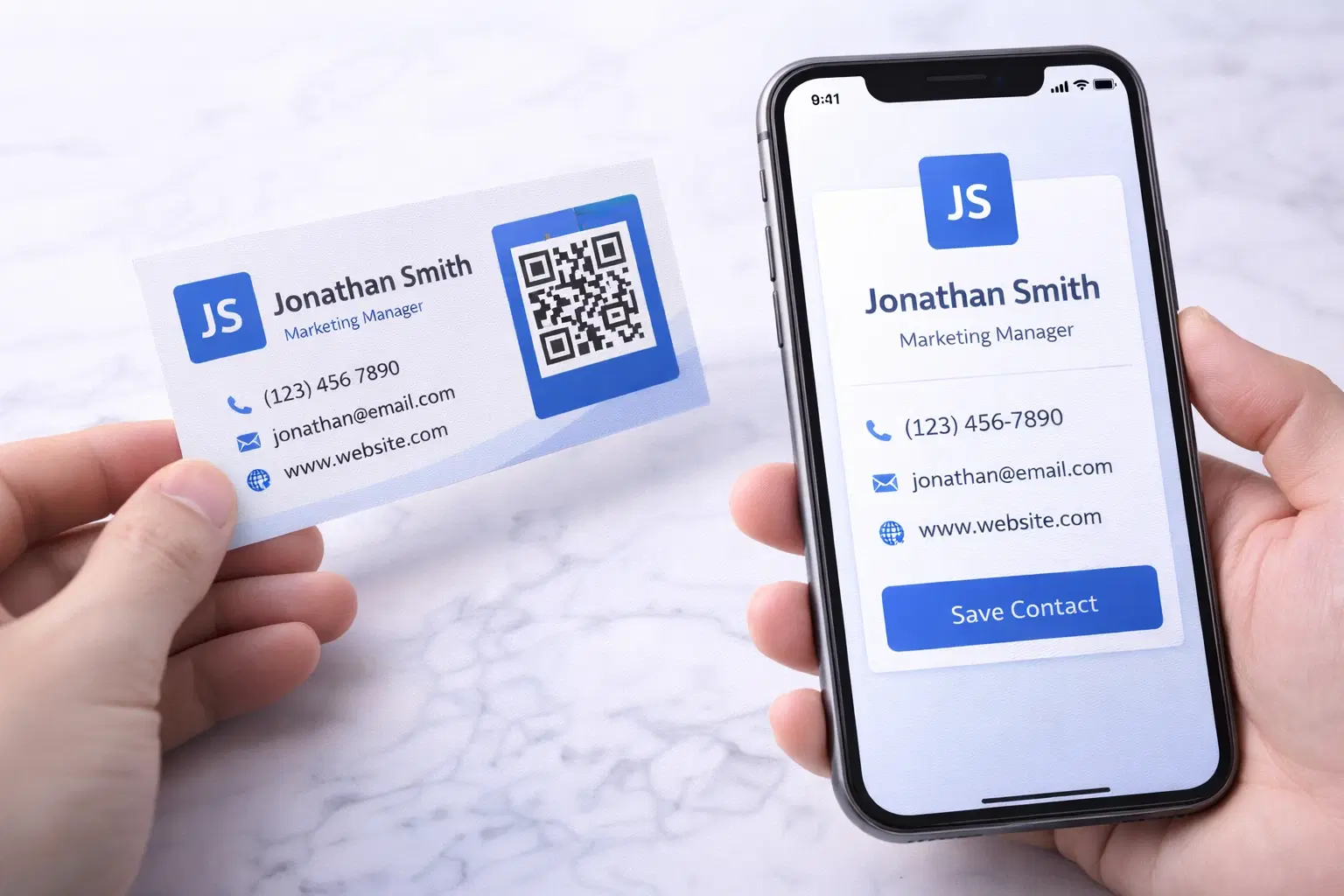
vCard QR Codes: The Complete Guide to Digital Business Cards (Updated 2026)
Create a vCard QR code that shares your contact info instantly, and updates itself when your job, phone, or email changes. Complete guide with placement strategy and networking scripts. Updated September 2026.
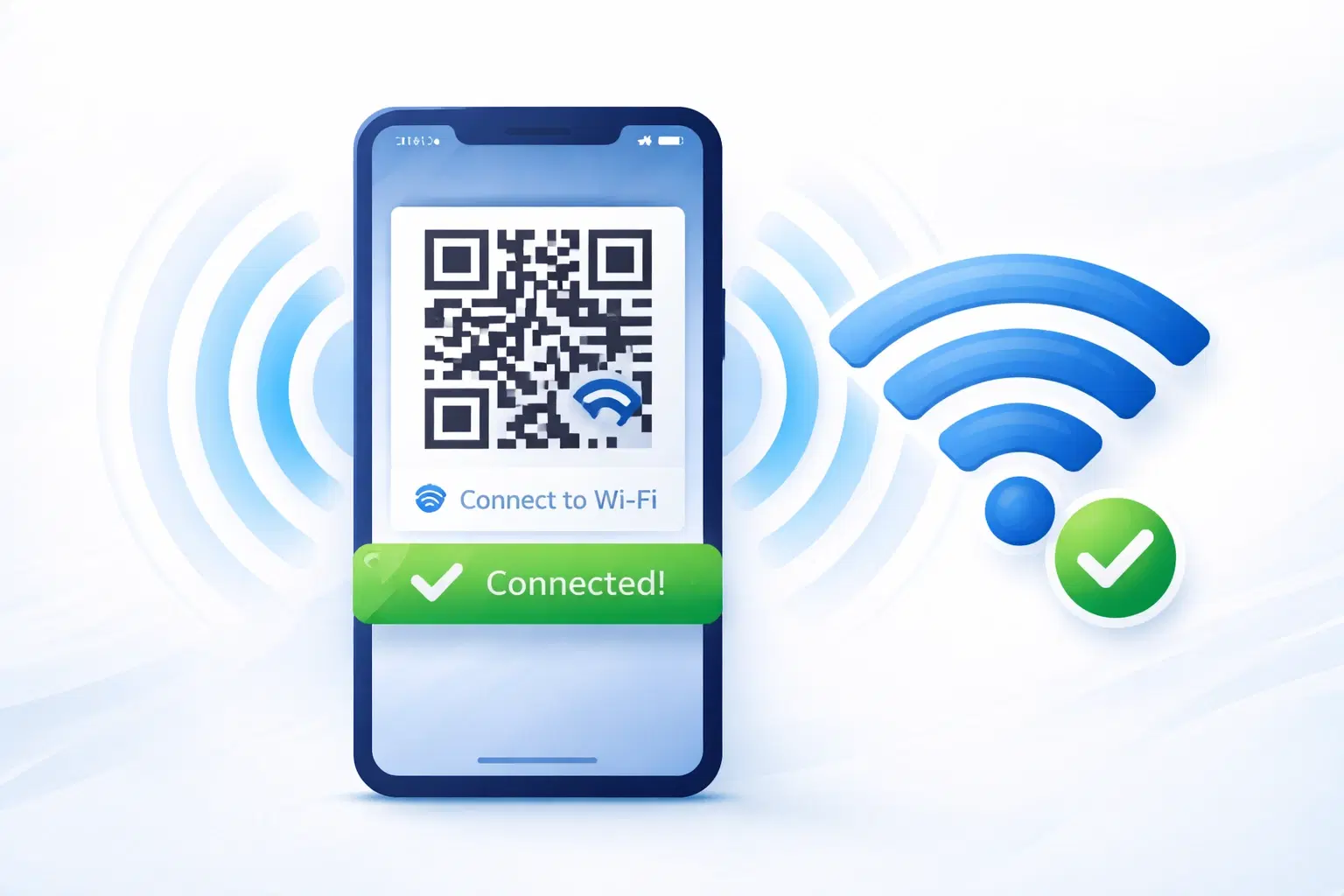
WiFi QR Codes: How to Share Your Network Password Instantly (Updated 2026)
Stop spelling out WiFi passwords letter-by-letter. WiFi QR codes let guests connect in seconds: for your home, café, hotel, or office. Updated 2026 setup guide with platform-specific instructions.
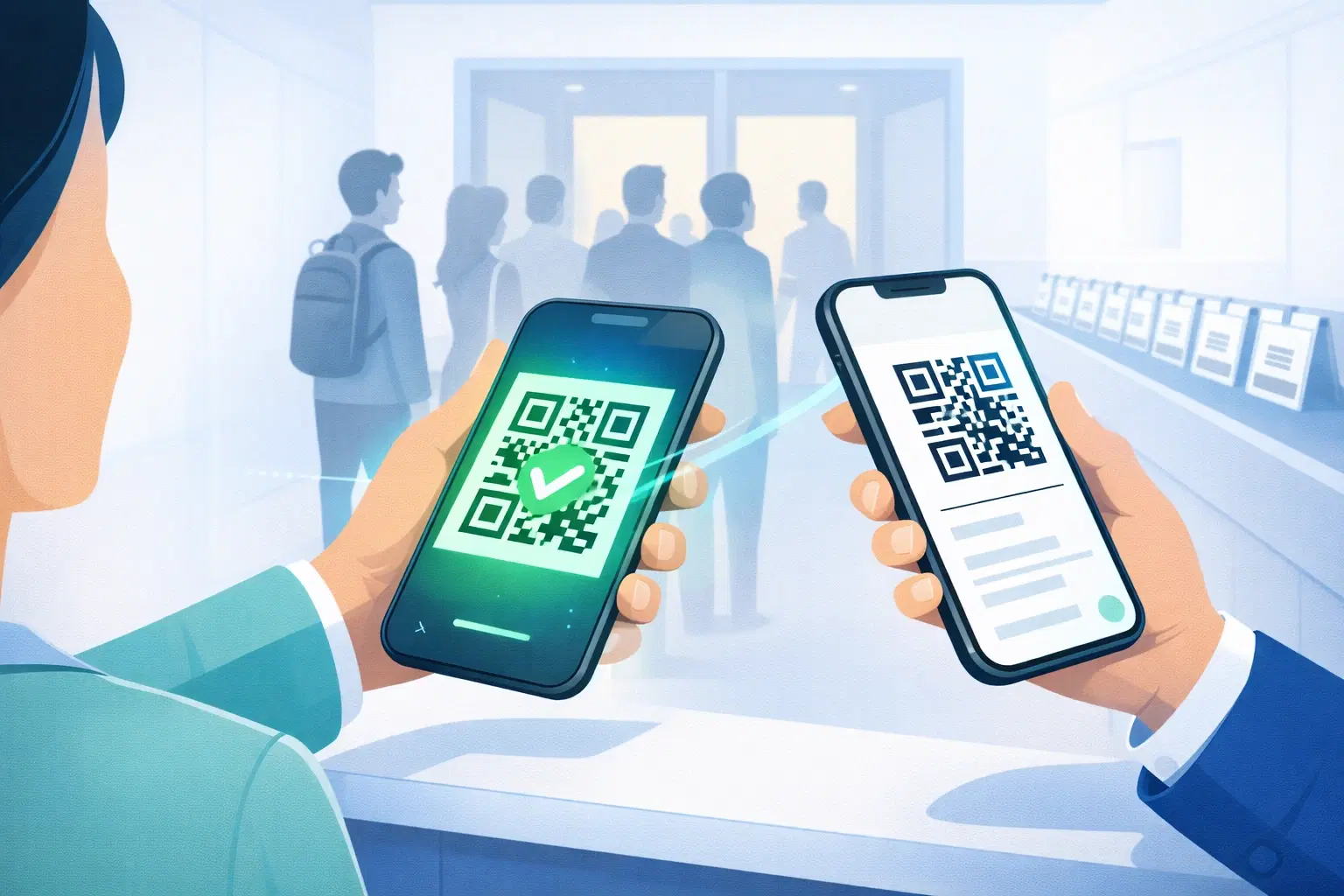
How to Set Up QR Code Check-In for Events: Step-by-Step Guide 2026
Replace paper lists and manual check-ins with a fast, contactless QR code system. Full setup guide for conferences, workshops, weddings, and corporate events.