QR Codes for Hotels & Hospitality: Room Service, Reviews, and WiFi 2026
How hotels, resorts, and hospitality businesses use QR codes to streamline room service, share WiFi, collect reviews, and improve the guest experience.

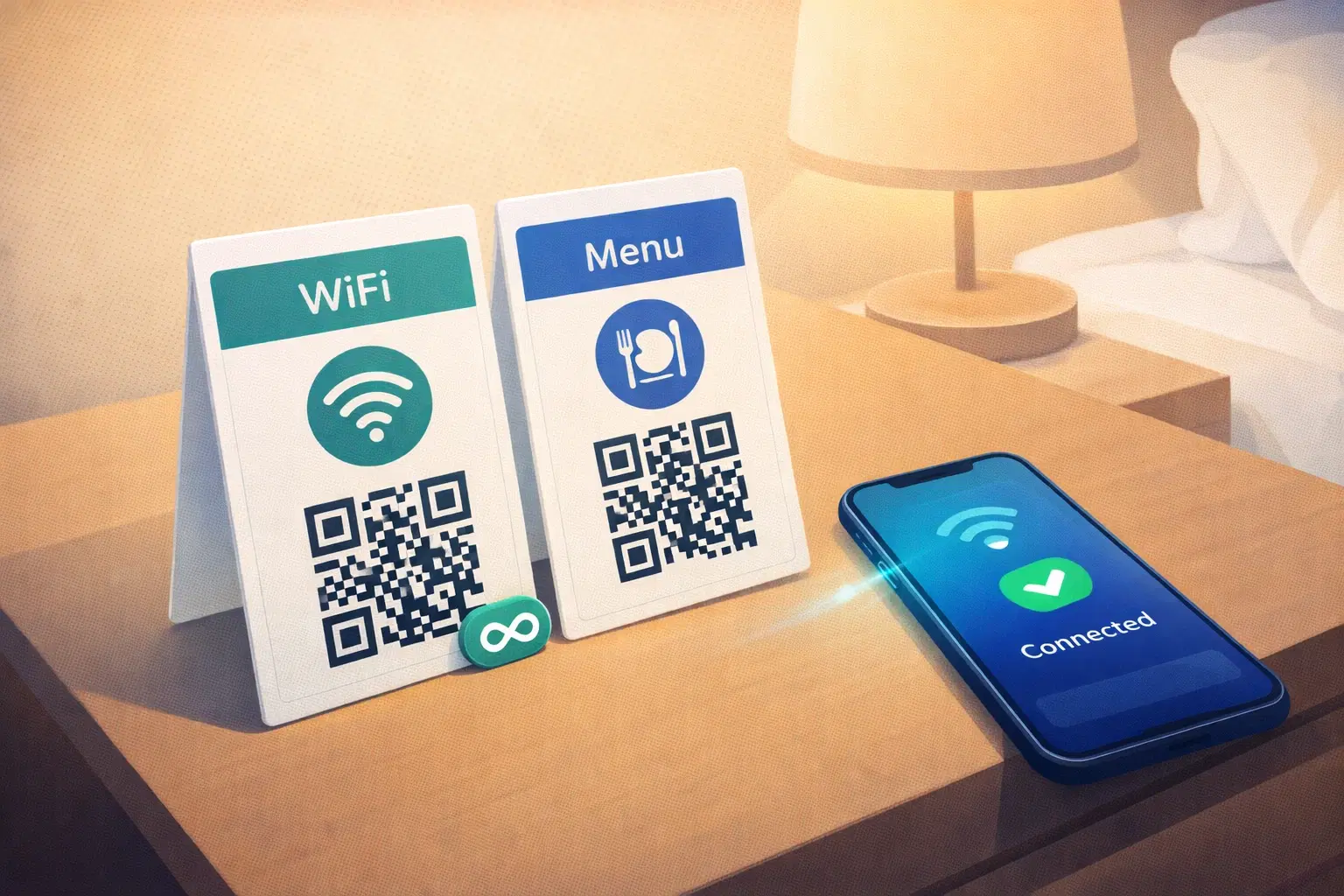
Hotels that implemented QR codes during the pandemic kept them, because guests preferred them. A QR code in a hotel room replaces a stack of printed materials, connects guests to WiFi instantly, lets them order room service from their own phone, and makes leaving a Google review as easy as a single scan.
This guide covers every practical QR code use case for hotels, resorts, guesthouses, and hospitality businesses: with setup instructions for each.
WiFi QR Codes: The Most-Requested Hotel Feature
Guests ask for the WiFi password more than anything else at check-in. A WiFi QR code eliminates this entirely.
How it works: A WiFi QR code encodes your network name (SSID) and password. When a guest scans it, their phone automatically connects: no typing, no misreading passwords, no front desk interruptions.
How to create one: Go to QRForever, select "WiFi" QR type, enter your network name, password, and encryption type (WPA2 for most hotels), then download and print.
Where to place WiFi QR codes: Welcome card on the desk or nightstand, back of the room door, at the front desk, and in the lobby, restaurant, and pool area.
Important: If you ever change your WiFi password, a dynamic WiFi QR code lets you update the network details without reprinting every card in every room.
Digital Room Service Menus
Printed room service menus go out of date the moment prices change or items are added. A QR code linking to a digital menu solves this permanently.
Setup: Create your digital menu on Google Sites, Notion, or any webpage. Create a dynamic QR code on QRForever linking to the menu URL. Print and laminate a small card for each room. When the menu changes, update the URL destination in QRForever, no reprinting.
What to include: Full menu with photos and prices, order instructions (call extension, WhatsApp number, or online order form), service timings, and allergy information.
Taking it further: Some properties add a WhatsApp QR code next to the menu QR so guests can order directly via WhatsApp: especially popular in India.
Google Review QR Codes: The Easiest Way to Collect Reviews
Google reviews directly impact your hotel's booking rate. A QR code that takes guests straight to your Google review form removes every barrier between a satisfied guest and a posted review.
How to get your Google review link: Search for your property on Google Maps, click "Write a review," and copy the URL from your browser.
Best placement for maximum reviews: Checkout desk (peak satisfaction moment), welcome note at check-in, restaurant bill holder, and elevator (guests pass through multiple times daily).
Tip: Don't ask for reviews at check-in. Ask at checkout or during a positive interaction, timing matters more than placement.
For TripAdvisor, Booking.com, or MakeMyTrip: Create separate QR codes for each platform. Rotate which one you display based on where your review count is lowest.
Guest Information and In-Room Compendium
A QR code compendium replaces the printed binder in every room: always current, always clean, costs nothing to update.
What to include: Check-in/out times, hotel facilities and hours, room service ordering, local area guide, emergency contacts, house rules, and checkout process.
Tools: Google Sites or Notion (both free for simple pages).
The maintenance advantage: When your pool hours change for winter, or a new restaurant opens nearby. You update one webpage and every room's QR code instantly shows the current information. No reprinting needed.
Spa, Restaurant, and Facilities Booking
Spa and wellness: A QR code in each room linking to your spa booking page or WhatsApp captures impulse bookings at 11pm when guests decide they want a morning massage, without waiting for reception to open.
Restaurant reservations: QR code linking to your restaurant reservation form or Google reservation. Business travelers often book dinner the night before, make it frictionless.
Concierge services: A QR code linking to a WhatsApp number or concierge request form lets guests make requests without calling: works well for late-night requests when staff is minimal.
Checkout and Feedback QR Codes
Feedback QR code at checkout: Link to a short 3-question feedback form. Questions: overall satisfaction, what you did well, one thing to improve. Review responses daily. This is your real-time quality signal.
Directing happy guests to Google: After internal feedback, happy guests (4-5 stars) should see: "Thank you! Share your experience on Google. Scan here." This two-step process (internal feedback first, then Google redirect) is used by the best-reviewed hotels to filter negative reviews from Google while still capturing the feedback internally.
Express checkout: A QR code in the room that lets guests check out digitally: confirm their bill, indicate checkout time, and front desk is notified. Reduces morning checkout queues significantly.
Practical Tips for Hotel QR Code Implementation
Use dynamic QR codes for everything: Hotel operations change constantly: menus update, WiFi passwords rotate, review platforms change. Dynamic QR codes let you update destinations without reprinting.
Laminate QR code cards: Rooms are cleaned daily. Paper QR codes curl, stain, and deteriorate. Laminate any QR code card in a room.
Label every QR code: "Scan for WiFi," "Scan for menu," "Scan to review us", clear labels remove all ambiguity. Unlabeled QR codes have dramatically lower scan rates.
Print size in rooms: Room scanning distance is typically 20-40 cm. Recommended QR code size: 4 × 4 cm for easy scanning from a comfortable position.
Analytics: With QRForever's analytics, you can see which QR codes in which room types get the most scans. Useful for understanding guest behavior without complex analytics setups.
Conclusion
QR codes in hospitality have shifted from pandemic response to genuine guest preference. Start with the three highest-impact placements: a WiFi QR code in every room, a Google review QR code at checkout, and a digital menu QR code for room service. These three alone will have a measurable impact within weeks.
Running a short-term rental rather than a hotel? The same ideas apply, but the setup differs for a host who is not on site. See our dedicated guide to QR codes for Airbnb and vacation rental hosts.
Related reading:
Create your hotel QR codes on QRForever. Start a 7-day free trial with full access to WiFi QR codes, dynamic links, and analytics.
Explore QRForever Solutions
Ready to Create Your Own QR Codes?
Start creating dynamic QR codes for your business today. Track analytics, update content anytime, and never reprint again.
Related Articles
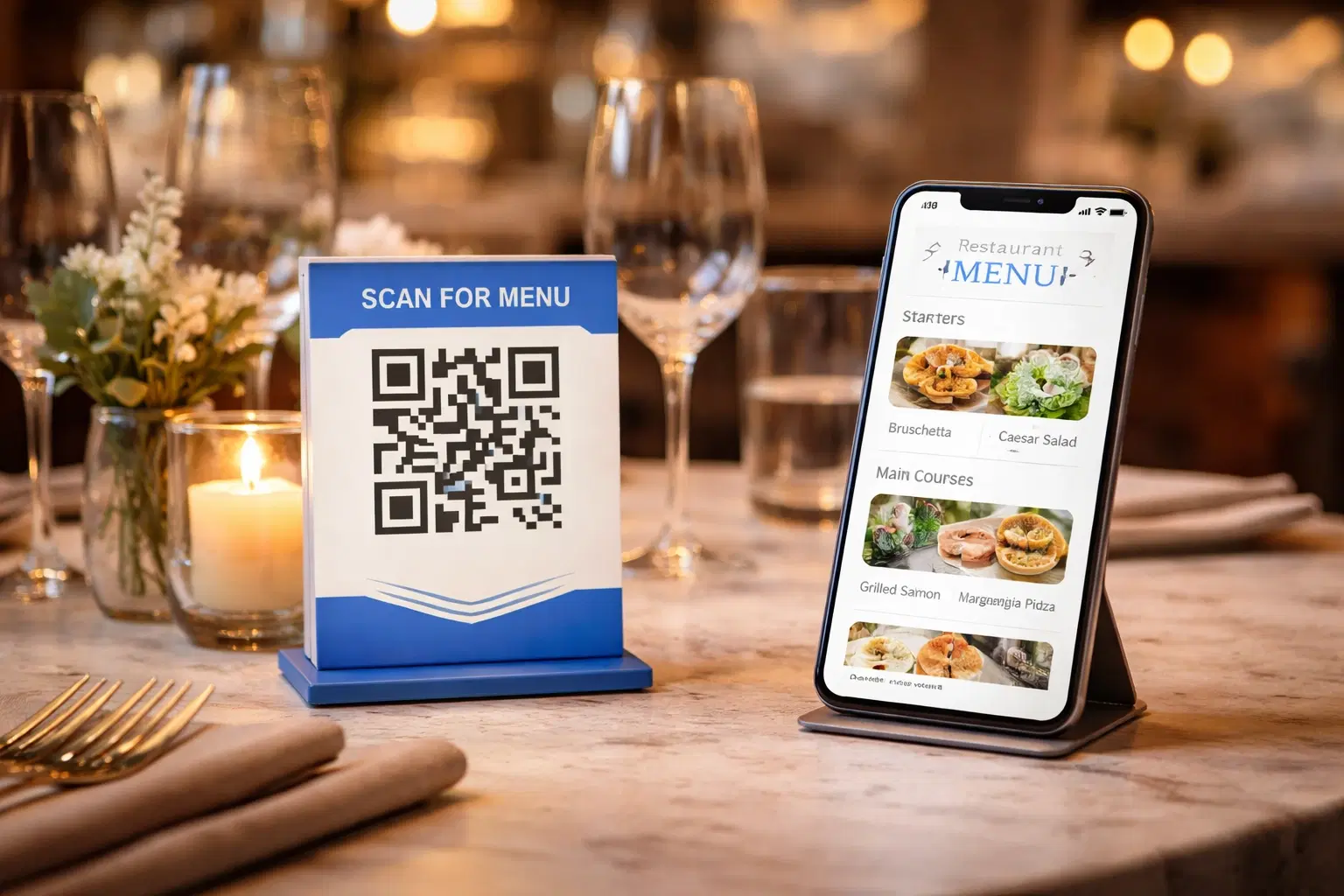
QR Code Menus for Restaurants: The Complete Setup Guide (Updated 2026)
Step-by-step guide to implementing QR code menus in your restaurant. Covers menu format options, placement strategy, staff training, and the one mistake that causes reprints. Updated May 2026.
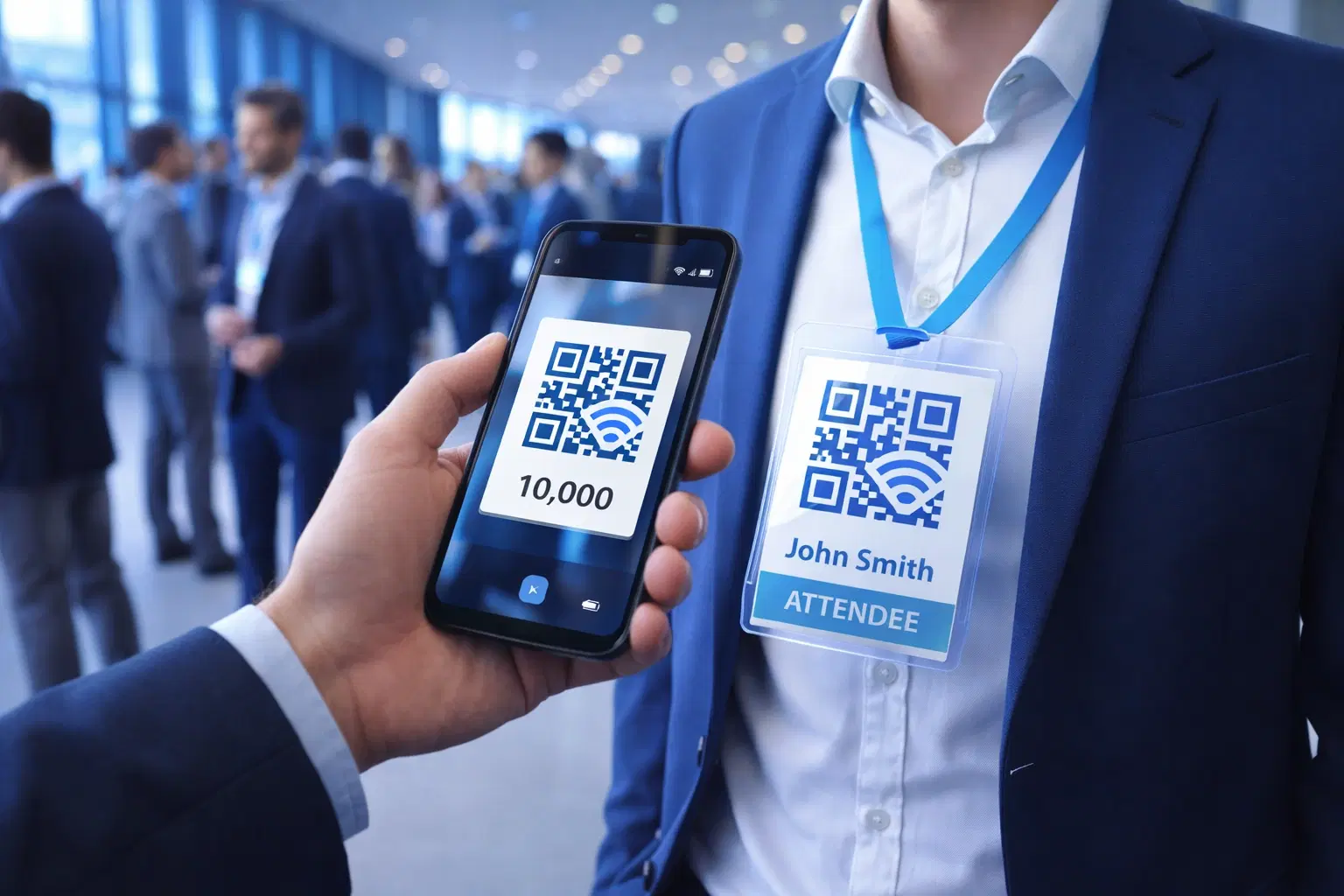
QR Codes for Events: Conferences, Trade Shows & Beyond (Updated 2026)
QR codes turn events from logistical pain into smooth data-rich experiences: instant check-in, smart networking, lead capture for exhibitors, and post-event ROI you can actually prove. Updated May 2026 with the current best practices.
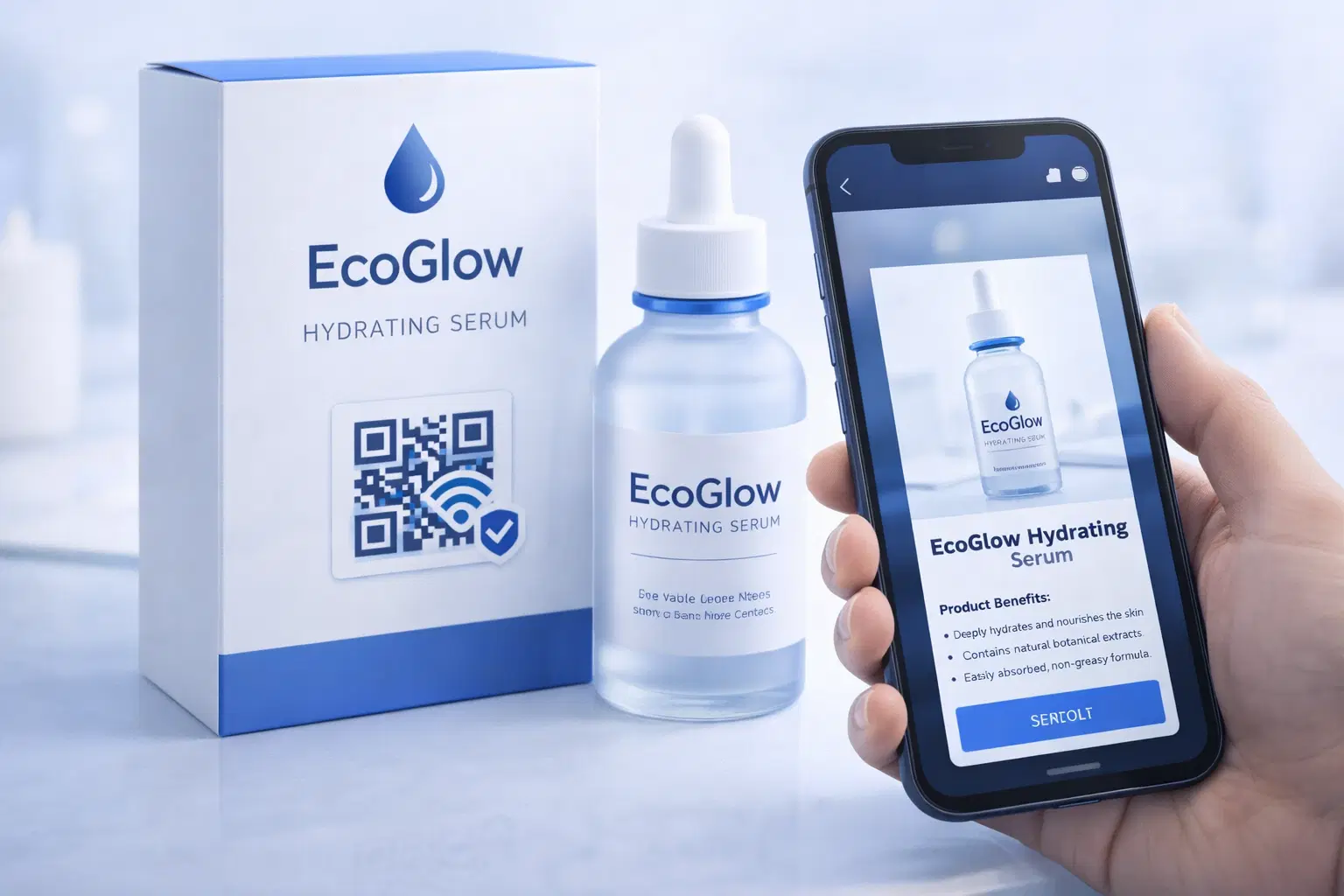
QR Codes on Product Packaging: Engaging Consumers Beyond the Shelf (Updated 2026)
Product packaging is your most-distributed marketing surface. Every unit on every shelf, in every home. QR codes turn that surface into a measurable, updatable channel for engagement, loyalty, and product education. Updated September 2026.