Educational QR Codes: 15 Classroom Uses for Teachers (2026)
QR codes connect physical classrooms and campuses to digital learning: resources, navigation, attendance, and student services. This 2026 guide covers 15 highest-impact classroom uses and how to roll them out. Updated June 2026.

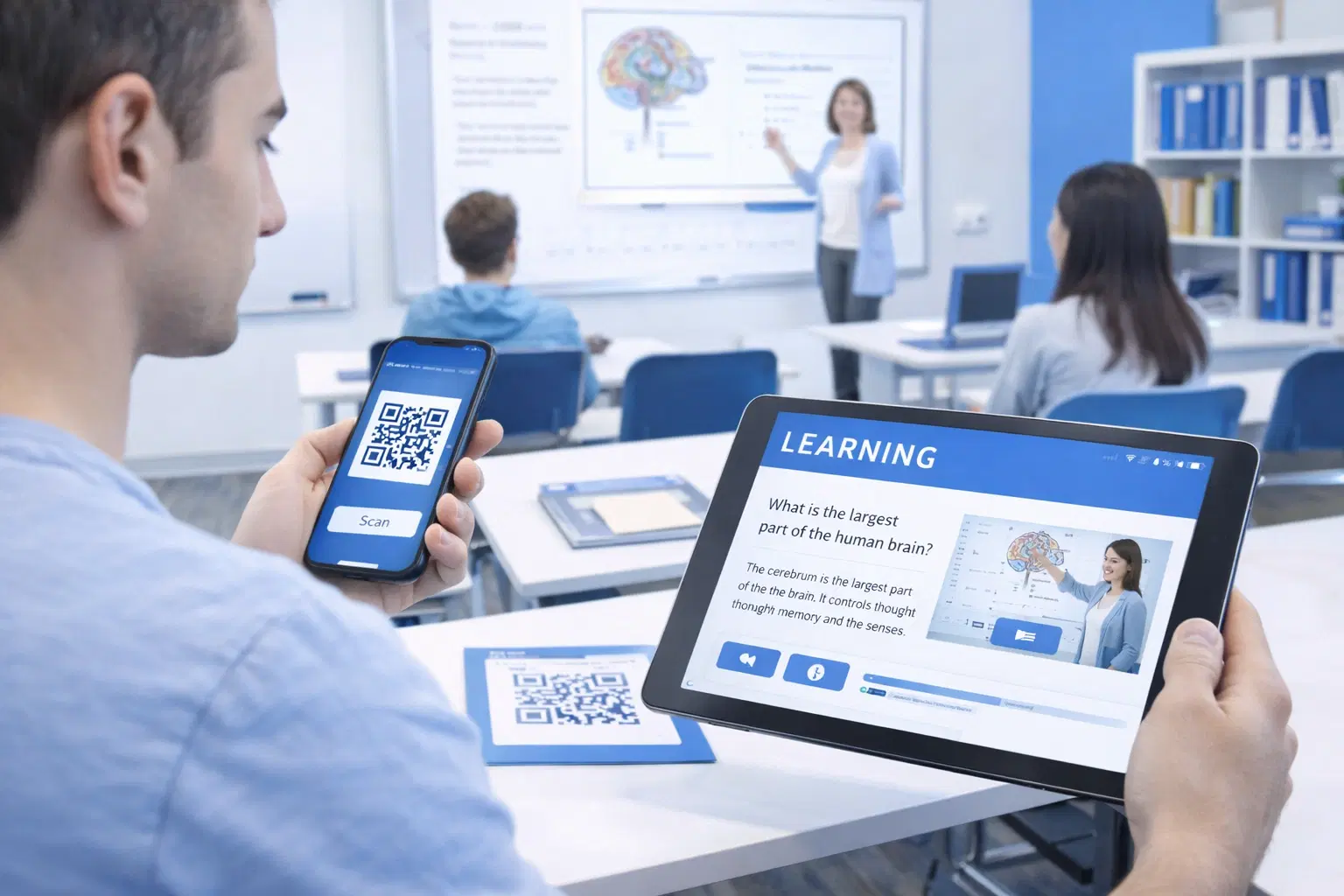
Educational QR codes give teachers a way to connect physical classroom materials to digital resources without students typing long URLs or searching the web.
A QR code on a worksheet links to a YouTube explainer. A code on a lab station links to the procedure video. A code on a test paper links to a self-grading Google Form. The scan takes one second. The student gets exactly where they need to be.
This guide covers 15 specific classroom uses, organized by what teachers most commonly need: supplementing lessons, running assessments, managing attendance, and making campus life easier.
All QR codes linked to educational resources should be dynamic, meaning if the destination URL ever changes, you update the link in your dashboard without reprinting anything. For individual, one-off classroom use, a free static QR generator works too.
Uses 1-5: Supplementing Lessons and Assessments
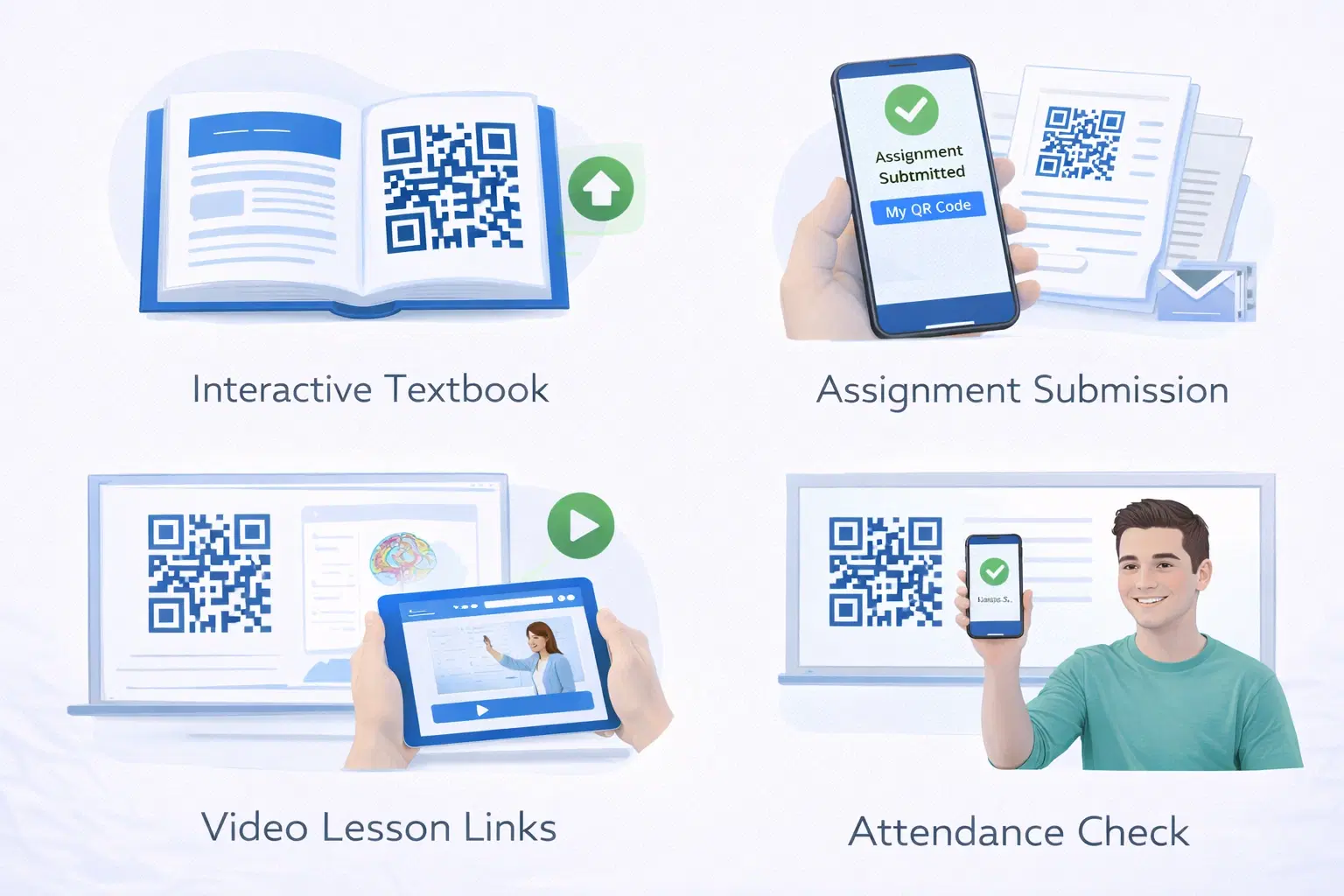
Transform lessons with digital enrichment. These five uses cover the everyday classroom work of linking printed materials to videos, practice, and quick assessments:
Supplementary resources:
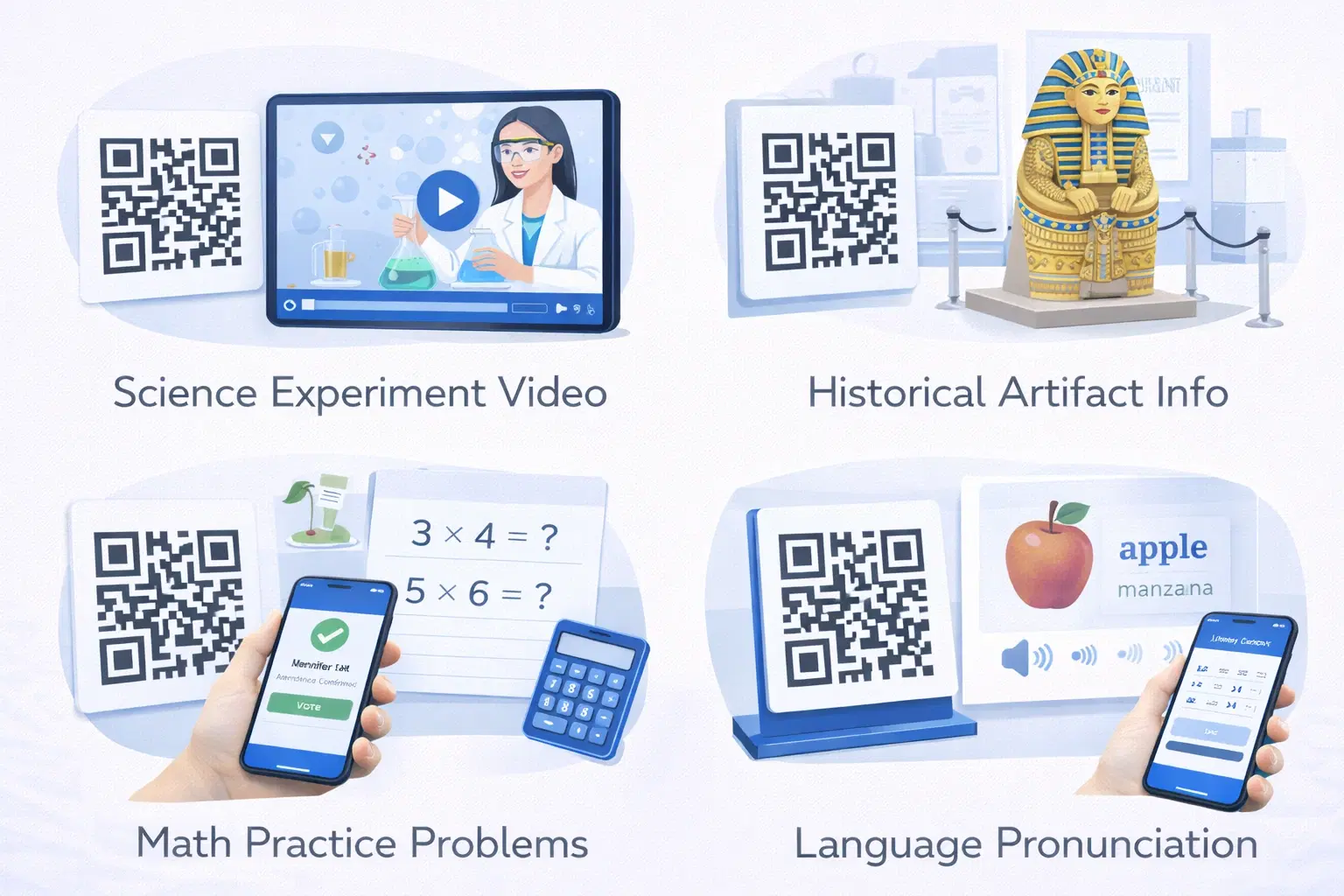
- Textbook pages link to video explanations
- Worksheets connect to interactive practice
- Posters reveal extended content
- Lab equipment links to procedure guides
Student work and portfolios:
- Physical projects link to digital documentation
- Art displays connect to artist statements
- Science fair boards link to data and methodology
- Performance recordings from QR codes on programs
Differentiated instruction:
- Multiple QR codes for different learning levels
- Choice boards with various resource links
- Extension activities for advanced students
- Additional support materials for struggling learners
Assessment and feedback:
- Exit tickets via QR code forms
- Quiz access without typing URLs
- Self-assessment rubrics
- Immediate feedback mechanisms
Uses 6-8: Library and Research Access
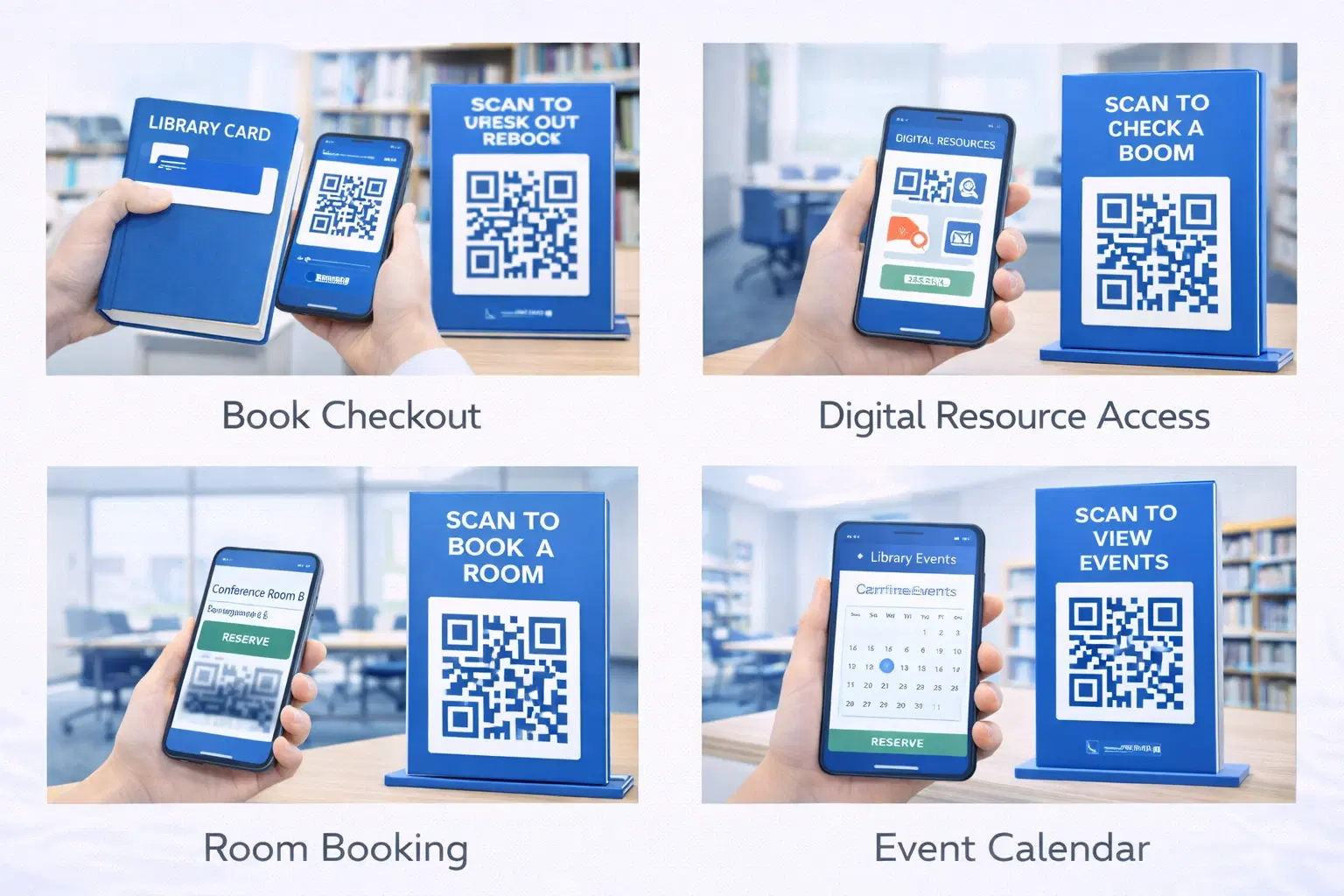
Enhance library services and research:
Physical to digital connection:
- Shelf labels link to online catalog
- Book displays connect to ebook versions
- Research guides accessible from subject areas
- Citation help available at writing stations
Research support:
- QR codes on bibliographies link to sources
- Database access from relevant locations
- Research appointment scheduling
- Tutorial videos for research skills
Collection enhancement:
- Author websites and interviews
- Book club discussion questions
- Related readings and recommendations
- Audiobook and accessibility versions
Space utilization:
- Room reservation from study spaces
- Equipment checkout procedures
- Printing instructions at printer stations
- Feedback collection on library services
Uses 9-11: Campus Navigation and Information
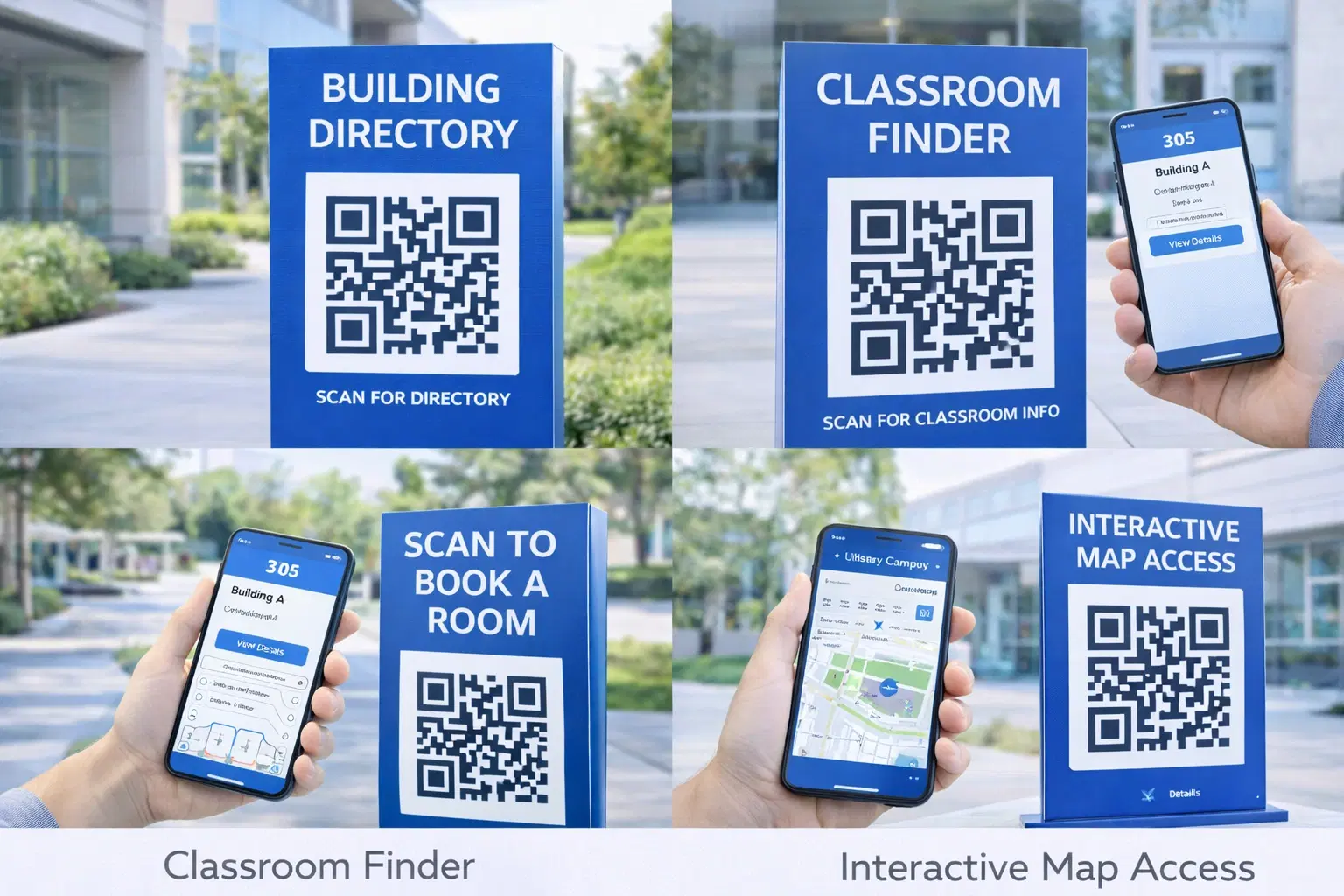
Help students and visitors find their way:
Wayfinding:
- Building directories with interactive maps
- Room-specific information at doorways
- Accessibility route guidance
- Emergency exit routes and procedures
Building information:
- Department office hours and contacts
- Building history and notable features
- Sustainability features and initiatives
- Art and exhibit descriptions
Event and scheduling:
- Room schedules accessible at doors
- Event details on posters
- Calendar integration for upcoming events
- Registration for campus activities
Visitor services:
- Self-guided campus tours
- Parking information at lots
- Visitor check-in procedures
- Welcome center resources
Pro Tip
Place QR codes at decision points where people might be confused or need information. Elevator lobbies, building entrances, and intersections are ideal locations.
Uses 12-13: Student Services Integration
Streamline administrative processes:
Registration and enrollment:
- Course registration shortcuts
- Prerequisite verification
- Advisor appointment scheduling
- Add/drop procedures
Financial services:
- Tuition payment portals
- Financial aid information
- Scholarship applications
- Payment plan enrollment
Health and wellness:
- Health services appointment booking
- Counseling center resources
- Fitness center schedules
- Nutrition information in dining halls
Career services:
- Resume upload and review
- Job and internship postings
- Career counseling scheduling
- Interview preparation resources
- Reduce lines at service offices with QR-based self-service
- Make information accessible 24/7 via QR codes
- Track which services have highest QR engagement
- Update information instantly without reprinting materials
- Connect physical notices to detailed online resources
Uses 14-15: Attendance and Engagement
Track participation and increase interaction:
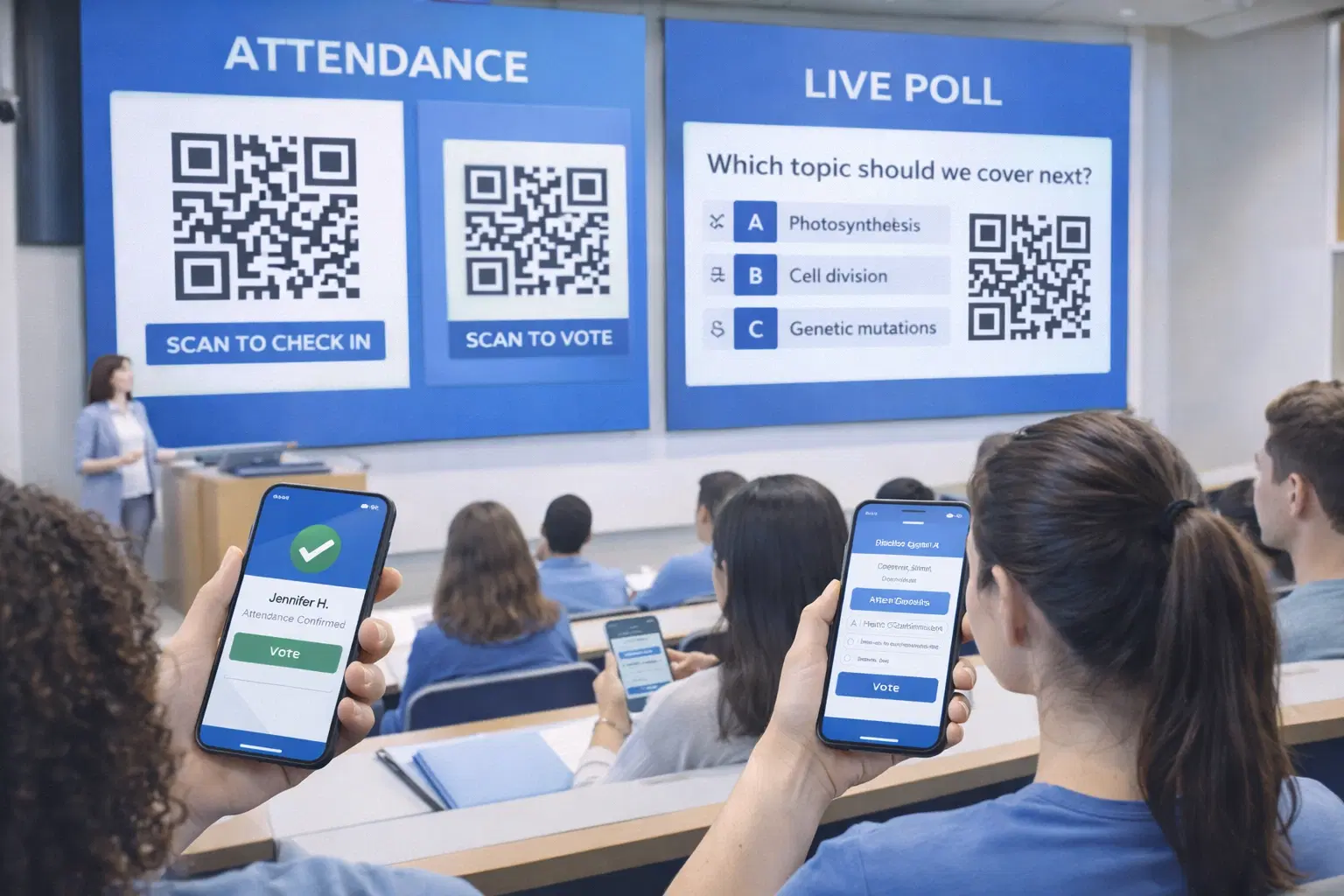
Attendance tracking:
- Students scan to check in to class
- Event attendance logging
- Workshop participation records
- Study session documentation
Class participation:
- Real-time polling and quizzes
- Discussion board access
- Question submission (anonymous option)
- Peer feedback systems
Engagement incentives:
- Points or rewards for scanning
- Scavenger hunt activities
- Gamification of learning objectives
- Competition between sections
Data collection:
- Understanding which resources are used
- Peak engagement times
- Popular content identification
- Improvement opportunity recognition
Safety and Emergency Preparedness
Enhance campus safety communications:
Emergency information:
- Building evacuation procedures
- Assembly point locations
- Emergency contact information
- First aid supply locations
Safety training:
- Lab safety protocols
- Equipment operation procedures
- Chemical handling guidelines
- Emergency response tutorials
Reporting systems:
- Incident reporting forms
- Maintenance request submission
- Safety concern reporting
- Anonymous tip lines
Ongoing communication:
- Emergency notification signup
- Weather closure information
- Campus alert subscription
- Safety resource library
Important
QR codes for safety information should always have backup methods (posted procedures, staff awareness) since phones may not be available in emergencies.
Implementation Considerations
Plan for successful educational QR deployment:
Device access:
- Not all students have smartphones
- Provide classroom devices for scanning
- Consider equity implications
- Offer alternative access methods
Privacy and data:
- FERPA compliance for student data
- Clear privacy policies
- Parental consent for minors
- Data minimization practices
Content management:
- Who updates linked content?
- How are outdated codes handled?
- What's the approval process?
- Who maintains the system?
Training needs:
- Faculty professional development
- Student orientation to system
- Staff training for support
- Ongoing refresher training
Technical infrastructure:
- Reliable campus WiFi
- Support for various devices
- Analytics and tracking systems
- Integration with existing platforms
- Assess device availability across student population
- Develop clear policies for QR code use and data
- Create content management procedures
- Train all stakeholders before rollout
- Plan for accessibility and alternatives
- Establish metrics for measuring success
Success Stories and Ideas
Inspiration from educational implementations:
Elementary school: A reading corner where each book has a QR code linking to author read-aloud videos, book trailers, and extension activities.
High school science: Lab equipment with QR codes linking to safety procedures, video demonstrations, and troubleshooting guides.
University campus: Self-guided historical tour of campus with QR codes on buildings revealing stories, photos, and notable alumni.
Library system: QR codes on every shelf section linking to subject librarian contacts, research guides, and relevant databases.
Student services: One-stop QR code in every residence hall connecting to mental health resources, emergency contacts, and support services.
Career center: QR code on every job posting board linking to the full online database and resume upload portal.
How to Create Classroom QR Codes for Free
For one-time classroom use (a single worksheet, one lesson plan), the free option works:
Option 1: QRForever Free Static Generator Go to qrforever.com/free-qr-code-generator. Paste your URL, download the PNG, and print it or embed it in your Word, Google Doc, or PowerPoint. No sign-up required. The code is permanent as long as the URL it points to stays active.
Option 2: QRForever Free Trial (for multiple codes with analytics) If you are creating codes for multiple classes or subjects, or want to update a code later without reprinting, the 7-day free trial gives full access to dynamic codes. No credit card required. After the trial, static codes you already printed continue to work.
Recommended for schools: A single QRForever Pro plan (₹499/month) used by one teacher can cover a classroom's worth of dynamic QR codes, and many schools share one account within a department. For teams that need seats and admin controls, there is a separate Business tier; see the pricing page.
Tip for Google Classroom users: Google Classroom generates URLs that include class IDs, and those URLs change when you copy an assignment to a new class year. Dynamic QR codes let you update the destination when the new-year URL is assigned, without reprinting worksheets.
Conclusion
QR codes in education solve a fundamental challenge: connecting physical learning spaces with the vast digital resources that enhance education. They make supplementary content accessible, streamline administrative processes, and provide data that helps improve operations.
Success requires thoughtful implementation: ensuring device access (and always providing non-QR alternatives for equity), maintaining content, training users, and using dynamic QR codes so a single posted code can be updated as the linked resource changes, without reprinting classroom or campus materials.
Start with high-impact, low-complexity applications: linking to supplementary resources, providing navigation assistance, or streamlining a service. Build from there as comfort and infrastructure develop.
Related reading:
Create dynamic QR codes for your classroom or campus with QRForever: start a 7-day full-access trial, no credit card. Update linked resources anytime without reprinting posted codes.
Frequently Asked Questions
Are QR codes free for classroom use?
Yes. You can generate unlimited static QR codes for free using tools like QRForever's free generator (no sign-up), QR Code Monkey, or GoQR.me. Static codes are fine for links that will not change. For dynamic codes you can edit later, a free trial covers classroom testing before any subscription decision.
Do students need to install an app to scan QR codes?
No. Any smartphone running iOS 11 or later, or Android 8 or later, can scan QR codes using the native camera app. Students do not need a third-party scanner. They point the camera at the code and tap the notification that appears. For classrooms where some students lack phones, provide a shared device or a typed short link as a backup.
What type of QR code should teachers use?
For links that will not change, such as a YouTube video or a fixed Google Drive PDF, static QR codes are fine and free. For links you might update during the school year, such as a changing Google Classroom assignment URL or an updated resource document, dynamic QR codes let you change the destination without reprinting the worksheet.
Can QR codes work offline?
The QR code itself contains no content; it contains a link. When scanned, the student's device needs internet access to reach the destination. For offline classrooms, QR codes are not the right tool unless you are linking to a resource the device has already cached or downloaded.
What size should QR codes be on printed worksheets?
At minimum 2 cm by 2 cm (about 0.8 inches square) for standard printer quality and close-range scanning. Go larger for codes viewed from a distance, such as posters or wall displays, where 5 to 10 cm works better. See our QR code size guide for full print specifications.
Explore QRForever Solutions
Ready to Create Your Own QR Codes?
Start creating dynamic QR codes for your business today. Track analytics, update content anytime, and never reprint again.
Related Articles
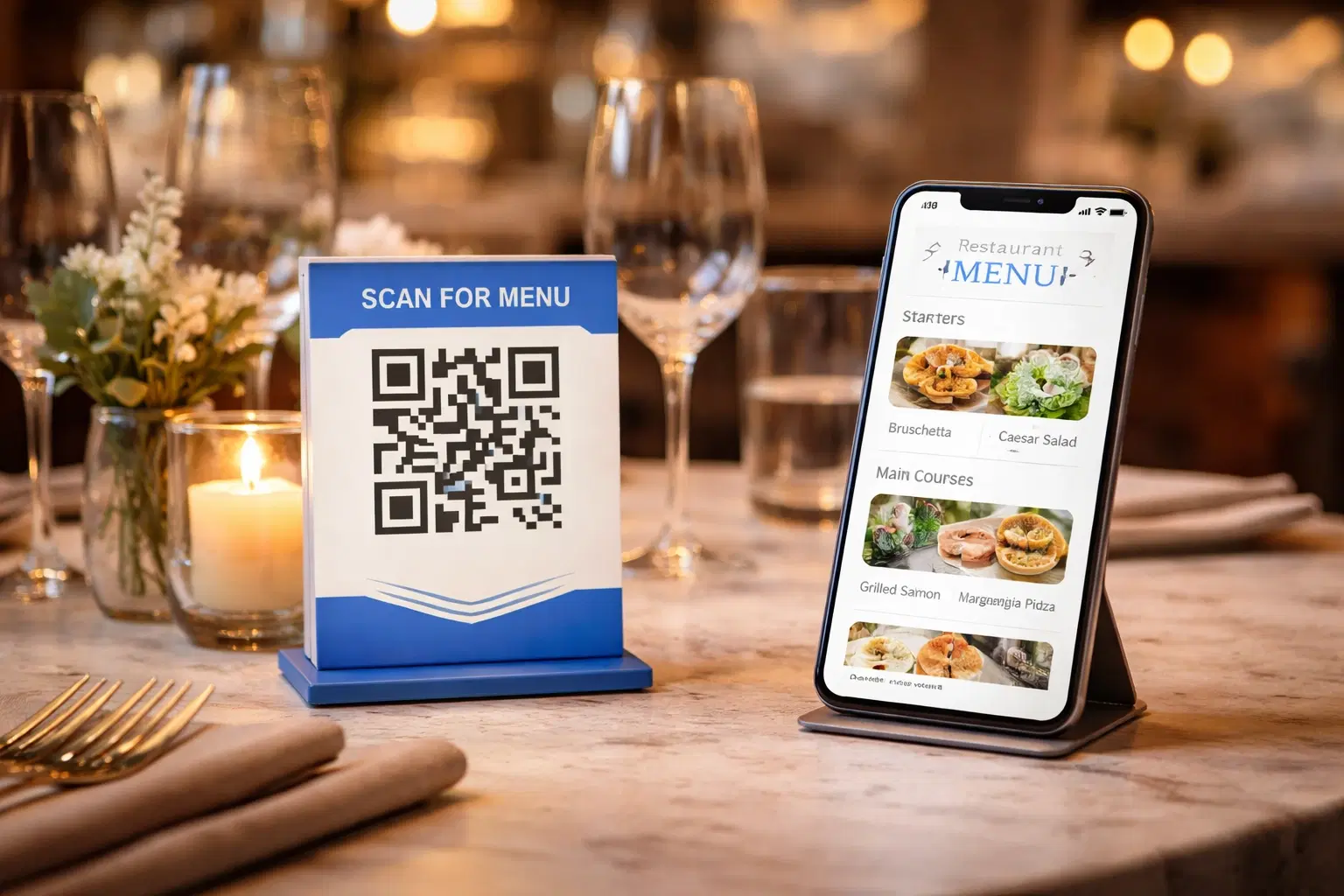
QR Code Menus for Restaurants: The Complete Setup Guide (Updated 2026)
Step-by-step guide to implementing QR code menus in your restaurant. Covers menu format options, placement strategy, staff training, and the one mistake that causes reprints. Updated May 2026.
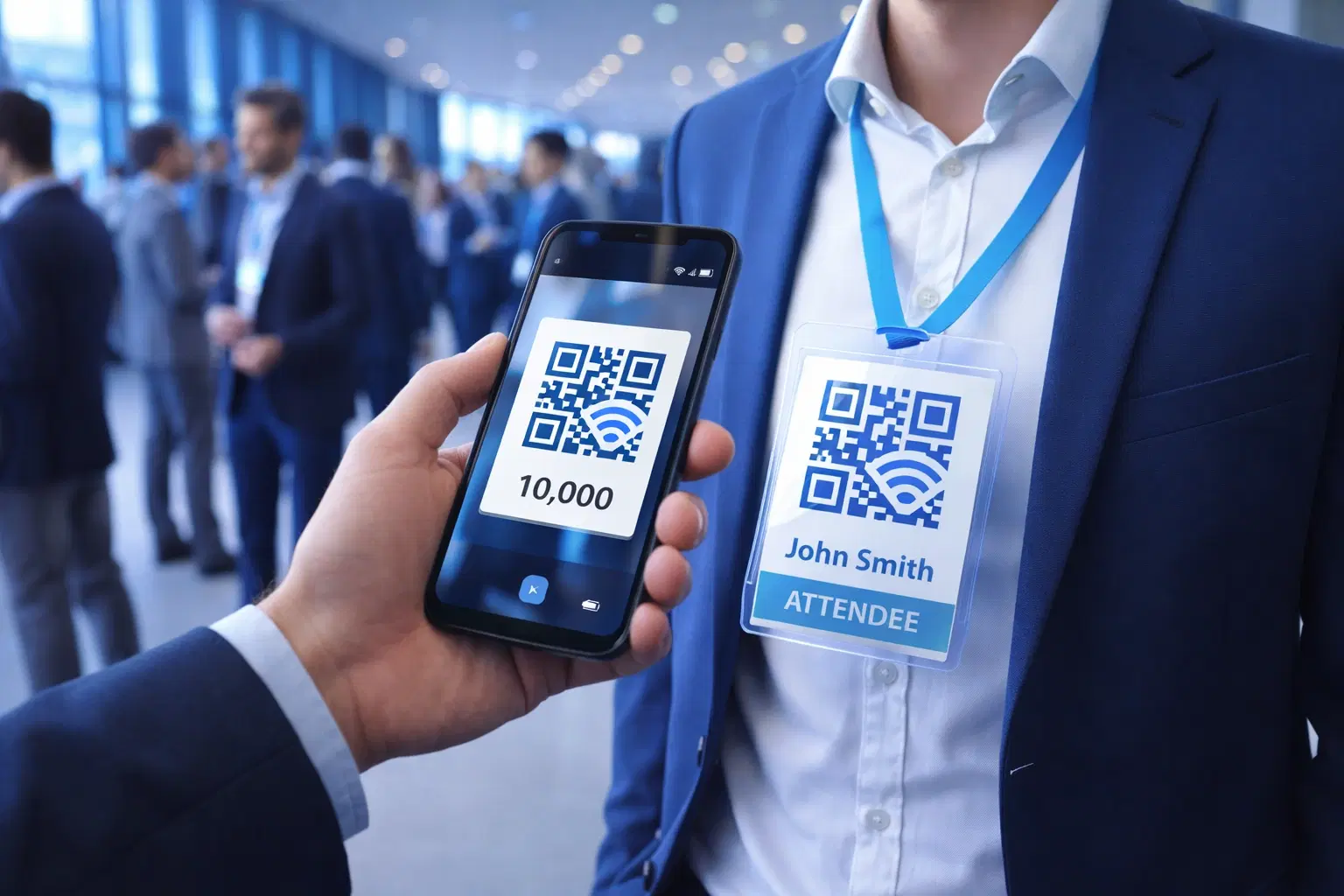
QR Codes for Events: Conferences, Trade Shows & Beyond (Updated 2026)
QR codes turn events from logistical pain into smooth data-rich experiences: instant check-in, smart networking, lead capture for exhibitors, and post-event ROI you can actually prove. Updated May 2026 with the current best practices.
QR Codes on Product Packaging: Engaging Consumers Beyond the Shelf (Updated 2026)
Product packaging is your most-distributed marketing surface. Every unit on every shelf, in every home. QR codes turn that surface into a measurable, updatable channel for engagement, loyalty, and product education. Updated September 2026.