How to Recover a Lost QR Code Link (Step-by-Step 2026)
Lost access to a QR code, or its destination is broken? Whether you can recover it depends on the QR code type. Here's a step-by-step recovery guide for every scenario, and how to make sure it never happens again.

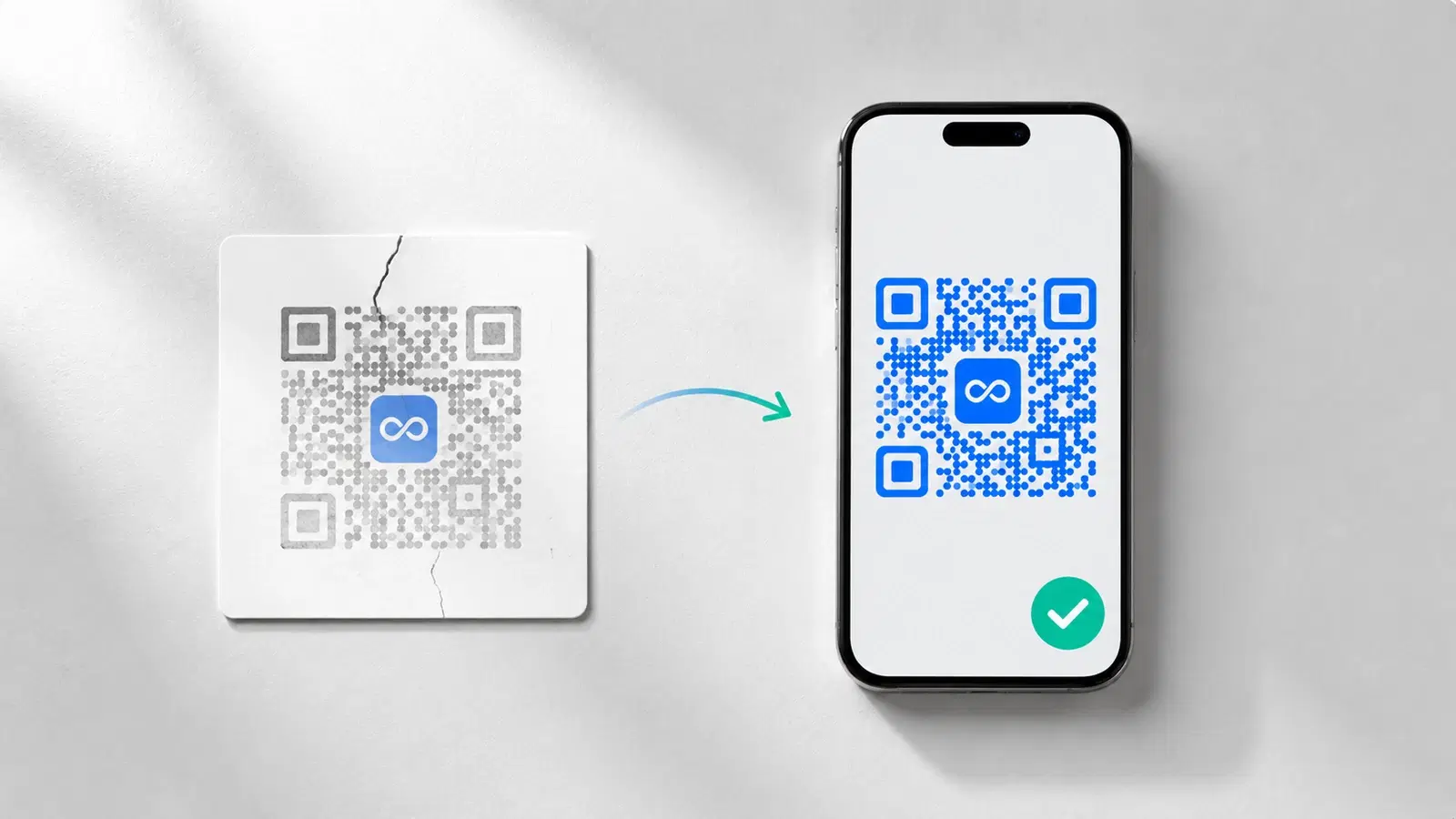
It's a stressful moment: your QR code is printed on hundreds of materials, and now it doesn't work. Or you've lost access to the account that controls it. Or the link it points to is broken and you can't remember how to fix it.
The good news: most QR code problems are recoverable. The bad news: whether *yours* is recoverable depends entirely on what type of QR code you used and what exactly went wrong.
This guide walks through every QR code "loss" scenario, tells you honestly whether recovery is possible, and gives you the step-by-step fix. It ends with how to make sure you never face this again.
First: Diagnose What Actually Went Wrong
"My QR code is lost" can mean several different things. Identify your exact situation first, the recovery path is completely different for each.
Scenario A, The QR code scans, but leads to a broken page (404 / error). The QR code itself works. The *destination* is broken. → This is the most recoverable scenario if you have a dynamic code.
Scenario B. You lost access to the account that manages the QR code. The code may still work, but you can't edit it or see analytics because you can't log in. → Recoverable via account recovery.
Scenario C, The QR code stopped working entirely (scans go nowhere). Often this means a dynamic code expired because a subscription lapsed. → Recoverable by reactivating, depending on the platform.
Scenario D. You lost the QR code image file itself. You need the QR code graphic again to reprint or reuse. → Recoverable if you still have account access.
Scenario E. You used a static QR code and the destination is dead. The QR code's URL is permanently encoded and that URL is broken. → This is the hardest scenario, limited options.
Identify your letter. Then go to the matching section below.
Pro Tip
Before anything else, scan your QR code and read the exact URL it contains (most phone cameras show the URL before opening it). Knowing the exact encoded URL is the key to every recovery path.
Scenario A & D: Recovering a Dynamic QR Code You Can Access
If you have a dynamic QR code and you can still log into the platform, you are in the best position. Both a broken destination (A) and a lost image file (D) are quick fixes.
Fixing a broken destination (Scenario A): 1. Log into your QR code platform 2. Find the QR code in your dashboard 3. Open its destination/URL settings 4. Update the destination URL to a working page 5. Save, the change takes effect within seconds 6. Scan your printed QR code to confirm it now works
Every printed copy of that QR code is instantly fixed, because they all route through the same redirect. No reprinting.
Recovering the QR code image (Scenario D): 1. Log into the platform 2. Find the QR code in your dashboard 3. Use the "Download" option to get the image again 4. The downloaded code is identical. It has the same redirect URL, so it matches all your printed copies
Important: When you re-download a dynamic QR code, you get the *same* code (same redirect URL). It will match materials already printed. This is only true for dynamic codes. Re-generating a static code creates a different pattern.
This is the core advantage of dynamic codes: as long as you have account access, the code is always recoverable and always fixable. See how to edit a QR code after printing.
Scenario B: Recovering Lost Account Access
If your QR code is fine but you can't log into the account that controls it, focus on account recovery.
Step 1. Identify which platform. Scan the QR code and read the URL. The domain tells you the platform (e.g., "qrforever.com/..." → QRForever). If it's a short domain like "bit.ly", it's Bitly.
Step 2. Use the platform's password reset. Go to the platform's login page and use "Forgot password." This sends a reset link to the registered email.
Step 3: If you don't know which email was used:
- Search all your email accounts for messages from the platform (welcome emails, receipts, scan reports)
- Check for payment records. Your bank/card statement may show the platform name, confirming you had an account
- Try password reset with every email address you might have used
Step 4: If the account was a colleague's or ex-employee's:
- Check company records for the registered email
- Contact the platform's support with proof of ownership (company details, payment records, the QR code itself)
- Most platforms can help transfer or recover an account with sufficient proof of ownership
Step 5. Contact platform support directly. If self-service recovery fails, email support. Provide: the QR code's redirect URL, any payment/transaction IDs, the approximate account creation date, and proof you represent the business.
While you're locked out: If the QR code still *works* (just can't be edited), you have time. It's not an emergency. If it's also broken, treat it as urgent and escalate to support immediately.
- Scan the code to identify the platform from its URL domain
- Try "Forgot password" with every email you might have used
- Search all email accounts for messages from the platform
- Check payment records to confirm the account and registered details
- Contact platform support with proof of ownership if self-service fails
Scenario C: Recovering an Expired QR Code
If your dynamic QR code stopped working entirely (scans go nowhere), the most common cause is an expired or lapsed subscription.
Why this happens: On many QR platforms, dynamic QR codes stop redirecting if the subscription lapses or a free trial ends. The code's redirect URL returns an error or a "this code is inactive" page.
Recovery steps: 1. Log into the platform (recover account access first if needed, see Scenario B) 2. Check your subscription/billing status 3. If lapsed: reactivate or renew the subscription 4. Once the account is active again, the dynamic codes typically resume working 5. Scan to confirm the code redirects correctly again
The catch: Some platforms delete or permanently deactivate codes after a long lapse. The longer the code has been inactive, the higher the risk it can't be reactivated. Act quickly.
If the code cannot be reactivated: You'll need to treat it like a dead static code, see Scenario E below.
The real lesson here: This entire scenario is avoidable. A QR code that stops working because you missed a payment is a platform design problem. Platforms with genuinely permanent QR codes keep your codes redirecting even if your paid plan lapses. You lose premium features, but the codes themselves never go dark. This is exactly the risk QRForever's permanent-code model is built to eliminate.
See QR codes that never expire for why this matters.
Important
On most platforms, "expired QR code" recovery is time-sensitive. The longer a lapsed code sits inactive, the more likely the platform purges it permanently. Reactivate as soon as you discover the problem.
Scenario E: When You Used a Static QR Code
This is the hardest scenario. A static QR code has the destination URL permanently encoded in its pattern. If that URL is dead and you can't restore it, the QR code itself cannot be "edited". There's no dashboard, no redirect to update.
Your options, in order of preference:
Option 1: Restore the original destination URL. If the dead URL is on a website *you control*, the best fix is to make that URL work again:
- Recreate the page at that exact URL, or
- Set up a server-side redirect from the old URL to a new working page
Option 2. Sticker over with a new (dynamic) code. For materials still in your possession:
- Create a new dynamic QR code with the correct destination
- Print it as small stickers
- Apply over the dead static code
Option 3. Reprint with a dynamic code. For high-value materials, reprint with a proper dynamic QR code. Expensive, but permanent, and it ensures you never face this again.
Option 4: Accept the loss for distributed materials. For low-value, widely-distributed materials (a flyer drop from last year), the realistic answer may be to accept that those codes are dead and focus on getting future codes right.
The hard truth: Static QR codes have no recovery dashboard. If you can't control the destination URL, your only paths are physical (stickers, reprints). This is precisely why dynamic codes are recommended for anything printed.
How to Make Sure This Never Happens Again
Every QR code recovery scenario is preventable. Build these habits:
1. Use dynamic QR codes for everything printed. A dynamic code you can access is always recoverable and always fixable. This single choice eliminates Scenarios A, D, and E.
2. Use a platform with permanent codes. Choose a platform where codes don't expire when a plan lapses. This eliminates Scenario C, a missed payment can't take down your codes.
3. Document your QR codes. Keep a simple record (a spreadsheet is fine): each QR code's name, the platform, the account email, the current destination, and which materials it's printed on. This makes any future recovery trivial.
4. Use a shared/business account, not a personal one. If QR codes are for a business, register the account with a business email that multiple people can access, not an individual's personal email. This eliminates the "ex-employee owned the account" version of Scenario B.
5. Keep the QR code image files backed up. Save the downloaded QR code images in your business's shared drive. Even though you can re-download dynamic codes, having local backups speeds up any reprint.
6. Set a renewal reminder. If your platform's codes *do* expire on lapse, set a calendar reminder before renewal dates. Better: switch to a platform where this isn't a risk.
7. Test your important QR codes periodically. Every few months, scan your key printed QR codes to confirm they still work. Catching a broken destination early (before a customer does), turns a crisis into a 30-second fix.
Follow these and "I lost my QR code" becomes a problem you never have. For more, see 15 common QR code mistakes to avoid.
- Use dynamic QR codes for all printed materials
- Choose a platform with permanent codes that don't expire on plan lapse
- Document every QR code: platform, account email, destination, materials
- Register the account with a shared business email, not a personal one
- Back up QR code image files to a shared drive
- Periodically scan your important codes to catch problems early
Conclusion
A "lost" QR code is usually recoverable, but the ease of recovery is decided long before the problem appears, by the type of QR code you chose.
Recovery summary:
- Dynamic code + account access → easy fix (edit destination or re-download)
- Lost account access → recoverable via password reset or support with proof of ownership
- Expired code → reactivate the subscription quickly before the platform purges it
- Static code with a dead URL → hardest case; restore the URL or sticker/reprint
The pattern is consistent: dynamic QR codes on a platform with permanent (non-expiring) codes are almost always recoverable. Static codes and platforms with expiry traps are where recovery gets painful.
If you take one action after reading this: document your existing QR codes now (platform, account email, destinations), so that any future "lost QR code" moment is a quick lookup instead of a crisis.
Related reading:
Create a recoverable, permanent QR code with QRForever: dynamic codes that never expire and stay editable, so a "lost" QR code is always just a quick fix.
Explore QRForever Solutions
Ready to Create Your Own QR Codes?
Start creating dynamic QR codes for your business today. Track analytics, update content anytime, and never reprint again.
Related Articles
vCard QR Codes: The Complete Guide to Digital Business Cards (Updated 2026)
Create a vCard QR code that shares your contact info instantly, and updates itself when your job, phone, or email changes. Complete guide with placement strategy and networking scripts. Updated September 2026.
WiFi QR Codes: How to Share Your Network Password Instantly (Updated 2026)
Stop spelling out WiFi passwords letter-by-letter. WiFi QR codes let guests connect in seconds: for your home, café, hotel, or office. Updated 2026 setup guide with platform-specific instructions.
How to Set Up QR Code Check-In for Events: Step-by-Step Guide 2026
Replace paper lists and manual check-ins with a fast, contactless QR code system. Full setup guide for conferences, workshops, weddings, and corporate events.