QR Codes for Retail Stores: Price Tags, Fitting Rooms & Loyalty Programs 2026
How retail stores use QR codes on price tags, in fitting rooms, and for loyalty programs to increase sales, reduce staff load, and improve the shopping experience.

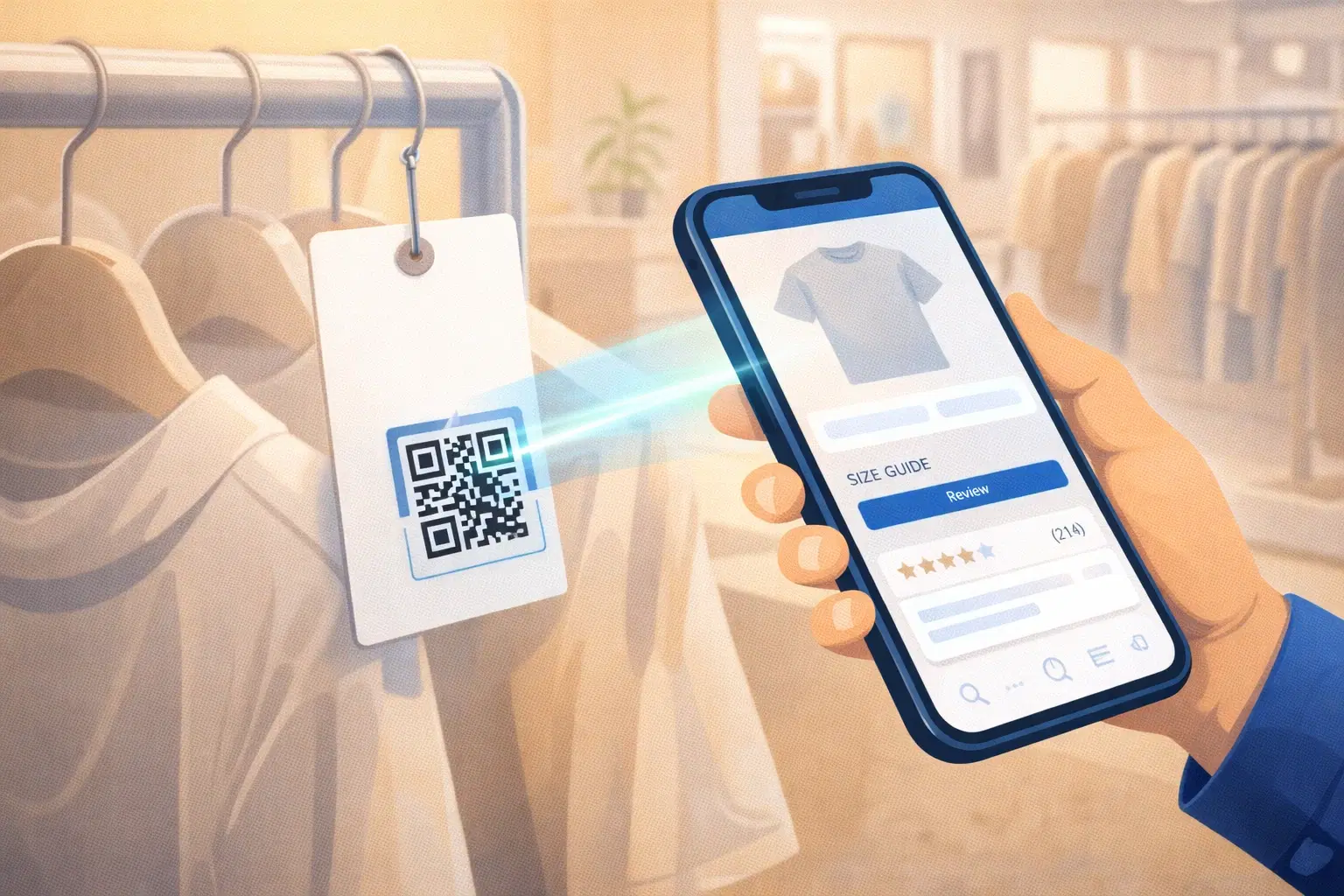
Retail foot traffic is expensive to generate. When a customer walks into your store, every missed opportunity to engage them (a question unanswered, a size not found, a loyalty card not signed up for) is money left on the floor. QR codes close these gaps without requiring more staff.
This guide covers the most effective QR code applications for physical retail stores: price tags that sell, fitting rooms that convert, and loyalty programs that retain. For a quick-reference overview, see the QR codes for retail guide.
QR Codes on Price Tags: More Than Just a Price
A price tag traditionally shows price, size, and SKU. A QR code on a price tag can show everything a salesperson would tell a customer.
What a QR code price tag can link to: Full product description with materials and care instructions, size guide with measurements (reduces returns), customer reviews, "complete the look" suggestions, video demonstrations, current stock in other sizes/colors, and online listing for home delivery if in-store size is sold out.
Why this works: Customers with complete information buy with more confidence and return less. A size guide QR code alone can reduce fitting room abandonment because customers find their size before they go in.
Setup: Create a product page for each item, create a dynamic QR code on QRForever linking to it, add to your price tag design. When the page URL changes, update the destination, printed tags still work.
For stores with large inventory: Use QRForever's Bulk QR Creation: upload a CSV with all product URLs and generate QR codes for your entire catalog at once.
Fitting Room QR Codes: Converting Browsers Into Buyers
The fitting room is the highest-intent moment in retail. A customer trying on clothes has already committed significant time. They want to buy.
Size request QR code: Links to a WhatsApp number or simple request form. A customer who needs a different size messages for help while staying in the fitting room. A staff member on WhatsApp duty responds and brings the requested size.
Setup: Create a QR code on QRForever linking to your store's WhatsApp number (wa.me/your_number). Label it: "Need a different size? Scan to message us."
"Add to wishlist" QR code: When customers like something but aren't ready to buy, a QR code linking to a wishlist form lets them save the product. Follow up via WhatsApp or email with a reminder.
"Find online" QR code: If you have an online store, a fitting room QR code linking to the specific product page lets customers order in their correct size for home delivery when in-store stock is out. This converts a walk-away into an online sale.
Loyalty Program Enrollment via QR Code
Loyalty program sign-up at the checkout counter is friction-heavy and slows the queue. A QR code in-store lets customers join at their own pace.
In-aisle enrollment: Place a "Join our loyalty club" QR code on shelf talkers or hanging signs throughout the store. Customers scan while browsing, fill the form on their phone, and receive their loyalty number before reaching checkout.
What the QR code should open: A simple enrollment form (name, phone, email. 3 fields maximum) that auto-sends a loyalty number or digital card via SMS/WhatsApp after signup. Optionally, an instant discount code as a welcome reward.
Benefits vs paper forms: No transcription errors, data goes directly to your system, no lost forms, staff time saved at checkout, and the customer can enroll at any point in the shopping journey: not just at payment.
QR Codes at the Point of Sale
UPI Payment QR codes: In India, UPI QR codes are already standard at checkout. Display prominently at eye level at the counter. Minimum 8 × 8 cm for counter scanning distance. Not hidden at the bottom of a sign.
Digital receipt QR code: After purchase, a QR code linking to the digital receipt reduces paper and lets customers retrieve receipts for returns or expense claims without calling the store.
Post-purchase review QR code: On the paper receipt or a small card in the shopping bag, a QR code linking to your Google review page. Scan rate on post-purchase inserts is 1-3%, but at 100 transactions/day that's 1-3 reviews daily with zero staff effort.
Window Display and Exterior QR Codes
When your store is closed, a QR code in your window converts window shoppers at any hour.
What to link to: Your online store for impulse purchases, WhatsApp to ask questions about window products, or your Google Maps listing for reviews and hours.
Outdoor QR code requirements: Minimum 6 × 6 cm for scanning through a glass window from 50 cm. High contrast: black on white. Laminated or printed on weatherproof material if outside.
A/B test your window QR codes: Create two QR codes linking to different destinations and rotate weekly. QRForever analytics shows which destination generates more engagement. Over time, you discover what your window shoppers actually want.
Managing QR Codes Across a Retail Store
A retail store can quickly accumulate 20-50 QR codes. Managing these well is what separates a good implementation from a chaotic one.
Use dynamic QR codes for everything that might change: Products get discontinued, URLs change, loyalty forms get redesigned. With dynamic QR codes, you update the destination once and every printed QR code reflects the change instantly.
Naming convention: Label every QR code clearly in your QRForever dashboard: "Fitting Room 1: Size Request," "Checkout Counter: UPI Payment," "Window Display. Online Store."
Quarterly QR audit: Every 3 months, scan every QR code in your store and confirm the destination still loads. A broken QR code you didn't notice is a customer you silently lost.
Analytics to watch: Which price tag QR codes get the most scans (your most-considered products), fitting room scan rate vs conversion rate, and loyalty enrollment rate over time.
Conclusion
QR codes in retail solve a fundamental problem: customers need information to buy confidently, but staff can't be everywhere at once. The stores getting the most value use dynamic codes so they can update destinations as products and programs evolve, without reprinting signage every time something changes.
Start with QRForever's free trial. 7 days of full access including Bulk QR Creation for your entire product catalog. No credit card required.
Explore QRForever Solutions
Ready to Create Your Own QR Codes?
Start creating dynamic QR codes for your business today. Track analytics, update content anytime, and never reprint again.
Related Articles
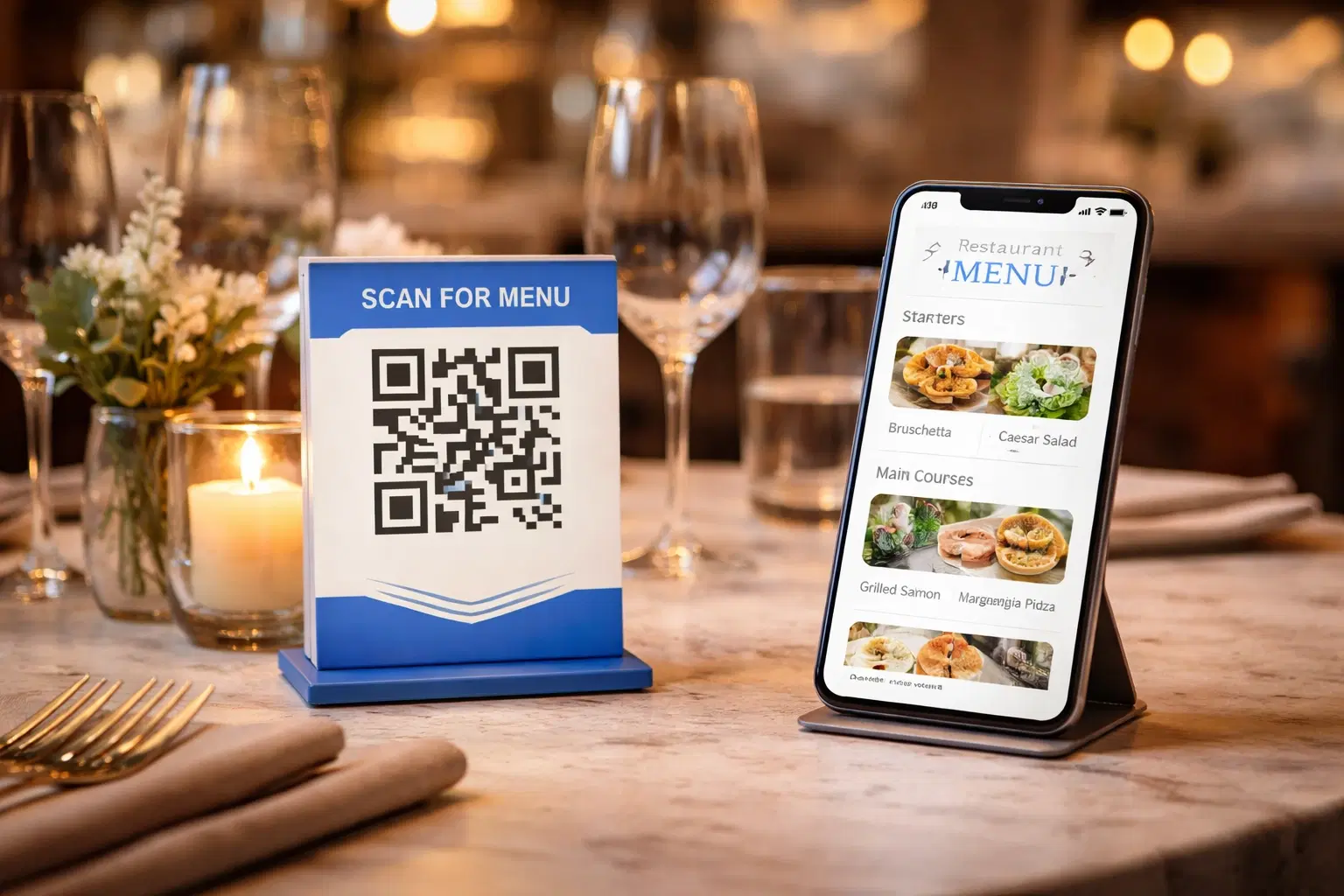
QR Code Menus for Restaurants: The Complete Setup Guide (Updated 2026)
Step-by-step guide to implementing QR code menus in your restaurant. Covers menu format options, placement strategy, staff training, and the one mistake that causes reprints. Updated May 2026.
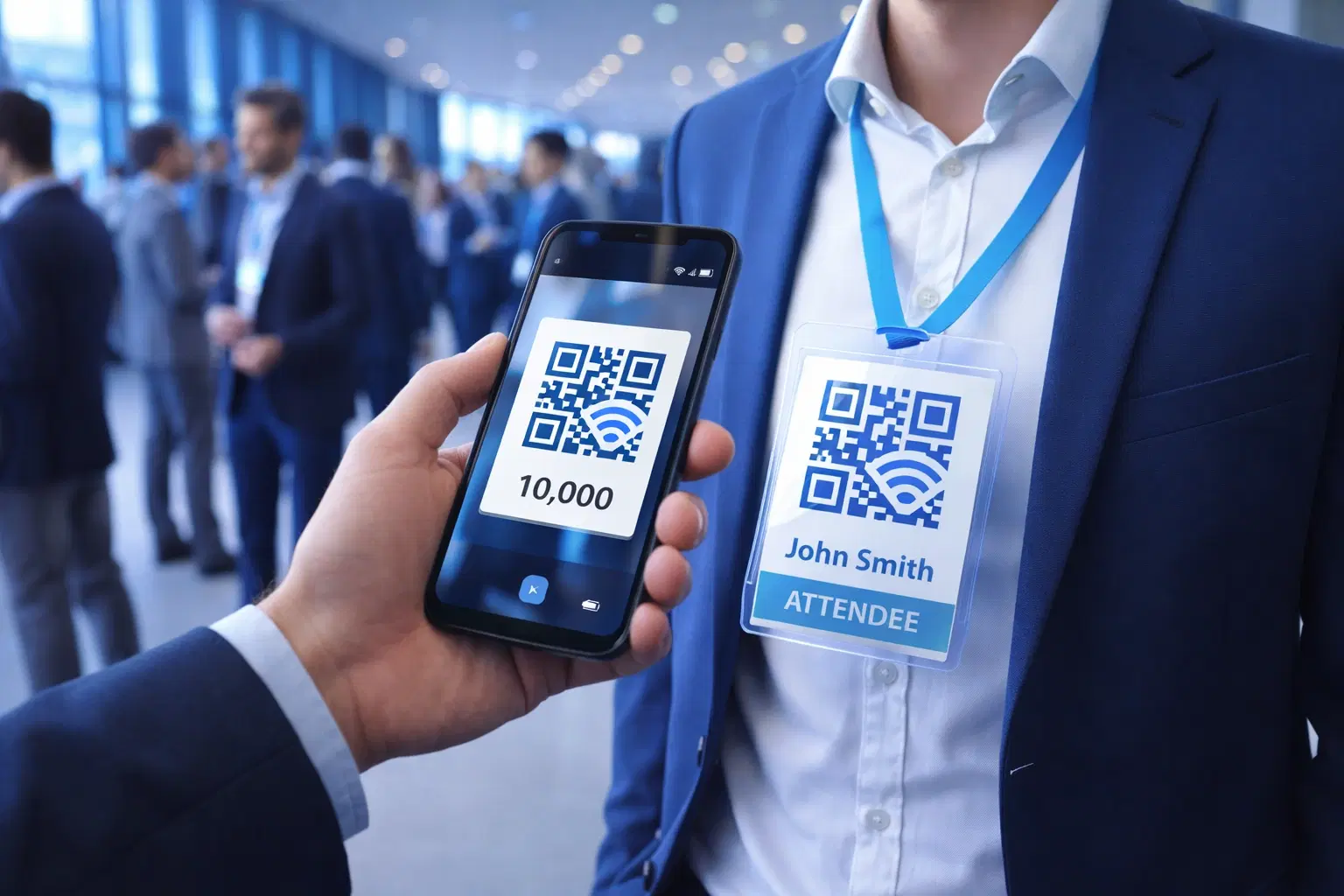
QR Codes for Events: Conferences, Trade Shows & Beyond (Updated 2026)
QR codes turn events from logistical pain into smooth data-rich experiences: instant check-in, smart networking, lead capture for exhibitors, and post-event ROI you can actually prove. Updated May 2026 with the current best practices.
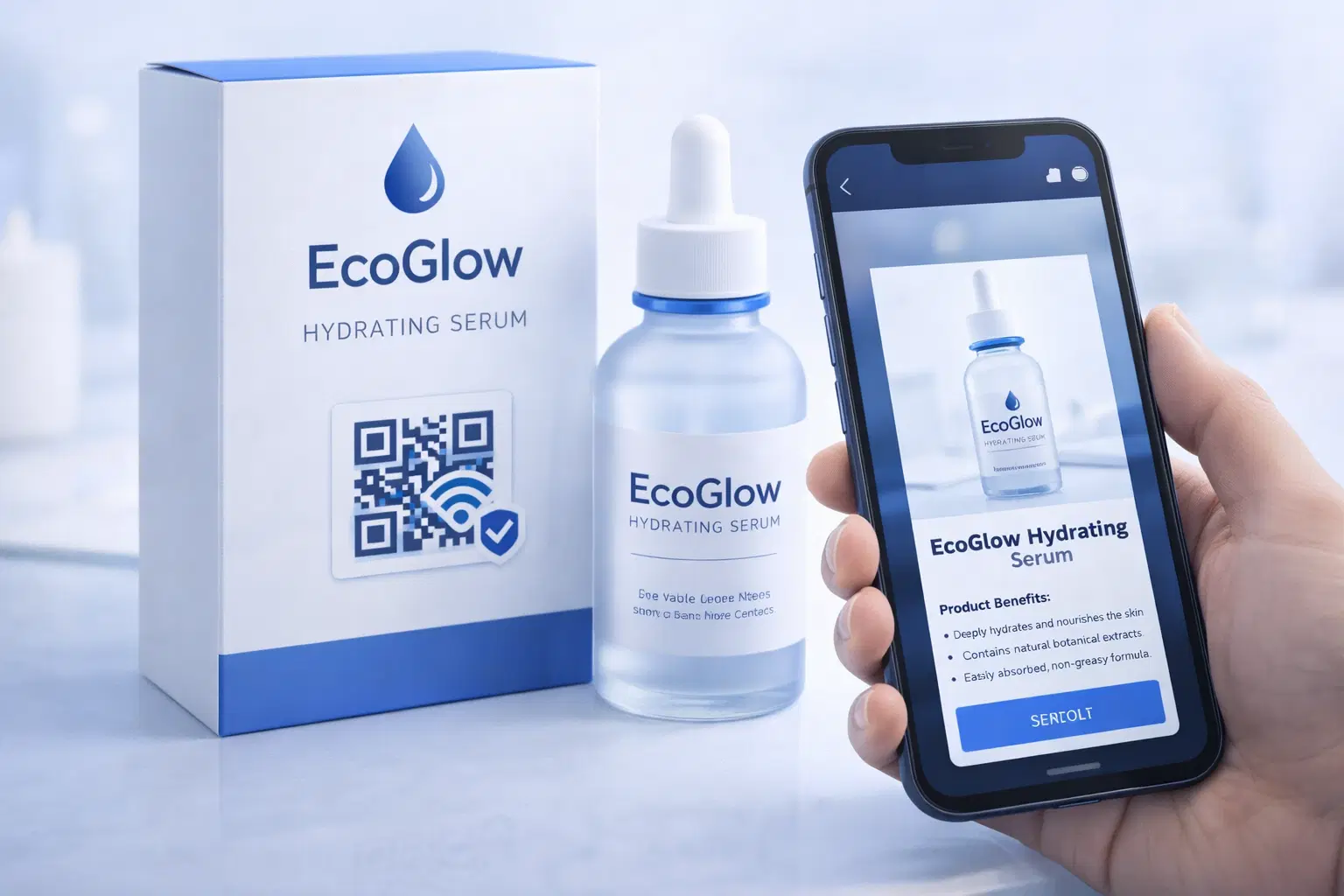
QR Codes on Product Packaging: Engaging Consumers Beyond the Shelf (Updated 2026)
Product packaging is your most-distributed marketing surface. Every unit on every shelf, in every home. QR codes turn that surface into a measurable, updatable channel for engagement, loyalty, and product education. Updated September 2026.