How to Add a QR Code to Your Wedding Invitation: RSVP, Registry & Details Guide 2026
A QR code on your wedding invitation lets guests RSVP, view your registry, get directions, and see event details, all with one scan. Here's how to set it up beautifully.

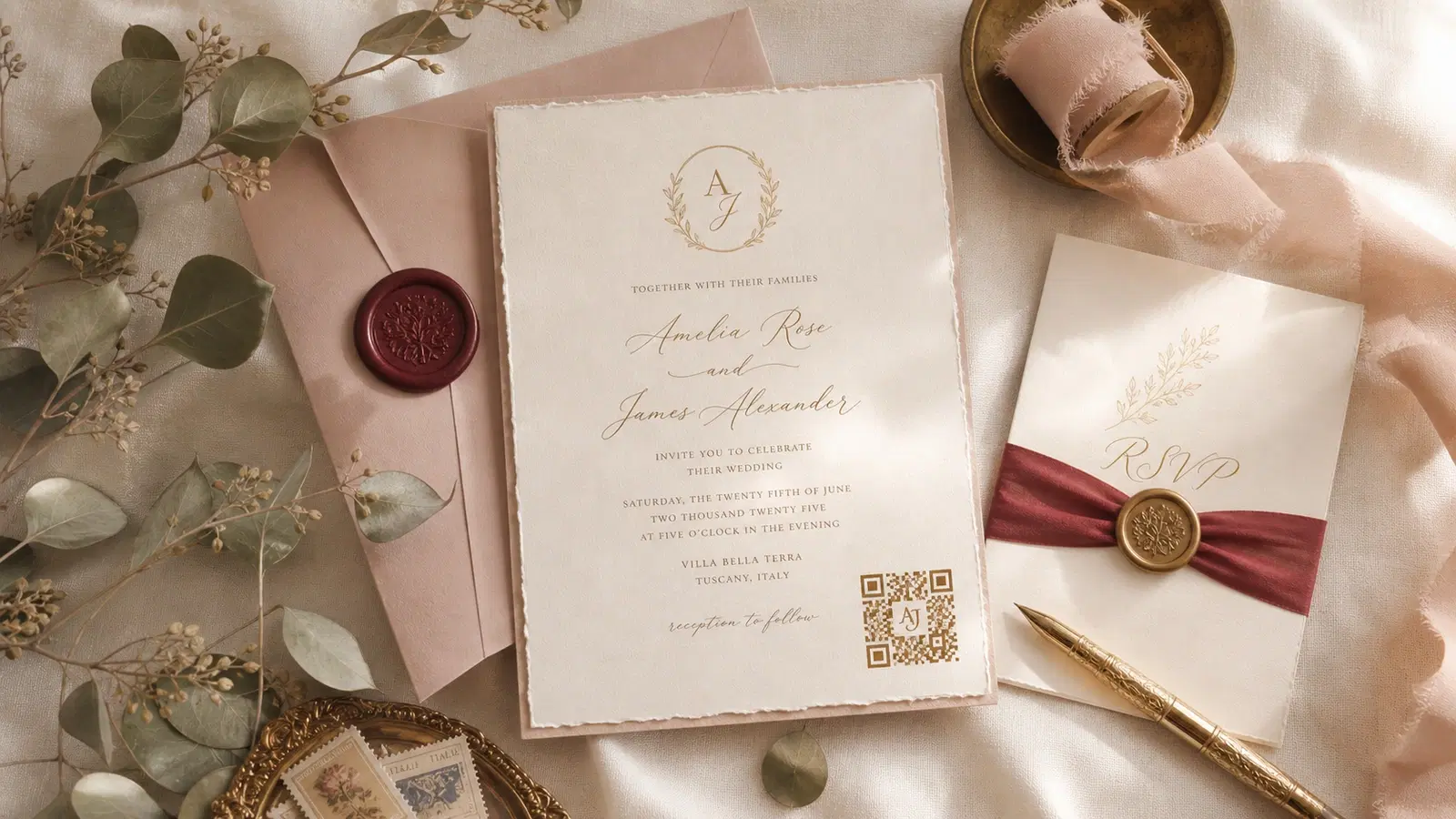
Wedding invitations are getting a quiet upgrade. Couples are adding QR codes to their printed invitations, not to replace the paper, but to extend it. One small code in the corner of the card gives guests instant access to RSVP forms, gift registries, venue maps, accommodation details, and the full event schedule.
The result: fewer "where's the venue again?" texts, faster RSVP collection, and no more guests claiming they didn't know about the dress code. The printed invitation stays elegant. The QR code handles the logistics.
This guide covers exactly what to link your wedding QR code to, where to place it on the invitation, design rules that keep it classy, and how to set it up in under 15 minutes.
What to Link Your Wedding QR Code To
The most important decision is what guests see when they scan. You have two main approaches:
Option A: Link to a single wedding website (recommended): Create a wedding website on a platform like The Knot, Zola, WeddingWire, Withjoy, or a simple custom page. Include everything guests need:
- RSVP form
- Event date, time, and venue address with map
- Gift registry links
- Accommodation recommendations
- Dress code
- Event schedule (ceremony, cocktails, reception)
- Photo sharing instructions
One QR code → one wedding website → all information in one place.
Option B. Link directly to the RSVP form: If your primary goal is getting RSVPs back quickly, link the QR code directly to the RSVP form. This removes one click from the process but means guests need to go elsewhere for venue details and registry.
For most couples, Option A is better. The wedding website serves as the single source of truth for everything. Guests will scan the code multiple times: once to RSVP, again later to check the venue address, and again to look at the registry before the event.
Multiple QR codes (for elaborate invitations): Some couples include a suite of cards: main invitation, RSVP card, details card, registry card. Each can have its own QR code:
- Main invitation → wedding website
- RSVP card → RSVP form directly
- Details card → venue map and accommodations
- Registry card → gift registry page
This approach works well for formal invitation suites with multiple inserts.
Pro Tip
Use a dynamic QR code from QRForever. Wedding websites get updated constantly as you add details, change venues, or update the schedule. A dynamic code lets you change the destination URL without reprinting invitations.
QR Code Placement on the Invitation
Placement matters for both scannability and aesthetics. A QR code should feel intentional, not like an afterthought.
Best placement options:
Back of the invitation: The most popular choice. The front stays clean and elegant. The back has a small QR code with a line of text: "Scan for details & RSVP." This works for both traditional and modern designs.
Bottom-right corner of the front: Works well for modern, minimalist invitation designs. The QR code becomes a design element. Keep it small (2cm x 2cm minimum) and match the color to the invitation's palette.
On a separate details card: If your suite includes a details card, place the QR code here prominently. This card is expected to be functional, so a QR code feels natural.
On the RSVP card: Replace or supplement the traditional mail-back RSVP card with a QR code. "RSVP online by scanning below" with a response deadline.
On the envelope liner or back flap: A subtle, unexpected placement that feels like a discovery. Works for design-forward couples.
Size guidelines:
- Minimum: 2cm x 2cm (scanning from close range while holding the card)
- Recommended: 2.5cm x 2.5cm to 3cm x 3cm
- Maximum: 4cm x 4cm: larger starts to dominate the design
- Always maintain a quiet zone (white space) of at least 3mm around the code
Important
Never place the QR code where it will be covered by the envelope window or obscured by embossing, foil stamping, or wax seals. Print a test invitation and scan it before ordering the full batch.
Design Rules for Wedding QR Codes
A black-and-white QR code on a cream invitation looks fine. But a thoughtfully designed one looks intentional and professional.
Color matching:
- Use QRForever's color customization to match the QR code to your invitation's color palette
- Dark foreground colors on light backgrounds scan best
- Navy on cream, forest green on white, burgundy on blush. All work beautifully
- Avoid light-on-light or dark-on-dark combinations
Logo or monogram in the center:
- Add your wedding monogram (initials) to the center of the QR code
- Keep the logo small. It should occupy no more than 20% of the QR code area
- QR codes have built-in error correction that allows for a center logo without breaking scannability
- Test the code after adding a logo before sending to print
Dot style:
- Rounded dots feel softer and more appropriate for wedding stationery than sharp squares
- QRForever offers multiple dot styles. "rounded" or "dots" pair well with elegant typography
Frame and label:
- A thin border or frame around the QR code helps it feel contained and intentional
- A small label beneath: "Scan to RSVP" or "Scan for Details" in a font matching the invitation
What to avoid:
- Glitter or metallic finishes over the QR code. They interfere with scanning
- Printing smaller than 2cm x 2cm
- Placing on heavily textured paper without testing first
- Using very light colors (pastel pink, light gold) as the QR code foreground
- Download QR code as SVG for the sharpest print quality at any size
- Match the QR code color to your invitation's accent color, not the primary text color
- Print one test copy and scan it with 3 different phones before ordering the full batch
- If using textured paper (cotton, linen), print the QR code on a smooth section or add a smooth label
- Consider a small caption: "Scan with your phone camera" for older guests who may not be familiar
Setting Up Your Wedding QR Code
Step-by-step setup on QRForever:
1. Create your wedding website on your platform of choice (The Knot, Zola, Withjoy, or your own site). Make sure it's mobile-friendly. 90% of scans will be on phones.
2. Copy the URL of your wedding website or RSVP page.
3. Go to QRForever and create a new URL QR code. Paste your wedding website URL.
4. Customize the design: - Set the foreground color to match your invitation palette - Add your monogram or initials as a center logo - Choose a rounded dot style for an elegant feel - Set the background to transparent if placing on a colored card
5. Download as SVG for print. SVG gives you infinite resolution. It will look sharp whether printed at 2cm or 20cm.
6. Send the SVG to your stationer or print shop. They can place it in the invitation layout at the exact size and position you want.
7. Test the final printed version before ordering the full batch. Scan with iPhone, Android, and at least one older phone.
Why dynamic matters for weddings: Wedding details change. The venue might update its address format. You might switch from one registry to another. You might add an after-party page. With a dynamic QR code, you update the destination in QRForever and every printed invitation automatically points to the new URL. No reprinting.
Timeline:
- 3–4 months before: Create wedding website and QR code
- 2–3 months before: Finalize invitation design with QR code placed
- 6–8 weeks before: Send invitations
- Ongoing: Update wedding website as details are finalized: QR code always points to the latest version
Beyond the Invitation: More Wedding QR Code Uses
Once you've set up the invitation QR code, consider these additional uses:
Table place cards at the reception: Each table's place card includes a QR code linking to a playlist vote page, a photo upload page, or a fun fact about the couple. Interactive and memorable.
Photo sharing: A QR code on each table (or at the photo booth) linking to a shared Google Photos album or a dedicated wedding photo app. Guests upload their photos in real time. No more chasing people for photos after the wedding.
Menu card: A QR code on the reception menu linking to ingredient details, allergy information, or wine pairing suggestions. Elegant and practical for guests with dietary requirements.
Thank-you cards: After the wedding, send thank-you cards with a QR code linking to a photo gallery or a short video montage from the day. A personal touch that extends the experience.
Ceremony program: A QR code on the ceremony program linking to the wedding party's bios, the playlist, or the significance of specific readings or traditions. Guests engage more deeply without a 12-page printed program.
Directions and parking: A QR code on the details card linking to a Google Maps pin or a custom map showing venue entrance, parking areas, and nearby landmarks. Reduces "where do I park?" calls on the wedding day.
Helping Older Guests with QR Codes
Not every wedding guest is comfortable scanning QR codes. Here's how to make it inclusive:
Include a short URL alongside the QR code: Print a simple URL like "ourwedding.com" or "theknot.com/us/names" beneath the QR code. Guests who can't scan can type it manually.
Add a brief instruction: "Point your phone camera at the code, a link will appear at the top of your screen." One sentence is enough for most people.
RSVP phone number as backup: For guests who are unlikely to use either the QR code or the URL, include a phone number or email address for RSVP. "Prefer to call? RSVP to [number]."
Test with your least tech-savvy relative: Before finalizing, hand the invitation to a grandparent or older relative and watch them try to scan it. If they struggle, adjust the size, add instructions, or add the text URL more prominently.
The goal is to make the QR code the easiest path, not the only path.
Conclusion
A QR code on your wedding invitation bridges the gap between the elegance of printed stationery and the convenience of digital information. Guests get instant access to everything they need (RSVP, registry, venue directions, schedule), without you answering dozens of individual questions.
The setup takes 15 minutes. The key is using a dynamic QR code (so you can update details without reprinting), matching the design to your invitation's aesthetic, and testing the printed version before ordering the full batch.
Create your wedding QR code on QRForever: custom colors, monogram logo support, SVG download for print, and a dynamic link that lets you update your wedding website URL anytime. Free trial, no credit card required.
Explore QRForever Solutions
Ready to Create Your Own QR Codes?
Start creating dynamic QR codes for your business today. Track analytics, update content anytime, and never reprint again.
Related Articles
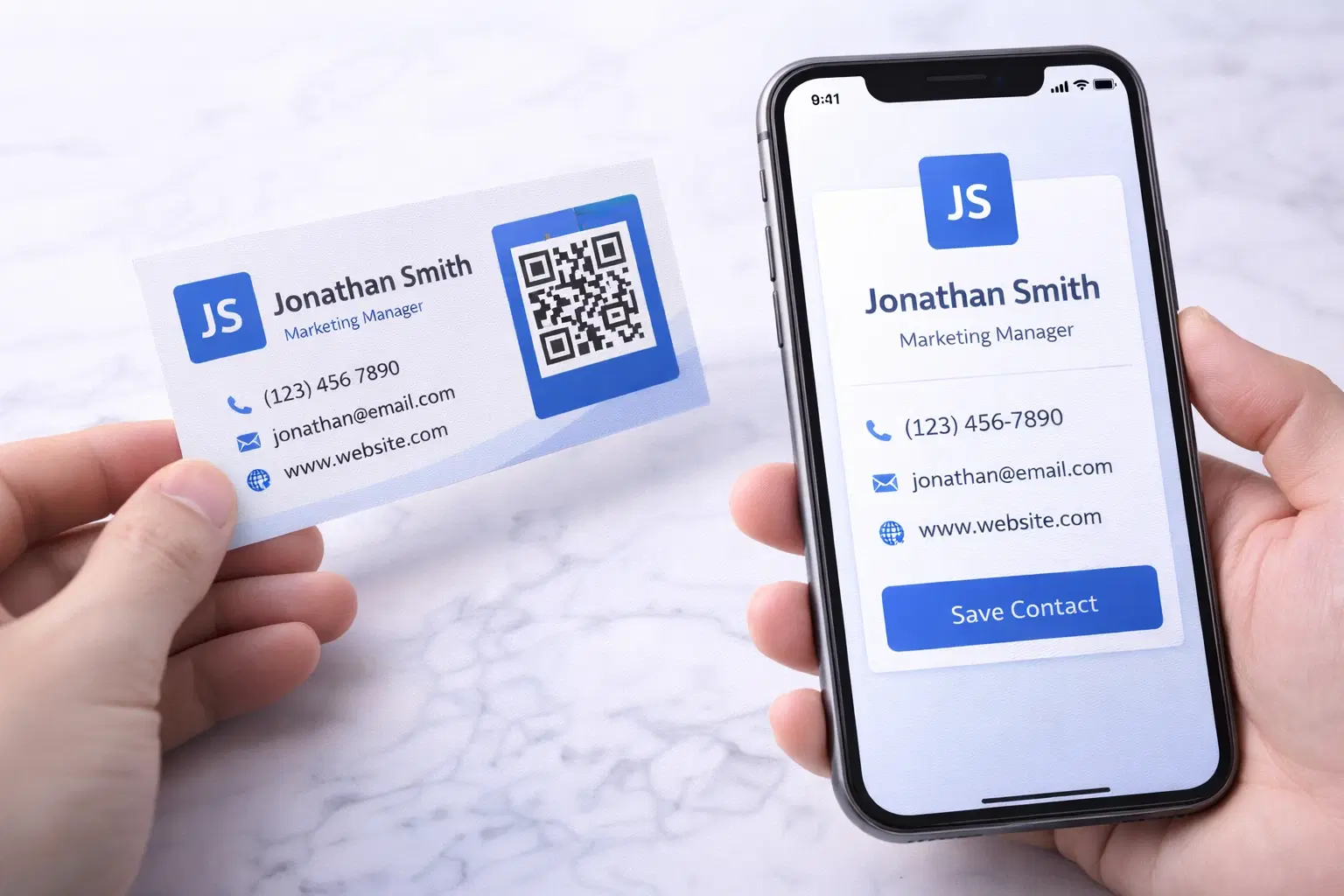
vCard QR Codes: The Complete Guide to Digital Business Cards (Updated 2026)
Create a vCard QR code that shares your contact info instantly, and updates itself when your job, phone, or email changes. Complete guide with placement strategy and networking scripts. Updated September 2026.
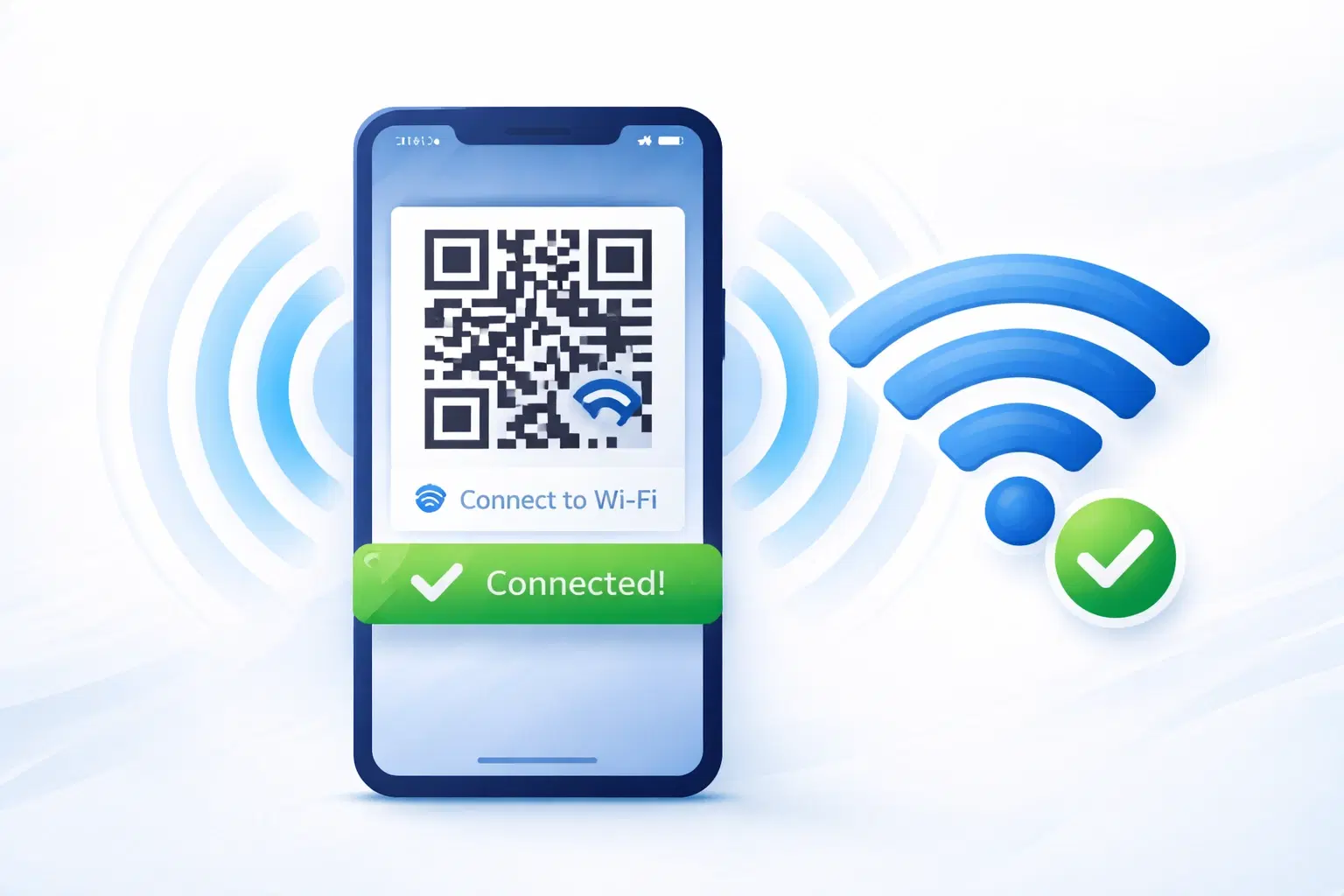
WiFi QR Codes: How to Share Your Network Password Instantly (Updated 2026)
Stop spelling out WiFi passwords letter-by-letter. WiFi QR codes let guests connect in seconds: for your home, café, hotel, or office. Updated 2026 setup guide with platform-specific instructions.

How to Set Up QR Code Check-In for Events: Step-by-Step Guide 2026
Replace paper lists and manual check-ins with a fast, contactless QR code system. Full setup guide for conferences, workshops, weddings, and corporate events.