QR Codes for Gyms & Fitness Studios: Membership, Class Booking & Equipment Guides in 2026
Gyms and fitness studios are using QR codes to streamline check-ins, class bookings, equipment tutorials, and member engagement. Here's a practical implementation guide.

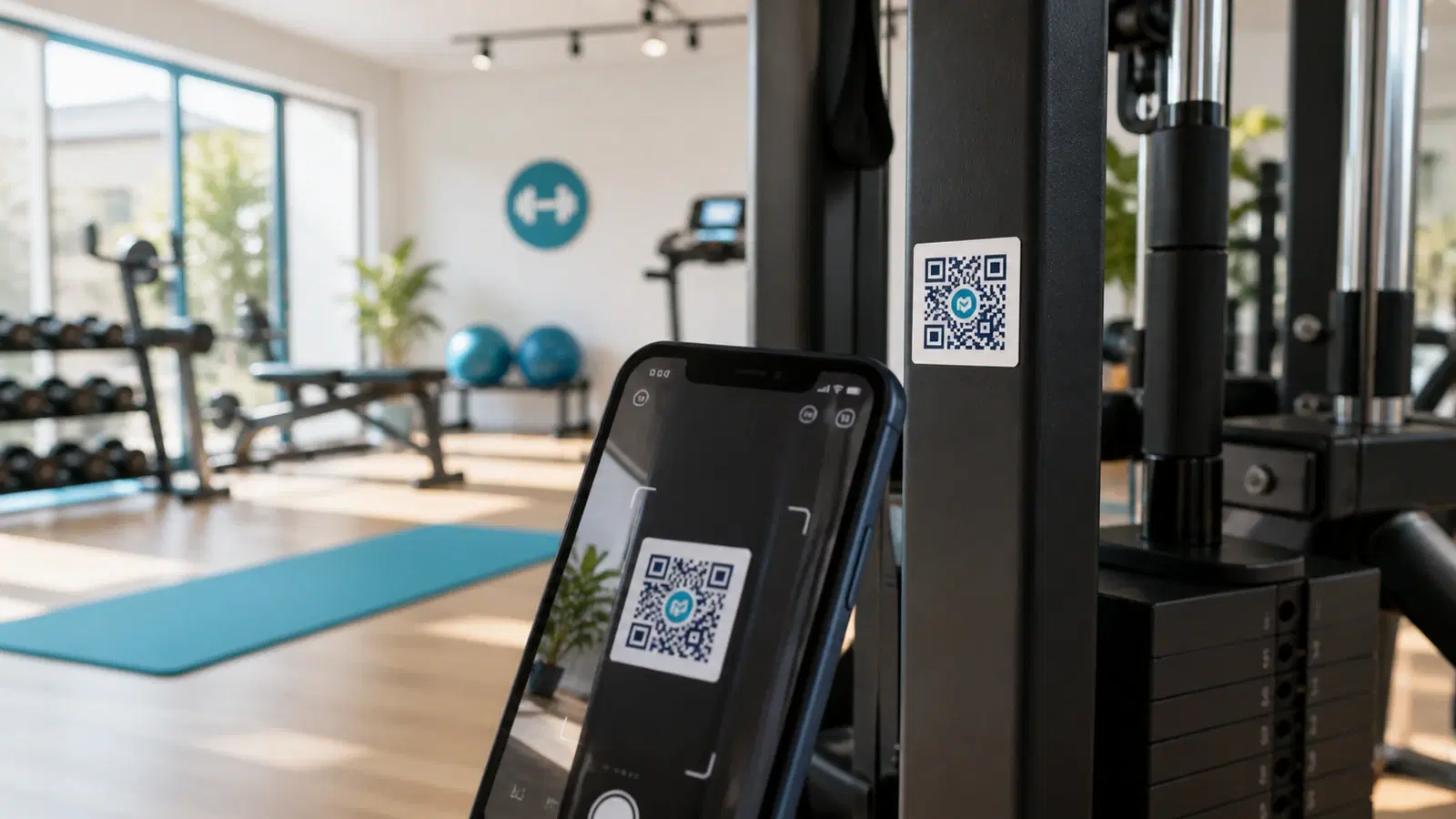
Gyms and fitness studios deal with a unique operational challenge: dozens of touchpoints where members need information or need to take action, but staff are busy training clients, not answering questions about class schedules or how to adjust the cable machine.
QR codes solve this by turning every surface in your facility into an information point. A code on a piece of equipment links to a video tutorial. A code at the front desk handles check-in. A code on the studio door shows the live class schedule. Members get what they need instantly, staff stay focused on high-value work, and your gym feels modern and well-run.
This guide covers every practical QR code use case for gyms and fitness studios (from the front door to the locker room), with placement advice, setup instructions, and examples that work for single-location studios and multi-branch chains alike. You can also see our overview of QR codes for gyms for a quick reference.
Member Check-In with QR Codes
The front desk bottleneck is real. Members arrive in clusters before popular classes, and manual check-in: whether it's swiping a card, typing a phone number, or scanning a barcode on an app, creates queues and frustration.
How QR check-in works: A QR code displayed at the entrance links to a check-in form or your gym management platform's check-in page. Members scan, confirm their identity, and walk in. No card, no app download, no waiting for staff.
Two approaches:
Approach 1. Member scans a fixed QR code: Display a large QR code at the entrance. It links to a web-based check-in form (Google Form, Typeform, or your gym software's check-in URL). Members enter their name or membership ID and submit. Simple, works on any phone, no app required.
Approach 2. Staff scans member's QR code: Each member has a unique QR code (sent via email or available in their account). Staff or a tablet at the entrance scans it. This is more secure but requires either a dedicated device or a staff member.
For most small-to-mid gyms, Approach 1 is better. It's self-service, requires no hardware, and members learn it in one visit. Use a dynamic QR code from QRForever so you can update the check-in URL if you switch platforms.
Placement:
- A4 poster at eye level beside the entrance door or turnstile
- Minimum 8cm x 8cm QR code for scanning from arm's length
- Include the text: "Scan to check in: no app needed"
- Laminate or frame it: gym entrances get humid and dirty
Pro Tip
If your gym management software (Mindbody, Glofox, Zen Planner, etc.) has a web-based check-in URL, use that directly. Members stay in your system and attendance is tracked automatically.
Equipment Tutorial QR Codes
This is the highest-impact QR code use case for any gym. Every gym has equipment that members avoid because they don't know how to use it properly. And every gym has members who use equipment incorrectly, risking injury and equipment damage.
The solution: A small QR code sticker on each machine that links to a tutorial video or instruction page.
What to link to:
- A YouTube video demonstrating proper form (your own channel or a curated third-party video)
- A simple web page with step-by-step instructions and images
- A PDF with setup instructions, target muscles, and common mistakes
- Your Instagram Reel or TikTok demonstrating the exercise
Implementation: 1. Create one QR code per piece of equipment on QRForever 2. Name each code clearly (e.g., "Lat Pulldown, Tutorial") 3. Link to a short video (under 2 minutes is ideal) 4. Print as a weatherproof sticker. 3cm x 3cm is sufficient for close-range scanning 5. Place on the frame of the machine, away from sweat zones and moving parts
Why dynamic QR codes matter here: You will want to update tutorial links over time. Maybe you film better videos, or a YouTube link goes dead. With dynamic codes, you update the destination in QRForever without reprinting and restickering every machine.
Scale tip: If you have 40+ pieces of equipment, create a spreadsheet mapping each item to its QR code and destination URL. This becomes your maintenance document for updating links.
Important
Use weatherproof/waterproof sticker material. Standard paper labels will peel and smudge within a week in a gym environment. UV-resistant laminated vinyl stickers last years.
Class Schedule and Booking
Printed class schedules on the wall are outdated the moment you make a change. A QR code linking to your live schedule is always current.
Where to place class schedule QR codes:
Studio door: Each group fitness room gets a QR code linking to that room's schedule. Members approaching the studio can instantly see what's coming up and whether there are spots available.
Reception area: A general QR code linking to the full weekly schedule. Useful for new members exploring options.
Locker rooms: Members often decide on their next class while changing. A QR code here catches that decision moment.
What to link to:
- Your gym software's public class schedule page (Mindbody, Glofox, etc.)
- A Google Calendar embed if you don't have dedicated software
- A simple webpage you maintain with the weekly timetable
- A booking page where members can reserve a spot directly
Booking integration: The real power is linking directly to a booking page, not just a schedule. "Scan to see tomorrow's classes and book your spot" is significantly more effective than "Scan to see the schedule." The booking action happens in the moment of intent.
For studios with waitlists: Link to the specific class booking page. Members can join the waitlist instantly instead of asking staff to add them manually.
Pro Tip
Create separate QR codes for your most popular classes (e.g., "Scan to book Saturday 9AM Spin"). Place these codes near the studio or on promotional materials. The more specific the action, the higher the conversion.
New Member Onboarding
The first week determines whether a new member stays or cancels. QR codes can deliver a structured onboarding experience without requiring staff time for every new signup.
Onboarding QR code flow:
Welcome pack QR code: Include a QR code in the welcome email or printed welcome card. Link to a page with:
- Facility tour video
- Class schedule overview
- Equipment guide links
- House rules and etiquette
- Staff contact information
- App download links (if applicable)
Facility map with QR codes: For larger gyms, a printed facility map with QR codes at key locations. Each code links to information specific to that zone: free weights area links to form guides, cardio zone links to heart rate training zones, functional training area links to workout-of-the-day suggestions.
Goal-setting QR code: A code that links to a short intake form asking about fitness goals. This data helps trainers prepare for initial consultations and gives members a sense of personalized attention from day one.
Free personal training session booking: Many gyms offer a complimentary PT session for new members. A QR code that links directly to the booking page for this session (placed in the welcome email, at the front desk, and in the locker room), ensures members actually book it instead of forgetting.
- Place onboarding QR codes where new members spend their first visit: reception, locker room, main gym floor
- Keep the landing page mobile-optimized: 95% of scans will be on phones
- Update onboarding content seasonally to keep it fresh
- Track scan rates to identify which onboarding touchpoints members actually use
- Use QRForever analytics to see if new members are scanning during their first week
Feedback, Reviews, and Referrals
Gyms thrive on word-of-mouth and online reviews. QR codes placed at the right moment capture feedback when satisfaction is highest. Right after a great workout or class.
Post-class feedback: A QR code inside each studio linking to a 3-question feedback form. Instructors can mention it: "If you enjoyed today's class, scan the code by the door to let us know." Short forms (1–3 questions) get 5x more responses than long surveys.
Google Review QR code: Place at the exit, in the locker room, or at the smoothie bar. Members leaving after a good session are in the best mindset to leave a positive review. Copy: "Love training here? Scan to leave us a Google review. Takes 30 seconds."
Referral program: A QR code linking to your referral form or a pre-populated message: "I train at [Gym Name] and think you'd love it. Here's a free day pass: [link]." Place on water fountains, mirrors, and locker room doors. Surfaces members look at while thinking about their workout.
Net Promoter Score (NPS): A monthly NPS survey via QR code on the exit door: "On a scale of 0–10, how likely are you to recommend us?" One question, one scan. Track trends over time.
Pro Tip
The exit door is the single best location for a Google Review QR code in a gym. Members walk past it after every session. Place it at eye level with the copy: "Great workout? Tell Google about it."
Practical Setup: Getting Started This Week
You don't need to implement everything at once. Start with the three highest-impact QR codes:
Priority 1. Equipment tutorials (biggest member value): 1. Pick your 10 most-used machines 2. Find or film a 60-second tutorial video for each 3. Upload to YouTube (unlisted if you prefer) or create a simple web page 4. Create 10 QR codes on QRForever, one per machine 5. Print on weatherproof stickers and apply to each machine frame
Priority 2. Class schedule (saves the most staff time): 1. Get the public URL of your class schedule from your booking platform 2. Create one QR code linking to it 3. Print A5 posters for studio doors and the reception area
Priority 3. Google Review (biggest growth impact): 1. Get your Google Review link from Google Business Profile 2. Create one QR code 3. Print and place at the exit door
Total setup time: Under 2 hours for all three priorities.
Budget: QRForever starts with a 7-day full-access free trial (no credit card). Unlimited dynamic QR codes and per-code analytics while you try it. For a full gym implementation (equipment + schedule + reviews + feedback), a paid plan keeps your dynamic codes editable anytime with per-code analytics.
Maintenance cadence:
- Monthly: Check that all equipment tutorial links still work
- Quarterly: Update class schedule QR codes if your platform URL changes
- As needed: Swap tutorial videos for better ones you've filmed
Conclusion
QR codes in a gym environment do something that no amount of signage or staff training can match: they put the right information in front of members at the exact moment they need it. A member staring at an unfamiliar machine gets an instant tutorial. A member walking out after a great class gets a one-tap review prompt. A new member on day one gets a structured onboarding experience without monopolizing staff attention.
Start with equipment tutorials, class schedules, and a Google Review code. These three deployments cover the highest-impact touchpoints and can be set up in an afternoon.
Create your gym QR codes on QRForever: dynamic codes you can update anytime, per-code analytics to track engagement, and weatherproof SVG downloads for sticker printing. Free trial available.
Explore QRForever Solutions
Ready to Create Your Own QR Codes?
Start creating dynamic QR codes for your business today. Track analytics, update content anytime, and never reprint again.
Related Articles
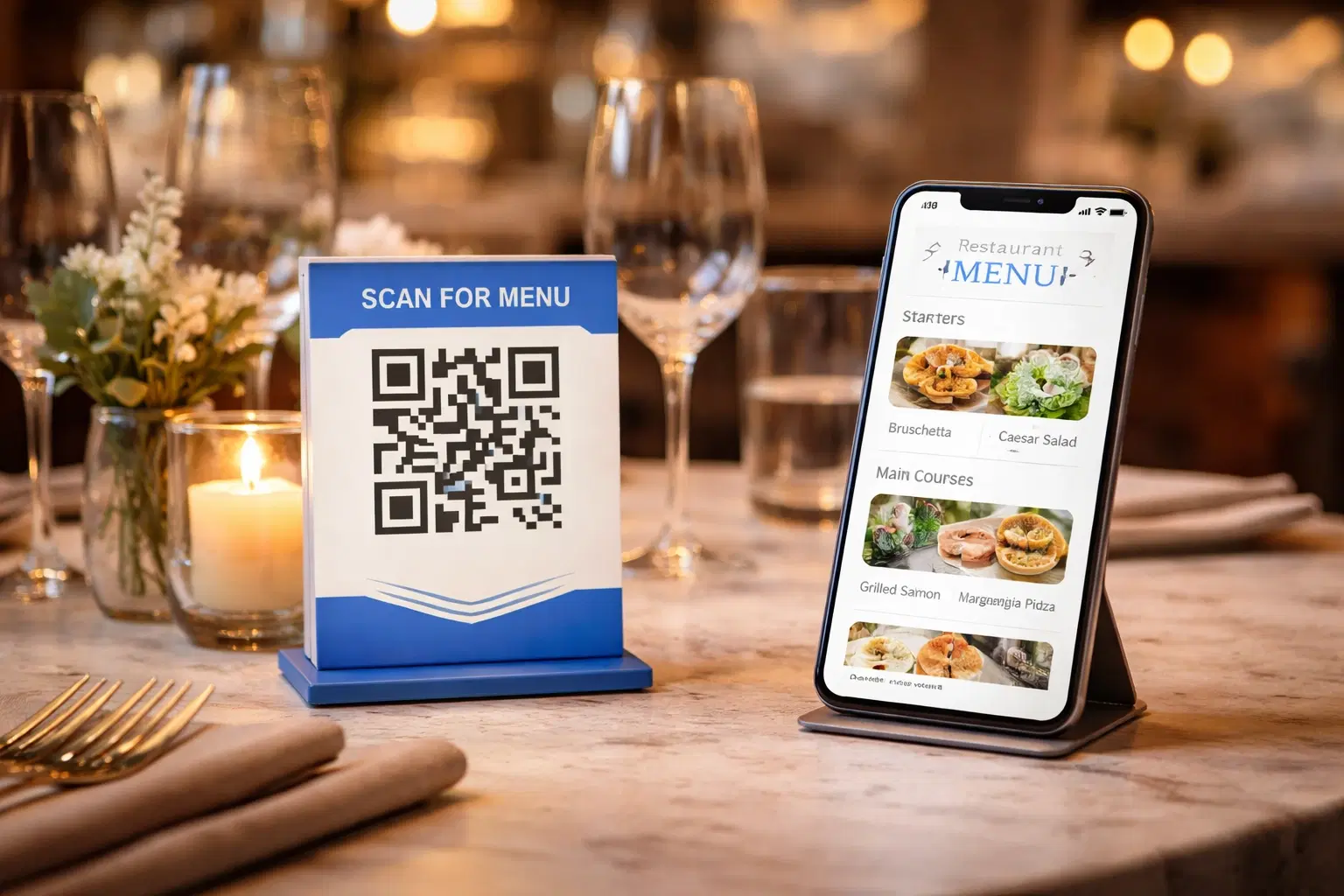
QR Code Menus for Restaurants: The Complete Setup Guide (Updated 2026)
Step-by-step guide to implementing QR code menus in your restaurant. Covers menu format options, placement strategy, staff training, and the one mistake that causes reprints. Updated May 2026.
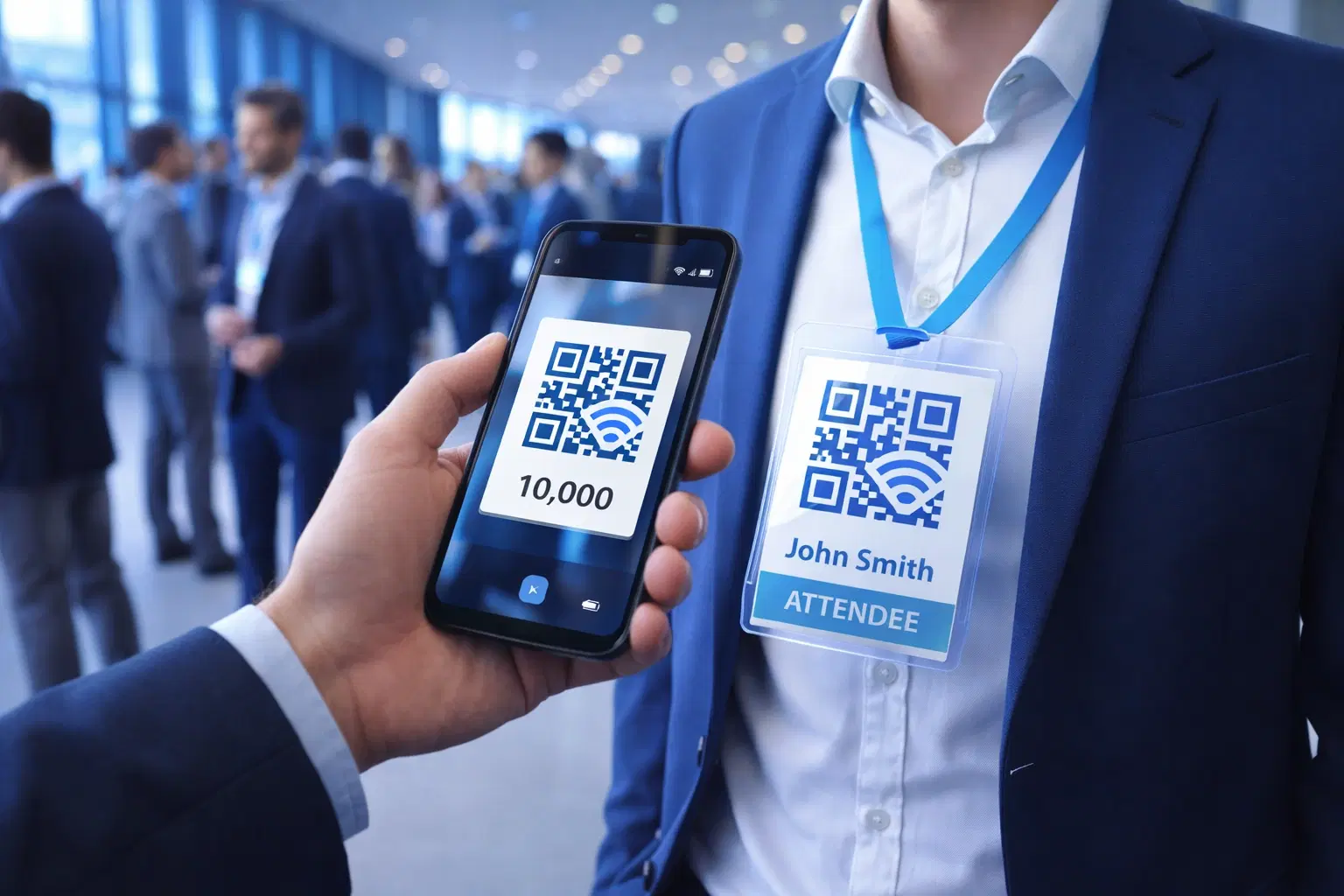
QR Codes for Events: Conferences, Trade Shows & Beyond (Updated 2026)
QR codes turn events from logistical pain into smooth data-rich experiences: instant check-in, smart networking, lead capture for exhibitors, and post-event ROI you can actually prove. Updated May 2026 with the current best practices.
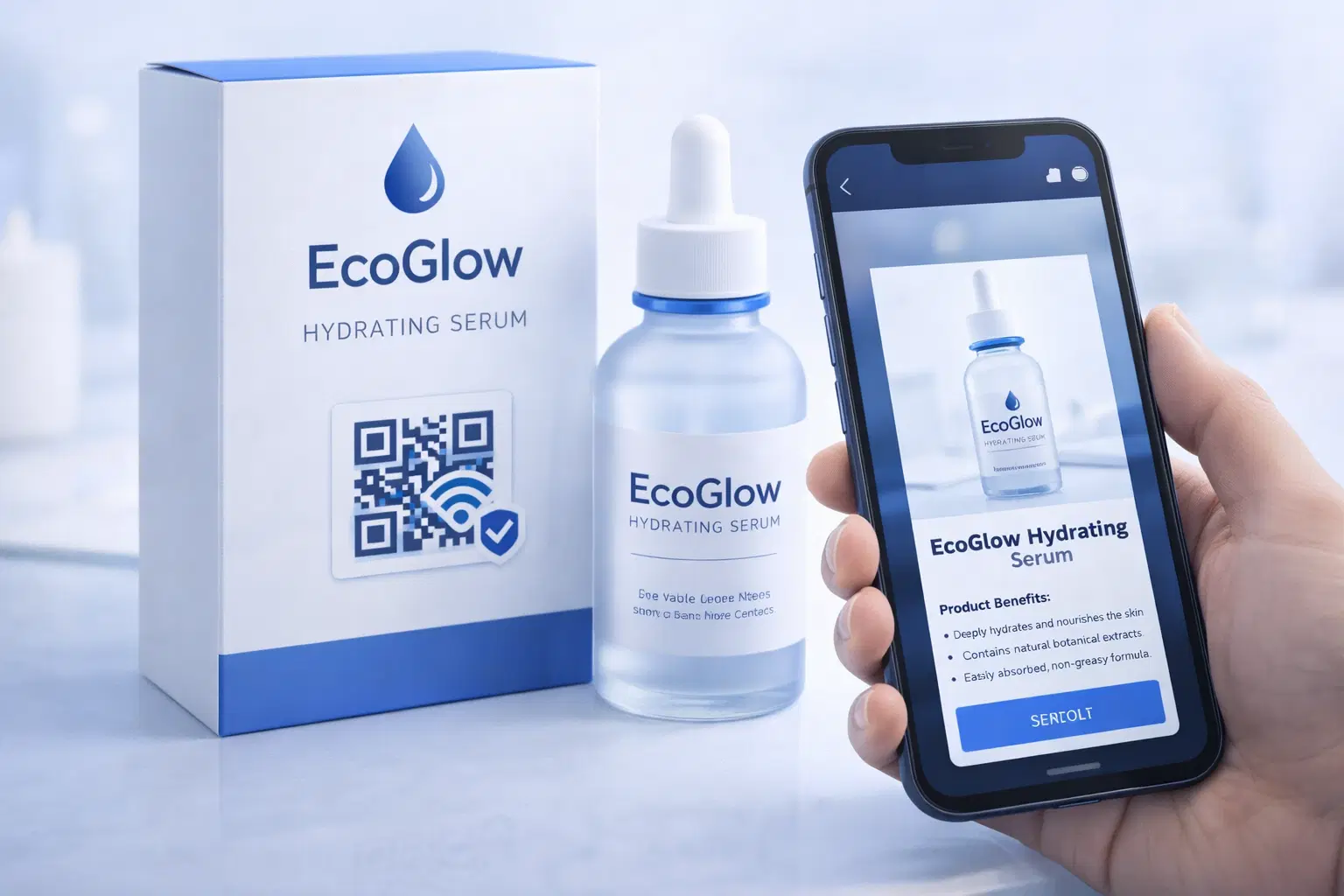
QR Codes on Product Packaging: Engaging Consumers Beyond the Shelf (Updated 2026)
Product packaging is your most-distributed marketing surface. Every unit on every shelf, in every home. QR codes turn that surface into a measurable, updatable channel for engagement, loyalty, and product education. Updated May 2026.